

Meta Muse Image API
muse-imageMuse Image is Meta's image model (Muse Image 1.0): text-to-image, or editing with 1–4 reference images, returning one picture of about 2.5 megapixels in auto or 13 aspect ratios. No 4K, one image per request, and no masks, seeds or transparent backgrounds. Call muse-image at a flat $0.02 per image; failed requests are not charged.
Generate Image
Result
Generated image will appear here
Enter a prompt and click Generate
Text-to-Image and Image Editing
Muse Image 1.0: a prompt alone, or a prompt plus 1–4 reference images to restyle, change the background or combine pictures; same price either way
About 2.5 Megapixels, No 4K
1600×1600 at 1:1, 2048×1152 at 16:9; the model sets the exact pixels and larger sizes are rejected
Auto or a Fixed Shape
aspect_ratio auto lets the prompt decide; 13 fixed ratios from 21:9 to 9:21, or an OpenAI-style size
Clear Errors, No Silent Fallbacks
Masks, more than 4 reference images, n above 1, sizes above 2.6 MP, transparent backgrounds, negative_prompt and seed return a 400 instead of being silently ignored
Not 100%, but Failures Are Free
Not every request succeeds; a request that fails returns the reason and is not charged
$0.02 per Image
One flat price at every aspect ratio
Muse Image API: Meta's Muse AI image model for text-to-image and image editing, about 2.5 megapixels
Muse Image is the AI image model in Meta's Muse AI family, released as Muse Image 1.0. Send a prompt and get one image of about 2.5 megapixels, or add up to four reference images to edit a photo, restyle it or combine pictures. The shape follows the prompt or one of 13 fixed aspect ratios.
On APIMODELS it is one model id, muse-image, on POST /v1/images/generations, at $0.02 per image with or without reference images. It has no masks, no 4K and no transparent backgrounds, and not every request succeeds; the limits are listed below.
- Model ID
muse-image- Input
- Text prompt, plus up to 4 reference images (optional)
- Output
- 1 image, about 2.5 MP
- Aspect ratio
- auto or 13 fixed ratios
- Format
- JPEG; PNG or WebP on request
- Billing
- $0.02 per image
Muse Image API limits at a glance
What Muse Image accepts and what it does not. Unsupported inputs and sizes are rejected with a 400 instead of being silently ignored, so you never pay for an image that ignored your request.
| Supported | Not supported | |
|---|---|---|
| Input | A text prompt of up to 4,000 characters, alone or with 1 to 4 reference images for editing, restyling or combining pictures (the first image is the main one) | Masks (inpainting) |
| Reference images | 1 to 4, PNG, JPEG or WebP, up to 10 MB each and 24 MB in total, as public URLs or base64 data URIs | More than 4 (rejected with 400) |
| Images per request | 1 | n above 1 (send parallel requests for a batch) |
| Resolution | About 2.5 MP at the model's native size for each ratio: 1:1 1600×1600, 3:2 1920×1280, 16:9 2048×1152, 9:16 1152×2048, 21:9 2352×1008 | 4K, 2048×2048 or any size above about 2.6 MP (rejected with 400); exact custom pixel sizes, because size only sets the proportions |
| Aspect ratio | auto (the prompt decides), 1:1, 3:2, 2:3, 4:3, 3:4, 5:4, 4:5, 16:9, 9:16, 2:1, 1:2, 21:9, 9:21, or an OpenAI-style size up to 16:1 | Ratios beyond 16:1 |
| Output format | JPEG by default; PNG or WebP with output_format | Transparent background (background: transparent is rejected) |
| Other controls | None beyond the above | negative_prompt and seed (both rejected; results are not repeatable); quality tiers (quality has no effect) |
Not every Muse Image request succeeds
Like every image model, Muse Image does not succeed 100% of the time. You are charged only when an image is delivered.
A request can fail after it is accepted: the model can refuse the content, or a generation can hit a temporary error. A failed request returns the reason and costs nothing.
All seven of our test requests on 30 October 2026 returned an image, which is far too few to promise a success rate, so we do not publish one yet. Build in retries for temporary errors, rewrite refused prompts, and allow 35 to 70 seconds per image (our tests took 34 to 67).
Muse, Meta AI's model family: what the Muse Image API is, and what it is not
Several Meta AI models and products share the Muse name. Muse Image is the image model among them, and it is the one this page lets you call as an API.
Meta Muse AI is a line of models and products, and Muse Image is its image model. The line started with Muse Spark, the language model that Meta Superintelligence Labs released on 8 April 2026 and that now runs the Meta AI assistant. Muse Image followed on 7 July 2026, announced alongside an early preview of Muse Video, which is built on the same pretraining base. On 8 September 2026 the name went to a third kind of product: Muse, a personal AI agent that takes care of email, travel bookings and shopping.
Two Muse models can be called on APIMODELS: Muse Image as muse-image and Muse Video as muse-video. The Muse Image API gives you the image model and nothing else. It is not the Meta AI app and not the Meta Muse AI agent: it holds no conversation, browses nothing and buys nothing. You send a prompt, with up to four reference images if you want to edit, and you get one image back, with no Meta account involved.
APIMODELS is an independent API platform and is not affiliated with Meta. Muse, Muse Image, Muse Video, Muse Spark and Meta AI are names Meta uses for its own models and products.
| Meta Muse AI product | What it is | On APIMODELS |
|---|---|---|
| Muse Image | AI image model: text-to-image, or editing with 1 to 4 reference images, about 2.5 megapixels per image | Yes, model id muse-image |
| Muse Video | AI video model from the same Muse family: 720p clips of 4 to 20 seconds | Yes, model id muse-video |
| Muse Spark | Meta's language model behind the Meta AI assistant | No |
| Muse (the Meta Muse AI agent) | Personal AI agent for errands such as email, travel and shopping | No |
| Meta AI | Meta's consumer AI assistant, on meta.ai and in Meta's apps | No: it is an app, not an API |
When the Muse Image API is a good fit, and when it is not
Scenes, posters and illustrations from text
One image of about 2.5 MP per prompt, in the ratio you need, at a flat $0.02. Meta describes careful composition and text rendering.
Editing and combining your own pictures
Add up to four reference images to change a background, restyle a photo or put an object from one picture into another. The first image is the main one; say in the prompt what stays and what changes. The price stays $0.02 per image.
Batches through parallel requests
Each request is one image at one price, so a batch of 100 is 100 parallel requests and $2.00.
Masked edits (inpainting)
There is no mask and no inpainting, so you cannot mark the exact area to change. Describe the change in the prompt instead; the result is a new image of about 2.5 MP.
4K, exact pixel sizes or transparent assets
Output is about 2.5 MP at the model's native size for the ratio, with an opaque background. Larger sizes and transparent backgrounds are rejected.
Repeatable results
There is no seed, so the same prompt gives a different image each time.
About Muse Image
Muse Image is an Image Generation model developed by Meta. Muse Image is Meta's image generation model, Muse Image 1.0 from Meta Superintelligence Labs. Meta describes it as reasoning over a prompt before it renders, with precise composition and text rendering. On APIMODELS it is one model id, muse-image (muse-image-1.0 also works), on the unified image endpoint, for both text-to-image and image editing. Send a prompt of up to 4,000 characters and you get one image of about 2.5 megapixels. Add one to four reference images (image for one, images for several; a public URL or a base64 data URI, PNG, JPEG or WebP, up to 10 MB each and 24 MB in total) and the same request edits them instead: restyle a photo, change the background, or combine things from several pictures. The first image is the main one, and the prompt can point at the others ("put the cup from the second image on the table"); say what should stay and what should change. Reference images cost nothing extra. Leave aspect_ratio out, or set it to auto, and the model picks the shape from the prompt; in our test an unsized request came back at 1920×1280. To fix the shape, set aspect_ratio to 1:1, 3:2, 2:3, 4:3, 3:4, 5:4, 4:5, 16:9, 9:16, 2:1, 1:2, 21:9 or 9:21, or pass an OpenAI-style size such as 2048x1152. The size sets the proportions and the model renders at its own resolution (about 1600×1600 for 1:1, 2048×1152 for 16:9), so the pixel count is not exact. Sizes above about 2.6 megapixels, such as 4K or 2048x2048, are rejected with a 400 rather than delivered smaller. Each request returns exactly one image; n above 1 is rejected, so a batch is several parallel requests. Masks (inpainting), more than four reference images, a transparent background, negative_prompt and seed are not supported and are rejected with a 400 instead of being silently ignored. Not every request succeeds: the model can refuse content or hit a temporary error, and a failed request is not charged. Pricing is a flat $0.02 per image, charged only when an image is delivered. Through APIMODELS platform, you can access this model via a unified API with transparent pay-as-you-go pricing. Current pricing: per image: $0.02.
Key Features
- Text-to-Image and Image Editing -- Muse Image 1.0: a prompt alone, or a prompt plus 1–4 reference images to restyle, change the background or combine pictures; same price either way
- About 2.5 Megapixels, No 4K -- 1600×1600 at 1:1, 2048×1152 at 16:9; the model sets the exact pixels and larger sizes are rejected
- Auto or a Fixed Shape -- aspect_ratio auto lets the prompt decide; 13 fixed ratios from 21:9 to 9:21, or an OpenAI-style size
- Clear Errors, No Silent Fallbacks -- Masks, more than 4 reference images, n above 1, sizes above 2.6 MP, transparent backgrounds, negative_prompt and seed return a 400 instead of being silently ignored
- Not 100%, but Failures Are Free -- Not every request succeeds; a request that fails returns the reason and is not charged
- $0.02 per Image -- One flat price at every aspect ratio
Examples by scenario
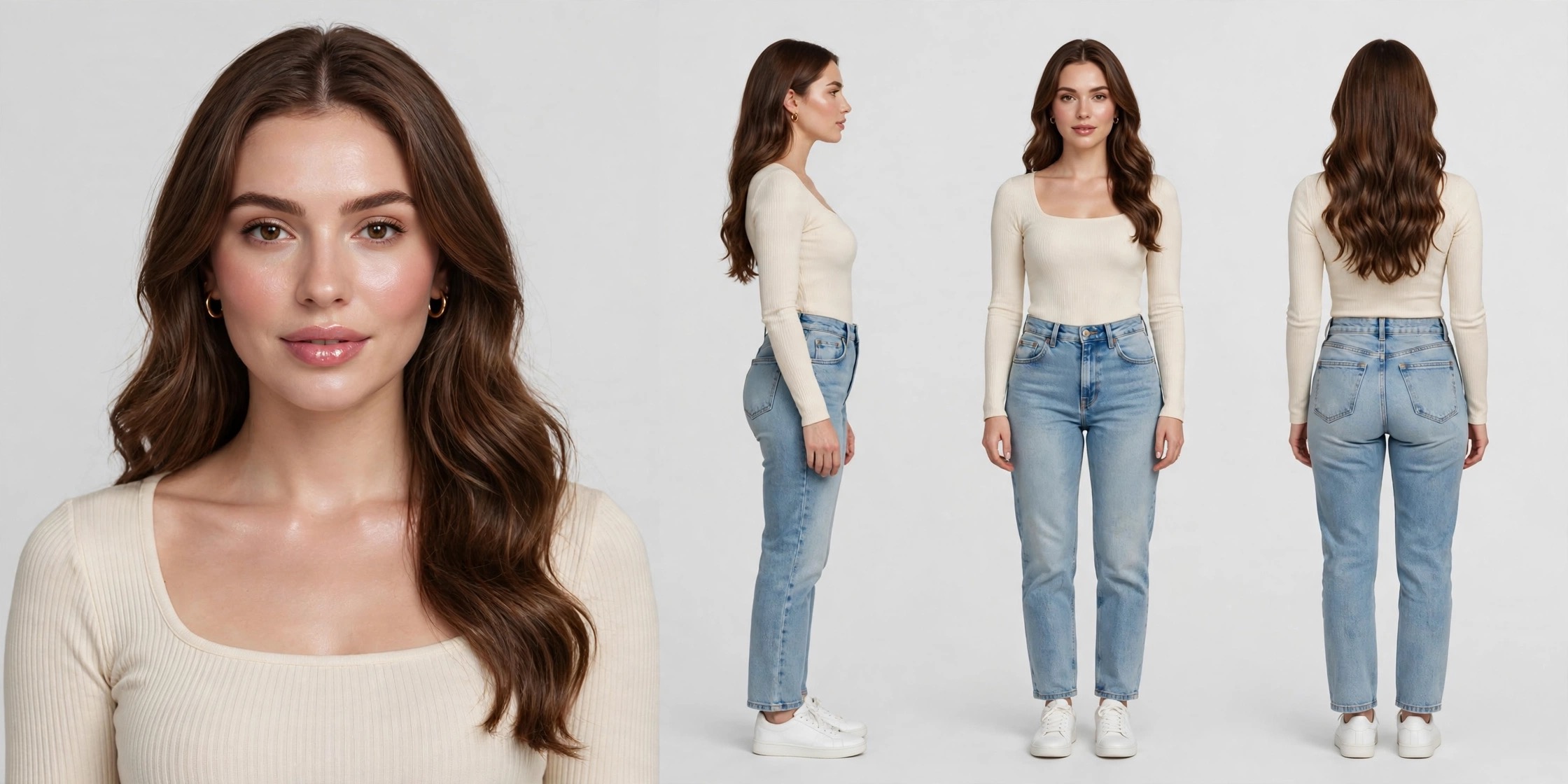
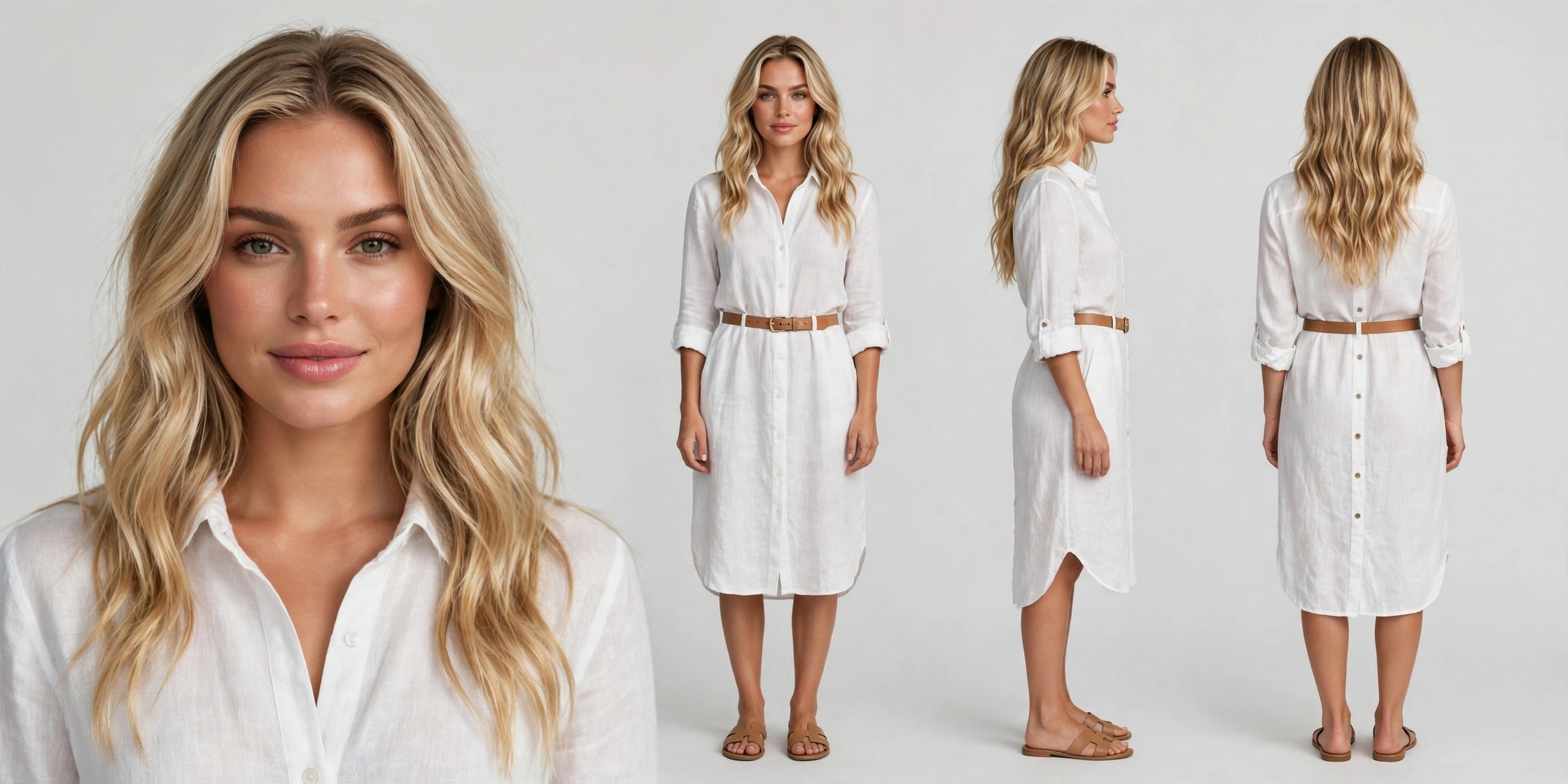
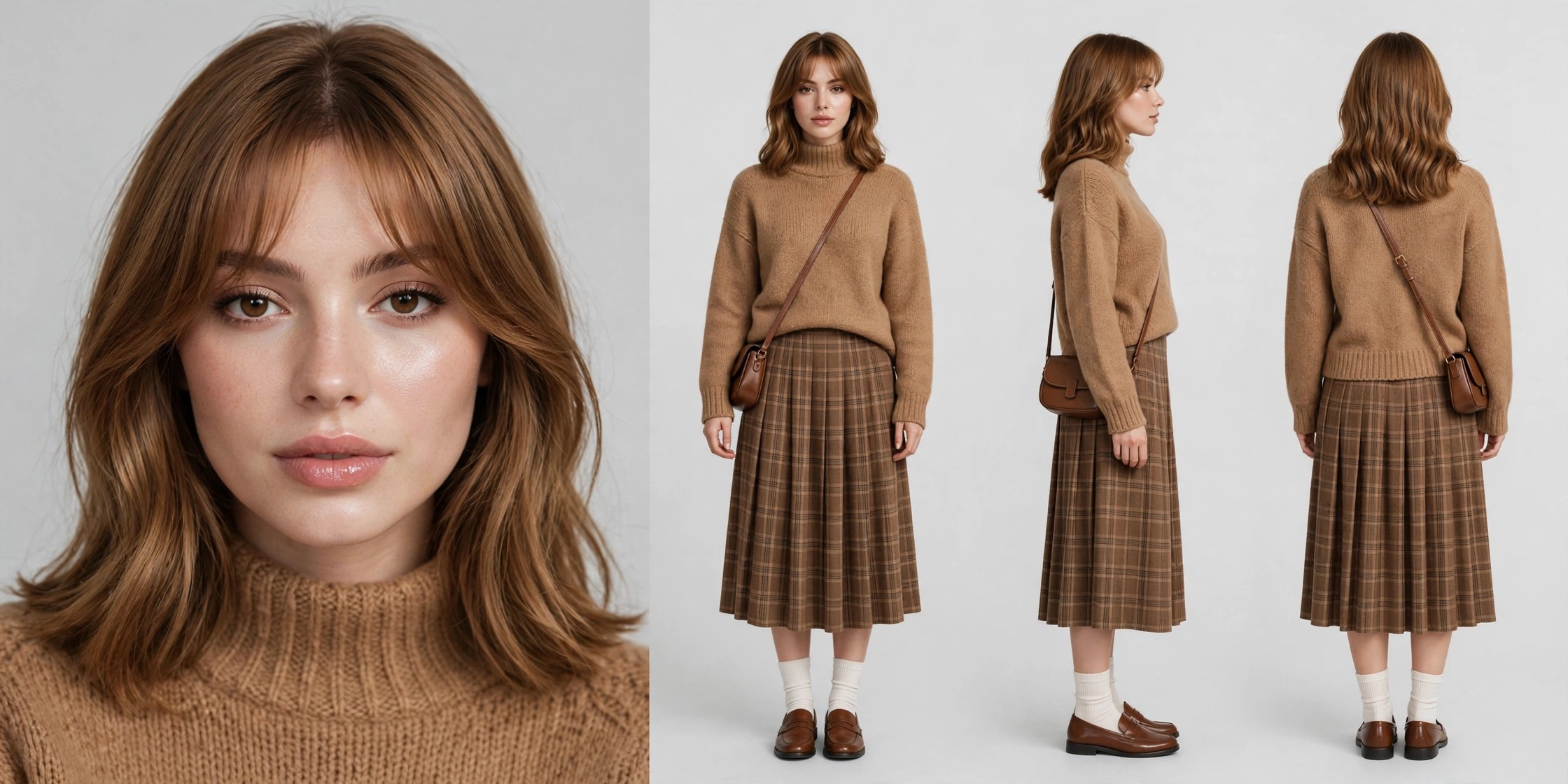
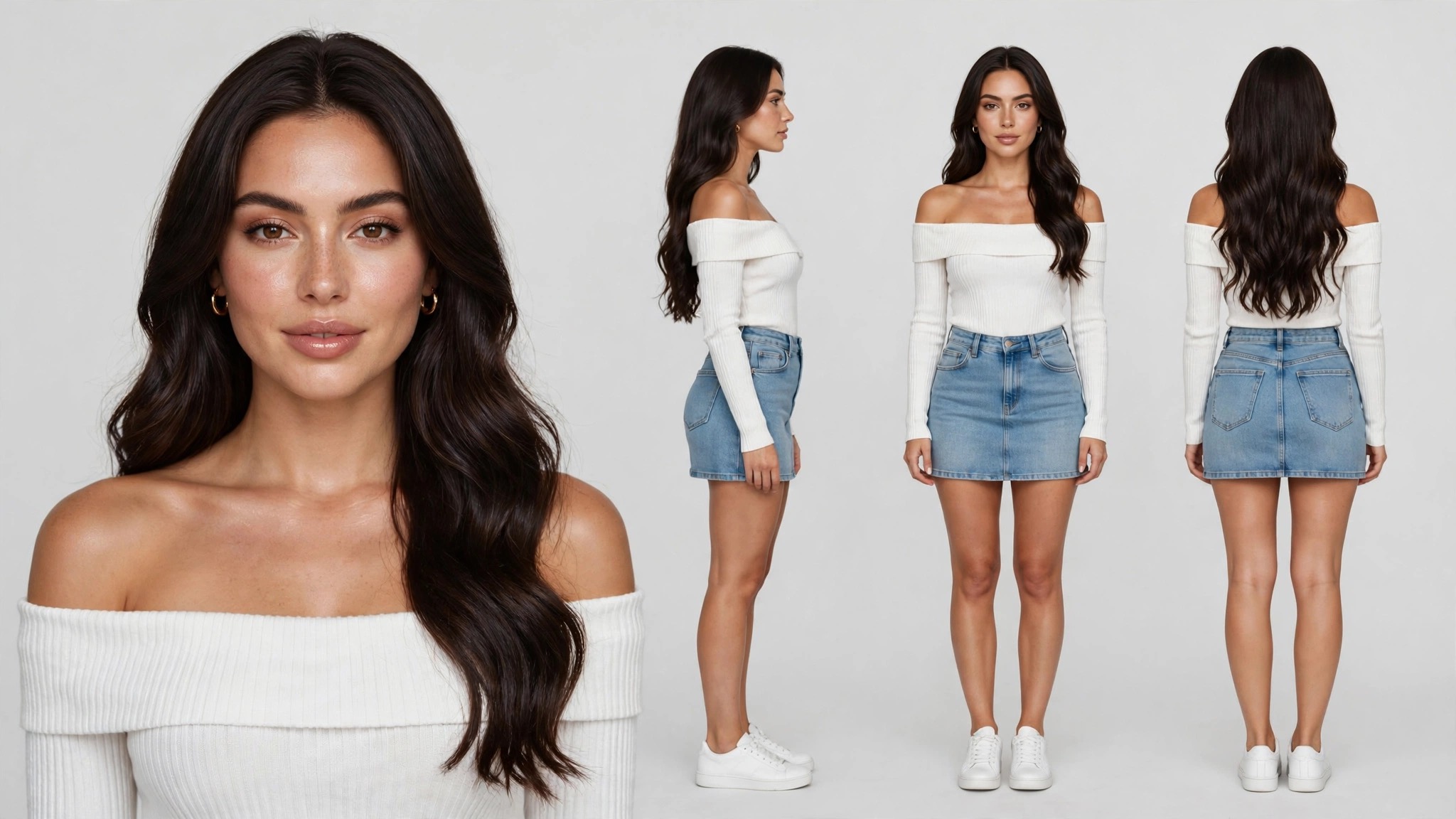
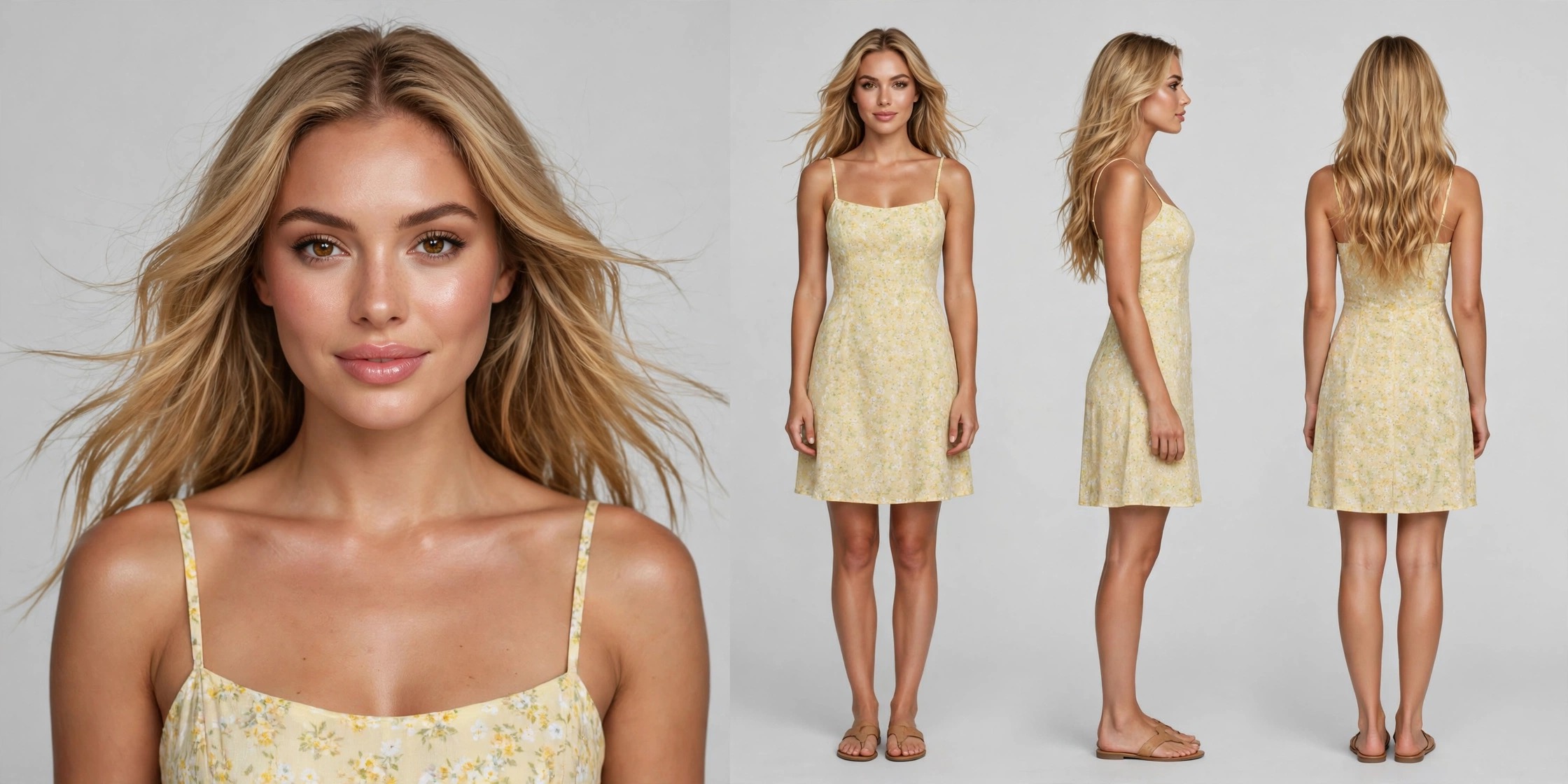
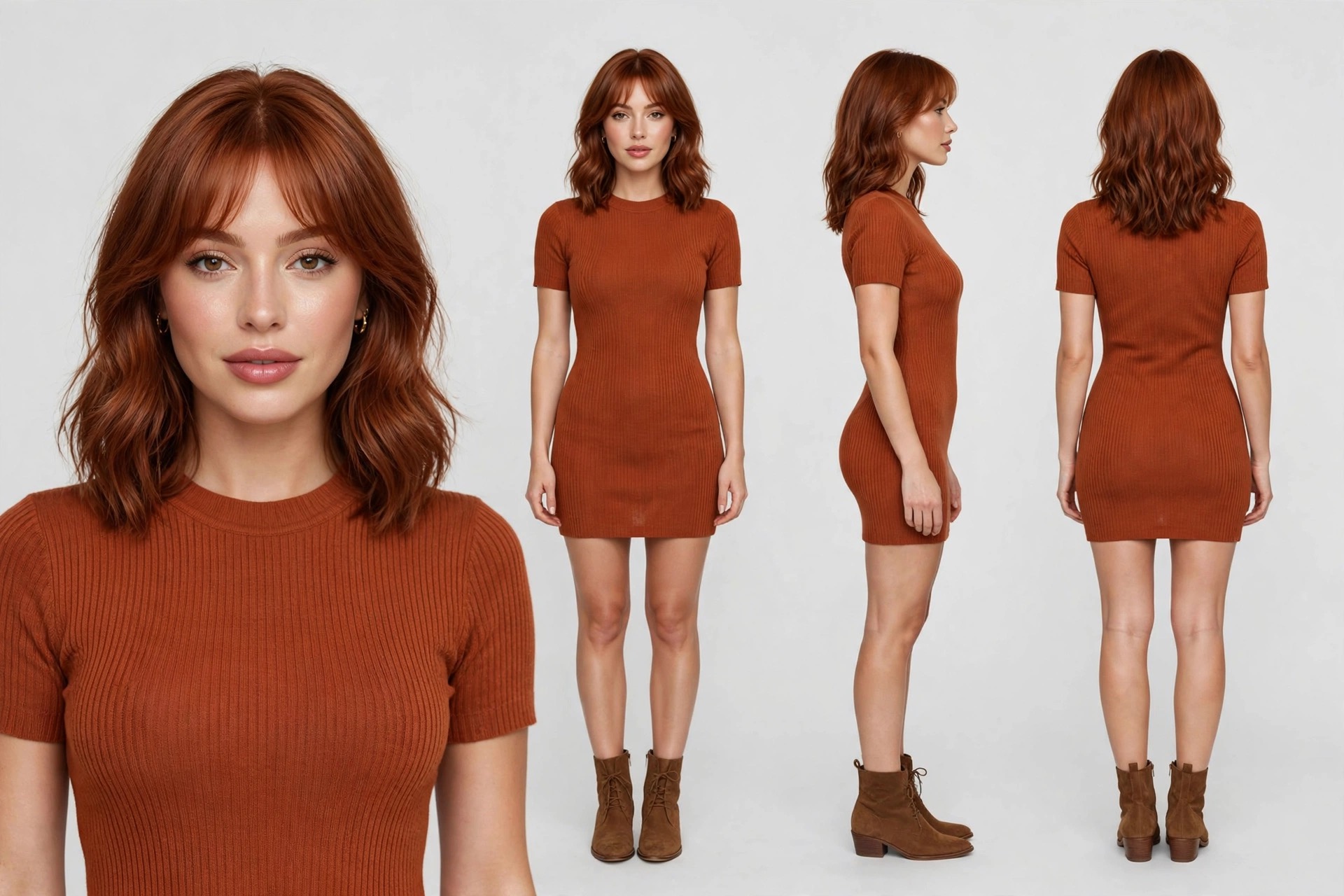
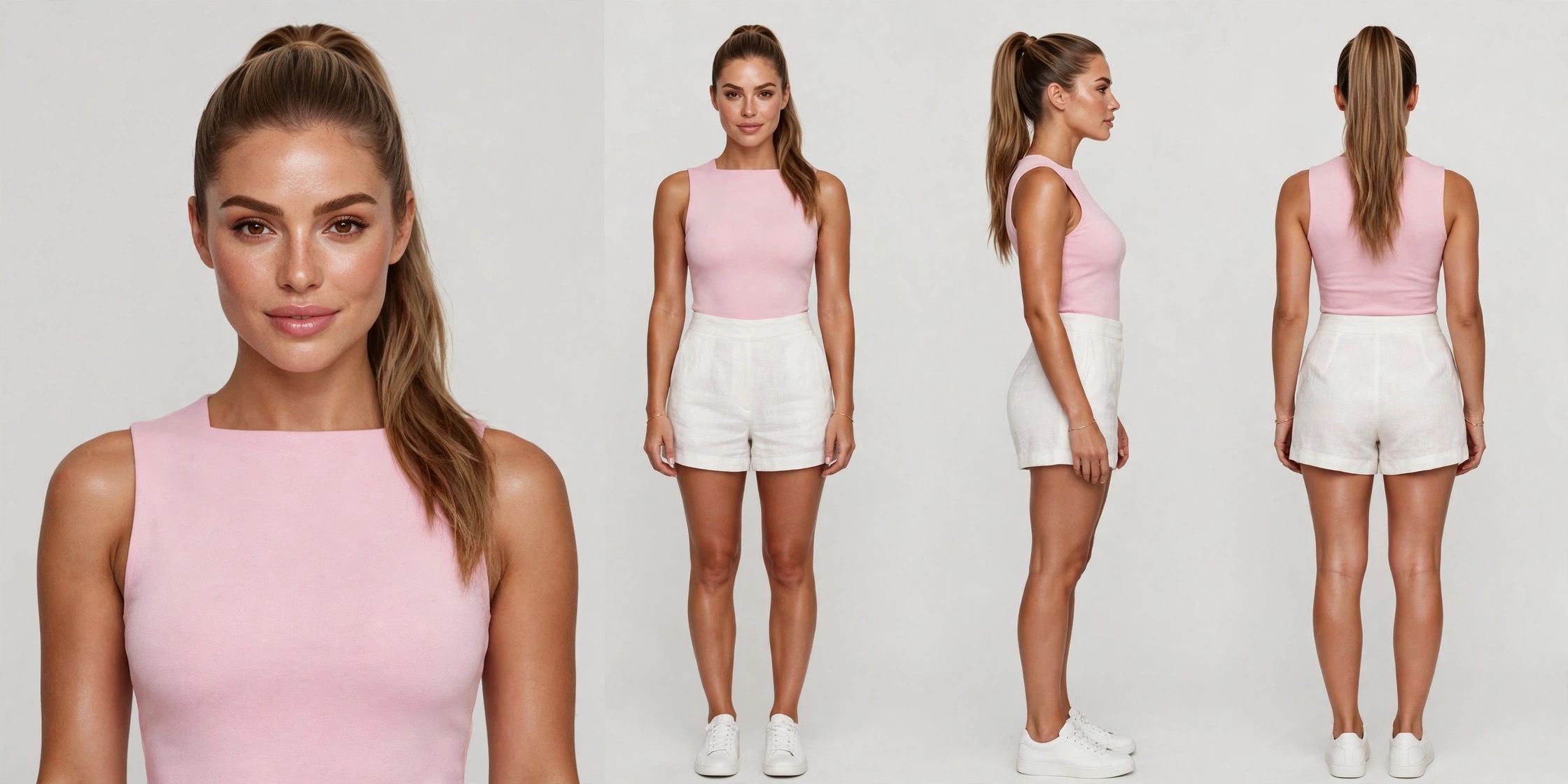
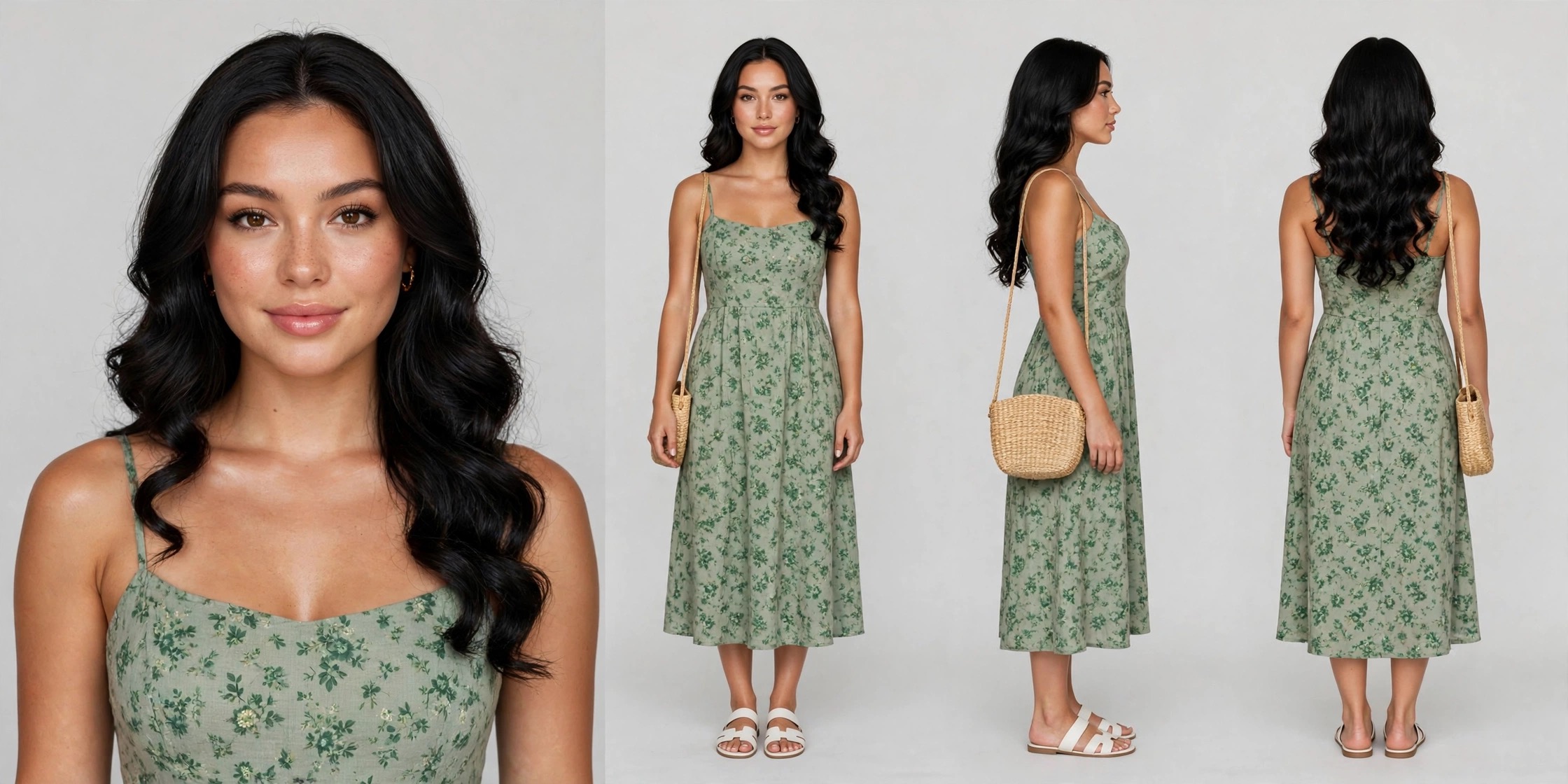
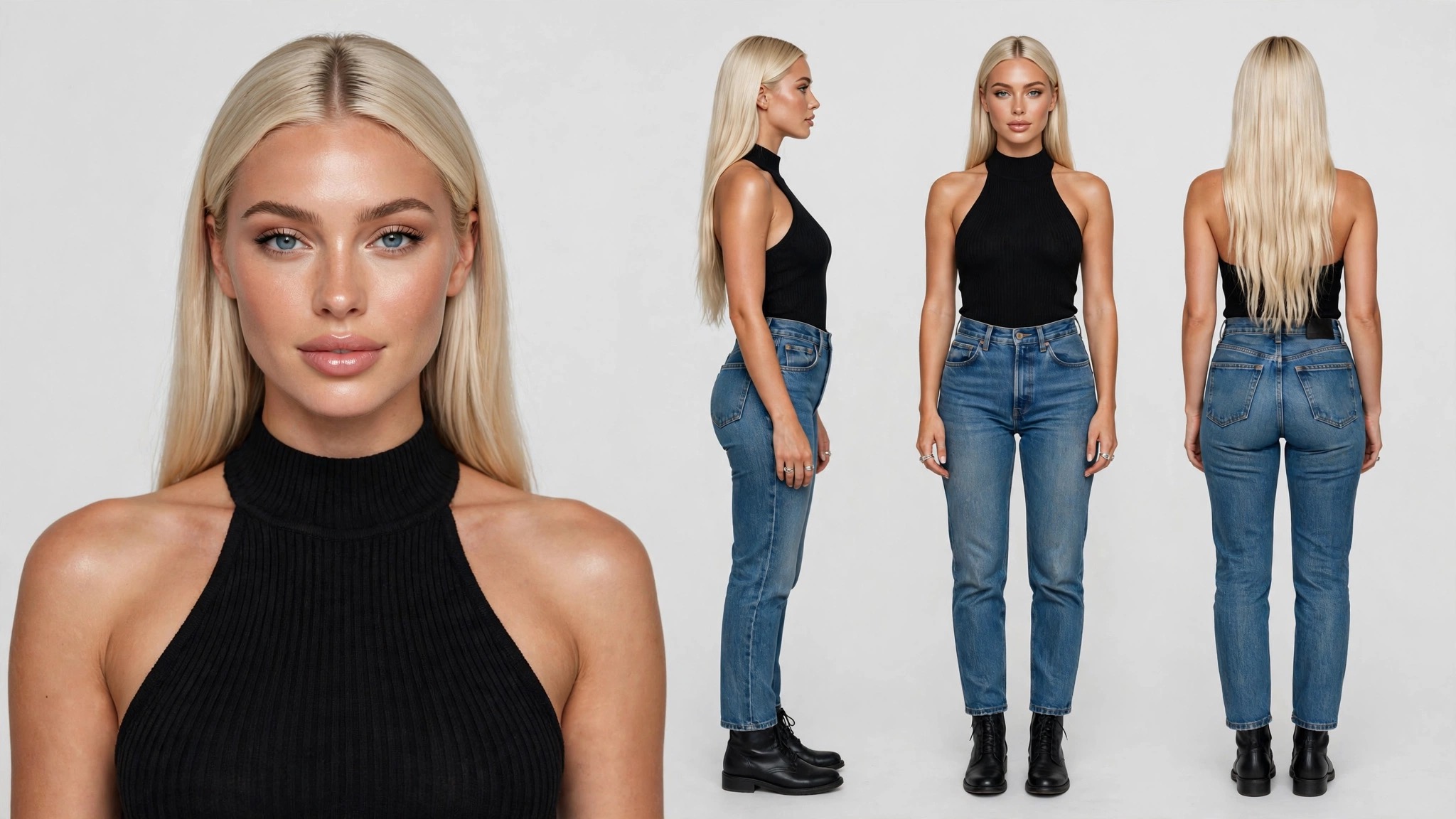
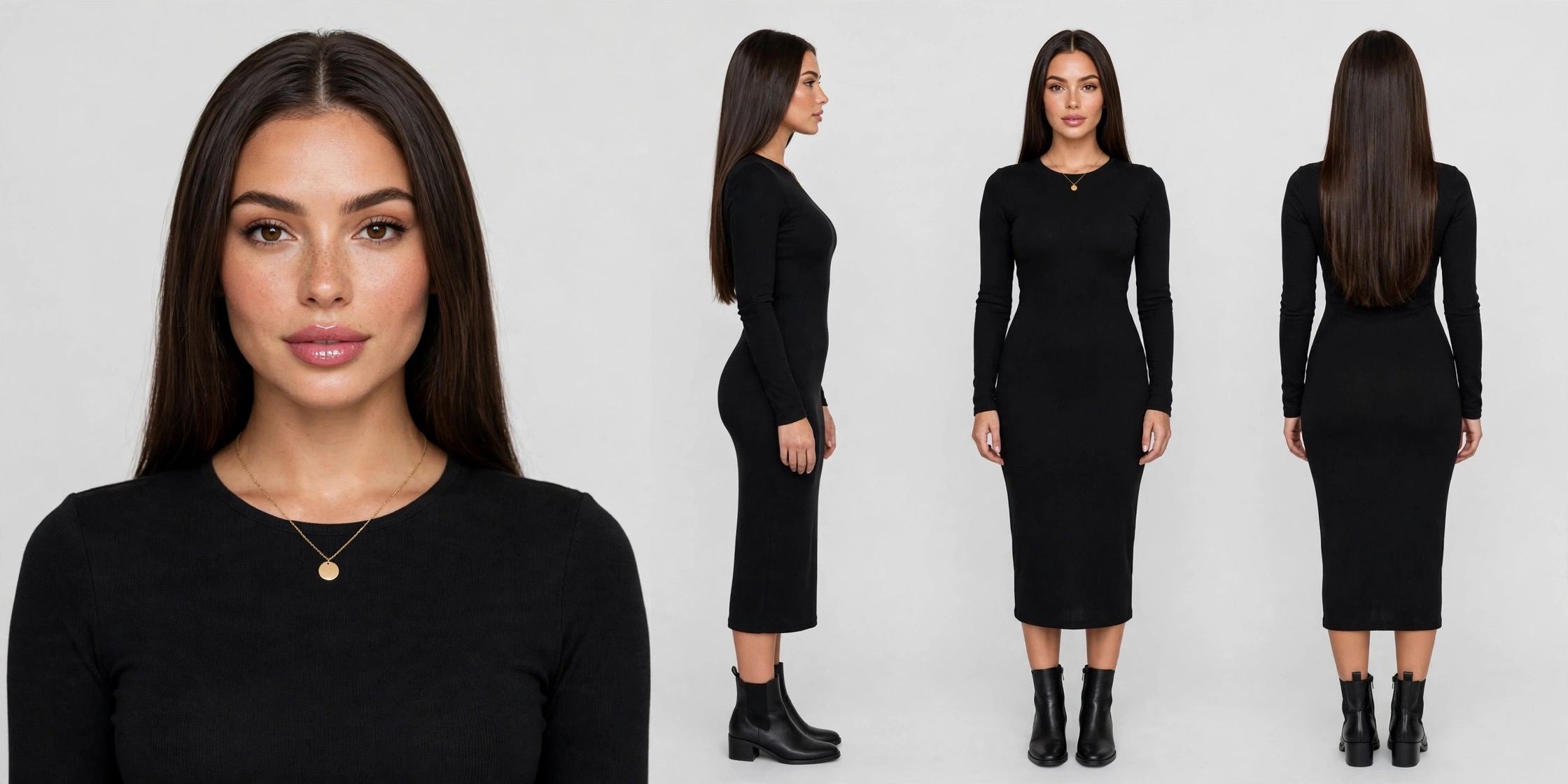
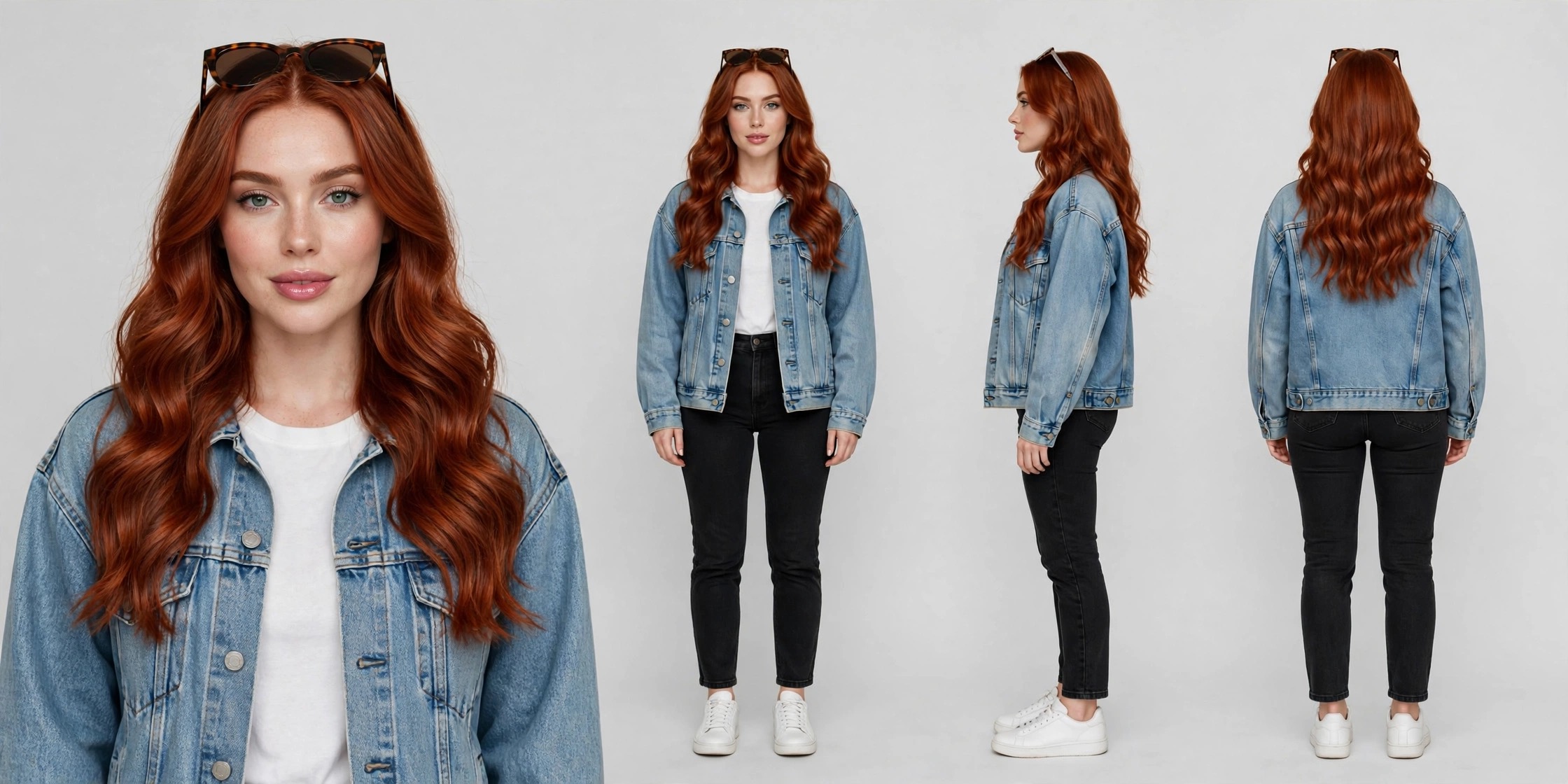
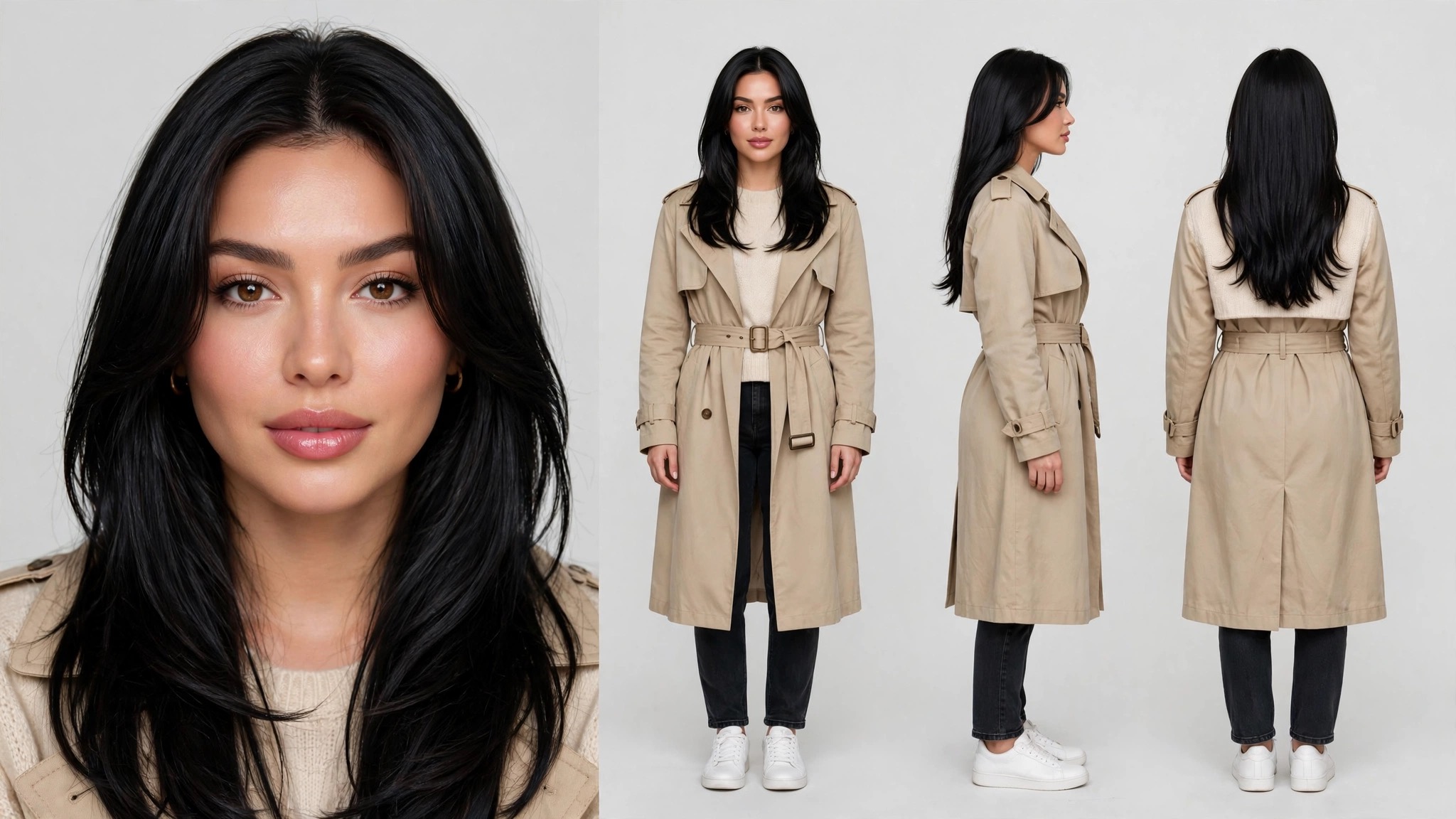
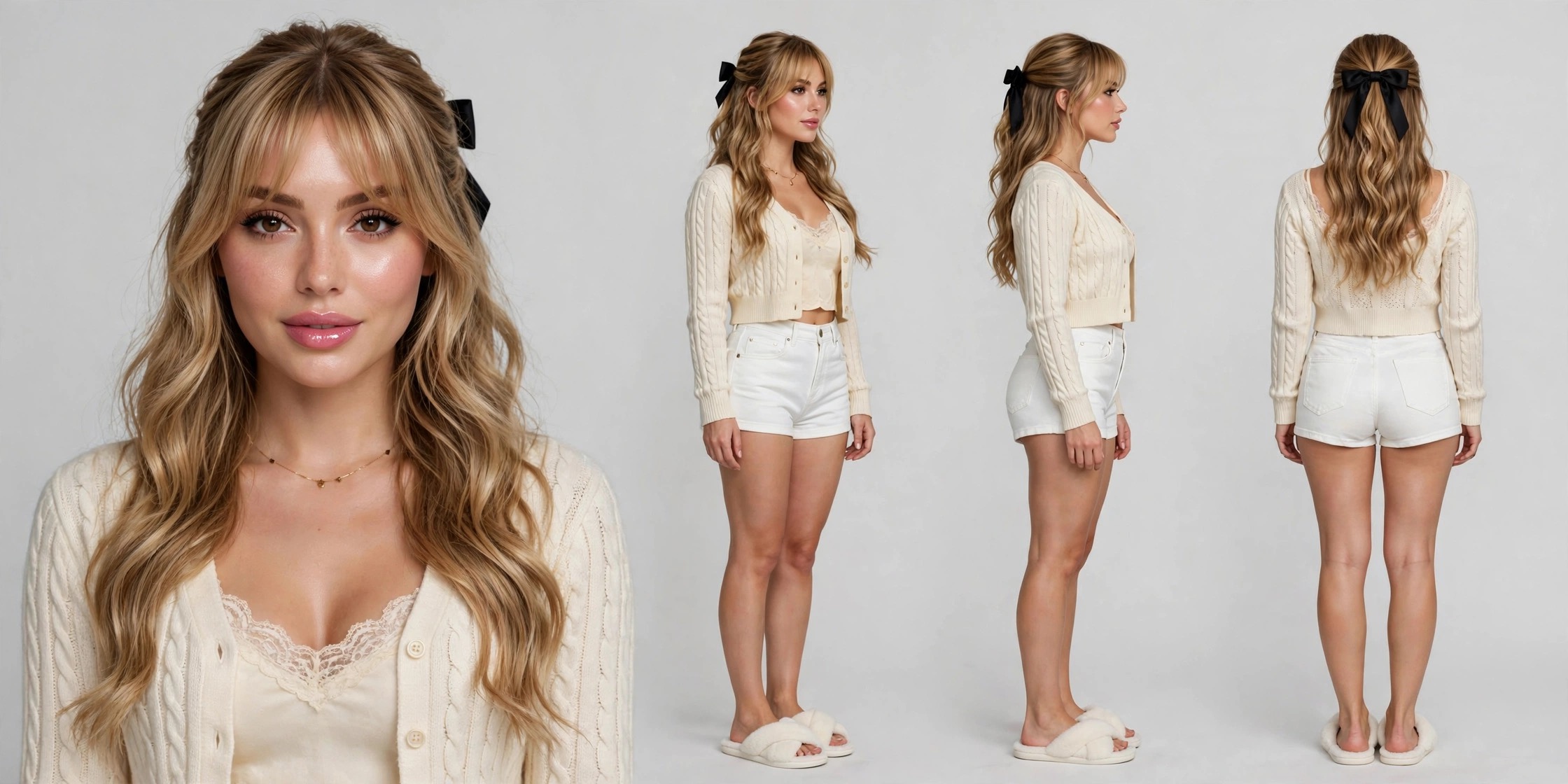
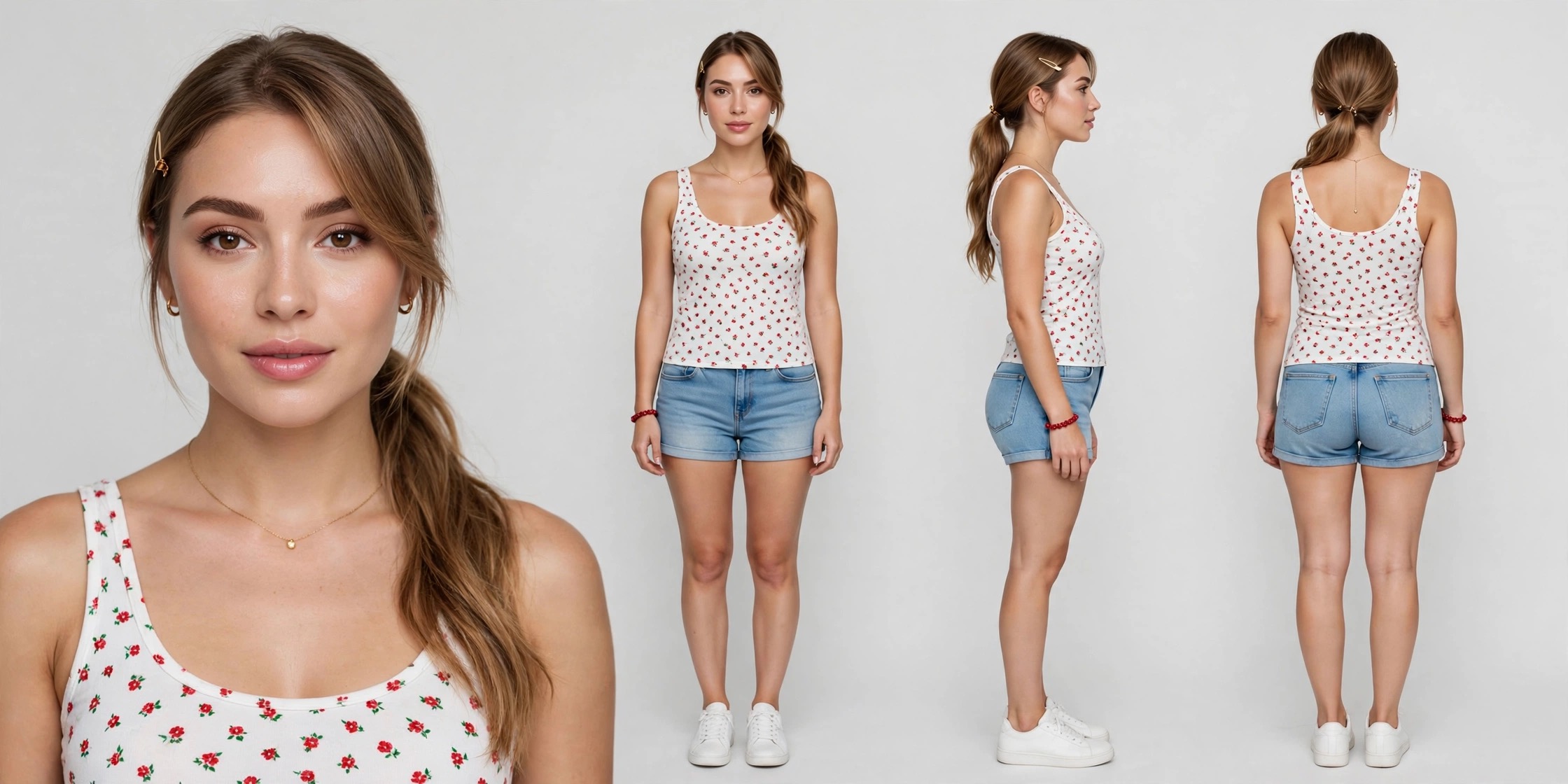
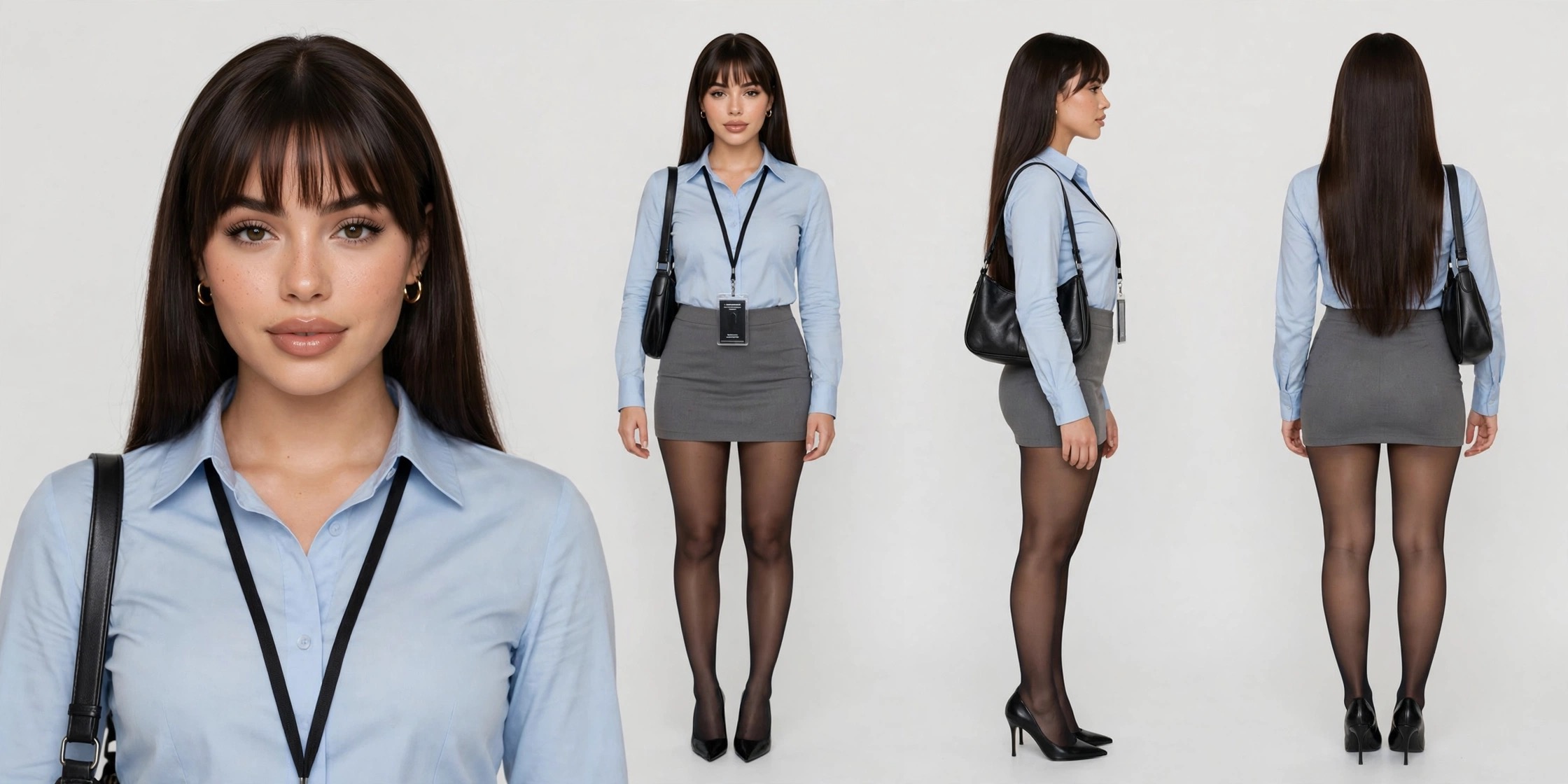
Use Cases
E-commerce Product Images
Generate high-quality product visuals for online stores, ads, and marketing materials.
Social Media Content
Create eye-catching visual content for social platforms to boost engagement and brand visibility.
Game Asset Generation
Produce concept art for characters, scenes, and props to accelerate game development.
Marketing Materials
Design posters, banners, and promotional graphics at a fraction of traditional design costs.
Why APIMODELS
- Unified API -- One API key to access all models, no need to register on multiple platforms
- Transparent Pricing -- Pay-as-you-go with per-call pricing published on every model page, ideal for indie developers and startups
- Instant Access -- Start right after signup; pay by card, PayPal, Alipay or USDT
- Full Documentation -- Detailed API docs with code examples in cURL, Python, and Node.js
Frequently Asked Questions
How to use Muse Image API?
Sign up at APIMODELS, get your API key, and call our unified API endpoint. We provide detailed API documentation with code examples in cURL, Python, and Node.js.
What is the Muse Image API?
Muse Image is Meta's image generation model, Muse Image 1.0 from Meta Superintelligence Labs. Meta describes it as reasoning over a prompt before it renders, with precise composition and text rendering. On apimodels.app it is one model id, muse-image (muse-image-1.0 also works), on POST /v1/images/generations: send a prompt of up to 4,000 characters for text-to-image, or add 1 to 4 reference images to edit a picture or combine several, and you get one image of about 2.5 megapixels. You are charged only when an image is delivered, a flat $0.02 per image.
What is Meta Muse AI, and where does Muse Image fit?
Muse is the name Meta uses for a line of AI models and products from Meta Superintelligence Labs. Muse Spark, released on 8 April 2026, is the language model behind the Meta AI assistant. Muse Image, announced on 7 July 2026, is the line's image model, and Muse Video, previewed the same day on the same pretraining base, is its video model. Muse, launched on 8 September 2026, is a personal AI agent for errands such as email, travel and shopping. On apimodels.app one API key calls two of them: Muse Image as muse-image and Muse Video as muse-video. apimodels.app is an independent platform and is not affiliated with Meta.
Is the Muse Image API the same as Meta AI or the Meta Muse AI agent?
No. The Muse Image API gives you the image model only: you send a prompt, with 1 to 4 reference images if you want to edit, and get back one image of about 2.5 megapixels. It does not chat, browse the web, send email, book or buy anything, which is the Meta Muse AI agent's job, and it is not the Meta AI app on meta.ai. You do not need a Meta account: an apimodels.app API key is enough, and each delivered image costs $0.02. Use it when you want Muse images inside your own code or workflow; use Meta's own apps if you want the assistant or the agent.
What are the limits of Muse Image?
All of Muse Image's limits: text-to-image, or image-to-image with 1 to 4 reference images, the first being the main image (PNG, JPEG or WebP, each up to 10 MB and up to 24 MB together; no masks or inpainting); one image per request (n must be 1); about 2.5 megapixels at a native size for each ratio (1:1 1600×1600, 3:2 1920×1280, 16:9 2048×1152, 9:16 1152×2048, 21:9 2352×1008), with no 4K, no sizes above about 2.6 megapixels and no exact custom pixel dimensions; aspect_ratio auto or one of 13 ratios (1:1, 3:2, 2:3, 4:3, 3:4, 5:4, 4:5, 16:9, 9:16, 2:1, 1:2, 21:9, 9:21), or an OpenAI-style size up to 16:1; JPEG by default, PNG or WebP through output_format, no transparent background; no negative_prompt, no seed (results are not repeatable) and no quality tiers; prompts up to 4,000 characters. Unsupported inputs, such as a mask, more than four reference images, n above 1, a size above about 2.6 megapixels, resolution 4K, a transparent background, negative_prompt or seed, are rejected with a 400 instead of being silently ignored. Even within these limits, not every request succeeds: the model can refuse content or hit a temporary error, and a failed request is not charged.
Which aspect ratios and sizes does Muse Image support?
aspect_ratio defaults to auto, which lets the model pick the shape from the prompt; in our test an unsized request came back at 1920×1280. To fix the shape, choose one of 13 ratios: 1:1, 3:2, 2:3, 4:3, 3:4, 5:4, 4:5, 16:9, 9:16, 2:1, 1:2, 21:9 or 9:21. You can also pass an OpenAI-style size such as 2048x1152; it sets the proportions, up to 16:1, and takes priority over aspect_ratio. Any other ratio, a size not written as WIDTHxHEIGHT, or a size above about 2.6 megapixels (such as 3840x2160) returns a 400. The price is the same at every shape.
What resolution are Muse Image outputs?
About 2.5 megapixels, at a fixed native size for each shape. In our tests on 30 October 2026 (7 requests), 1:1 came back at 1600×1600 (a 1024x1024 request also came back at 1600×1600), 16:9 at 2048×1152, 9:16 at 1152×2048 and 21:9 at 2352×1008, and one auto request with no size came back at 1920×1280. There is no 4K: size only sets the proportions, and a size above about 2.6 megapixels, such as 3840x2160 or 2048x2048, is rejected with a 400 instead of being delivered smaller. Read the width and height of the image you get back instead of assuming the numbers you sent.
Can I get 4K or a custom pixel size from Muse Image?
No. There is no 4K: output is about 2.5 megapixels, at the model's native size for each shape. A size above about 2.6 megapixels, such as 3840x2160 or 2048x2048, is rejected with a 400 before anything is created instead of being delivered smaller, and resolution set to 4K is rejected the same way; a rejected request is not charged. Smaller sizes are accepted and only set the proportions: in our tests a 1024x1024 request came back at 1600×1600. If you need exact pixel dimensions, resize the result on your side; if you need 4K, pick an image model on apimodels.app that offers a 4K output. Images come back as JPEG by default; set output_format to png or webp to get that format instead.
Can Muse Image edit images or use reference images?
Yes. The same model id, muse-image, also does image-to-image: pass 1 to 4 reference images to edit a picture, change its style or combine several pictures into one. The first image is the main image, the one being changed, and the prompt can point to the others by position, such as "the second image". Send one image as image (or image_url) and several as an array in images (or image_urls); each can be a public URL or a base64 data URI, and raw base64 also works through image_base64 with image_mime_type. Images must be PNG, JPEG or WebP, each up to 10 MB and up to 24 MB together. You still get one image of about 2.5 megapixels, shaped by aspect_ratio or size, at the same $0.02 however many reference images you send. Masks and inpainting are not supported: a mask returns a 400 ("muse-image does not support masks (mask): describe what to change in prompt instead"), so describe the change in the prompt instead. A fifth image returns a 400 too ("muse-image takes at most 4 reference images (got 5)"). Both are rejected before anything is created and are not charged. We have not run our own image-to-image tests yet, so we do not quote measured editing results.
How do I edit an image or combine several images with Muse Image?
Put the picture you want to change first in images, then say in the prompt what stays and what changes, for example "keep the person and their position, change the background to a beach, oil-painting style". With several images, say what each one is for: "use the first image as the base and put the cup from the second image on the table". Two things to expect: small text inside a reference image may not be preserved, and long passages of text in the output are decorative only and can contain typos, so add exact long copy yourself afterwards. Every edit is one request that returns one image at $0.02, charged only when it is delivered. Not every request succeeds: the model can refuse content or hit a temporary error, so retry temporary errors and rewrite a refused prompt; a failed request is not charged.
How many images can I get from one Muse Image request?
One. n must be 1, and n=2 or more returns a 400 ("muse-image generates one image per request (got n=2); submit one request per image") before anything is created. Reference images do not change this: one to four images in, one image out. To make several images, send several requests in parallel; each one is a separate task, billed $0.02 only if its image is delivered.
How long does Muse Image take to generate an image?
About 35 to 70 seconds per image in our tests: 7 text-to-image test requests on 30 October 2026 took between 34 and 67 seconds each; we have not timed image-to-image requests ourselves yet. The call is asynchronous, so create the task, then poll GET /v1/images/generations?task_id= every few seconds or pass callback_url. If you use the one-call OpenAI-style mode (size without callback_url), set your client timeout to at least 120 seconds.
What happens if a Muse Image request fails?
Not every Muse Image request succeeds. The model can refuse the content, or a generation can hit a temporary error. A failed request returns the reason and is not charged. All 7 of our text-to-image test requests on 30 October 2026 returned an image, but seven tests are far too few to promise a success rate, so we do not publish one, and we have not tested image-to-image ourselves yet. Retry temporary errors, rewrite a refused prompt, and do not build a pipeline that assumes the first attempt always delivers. Requests outside Muse Image's limits, such as a mask or more than four reference images, are rejected with a 400 before anything is created, also without charge.
How much does the Muse Image API cost?
A flat $0.02 per image, charged only when an image is delivered. The price is the same for text-to-image and for editing with one to four reference images, and at every aspect ratio and size; since each request returns one image, it is also $0.02 per request, and 100 images cost $2.00. Requests rejected with a 400 and generations that fail are not charged.
How do I get an API key and call the Muse Image API?
Create an account at apimodels.app and generate an API key in the console; one key and one USD balance cover every model. Then send: curl -X POST https://api.apimodels.app/v1/images/generations -H "Authorization: Bearer YOUR_API_KEY" -H "Content-Type: application/json" -d '{"model": "muse-image", "prompt": "a bakery window poster with the headline FRESH BREAD DAILY, warm morning light", "aspect_ratio": "3:4"}'. To edit or combine pictures, send the same call with images, one to four public URLs or base64 data URIs with the main image first: -d '{"model": "muse-image", "prompt": "keep the person and their position, change the background to a beach, oil-painting style", "images": ["https://example.com/portrait.jpg"]}'. The response holds a taskId: poll GET /v1/images/generations?task_id= until the state is completed, or pass callback_url, and take the image from resultUrls within 30 days. If you send an OpenAI-style size such as 2048x1152 and no callback_url, the same call returns the image directly in the OpenAI response format.
Can I try Muse Image for free?
Yes, for a first look. Eligible new accounts get $0.10 of trial credit, which covers five Muse Image generations at $0.02 each, so you can check the output before paying anything. After that, top-ups start at $10 and billing is pay-as-you-go with no subscription. An image is charged only when it is delivered.
How does Muse Image compare with other models in the Image Generation category?
On APIMODELS, Muse Image runs alongside 60+ models on one API key and one balance, so choosing is about fit, not lock-in. It supports Text to Image, Image Editing · 1–4 Reference Images, About 2.5MP, Auto or 13 Aspect Ratios, One Image per Request, $0.02/image, and you can weigh it on price and capability against other models in the Image Generation category, then switch by changing a single model-name string — no new account or integration. Browse every model in that category with live pricing at apimodels.app/models.
What can Muse Image do?
Muse Image supports: Text to Image, Image Editing · 1–4 Reference Images, About 2.5MP, Auto or 13 Aspect Ratios, One Image per Request, $0.02/image. See the APIMODELS docs for full parameters and call examples.
Can I use the Muse Image API from any country, including mainland China?
Yes. APIMODELS does not restrict access by country: the site and the API answer requests from anywhere, and apimodels.app and api.apimodels.app are reachable directly from mainland China without a proxy. You call Muse Image with one APIMODELS key, so you do not need a separate account with the model's developer.
What payment methods are supported? Can I pay with PayPal or crypto?
Yes to both. You can top up with a card (Visa, Mastercard and others, through Stripe), PayPal, Alipay, or USDT on TRON (TRC20) or BNB Smart Chain (BEP20). Card, PayPal and Alipay top-ups are credited immediately; USDT is credited once the transfer confirms on-chain. Auto top-up is optional, and a $50 top-up adds a $1 bonus ($3 on a $100 top-up). The balance is in USD and billed per use, with no subscription.
Related models
Related reading
How to get access, regional availability, and how this model compares with its alternatives.
Comparisons
How this model stacks up against the alternatives on results, price and features.