
gpt-image-2.5-flare【Flare 档】走量用的快档:2.5 的全部能力,延迟约为 GPT Image 2 的一半、同一条提示词下约为 Sunburst 的两倍速,默认 medium 画质。1K、2K 同画质档与 Sunburst 同价,选它图的是速度;到了 4K,Flare 的价格更低。价格按「分辨率 × 画质」分十五格(1K $0.01–$0.08 / 2K $0.020–$0.15 / 4K $0.02–$0.3),只为你要的细节付钱。GPT Image 2.5 是 OpenAI 最新的图像模型。它相比 GPT Image 2 的进步,主要不在「第一张图生成得多好」,而在「改图」这件事上。 过去让 AI 改一个局部,常常牵一发动全身:改服装把脸改了,调背景把整体风格带跑了。2.5 可以指定画面里你不满意的位置,只改那一处,主体、构图和风格保持不动。更关键的是多轮:同一个角色或产品经过很多轮编辑仍然是同一个,不再改几轮就开始走形 —— 这意味着为了稳定而往提示语里塞的那些结构化约束、固定视角、固定光照,大部分可以不写了。 还有一个能立刻验证的差别:2.5 原生支持透明底 PNG,而 GPT Image 2 只能给你一个纯色背景、需要自己抠。所以判断手上跑的是哪一代,最简单的办法就是要一张透明背景的图。 出图更清晰、生成更快,1:1、3:4、4:3、9:16、16:9、21:9 六种画幅都能精确控制。 API 上是两个型号:gpt-image-2.5-flare 是默认档,画质与 2.5 一致而延迟约为 GPT Image 2 的一半,适合社媒内容、电商视觉这类走量场景;gpt-image-2.5-sunburst 用更长的时间换更高的精度。 ⚠️ 手绘 Sketch(在画布上涂抹给模型当参考)、创作模板、在图上直接评论改图,这三项目前只在 ChatGPT 里,API 不提供 —— 按这些能力做集成之前请先确认。
Generated image will appear here
Enter a prompt and click Generate
按「分辨率 × 画质」计价,十五格:1K $0.01–$0.08、2K $0.020–$0.15、4K $0.02–$0.3。low 最便宜、max 最贵 —— 只为你要的细节付钱。透明底、参考图不另收费;失败不扣费。
标出要改的部分,画面其余原样不动:换衣服不动脸、改图上文字不动背景。这是多数人第一眼就能感受到的变化。
同一个角色或产品经过一长串编辑仍然是同一个,不再改几轮就漂移。为了稳定而往提示词里堆的结构约束、参考图、固定光照,大多可以省掉。
真正的 alpha 通道,不是一块要自己抠掉的纯色。GPT Image 2 做不到,所以要一张透明底是分辨两代模型最简单的办法。
gpt-image-2.5-flare 是默认档,2.5 级画质、延迟约为 GPT Image 2 的一半,面向社媒、电商和走量生成;gpt-image-2.5-sunburst 用更长的时间换最高精度。
细节质量和生成速度都优于 GPT Image 2,六种标准画幅按比例精确保持,而不是近似。
手绘 Sketch(画个大致布局让模型读)、15 个创作模板、在图上直接评论改图,目前只在 ChatGPT 里,API 不提供。按这些能力做集成之前先确认。
GPT Image 2.5 Flare 是由 OpenAI 提供的图片生成 API。【Flare 档】走量用的快档:2.5 的全部能力,延迟约为 GPT Image 2 的一半、同一条提示词下约为 Sunburst 的两倍速,默认 medium 画质。1K、2K 同画质档与 Sunburst 同价,选它图的是速度;到了 4K,Flare 的价格更低。价格按「分辨率 × 画质」分十五格(1K $0.01–$0.08 / 2K $0.020–$0.15 / 4K $0.02–$0.3),只为你要的细节付钱。GPT Image 2.5 是 OpenAI 最新的图像模型。它相比 GPT Image 2 的进步,主要不在「第一张图生成得多好」,而在「改图」这件事上。 过去让 AI 改一个局部,常常牵一发动全身:改服装把脸改了,调背景把整体风格带跑了。2.5 可以指定画面里你不满意的位置,只改那一处,主体、构图和风格保持不动。更关键的是多轮:同一个角色或产品经过很多轮编辑仍然是同一个,不再改几轮就开始走形 —— 这意味着为了稳定而往提示语里塞的那些结构化约束、固定视角、固定光照,大部分可以不写了。 还有一个能立刻验证的差别:2.5 原生支持透明底 PNG,而 GPT Image 2 只能给你一个纯色背景、需要自己抠。所以判断手上跑的是哪一代,最简单的办法就是要一张透明背景的图。 出图更清晰、生成更快,1:1、3:4、4:3、9:16、16:9、21:9 六种画幅都能精确控制。 API 上是两个型号:gpt-image-2.5-flare 是默认档,画质与 2.5 一致而延迟约为 GPT Image 2 的一半,适合社媒内容、电商视觉这类走量场景;gpt-image-2.5-sunburst 用更长的时间换更高的精度。 ⚠️ 手绘 Sketch(在画布上涂抹给模型当参考)、创作模板、在图上直接评论改图,这三项目前只在 ChatGPT 里,API 不提供 —— 按这些能力做集成之前请先确认。 通过 APIMODELS 平台,您可以使用统一的 API 接口调用该模型,按量计费、价格透明。当前定价:1K-low: $0.01, 1K-medium: $0.02, 1K-high: $0.03, 1K-xhigh: $0.05, 1K-max: $0.08, 2K-low: $0.02, 2K-medium: $0.03, 2K-high: $0.04, 2K-xhigh: $0.08, 2K-max: $0.15, 4K-low: $0.02, 4K-medium: $0.045, 4K-high: $0.08, 4K-xhigh: $0.17, 4K-max: $0.3。

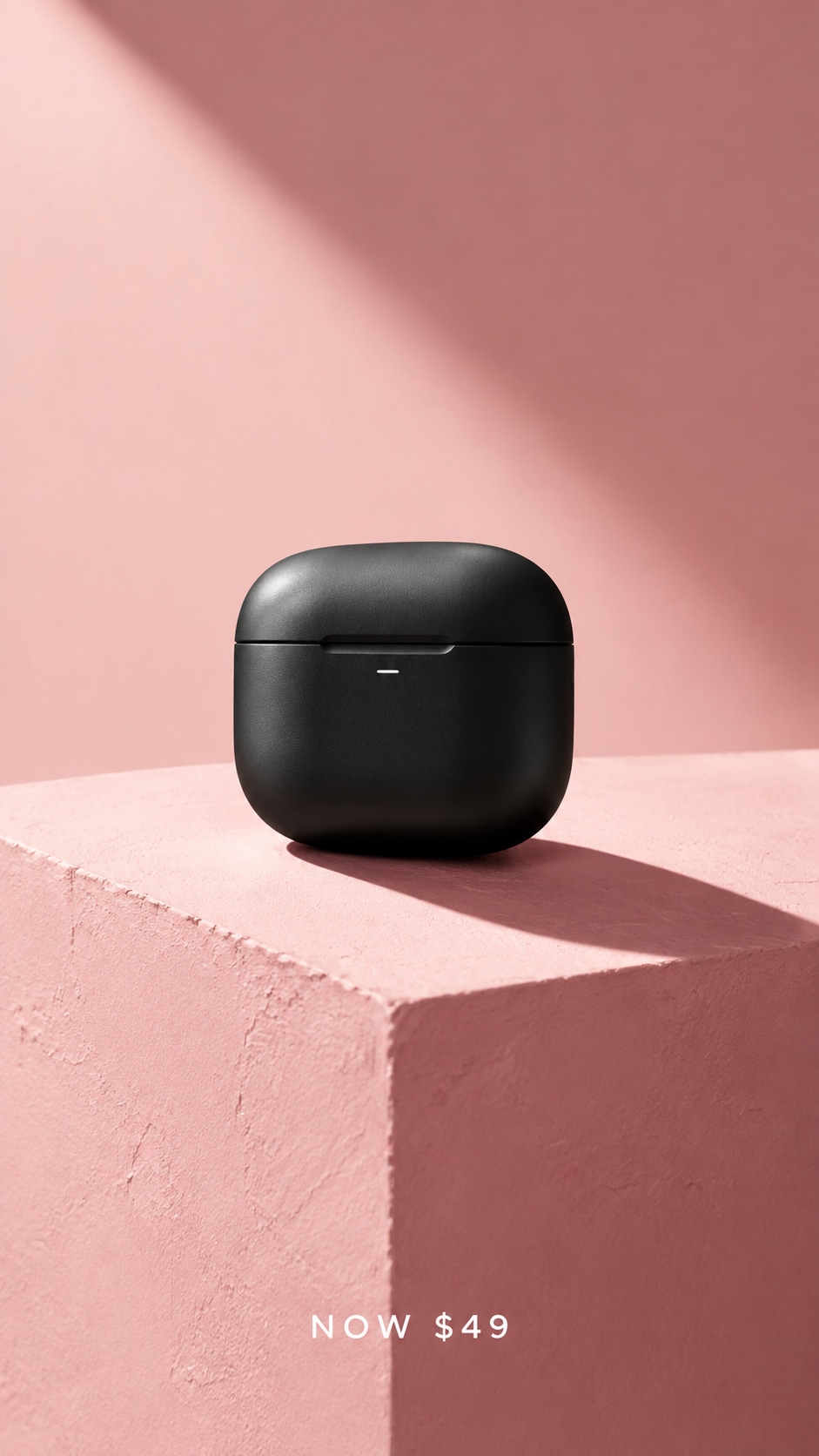
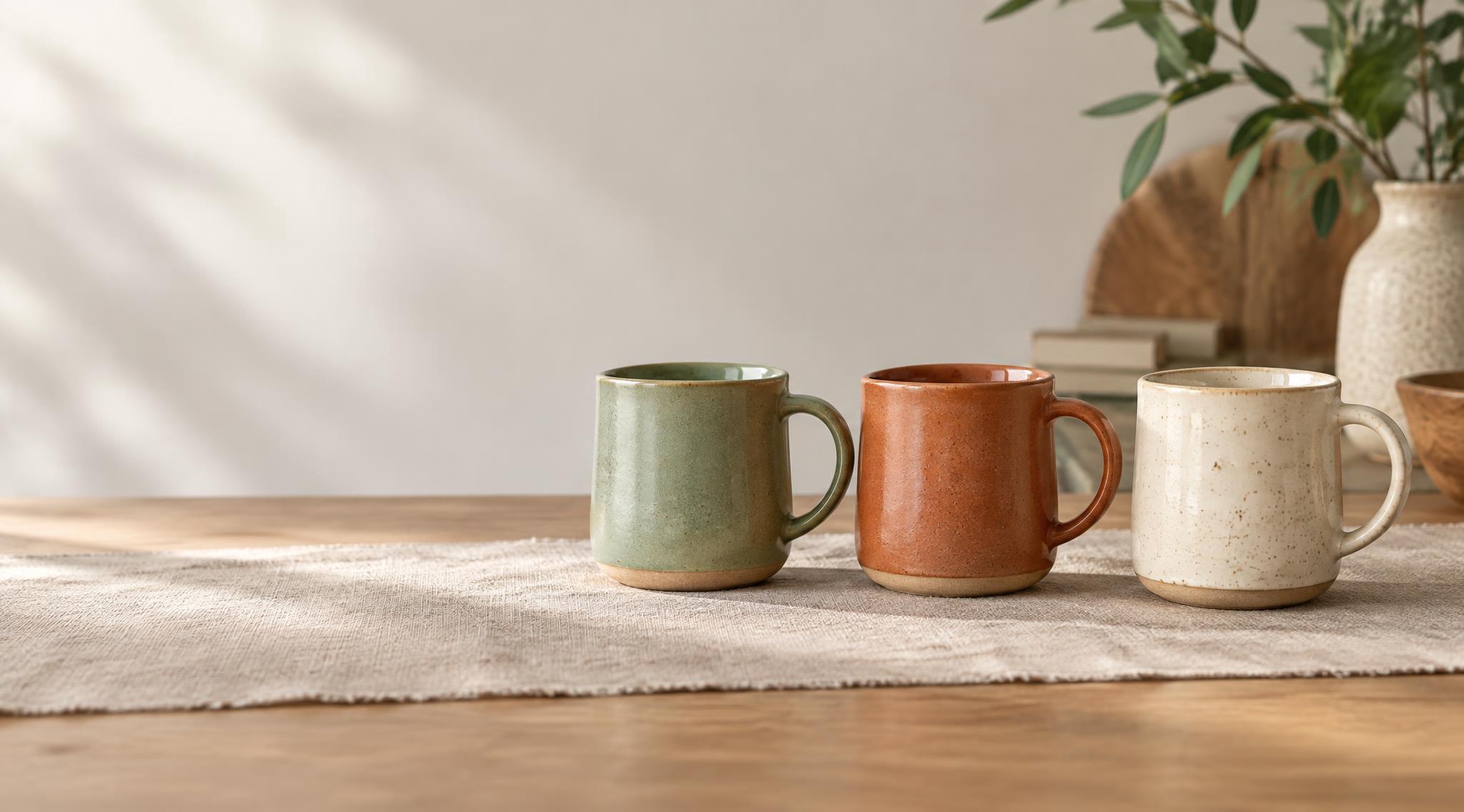
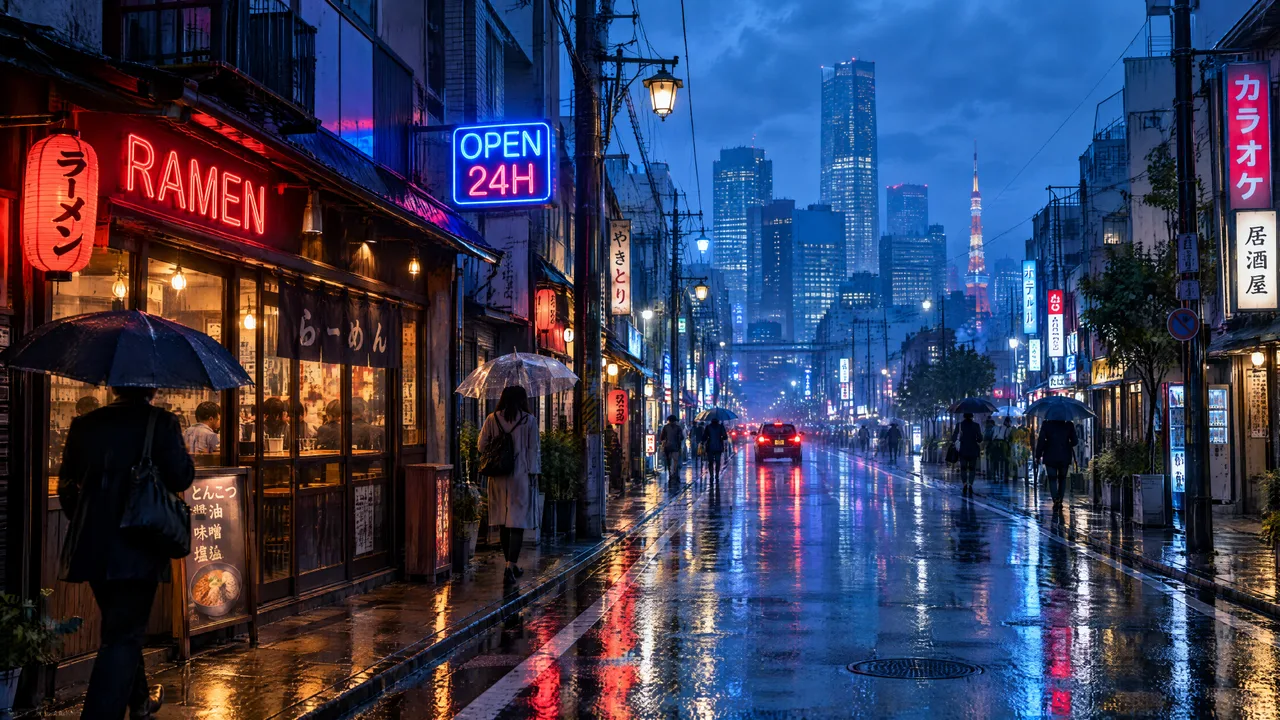
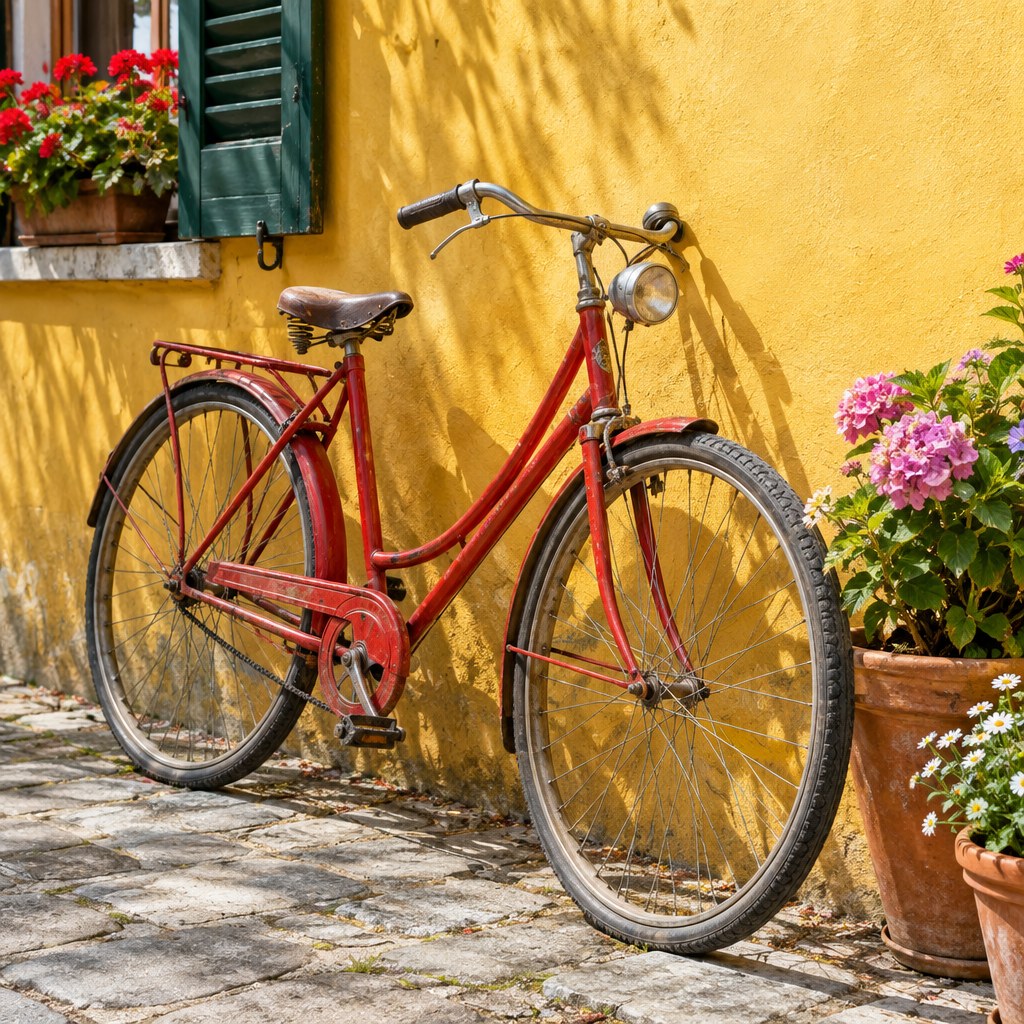
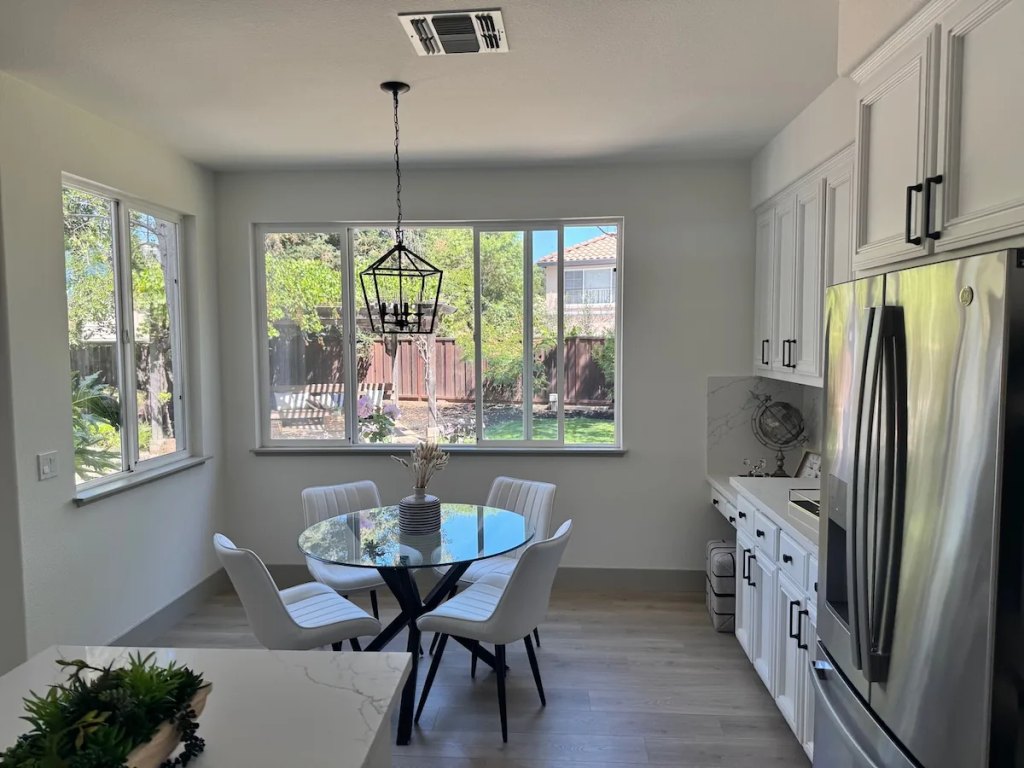
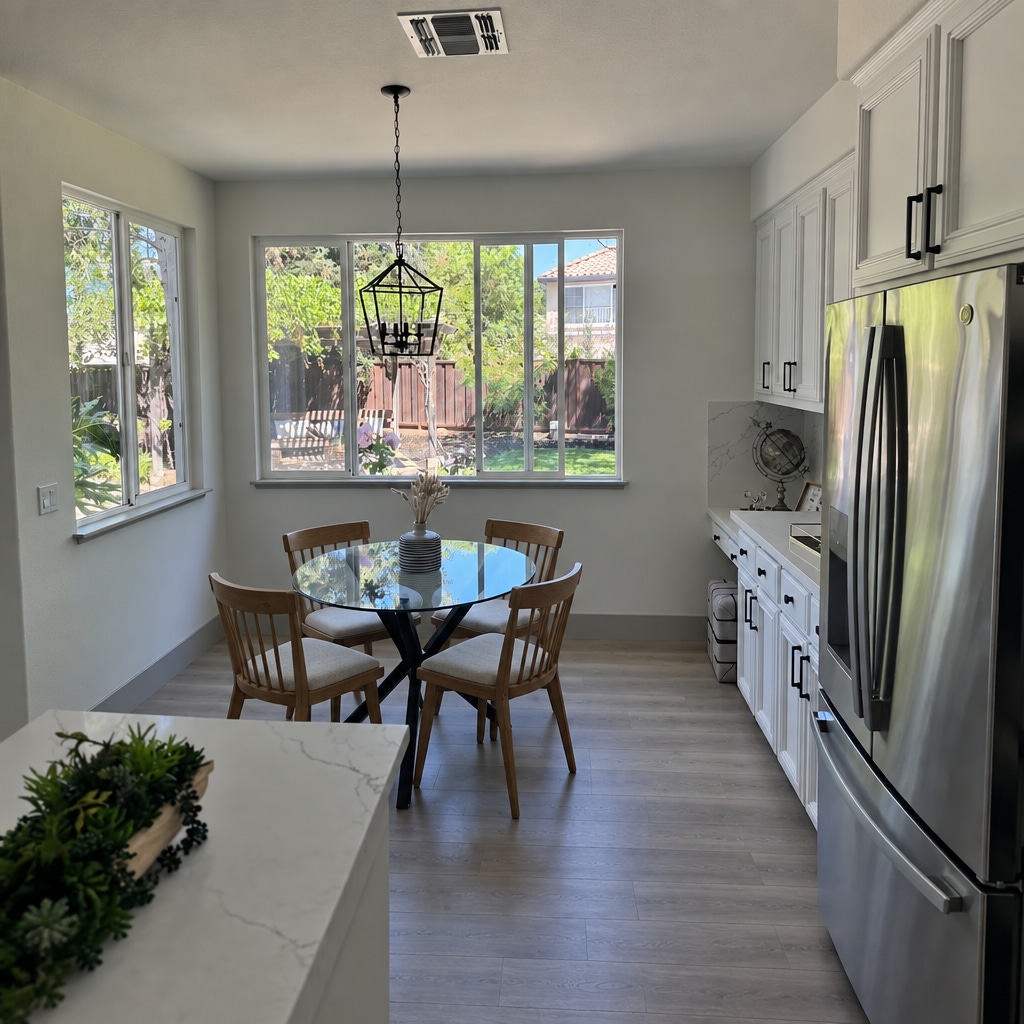

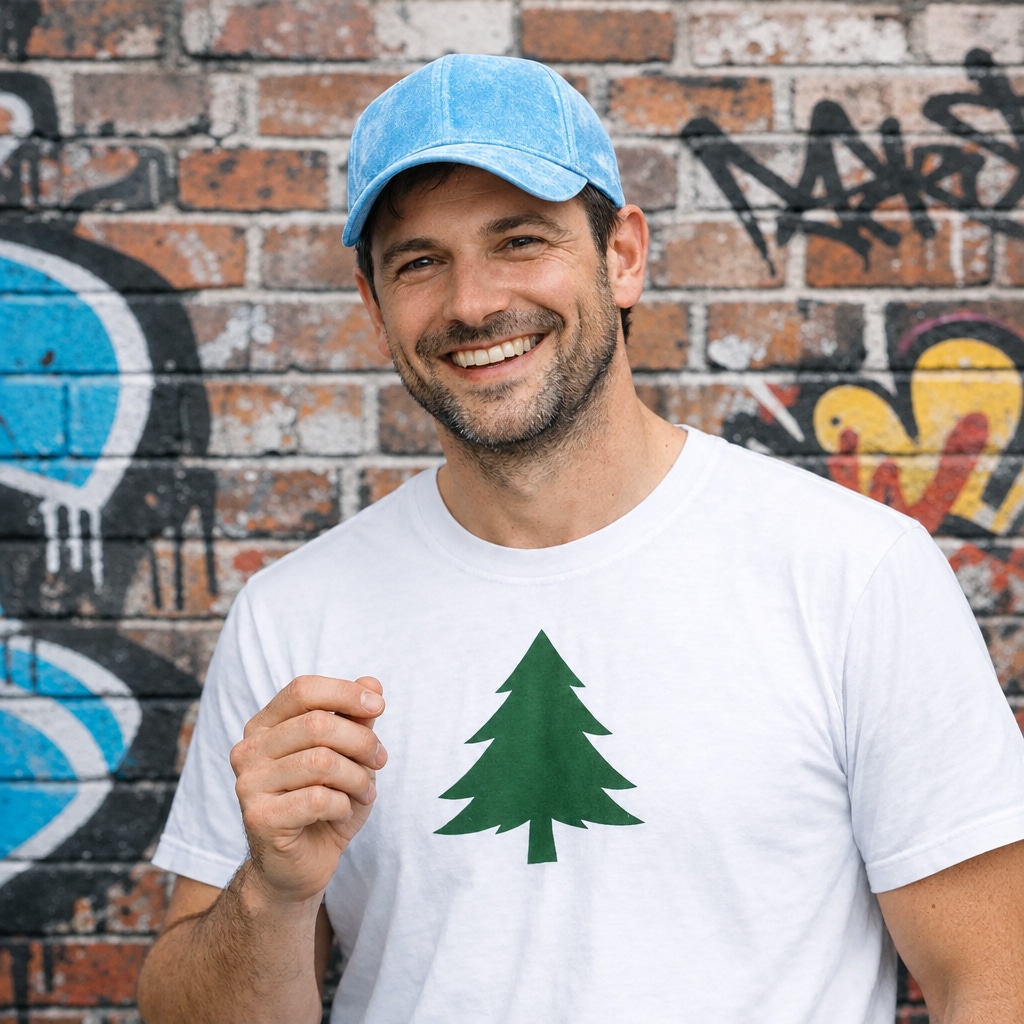
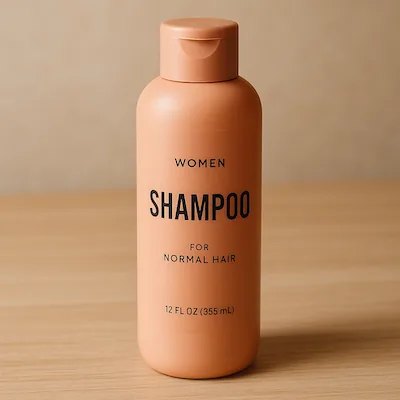
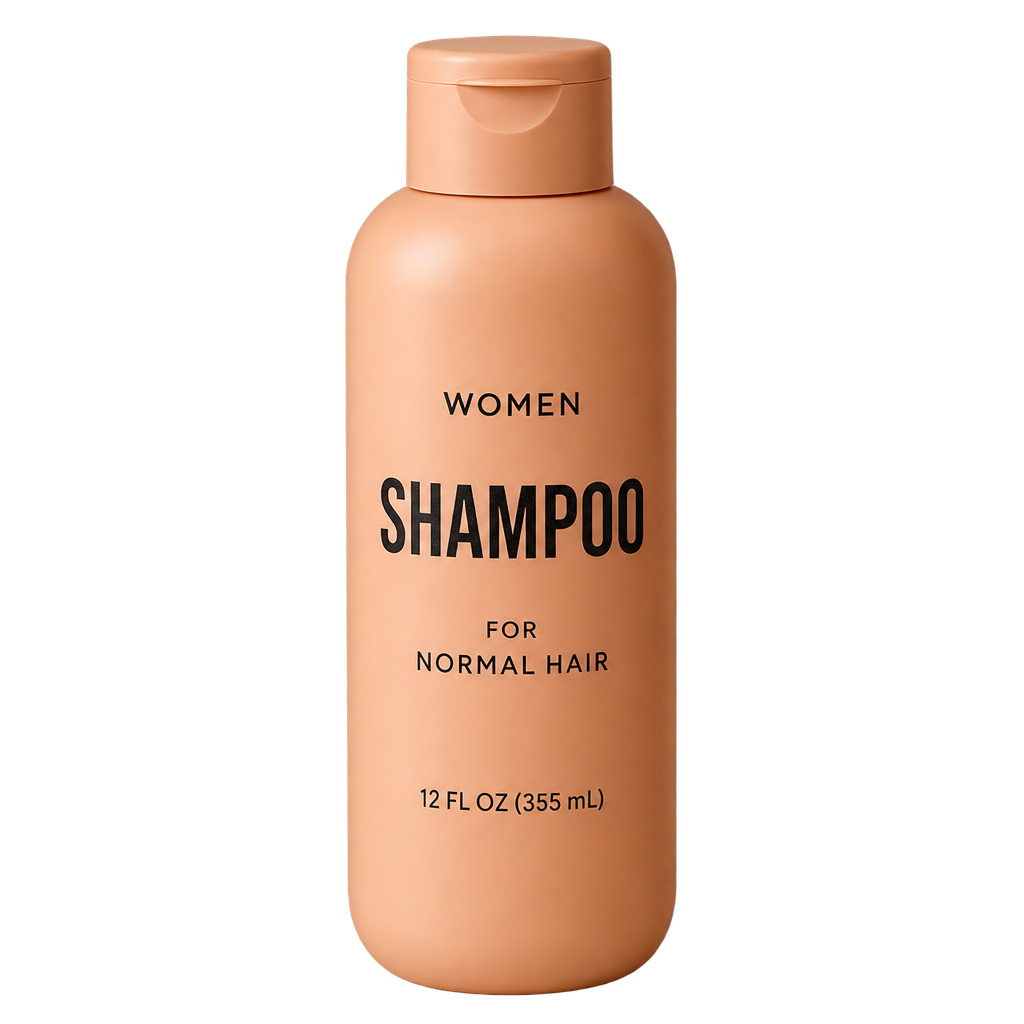
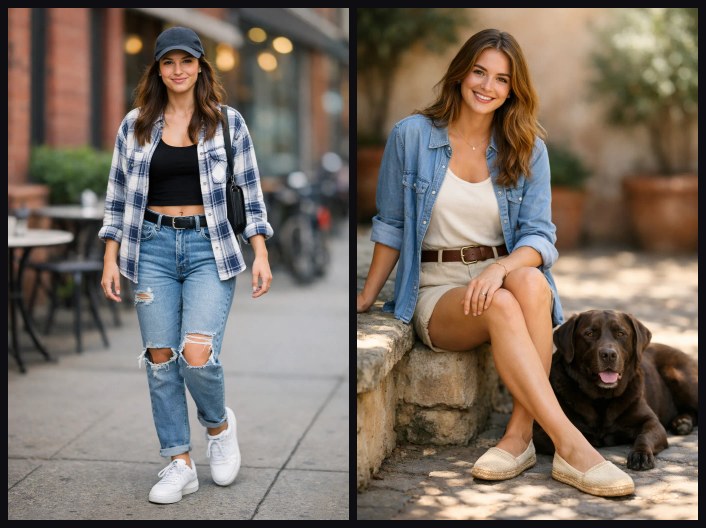
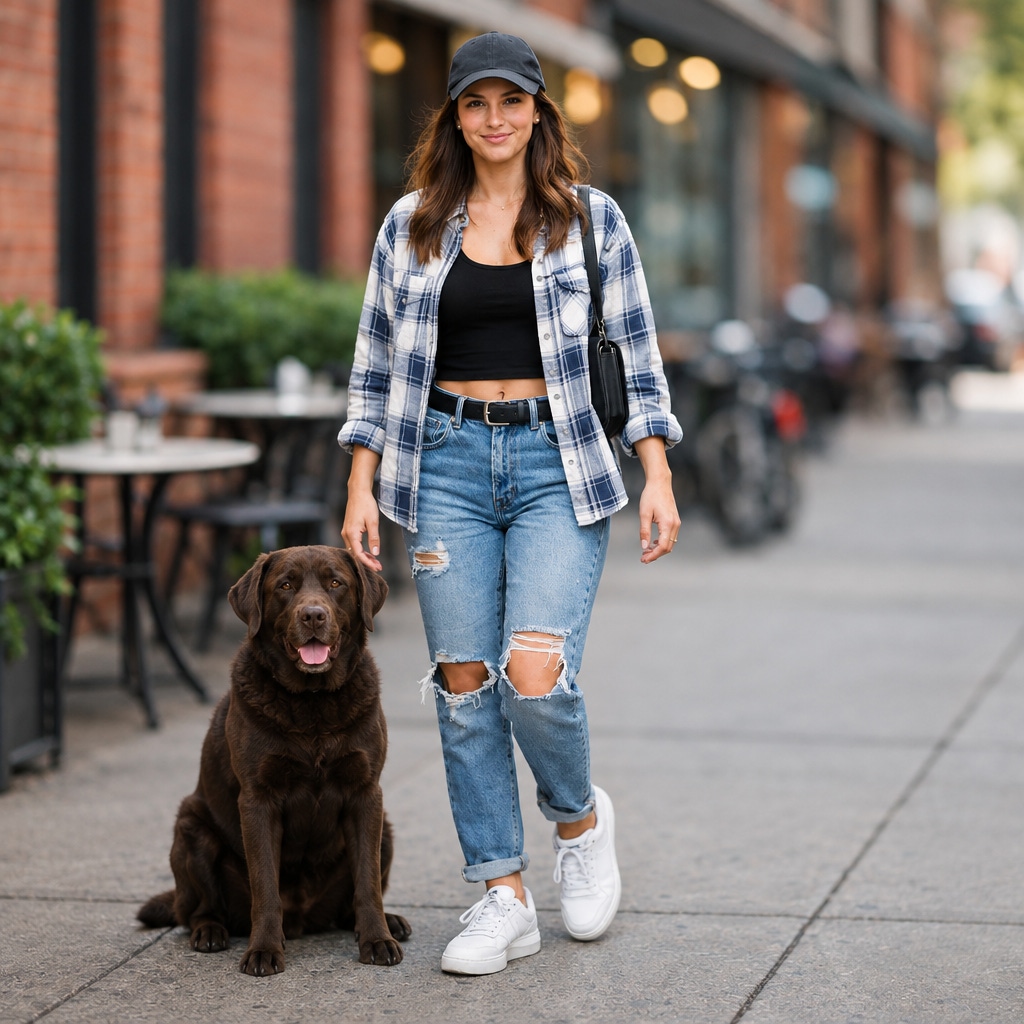
一张主图,然后就地改配色、改材质、改包装文字 —— 整组图里商品是同一件物品,不是每次重新想象一遍。
background=transparent 直接返回带 alpha 的 PNG,1K / 2K / 4K 都可以;目录格、贴纸、合成图层都省掉抠图那一步。
吉祥物、模特、代言人经得起几十轮编辑:换服装、换道具、换场景,脸不漂移。参考图不收费,先锚定再迭代。
改海报的标题、改瓶身的标签,周围的构图、光线、排版原样不动 —— 改动落在文字上,不是整幅画面。
比 GPT Image 2 快约一倍,同一条提示词下也比 Sunburst 快约一倍 —— 几百张商品图或社交变体是一个下午的事,不是一周。同画质下和 Sunburst 每张一样贵,这份速度不额外收费。
GPT Image 2.5 Flare 通过 APIMODELS 平台调用,当前定价:1K-low: $0.01, 1K-medium: $0.02, 1K-high: $0.03, 1K-xhigh: $0.05, 1K-max: $0.08, 2K-low: $0.02, 2K-medium: $0.03, 2K-high: $0.04, 2K-xhigh: $0.08, 2K-max: $0.15, 4K-low: $0.02, 4K-medium: $0.045, 4K-high: $0.08, 4K-xhigh: $0.17, 4K-max: $0.3。按量计费,用多少付多少。
在 APIMODELS 注册账号并获取 API Key,然后通过我们的统一 API 端点调用即可。我们提供详细的 API 文档和 cURL、Python、Node.js 代码示例。
APIMODELS 通过聚合平台提供与官方相同的 GPT Image 2.5 Flare 模型。我们提供统一的 API 接口,无需分别注册各平台账号,一个 API Key 即可调用所有模型。
Flare 是默认档:2.5 的完整画质,延迟约为 GPT Image 2 的一半,不传 quality 时按 medium 出图,适合社媒、电商和批量出图。Sunburst 是最高精度档,缺省按 high 出图、单张更慢,面向精品商业图像。两档参数完全相同;1K、2K 共用一张价表,4K 下 Sunburst 价格更高(见下一条)。除此之外,差别只在缺省画质和上游的精度调校。拿不准就先用 flare;要更高精度时把 model 换成 sunburst,或在同一请求里直接传 quality:"high"。
按「分辨率 × 画质」两维计价,一共十五格:1K $0.01 / $0.020 / $0.03 / $0.05 / $0.08,2K $0.020 / $0.03 / $0.04 / $0.08 / $0.15,4K $0.02 / $0.045 / $0.08 / $0.17 / $0.3(顺序为 low / medium / high / xhigh / max)。只为你要的细节付钱 —— 验版式用 low 一张 $0.01,要印刷再上 max。分辨率档位按实际出图的总像素量判定(≤1.7MP 记 1K、1.7–4.6MP 记 2K、>4.6MP 记 4K),既不看最长边也不看请求参数 —— 例如 2K 的 2720x1536 是 4.18MP,虽然长边超过 2048,仍按 2K 计费(size 传 auto 或不传时以实际输出为准)。参考图、透明底都不另收费,失败不扣费。quality 不传或传 auto 时按模型缺省档计:flare 是 medium,sunburst 是 high。1K、2K 下同一画质档两个模型同价,你选的是速度不是价格;4K 的 sunburst 单独定价,low → max 为 $0.02 / $0.085 / $0.16 / $0.28 / $0.47。
high 及以上的档位,是。OpenAI 对 2.5 按输出 token 计费(每百万图片 token $30),画质越高 token 越多 —— 一张 4K 图 max 档官方约 $0.40。我们同样按画质分档,所以每一格都能直接比:1K high $0.03 对约 $0.053、2K high $0.04 对约 $0.107、4K high $0.08 对约 $0.100、4K xhigh $0.17 对约 $0.178、4K max $0.3 对约 $0.40。真正的差别不在单价:不需要 OpenAI 组织认证,国内可直连,一把 key 通用全站 140+ 模型,失败不扣费。
透明底可用:background=transparent 加 output_format=png,返回真带 alpha 通道的 PNG,1K / 2K / 4K 都实测过(产品图 52% 到 67% 的像素透明)。蒙版则已经不再接受:蒙版本该是硬边界,但我们手上的上游渠道没有一条真当边界用 —— 照收、照返 200,保护区照样被改。与其收下一个会被悄悄忽略的参数,现在带 mask 的请求一律返回 400。控制改动范围靠提示词点名:写清要改的对象、并声明其余不变,例如「把红色圆形改成蓝色,其它一切保持不变」,实测只有那个圆会变。
三档都是原生生成而非放大:我们用「缩一半再放回」的细节能量法验过,2K / 4K 图在全尺寸这一层的高频信息与 1K 同一水平。尺寸上:4K 按请求精确交付 3840×2160(9:16 则 2160×3840);1K 的 1:1 为 1024×1024;2K 的 1:1 为 2048×2048,其它比例按 2720×1536(9:16 则 1536×2720)请求,返回的是这个尺寸,或同比例、长边 2048 的尺寸(16:9 约 2048×1152)—— 后者正是 OpenAI 官方文档里标为「2K」的示例尺寸。两种都按 2K 计费,比例不变。
近 7 天生产中位数(外部流量、成功调用,2026-09-19 取数):1K 约 45 秒(p90 约 65 秒),2K flare 约 25 秒、sunburst 约 40 秒,4K sunburst 约 35 秒、flare 约 50 秒;带参考图的编辑 15 到 50 秒。眼下 1K 反而比 2K 慢,是渠道差异不是模型差异。同步调用请把客户端超时设到 180 秒以上,或改用异步 taskId 轮询 / 回调。
在 APIMODELS,GPT Image 2.5 Flare 与 60+ 个模型共用一个 API Key、一个余额,所以选型只看合不合适,不存在锁定。它支持 Text to Image、Precise region edit — mark a spot, only that changes、Multi-turn consistency without prompt scaffolding、Native transparent PNG、Sharper detail, faster generation、1:1 / 3:4 / 4:3 / 9:16 / 16:9 / 21:9、Flare (default, ~2x faster) and Sunburst (highest fidelity),你可以在价格和能力上把它和其它图片生成模型对比,换模型只需改一个模型名字符串——无需新账号、无需重新对接。所有图片生成模型与实时价格见 apimodels.app/models。
GPT Image 2.5 Flare 支持:Text to Image、Precise region edit — mark a spot, only that changes、Multi-turn consistency without prompt scaffolding、Native transparent PNG、Sharper detail, faster generation、1:1 / 3:4 / 4:3 / 9:16 / 16:9 / 21:9、Flare (default, ~2x faster) and Sunburst (highest fidelity)。完整参数与调用方式见 APIMODELS 的 API 文档。
可以。APIMODELS 提供可直接访问的统一 API,一个 API Key 即可调用 GPT Image 2.5 Flare,无需分别注册官方账号、也无需自行处理官方接口的网络访问。
我们支持 Stripe(Visa、Mastercard 等国际信用卡)和支付宝付款。充值后积分即时到账。
不少人搜到这一页,其实是想把图里的某一行字改掉,并不需要 API key。这件事有专门的工具:EditTextImage,我们在自家图像模型上做的,只要传图、填「现在写的」和「要改成的」。文件是照片或导出图就从编辑 JPG 里的文字开始;想知道原字体是怎么还原的,看用同样的字体编辑图片文字这篇。
社区作者公开的提示词,可直接复制修改。每条都标注作者并回链原帖。
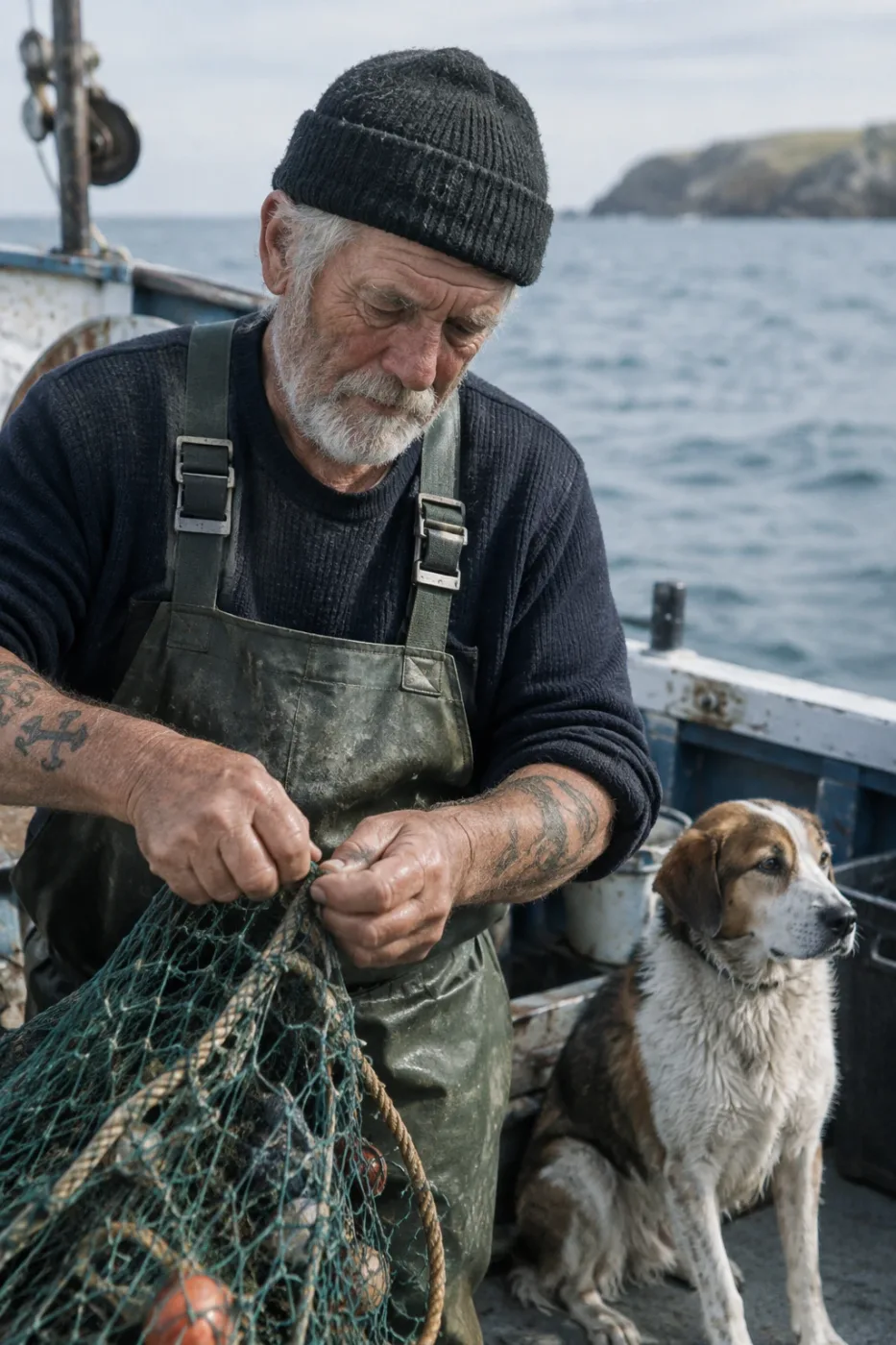
老水手与渔船纪实摄影
Create a photorealistic candid photograph of an elderly sailor standing on a small fishing boat. He has weathered skin with visible wrinkles, pores, and sun texture, and a few faded traditional sailor tattoos on his arms. He is calmly adjusting a net while his dog sits nearby on the deck. Shot like a 35mm film photograph, medium close-up at eye level, using a 50mm lens. Soft coastal daylight, shallow depth of field, subtle film grain, natural color balance. The image should feel honest and unposed, with real skin texture, worn materials, and everyday detail. No glamorization, no heavy retouching.
作者 OpenAI
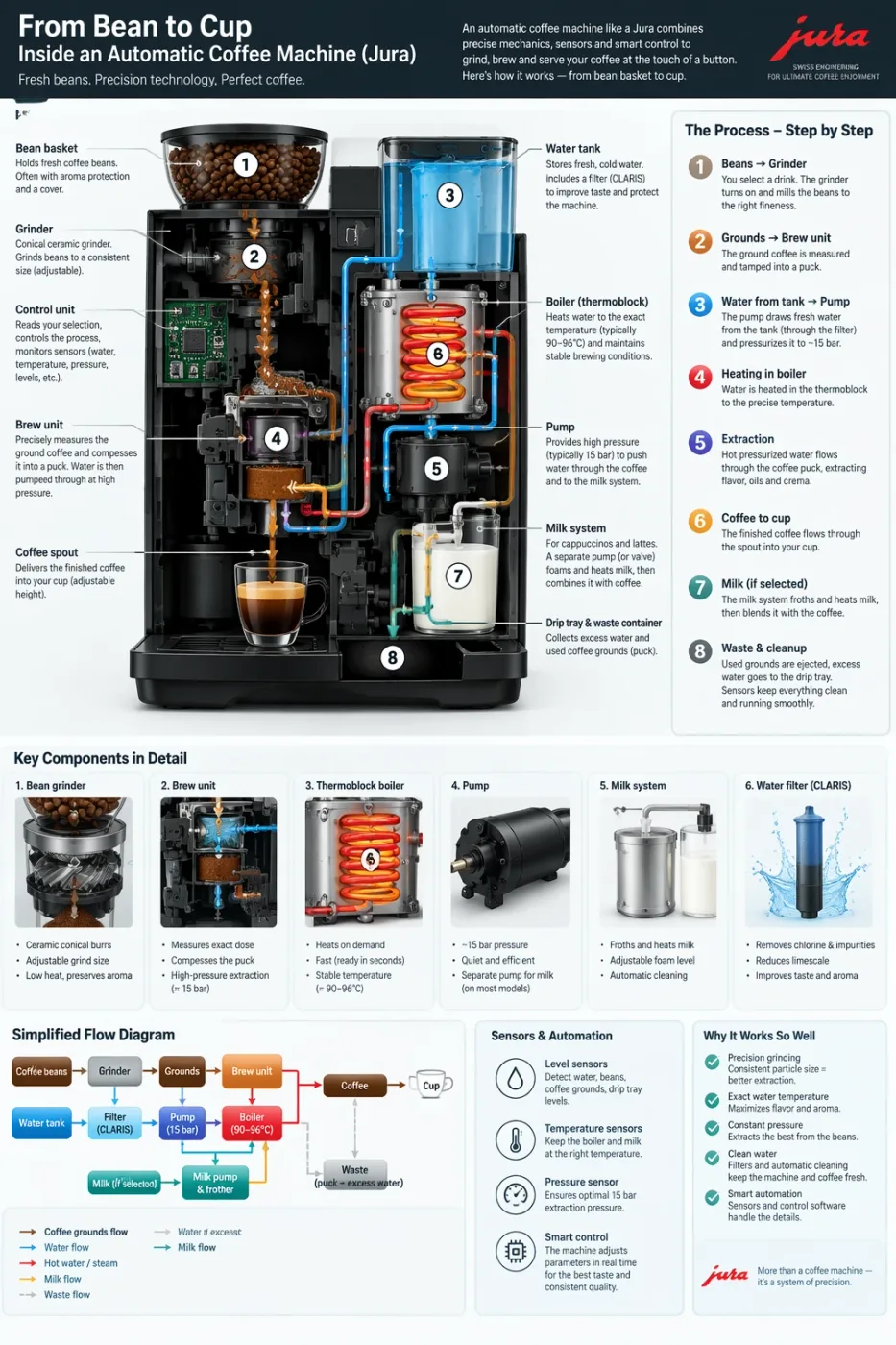
自动咖啡机工作流程信息图
Create a detailed Infographic of the functioning and flow of an automatic coffee machine like a Jura. From bean basket, to grinding, to scale, water tank, boiler, etc. I'd like to understand technically and visually the flow.
作者 OpenAI
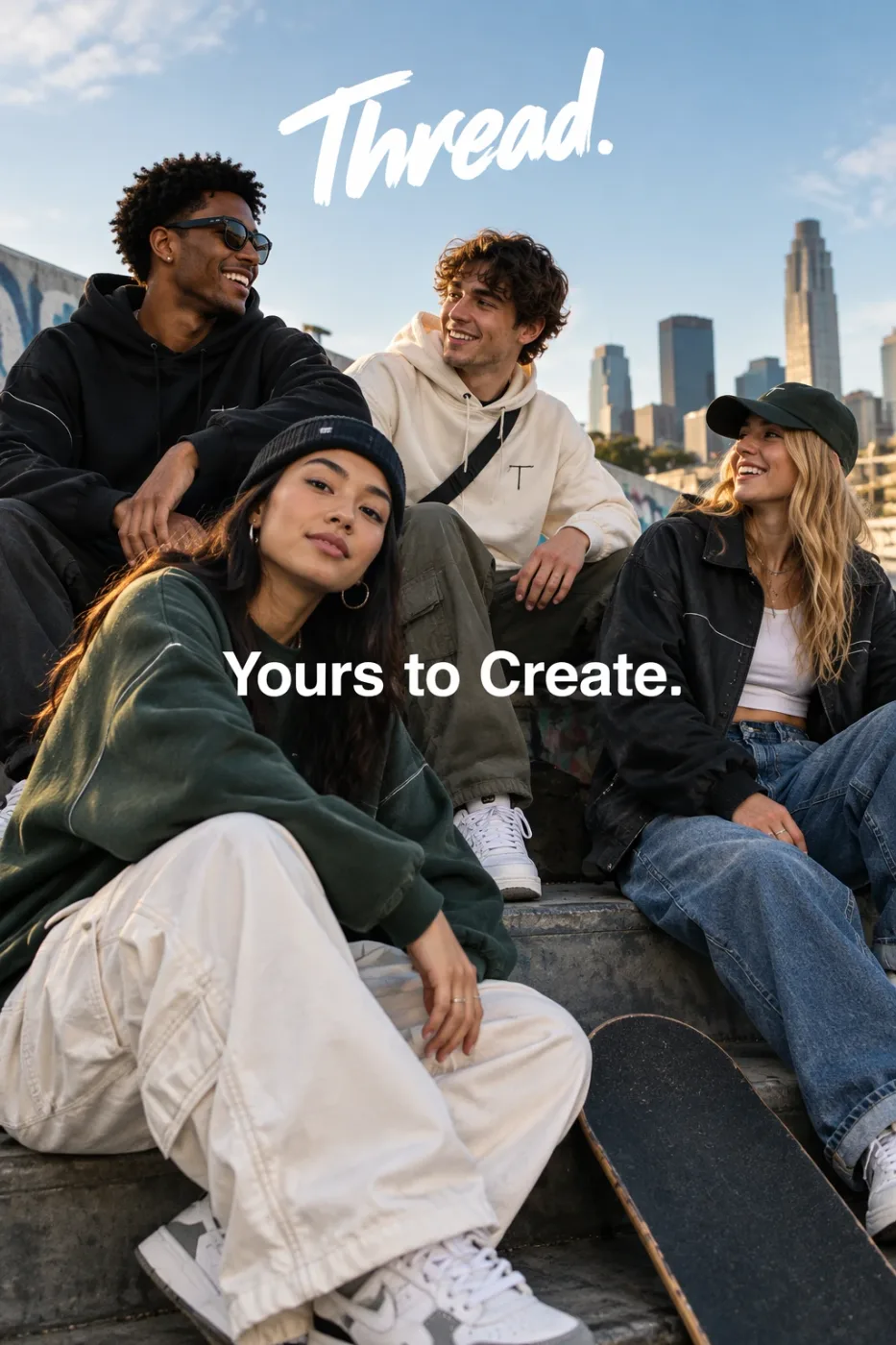
Thread 街头服饰广告
Give me a cool in culture ad / fashion shot for a brand called Thread. It's a hip young street brand. The ad shows a group of friends hanging out together with the tagline "Yours to Create." Make it feel like a polished campaign image for a youth streetwear audience: stylish, contemporary, energetic, and tasteful. Use clean composition, strong color direction, natural poses, and premium fashion photography cues. Render the tagline exactly once, clearly and legibly, integrated into the ad layout. No extra text, no watermarks, no unrelated logos.
作者 OpenAI
