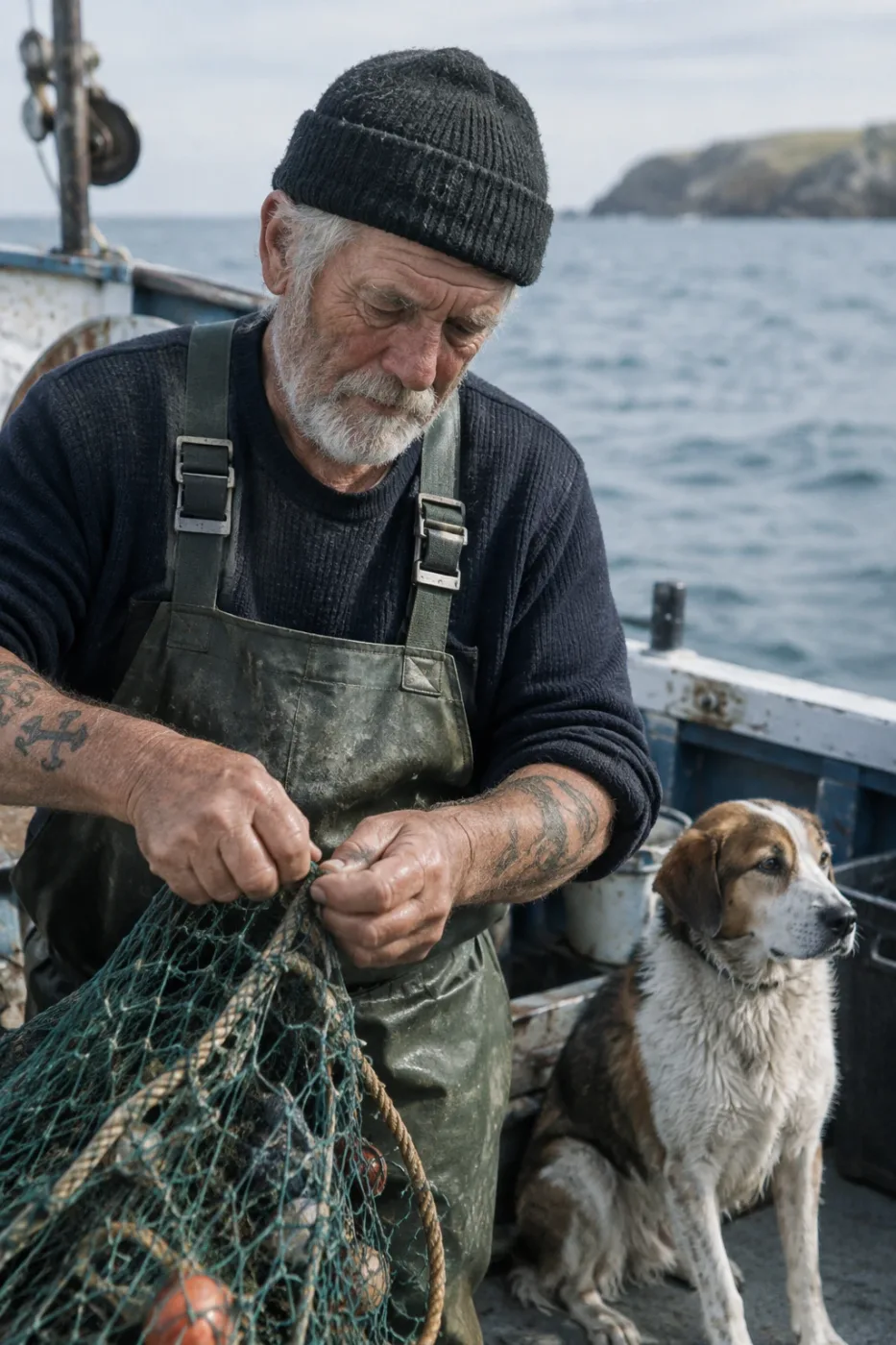
Create a photorealistic candid photograph of an elderly sailor standing on a small fishing boat.
He has weathered skin with visible wrinkles, pores, and sun texture, and a few faded traditional sailor tattoos on his arms.
He is calmly adjusting a net while his dog sits nearby on the deck. Shot like a 35mm film photograph, medium close-up at eye level, using a 50mm lens.
Soft coastal daylight, shallow depth of field, subtle film grain, natural color balance.
The image should feel honest and unposed, with real skin texture, worn materials, and everyday detail. No glamorization, no heavy retouching.
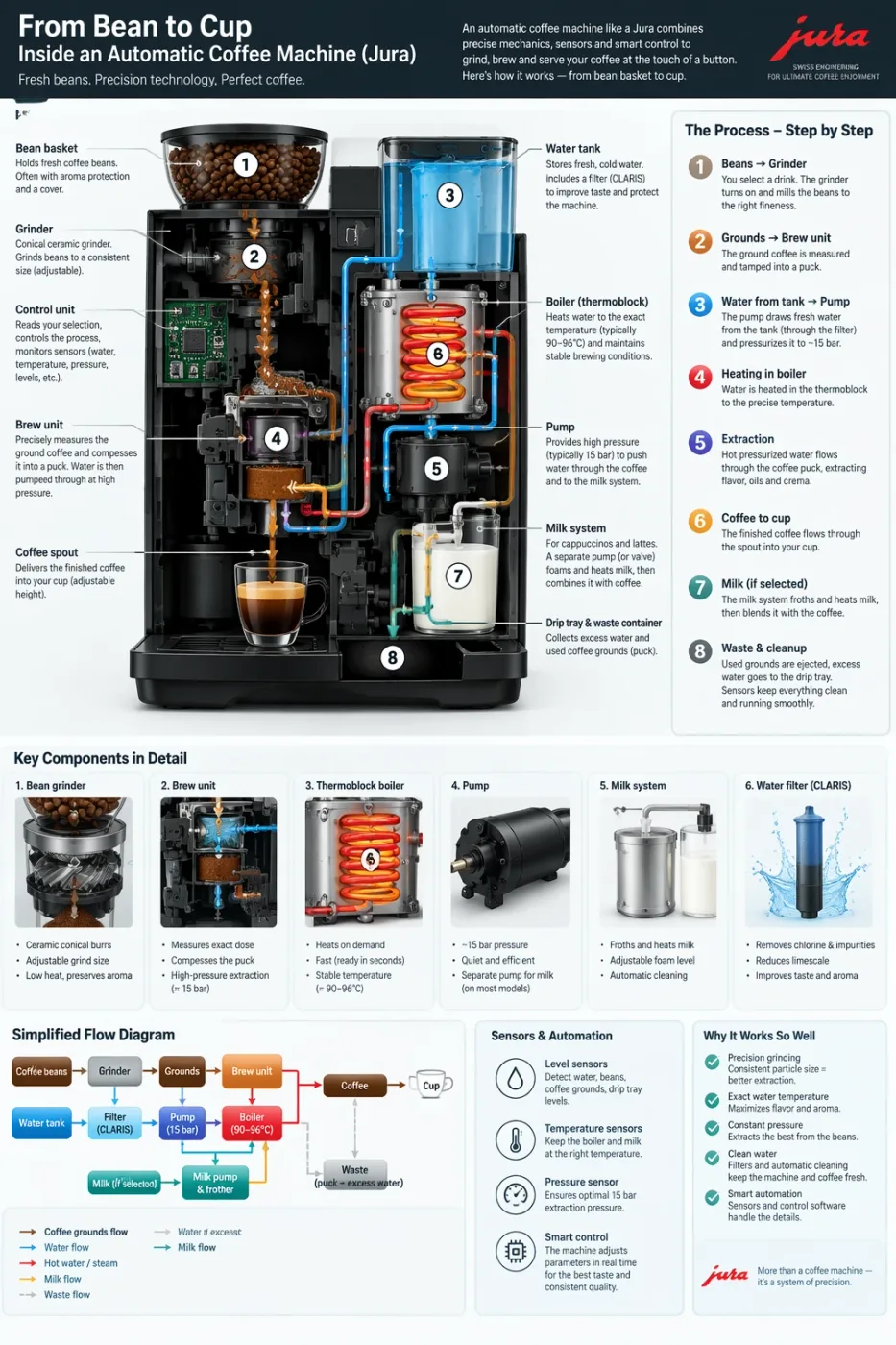
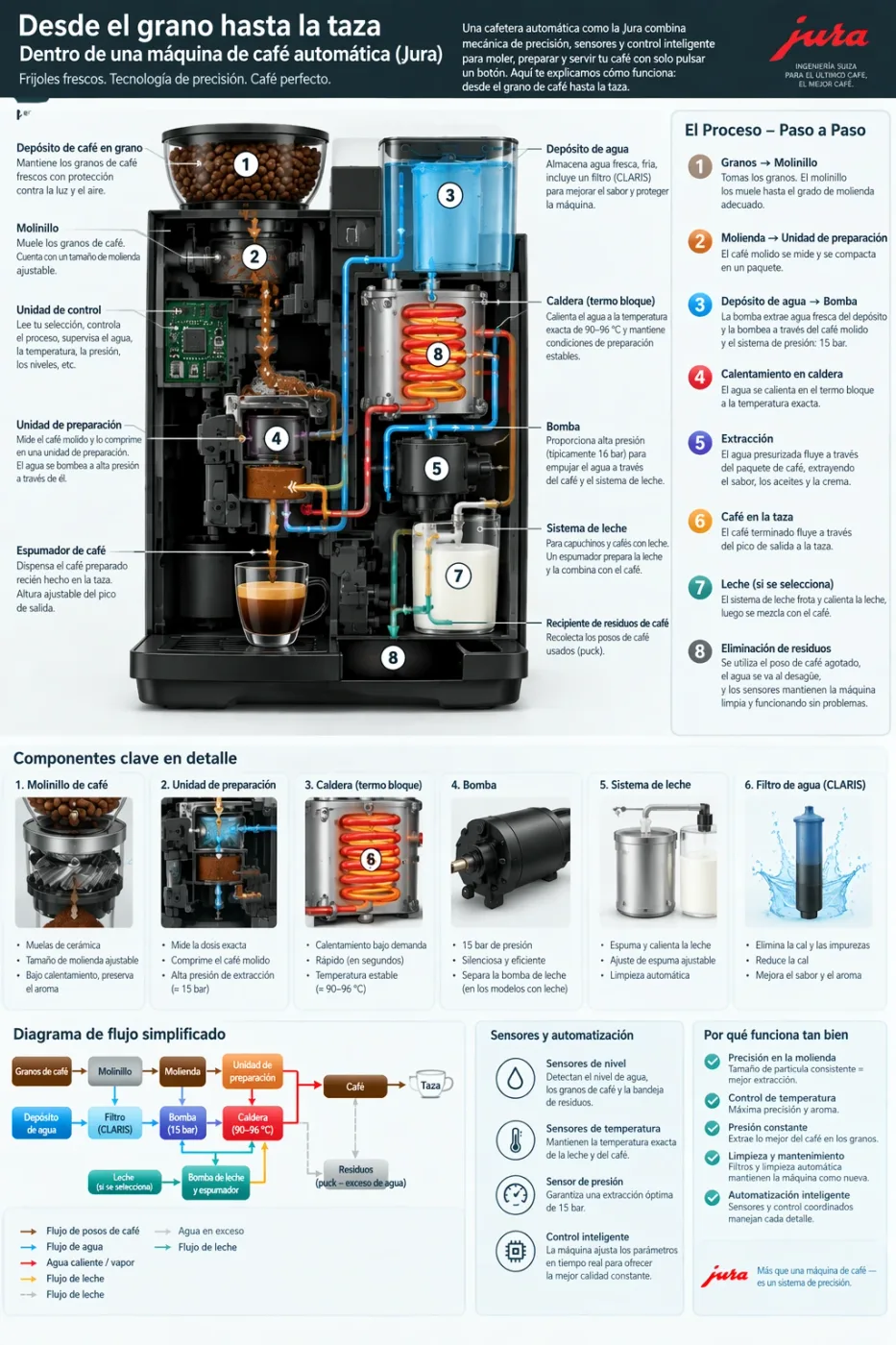
Create a detailed Infographic of the functioning and flow of an automatic coffee machine like a Jura.
From bean basket, to grinding, to scale, water tank, boiler, etc.
I'd like to understand technically and visually the flow.
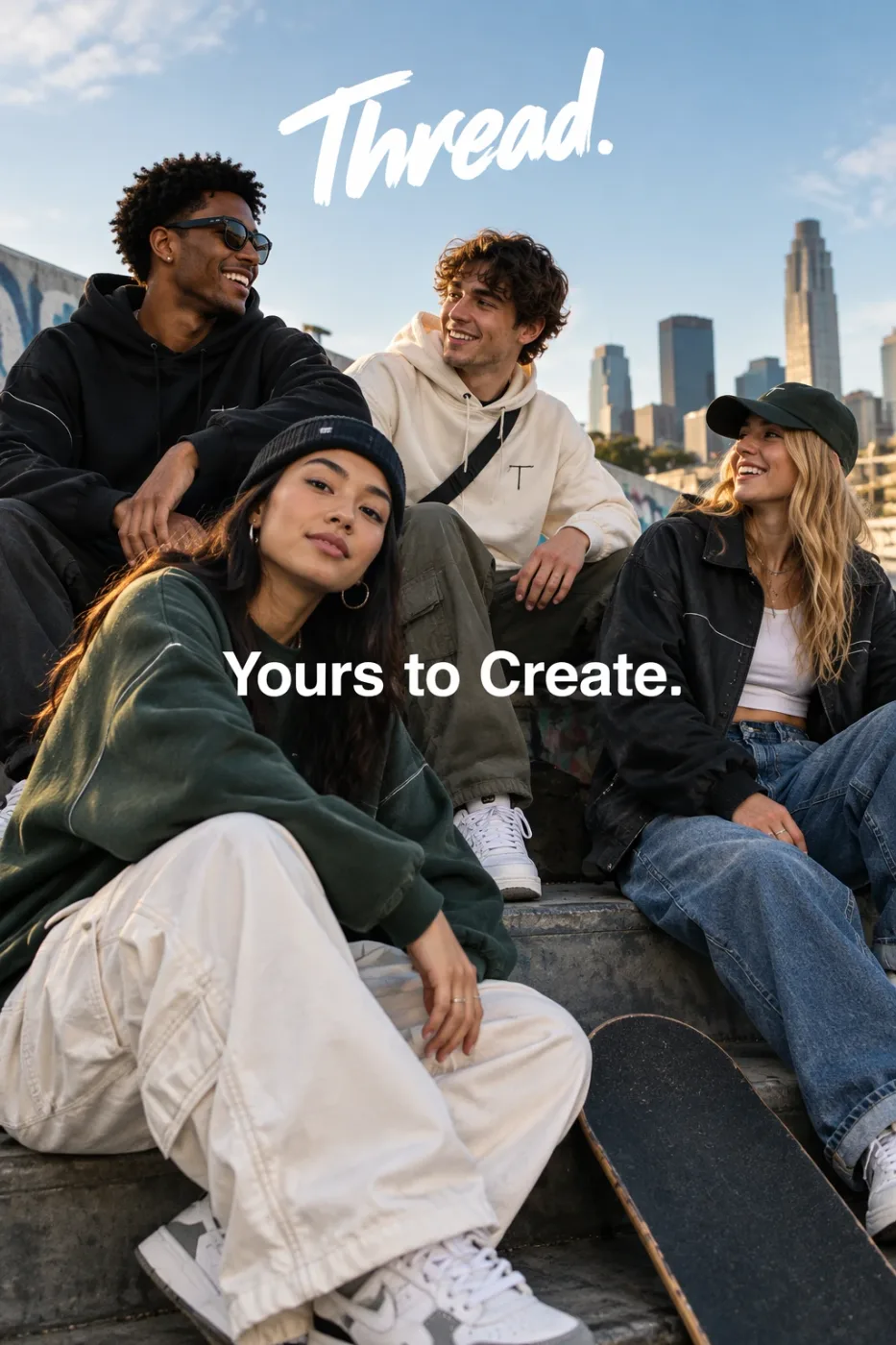
Give me a cool in culture ad / fashion shot for a brand called Thread.
It's a hip young street brand. The ad shows a group of friends hanging out together with the tagline "Yours to Create."
Make it feel like a polished campaign image for a youth streetwear audience: stylish, contemporary, energetic, and tasteful.
Use clean composition, strong color direction, natural poses, and premium fashion photography cues.
Render the tagline exactly once, clearly and legibly, integrated into the ad layout.
No extra text, no watermarks, no unrelated logos.
Create an original, non-infringing logo for a company called Field & Flour, a local bakery.
The logo should feel warm, simple, and timeless. Use clean, vector-like shapes, a strong silhouette, and balanced negative space.
Favor simplicity over detail so it reads clearly at small and large sizes. Flat design, minimal strokes, no gradients unless essential.
Fully transparent background. Deliver a single centered logo with generous padding, clean alpha edges, and no solid backdrop, scenery, checkerboard, or watermark.
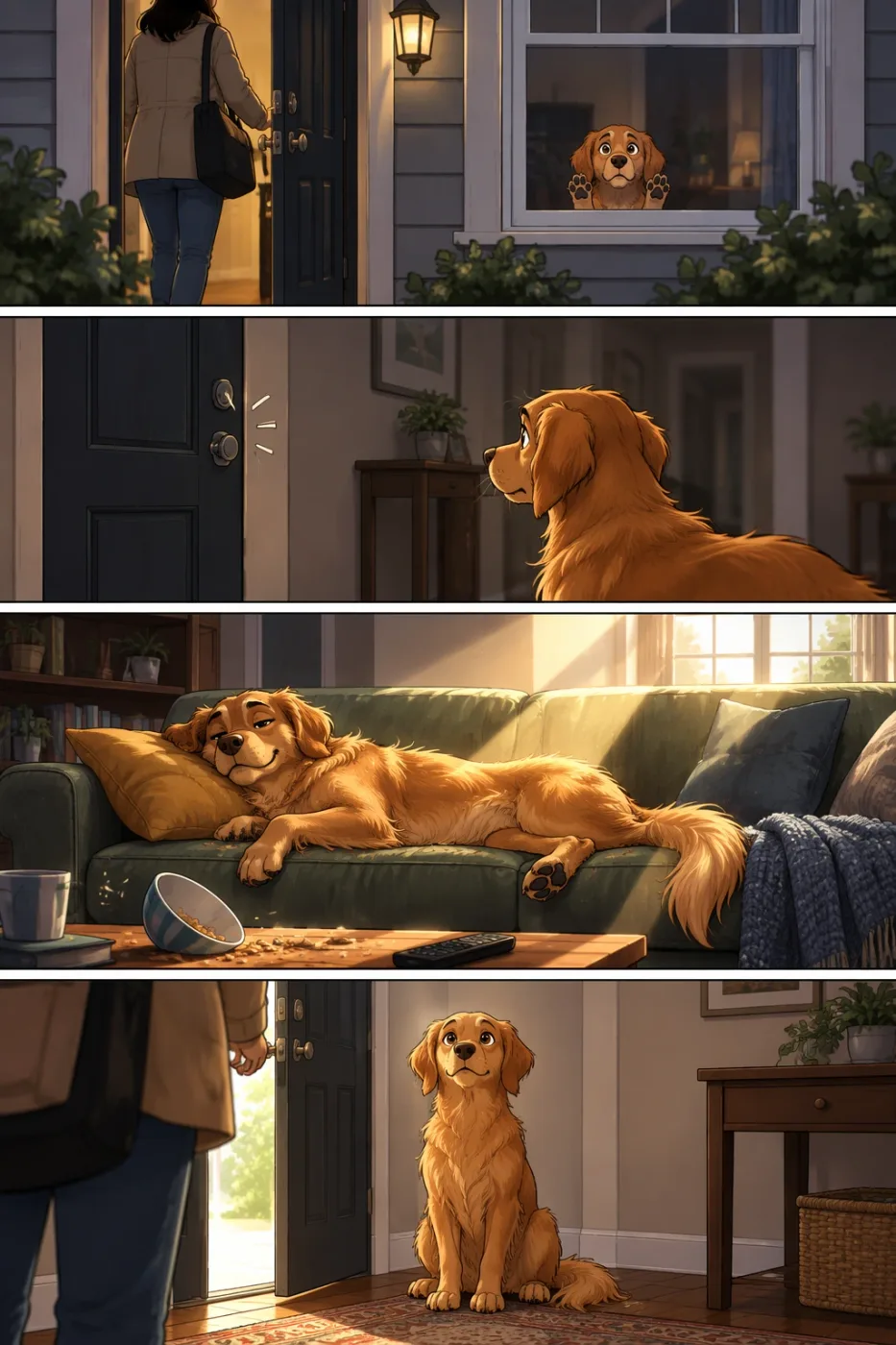
Create a short vertical comic-style reel with 4 panels.
Panel 1: The owner leaves through the front door. The pet is framed in the window behind them, small against the glass, eyes wide, paws pressed high, the house suddenly quiet.
Panel 2: The door clicks shut. Silence breaks. The pet slowly turns toward the empty house, posture shifting, eyes sharp with possibility.
Panel 3: The house transformed. The pet sprawls across the couch like it owns the place, crumbs nearby, sunlight cutting across the room like a spotlight.
Panel 4: The door opens. The pet is seated perfectly by the entrance, alert and composed, as if nothing happened.
Create a realistic mobile app UI mockup for a local farmers market.
Show today’s market with a simple header, a short list of vendors with small photos and categories, a small “Today’s specials” section, and basic information for location and hours.
Design it to be practical, and easy to use. White background, subtle natural accent colors, clear typography, and minimal decoration.
It should look like a real, well-designed, beautiful app for a small local market.
Place the UI mockup in an iPhone frame.
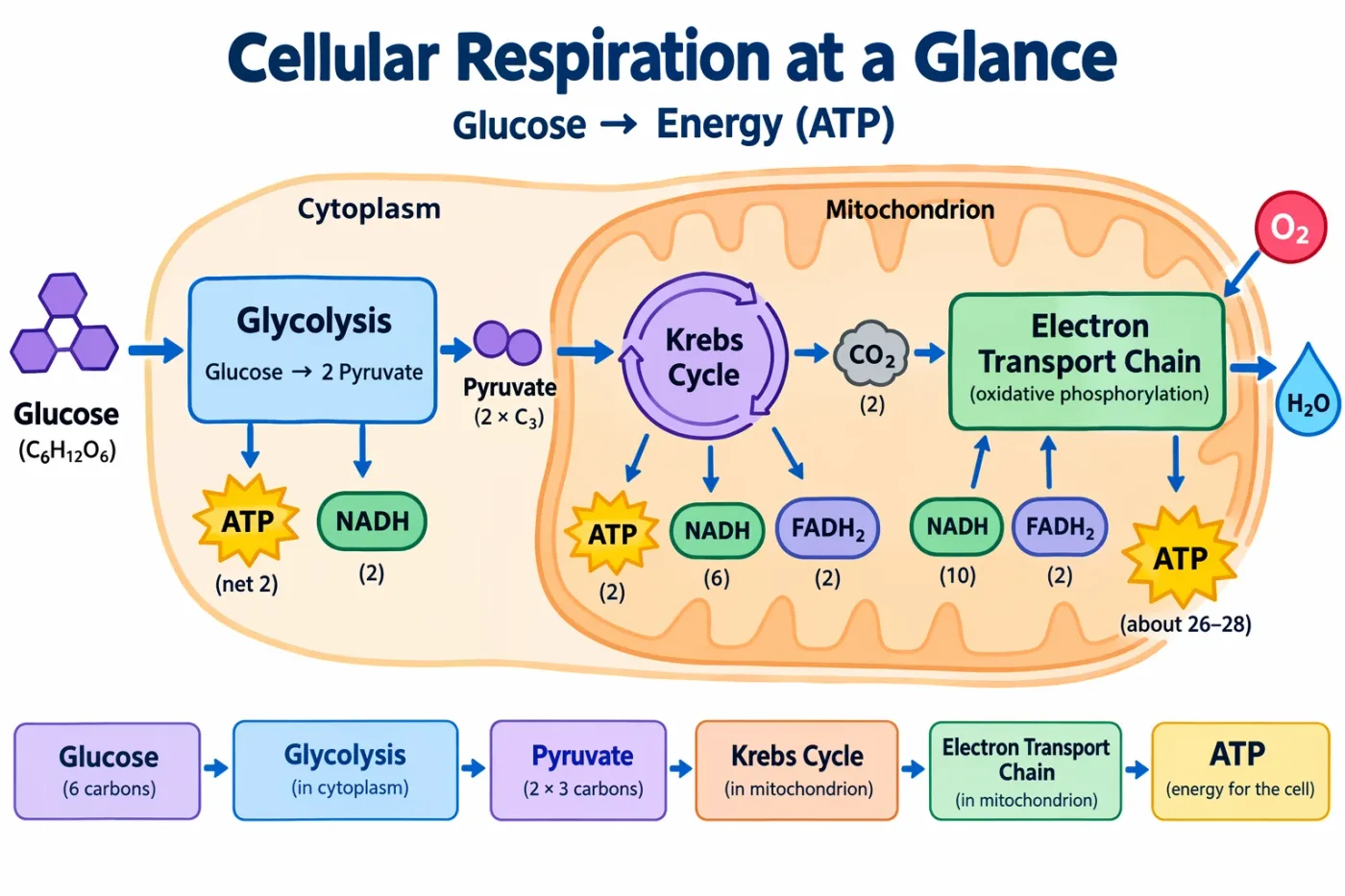
Create a simple biology diagram titled "Cellular Respiration at a Glance" for high school students.
Show how glucose turns into energy inside a cell. Include glycolysis, the Krebs cycle, and the electron transport chain.
Use arrows to connect the steps, and label the main molecules: glucose, pyruvate, ATP, NADH, FADH2, CO2, O2, and H2O.
Make it look like a clean classroom handout or slide, with a white background, simple icons, clear labels, and easy-to-read text.
Avoid tiny text, extra decoration, or anything that makes the diagram hard to understand.
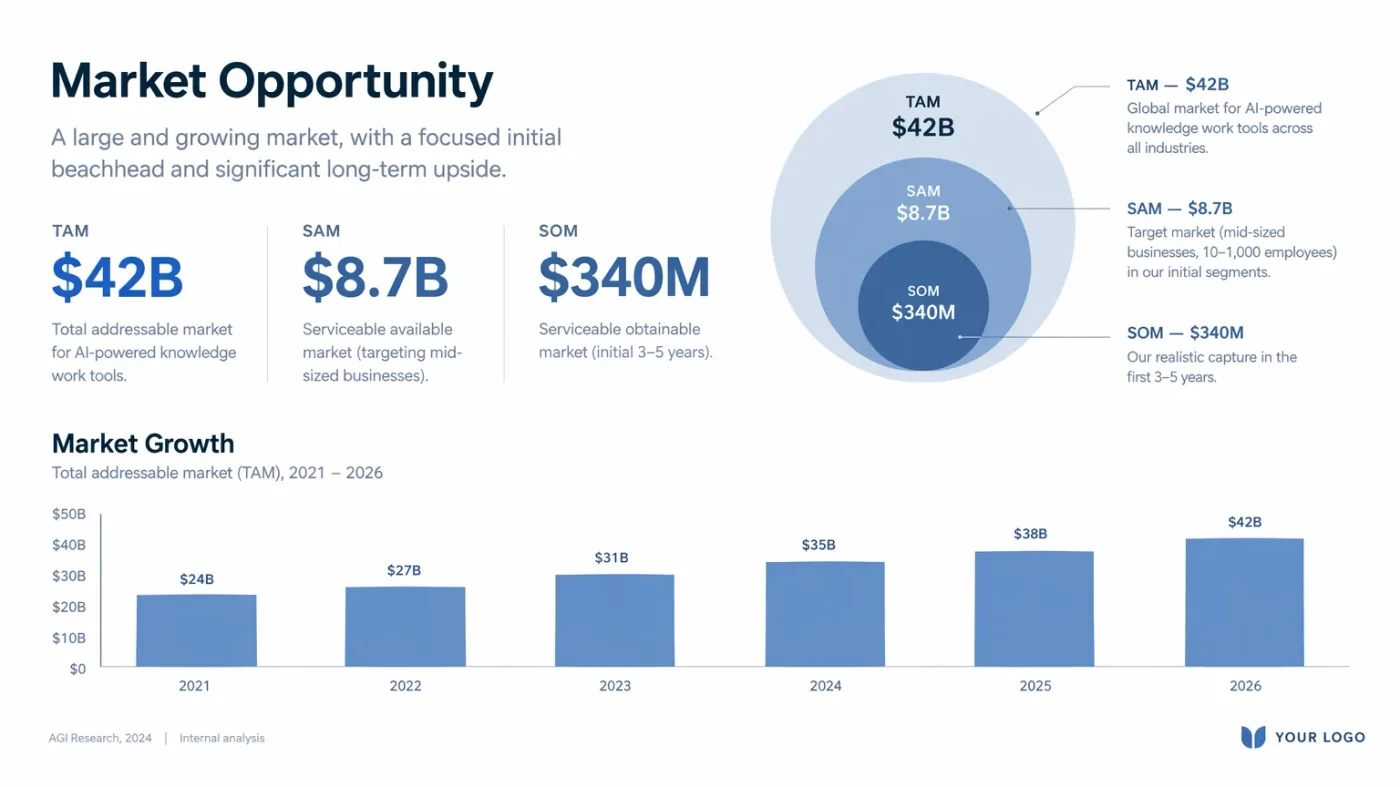
Create one pitch-deck slide titled **"Market Opportunity"** that feels like a real Series A fundraising slide from a YC-backed startup.
Use a clean white background, modern sans-serif typography like Inter, and a crisp, minimal layout. The slide should include:
* A TAM/SAM/SOM concentric-circle diagram in muted blues and grays
* Specific, believable market sizing numbers:
* **TAM:** $42B
* **SAM:** $8.7B
* **SOM:** $340M
* A clean bar chart below showing market growth from **2021 to 2026**, with a subtle upward trend
* Small footnotes: **"AGI Research, 2024"** and **"Internal analysis"**
* A company logo placeholder in the bottom-right corner
The design should look like it belongs in a deck that actually raised money: highly readable text, clear data hierarchy, polished spacing, and professional startup-style visual language.
Avoid clip art, stock photography, gradients, shadows, decorative elements, or anything that feels generic or overdesigned.
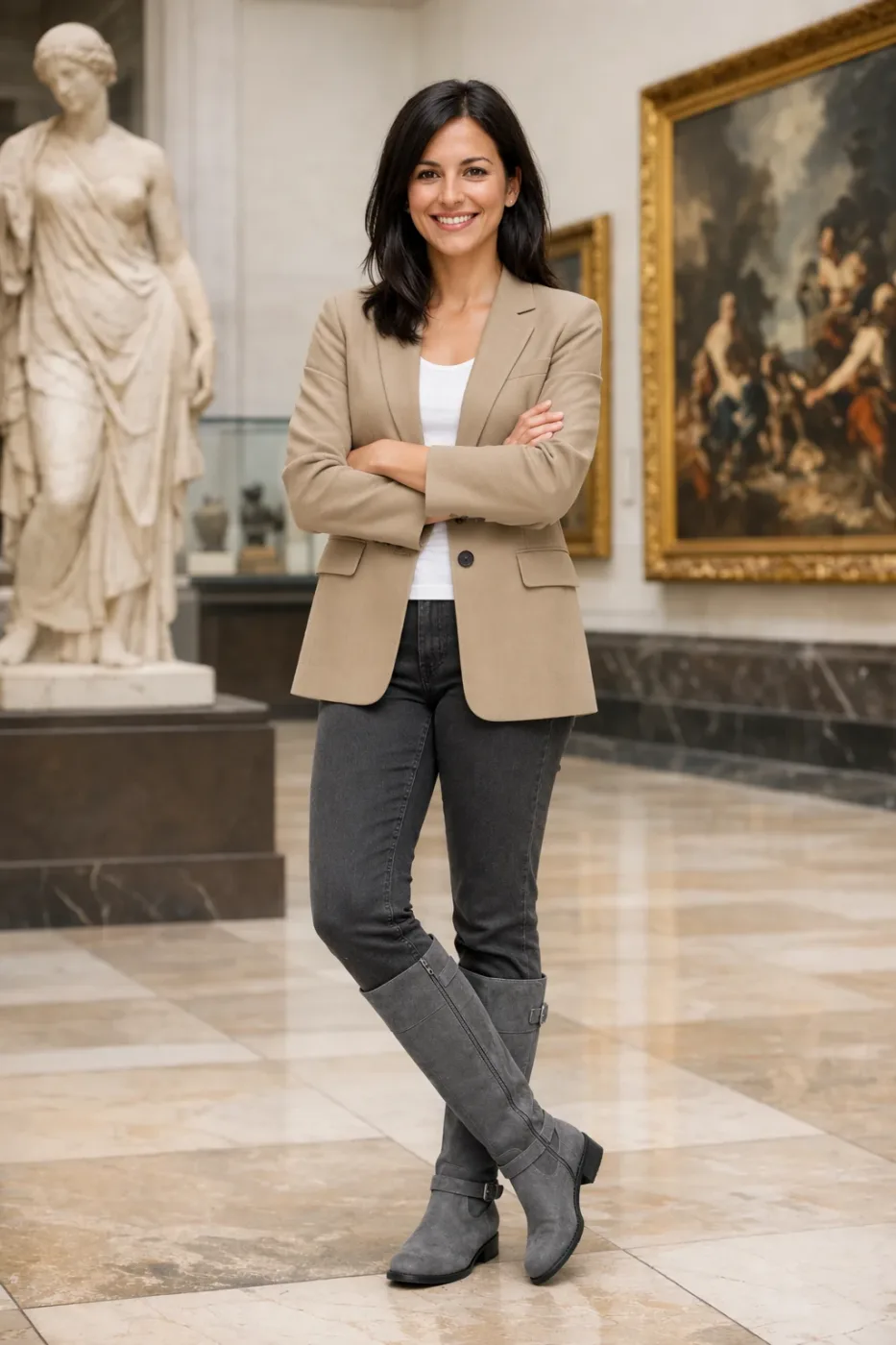
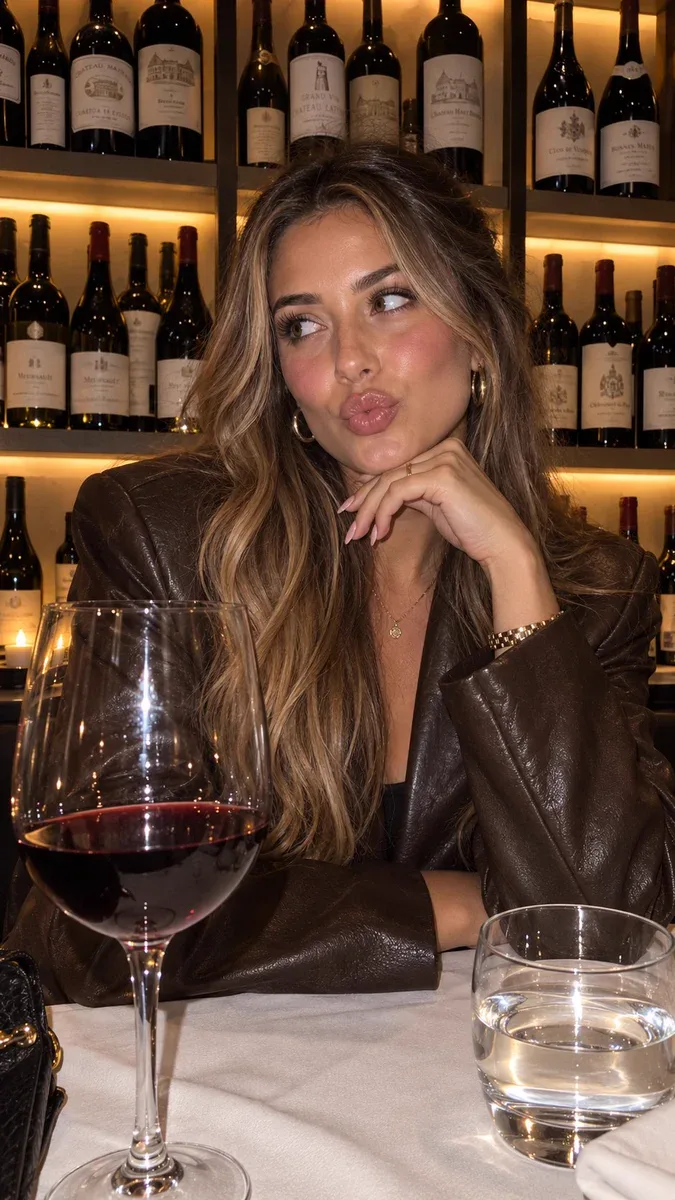
Edit the image to dress the woman using the provided clothing images. Do not change her face, facial features, skin tone, body shape, pose, or identity in any way. Preserve her exact likeness, expression, hairstyle, and proportions. Replace only the clothing, fitting the garments naturally to her existing pose and body geometry with realistic fabric behavior. Match lighting, shadows, and color temperature to the original photo so the outfit integrates photorealistically, without looking pasted on. Do not change the background, camera angle, framing, or image quality, and do not add accessories, text, logos, or watermarks.
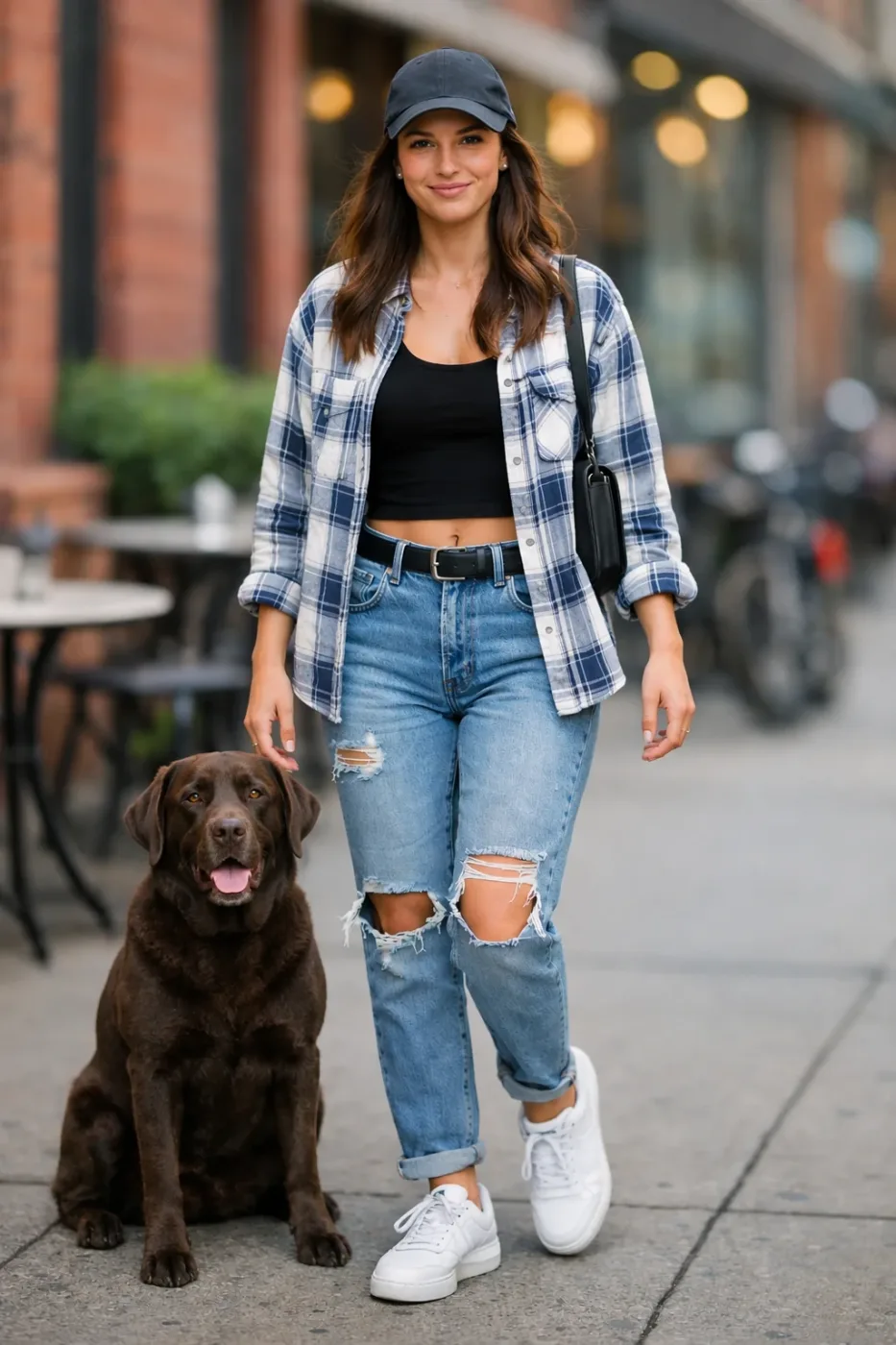
Place the dog from the second image into the setting of image 1, right next to the woman, use the same style of lighting, composition and background. Do not change anything else.
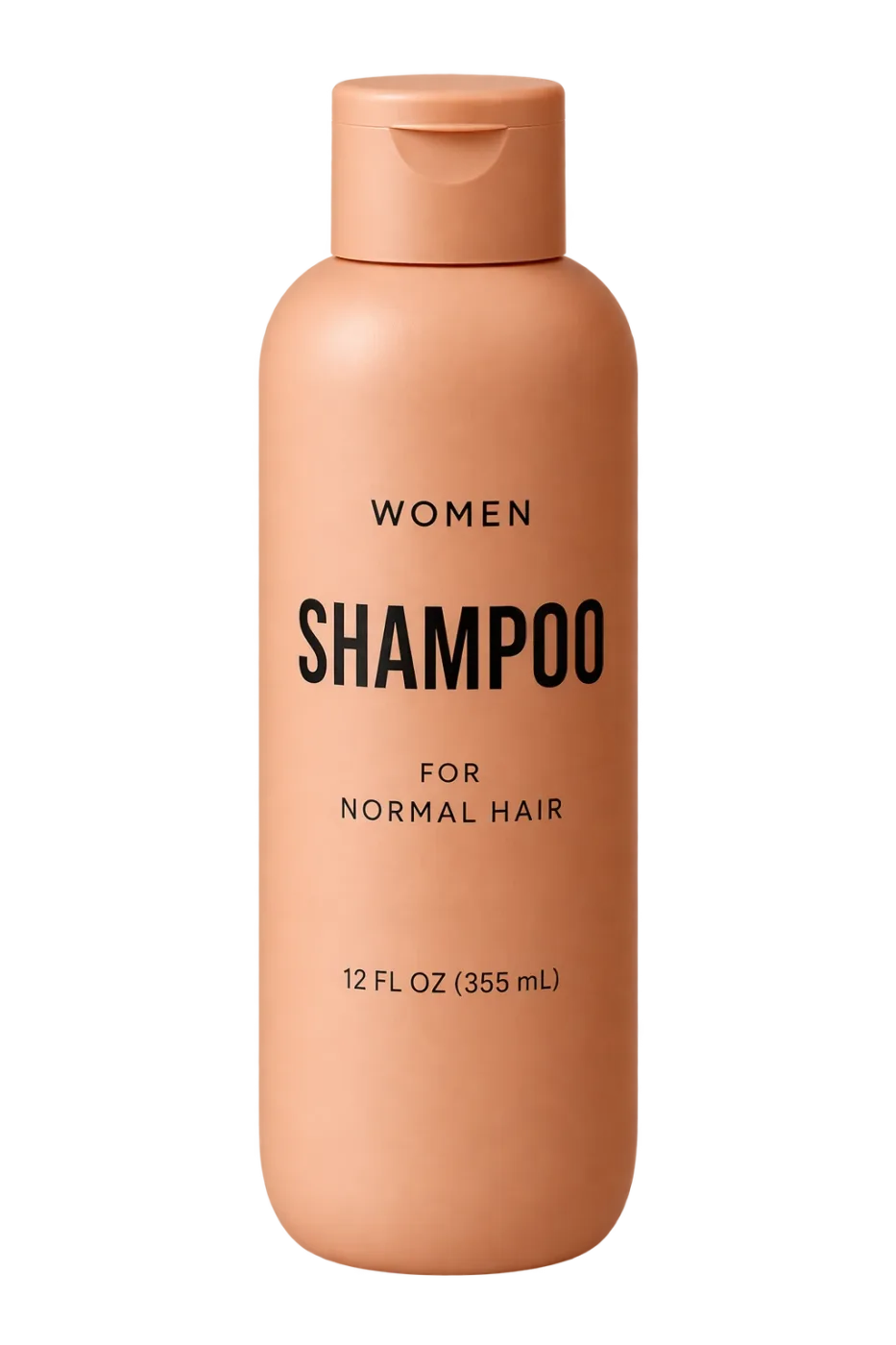
Extract the product from the input image and isolate it on a fully transparent background.
Output: centered product, crisp silhouette, no halos/fringing.
Preserve product geometry and label legibility exactly.
Add only light polishing. Do not add a solid backdrop, checkerboard, scenery, or shadow.
Do not restyle the product; remove the background and preserve clean alpha transparency.
Turn this drawing into a photorealistic image.
Preserve the exact layout, proportions, and perspective.
Choose realistic materials and lighting consistent with the sketch intent.
Do not add new elements or text.
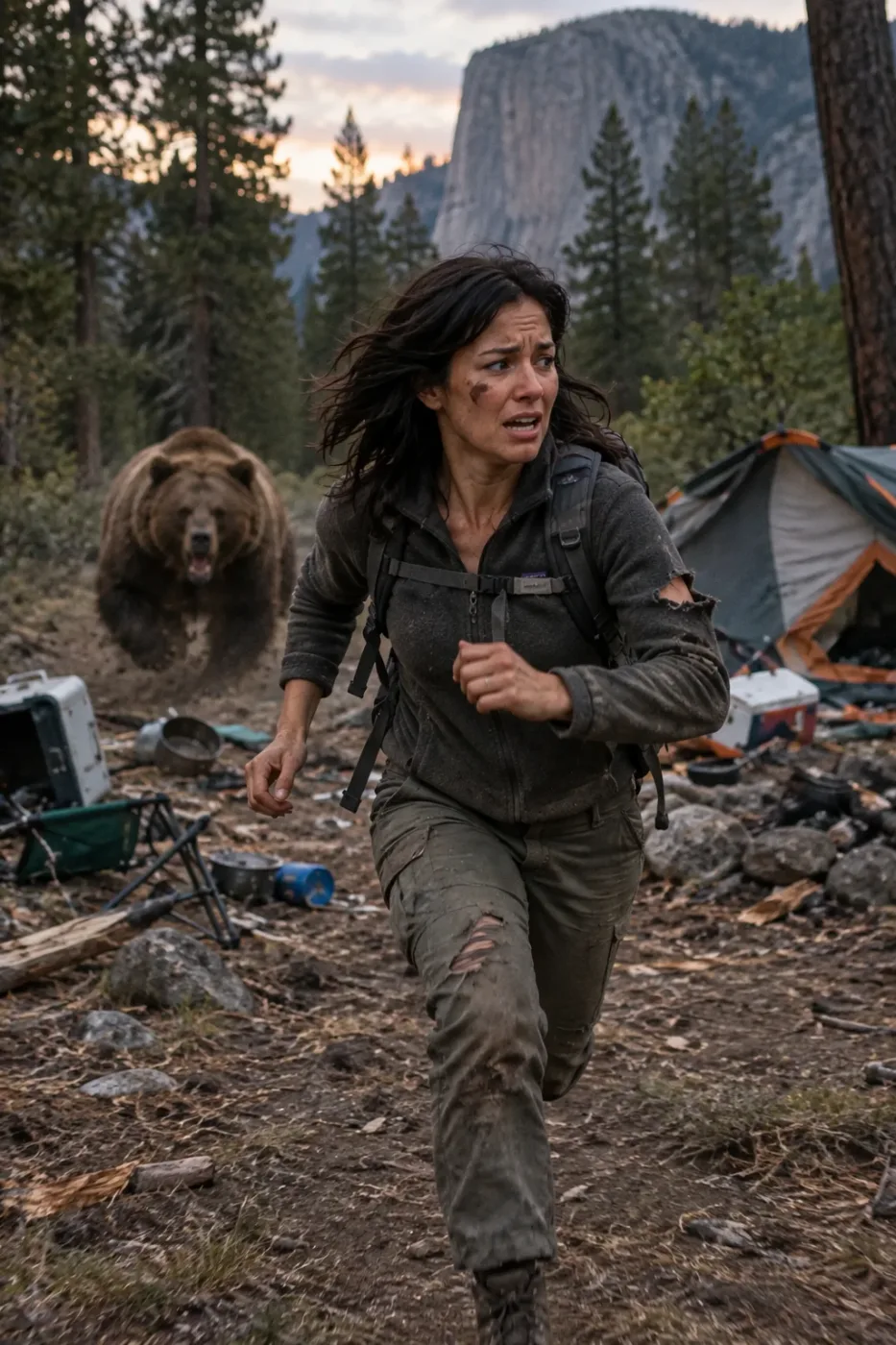
Generate a highly realistic action scene where this person is running away from a large, realistic brown bear attacking a campsite. The image should look like a real photograph someone could have taken, not an overly enhanced or cinematic movie-poster image.
She is centered in the image but looking away from the camera, wearing outdoorsy camping attire, with dirt on her face and tears in her clothing. She is clearly afraid but focused on escaping, running away from the bear as it destroys the campsite behind her.
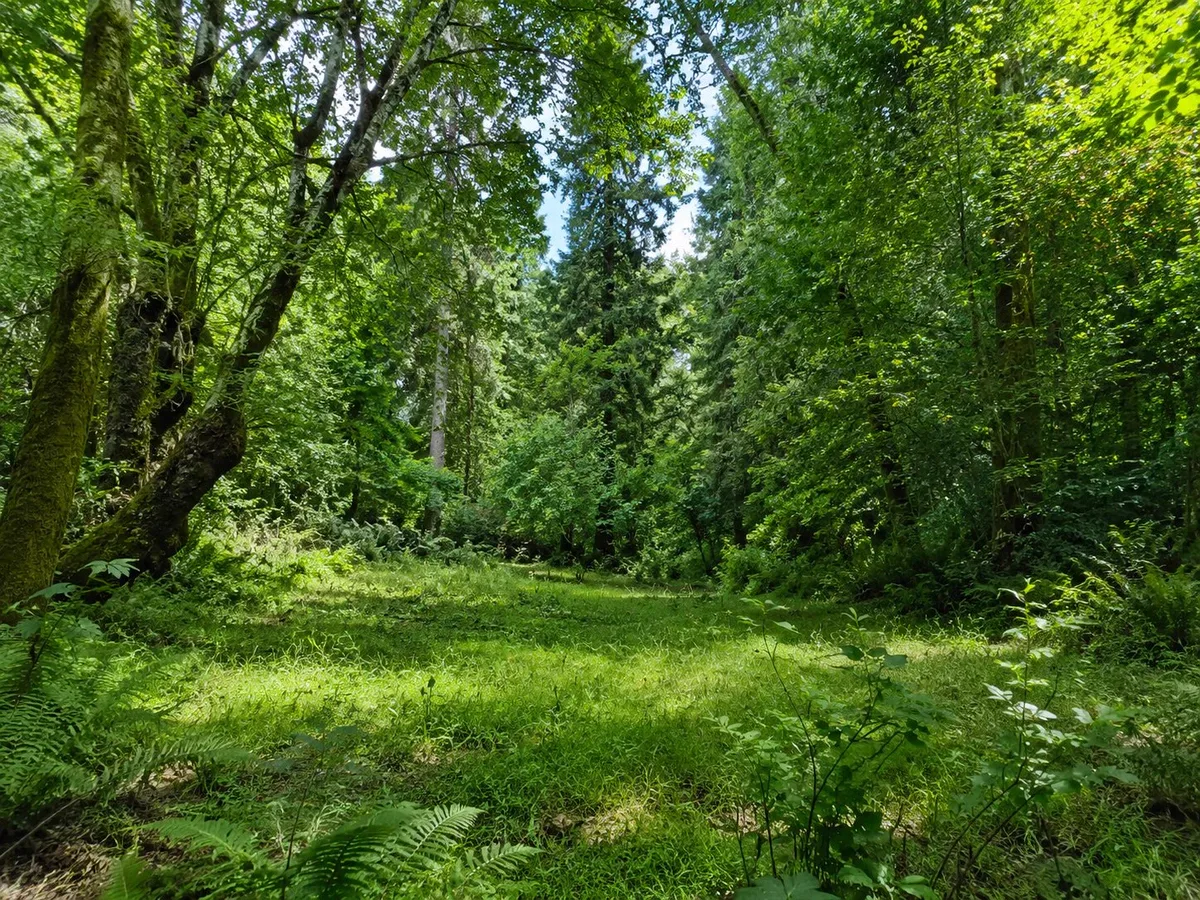
The campsite is in Yosemite National Park, with believable natural details. The time of day is dusk, with natural lighting and realistic colors. Everything should feel grounded, authentic, and unstyled, as if captured in a real moment. Avoid cinematic lighting, dramatic color grading, or stylized composition.
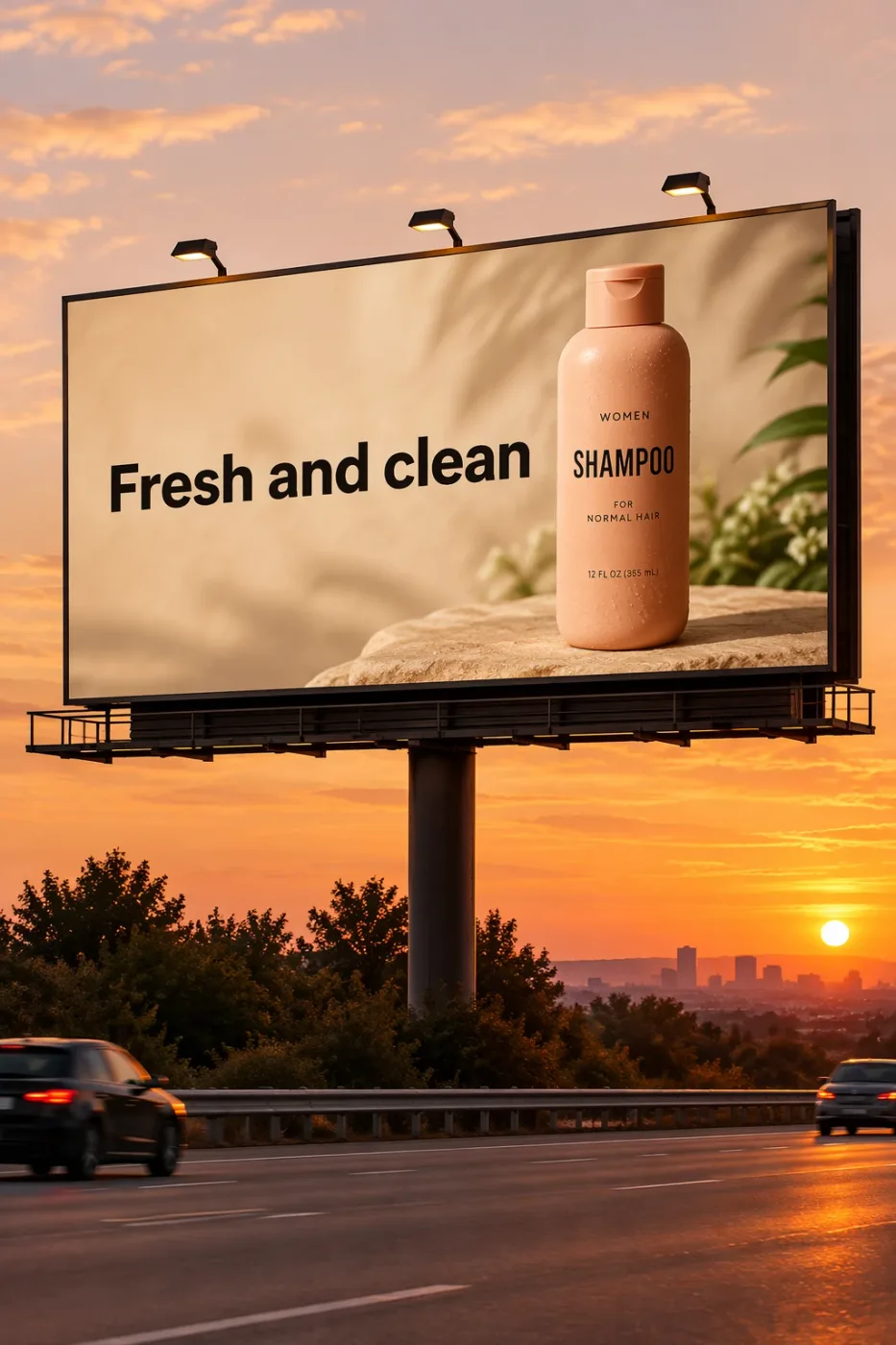
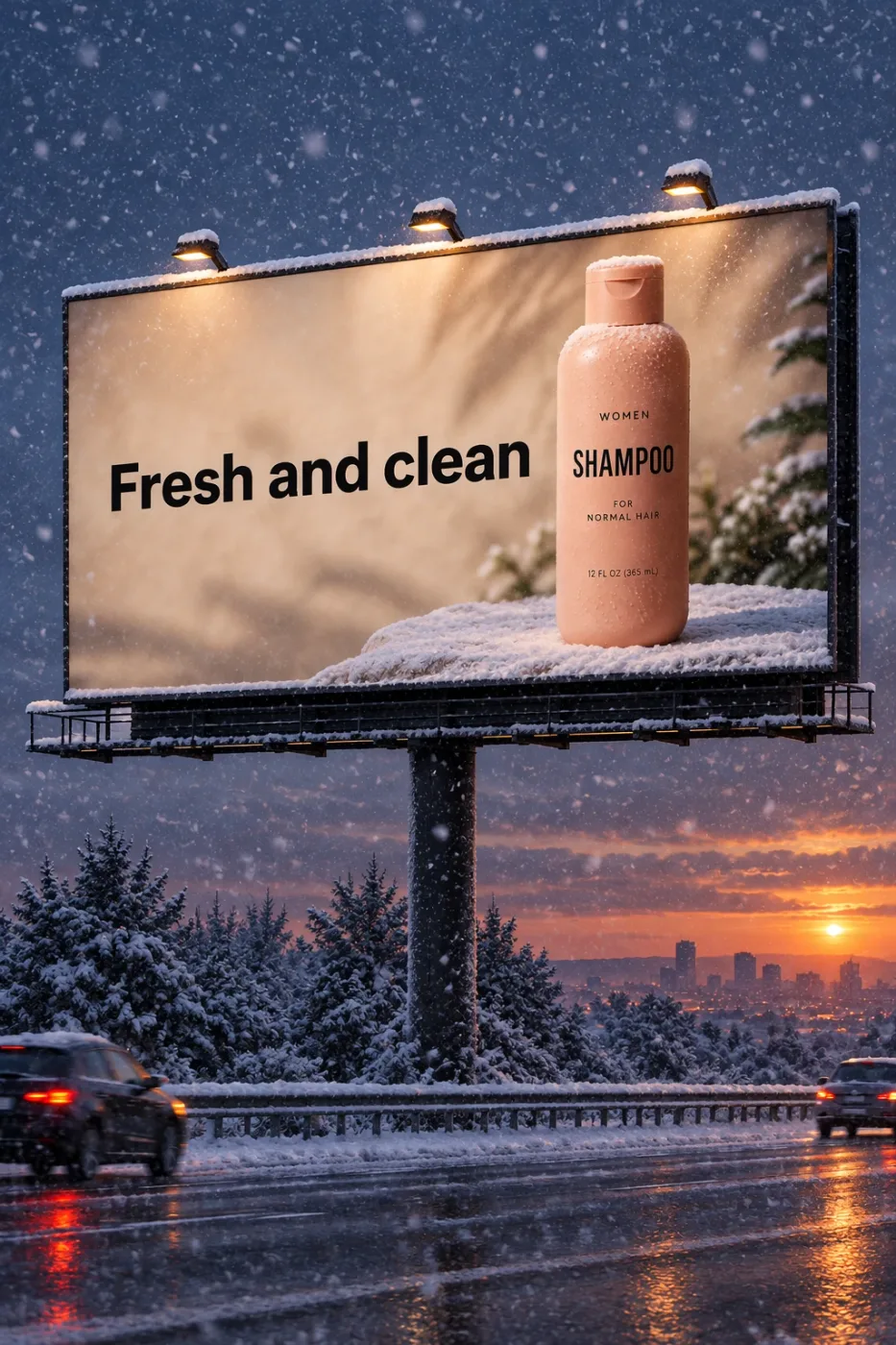
Create a realistic billboard mockup of the shampoo on a highway scene during sunset.
Billboard text (EXACT, verbatim, no extra characters):
"Fresh and clean"
Typography: bold sans-serif, high contrast, centered, clean kerning.
Ensure text appears once and is perfectly legible.
No watermarks, no logos.
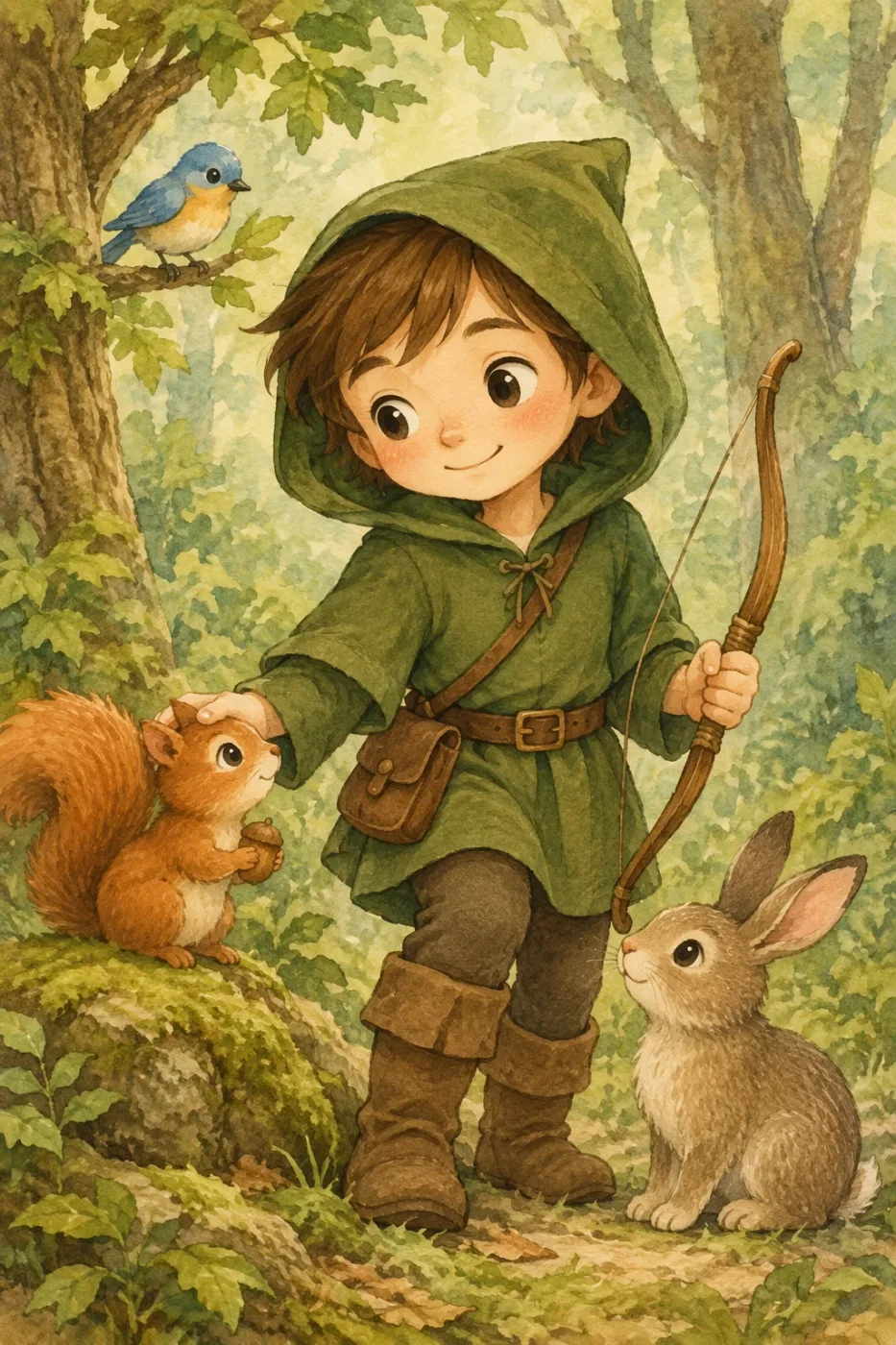
Create a children’s book illustration introducing a main character.
Character:
A young, storybook-style hero inspired by a little forest outlaw,
wearing a simple green hooded tunic, soft brown boots, and a small belt pouch.
The character has a kind expression, gentle eyes, and a brave but warm demeanor.
Carries a small wooden bow used only for helping, never harming.
Theme:
The character protects and rescues small forest animals like squirrels, birds, and rabbits.
Style:
Children’s book illustration, hand-painted watercolor look,
soft outlines, warm earthy colors, whimsical and friendly.
Proportions suitable for picture books (slightly oversized head, expressive face).
Constraints:
- Original character (no copyrighted characters)
- No text
- No watermarks
- Plain forest background to clearly showcase the character
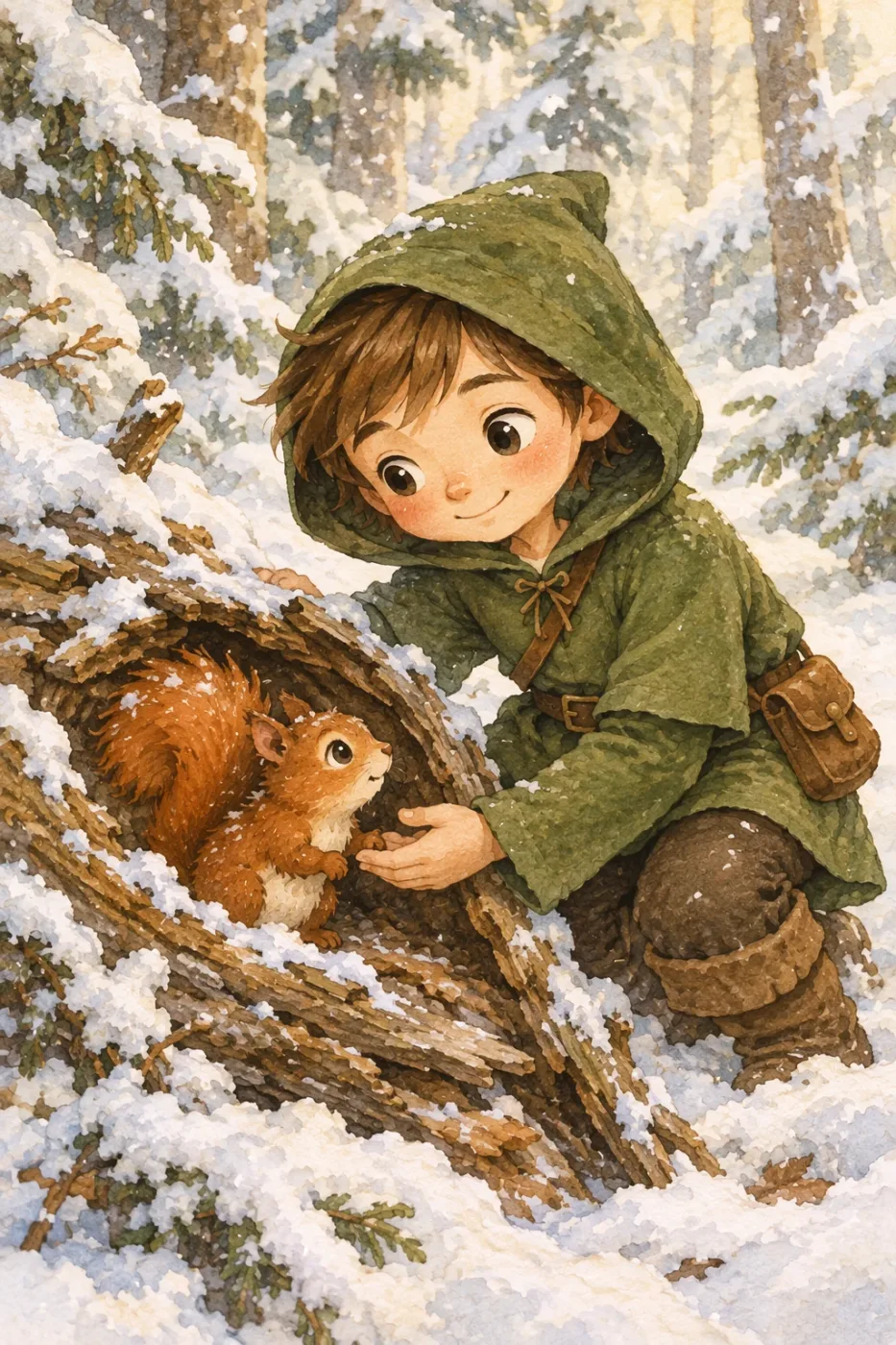
Continue the children’s book story using the same character.
Scene:
The same young forest hero is gently helping a frightened squirrel
out of a fallen tree after a winter storm.
The character kneels beside the squirrel, offering reassurance.
Character Consistency:
- Same green hooded tunic
- Same facial features, proportions, and color palette
- Same gentle, heroic personality
Style:
Children’s book watercolor illustration,
soft lighting, snowy forest environment,
warm and comforting mood.
Constraints:
- Do not redesign the character
- No text
- No watermarks
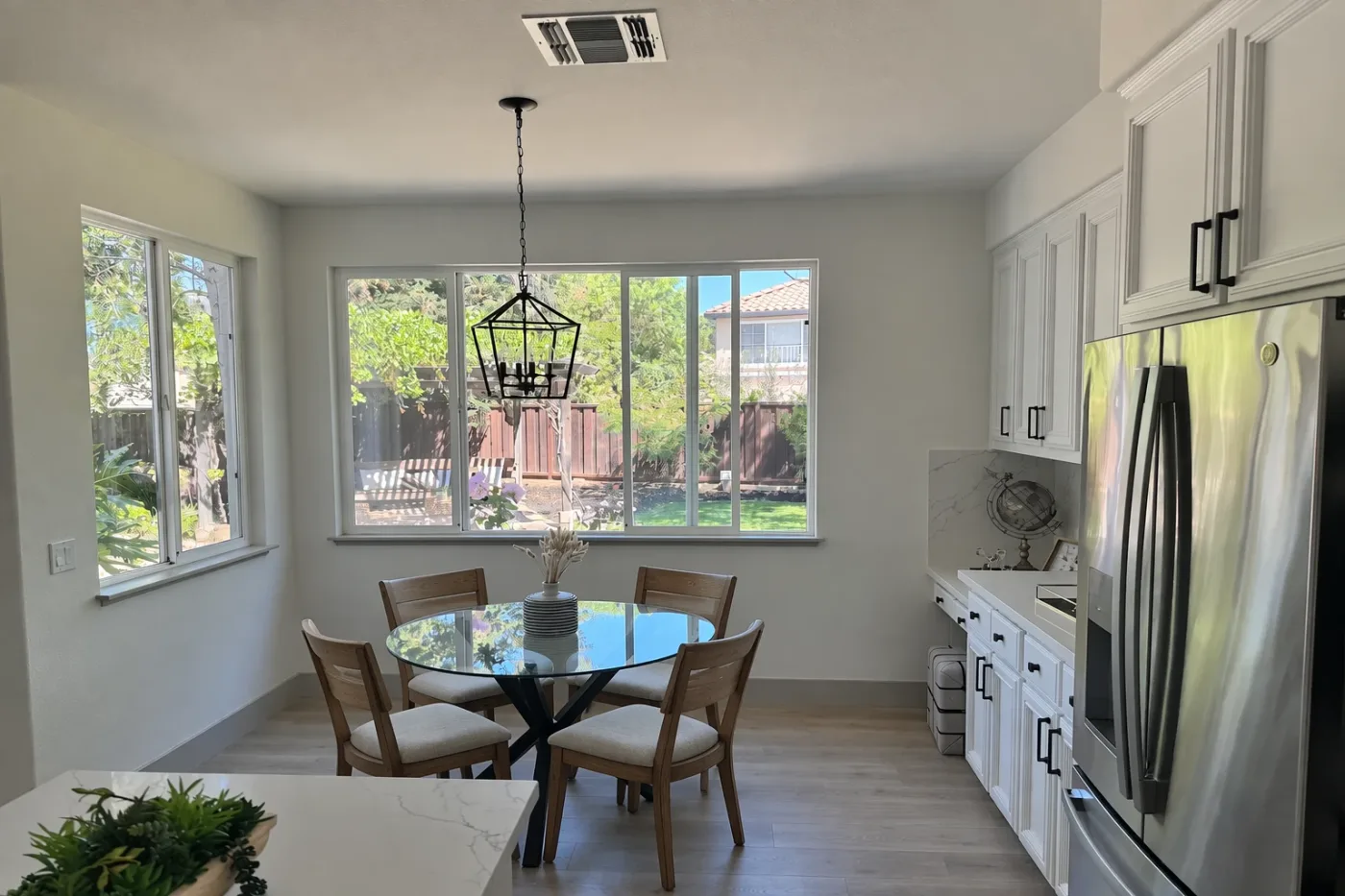
In this room photo, replace ONLY the white chairs with chairs made of wood.
Preserve camera angle, room lighting, floor shadows, and surrounding objects.
Keep all other aspects of the image unchanged.
Photorealistic contact shadows and fabric texture.
Create a Christmas holiday card illustration.
Scene:
a cozy Christmas scene with an old teddy bear sitting inside a keepsake box, slightly worn fur, soft stitching repairs, placed near a window with falling snow outside. The scene suggests the child has grown up, but the memories remain.
Mood:
Warm, nostalgic, gentle, emotional.
Style:
Premium holiday card photography, soft cinematic lighting,
realistic textures, shallow depth of field,
tasteful bokeh lights, high print-quality composition.
Constraints:
- Original artwork only
- No trademarks
- No watermarks
- No logos
Include ONLY this card text (verbatim):
"Merry Christmas — some memories never fade."
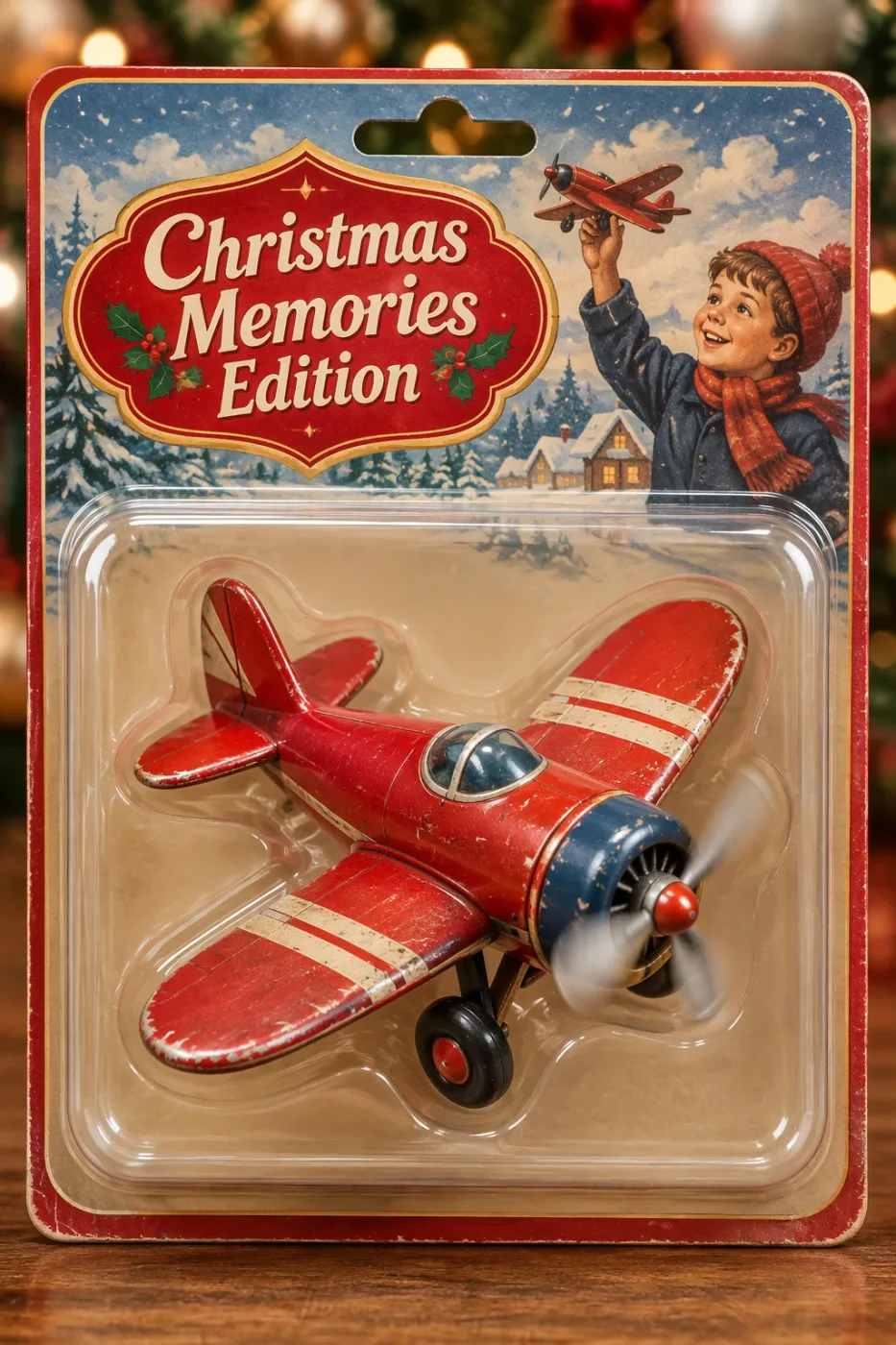
Create a collectible action figure of a vintage-style toy propeller airplane with rounded wings, a front-mounted spinning propeller, slightly worn paint edges, classic childhood proportions, designed as a nostalgic holiday collectible, in blister packaging.
Concept:
A nostalgic holiday collectible inspired by the simple toy airplanes
children used to play with during winter holidays.
Evokes warmth, imagination, and childhood wonder.
Style:
Premium toy photography, realistic plastic and painted metal textures,
studio lighting, shallow depth of field,
sharp label printing, high-end retail presentation.
Constraints:
- Original design only
- No trademarks
- No watermarks
- No logos
Include ONLY this packaging text (verbatim):
"Christmas Memories Edition"
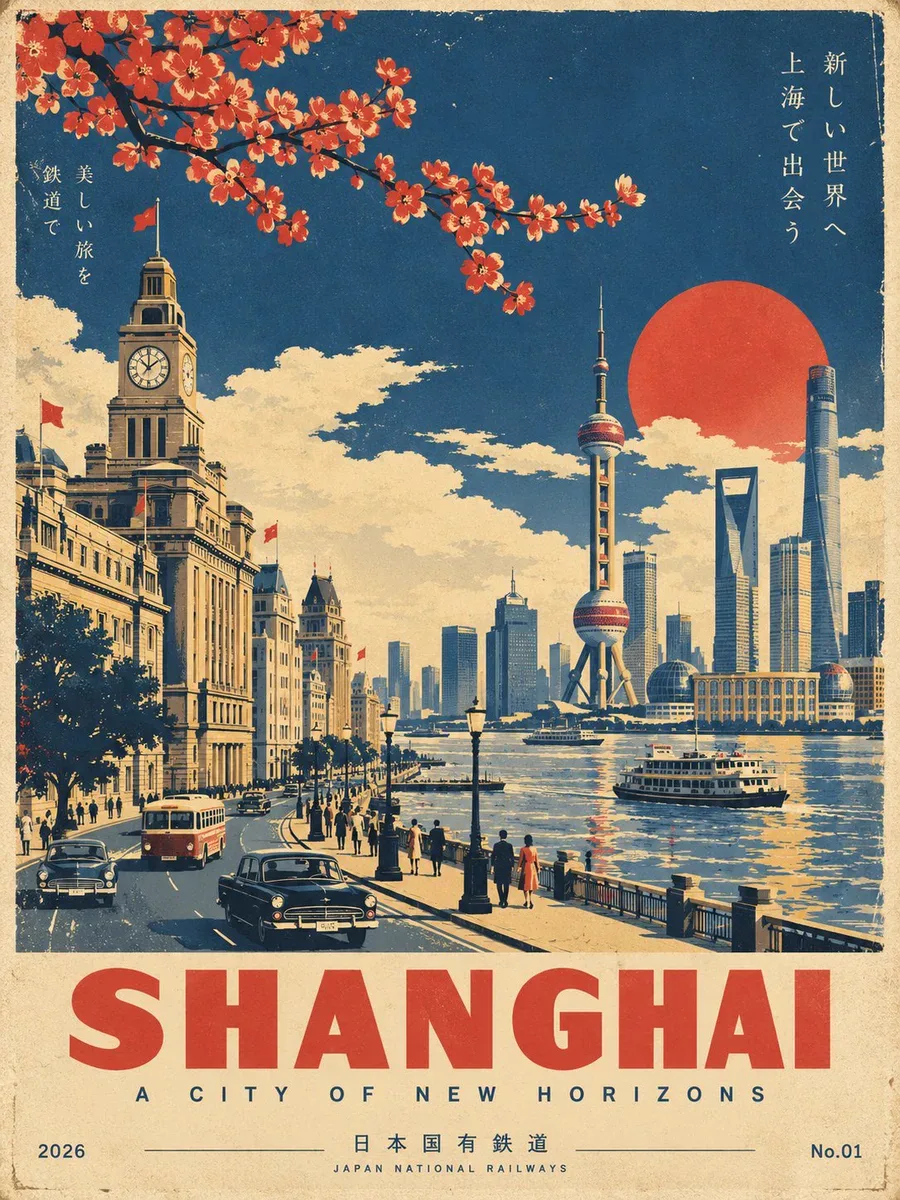
Create a premium, ultra-refined Showa-era Japanese vintage travel poster for [LOCATION].
FORMAT: Vertical 3:4 | Collector’s travel poster | Mid-century Japanese railway tourism aesthetic
CORE CONCEPT
Create a beautifully composed, instantly recognizable travel scene representing [LOCATION]. Feature its most iconic landmark, architecture, landscape, streets, transportation, and atmospheric details, selecting elements that naturally define the destination.
Reimagine the scene as an authentic 1960s–1970s Japanese railway tourism poster, inspired by classic Japanese National Railways travel advertising and sophisticated vintage screen-printed graphics.
The result should feel like an originally designed vintage poster, not a modern photograph with a retro filter.
VISUAL STYLE
Use bold geometric forms, simplified architecture, clean perspective lines, strong silhouettes, and elegant flat graphic shapes.
Combine sophisticated mid-century Japanese graphic design with traditional screen-print and lithographic aesthetics. Keep the composition cinematic, balanced, spacious, and visually striking.
People and vehicles should be minimal and stylized rather than photorealistic.
COLOR & PRINT TEXTURE
Use a restrained vintage palette of:
deep navy blue, warm ivory/aged paper, muted mustard yellow, and vermilion red accents.
Use flat printed color fields rather than digital gradients. Add subtle paper grain, authentic ink texture, slight ink wear, and delicate vintage print misregistration for a convincing screen-printed feel.
Avoid neon colors, glossy 3D rendering, excessive photorealism, modern AI-art aesthetics, and overly saturated colors.
TYPOGRAPHY & LAYOUT
Reserve generous negative space at the bottom for elegant vintage typography.
Main title: "[LOCATION]"
Large, bold, geometric sans-serif lettering.
Add a refined, location-appropriate subtitle beneath it with generous letter spacing.
Place 2026 discreetly at the bottom left and No.01 at the bottom right.
Typography should feel authentic to a premium Japanese railway tourism poster: restrained, elegant, highly legible, and perfectly integrated into the artwork.
FINAL RESULT
Create a timeless, sophisticated Japanese Showa-era travel poster that feels like a rare original screen-printed railway advertisement from the 1960s–1970s, while showcasing the unique identity, beauty, and most recognizable visual characteristics of [LOCATION].
IMPORTANT: Make [LOCATION] immediately recognizable. Prioritize iconic local landmarks, authentic architecture, distinctive landscapes, and culturally characteristic details. Do not invent generic scenery that could represent any destination.
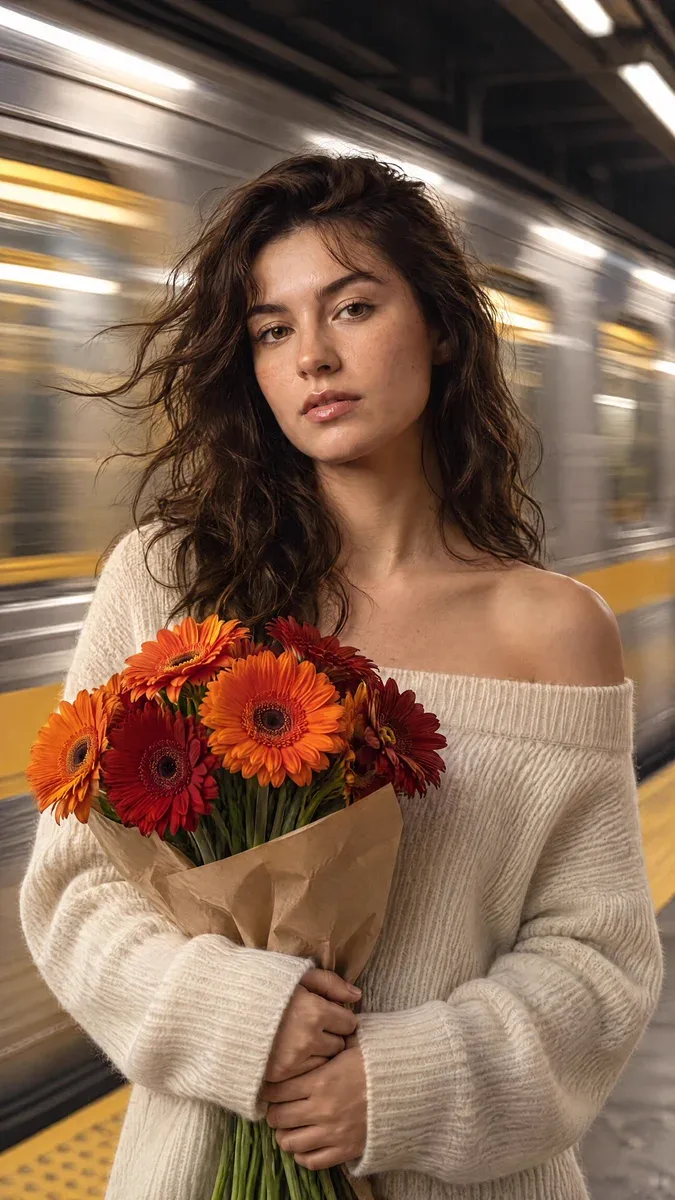
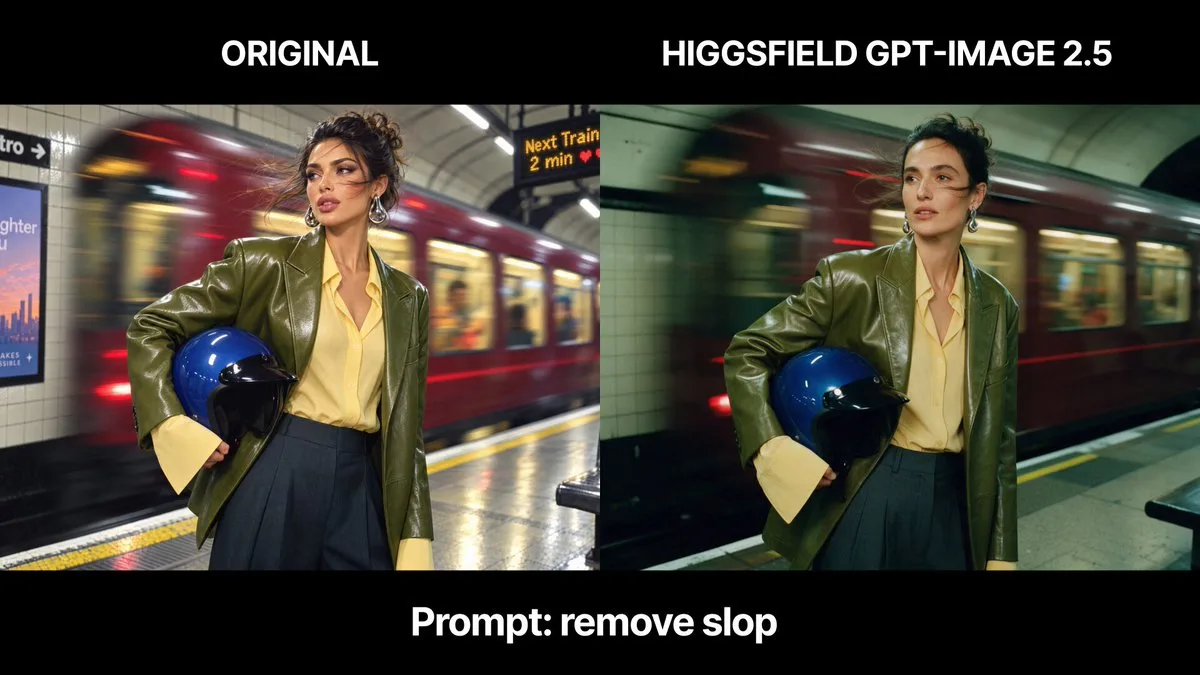
cinematic, high-fidelity portrait of a young woman standing perfectly still on a subway platform as a train rushes behind her. She has warm brown hair with soft bangs and a few loose strands blowing in the wind created by the passing train. Her face is clear and sharp, featuring delicate freckles, soft makeup, and a calm, slightly pensive expression. She is wearing a cream-colored, off-the-shoulder ribbed knit sweater that emphasizes the soft texture of the wool. In her hands, she clutches a vibrant bouquet of orange and deep red gerbera daisies, which serve as the primary color accent against her neutral clothing. The background is a dynamic, horizontal motion blur of a silver and yellow subway train, creating a high-contrast sense of speed against her stillness. The lighting is a blend of cool, overhead station light and warm highlights on her skin, captured with a shallow depth of field and a subtle cinematic film grain.
Upscale this low-resolution image. Do not introduce any new artifacts. Preserve the original art style, color treatment and composition exactly, while thoroughly removing noise and making the image clear.
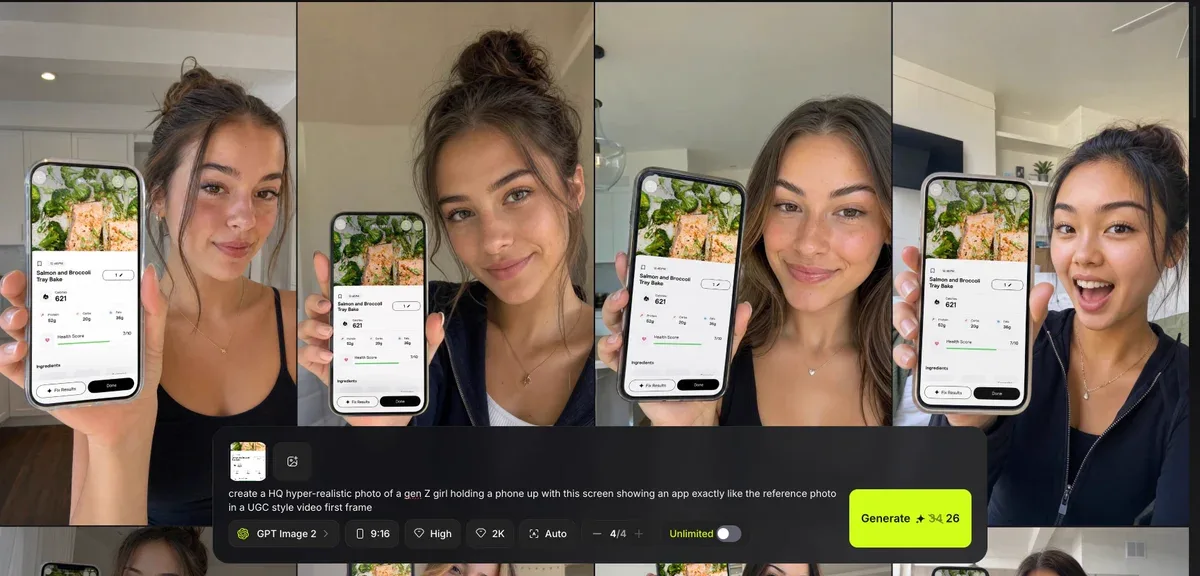
create a HQ hyper-realistic photo of a gen Z girl holding a phone up with this screen showing an app exactly like the reference photo in a UGC style video first frame
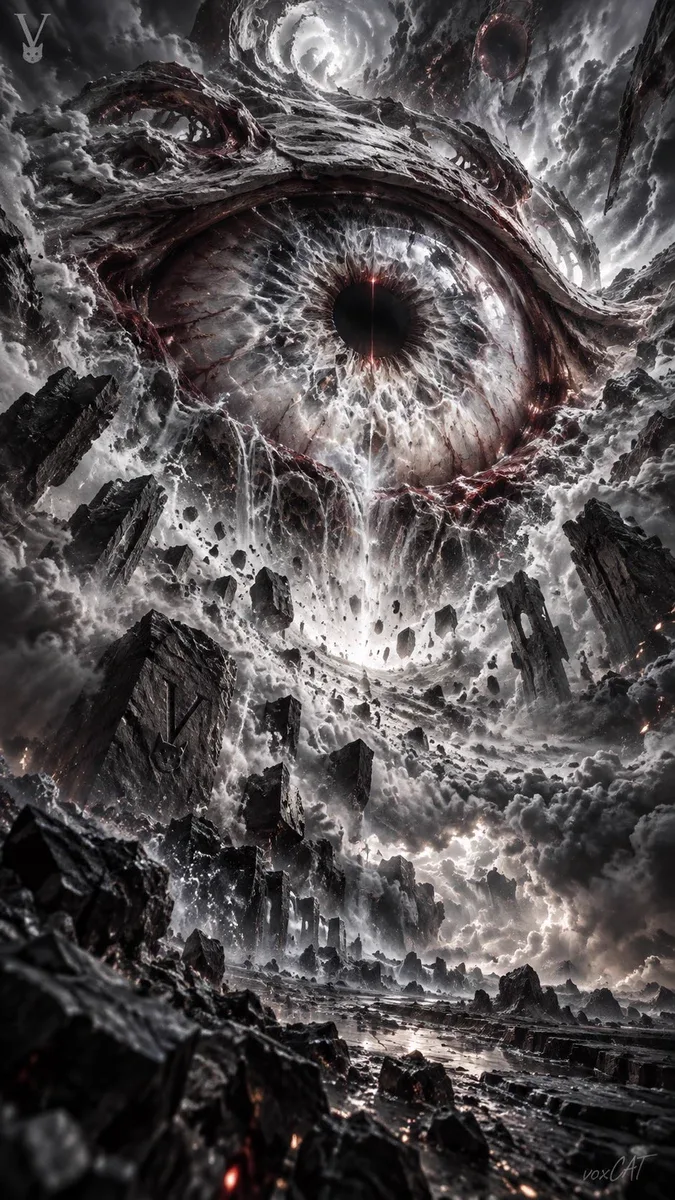
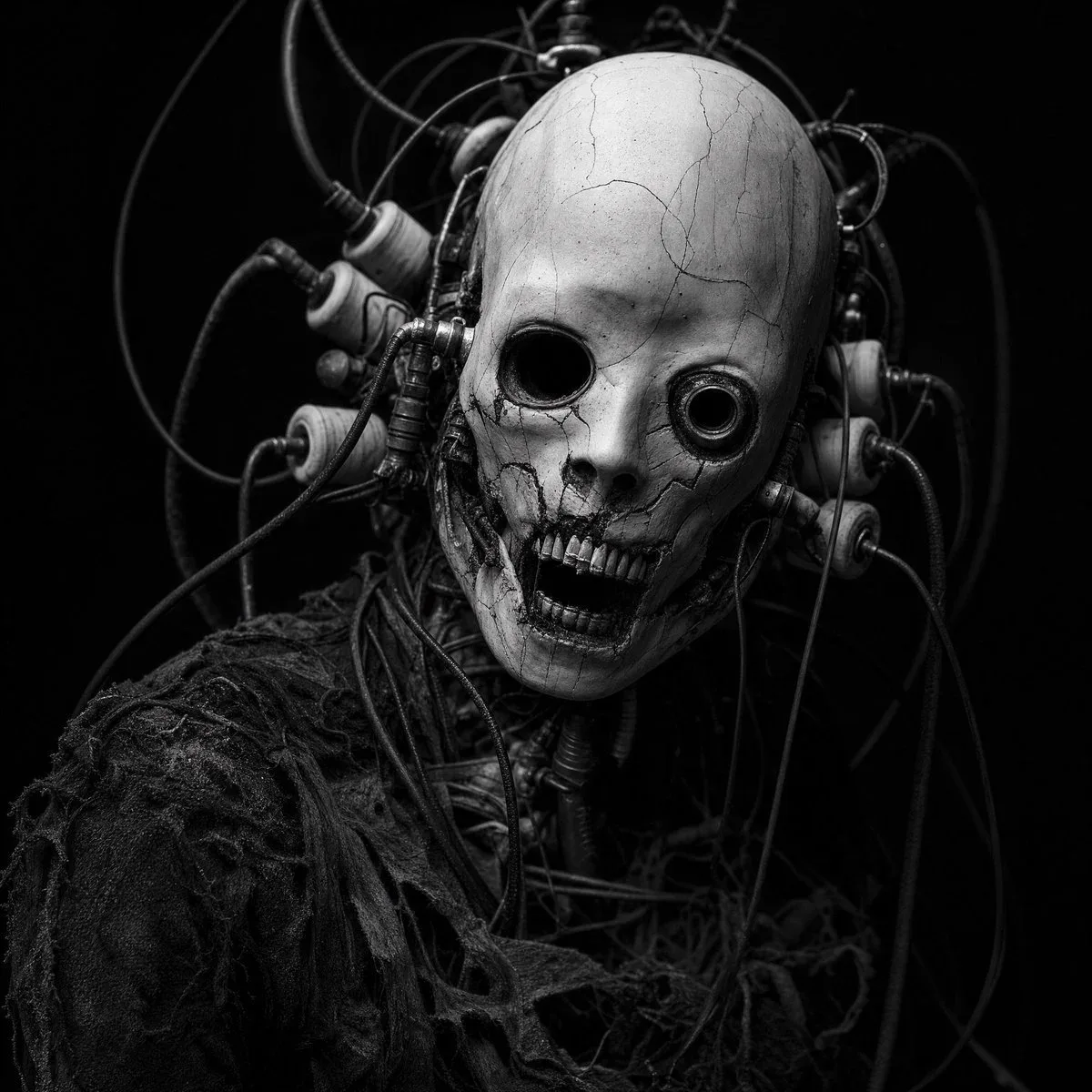
Cybernetic horror portrait, gaunt humanoid figure with cracked porcelain-white skull-like mask, mismatched hollow eye sockets (one sunken void, one recessed metallic ring), jagged exposed teeth, surrounded by a chaotic tangle of thick black cables and industrial bobbin/coil attachments wired into the head, tattered dark fabric top, dramatic low-key lighting, deep black background, high contrast monochrome, horror photography, cinematic, hyperdetailed texture, 85mm lens, shallow depth.
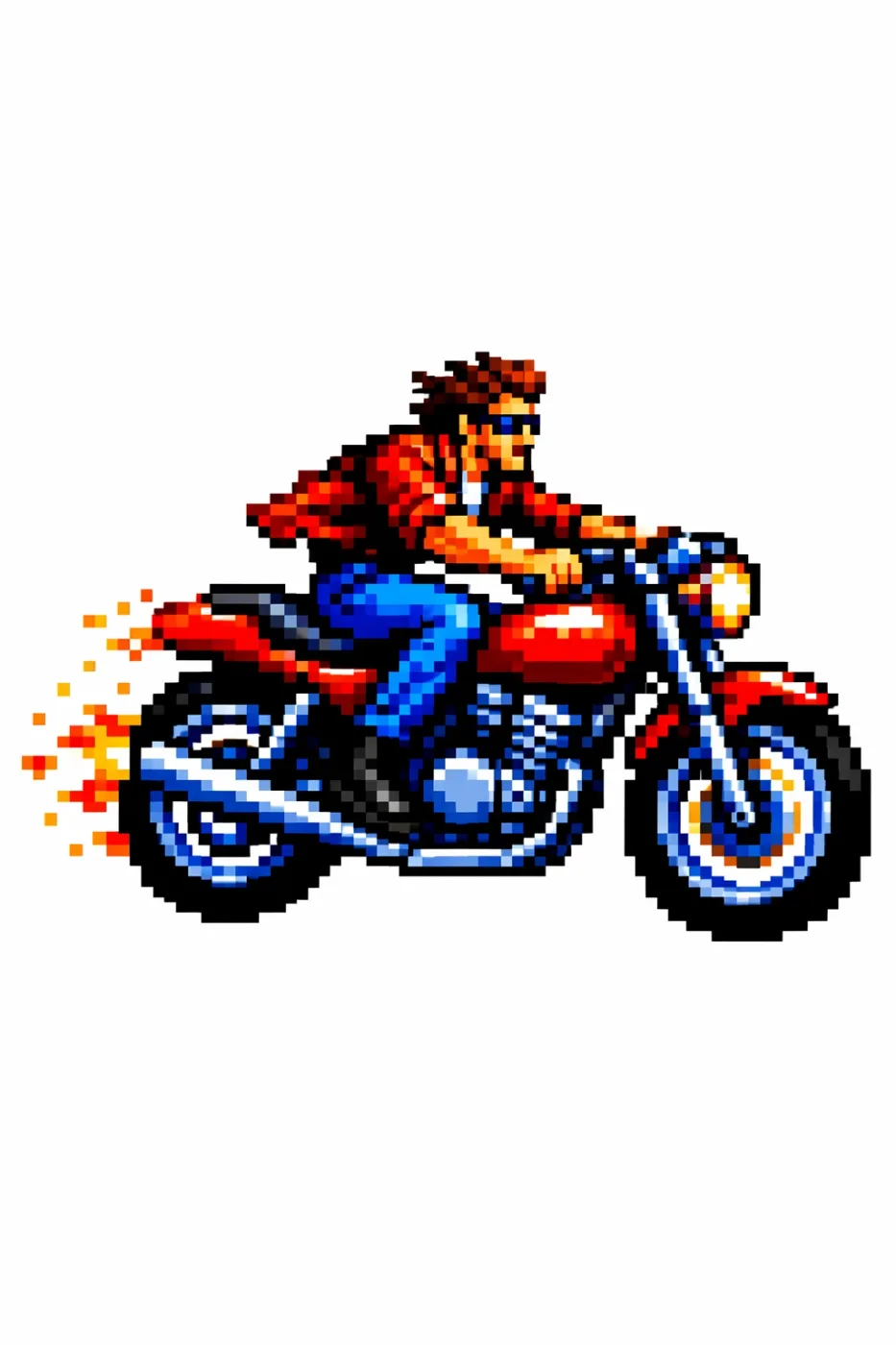
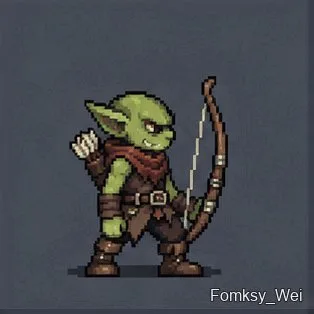
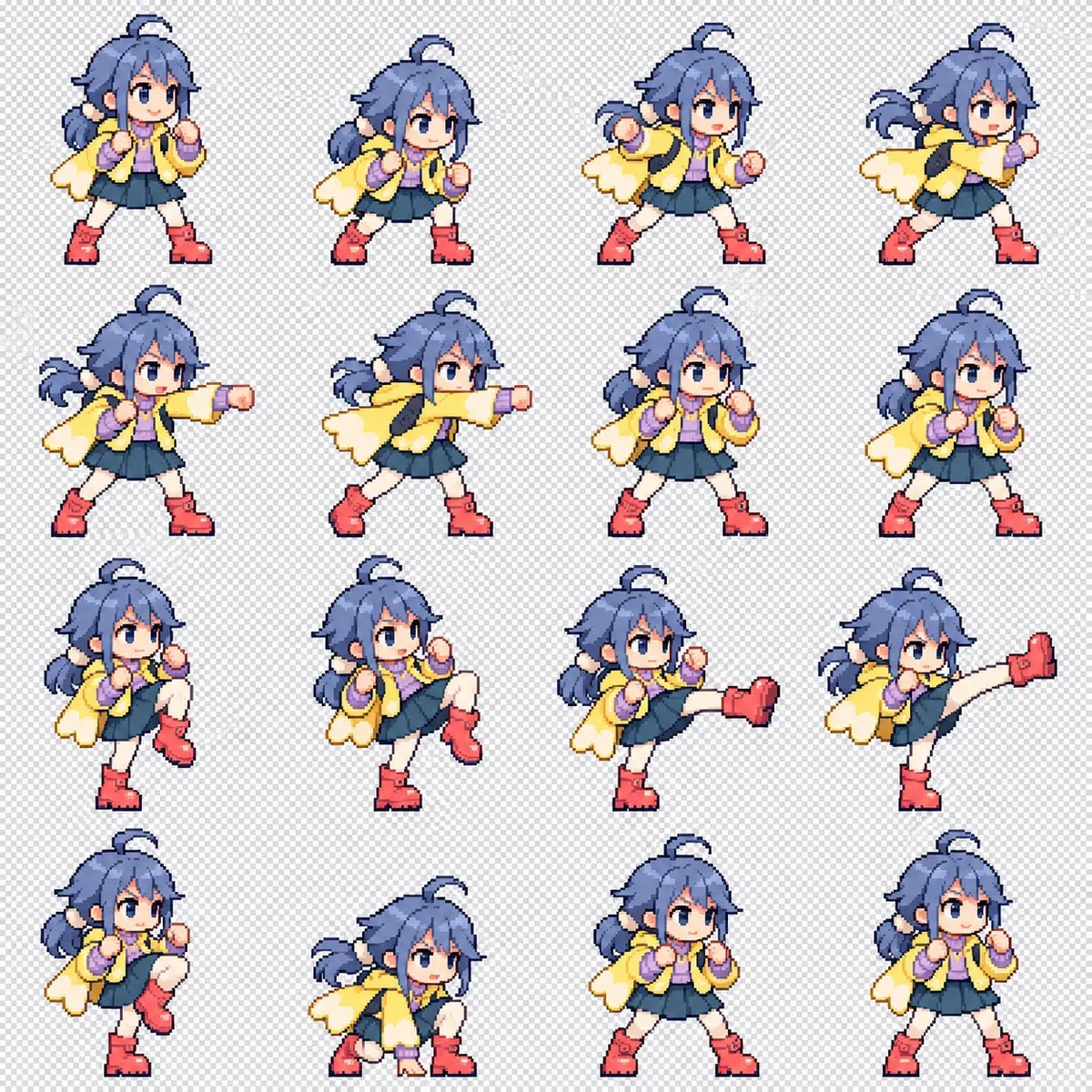
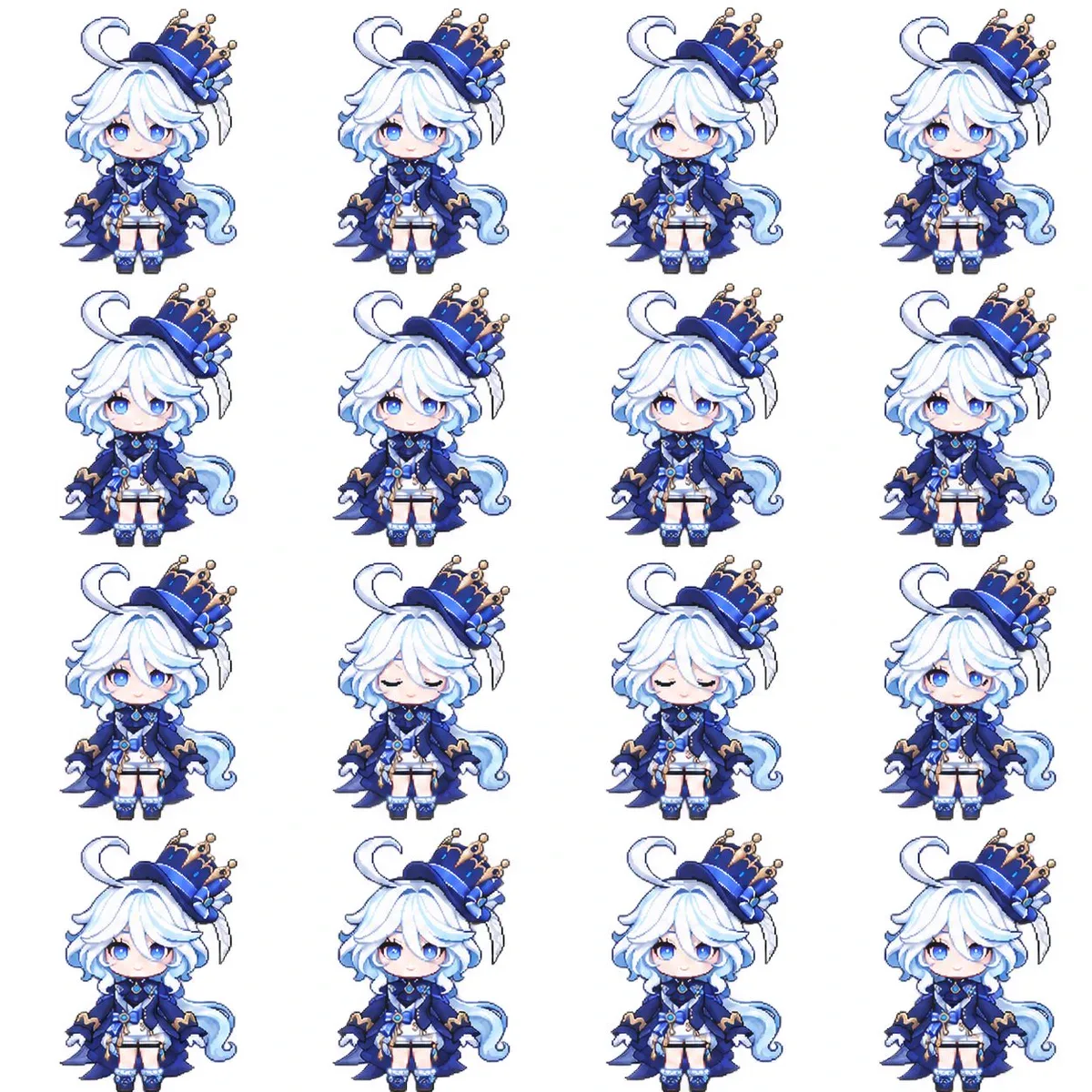
Create a combat-motion sprite sheet of this character as simplified 128 px pixel art. Make the background transparent if possible, and arrange the frames in a 4 × 4 grid.
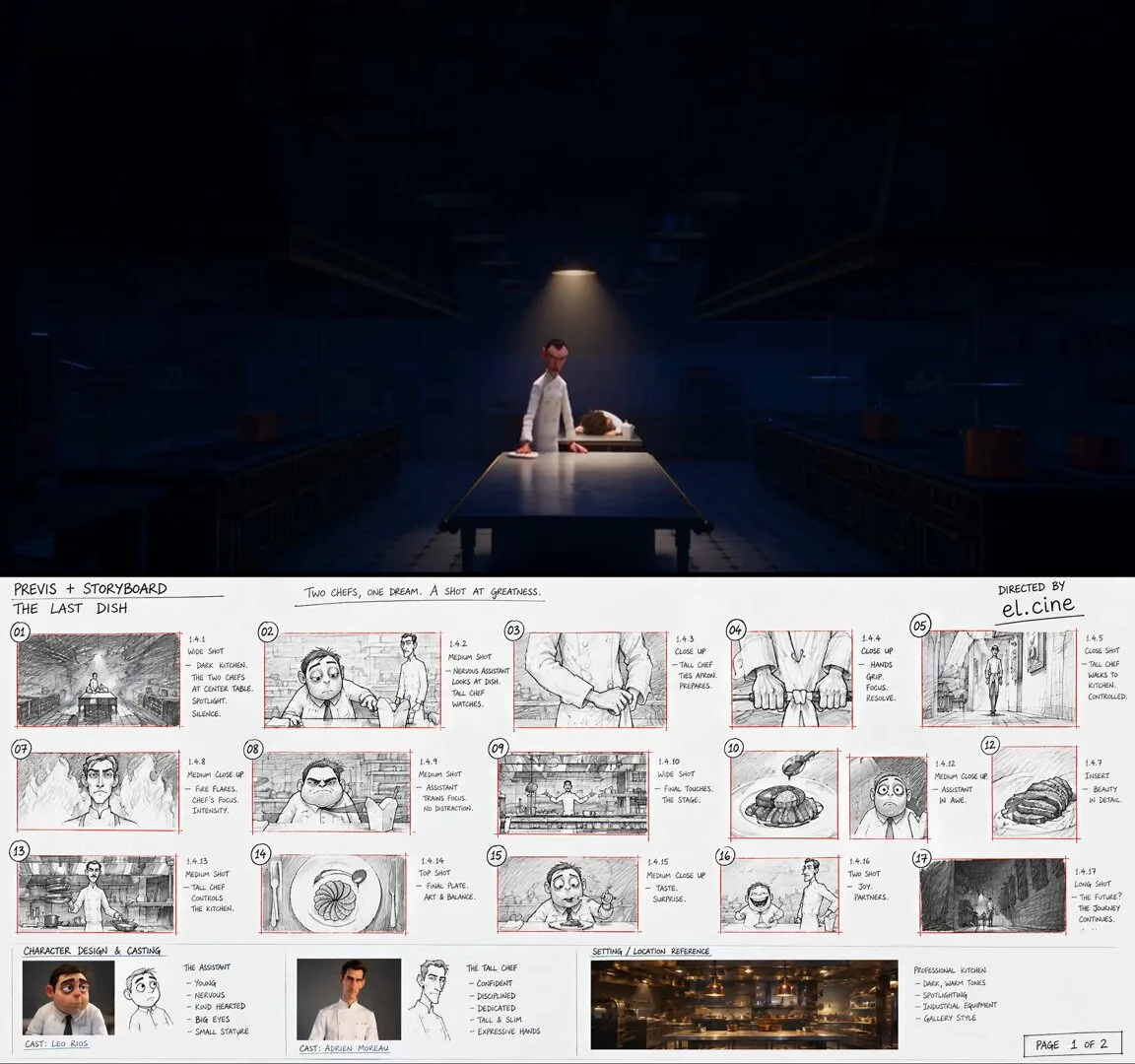
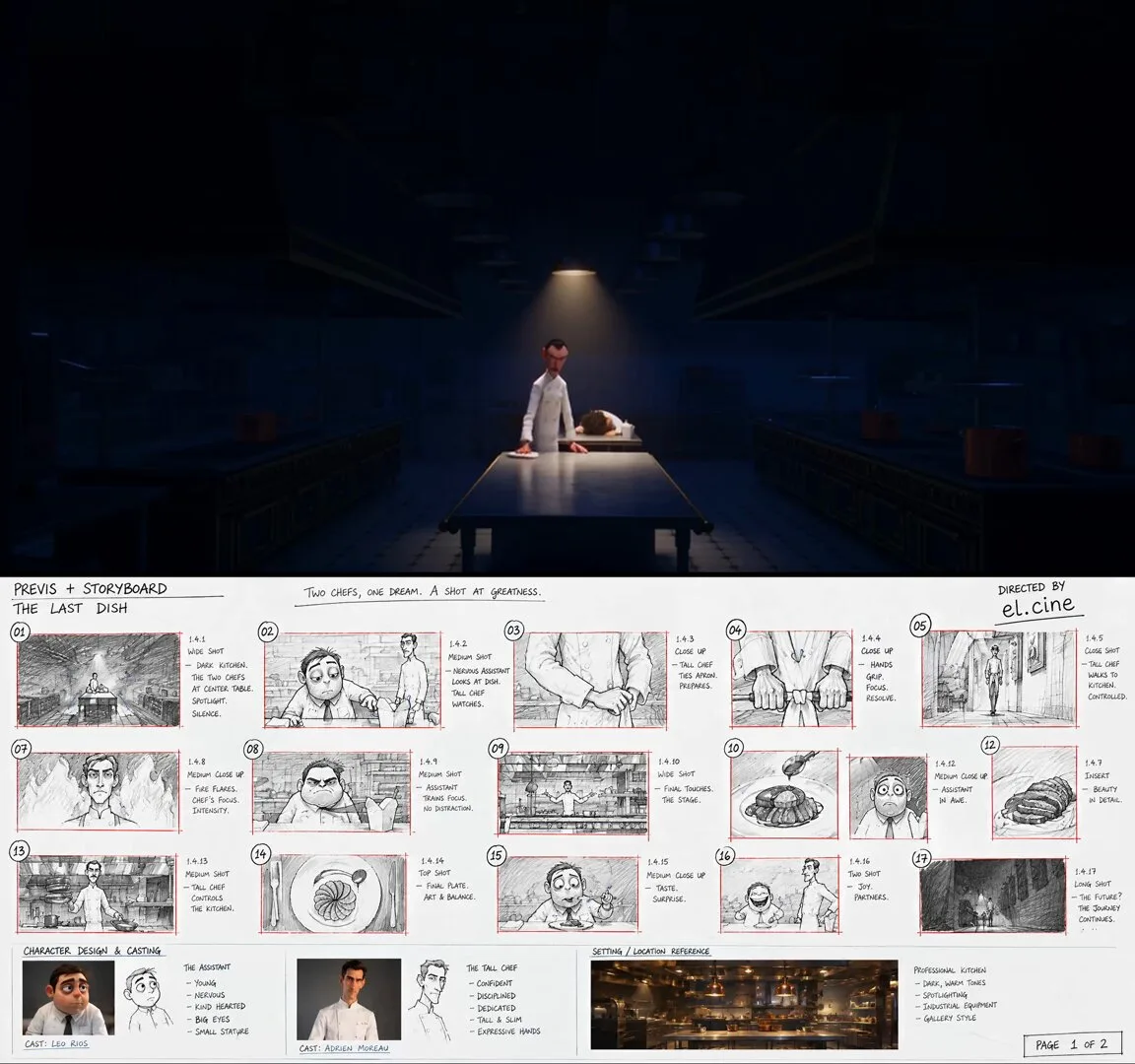
Character-design reference sheet on a clean light cream background, laid out like an official animation model sheet, all views showing the SAME character, fully consistent. Top-left a title block reading "GUEST". Center: FRONT and SIDE full-body turnaround of a short, round, rumpled stylized 3D animated man — heavy build, slumped shoulders, a crumpled untucked shirt with the collar askew, a loose dark tie hanging, messy hair, dark circles under the eyes, thick stubble. Right: two poses — slumped face-down over a counter with arms hanging; sitting bolt upright, both hands flat on the counter. Bottom: an EXPRESSION strip of six captioned close-ups — hollow defeated stare / flinching, shoulders up around the ears / mid-sneeze, eyes screwed shut / eyes going wide, jaw slack with wonder / mouth full, eyes squeezed shut, a single fat tear rolling / an enormous open joyful grin. Also one small prop panel: a sad soggy paper takeaway box with a plastic fork stuck in cold noodles. Stylized 3D feature-animation rendering, appealing cartoon shapes, warm soft studio lighting, clean minimal English labels only, no text elsewhere, no logos.
Character-design reference sheet on a clean light cream background, laid out like an official animation model sheet, all views showing the SAME character, fully consistent. Top-left a title block reading "CHEF". Center: FRONT and SIDE full-body turnaround of a tall, lean, long-limbed stylized 3D animated chef — exaggerated proportions with very long arms and legs, a small head, an immaculate double-breasted white chef jacket, a long white apron to the shins, dark trousers, a neat dark moustache, heavy calm eyebrows. Right: three ACTION poses — sleeves being rolled up with a hard stare; mid-stride at full sprint with the apron streaming behind; both arms out wide holding a copper pan in each hand. Bottom: an EXPRESSION strip of four captioned close-ups — flat unimpressed stare / eyes narrowing, one brow lifting, sleeves going up / total focus, tongue tip at the corner of the mouth / a small proud closed-mouth smirk with the chin lifted. Stylized 3D feature-animation rendering, appealing cartoon shapes, warm soft studio lighting, clean minimal English labels only, no text elsewhere, no logos.
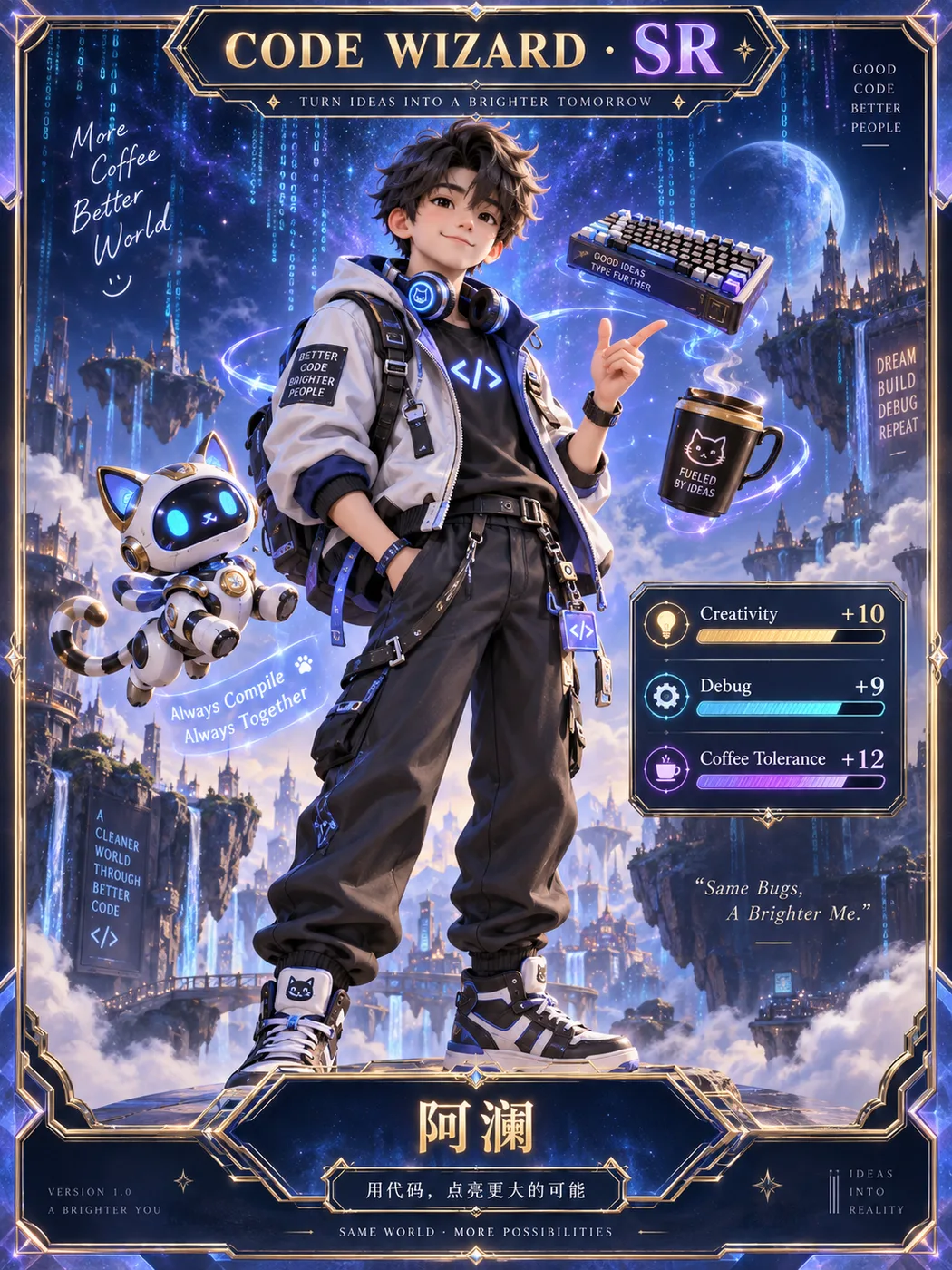
Turn the character in my uploaded reference image into an adorable pixel-art sprite with a looping idle animation.
CHARACTER
Use the uploaded image as the character reference. Preserve the character’s recognizable features, colors, hairstyle, outfit, accessories, and distinctive silhouette. Adapt its original anatomy into cute chibi proportions without forcing non-human characters into a human body. If the reference is cropped, infer the missing body details to match the visible design.
STYLE
Create crisp pixel art with clearly defined square pixels, clean outlines, and a cohesive limited palette. No blurry edges, smooth vector styling, or realistic rendering.
ANIMATION
Create 16 consecutive frames of one subtle, seamless idle animation:
- Gentle breathing with a tiny rise and fall of the upper body.
- Slight secondary movement in hair, clothing, or relevant appendages.
- One brief natural blink if the character has visible eyes.
- Keep the character in place, with its feet or contact points anchored.
- Keep the design, proportions, camera angle, and scale consistent.
- No walking, turning, dramatic gestures, or scene changes.
- Make the last frame transition smoothly back to the first.
SPRITE SHEET
Arrange the 16 frames in exactly 4 columns × 4 rows, ordered left to right, top to bottom.
Canvas: 1024 × 1024 pixels.
Each cell: 256 × 256 pixels.
Use identical alignment and a fixed baseline across all cells.
Keep the entire character inside each cell, with at least 16 pixels of transparent padding on every side, including around moving accessories.
No overlapping cells, grid lines, labels, text, or watermarks.
TRANSPARENCY
Use a genuinely transparent RGBA background with alpha zero outside the character.
Do not draw a checkerboard or add a solid background, floor, or cast shadow.
Preserve white and pale details inside the character.
DELIVERABLES
Complete the actual files, not just instructions:
1. A transparent 4 × 4 PNG sprite sheet.
2. A transparent animated GIF of the single character, using all 16 frames at 256 × 256 pixels, looping forever with an approximately 2.4-second cycle.
3. A ZIP containing all 16 individual transparent PNG frames.
Use available image-generation and file-processing tools to generate the artwork, split the sheet, and assemble the GIF. Use nearest-neighbor sampling if resizing is needed to preserve crisp pixels.
Before exporting, inspect all 16 frames. Remove stray pixels and any fragments from neighboring cells, especially above the head or below the feet. Check for clipping, unwanted position jumps, background artifacts, and GIF trails. Ensure the final PNG and GIF backgrounds are truly transparent.
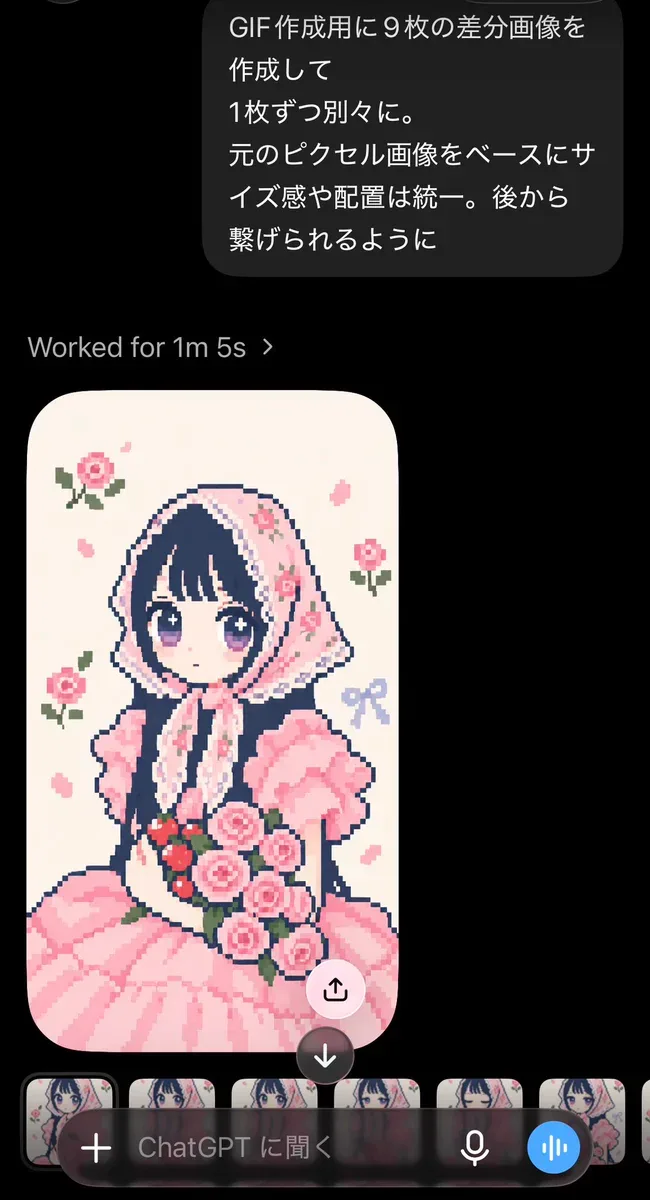
Create nine variation images for a GIF, each as a separate image. Base them on the original pixel image, keeping the scale and placement consistent so they can be joined afterward.
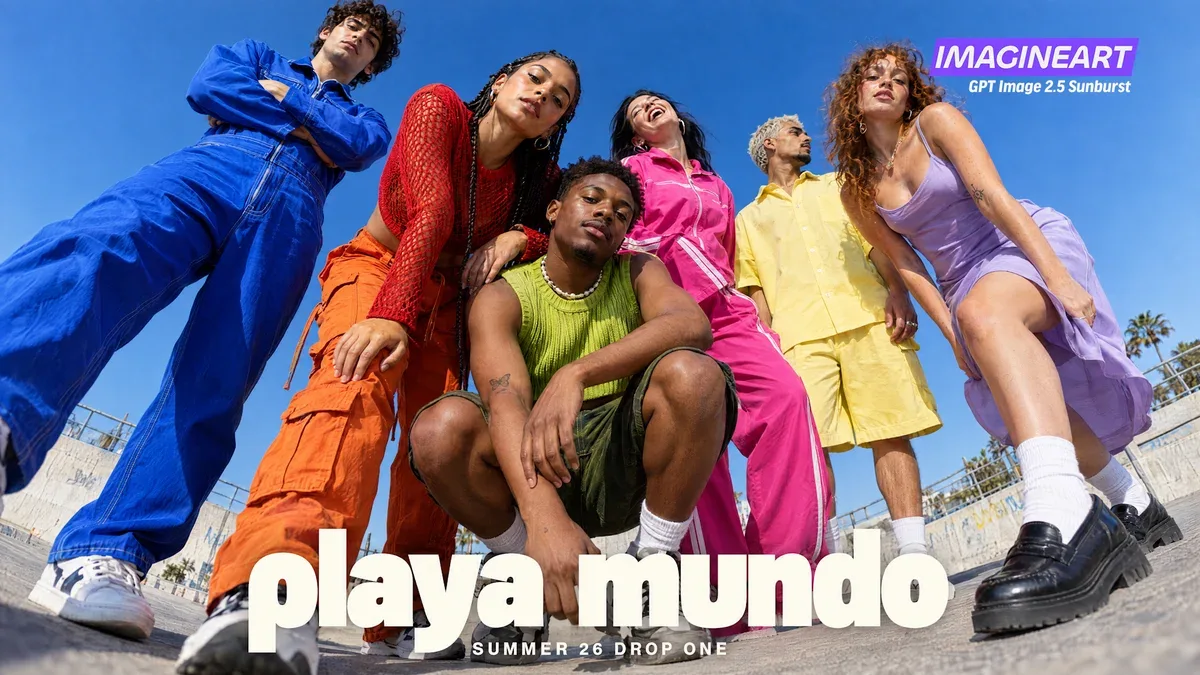
a fashion campaign for an invented label, shot from a camera on the ground with a 24mm lens tilted fifteen degrees. Six people in electric blue, tomato red, lime green, hot pink, butter yellow and lilac, all posed differently, against plain cobalt sky.
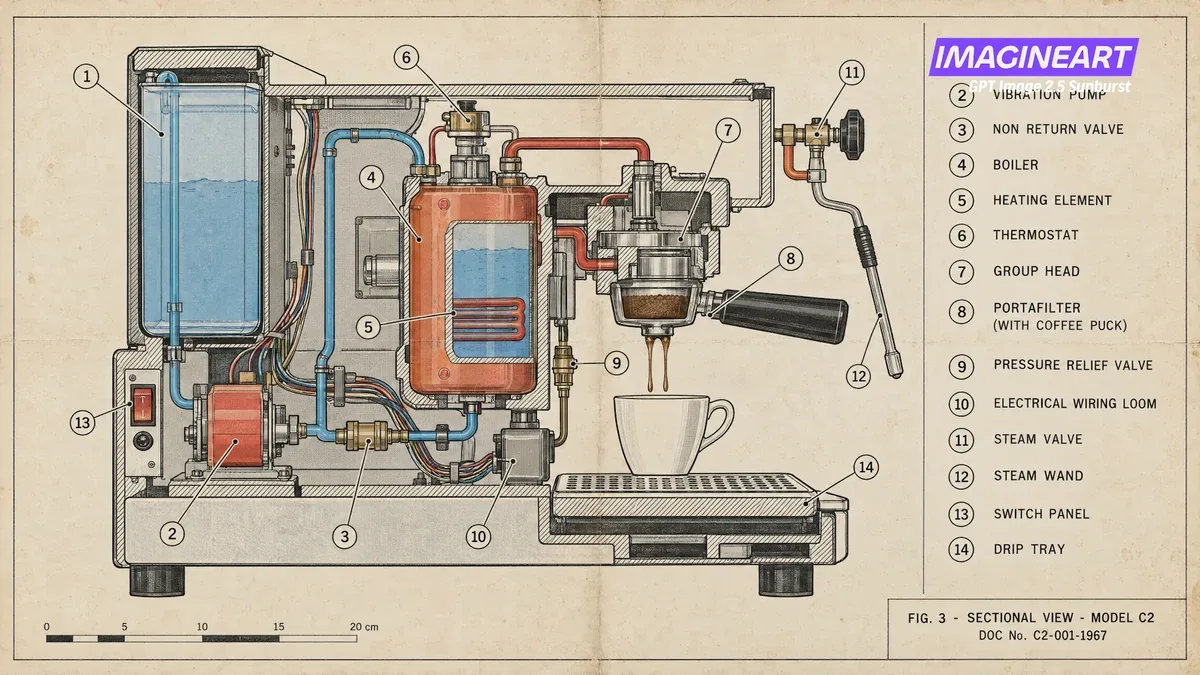
a domestic espresso machine drawn in section, 1960s service manual style, fine black line work with flat spot colour on cream paper. Fourteen numbered leader lines, a key down the right listing all fourteen parts, a scale bar in centimetres, and a title block reading FIG. 3 SECTIONAL VIEW MODEL C2.
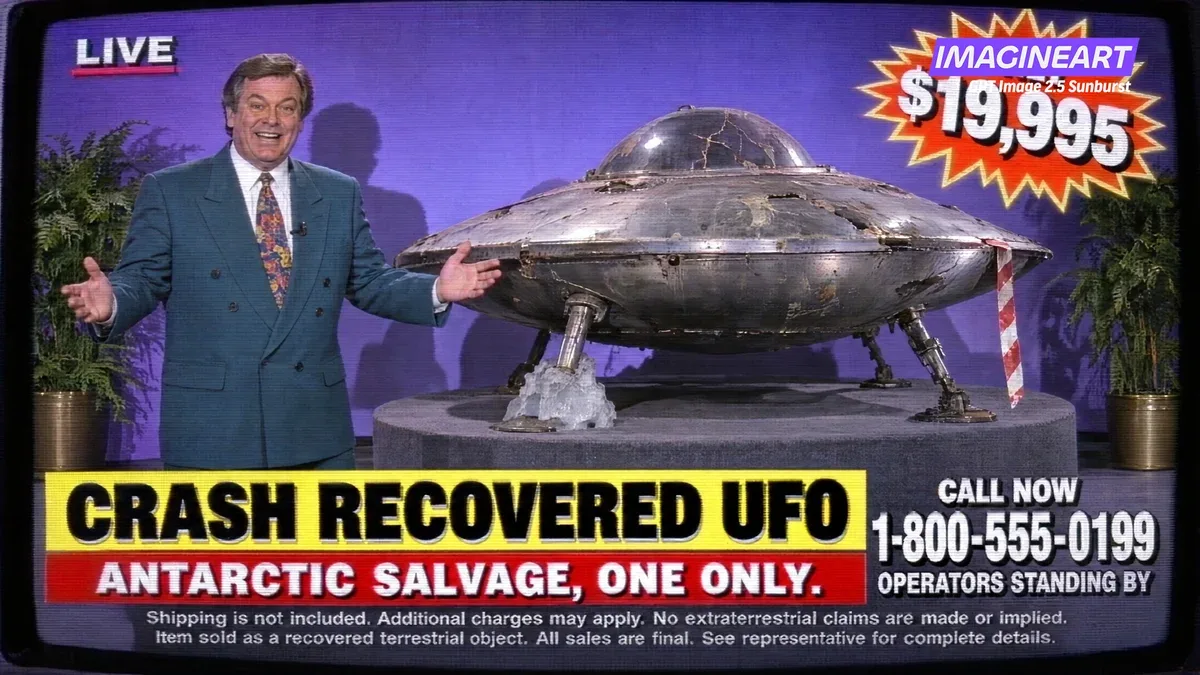
a frame grab from a 1994 infomercial, standard definition video with scanlines. A host in a teal blazer, a battered saucer on a rotating plinth with Antarctic ice frozen around one leg, a price starburst, a phone number, and three lines of legal small print.
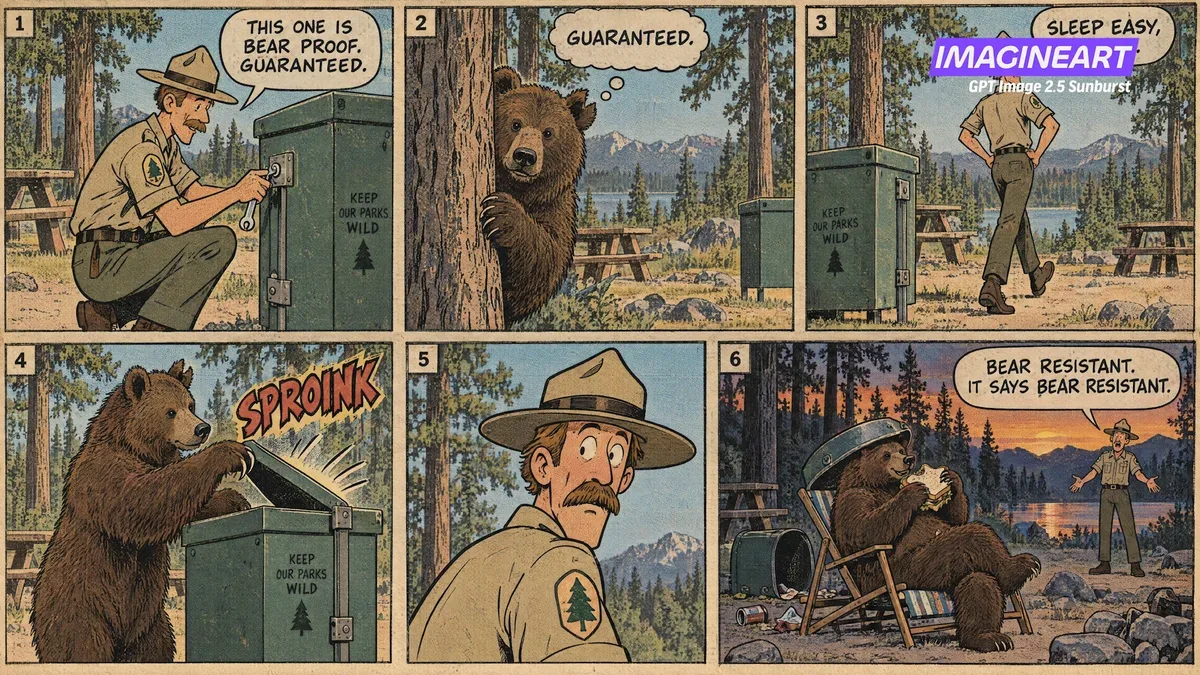
a 1960s Sunday newspaper comic strip on yellowed newsprint, six panels in two rows of three. A park ranger and a bear with a notched ear, the same campsite in every panel, dialogue specified word for word, one sound effect, and one panel with no dialogue at all.
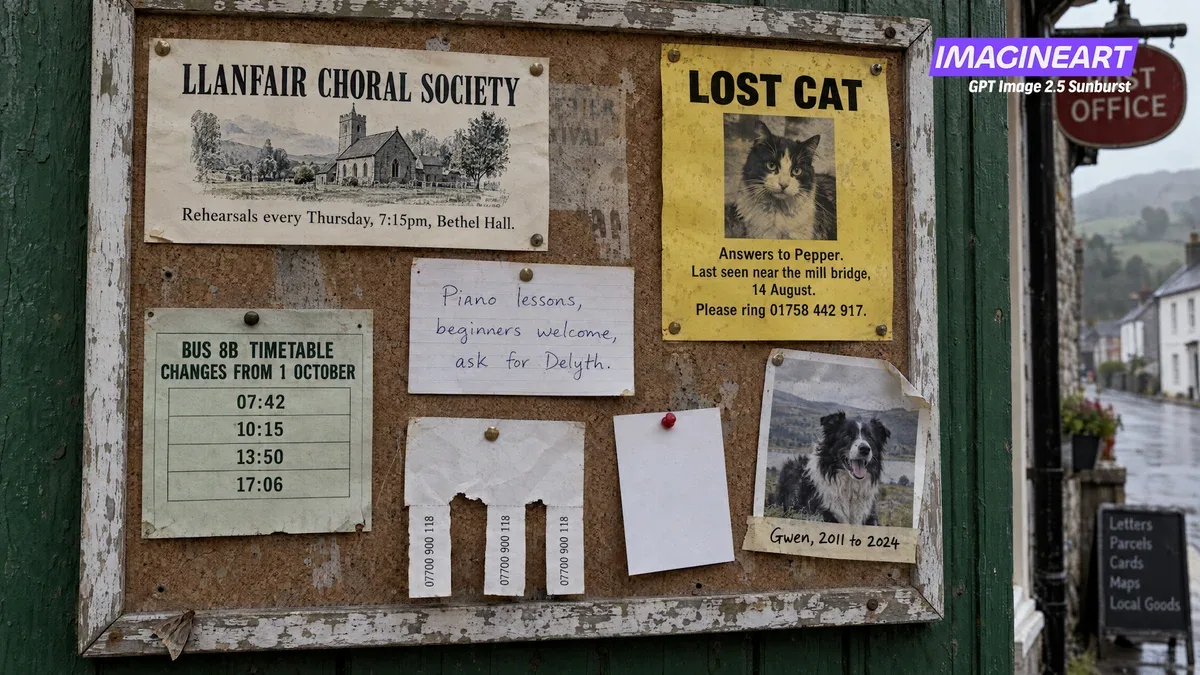
a cork notice board outside a Welsh village post office, overcast light, seven pinned items. A choral society flyer, a lost cat poster on yellow paper, a handwritten piano card, a bus timetable with four times, a sheepdog photo, tear off tabs, and one blank white card.
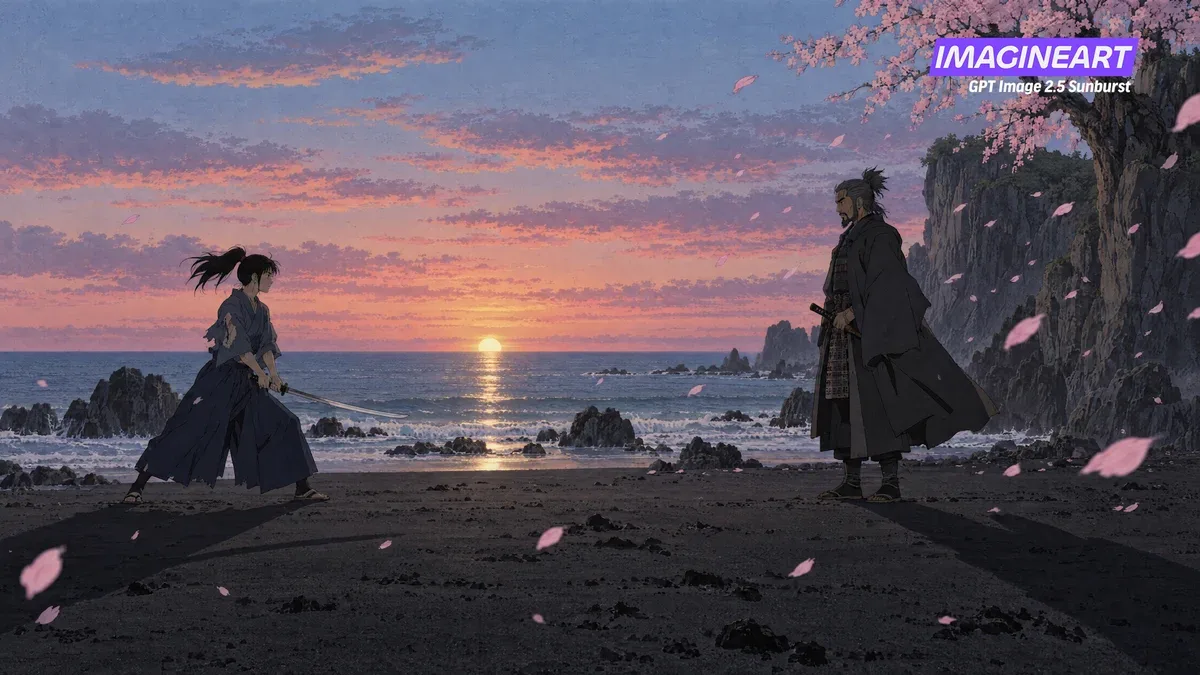
a still from a hand drawn Japanese animated film, late 1990s cel style, painted watercolour background. A dawn duel on black volcanic sand, a woman with a drawn katana facing an older man with a sheathed one, cherry blossom blowing right to left.
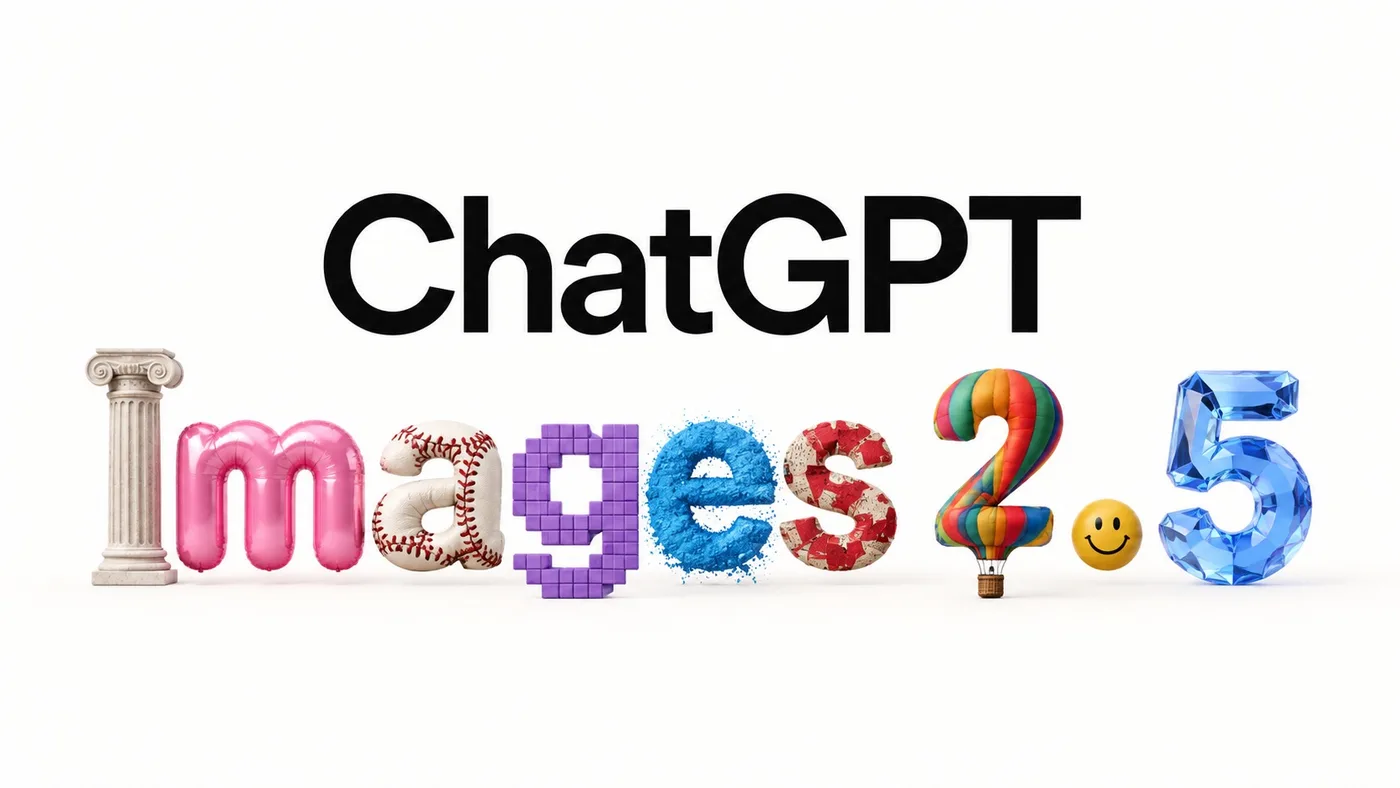
Create a minimalist 16:9 launch graphic on a pure warm-white background with enormous amounts of clean negative space.
Centered composition.
Top line: the exact word "ChatGPT" in very large, clean, black modern sans-serif typography.
Directly underneath it: the exact text "Images 2.5".
Each individual character in "Images 2.5" must be rendered as a completely different physical or artistic medium while still remaining immediately readable as the correct letter.
Despite the wildly different materials, preserve perfect baseline alignment, spacing and legibility.
No extra decorative elements, no additional text.
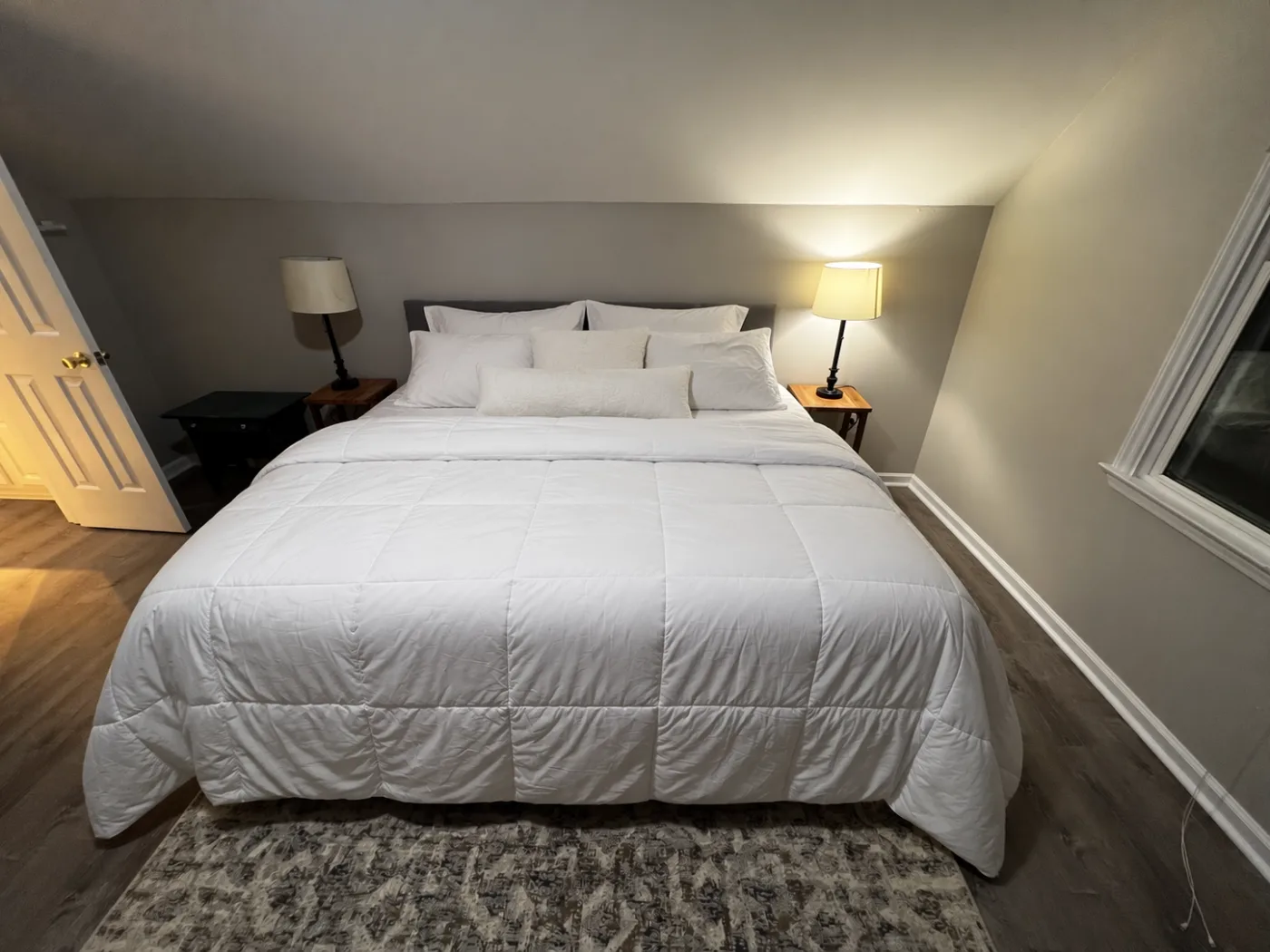
Make the bed neatly.
Arrange the existing white bedding into a clean, freshly made hotel-style bed:
smooth the white comforter,
straighten and center it,
place the sleeping pillows symmetrically against the headboard,
add the existing smaller pillows neatly in front,
and make the overall bed look tidy and inviting.
Do not redesign the bedroom.
Preserve exactly: the bed and headboard, both nightstands, both lamps, open door, window, walls, floor, rug, camera position, wide-angle lens distortion, room dimensions, lighting, exposure, and all surrounding architecture.
Only change the state and arrangement of the bedding and pillows.
Keep the result photorealistic and consistent with the original smartphone photograph.
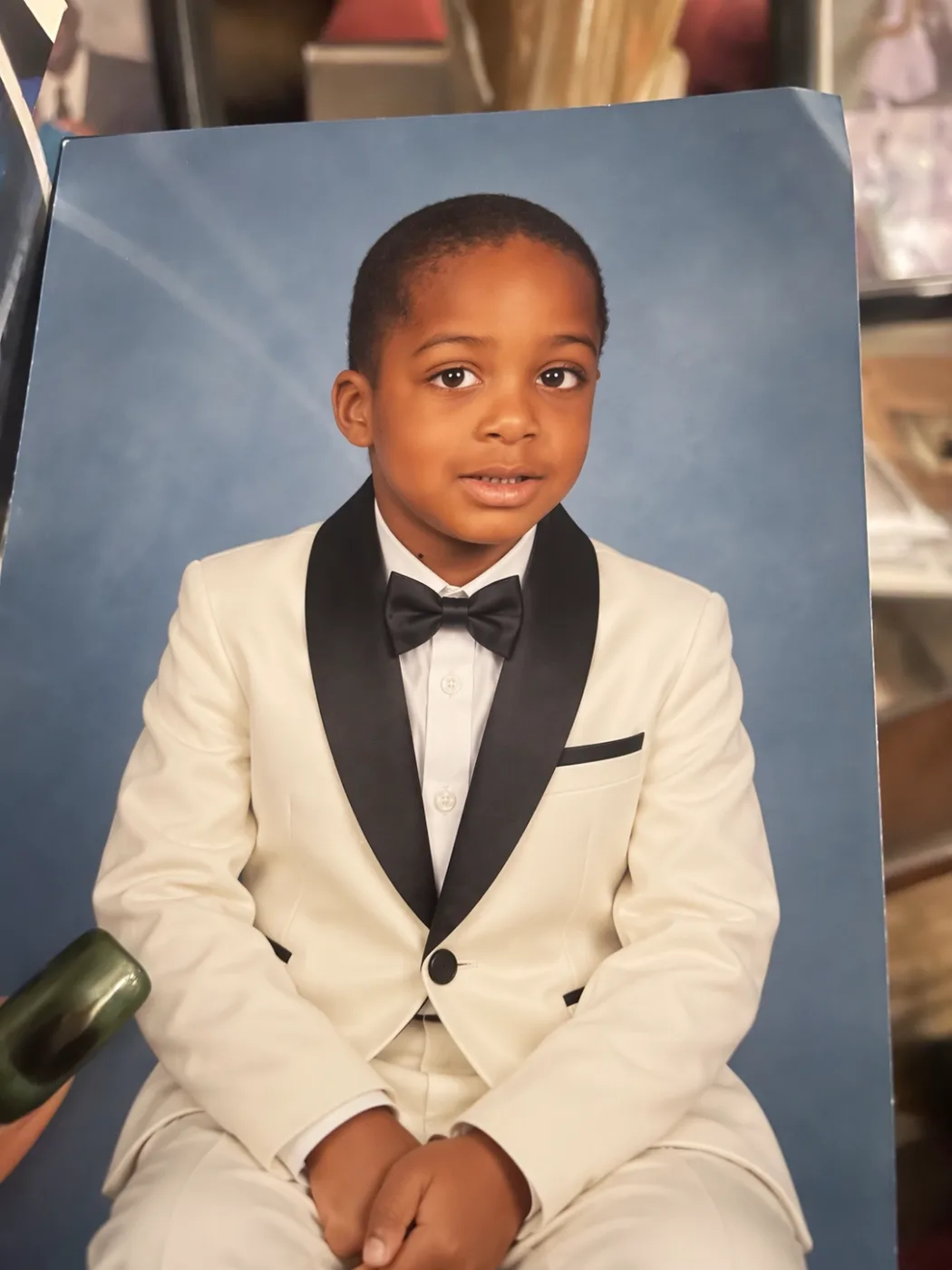
Change only the child's outfit into a formal ivory tuxedo with black satin shawl lapels, a crisp white dress shirt, black bow tie, matching ivory trousers, and a black-trimmed breast pocket.
Preserve everything else exactly:
the child's identity, face, hairstyle, expression, pose, body proportions, hands, blue studio background, the physical printed-photo appearance, camera angle, surrounding objects, reflections, lighting and composition.
Do not alter the face or make the child older.
Make the new clothing look naturally photographed in the original studio portrait.
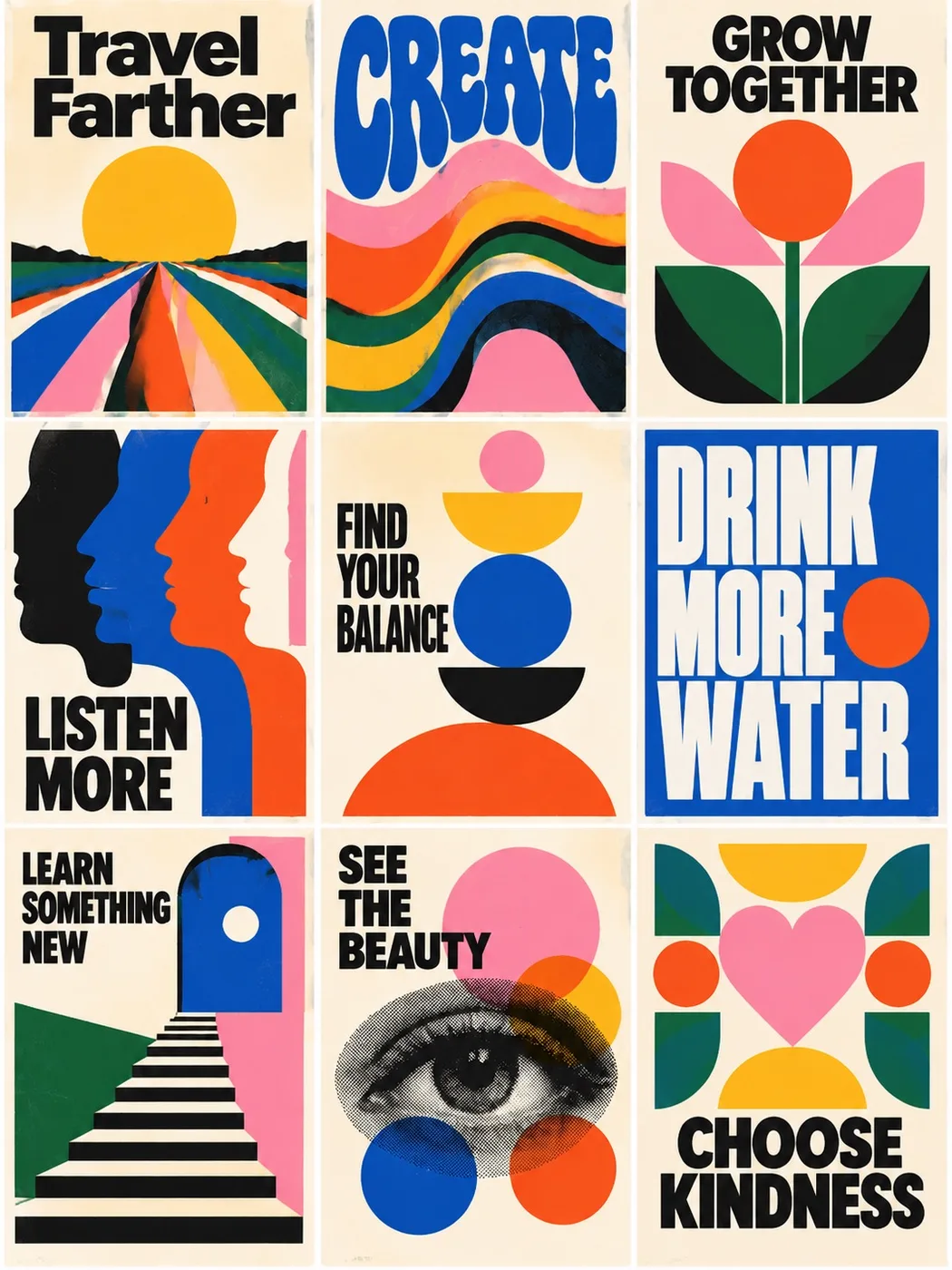
Create a perfectly aligned 3 x 3 grid of nine mid-century modern motivational posters sharing one limited palette.
Exact headlines: Travel Farther, CREATE, GROW TOGETHER, LISTEN MORE, FIND YOUR BALANCE, DRINK MORE WATER, LEARN SOMETHING NEW, SEE THE BEAUTY, CHOOSE KINDNESS.
Flat printed poster aesthetic, equal gutters, no mockup frames.
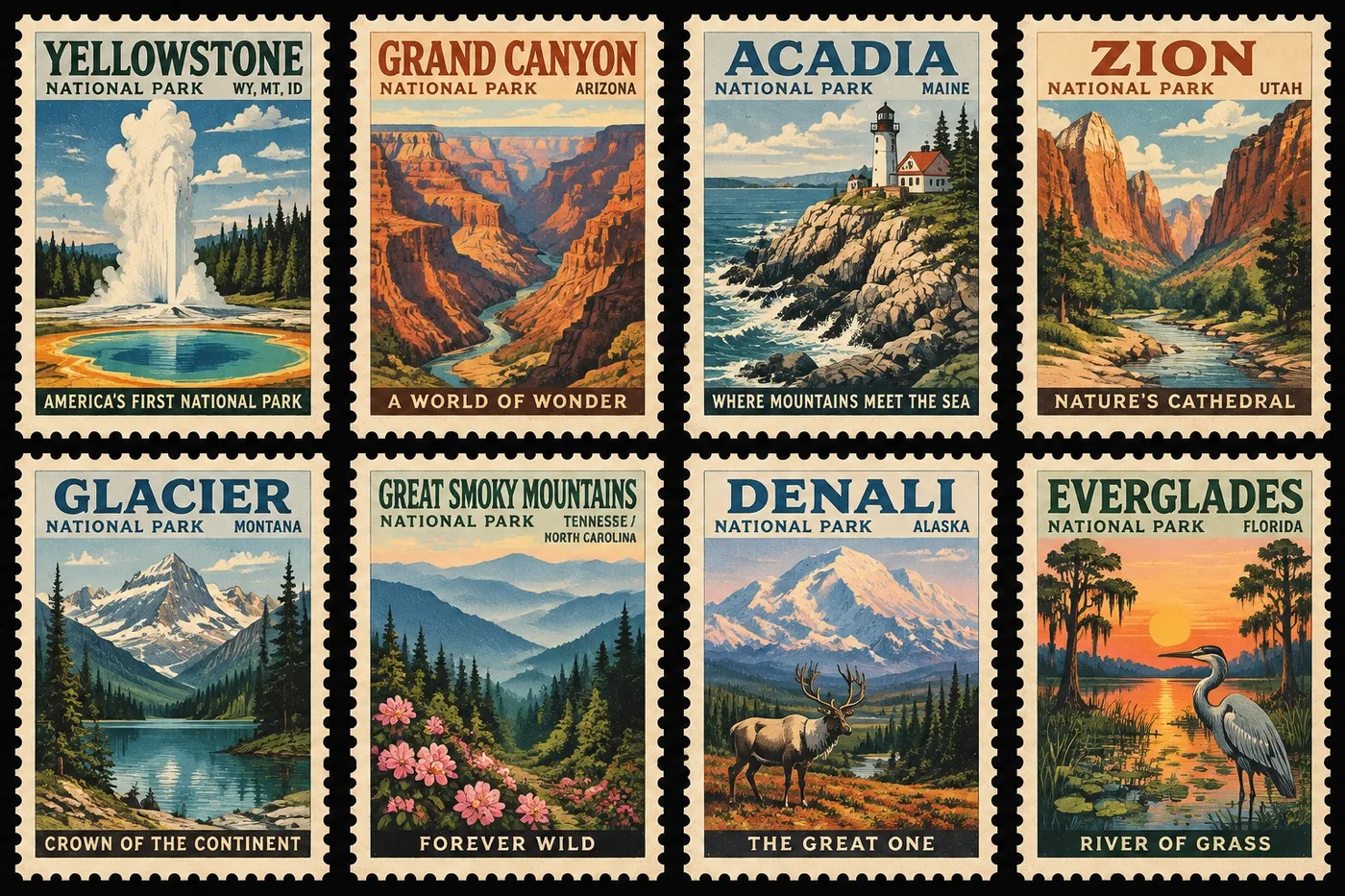
A collectible sheet of eight vintage U.S. national park postage stamps in a 4 x 2 grid on black.
Yellowstone, Grand Canyon, Acadia, Zion, Glacier, Great Smoky Mountains, Denali, Everglades.
WPA travel-poster illustration, perforated cream edges, readable type, one series not eight unrelated pictures.
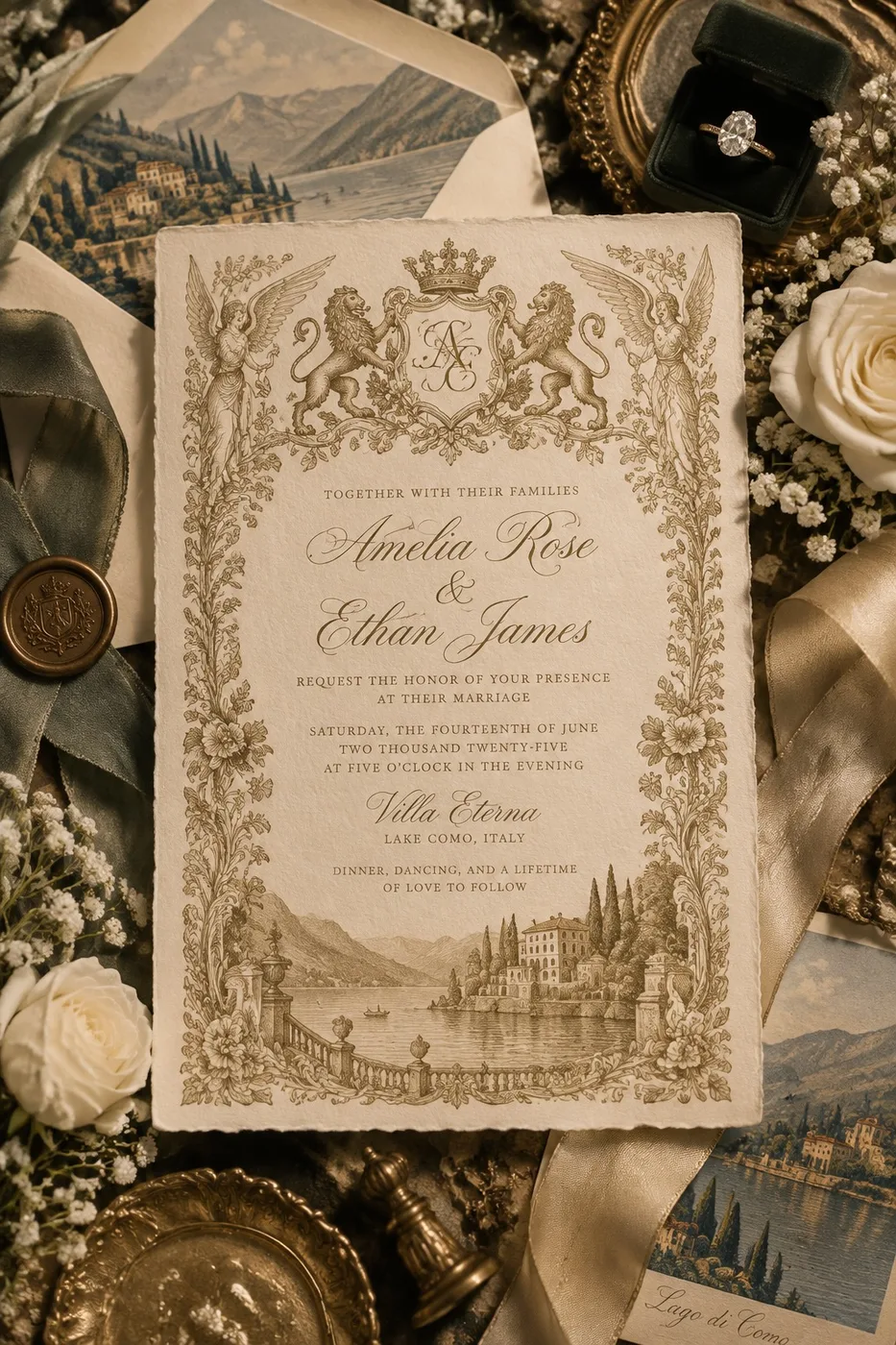
Luxurious editorial flat-lay of an old-world European wedding invitation on ivory cotton paper with gold engraving.
Exact names Amelia Rose and Ethan James, Villa Eterna, Lake Como.
Roses, ribbons, wax seal, velvet ring box. No modern minimalist paper.
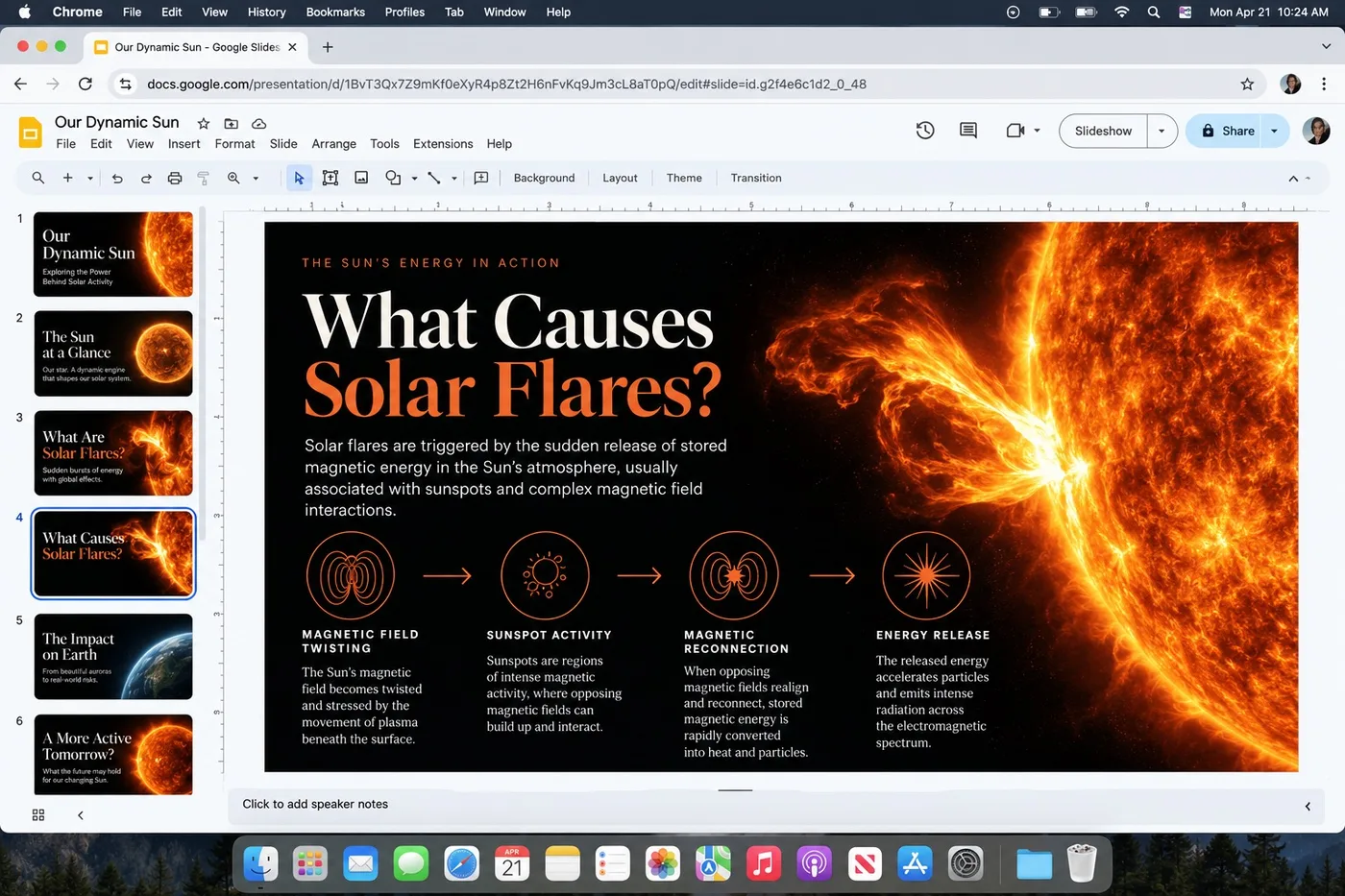
Realistic screenshot of Google Slides in Chrome on macOS.
Deck title: Our Dynamic Sun. Selected slide: What Causes Solar Flares?
Show chrome, sidebar continuity, and the current slide layout with four process steps plus a large sun photograph.
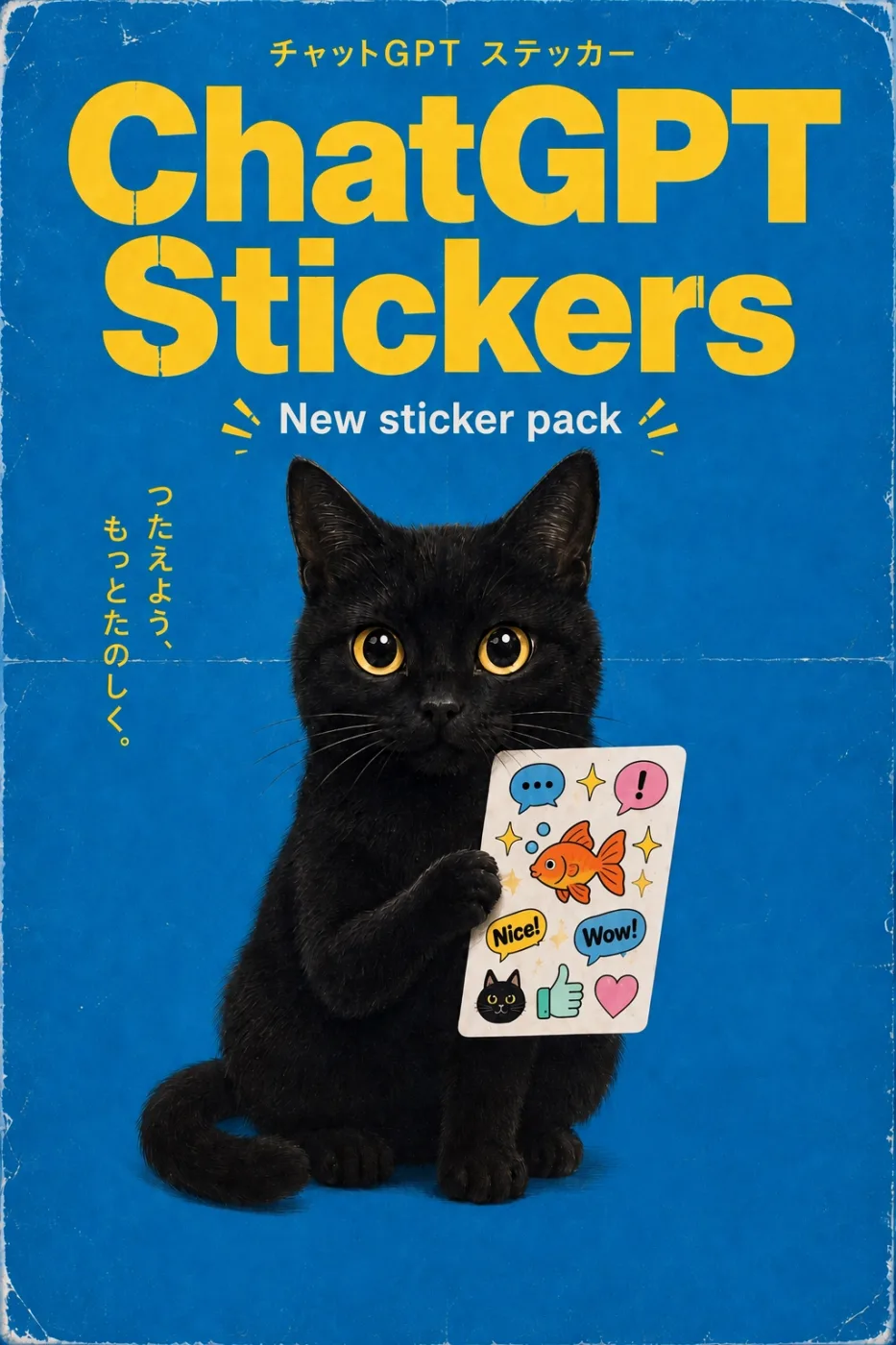
Design a vertical vintage Japanese commercial poster advertising a fictional ChatGPT sticker pack.
Bright saturated cobalt-blue background covering the full poster.
Authentic distressed physical print: worn white edges, fold lines, paper scratches, subtle discoloration, screen-print texture.
At the top, small yellow Japanese text. Below it, gigantic two-line yellow headline: ChatGPT Stickers.
Centered white text: New sticker pack, with small decorative yellow rays.
Main subject: an adorable realistic black cat sitting upright against the blue background, huge round golden-yellow eyes, holding a white rectangular sticker sheet with one paw.
Stickers on the sheet: blue speech bubble, pink exclamation bubble, sparkles, orange goldfish, yellow Nice! bubble, blue Wow! bubble, small black cat face, green thumbs-up, pink heart.
Vertical yellow Japanese copy along the left side.
Quirky 1970s-1980s Japanese stationery advertisement, playful retro product packaging, perfectly legible typography, 2:3 vertical format.
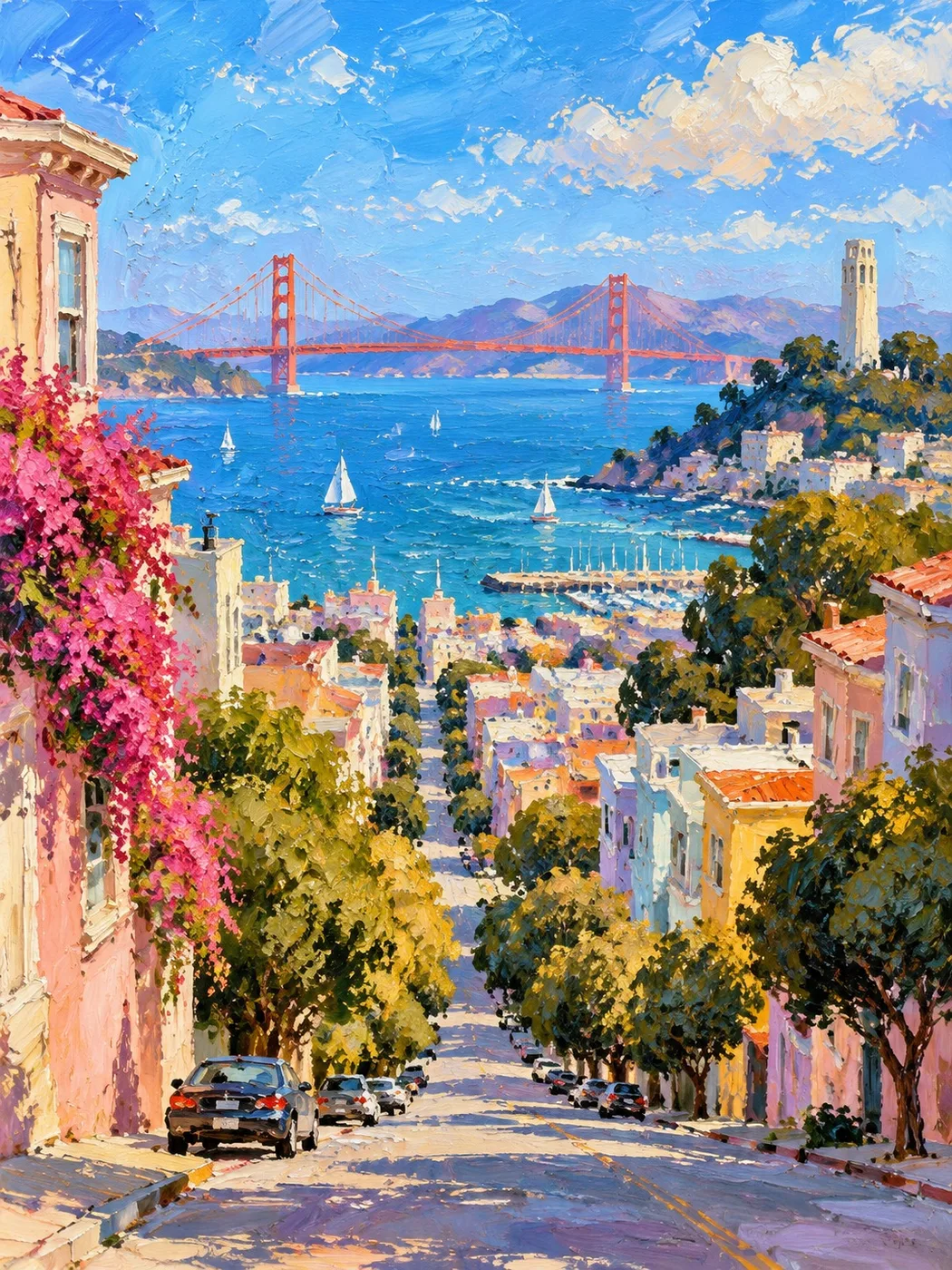
A vertical impressionist gouache and thick-oil painting of San Francisco on a bright clear day.
View downhill along a steep residential street toward San Francisco Bay. Pastel-colored houses and dense rounded trees frame both sides of the descending street.
In the distance, the Golden Gate Bridge stretches horizontally across brilliant blue water, painted in vivid vermilion red. Coit Tower appears on the right hillside.
Joyful saturated palette, loose confident brushwork, visible thick paint texture, palette-knife marks.
Mid-century California plein-air painting feeling. 3:4. No text. No photographic rendering.
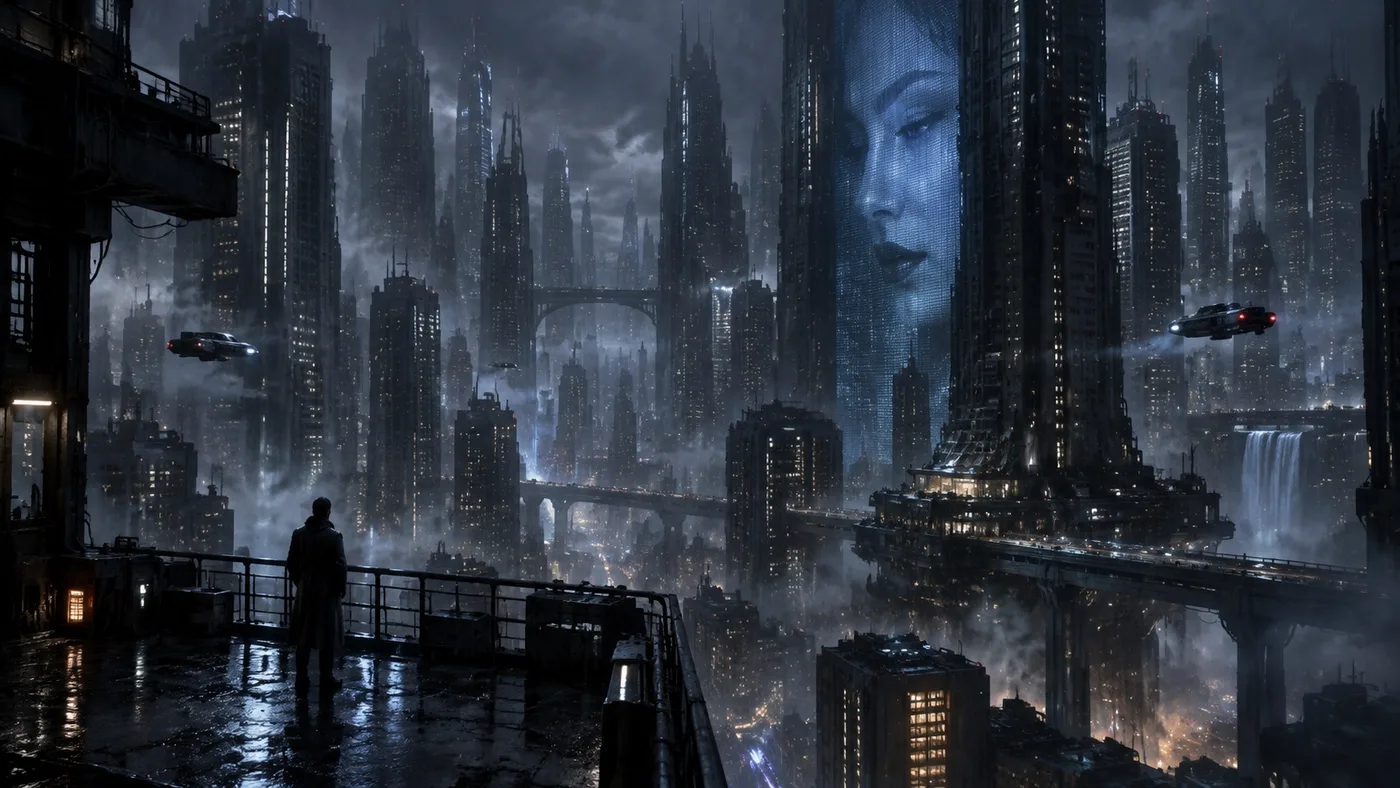
A vast dystopian cyberpunk megacity at night, viewed from a dark elevated rooftop terrace.
Extreme vertical scale, rain, fog, elevated highways, a lone silhouette at a wet railing, a monumental monochrome blue face on a skyscraper.
Restrained cyberpunk rather than colorful neon overload. 16:9. No text. No rainbow neon.
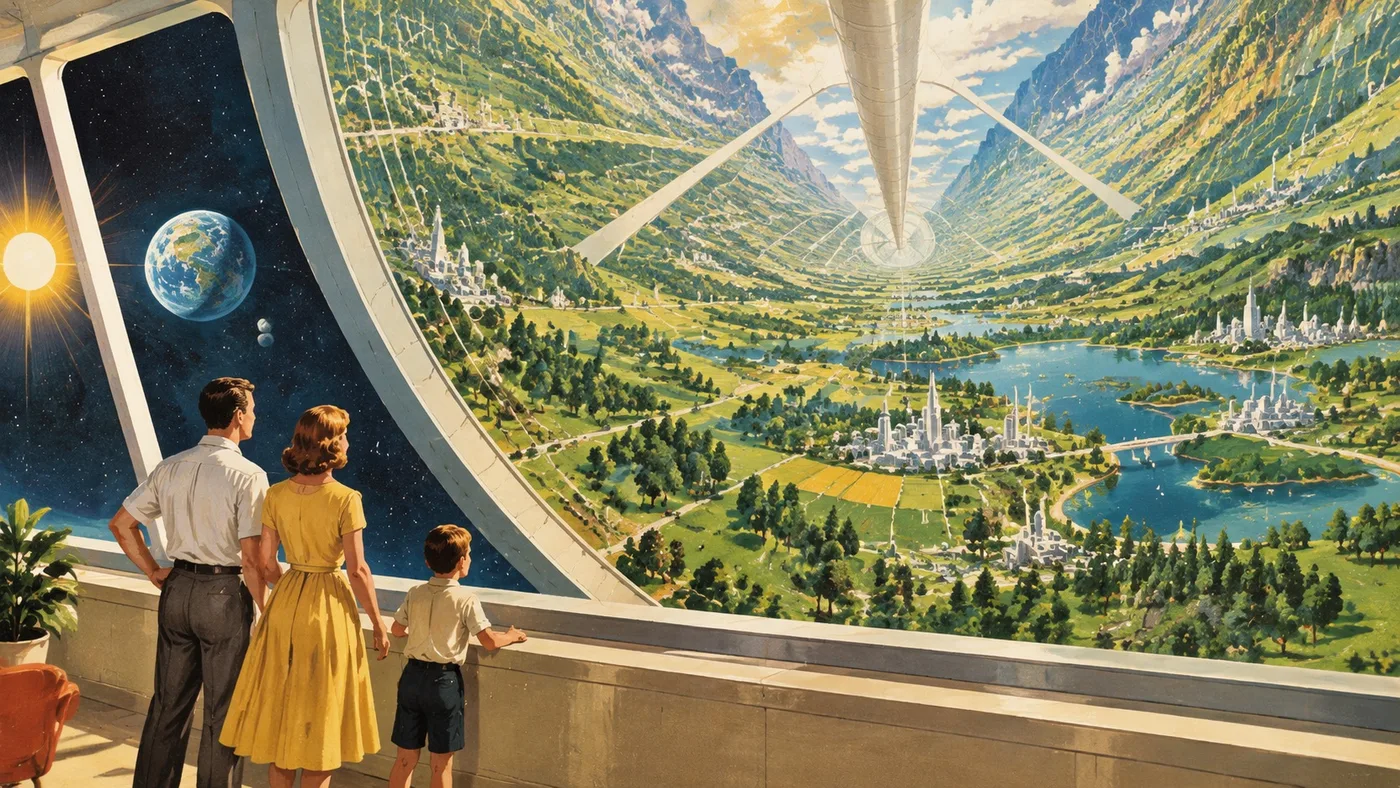
Optimistic mid-century retrofuturist illustration of a 1950s family looking into a rotating cylindrical space colony.
Landscape curves upward. Gouache and airbrush, Popular Science magazine painting. 16:9.
No modern clothing, no dystopia, no cyberpunk.
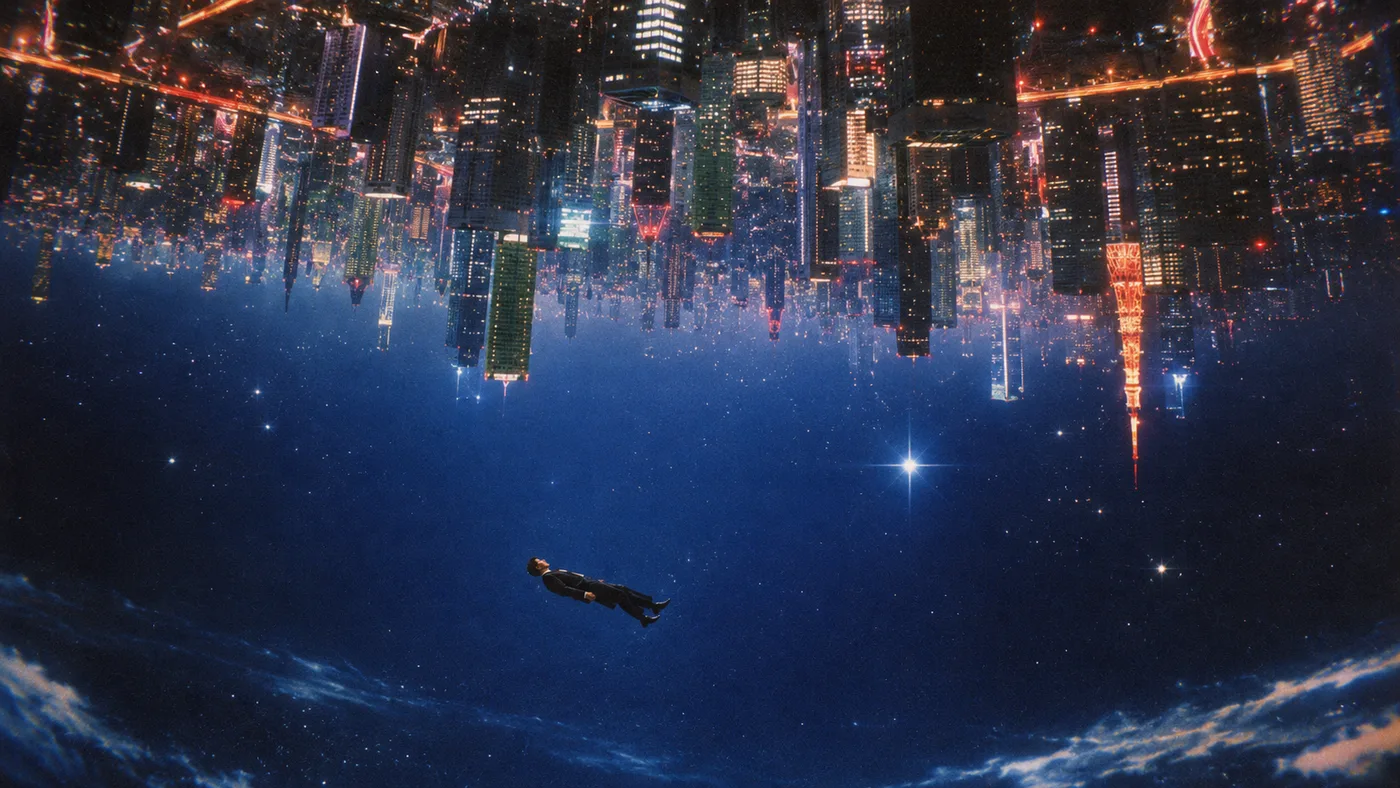
A surreal cinematic science-fiction scene in outer space.
A gigantic futuristic city hangs upside down across the entire upper half of the frame, as though gravity has been reversed. Thousands of illuminated skyscrapers descend downward from an inverted metropolis suspended in the sky.
The city is dense, dark and monumental, glowing with warm orange, red, white and occasional cyan lights.
Below the inverted city is an enormous open field of deep blue space filled with stars.
Near the lower-center-left, a single man in a dark business suit floats horizontally and weightlessly through space, tiny compared with the impossible city.
At the very bottom edge of the composition is the curved blue atmosphere of Earth, with thin white cloud formations.
Dreamlike impossible spatial logic, existential scale, quiet loneliness, retro science-fiction surrealism, analog 1980s film aesthetic, subtle VHS-era chromatic aberration, soft halation around lights, fine photographic grain.
Ultra-wide cinematic framing, 16:9, no text, no visible spacecraft, no conventional horizon.
The surreal geometry should feel physically convincing despite being impossible.
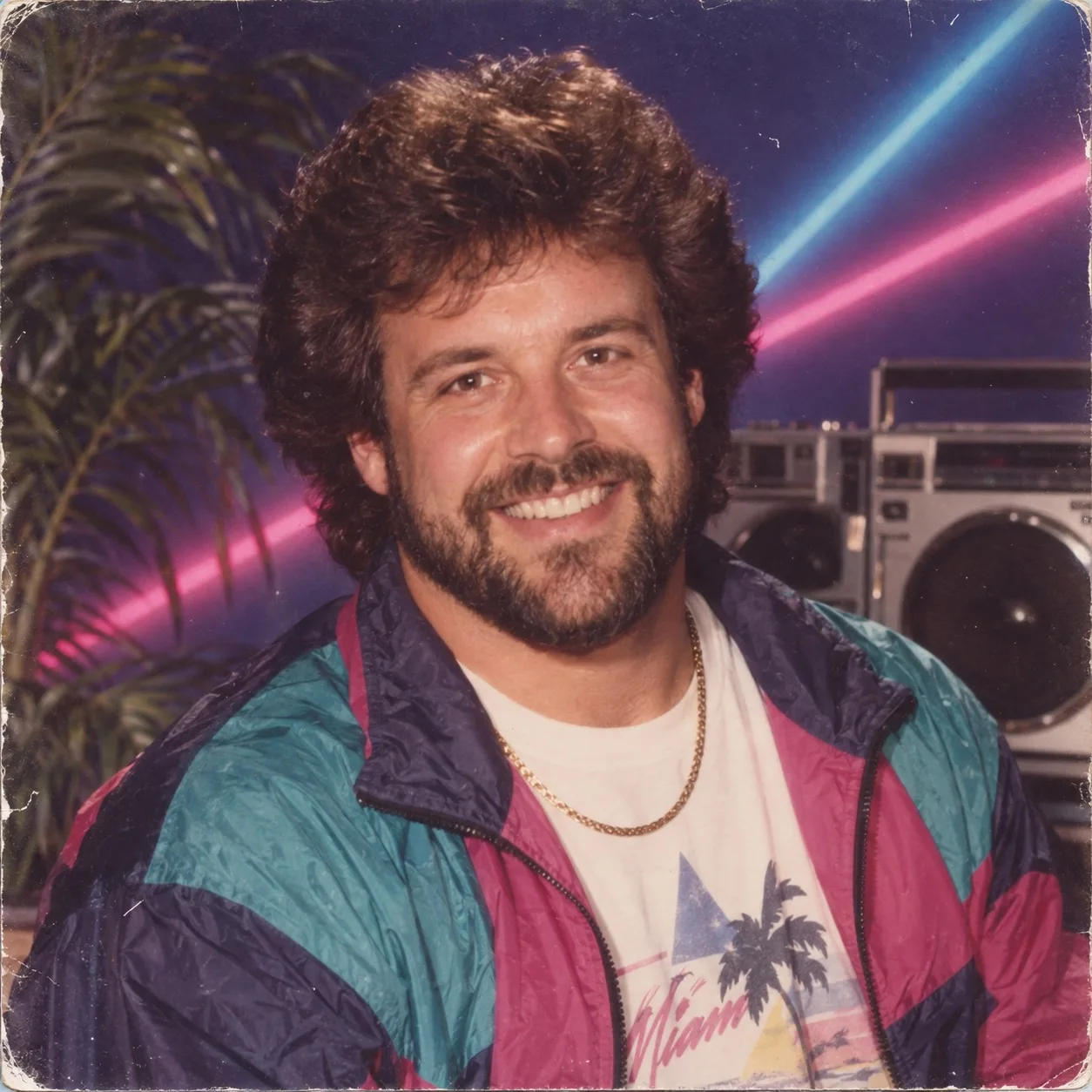
Use the uploaded portrait as the identity reference.
Transform the person into a convincing 1980s studio portrait while preserving facial identity.
Period wardrobe, mall-studio neon, boombox, palm, consumer film print wear.
Do not modernize. Do not make contemporary synthwave CGI.
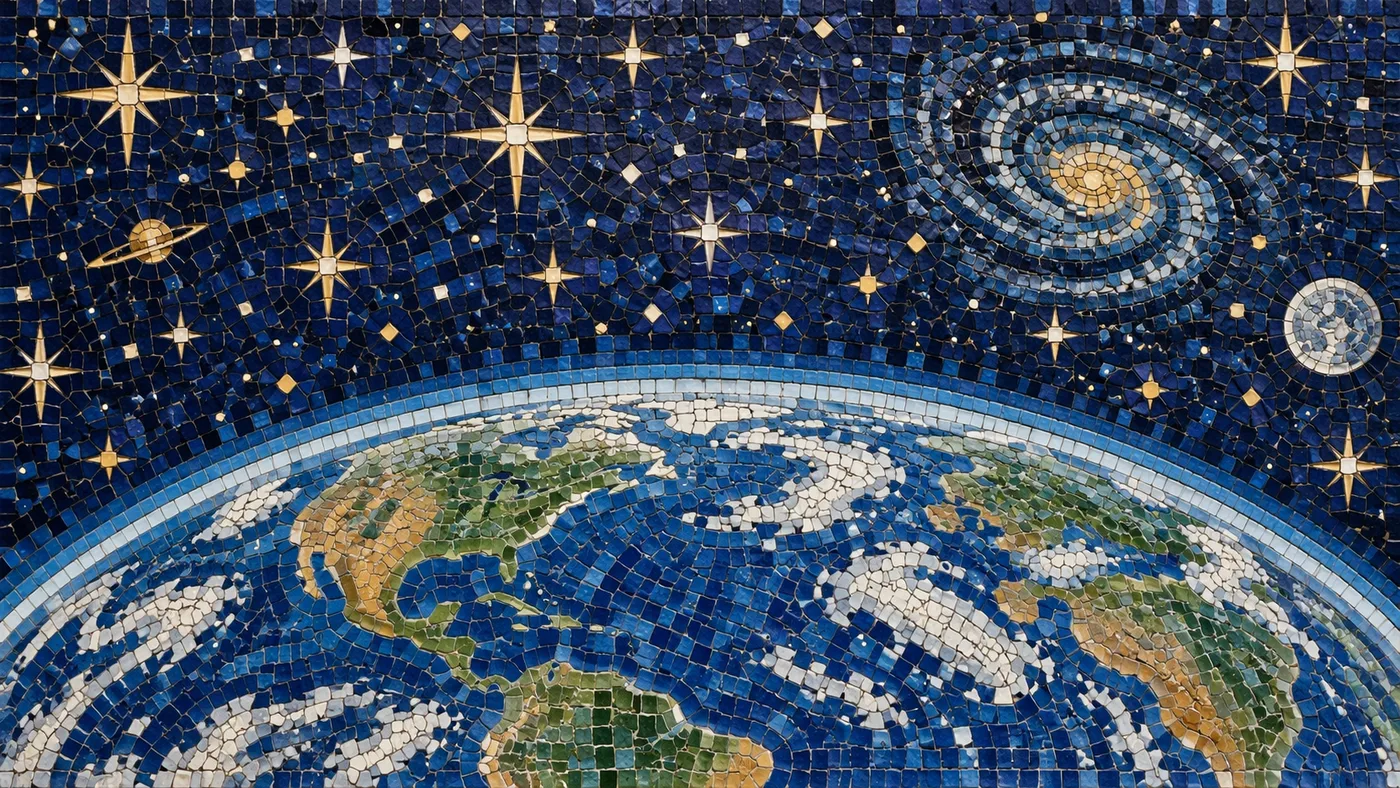
A monumental handmade ceramic mosaic depicting Earth viewed from space.
The curved horizon of Earth occupies approximately the lower 45 percent of the composition. North America, Central America, South America and parts of Europe and Africa are visible, constructed entirely from hundreds of irregular individual ceramic tesserae.
White mosaic clouds swirl over deep-blue oceans. Continents use muted green, ochre, tan and cream stone pieces.
Above Earth is an elaborate deep-cobalt celestial sky made entirely from dark blue ceramic tiles.
Fill the sky with decorative golden and ivory mosaic stars in multiple sizes, including elegant eight-pointed and four-pointed stars.
Include a small ringed Saturn on the upper left, a large spiral galaxy on the upper right constructed from concentric pale-blue, white and gold tesserae, a small moon nearby, tiny scattered stars and celestial ornaments.
Every element must physically be made from individual hand-cut mosaic tiles. Visible dark grout lines, slightly uneven tile surfaces, subtle ceramic gloss, tiny chips and handcrafted imperfections.
Straight-on photograph of the finished mosaic wall, even museum lighting, extremely tactile detail, 16:9. No painted surfaces and no digital gradients.
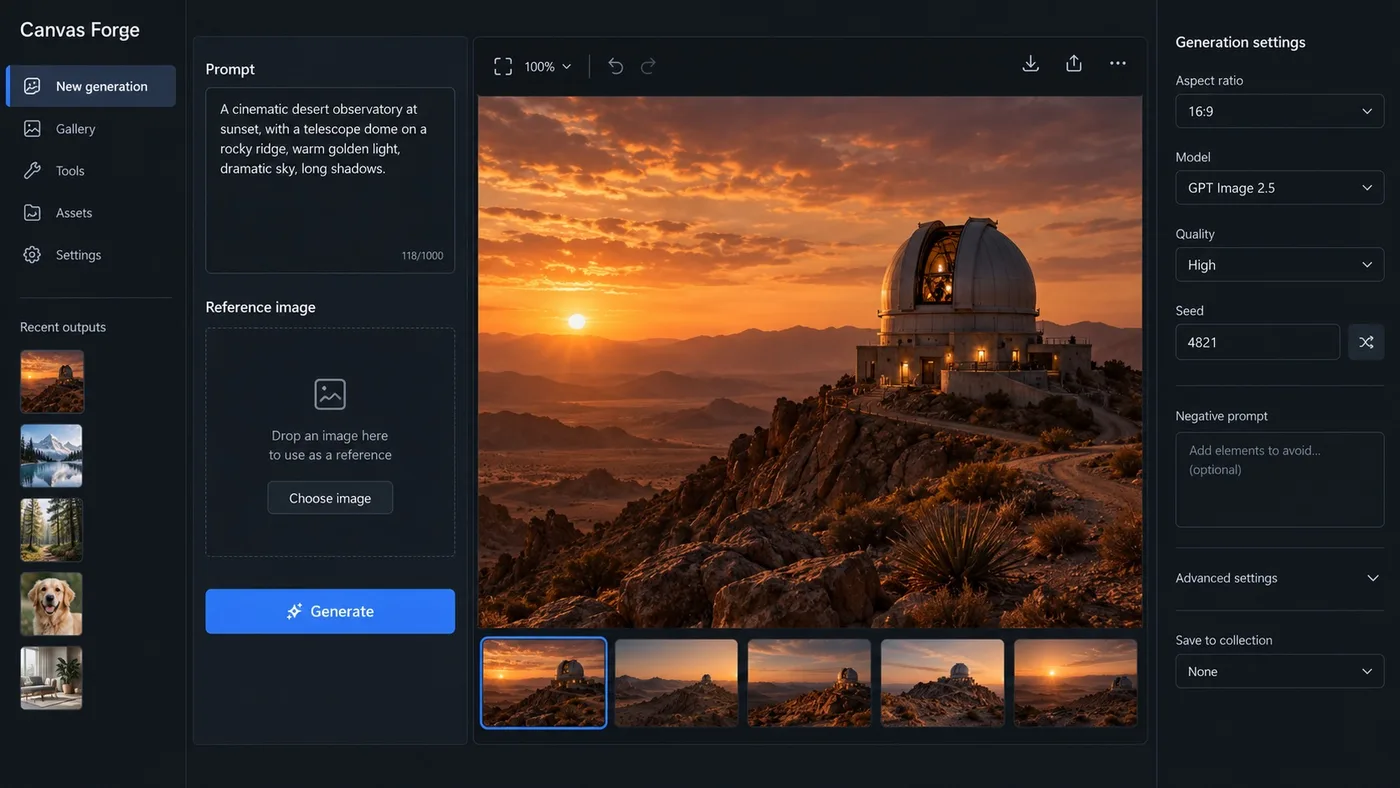
Create one high-fidelity desktop web app screenshot for a fictional AI image-generation workbench called Canvas Forge. This is a single polished 16:9 product UI screen, not a collage or presentation.
Dark editorial interface with a left navigation rail, a central 3-column image-generation workspace, and a right inspector panel.
Exact readable text: Canvas Forge, New generation, Prompt, Reference image, Generate, Aspect ratio, 16:9, Model, GPT Image 2.5, Quality, High, Seed, 4821, Recent outputs.
Show one large generated image preview of a warm cinematic desert observatory at sunset in the center.
Use concise realistic labels, consistent spacing, clear hierarchy, accessible contrast, subtle borders, no gradients, no fake logos, no gibberish, no extra windows.
The screenshot should feel like a mature production creative tool with believable controls and useful empty states. Render every specified label exactly and keep all UI text short and legible.
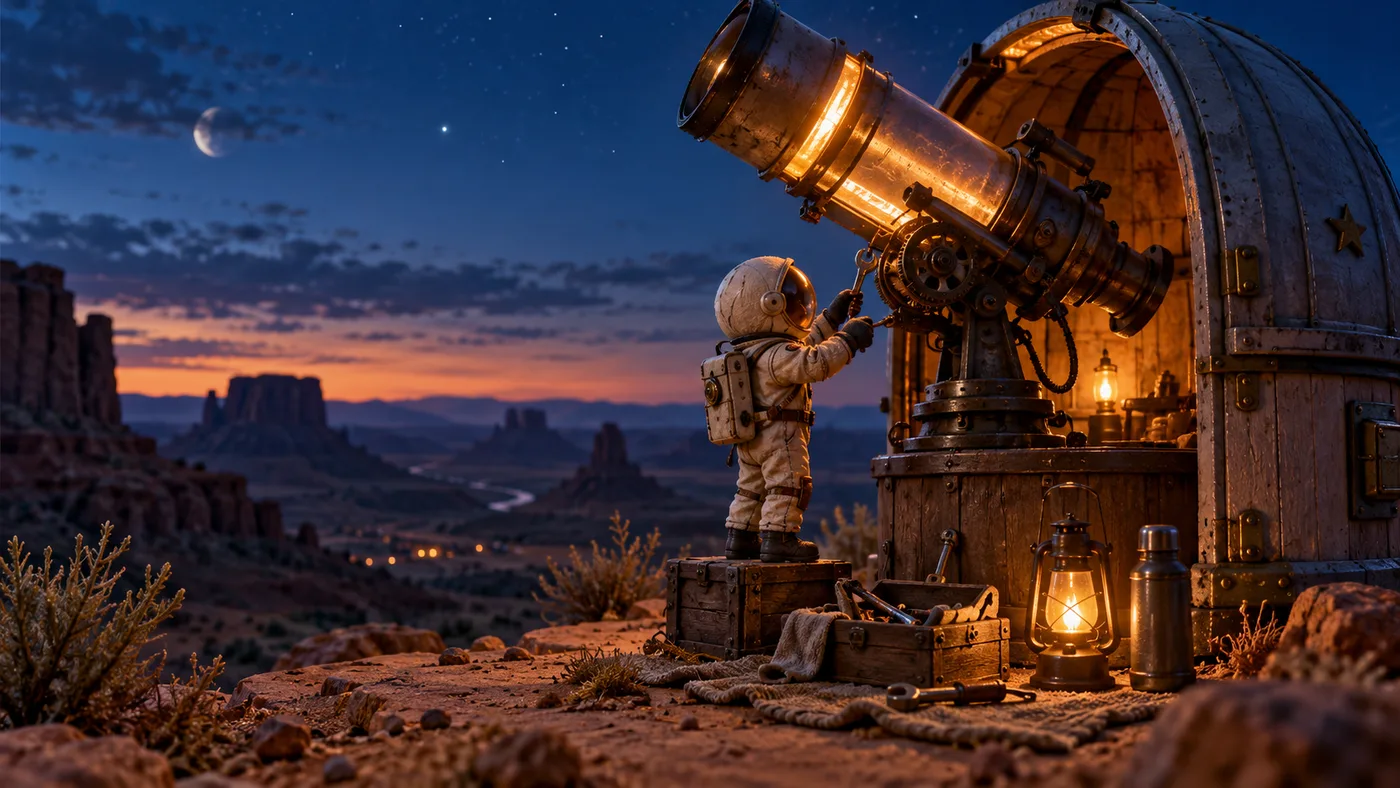
Create a polished cinematic 16:9 keyframe for an AI image showcase: a tiny handmade astronaut repairing a glowing observatory telescope on a desert mesa at blue hour, warm lantern light contrasting with a deep indigo sky, readable silhouette, stable costume details, clear foreground midground background separation, tactile miniature materials, realistic shadows, editorial color grading, no text, no watermark, no duplicate objects. This is one single finished image, not a collage.
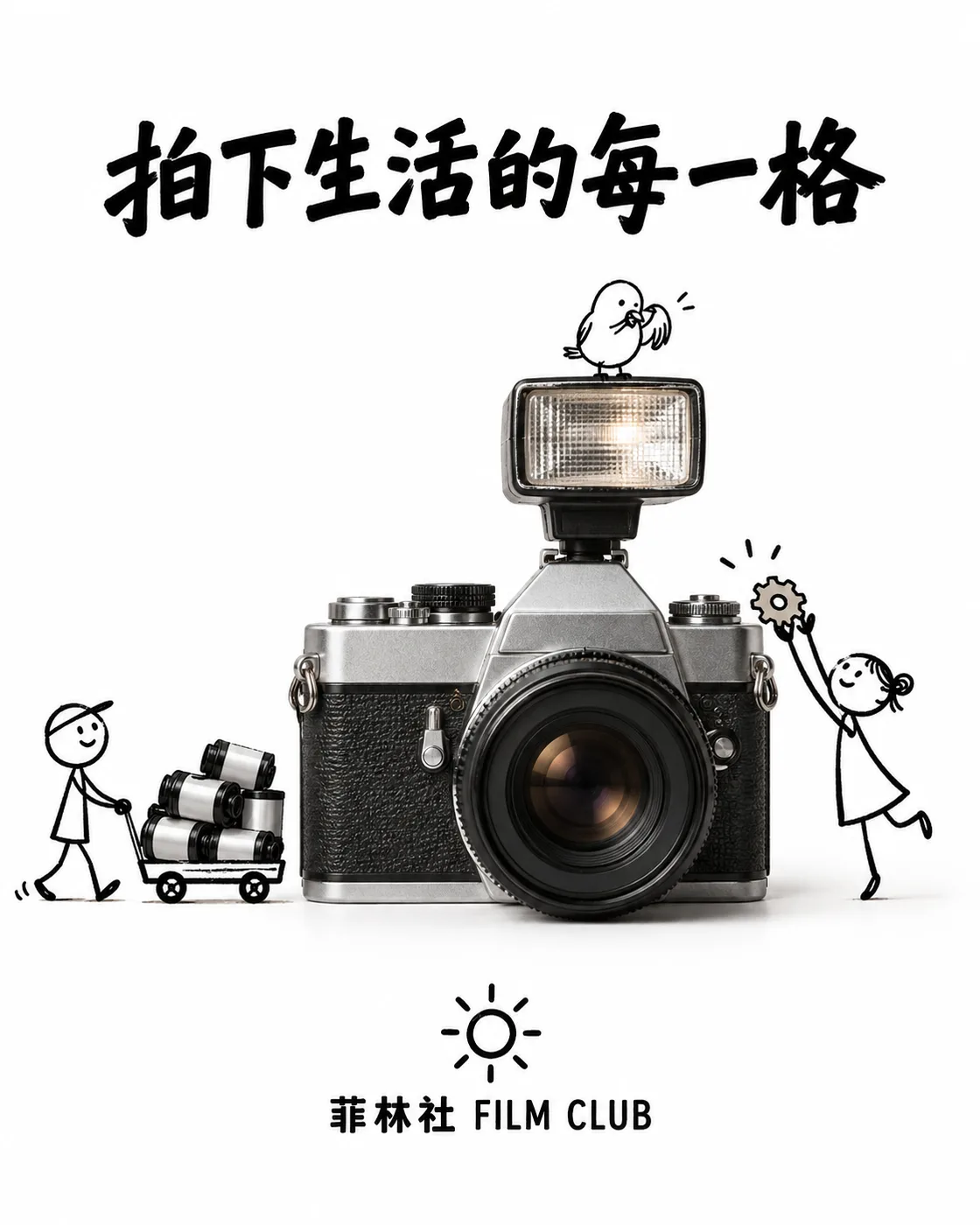
一则简约且富有创意的商品广告,纯白背景。一台真实的复古胶片相机与手绘黑色墨水涂鸦相结合,线条松散而俏皮:涂鸦小人正用小推车搬运胶卷、踮脚给相机喂一颗齿轮形状的糖,一只涂鸦小鸟停在闪光灯上梳理羽毛。画面上方加入粗体黑色广告文案「拍下生活的每一格」,底部放置简洁的「菲林社 FILM CLUB」文字标志与一个小太阳图形。视觉效果简洁、有趣、高对比度,构思巧妙。
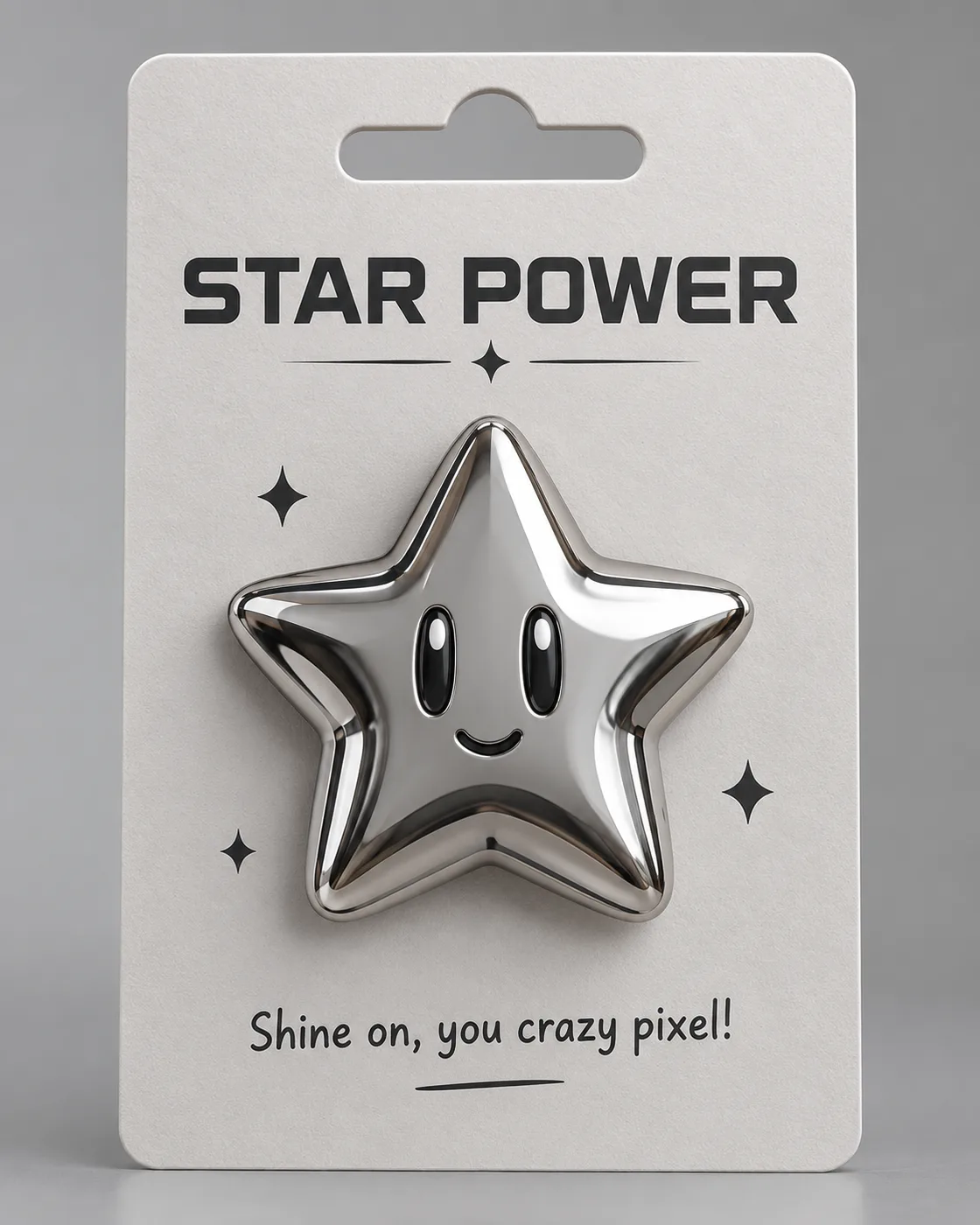
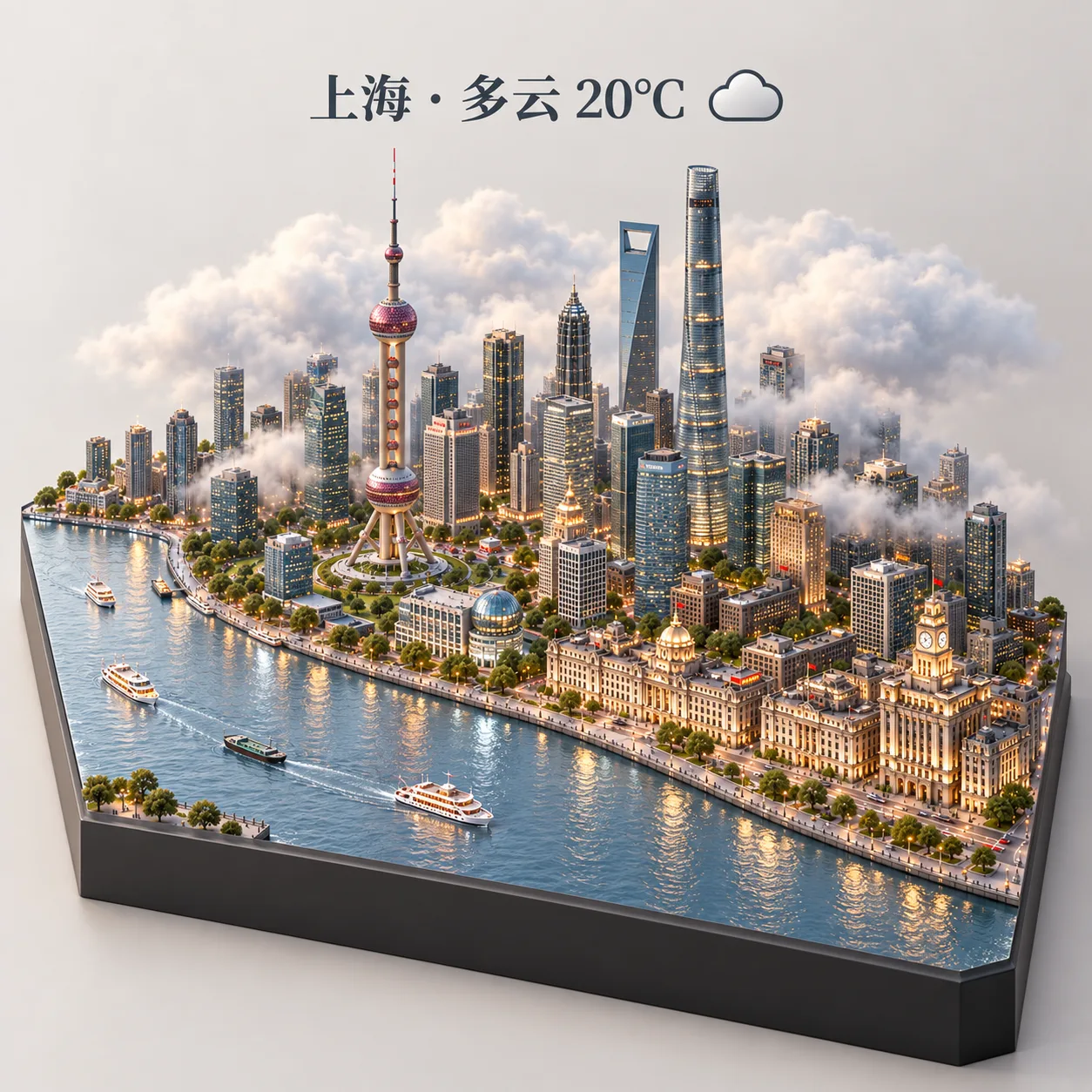
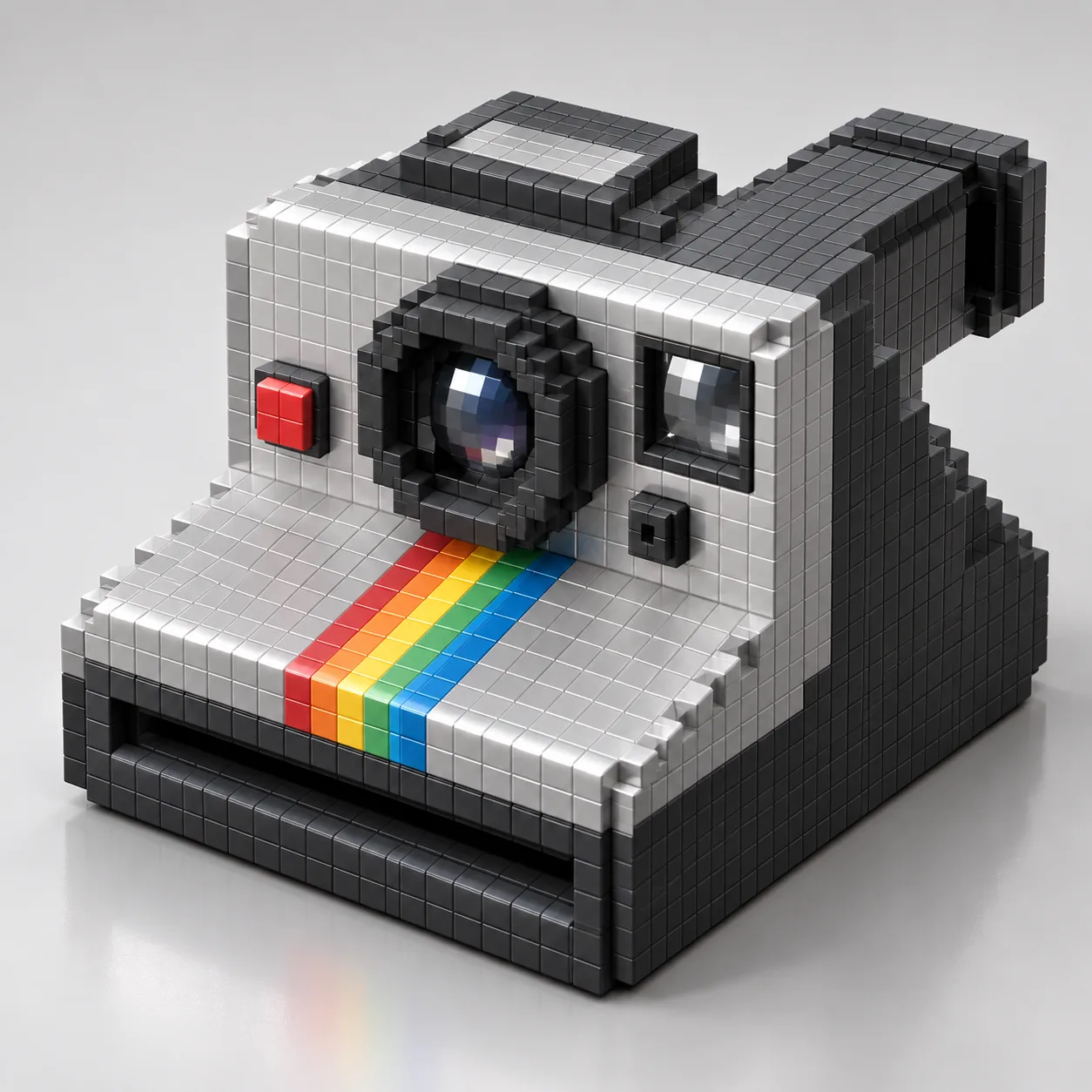
高精度 3D 渲染:一枚金属质感徽章,主体是立体圆润的⭐星星 emoji 造型,超光滑镀铬质感,固定在竖直的商品展示卡上,风格化的未来主义设计,柔和反光与干净阴影。纸质卡片顶部中央带一个冲切欧式挂孔,徽章上方是醒目标题「STAR POWER」,下方配趣味标语「Shine on, you crazy pixel!」。背景柔和灰色,柔光摄影棚灯光,极简风格。
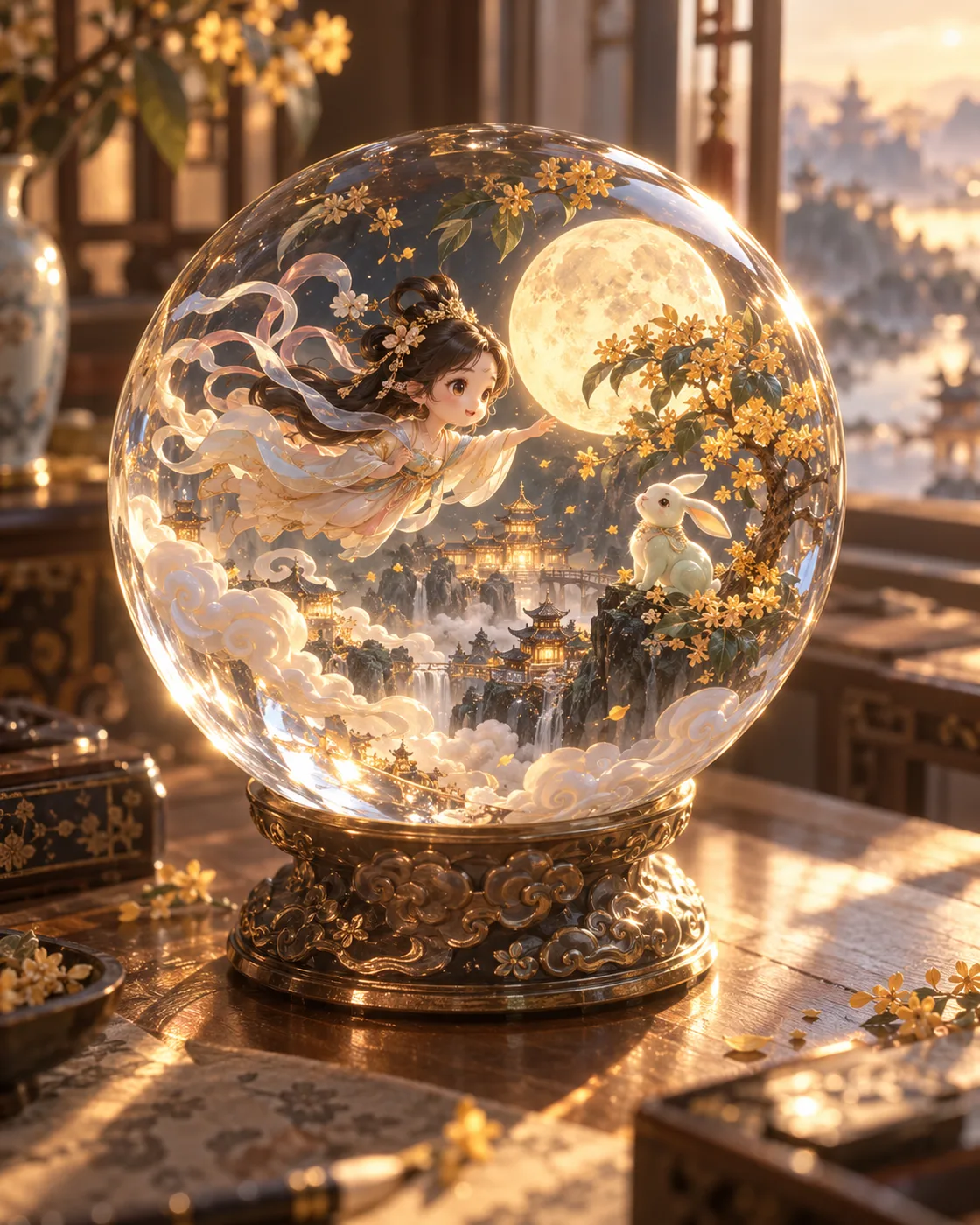
一枚精致的水晶球静静摆放在窗旁温暖的桌面上,背景虚化朦胧,暖色调阳光轻柔穿透球体,折射出点点金光,照亮微暗的空间。水晶球内部呈现一个以「嫦娥奔月」为主题的迷你立体世界:Q 版嫦娥衣袂飘飞奔向圆月,玉兔回头张望,云纹与桂花树环绕,细腻精美的 3D 景观,人物之间充满灵动的情感互动。整体氛围充满东亚奇幻色彩,魔幻现实主义质感,如诗如梦,华美典雅。
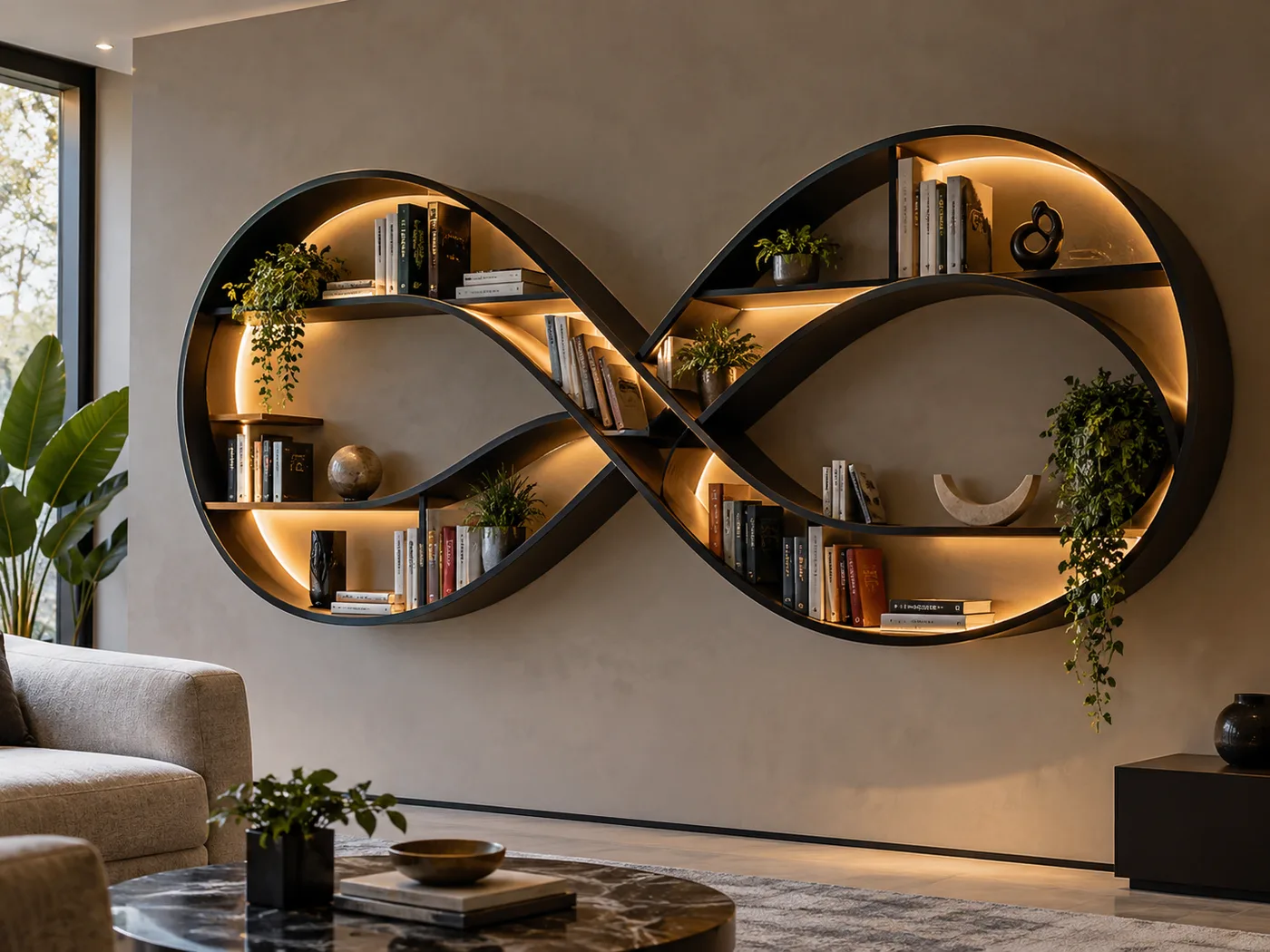
拍摄一张现代书架的照片,造型灵感来源于无穷符号 ∞ 的形状:书架由流畅、互相连接的曲线构成,形成多个大小不一的分区。材质为光滑的哑光黑色金属,曲线内部设木质层板,柔和暖色的 LED 灯带勾勒内侧曲线轮廓。书架安装在中性色调的墙面上,摆放色彩丰富的书籍、小型绿植和极简风格艺术摆件。整体氛围富有创意、优雅且略带未来感。
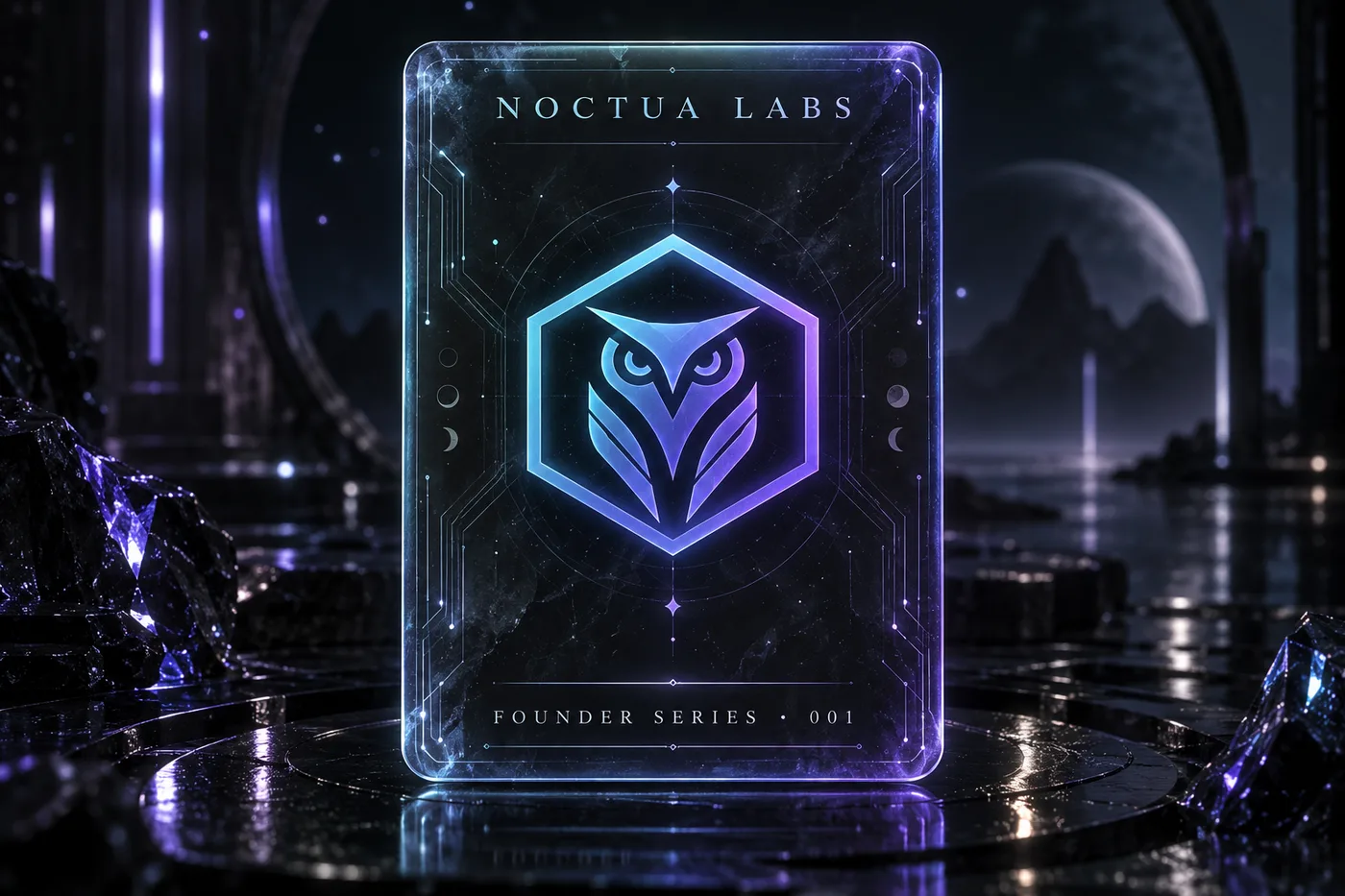
A futuristic trading card with a dark, moody neon aesthetic and soft sci-fi lighting. The card features a semi-transparent rounded rectangle with slightly muted glowing edges, appearing as if made of holographic glass. At its center floats the emblem of a fictional AI company: a minimalist geometric owl inside a hexagon, rendered in a cyan-to-violet gradient. The card top reads "NOCTUA LABS", the bottom reads "FOUNDER SERIES · 001". Subtle circuit traces and floating particles decorate the card. 3:2 landscape, ultra-detailed, premium collectible feel.
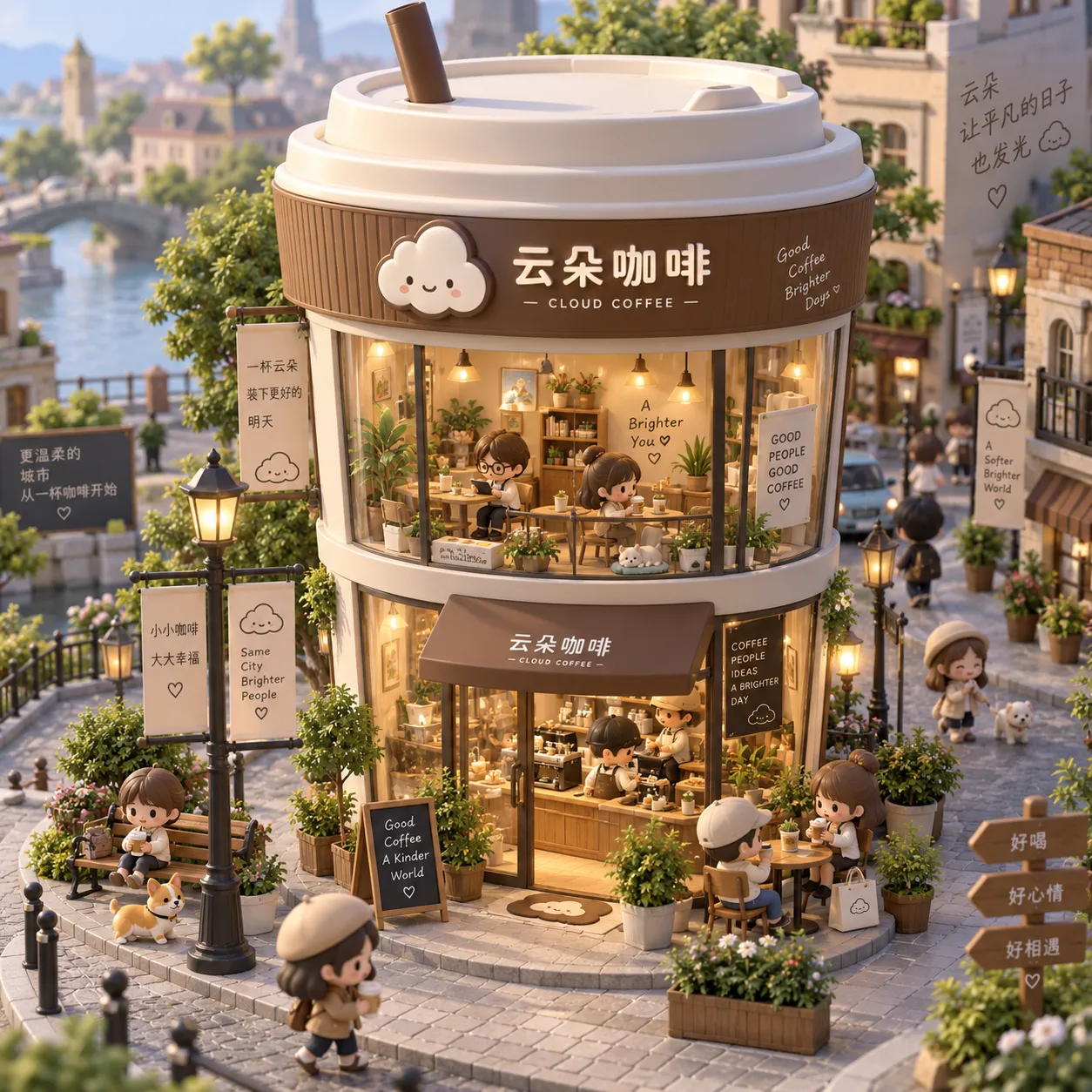
3D Q 版迷你风格:一座奇趣的迷你咖啡店「云朵咖啡」,外观是一个巨大的外带咖啡杯造型,带杯盖和吸管,杯身印着小小的云朵 logo。建筑共两层,大大的玻璃窗展示出内部温馨精致的装修:木质家具、温暖的灯光、忙碌的咖啡师。街道上有可爱的小人偶漫步或小坐,四周布置长凳、街灯和植物盆栽,营造迷人的城市一角。城市微缩景观风格,细节丰富逼真,午后柔和光线,等距视角。
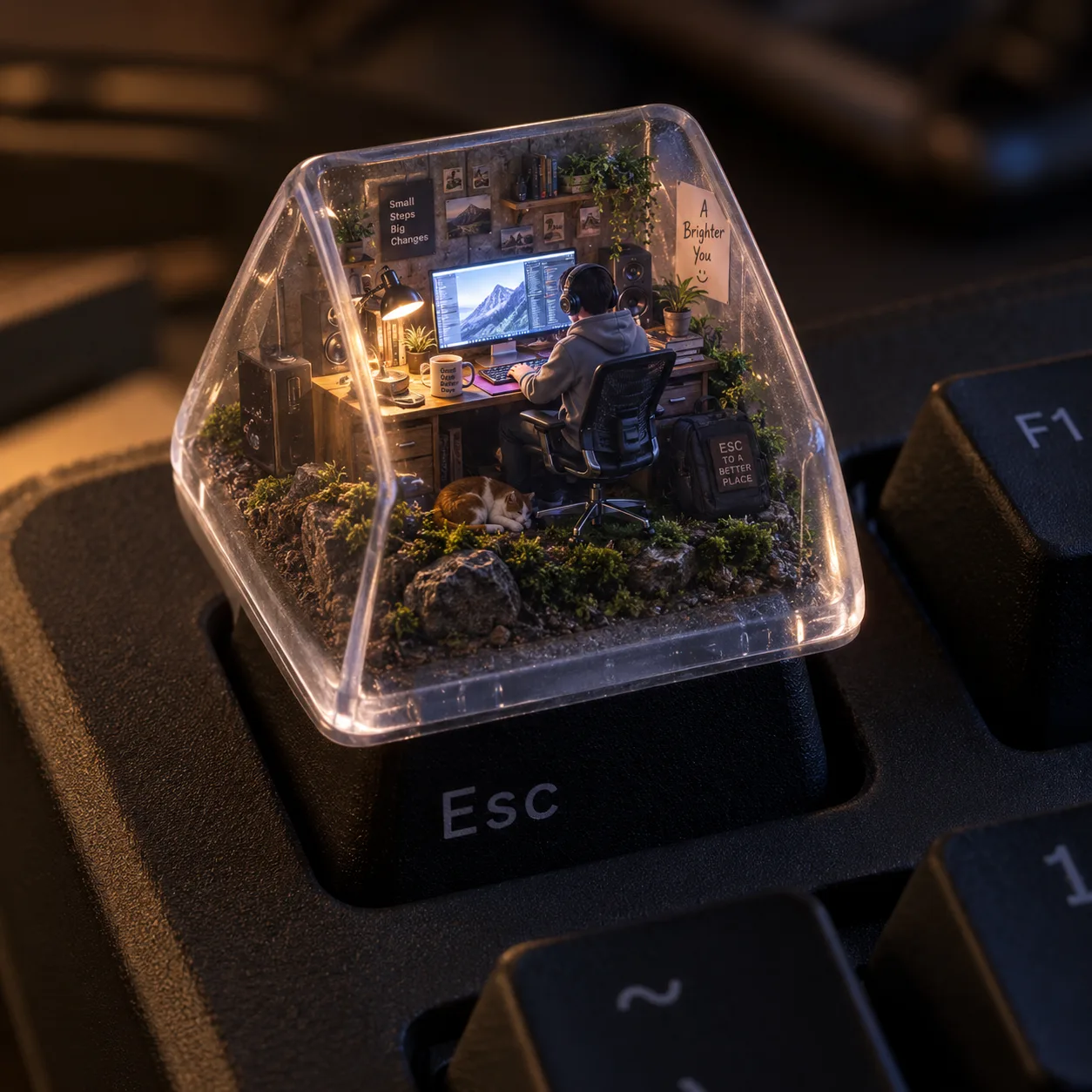
一个超写实的等距视角 3D 渲染图:一个微型电脑工作空间被装在一个半透明机械键盘键帽内,键帽特别放置在一块哑光机械键盘的 ESC 键上。键帽内部,一个穿着舒适连帽衫的小人坐在人体工学椅上,专注面对发光的电脑屏幕工作;空间布满逼真的微型配件——真实材质台灯、带反光的显示器、微小扬声器格栅、缠绕的电缆和陶瓷杯。键帽底部由土壤、岩石和苔藓构成,照片级材质质感;内部光照模拟温暖的傍晚氛围,与冷色屏幕光形成对比。
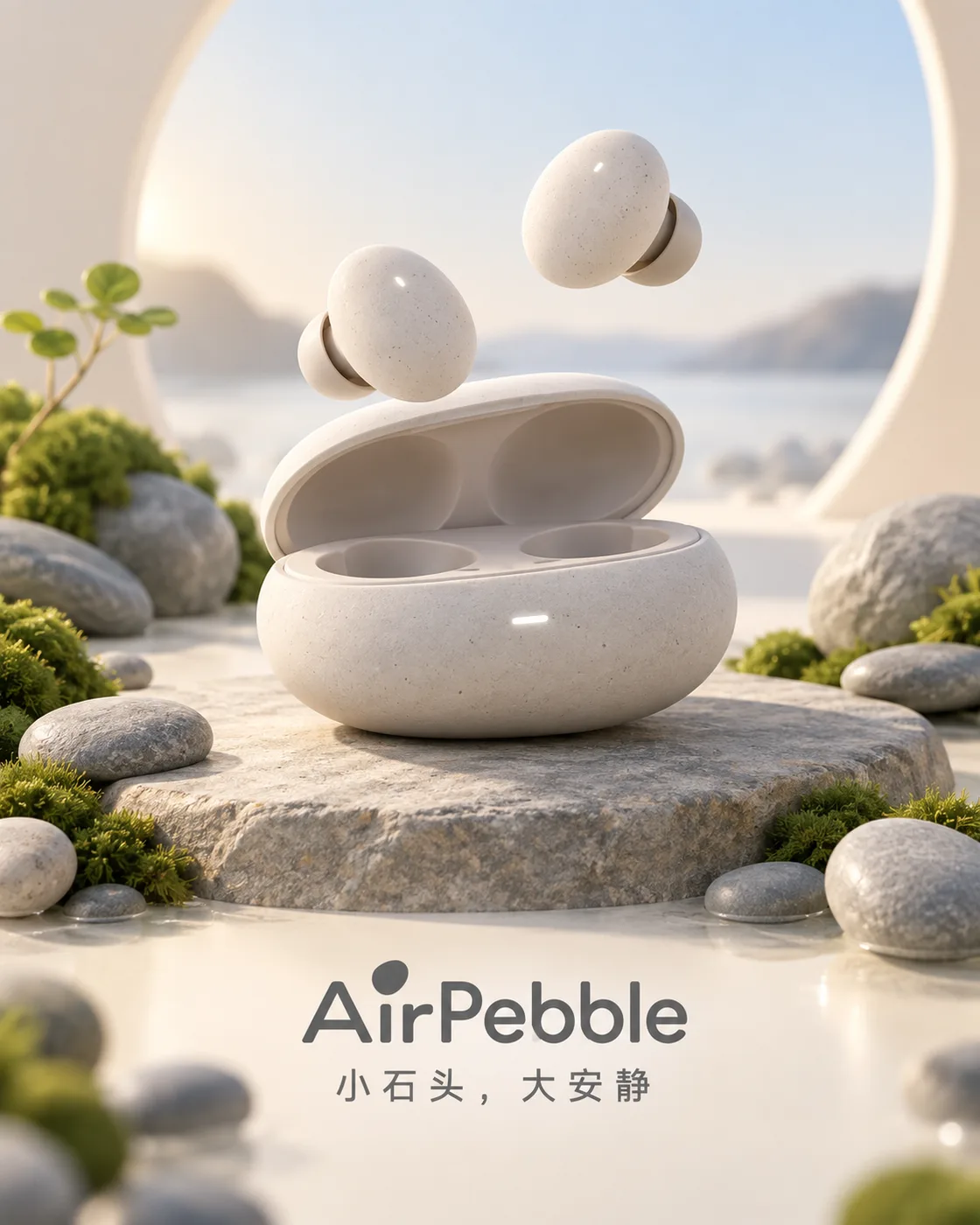
一个柔和的 3D 卡通风格雕塑广告:虚构无线耳机品牌「AirPebble」,由光滑的粘土质感与鲜艳柔和的色彩制成。简约等距场景中,鹅卵石形状的充电盒半开,两枚耳机像小石子一样悬浮升起,旁边点缀真的鹅卵石与苔藓。构图简洁,光线柔和,阴影微妙,画面下方清晰显示产品 logo 与三词口号「小石头,大安静」。
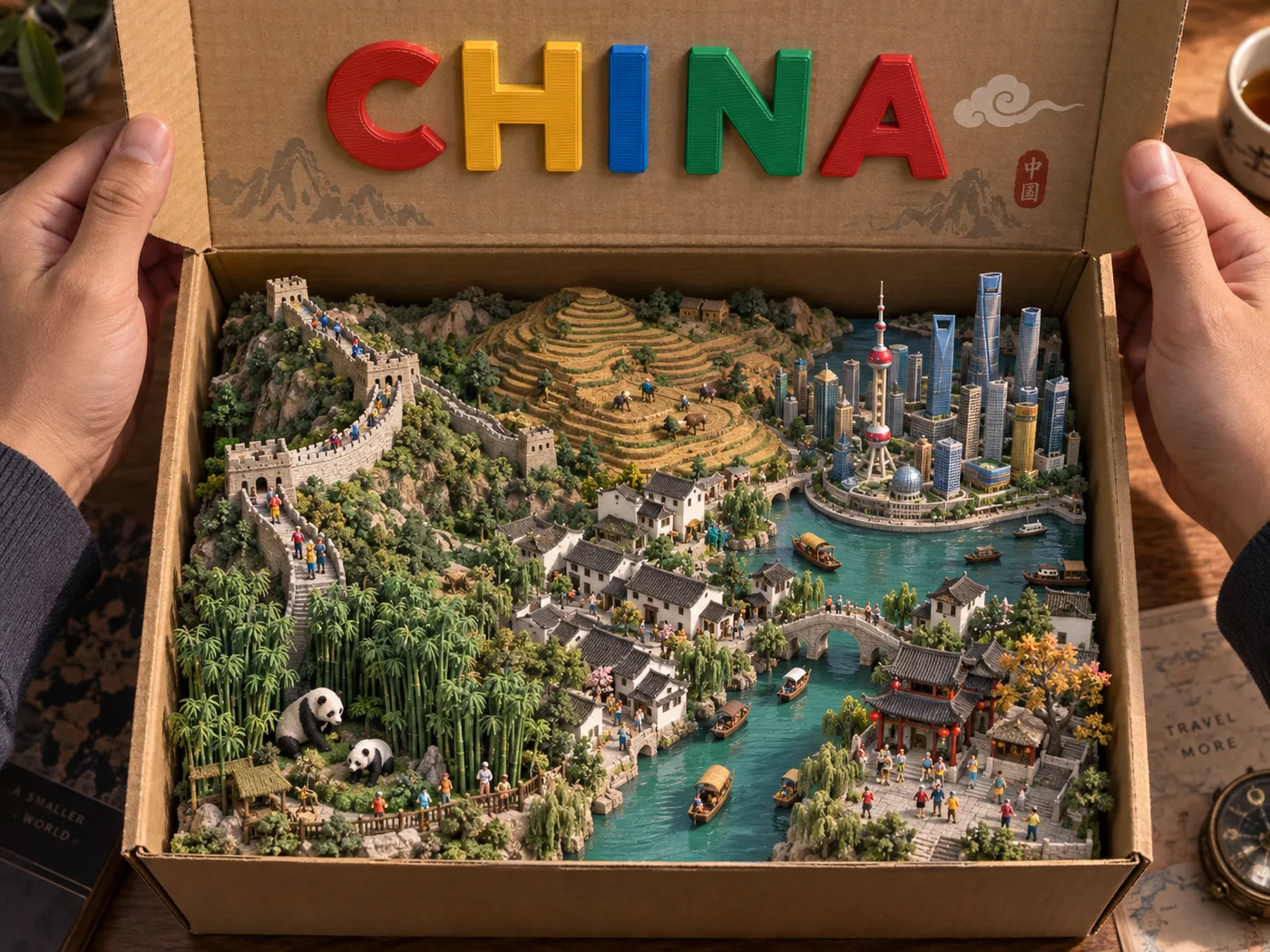
一张超写实的俯拍摄影作品:两只手撑开一个米色纸板盒的盒盖,盒内是 3D 打印的「中国」微缩立体模型——长城蜿蜒、黄土高原梯田、江南水乡、上海天际线、大熊猫栖息的竹林,以及大量微小精细的人物模型。全部采用触感舒适的玩具风格,哑光 3D 打印纹理并带可见的打印层纹。盒盖内侧用大号、色彩鲜艳的凸起塑料字母显示「CHINA」。光线温暖且具电影感,突出纹理与阴影。
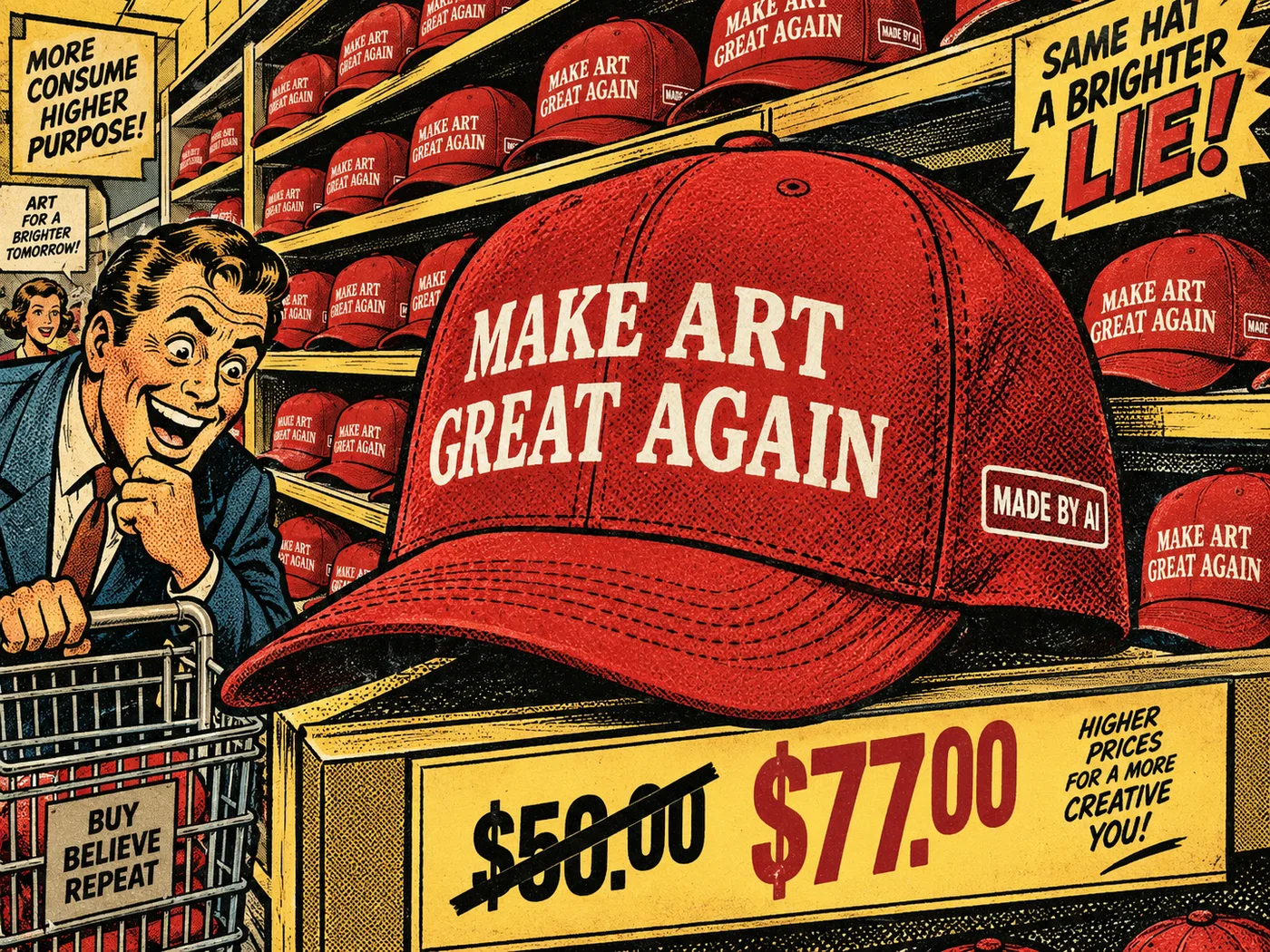
一幅讽刺漫画风格的插画,采用复古美式漫画画风:背景是超市多层货架,货架上摆满一样的红色棒球帽,帽子正面印大字标语「MAKE ART GREAT AGAIN」,帽侧贴白色标签写着「MADE BY AI」。特写视角聚焦其中一顶帽子。画面下方有价格牌:原价「$50.00」被粗黑线划掉,改为「$77.00」。色调为怀旧的土黄与暗红,阴影带 90 年代复古印刷质感,构图夸张,具讽刺消费主义意味。
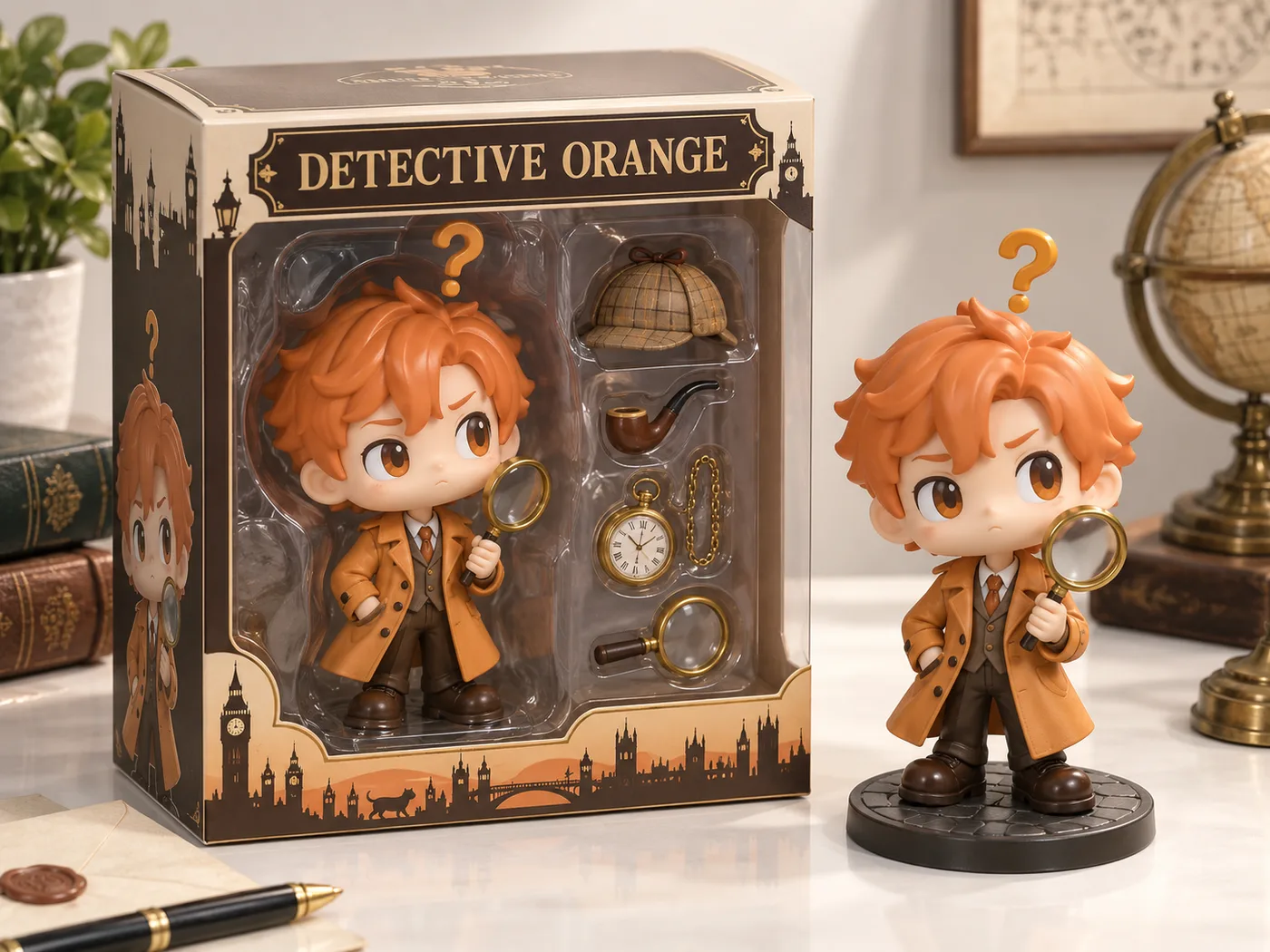
把一位虚构侦探变成 Funko Pop 公仔包装盒风格的等距视角产品图:盒内是大头公仔「神探橘」——姜黄色风衣、总是举着放大镜,头顶飘着一个问号;包装盒内旁边搭配他的必备物品(烟斗、怀表、放大镜、一顶猎鹿帽)。包装盒上标注标题「DETECTIVE ORANGE」。盒子旁边呈现该公仔本体的实物效果,逼真、具有真实感的渲染风格,浅色桌面产品摄影。