
gpt-image-2.5-sunburstGPT Image 2.5 — новейшая модель изображений OpenAI, и главное её отличие от GPT Image 2 не в первой генерации, а в правках: укажите фрагмент, который нужно изменить, и меняется только он — одежда без сдвига лица, надпись без движения фона; персонаж или товар остаётся тем же через много раундов правок. Впервые доступен нативный прозрачный PNG с настоящим альфа-каналом. gpt-image-2.5-sunburst — уровень максимальной детализации: по умолчанию high, дольше на изображение, для премиальных коммерческих визуалов. На APIMODELS цена складывается из разрешения и качества — пятнадцать ячеек: 1K $0.01–$0.08 и 2K $0.020–$0.15, как у Flare, а 4K у Sunburst идёт по собственной, более высокой сетке — $0.02–$0.47. Low самый недорогой, max самый дорогой, так что вы платите ровно за запрошенную детализацию. Без верификации организации и с прямым доступом из материкового Китая. 2K и 4K — настоящие разрешения, а не апскейл; маска не принимается — область правки задаёт промпт: назовите в нём объект, который нужно изменить.
Generated image will appear here
Enter a prompt and click Generate
Тариф по разрешению И качеству — пятнадцать ячеек: 1K $0.01–$0.08 и 2K $0.020–$0.15, как у Flare, а 4K — по собственной сетке Sunburst, $0.02–$0.47. Low самый недорогой, max самый дорогой — вы платите ровно за ту детализацию, которую запросили. Прозрачный фон и референсы включены; неудачные запросы не тарифицируются.
Отметьте фрагмент, который нужно изменить, — остальной кадр не трогается: одежда меняется без сдвига лица, надпись переписывается без движения фона. Именно это большинство замечает первым.
Один и тот же персонаж или товар держится через длинную цепочку правок вместо того, чтобы «уплывать» после нескольких. Структурные подсказки, референсы и оговорки про фиксированный свет ради стабильности больше не нужны.
Настоящая альфа, а не заливка, которую нужно вырезать самому. GPT Image 2 так не умел, поэтому запрос прозрачного фона — самый простой способ отличить два поколения.
gpt-image-2.5-flare — базовый: качество 2.5 при примерно вдвое меньшей задержке, чем у GPT Image 2, для соцсетей, e-commerce и массовой генерации. gpt-image-2.5-sunburst тратит больше времени ради максимальной детализации.
Качество деталей и скорость генерации выше, чем у GPT Image 2, а шесть стандартных соотношений сторон соблюдаются точно, а не приблизительно.
Sketch (набросок макета, который читает модель), 15 шаблонов и комментарии прямо на изображении на старте есть только в ChatGPT и через API не доступны. Учитывайте это до интеграции.
GPT Image 2.5 Sunburst — это API категории «генерация изображений» от OpenAI. GPT Image 2.5 — новейшая модель изображений OpenAI, и главное её отличие от GPT Image 2 не в первой генерации, а в правках: укажите фрагмент, который нужно изменить, и меняется только он — одежда без сдвига лица, надпись без движения фона; персонаж или товар остаётся тем же через много раундов правок. Впервые доступен нативный прозрачный PNG с настоящим альфа-каналом. gpt-image-2.5-sunburst — уровень максимальной детализации: по умолчанию high, дольше на изображение, для премиальных коммерческих визуалов. На APIMODELS цена складывается из разрешения и качества — пятнадцать ячеек: 1K $0.01–$0.08 и 2K $0.020–$0.15, как у Flare, а 4K у Sunburst идёт по собственной, более высокой сетке — $0.02–$0.47. Low самый недорогой, max самый дорогой, так что вы платите ровно за запрошенную детализацию. Без верификации организации и с прямым доступом из материкового Китая. 2K и 4K — настоящие разрешения, а не апскейл; маска не принимается — область правки задаёт промпт: назовите в нём объект, который нужно изменить. Через платформу APIMODELS доступ к этой модели идёт по единому API с прозрачной оплатой по факту использования. Текущая цена: 1K-low: $0.01, 1K-medium: $0.02, 1K-high: $0.03, 1K-xhigh: $0.05, 1K-max: $0.08, 2K-low: $0.02, 2K-medium: $0.03, 2K-high: $0.04, 2K-xhigh: $0.08, 2K-max: $0.15, 4K-low: $0.02, 4K-medium: $0.085, 4K-high: $0.16, 4K-xhigh: $0.28, 4K-max: $0.47.
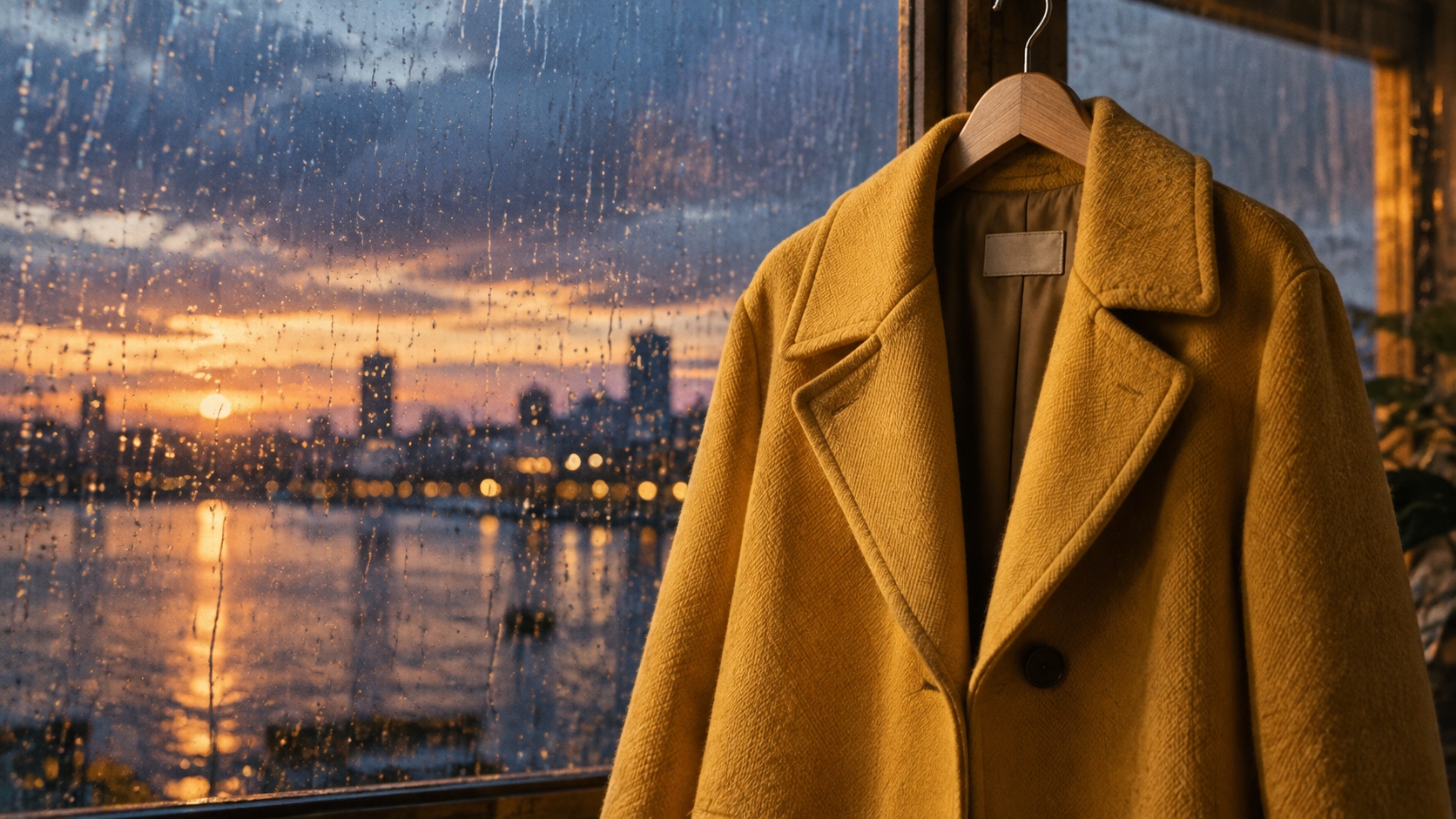
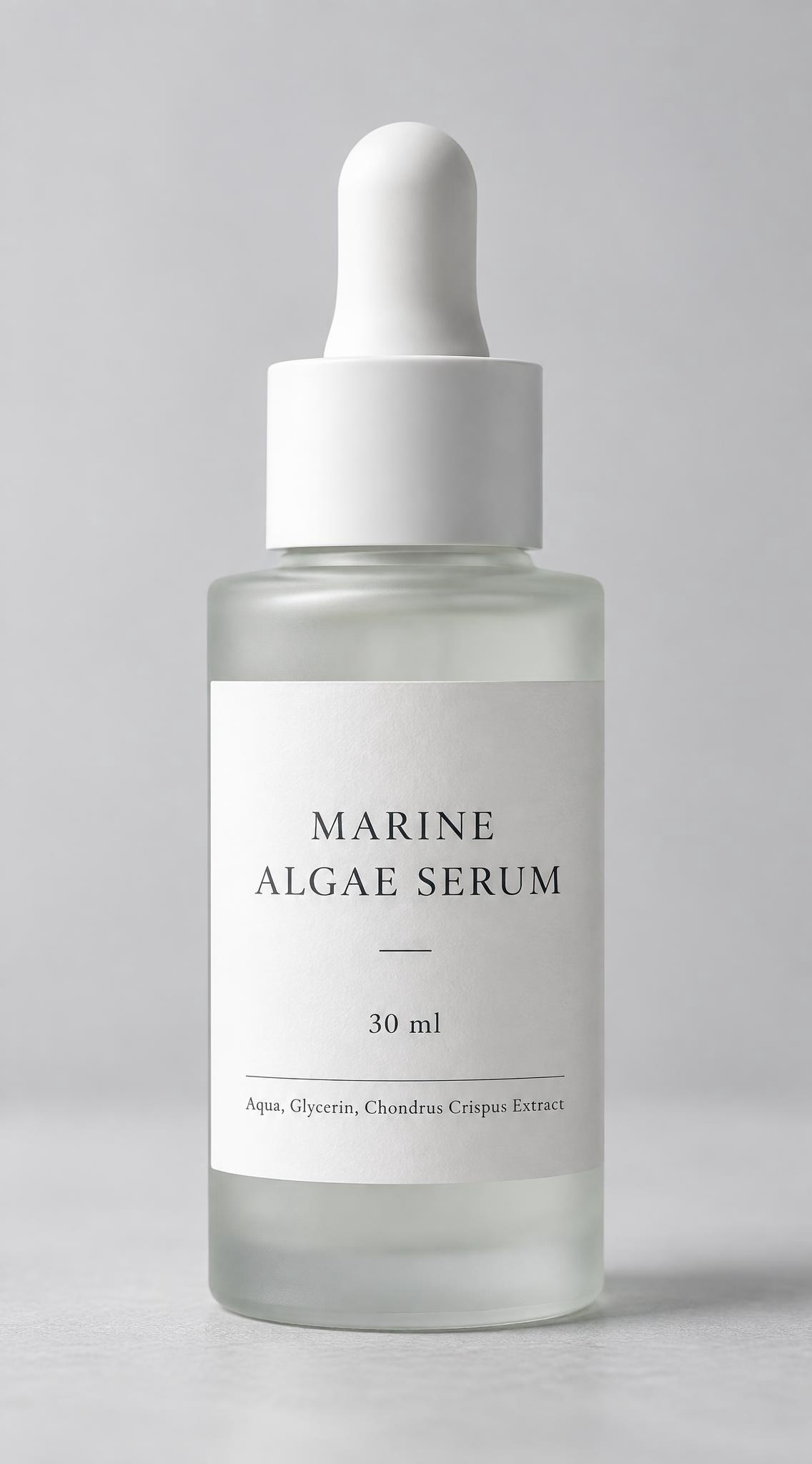
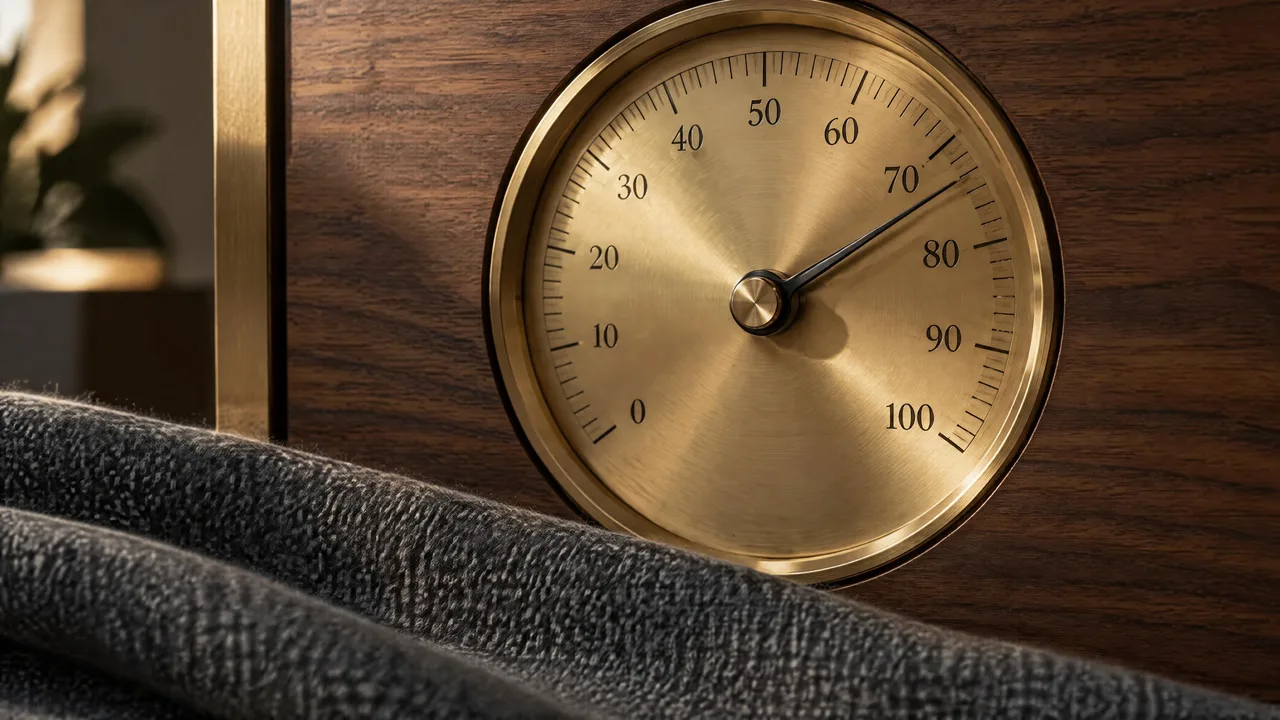
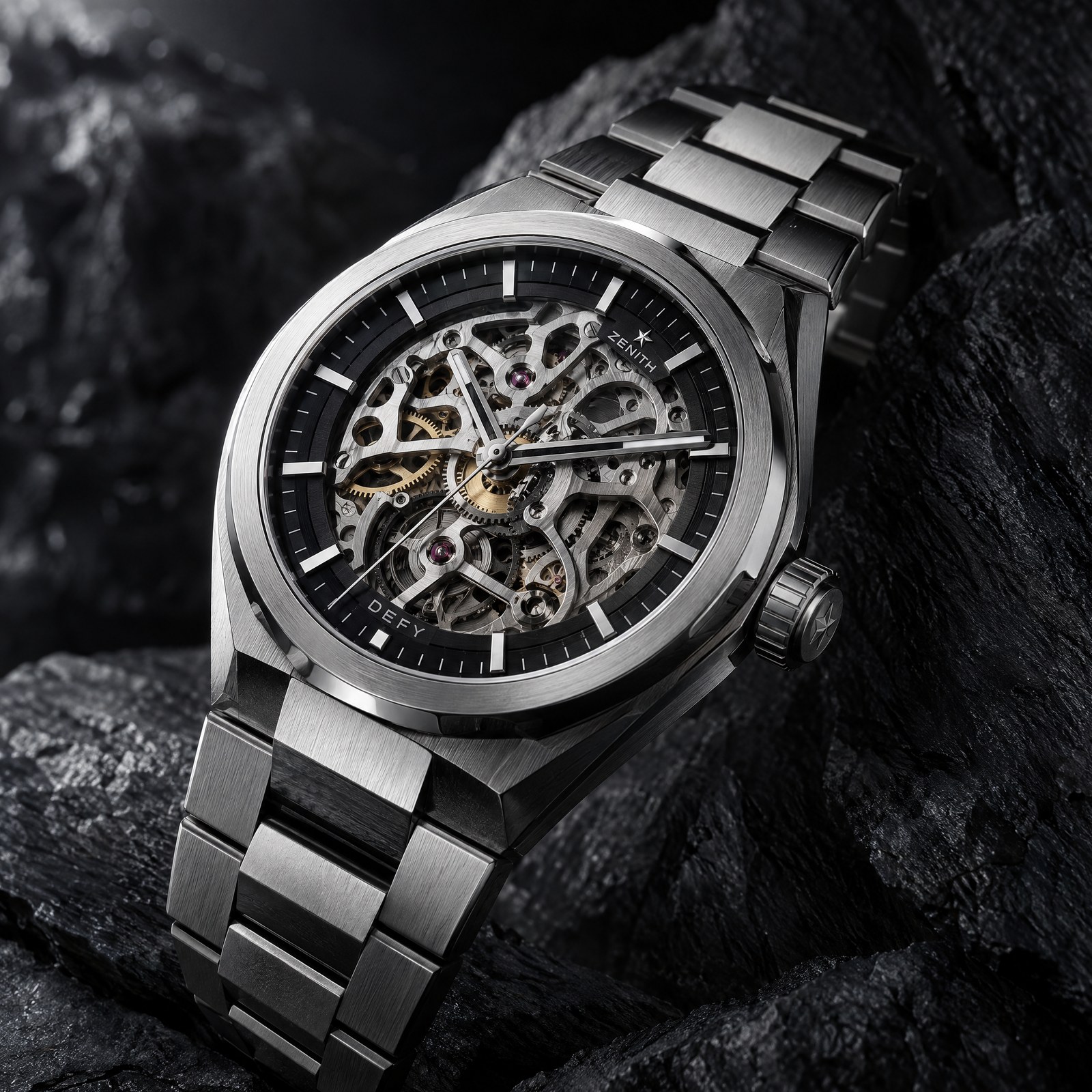
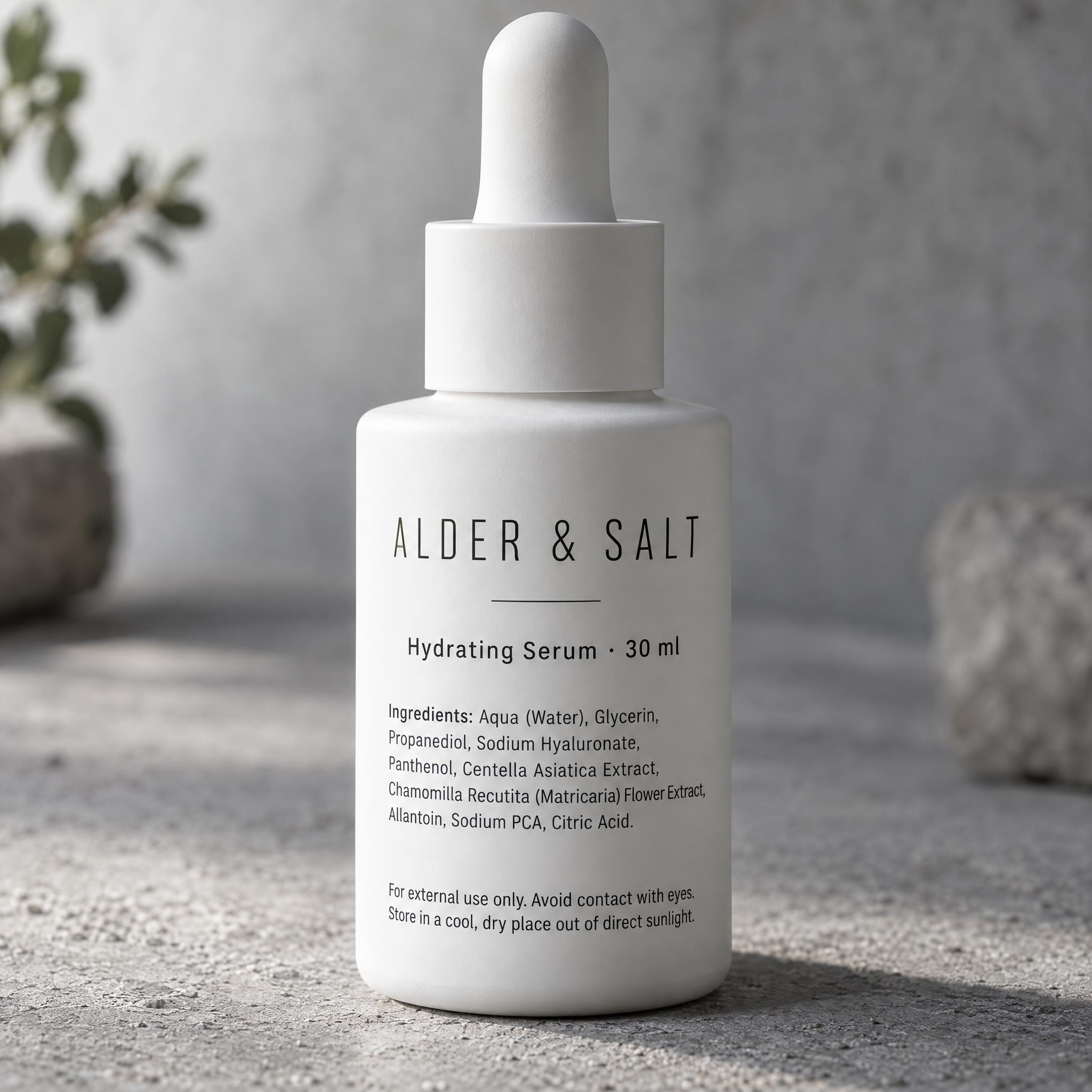
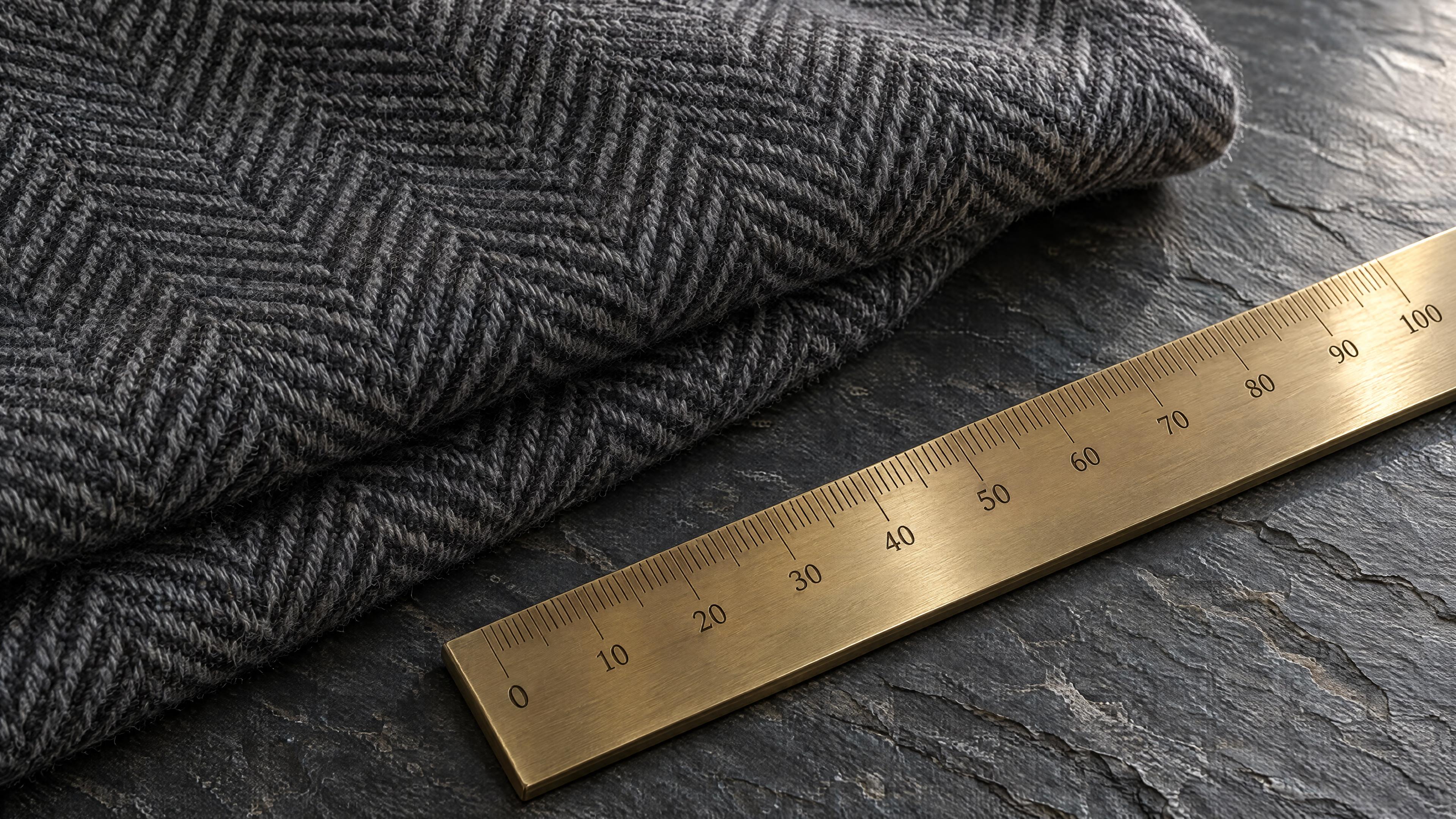
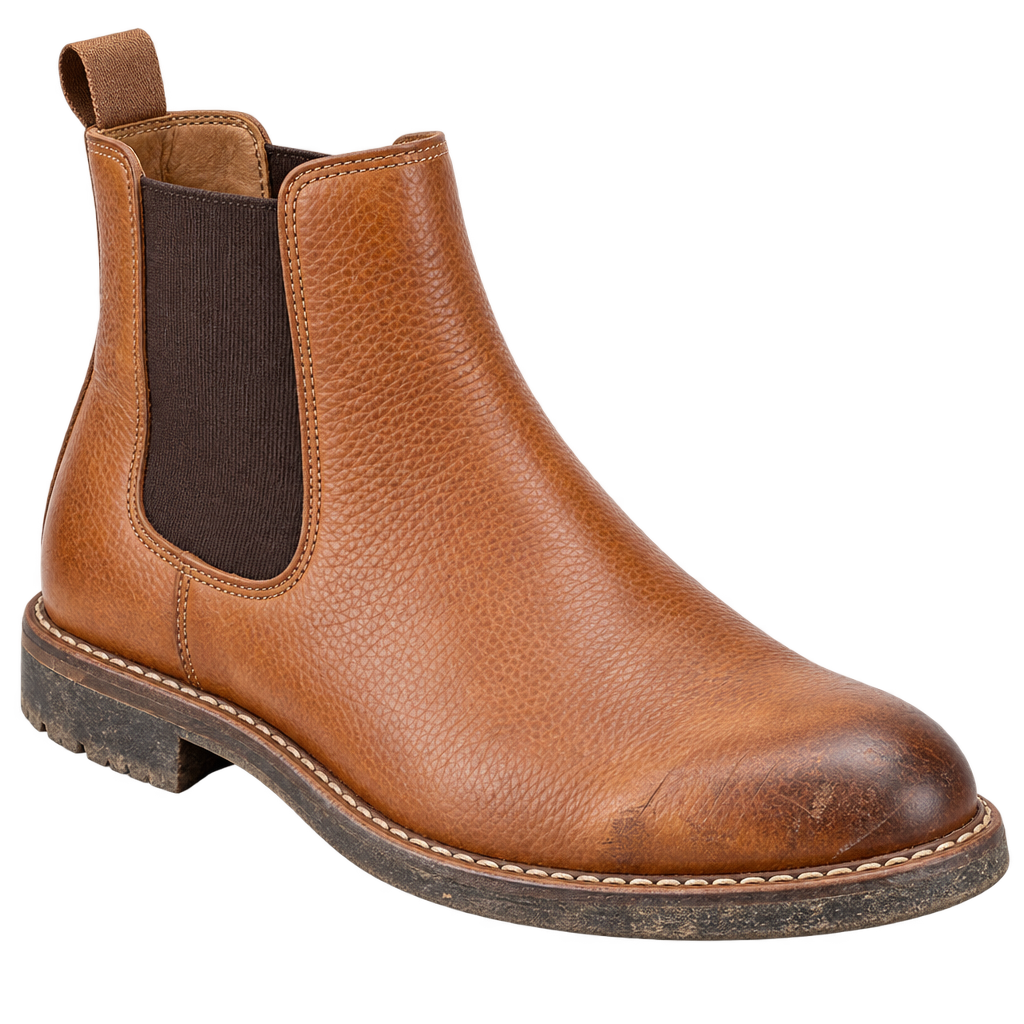
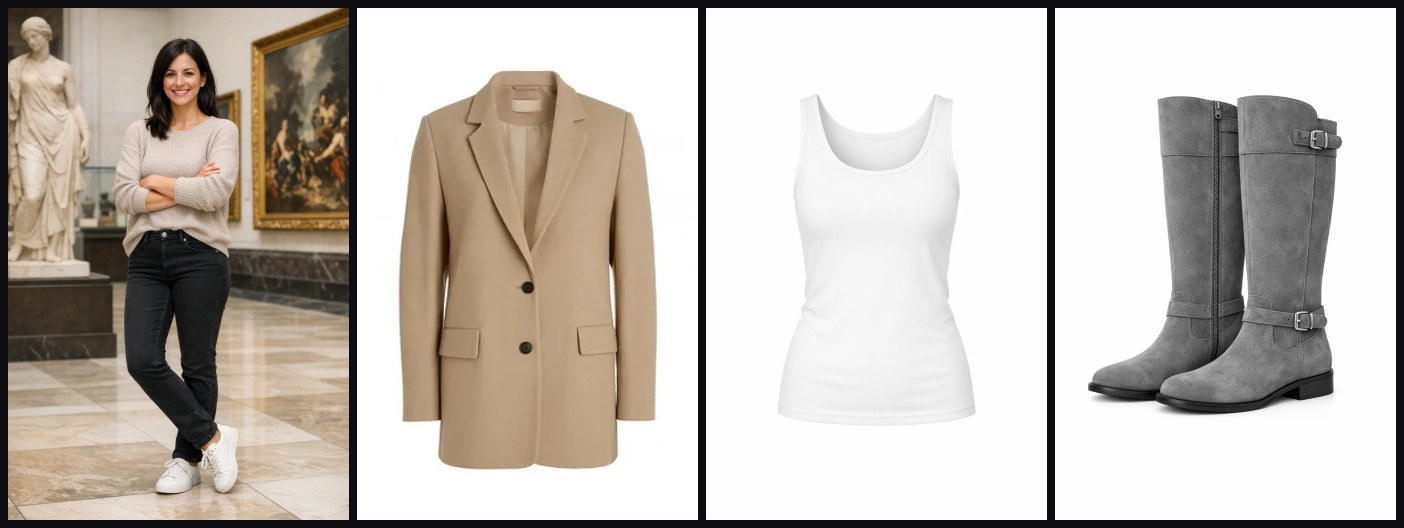
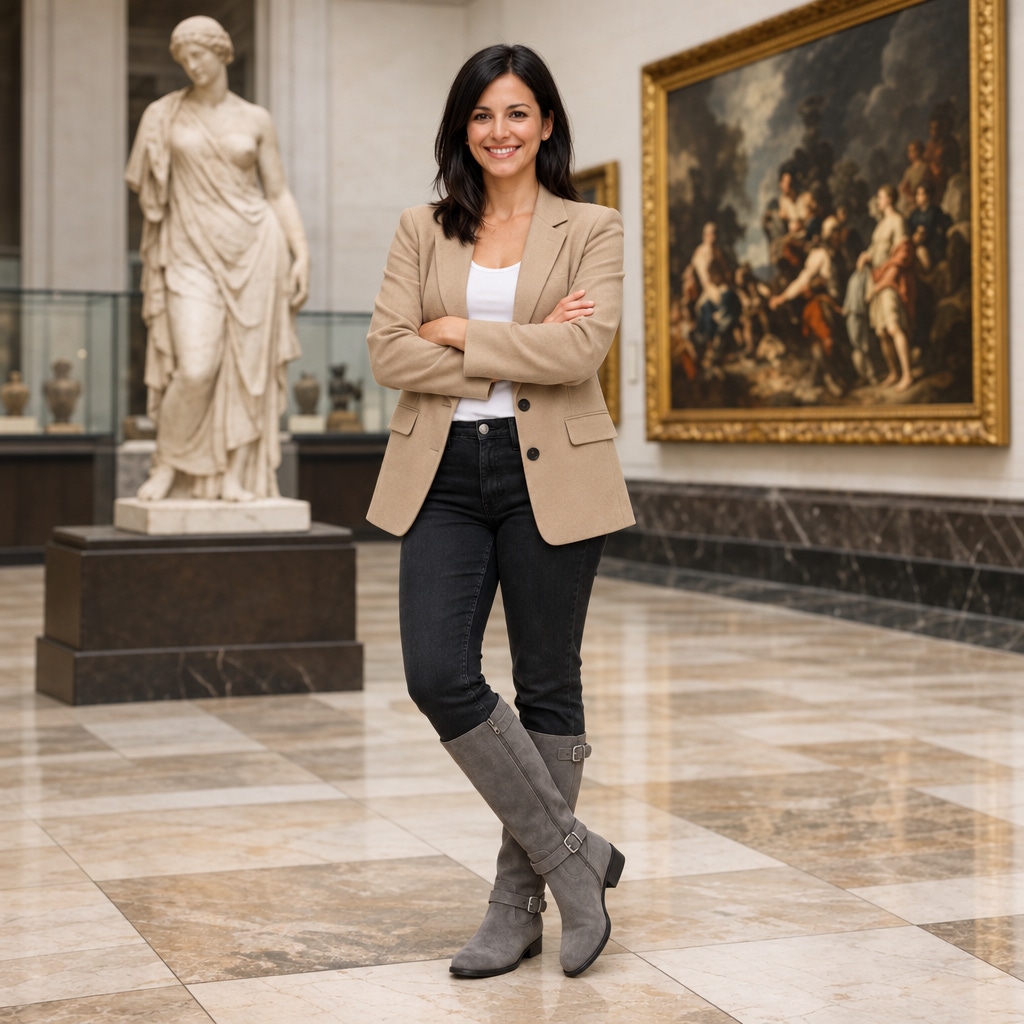
Циферблаты, строчка, шлифованный металл, стекло и жидкость — поверхности, на которых Flare сглаживает детали, а покупатель всё равно приближает. Дополнительное время Sunburst уходит именно сюда.
Составы, юридический мелкий шрифт и плотная типографика этикеток остаются читаемыми в 4K, а не растворяются в текстуре. Это разница между макетом и файлом, который можно отдать в типографию.
Одно изображение, десяток замечаний арт-директора, и каждый раунд меняет только то, что просили. На длинной цепочке правок Sunburst держит остальной кадр крепче, чем Flare.
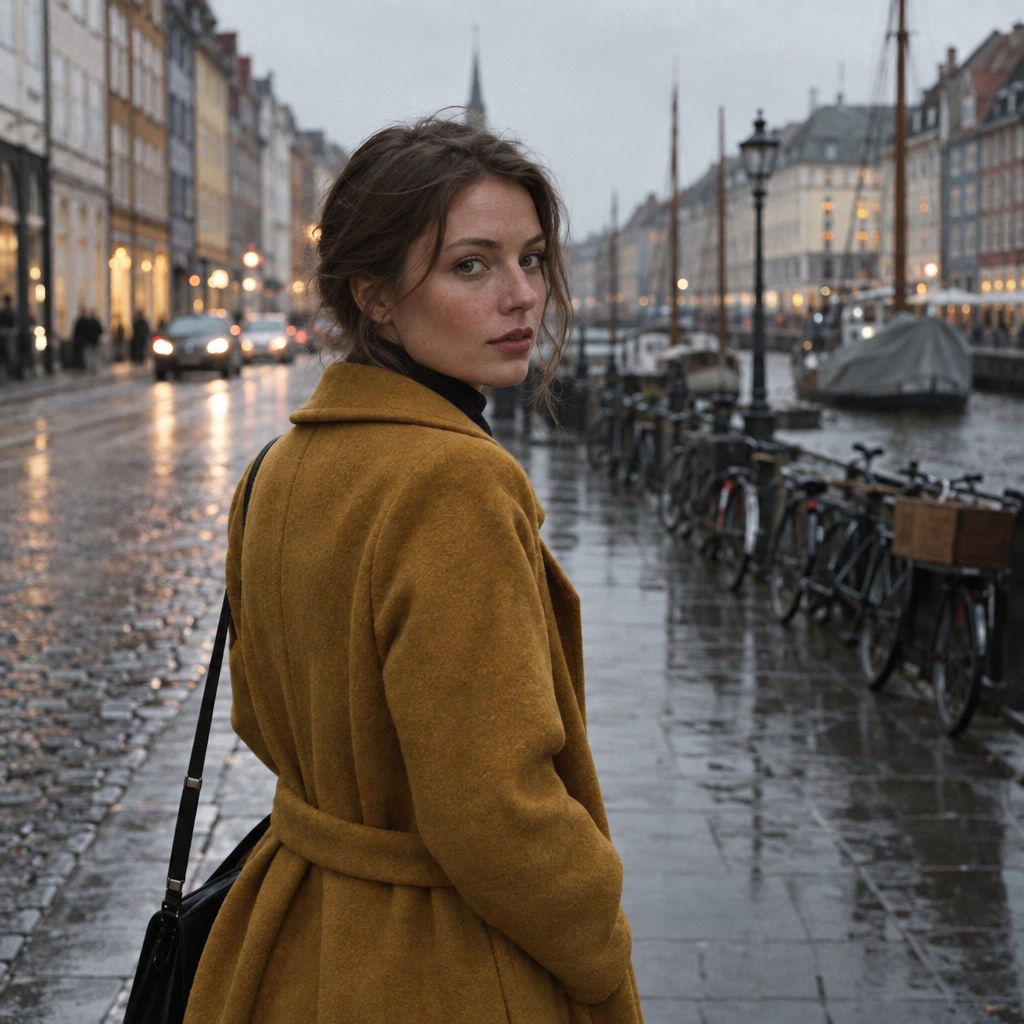
Кожа сохраняет поры и выбившиеся волоски вместо воскового вида, ткань сохраняет переплетение. Если финальный кадр — лицо во весь кадр, это ваш уровень.
Вывод уровня 4K, который держит вид с расстояния вытянутой руки на постере или стенде — нативный рендер, а не апскейл (4K отдаётся ровно в 3840×2160). $0.020–$0.47 за изображение в 4K в зависимости от уровня качества.
GPT Image 2.5 Sunburst доступна через APIMODELS по цене: 1K-low: $0.01, 1K-medium: $0.02, 1K-high: $0.03, 1K-xhigh: $0.05, 1K-max: $0.08, 2K-low: $0.02, 2K-medium: $0.03, 2K-high: $0.04, 2K-xhigh: $0.08, 2K-max: $0.15, 4K-low: $0.02, 4K-medium: $0.085, 4K-high: $0.16, 4K-xhigh: $0.28, 4K-max: $0.47. Оплата идёт по факту использования — вы платите только за то, что сгенерировали.
Зарегистрируйтесь на APIMODELS, получите API-ключ и обращайтесь к нашему единому эндпоинту. Есть подробная документация с примерами на cURL, Python и Node.js.
APIMODELS отдаёт ту же самую модель GPT Image 2.5 Sunburst через свою агрегирующую платформу. Мы предоставляем единый интерфейс API, поэтому отдельные аккаунты у каждого поставщика не нужны — один ключ открывает доступ ко всем моделям.
Sunburst — уровень максимальной детализации в линейке 2.5: тоньше детали, точнее материалы и следование промпту, по умолчанию рендерит в high (около 50 с на 1K, 100 с на 2K). Flare — базовый уровень с medium по умолчанию и примерно вдвое меньшей задержкой. Параметры одинаковые, цены в 1K и 2K тоже: если вы и так передаёте quality:"high", на этих разрешениях разница остаётся только в настройке точности у поставщика. В 4K Sunburst стоит дороже Flare.
Тариф по разрешению и качеству — пятнадцать ячеек: 1K $0.01–$0.08, 2K $0.020–$0.15, 4K $0.02–$0.47. Low самый недорогой, max самый дорогой, так что вы платите ровно за запрошенную детализацию. Уровень определяется по длинной стороне полученного изображения, а не по параметру запроса (при size auto или без size решает результат). Референсы и прозрачный фон не тарифицируются отдельно, неудачные запросы не списываются. Без quality (или при auto) действует значение по умолчанию: medium у flare, high у sunburst. В 1K и 2K обе модели при одном качестве стоят одинаково; 4K — исключение: у flare там $0.02–$0.3.
В 1K и 2K на high — да. OpenAI тарифицирует 2.5 по токенам вывода ($30 за миллион токенов изображения), поэтому цена растёт вместе с качеством. Мы считаем по тем же двум осям, поэтому каждая ячейка сравнивается напрямую: 1K high $0.03 против примерно $0.053, 2K high $0.04 против примерно $0.107. В 4K у Sunburst отдельная сетка; если нужен 4K по минимальной цене за изображение, берите там Flare — 4K high $0.08 против примерно $0.100, max $0.3 против примерно $0.40. Настоящая разница не в цене за штуку: не нужна верификация организации в OpenAI, доступ напрямую из материкового Китая, один ключ к более чем 140 моделям на сайте, а неудачные генерации не тарифицируются.
Прозрачный фон работает по-настоящему: background=transparent вместе с output_format=png возвращает PNG с настоящим альфа-каналом, проверено в 1K, 2K и 4K (на предметной съёмке прозрачными выходят 52-67% пикселей). Маска больше не принимается: запрос с полем mask возвращает 400. Причина простая: маска нужна как жёсткая граница, а ни один доступный нам канал её не держит — маску принимают, отдают 200 и перекрашивают в том числе ту часть кадра, которую она должна была защитить. Мы предпочли отказать, а не принять и тихо проигнорировать. Границы правки задаёт промпт: назовите объект, который нужно изменить, и напишите, что остального касаться нельзя.
Все три уровня рендерятся нативно, а не апскейлятся: мы проверяли тестом на энергию деталей (уменьшить вдвое, увеличить обратно, измерить потери), и в 2K и 4K высокочастотных деталей на полном размере ровно столько же, сколько в 1K; нативный кроп 900×900 из 4K-кадра показывает настоящую фактуру плитки, каменной кладки и ткани. По размерам: 4K отдаётся ровно таким, как запрошено — 3840×2160 / 2160×3840 (8.29MP); 1K в формате 1:1 — 1024×1024; 2K в формате 1:1 — 2048×2048, а для остальных пропорций мы запрашиваем 2720×1536 / 1536×2720, и изображение возвращается либо в этом размере, либо в тех же пропорциях с длинной стороной 2048 px (около 2048×1152 для 16:9) — именно этот размер официальная документация OpenAI приводит как пример «2K». Оба варианта тарифицируются как 2K и сохраняют пропорции.
Медианы продакшена за последние семь дней (внешний трафик, успешные вызовы, срез 2026-09-19): около 45 с в 1K (p90 около 65 с), в 2K около 25 с у flare и 40 с у sunburst, в 4K около 35 с у sunburst и 50 с у flare; правки с референсным изображением — 15-50 с. Сейчас 1K медленнее, чем 2K, и это разница каналов, а не моделей. Для синхронных вызовов ставьте клиентский таймаут от 180 с или переходите на асинхронный контракт с опросом по taskId и вебхуком.
В APIMODELS GPT Image 2.5 Sunburst соседствует более чем с 60 моделями под одним API-ключом и общим балансом, поэтому выбор — это вопрос соответствия задаче, а не привязки к поставщику. Модель поддерживает Text to Image, Precise region edit — mark a spot, only that changes, Multi-turn consistency without prompt scaffolding, Native transparent PNG, Sharper detail, faster generation, 1:1 / 3:4 / 4:3 / 9:16 / 16:9 / 21:9, Flare (default, ~2x faster) and Sunburst (highest fidelity); вы можете сравнить её по цене и возможностям с другими моделями категории «генерация изображений» и переключиться, изменив одну строку с именем модели — без нового аккаунта и без переписывания интеграции. Все варианты категории «генерация изображений» с актуальными ценами — на apimodels.app/models.
GPT Image 2.5 Sunburst поддерживает: Text to Image, Precise region edit — mark a spot, only that changes, Multi-turn consistency without prompt scaffolding, Native transparent PNG, Sharper detail, faster generation, 1:1 / 3:4 / 4:3 / 9:16 / 16:9 / 21:9, Flare (default, ~2x faster) and Sunburst (highest fidelity). Полный список параметров и примеры вызовов — в документации APIMODELS.
Да. APIMODELS отдаёт GPT Image 2.5 Sunburst через единый API и один ключ — отдельные аккаунты у каждого поставщика не нужны, и вам не приходится самостоятельно решать вопросы регионального сетевого доступа к каждому из них.
Принимаем Stripe (Visa, Mastercard и другие международные карты) и Alipay. Баланс становится доступен сразу после оплаты.
Prompts shared by their authors — copy and adapt them. Each one credits its author and links back to the original post.
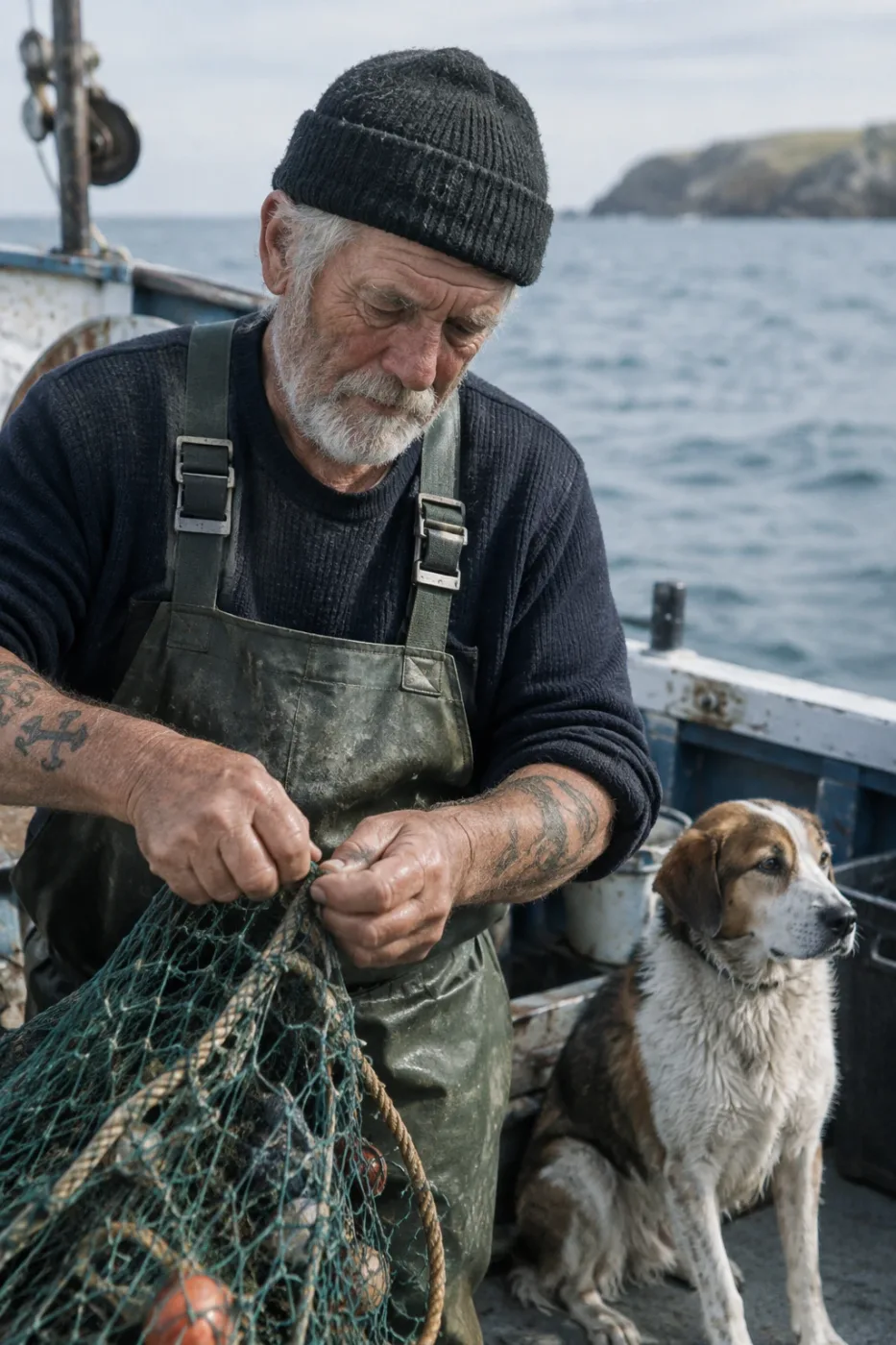
Weathered sailor on a fishing boat
Create a photorealistic candid photograph of an elderly sailor standing on a small fishing boat. He has weathered skin with visible wrinkles, pores, and sun texture, and a few faded traditional sailor tattoos on his arms. He is calmly adjusting a net while his dog sits nearby on the deck. Shot like a 35mm film photograph, medium close-up at eye level, using a 50mm lens. Soft coastal daylight, shallow depth of field, subtle film grain, natural color balance. The image should feel honest and unposed, with real skin texture, worn materials, and everyday detail. No glamorization, no heavy retouching.
by OpenAI
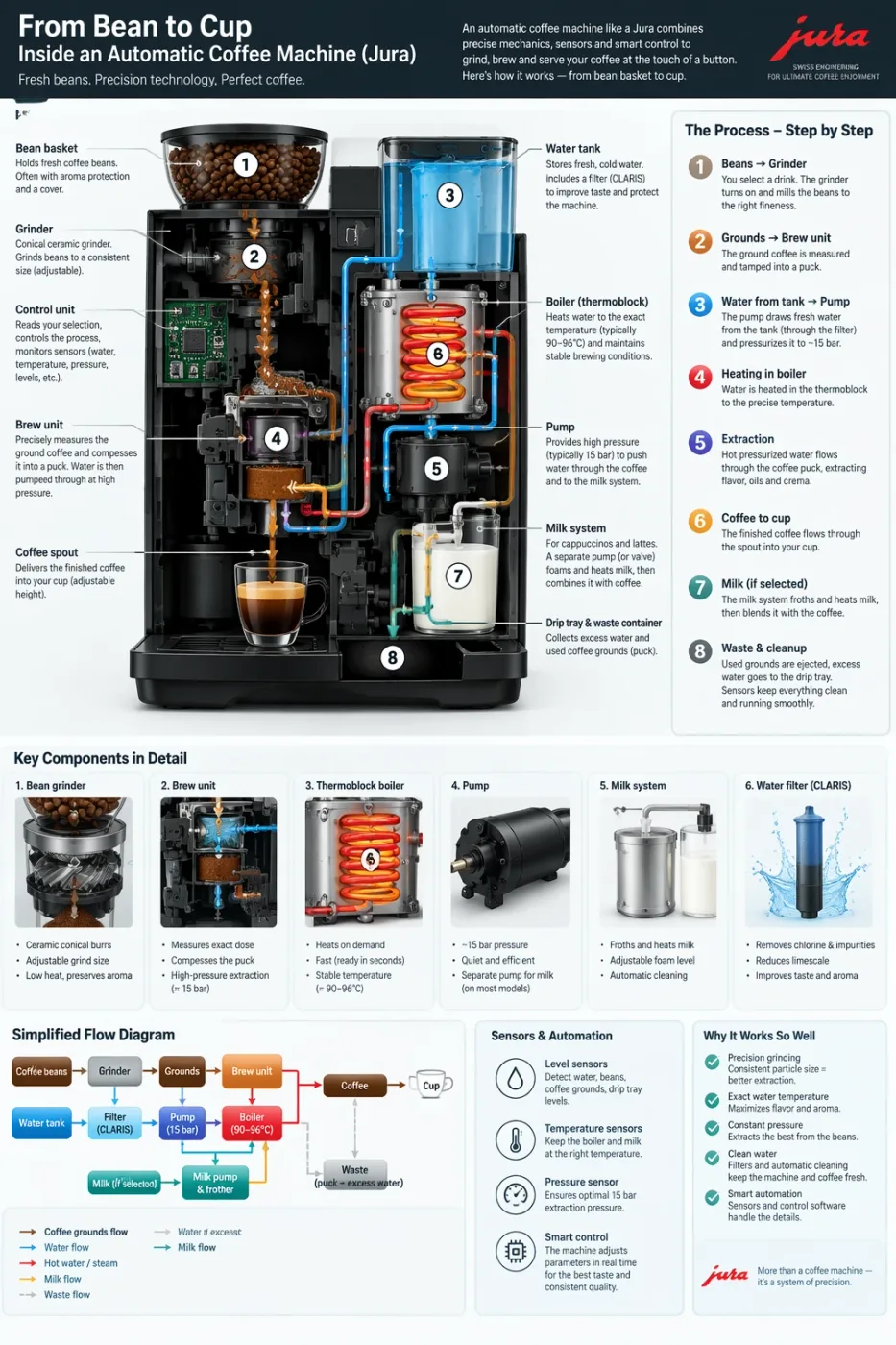
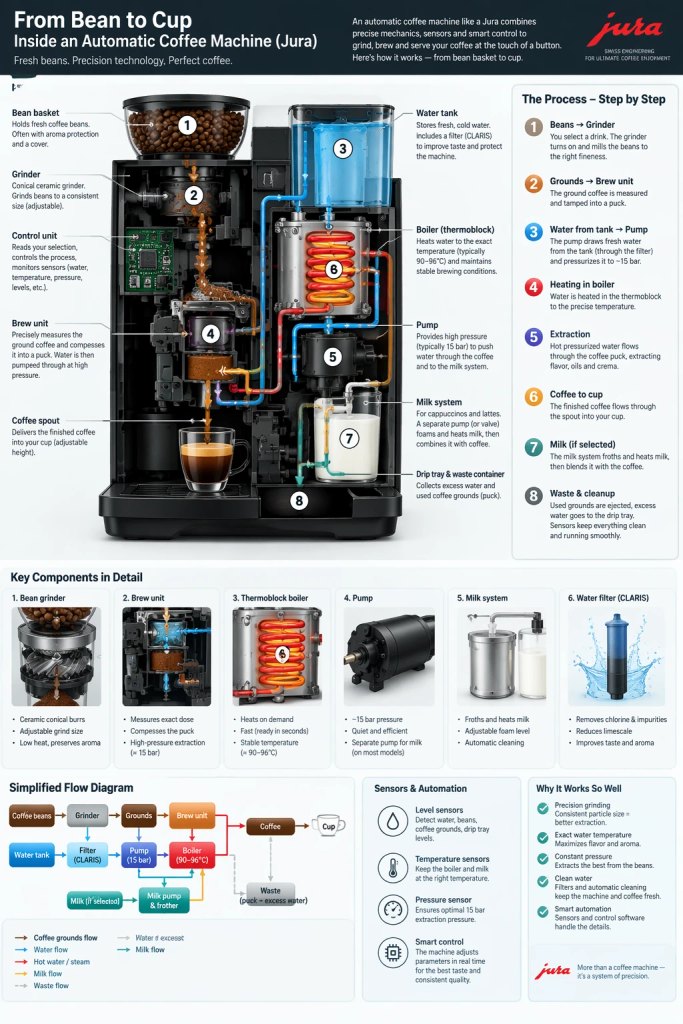
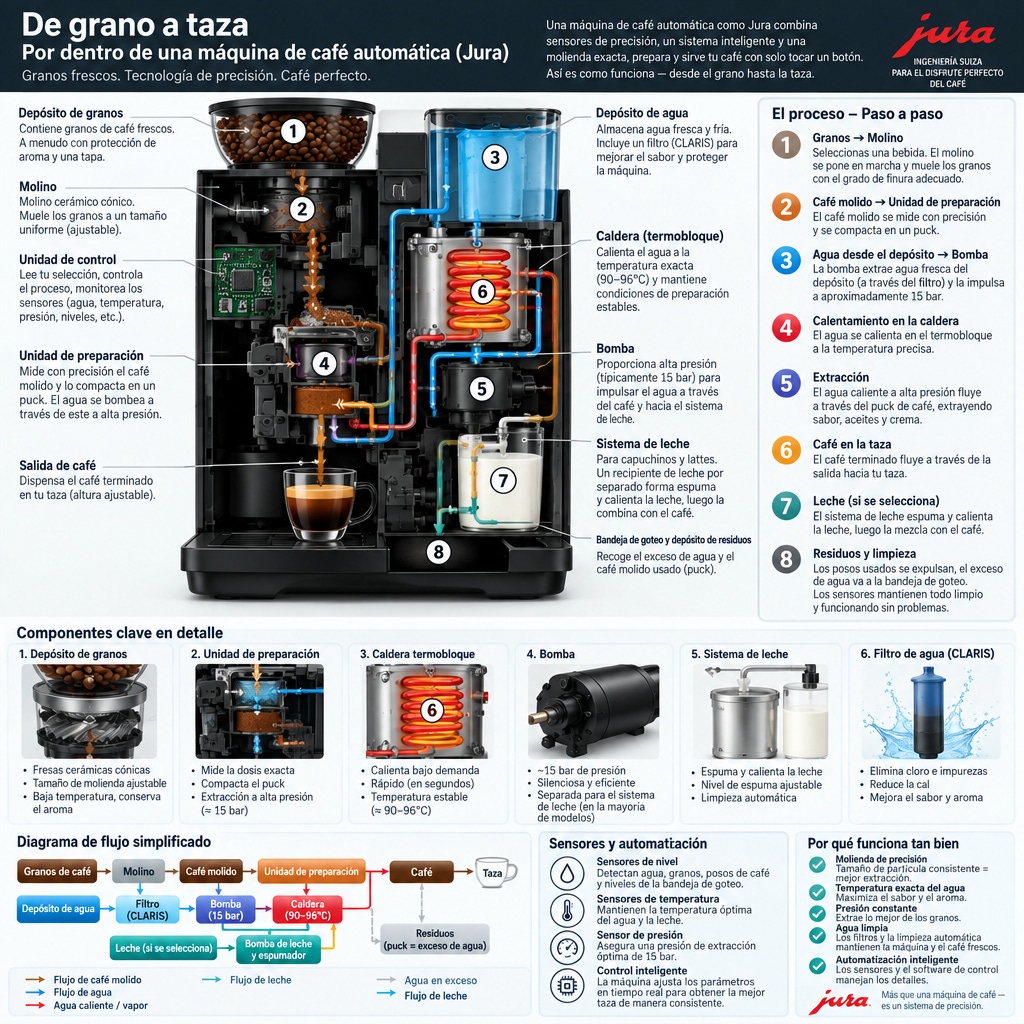
Automatic coffee machine workflow infographic
Create a detailed Infographic of the functioning and flow of an automatic coffee machine like a Jura. From bean basket, to grinding, to scale, water tank, boiler, etc. I'd like to understand technically and visually the flow.
by OpenAI
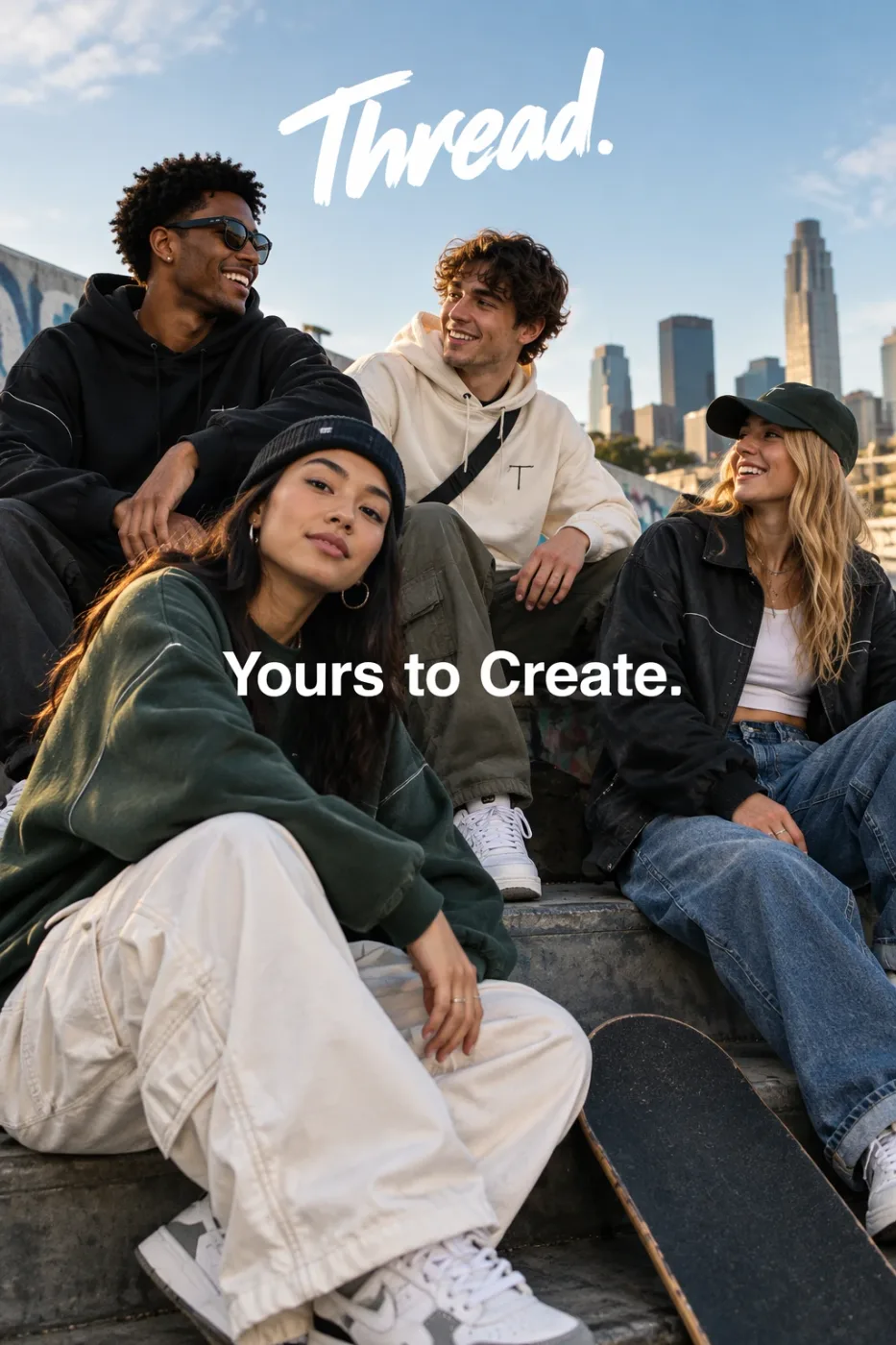
Thread streetwear ad with exact typography
Give me a cool in culture ad / fashion shot for a brand called Thread. It's a hip young street brand. The ad shows a group of friends hanging out together with the tagline "Yours to Create." Make it feel like a polished campaign image for a youth streetwear audience: stylish, contemporary, energetic, and tasteful. Use clean composition, strong color direction, natural poses, and premium fashion photography cues. Render the tagline exactly once, clearly and legibly, integrated into the ad layout. No extra text, no watermarks, no unrelated logos.
by OpenAI
We curate copy-ready prompt libraries — every entry shows its full text and a sample result, ready to adapt.
How to get access, regional availability, and how this model compares with its alternatives.
