How to write great GPT Image 2 prompts
These 8 techniques are distilled from analyzing all 955 high-quality GPT Image 2 prompts in this library — the percentage after each is how often it actually appears in those real prompts. Apply them for noticeably better, more consistent results:
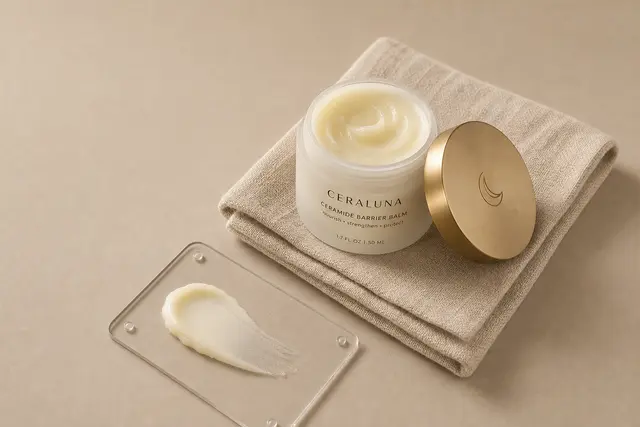
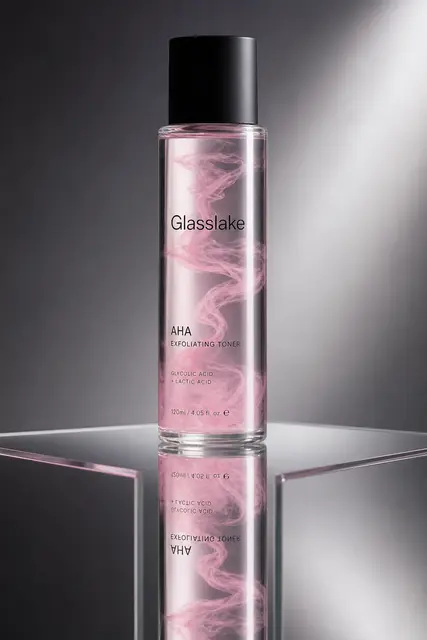
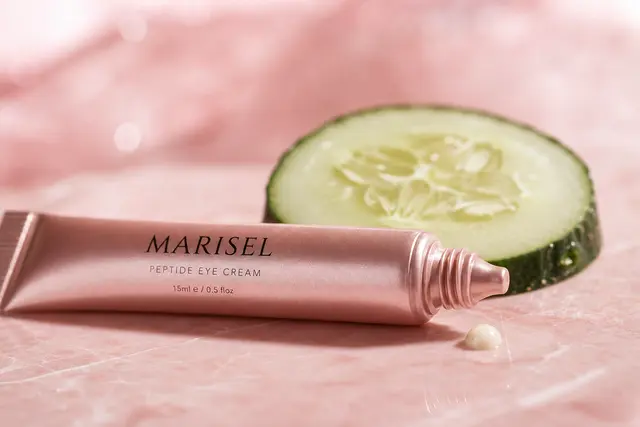
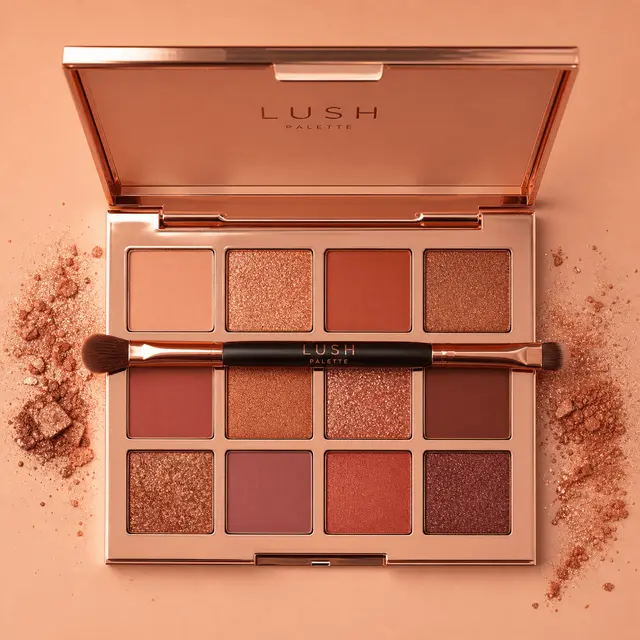
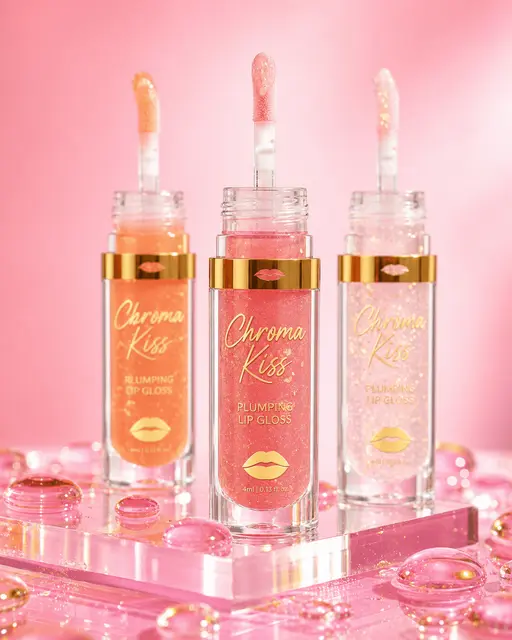
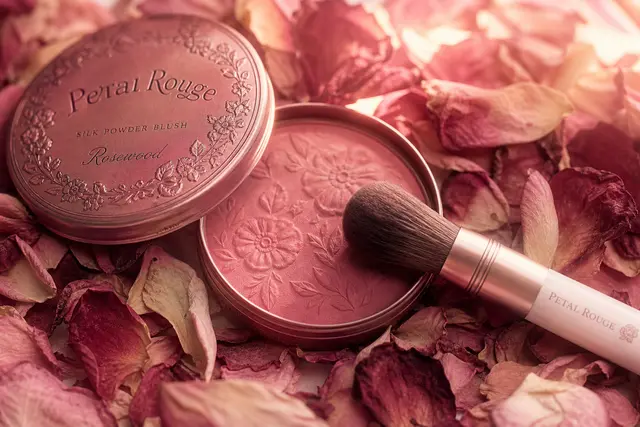
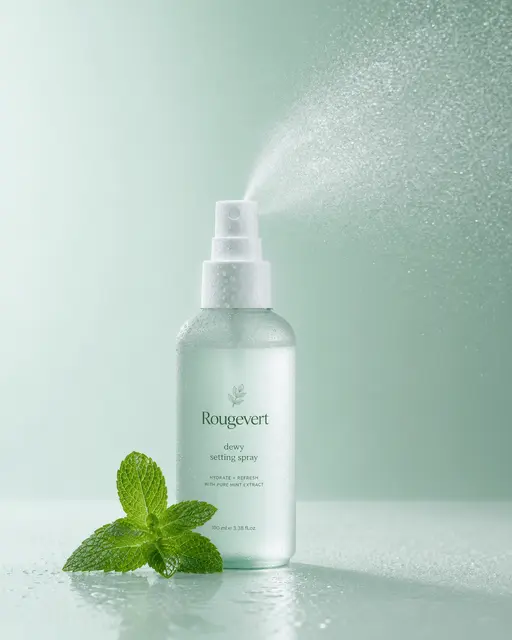
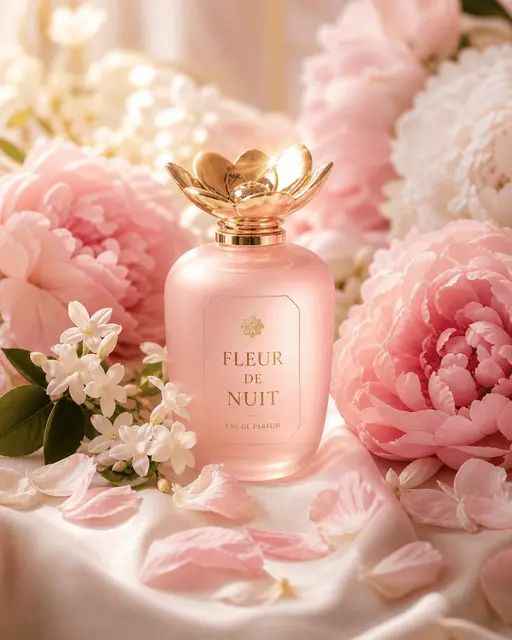
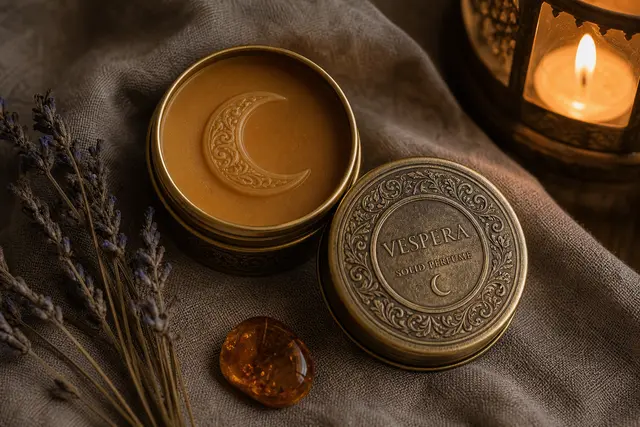
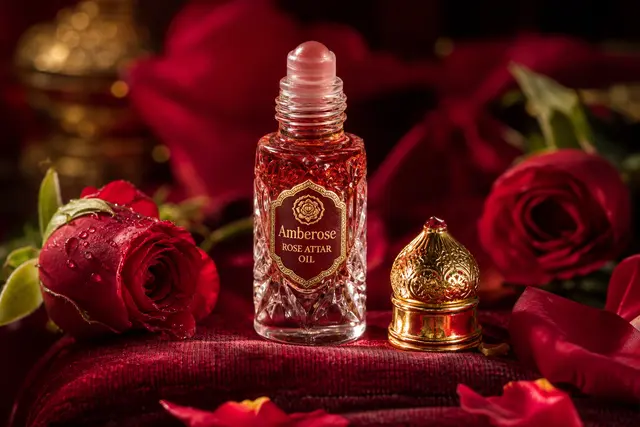
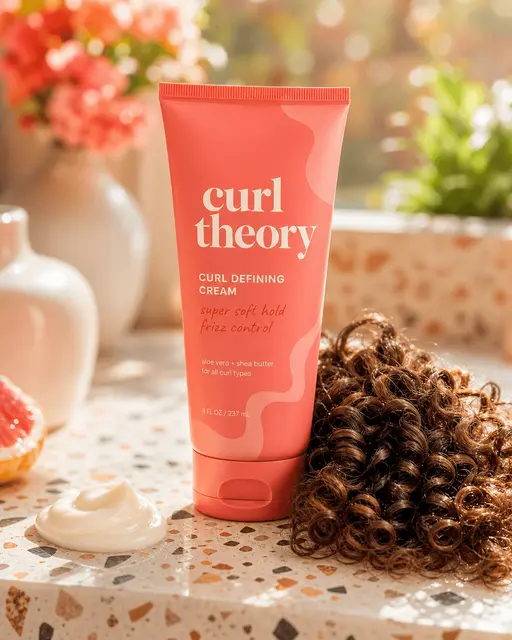
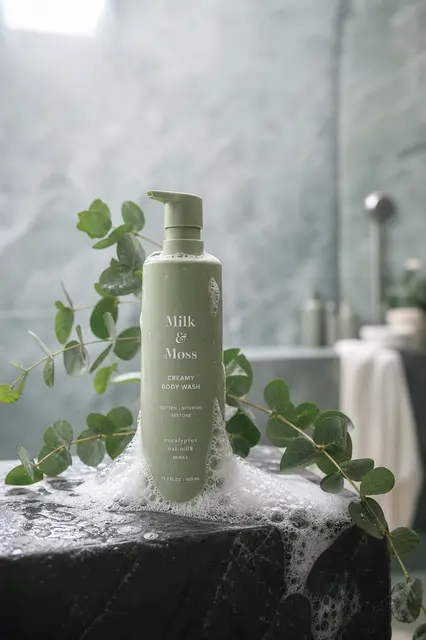
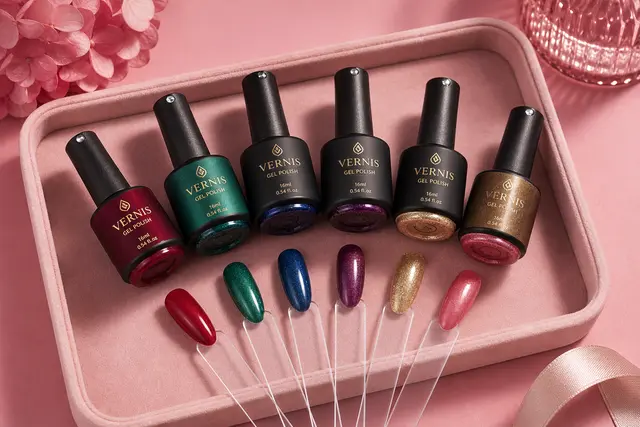
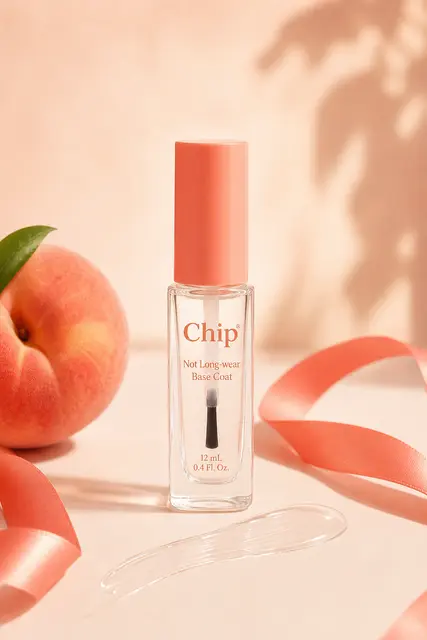
- 1Name a color palette (78% of top prompts do). Give 2-3 concrete colors or a named palette ("muted sage + cream", "warm amber tones"). It is the single most common and highest-impact move in the whole library.
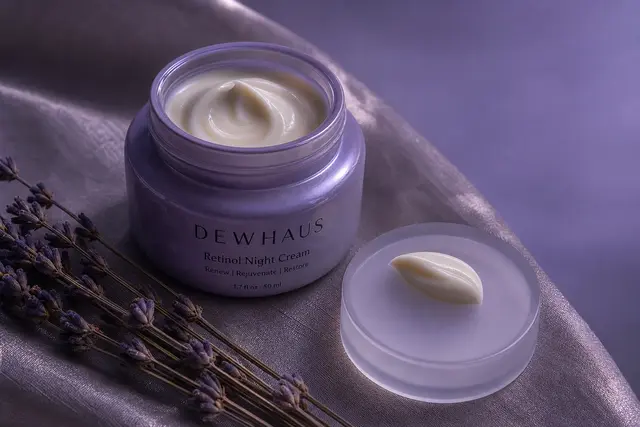
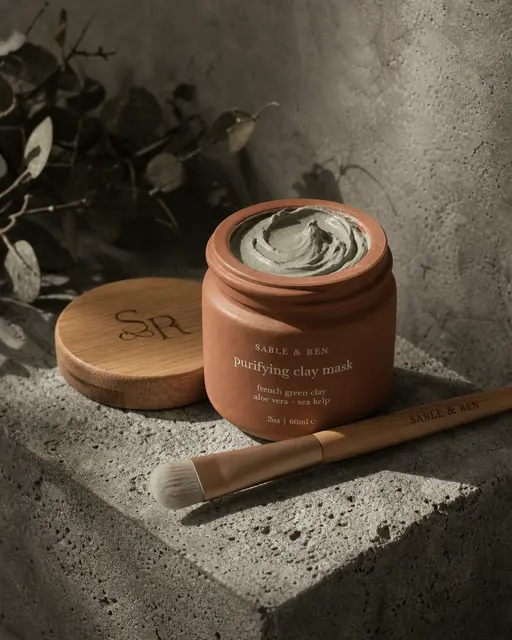
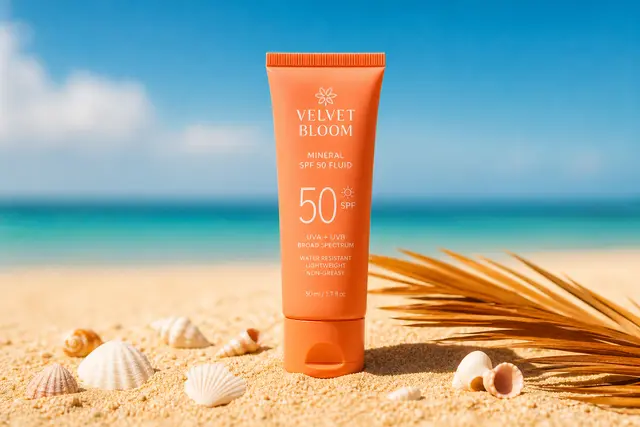
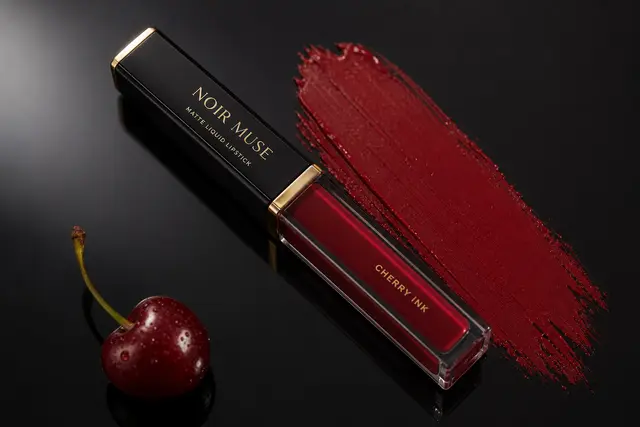
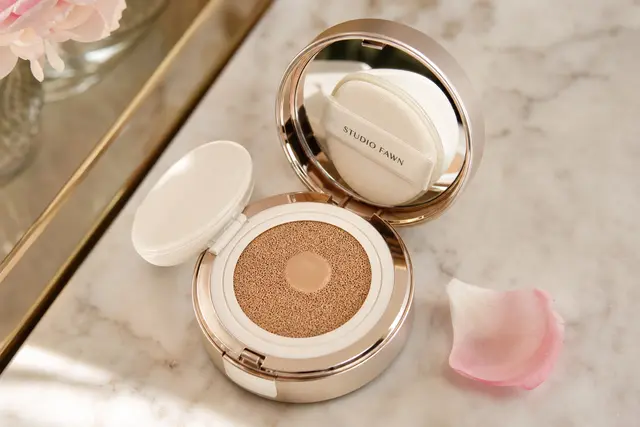
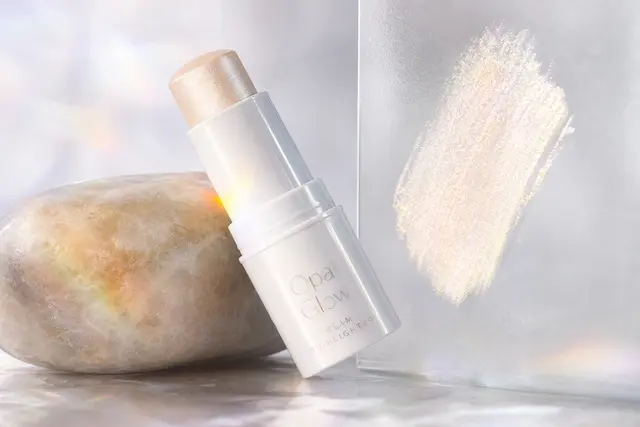
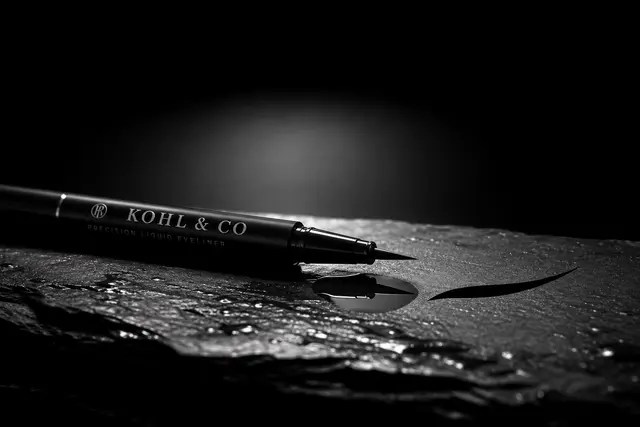
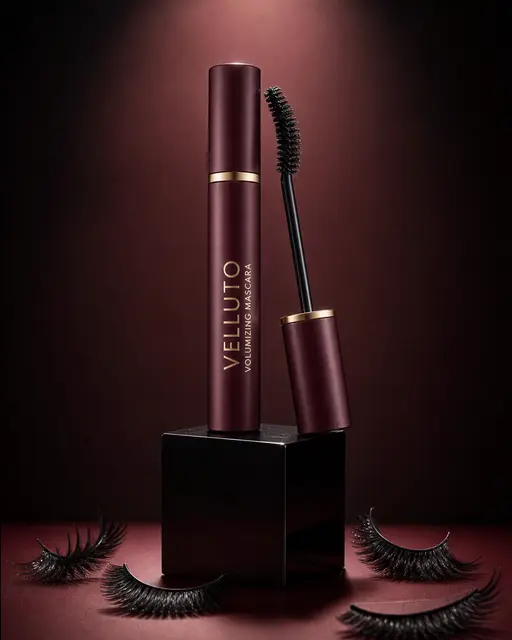
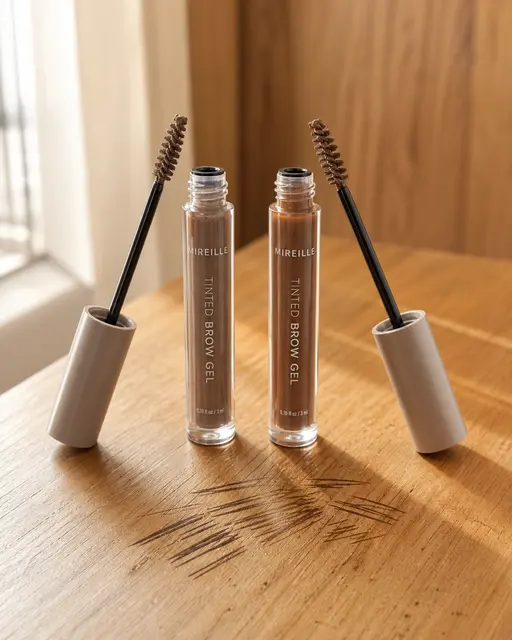
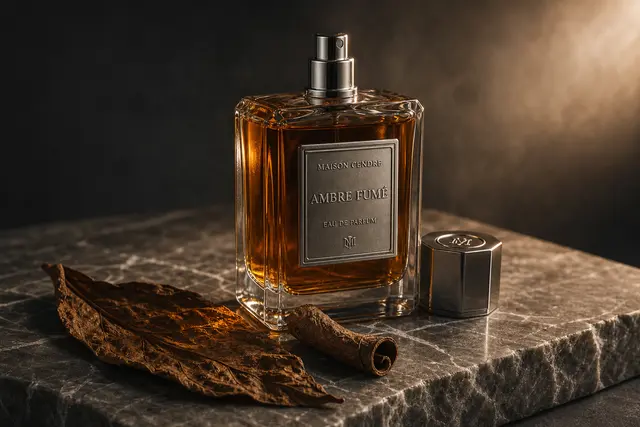
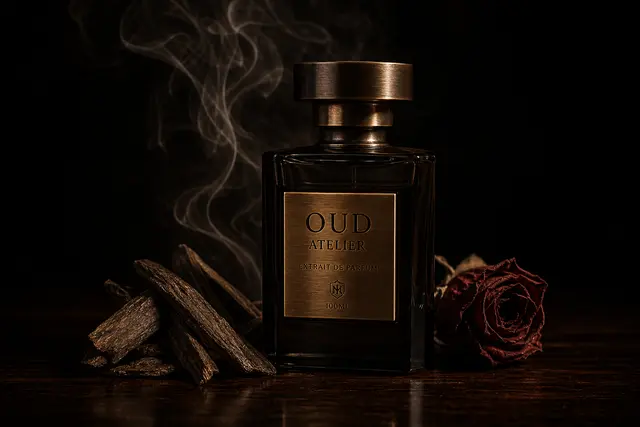
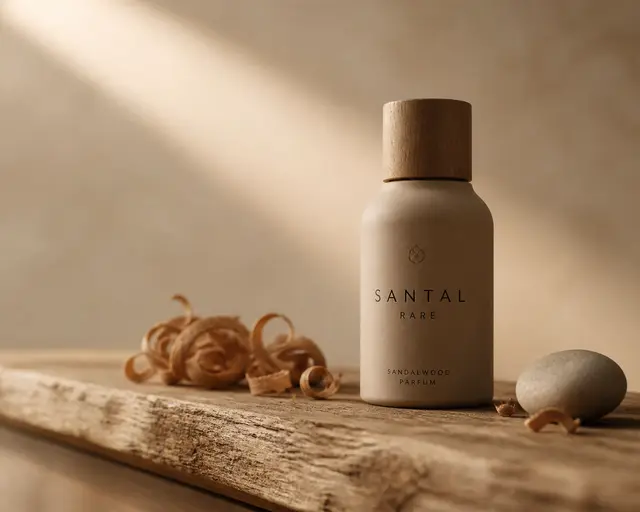
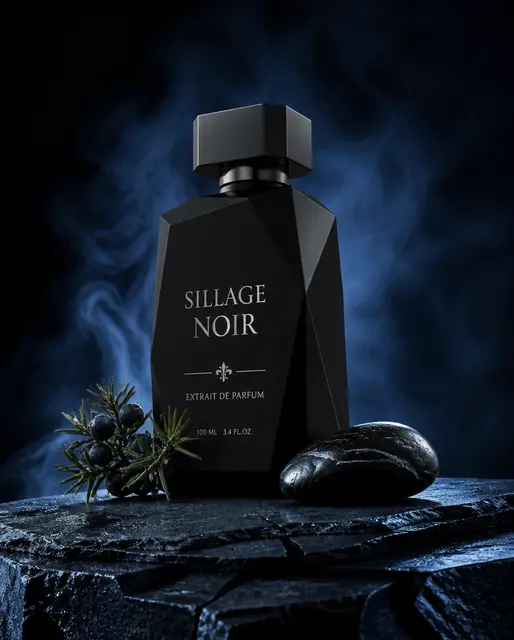
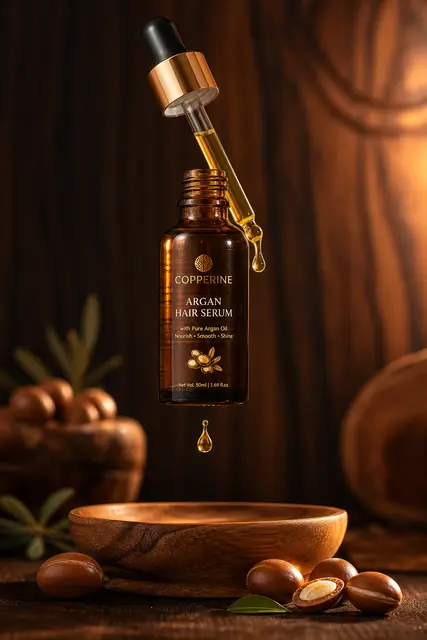
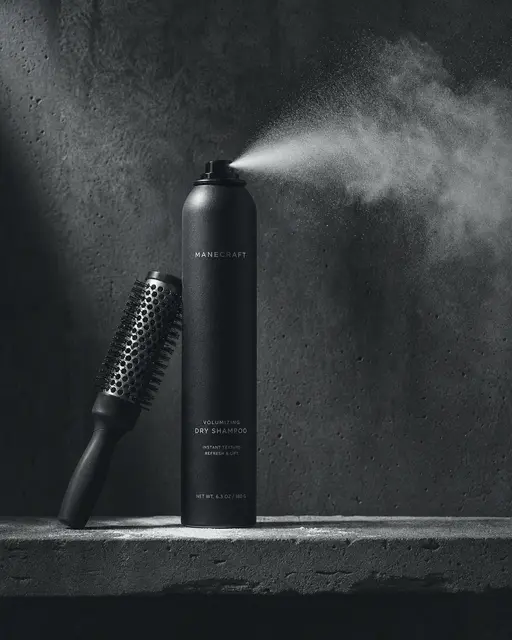
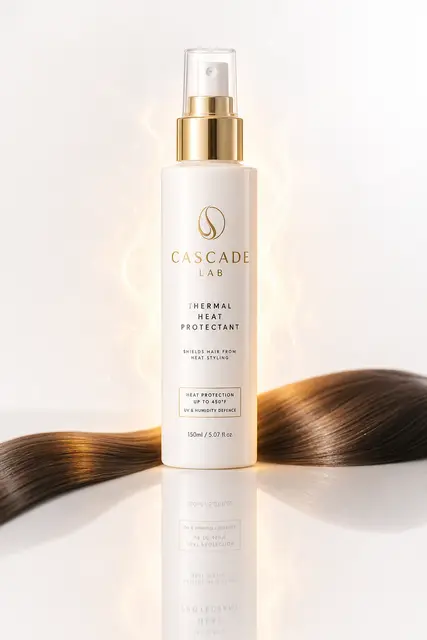
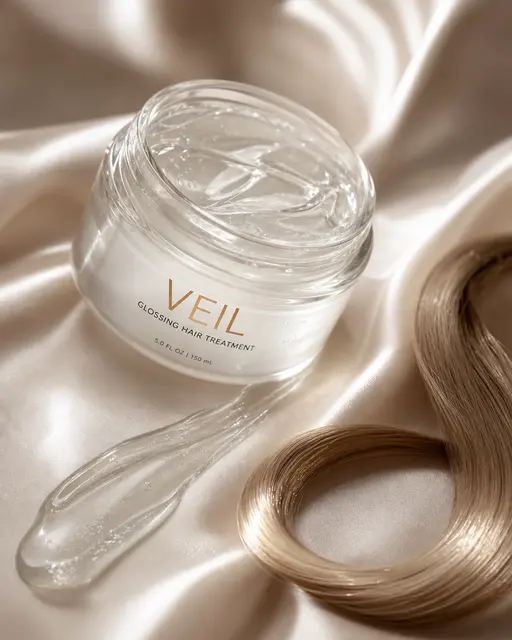
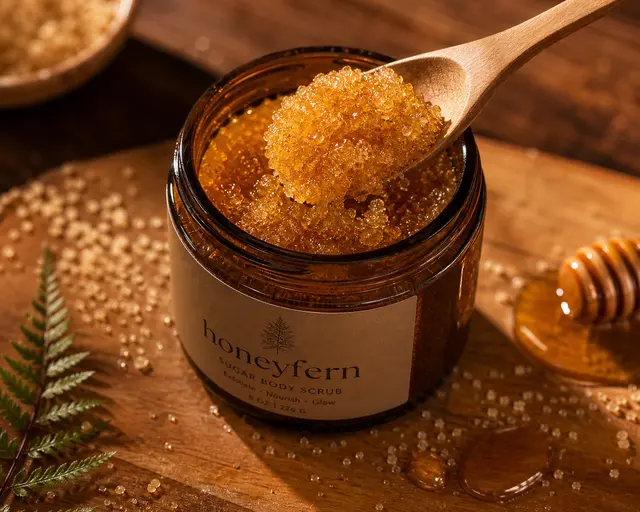
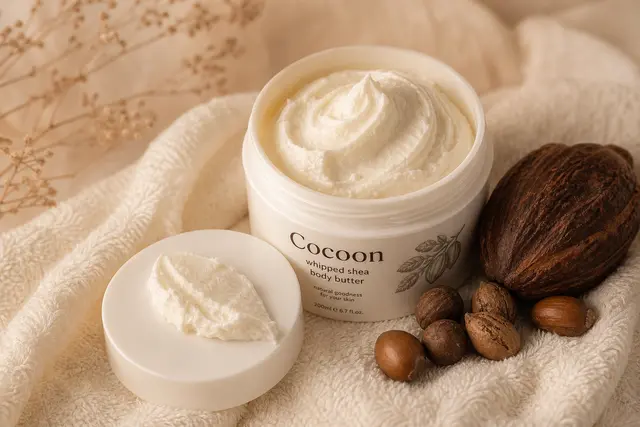
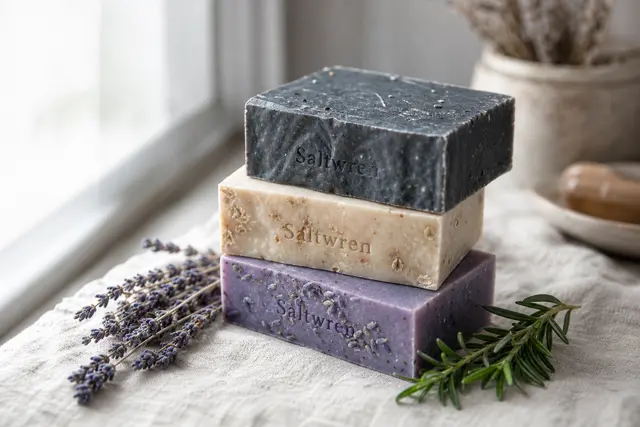
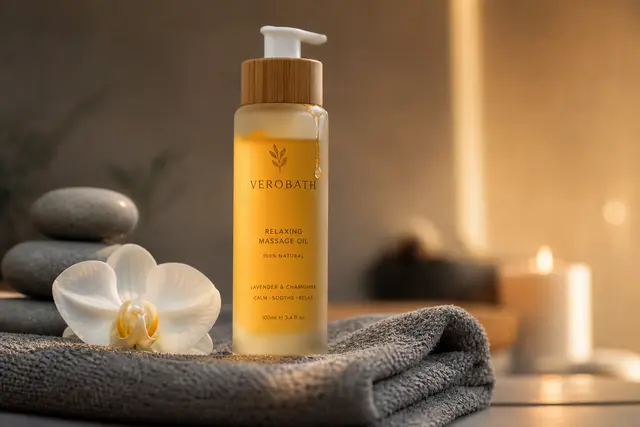
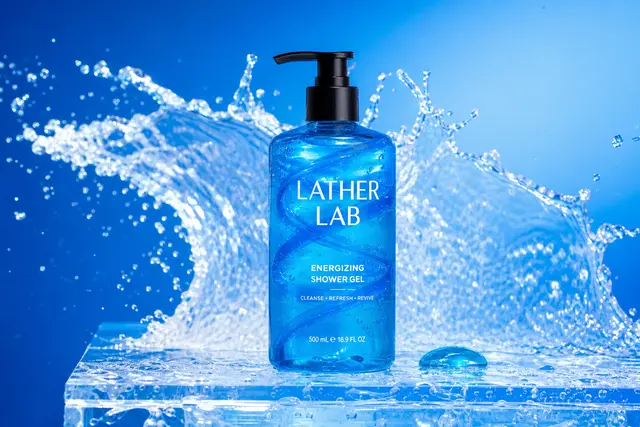
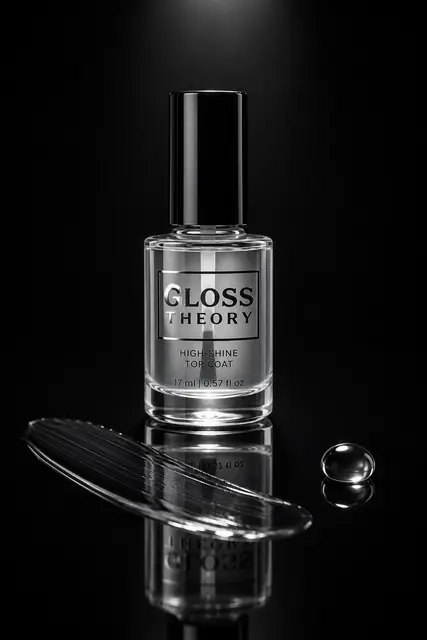
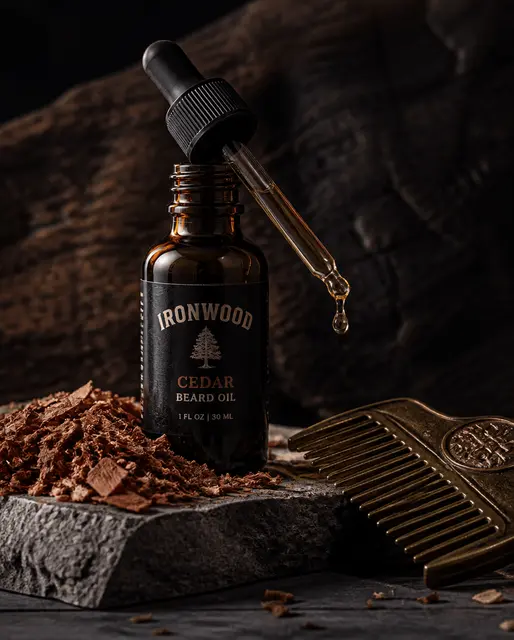
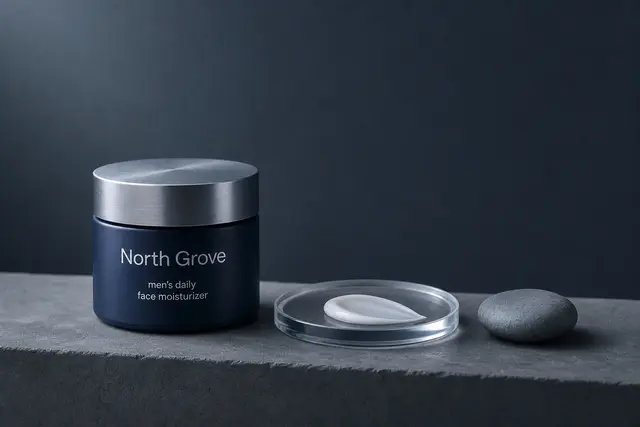
- 2Direct the light (~80% do). Soft/diffused for products (43%), dramatic high-contrast for thumbnails & posters (19%), natural window light for lifestyle (10%). Light sets the mood.
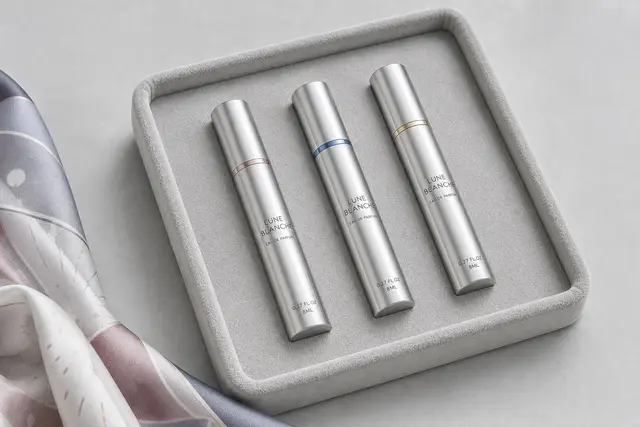
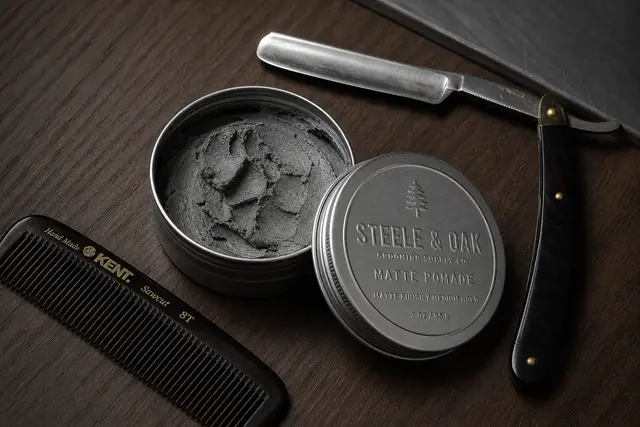
- 3Set the camera angle. 45°/three-quarter (21%), overhead flat-lay (14%), centered hero (10%), macro close-up (5%) — the angle changes the entire feel.
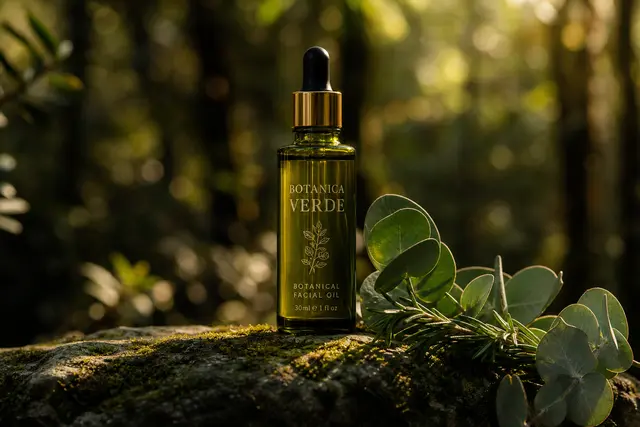
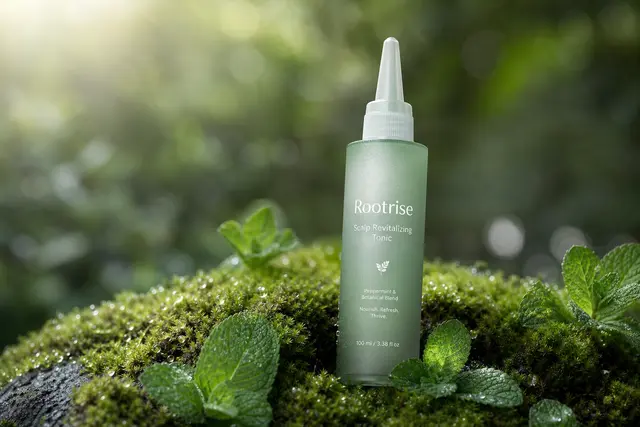
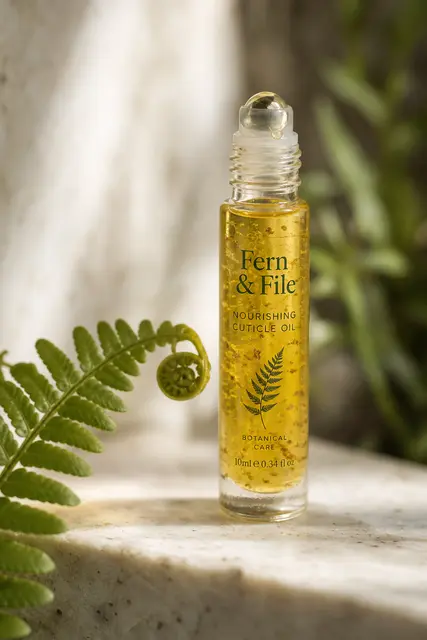
- 4Build depth. About 10% use shallow depth of field / bokeh or foreground props to lift the subject off the background.
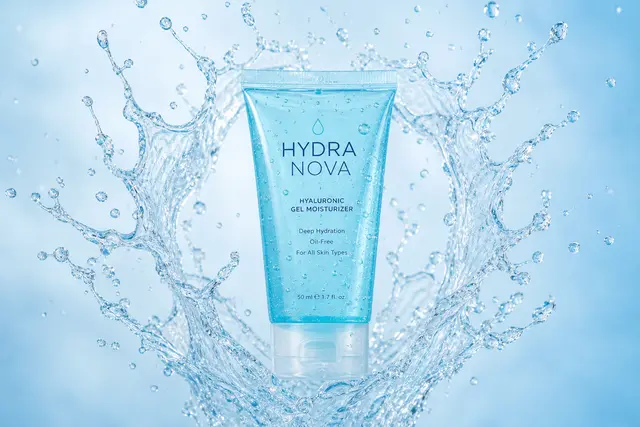
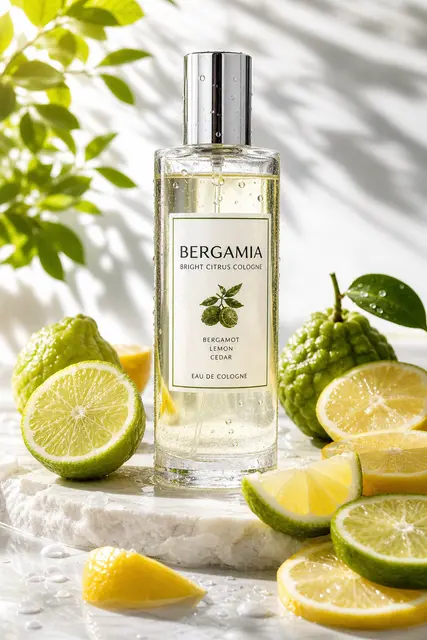
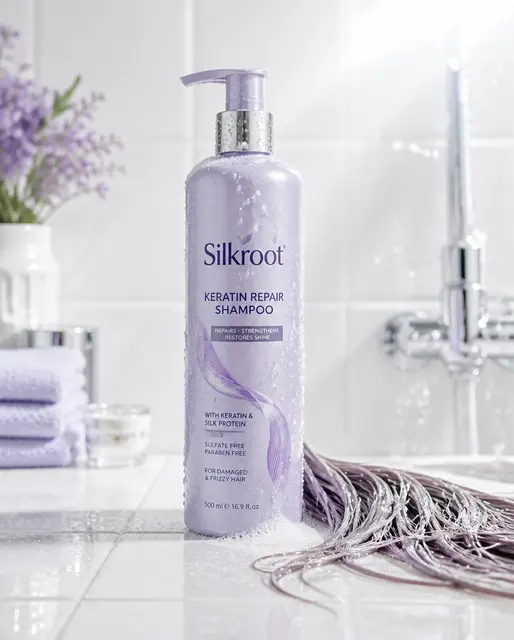
- 5Write the exact on-image text (30% do). Put the literal headline/label/price in quotes — gpt-image-2 renders text accurately — paired with a typography note like bold or oversized (29% specify one).
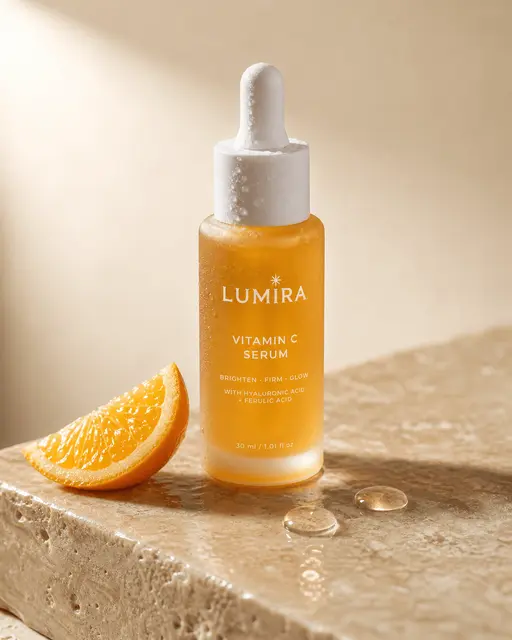
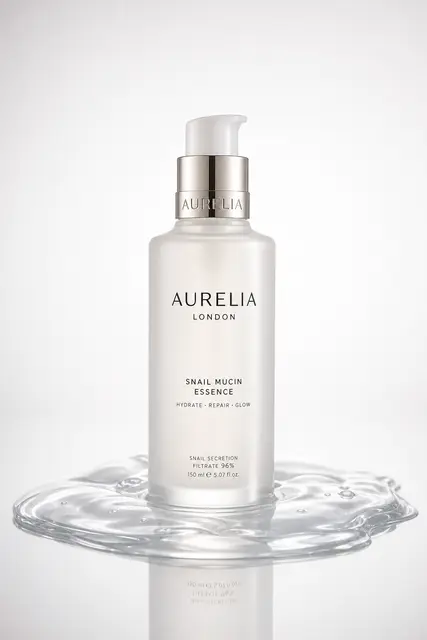
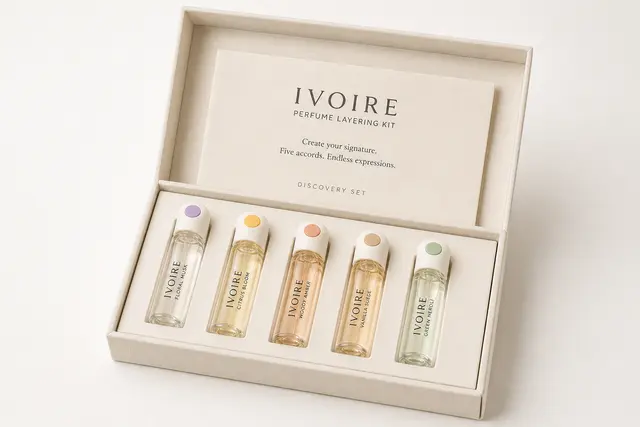
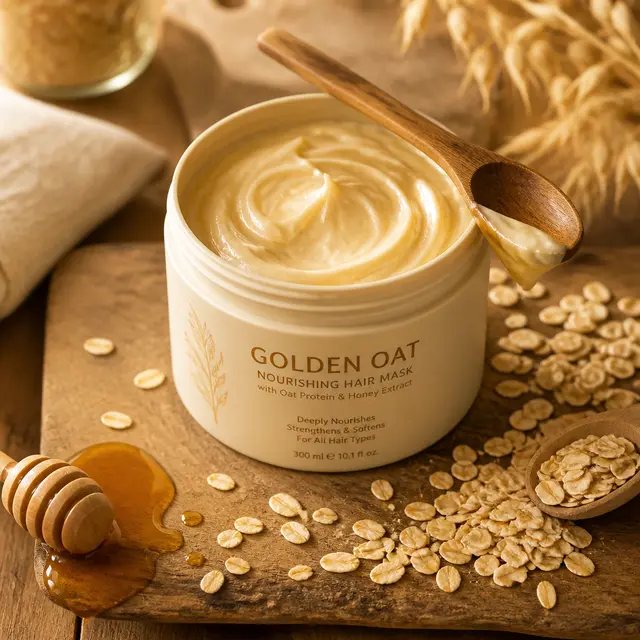
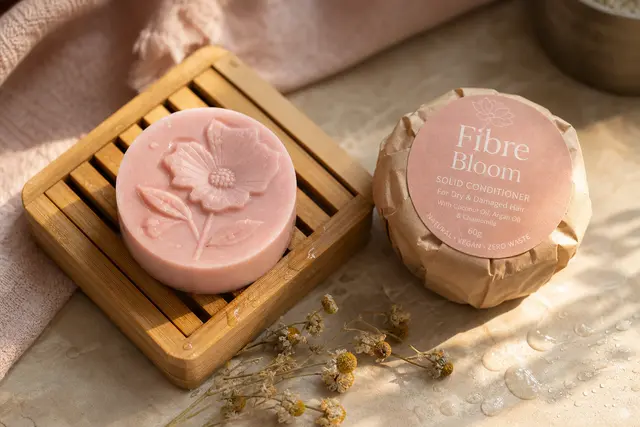
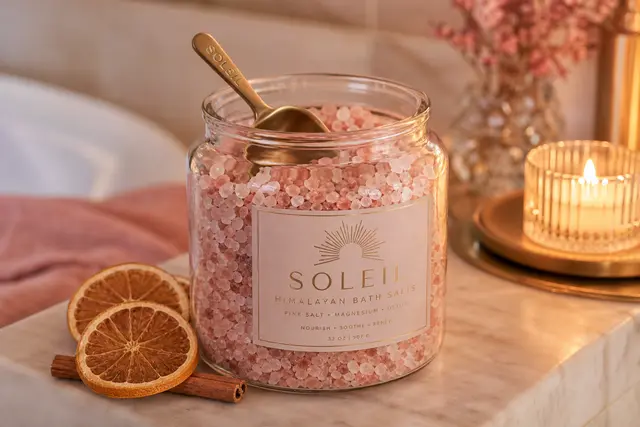
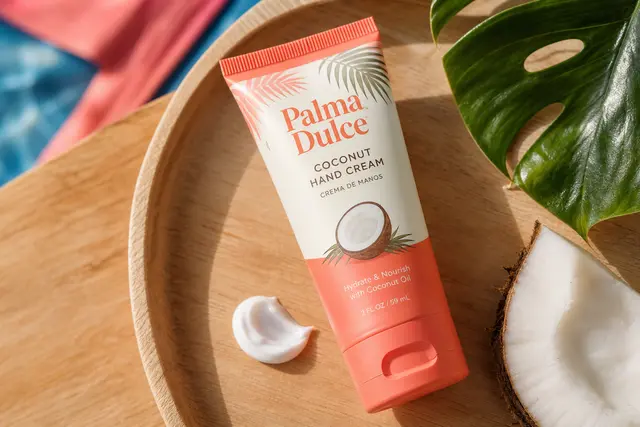
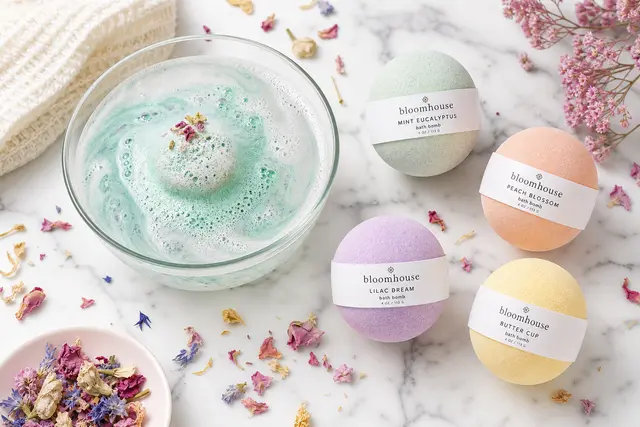
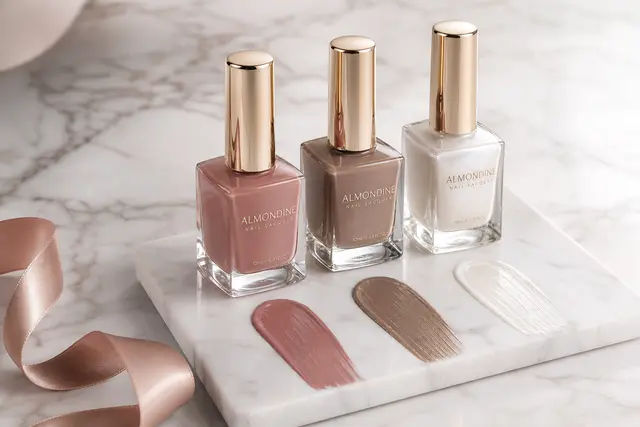
- 6Use concrete props & materials. Product shots name the container material (frosted glass, kraft pouch) plus 1-2 supporting props (an orange slice, a cinnamon stick). Concrete nouns beat adjectives.
- 7Match aspect ratio to platform. 4:5 & 1:1 for e-commerce/social, 16:9 for thumbnails, 2:3 / 3:4 for posters (4:5 and 1:1 dominate the set).
- 8Aim for ~70 words. The 955 prompts average 73 words — enough for subject + style + composition + light + color + text, without rambling.
Prompt formula
Subject (material/brand) + setting + 1-2 props + lighting + color palette + style + on-image text (in quotes) + aspect ratio
Example: A frosted-glass vitamin C serum bottle on a misty peach gradient, soft studio light, minimalist e-commerce hero, "BRIGHT+ Vitamin C" across the top, square 1:1, premium and flawless.
When there is nothing to prompt
Not every edit needs a prompt. If all you want is different wording on an image you already have, EditTextImage takes the picture plus the before-and-after text and skips the prompt step entirely — it runs on the same GPT Image 2 API these prompts are written for. See editing the text inside a JPG for photos and exports, or replace the wording in a photo for free if you just want to try one edit without signing up.