
Kling Expand API
kling-expandKling Expand is Kling's outpainting model: it extends an image up, down, left or right and fills the new area to match the original, with an optional prompt for what to add. Output is 1K, so the whole expanded canvas comes back at about 1K. Call kling-expand at $0.0377 per image; failed tasks are not charged.
Generate Image
This model requires an input image. Please upload an image first.
Result
Generated image will appear here
Enter a prompt and click Generate
4-Direction
Set up, down, left and right separately; each ratio defaults to 0.1
Prompt Guided
Optional prompt for what fills the new area
1K Output
The expanded canvas comes back at about 1K
$0.0377 per Image
Same price for any ratio; failed requests are not charged
About Kling Expand
Kling Expand is an Image Generation API provided by Kling. Kling Expand (kling-expand) is Kling's image outpainting model: send one image and it extends the canvas up, down, left or right and fills the new area to match the original, at $0.0377 per image. Each side has its own setting — up_expansion_ratio, down_expansion_ratio, left_expansion_ratio and right_expansion_ratio, each a fraction of the original height or width that defaults to 0.1 when you leave it out — and an optional prompt describes what should appear in the added area. Typical jobs are turning a portrait shot into a landscape banner, giving a tightly cropped product photo room for text, and bringing back background that a crop cut off. Output is 1K: the whole expanded canvas is returned at about 1K, so you do not get your original pixels with a border added — in our test on 20 November 2026, a 1280×720 image with 0.1 on every side came back as 1472×832 in about 30 seconds. Failed requests are not charged. It is not the right pick if you need a high-resolution result or also want to change the content, or if you need to remove objects or edit inside the original frame: for those, send the image as a reference to an image model such as nano-banana-2-1 or Kling Image 4.0 (kling-image-4.0) with a target aspect ratio at 2K or above. Through APIMODELS platform, you can access this model via a unified API with transparent pay-as-you-go pricing. Current pricing: 1K: $0.0377.
Key Features
- 4-Direction -- Set up, down, left and right separately; each ratio defaults to 0.1
- Prompt Guided -- Optional prompt for what fills the new area
- 1K Output -- The expanded canvas comes back at about 1K
- $0.0377 per Image -- Same price for any ratio; failed requests are not charged
Use Cases
E-commerce Product Images
Generate high-quality product visuals for online stores, ads, and marketing materials.
Social Media Content
Create eye-catching visual content for social platforms to boost engagement and brand visibility.
Game Asset Generation
Produce concept art for characters, scenes, and props to accelerate game development.
Marketing Materials
Design posters, banners, and promotional graphics at a fraction of traditional design costs.
Why APIMODELS
- Unified API -- One API key to access all models, no need to register on multiple platforms
- Transparent Pricing -- Pay-as-you-go with per-call pricing published on every model page, ideal for indie developers and startups
- Instant Access -- Start right after signup; pay by card, PayPal, Alipay or USDT
- Full Documentation -- Detailed API docs with code examples in cURL, Python, and Node.js
Frequently Asked Questions
What is the difference between APIMODELS and the official Kling API?
APIMODELS offers the same Kling Expand model through our aggregation platform. We provide a unified API interface so you do not need separate accounts for each provider - one API key to access all models.
How much does the Kling Expand API cost?
kling-expand costs $0.0377 per output image on apimodels.app, whatever expansion ratios you set; with n above 1, each image is charged. Failed requests are not charged.
How do I call kling-expand?
POST /api/v1/images/generations with "model": "kling-expand" and "image" set to the URL of your source picture, then poll GET /api/v1/images/generations?task_id=… or pass callback_url. up_expansion_ratio, down_expansion_ratio, left_expansion_ratio and right_expansion_ratio set how far each side grows, as a fraction of the original height or width (0.1 = a tenth); any you leave out default to 0.1. prompt is optional and describes what to fill in.
What resolution does Kling Expand output?
1K. Kling's expand endpoint only returns the 1K tier, so the whole expanded canvas comes back at about 1K rather than as your original pixels with a border added. In our test on 20 November 2026, a 1280×720 image with 0.1 on every side came back as 1472×832 in about 30 seconds.
When should I not use Kling Expand?
When you need a high-resolution result or also want to change the content: send the image as a reference to nano-banana-2-1 or Kling Image 4.0 (kling-image-4.0) with a target aspect ratio at 2K or above instead. Kling Expand also cannot remove objects or edit anything inside the original frame; it only adds area around it.
How does Kling Expand compare with other models in the Image Generation category?
On APIMODELS, Kling Expand runs alongside 60+ models on one API key and one balance, so choosing is about fit, not lock-in. It supports Image Expand, 4-Direction, Prompt Guided, 1K Output, and you can weigh it on price and capability against other models in the Image Generation category, then switch by changing a single model-name string — no new account or integration. Browse every model in that category with live pricing at apimodels.app/models.
What can Kling Expand do?
Kling Expand supports: Image Expand, 4-Direction, Prompt Guided, 1K Output. See the APIMODELS docs for full parameters and call examples.
Can I use the Kling Expand API from any country, including mainland China?
Yes. APIMODELS does not restrict access by country: the site and the API answer requests from anywhere, and apimodels.app and api.apimodels.app are reachable directly from mainland China without a proxy. You call Kling Expand with one APIMODELS key, so you do not need a separate account with the model's developer.
What payment methods are supported? Can I pay with PayPal or crypto?
Yes to both. You can top up with a card (Visa, Mastercard and others, through Stripe), PayPal, Alipay, or USDT on TRON (TRC20) or BNB Smart Chain (BEP20). Card, PayPal and Alipay top-ups are credited immediately; USDT is credited once the transfer confirms on-chain. Auto top-up is optional, and a $50 top-up adds a $1 bonus ($3 on a $100 top-up). The balance is in USD and billed per use, with no subscription.
Related models
GPT Image 2.5 prompt examples
See all 238 →Prompts shared by their authors — copy and adapt them. Each one credits its author and links back to the original post.
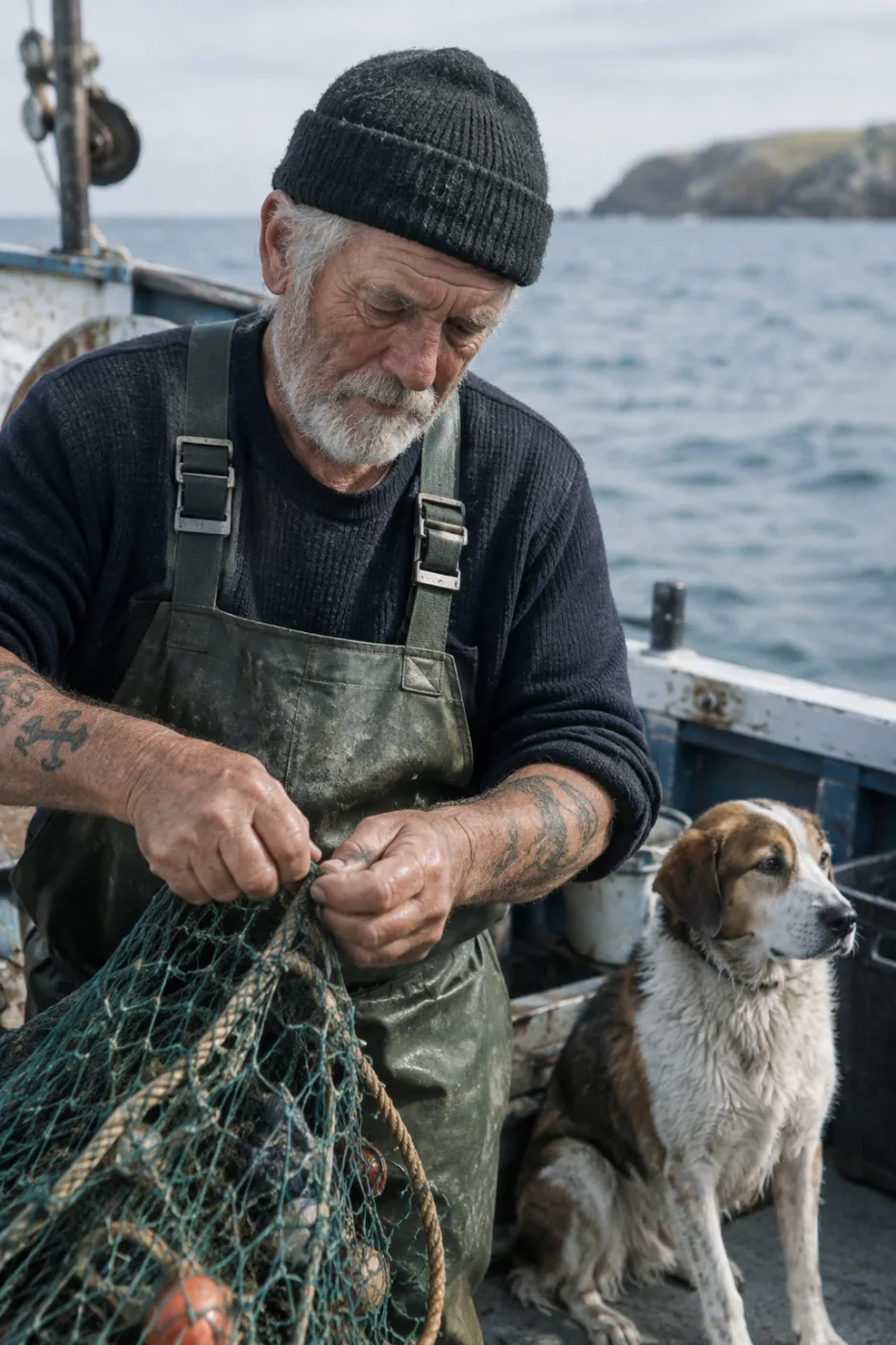
Weathered sailor on a fishing boat
Create a photorealistic candid photograph of an elderly sailor standing on a small fishing boat. He has weathered skin with visible wrinkles…
by OpenAI
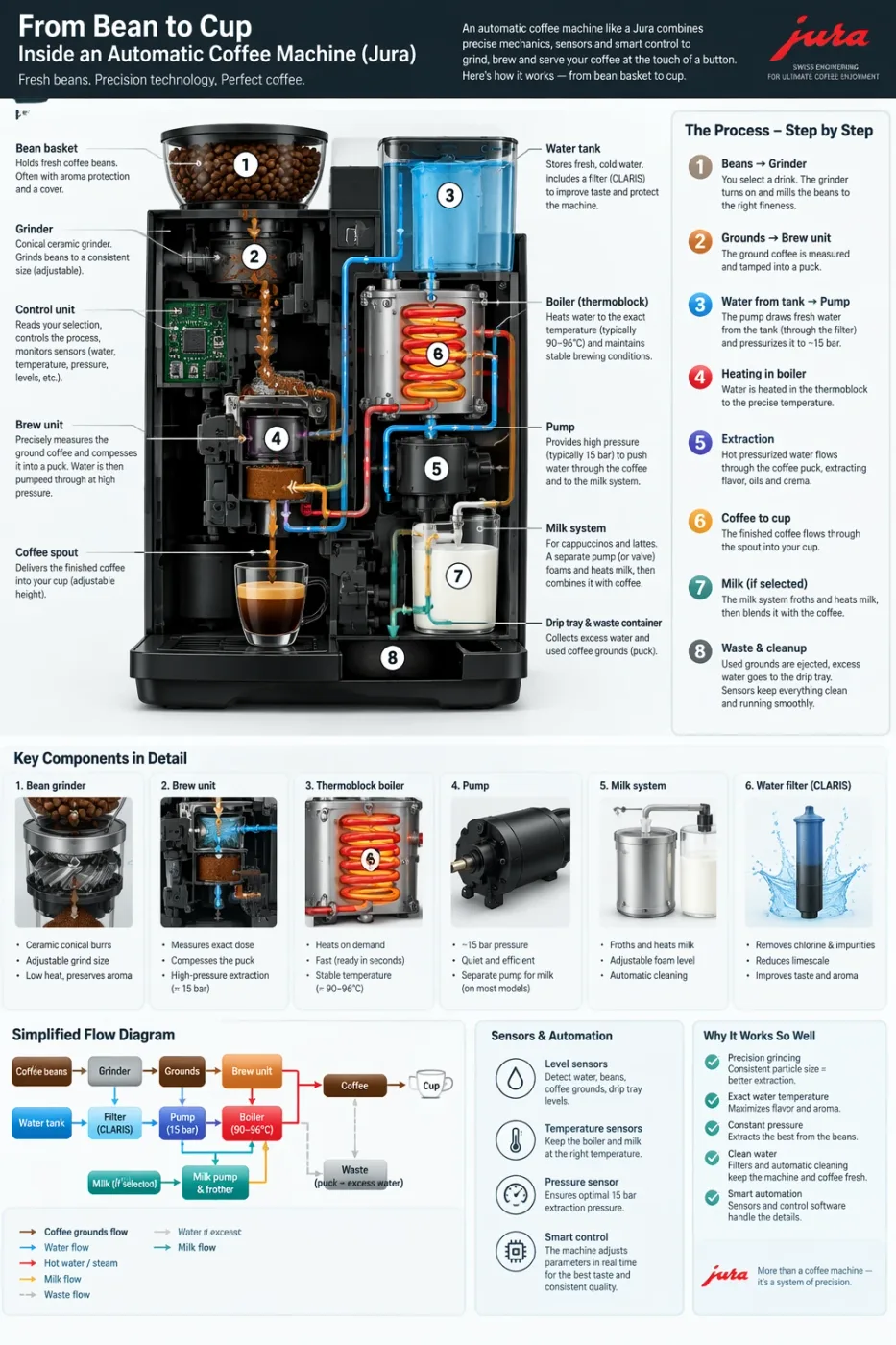
Automatic coffee machine workflow infographic
Create a detailed Infographic of the functioning and flow of an automatic coffee machine like a Jura. From bean basket, to grinding, to scal…
by OpenAI
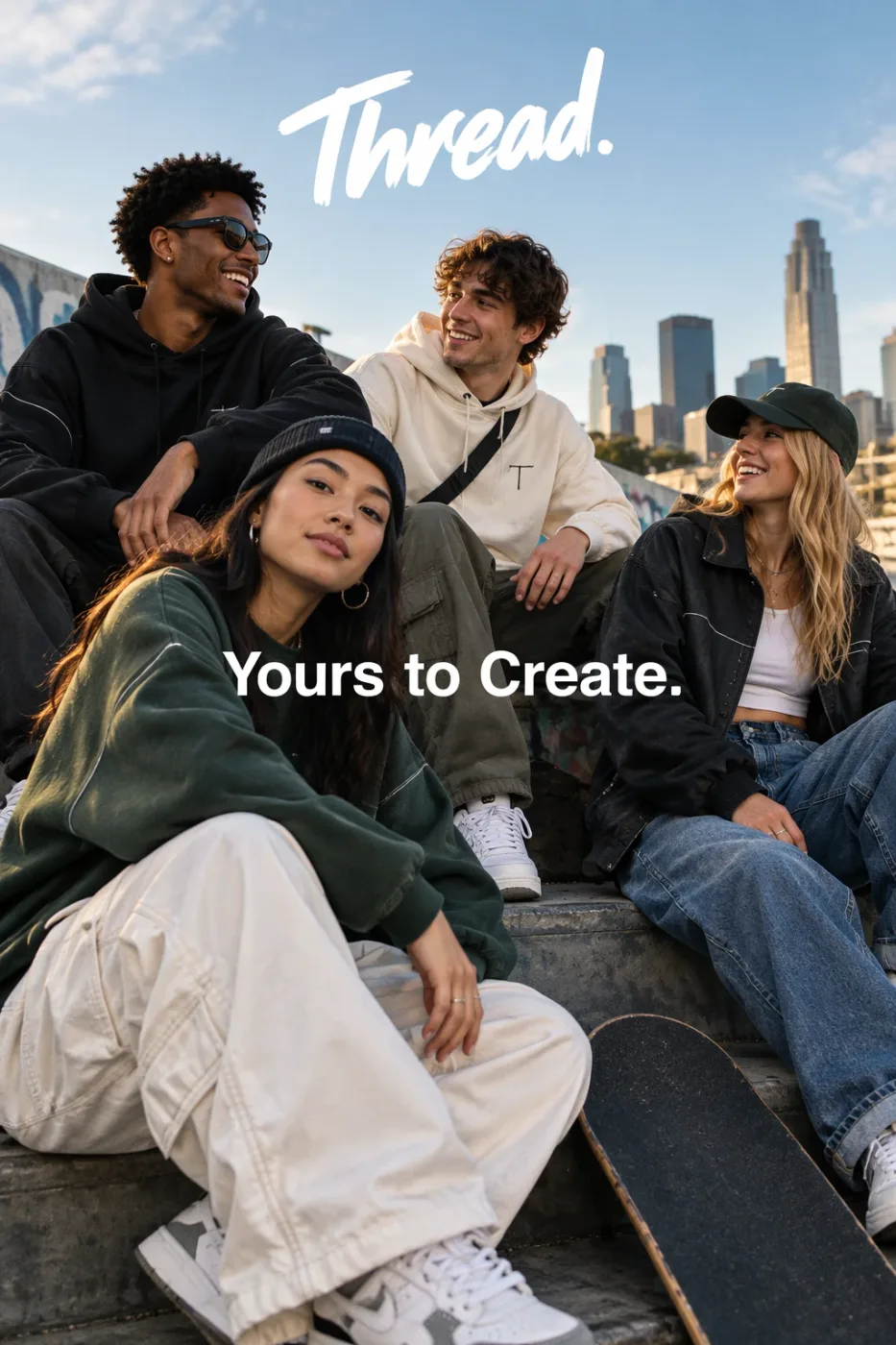
Thread streetwear ad with exact typography
Give me a cool in culture ad / fashion shot for a brand called Thread. It's a hip young street brand. The ad shows a group of friends hangin…
by OpenAI
Need prompts?
We curate copy-ready prompt libraries — every entry shows its full text and a sample result, ready to adapt.
Related reading
How to get access, regional availability, and how this model compares with its alternatives.