

Kling Expand API
kling-expandKling Expand는 Kling의 아웃페인팅(이미지 확장) 모델로, 이미지를 위·아래·왼쪽·오른쪽으로 넓히고 늘어난 부분을 원본에 어울리게 채웁니다. 무엇을 채울지는 프롬프트로 지정할 수 있습니다(선택). 제한: 출력은 1K로, 넓힌 화면 전체가 약 1K로 돌아옵니다. 모델명 kling-expand, 장당 $0.0377, 실패 시 과금 없음.
Generate Image
This model requires an input image. Please upload an image first.
Result
Generated image will appear here
Enter a prompt and click Generate
네 방향 따로 설정
위·아래·왼쪽·오른쪽 비율을 각각 지정, 생략 시 0.1
프롬프트로 지정
늘어난 부분에 무엇을 채울지 프롬프트로(선택)
출력은 1K
넓힌 화면 전체가 약 1K로 반환
장당 $0.0377
비율과 관계없이 같은 가격, 실패 시 과금 없음
Kling Expand 소개
Kling Expand 모델은 Kling의 이미지 생성 API입니다. Kling Expand (kling-expand) is Kling's image outpainting model: send one image and it extends the canvas up, down, left or right and fills the new area to match the original, at $0.0377 per image. Each side has its own setting — up_expansion_ratio, down_expansion_ratio, left_expansion_ratio and right_expansion_ratio, each a fraction of the original height or width that defaults to 0.1 when you leave it out — and an optional prompt describes what should appear in the added area. Typical jobs are turning a portrait shot into a landscape banner, giving a tightly cropped product photo room for text, and bringing back background that a crop cut off. Output is 1K: the whole expanded canvas is returned at about 1K, so you do not get your original pixels with a border added — in our test on 20 November 2026, a 1280×720 image with 0.1 on every side came back as 1472×832 in about 30 seconds. Failed requests are not charged. It is not the right pick if you need a high-resolution result or also want to change the content, or if you need to remove objects or edit inside the original frame: for those, send the image as a reference to an image model such as nano-banana-2-1 or Kling Image 4.0 (kling-image-4.0) with a target aspect ratio at 2K or above. APIMODELS 플랫폼을 거치면 통합 API와 투명한 종량 과금으로 이 모델을 호출할 수 있습니다. 현재 가격: 1K: $0.0377.
주요 기능
- 네 방향 따로 설정 -- 위·아래·왼쪽·오른쪽 비율을 각각 지정, 생략 시 0.1
- 프롬프트로 지정 -- 늘어난 부분에 무엇을 채울지 프롬프트로(선택)
- 출력은 1K -- 넓힌 화면 전체가 약 1K로 반환
- 장당 $0.0377 -- 비율과 관계없이 같은 가격, 실패 시 과금 없음
활용 사례
이커머스 상품 이미지
온라인 스토어와 광고, 마케팅 자료에 쓸 고품질 상품 비주얼을 생성합니다.
SNS 콘텐츠
눈길을 끄는 비주얼을 만들어 참여도와 브랜드 인지도를 끌어올립니다.
게임 에셋 생성
캐릭터와 배경, 소품의 콘셉트 아트를 뽑아 게임 개발의 초반 속도를 높입니다.
마케팅 자료
포스터와 배너, 프로모션 그래픽을 기존 디자인 비용의 일부만으로 준비합니다.
APIMODELS를 쓰는 이유
- 통합 API -- 키 하나로 모든 모델에 접근하며, 플랫폼마다 따로 가입할 필요가 없습니다
- 투명한 가격 -- 종량 과금이고 호출당 단가를 모델 페이지마다 공개합니다. 1인 개발자와 스타트업에 알맞습니다
- 바로 사용 -- 가입 직후부터 쓸 수 있고 카드·PayPal·Alipay·USDT로 결제합니다
- 충실한 문서 -- cURL / Python / Node.js 예제를 갖춘 상세한 API 문서를 제공합니다
자주 묻는 질문
APIMODELS와 Kling 공식 API는 무엇이 다른가요?
APIMODELS는 같은 Kling Expand 모델을 집약 플랫폼을 통해 제공합니다. API 인터페이스가 통합되어 있어 공급자마다 계정을 만들 필요가 없고, 키 하나로 모든 모델에 닿습니다.
Kling Expand API 가격은?
apimodels.app에서 kling-expand는 출력 이미지 한 장에 $0.0377이며, 확장 비율을 어떻게 잡아도 같습니다. n을 2 이상으로 하면 장수만큼 과금됩니다. 실패한 요청은 과금되지 않습니다.
kling-expand는 어떻게 호출하나요?
POST /api/v1/images/generations에 "model": "kling-expand"와 "image"(원본 이미지 URL)를 보내고, GET /api/v1/images/generations?task_id=…로 상태를 조회하거나 callback_url을 넘기면 됩니다. up_expansion_ratio, down_expansion_ratio, left_expansion_ratio, right_expansion_ratio로 위·아래·왼쪽·오른쪽을 원본 높이나 너비 대비 얼마나 넓힐지 정하며(0.1은 10분의 1), 생략한 방향은 0.1이 됩니다. prompt는 선택이며 채울 내용을 적습니다.
Kling Expand 출력 해상도는?
1K입니다. Kling 확장 엔드포인트는 1K만 내보내므로 넓힌 화면 전체가 약 1K로 돌아오며, 원본 픽셀에 테두리를 덧붙인 형태가 아닙니다. 2026년 11월 20일 테스트에서 1280×720 이미지를 네 변 모두 0.1씩 넓히자 약 30초 만에 1472×832가 나왔습니다.
Kling Expand를 쓰지 말아야 할 때는?
고해상도 결과가 필요하거나 화면 비율뿐 아니라 내용도 바꾸고 싶을 때입니다. 이럴 때는 이미지를 참조 이미지로 nano-banana-2-1이나 Kling Image 4.0(kling-image-4.0)에 보내고 목표 비율과 2K 이상을 지정하세요. Kling Expand는 객체 제거나 원래 화면 안쪽 편집도 하지 못하며, 바깥쪽을 채우기만 합니다.
Kling Expand 모델을 같은 이미지 생성 분야의 다른 모델과 비교하면 어떤가요?
APIMODELS에서는 Kling Expand 모델이 60개가 넘는 모델과 같은 API 키, 같은 잔액 위에 나란히 놓입니다. 그래서 선택은 궁합의 문제이지 종속의 문제가 아닙니다. 주요 기능은 다음과 같습니다: Image Expand、4-Direction、Prompt Guided、1K Output. 같은 이미지 생성 분야의 다른 모델과 가격·성능을 나란히 놓고 따져볼 수 있고, 갈아타기는 모델 이름 문자열 하나만 바꾸면 되며 새 계정도 추가 작업도 필요 없습니다. 같은 분야의 선택지와 실시간 가격은 apimodels.app/models에서 볼 수 있습니다.
Kling Expand 모델로 무엇을 할 수 있나요?
Kling Expand 모델이 지원하는 기능: Image Expand、4-Direction、Prompt Guided、1K Output. 전체 파라미터와 호출 예제는 APIMODELS 문서를 참고하세요.
Kling Expand API를 한국에서도 바로 쓸 수 있나요?
네. APIMODELS는 국가별 접속 제한을 두지 않아 사이트와 API를 어디서든 쓸 수 있습니다. Kling Expand 모델은 APIMODELS 키 하나로 호출하므로 모델 제공사 계정을 따로 만들 필요가 없습니다.
결제 수단은 무엇이 있나요? 해외 결제 카드 말고도 되나요?
해외 결제가 되는 카드(Visa, Mastercard 등, Stripe 결제), PayPal, Alipay, USDT(TRON 네트워크 TRC20, BNB Smart Chain 네트워크 BEP20)를 지원합니다. 카드·PayPal·Alipay는 결제 즉시 잔액에 반영되고, USDT는 블록체인에서 송금이 확인된 뒤 반영됩니다. 자동 충전도 켤 수 있으며, $50 충전 시 $1, $100 충전 시 $3의 보너스가 붙습니다. 잔액과 요금은 달러 기준이고 월 구독료 없이 쓴 만큼만 과금됩니다.
Related models
GPT Image 2.5 prompt examples
See all 238 →Prompts shared by their authors — copy and adapt them. Each one credits its author and links back to the original post.
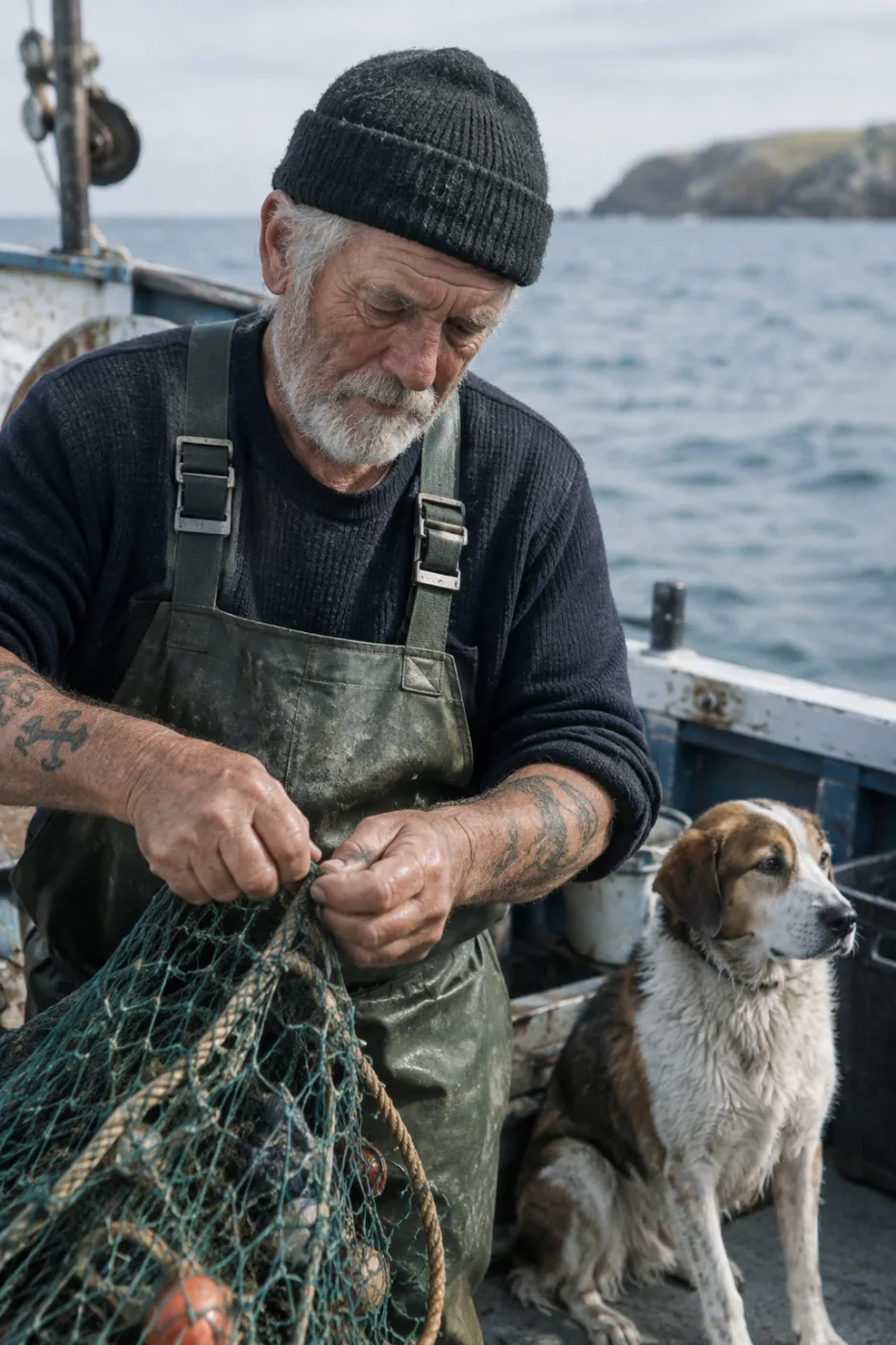
Weathered sailor on a fishing boat
Create a photorealistic candid photograph of an elderly sailor standing on a small fishing boat. He has weathered skin with visible wrinkles…
by OpenAI
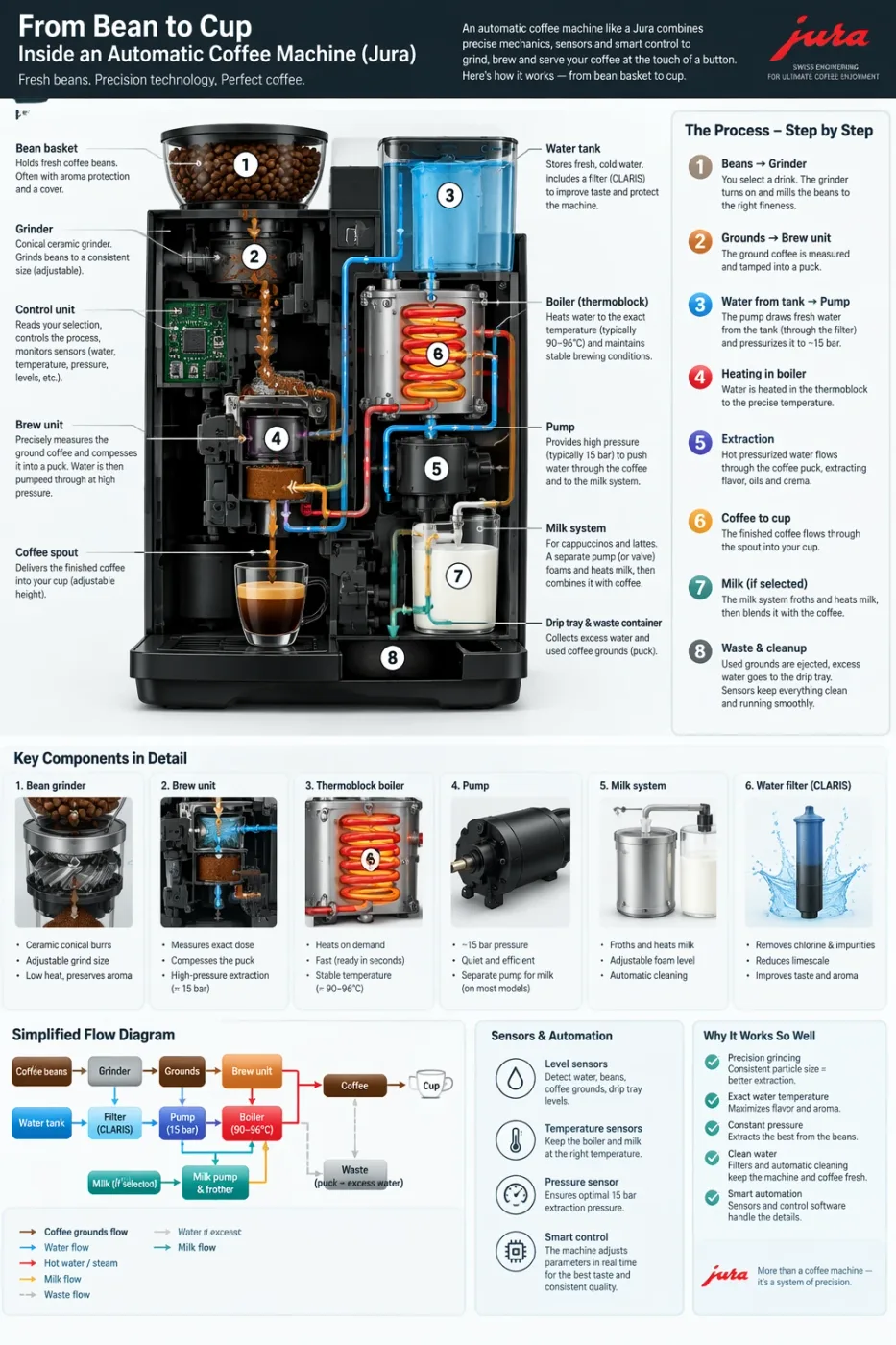
Automatic coffee machine workflow infographic
Create a detailed Infographic of the functioning and flow of an automatic coffee machine like a Jura. From bean basket, to grinding, to scal…
by OpenAI
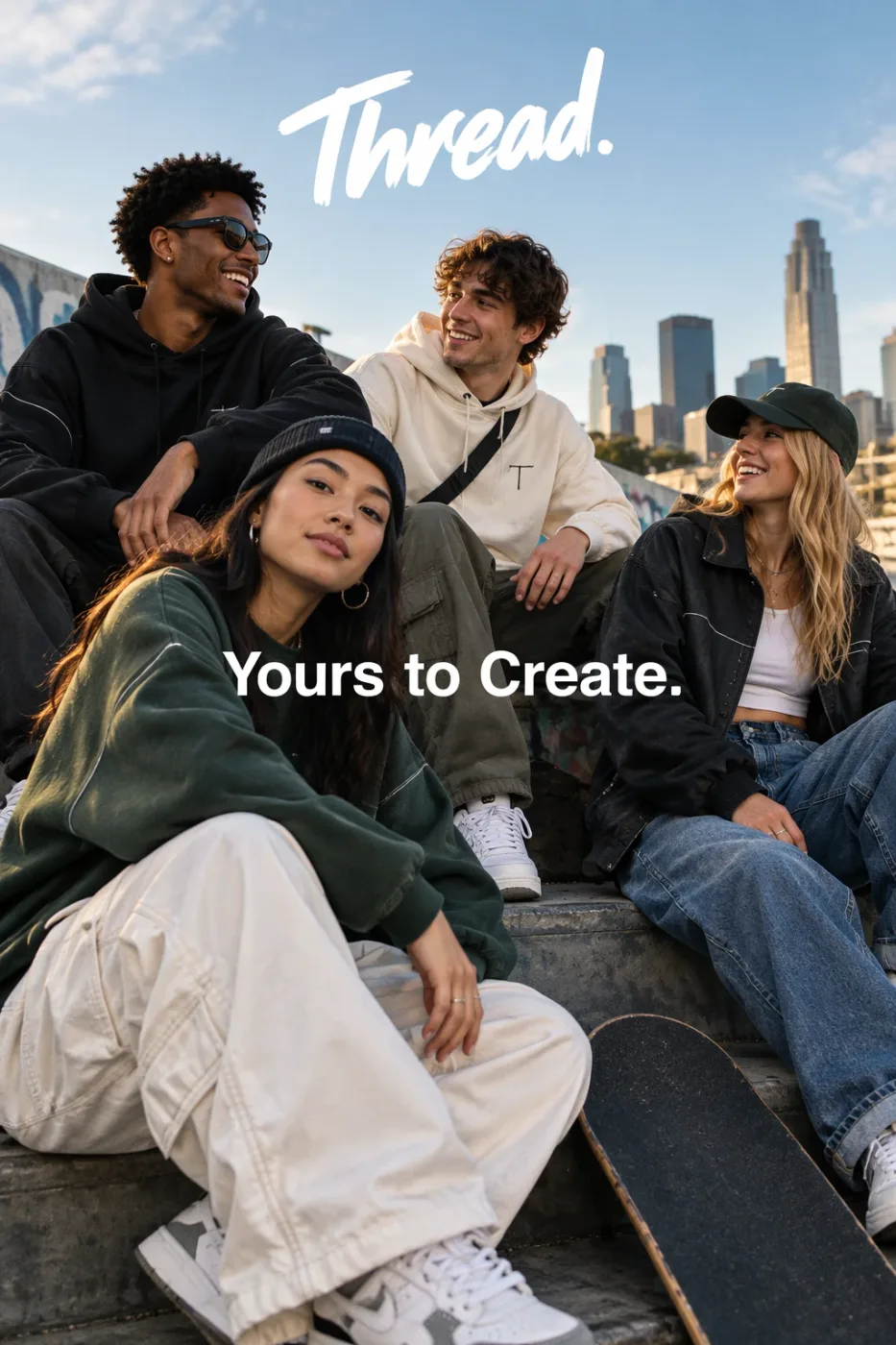
Thread streetwear ad with exact typography
Give me a cool in culture ad / fashion shot for a brand called Thread. It's a hip young street brand. The ad shows a group of friends hangin…
by OpenAI
Need prompts?
We curate copy-ready prompt libraries — every entry shows its full text and a sample result, ready to adapt.
Related reading
How to get access, regional availability, and how this model compares with its alternatives.