grok-imagine-image-2Grok Imagine Image 2.0 is xAI's image model built for work you ship rather than pictures you look at. It plans typography and layout the way a designer would — on a 2K poster we asked for an exact headline, a date line and a small-print URL, and all three came back legible and character-for-character correct. It fuses up to three reference images in a single call, honouring which subject goes where. And across edits it holds the subject and the scene: change a product's colour and the object, the surface, the light and the surrounding props all carry over. One honest caveat, measured rather than assumed — it re-renders the frame rather than editing pixels in place, so composition and crop shift between passes. That makes it excellent for recolouring, restyling, adding or removing elements and multi-reference composites, and the wrong tool when a brief demands every other pixel stay untouched. Four price tiers from $0.03: 1K or 2K, low or medium quality.
Omitting quality in the API defaults to medium. Reference images are not charged extra.
Generated image will appear here
Enter a prompt and click Generate
Asked for an exact headline, a date line and a small-print URL on a 2K poster, all three came back legible and character-for-character correct — checked against the live model, not quoted from a launch post.
Send up to three reference images and say which goes where; the model keeps each subject identifiable rather than redrawing them from the text. A fourth is rejected outright instead of being silently dropped.
Recolour a product and the object, the surface, the lighting and the surrounding props all carry over. What does not carry over is the framing — see the next point.
Composition and crop shift between passes: the subject may sit closer, the camera angle may change. Ideal for recolouring, restyling, adding or removing elements. The wrong tool when the brief is "change this one thing and nothing else".
Ask for a transparent background and it paints the grey-and-white checkerboard as ordinary pixels; the PNG carries no alpha channel. The result looks like a cutout in a thumbnail and is not one. Use a dedicated background-removal step instead.
1K Low $0.03, 2K Low $0.04, 1K Medium $0.045, 2K Medium $0.06 — 25% under xAI list on three tiers and 33% under on 2K Low. Reference images cost nothing extra here, though xAI bills $0.01 each. Fourteen aspect ratios including 19.5:9 and 20:9.
Grok Imagine Image 2.0 is a Image Generation API provided by xAI. Grok Imagine Image 2.0 is xAI's image model built for work you ship rather than pictures you look at. It plans typography and layout the way a designer would — on a 2K poster we asked for an exact headline, a date line and a small-print URL, and all three came back legible and character-for-character correct. It fuses up to three reference images in a single call, honouring which subject goes where. And across edits it holds the subject and the scene: change a product's colour and the object, the surface, the light and the surrounding props all carry over. One honest caveat, measured rather than assumed — it re-renders the frame rather than editing pixels in place, so composition and crop shift between passes. That makes it excellent for recolouring, restyling, adding or removing elements and multi-reference composites, and the wrong tool when a brief demands every other pixel stay untouched. Four price tiers from $0.03: 1K or 2K, low or medium quality. Through APIMODELS platform, you can access this model via a unified API with transparent pay-as-you-go pricing. Current pricing: 1K Low: $0.03, 2K Low: $0.04, 1K Medium: $0.045, 2K Medium: $0.06.
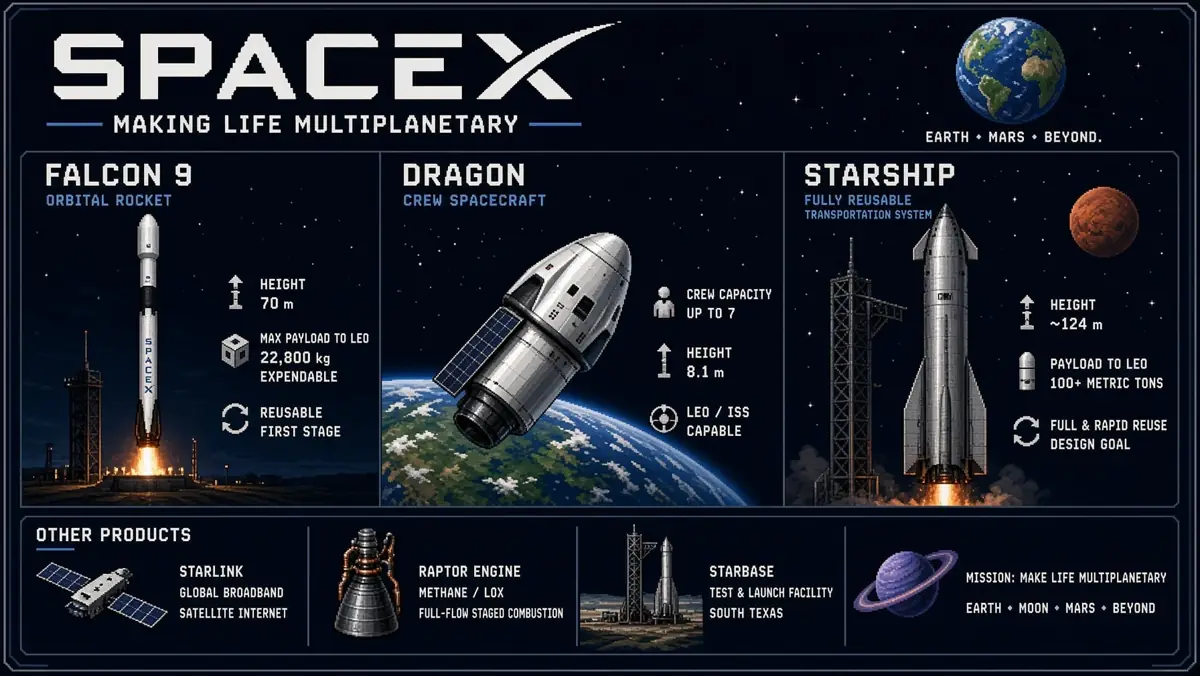
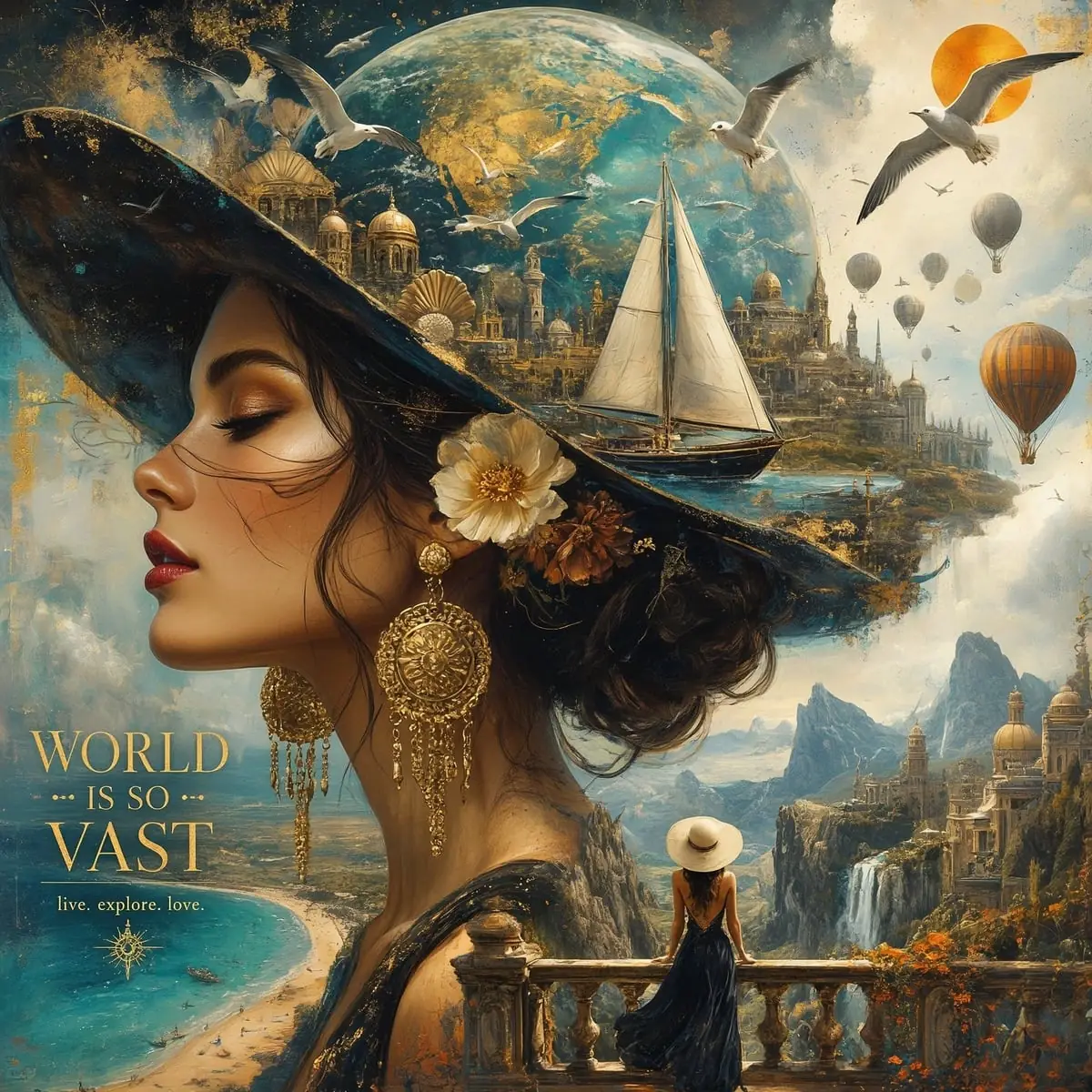
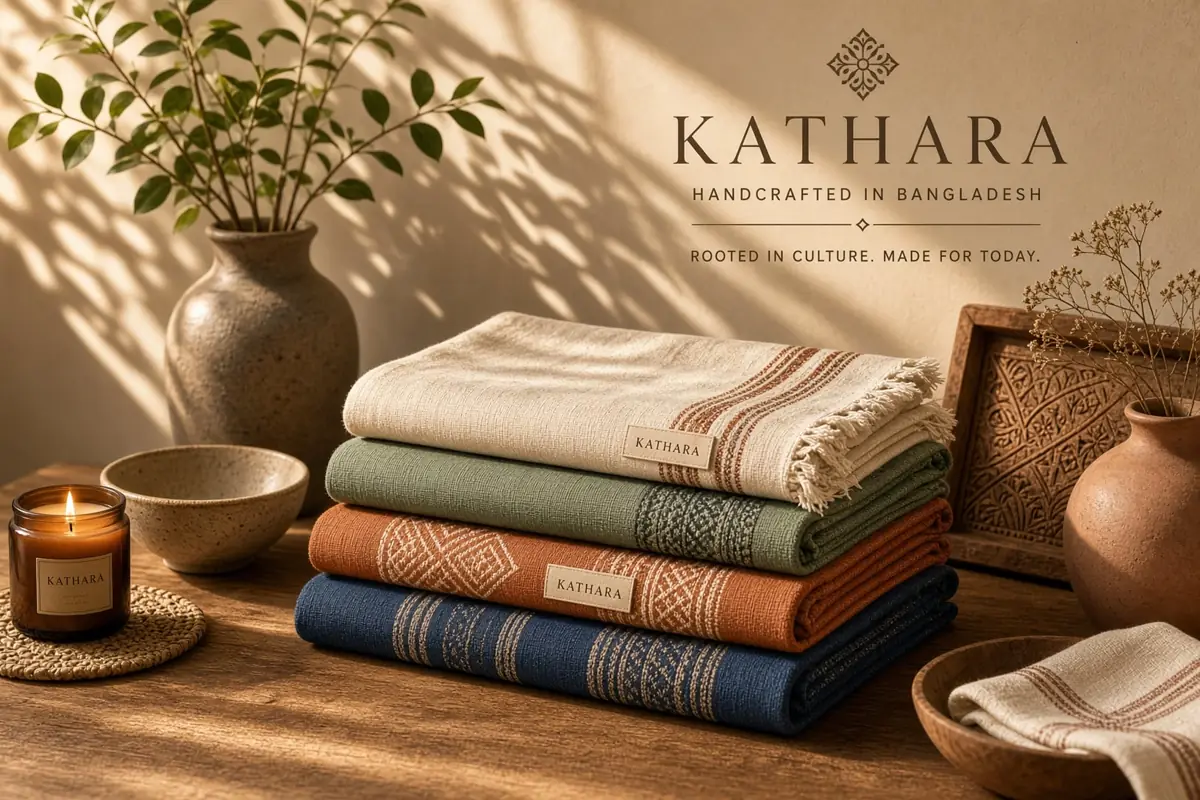
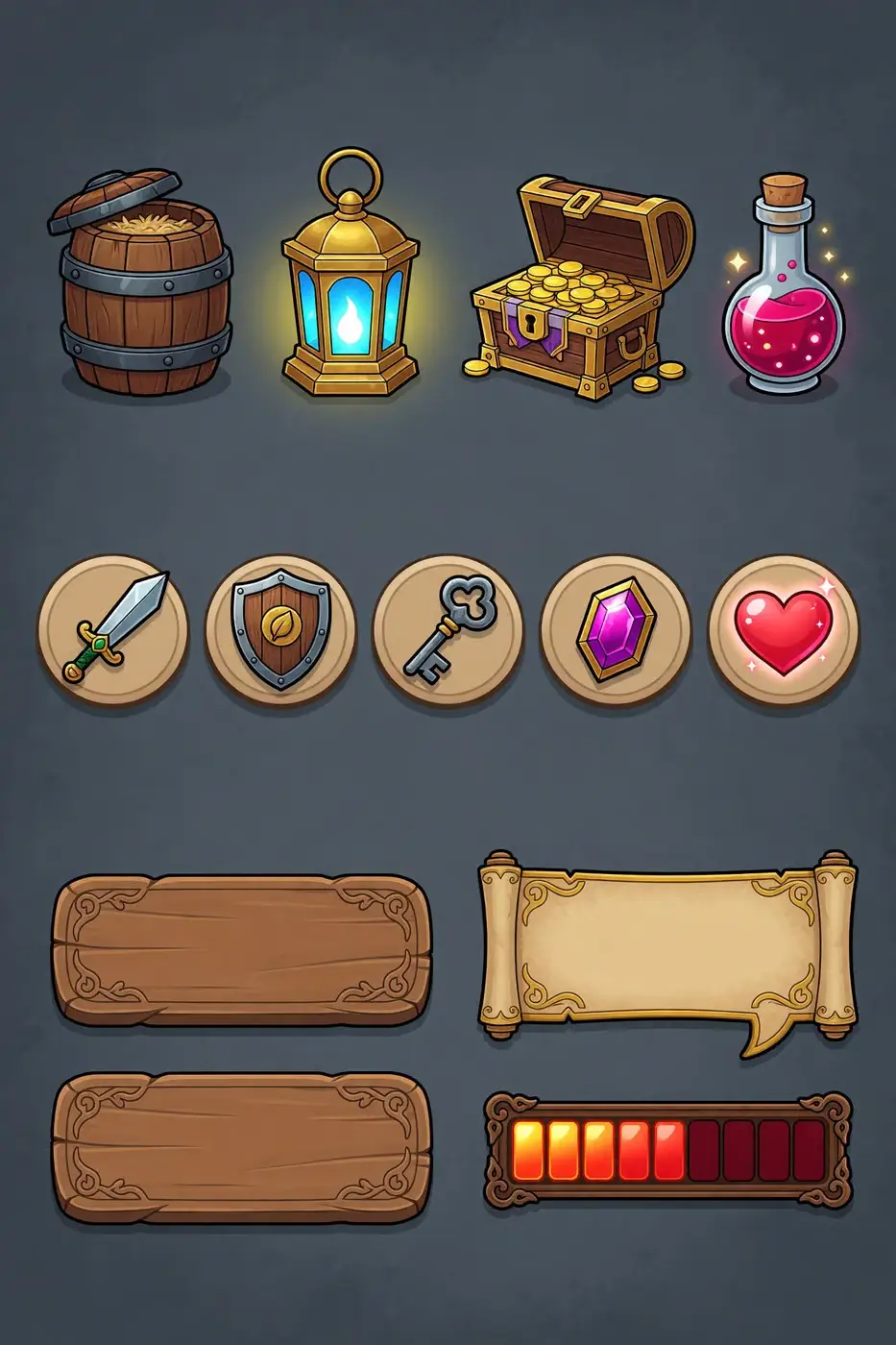
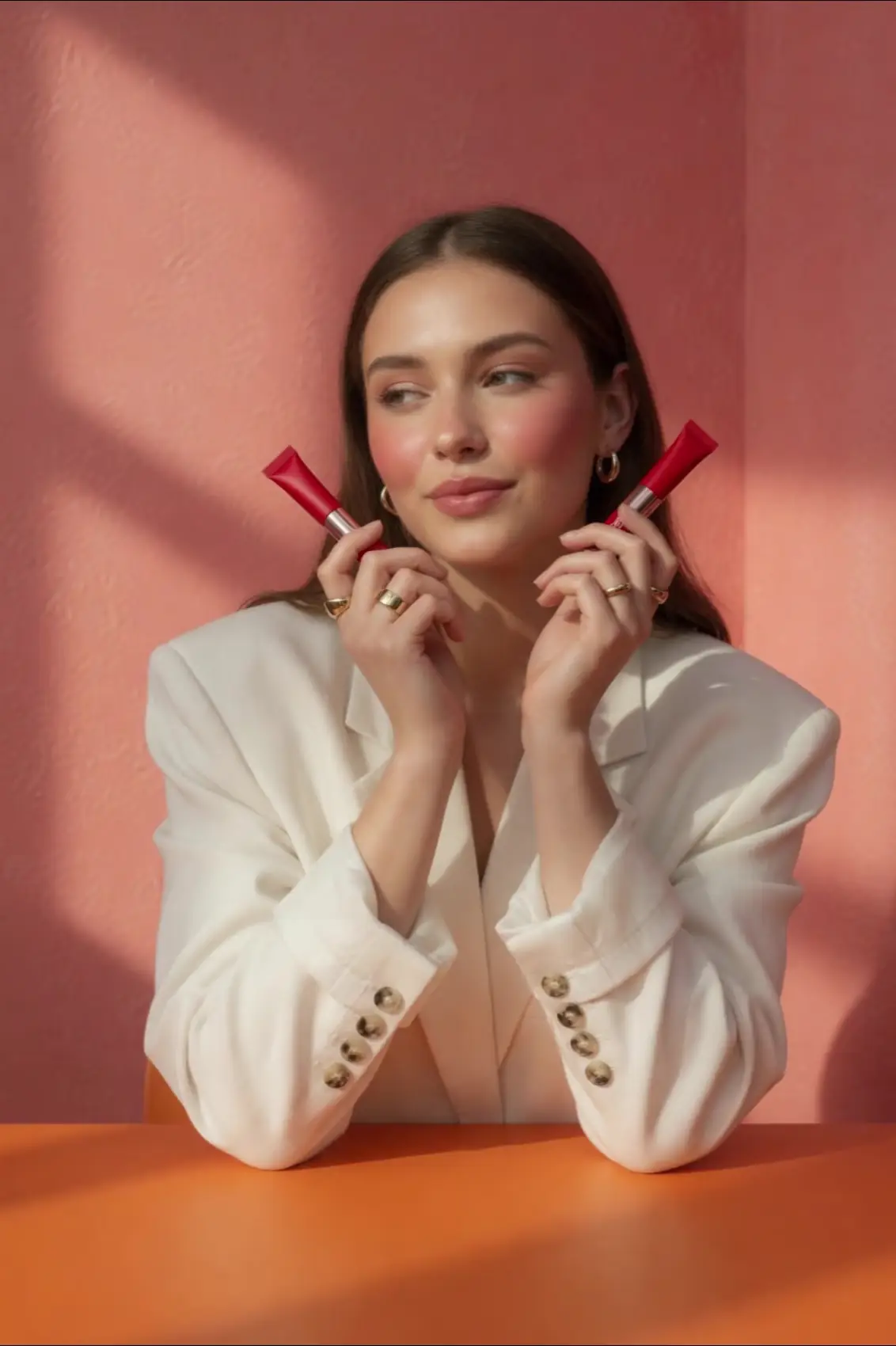
Generate high-quality product visuals for online stores, ads, and marketing materials.
Create eye-catching visual content for social platforms to boost engagement and brand visibility.
Produce concept art for characters, scenes, and props to accelerate game development.
Design posters, banners, and promotional graphics at a fraction of traditional design costs.
Grok Imagine Image 2.0 is available through APIMODELS at: 1K Low: $0.03, 2K Low: $0.04, 1K Medium: $0.045, 2K Medium: $0.06. Billing is pay-as-you-go — you only pay for what you generate.
Sign up at APIMODELS, get your API key, and call our unified API endpoint. We provide detailed API documentation with code examples in cURL, Python, and Node.js.
APIMODELS offers the same Grok Imagine Image 2.0 model through our aggregation platform. We provide a unified API interface so you do not need separate accounts for each provider - one API key to access all models.
The tier is resolution × quality: 1K low $0.03, 2K low $0.04, 1K medium $0.045, 2K medium $0.06 per image. quality takes only low or medium and defaults to medium — so not sending the field at all means buying the medium tier. Use 1K low for high-volume drafts and 2K medium for work you are going to publish. Reference images cost nothing extra: xAI bills $0.01 per input image and we do not pass that on. All four tiers sit 25% under xAI's list price, and 2K low sits 33% under.
Up to three. Send one as image_url (or image_base64); for several, pass image_urls as an array and refer to them as <IMAGE_0>, <IMAGE_1> in the prompt. A fourth is refused with an explicit error rather than dropped in silence — which matters, because a silent drop would leave you believing the composite worked. References never cost extra. On an edit, omitting aspect_ratio makes the output follow the first input image. Tested with three distinct objects: all three stayed individually identifiable rather than being redrawn from the text.
Fourteen: 1:1, 16:9, 9:16, 4:3, 3:4, 3:2, 2:3, 2:1, 1:2, the four ultra-wide ratios 19.5:9, 9:19.5, 20:9 and 9:20, plus auto. The ultra-wide four were verified one at a time against the live channel (19.5:9 returned 1248×576) rather than copied from a spec sheet — a different Grok channel we run rejects exactly those four, so this list is checked per channel. On an edit, omitting aspect_ratio makes the output follow the first input image.
It holds the subject and the scene but re-renders the frame. Measured: given a photo of a red teapot and asked for deep navy, the teapot's shape, the wood grain, the window light, the plant on the sill and the chair behind all carried over and only the colour changed; asked to add a white cup beside it, the cup appeared and the teapot stayed red as instructed. What shifts every time is the framing — camera angle, crop and subject size all move, because it redraws the scene rather than editing pixels in place. Excellent for recolouring, restyling, adding or removing elements and multi-reference composites; the wrong tool when the brief is "change this one thing and leave every other pixel alone", where GPT Image 2 or Nano Banana Pro fit better.
No. Ask for a transparent background with an alpha channel and it paints the grey-and-white checkerboard as ordinary pixels; the PNG it returns is RGB with no alpha channel at all. In a thumbnail the result looks like a finished cutout and is not one. We tested both the 2K edit and the 2K text-to-image path with the same outcome. If you need background removal, run a dedicated step for it rather than trying to prompt your way there.
2.0 is the newer generation and is stronger at typography and multi-reference work: on a 2K poster we asked for an exact headline, a date line and a small-print URL and all three came back legible and character-for-character correct, and a single call fuses up to three reference images, with a fourth rejected outright rather than silently dropped. It is also cheaper, from $0.03 against Pro's $0.08 (1K) / $0.12 (2K). Pro remains the high-detail tier of the 1.0 engine and suits pipelines already tuned around it. Both run on the same endpoint and the same key on apimodels.app, so switching is one string in the model field.
On APIMODELS, Grok Imagine Image 2.0 runs alongside 60+ models on one API key and one balance, so choosing is about fit, not lock-in. It supports Text to Image, Multi-Image Editing (up to 3), Typography & Layout, 14 Aspect Ratios, 1K/2K × Low/Medium, From $0.03, and you can weigh it on price and capability against other Image Generation models, then switch by changing a single model-name string — no new account or integration. Browse every Image Generation option with live pricing at apimodels.app/models.
Grok Imagine Image 2.0 supports: Text to Image, Multi-Image Editing (up to 3), Typography & Layout, 14 Aspect Ratios, 1K/2K × Low/Medium, From $0.03. See the APIMODELS docs for full parameters and call examples.
Yes. APIMODELS exposes Grok Imagine Image 2.0 through a single unified API and one key — no separate provider accounts, and no need to handle each provider's regional network access yourself.
We support Stripe (Visa, Mastercard, and other international cards) and Alipay. Credits are available instantly after payment.
Prompts shared by their authors — copy and adapt them. Each one credits its author and links back to the original post.
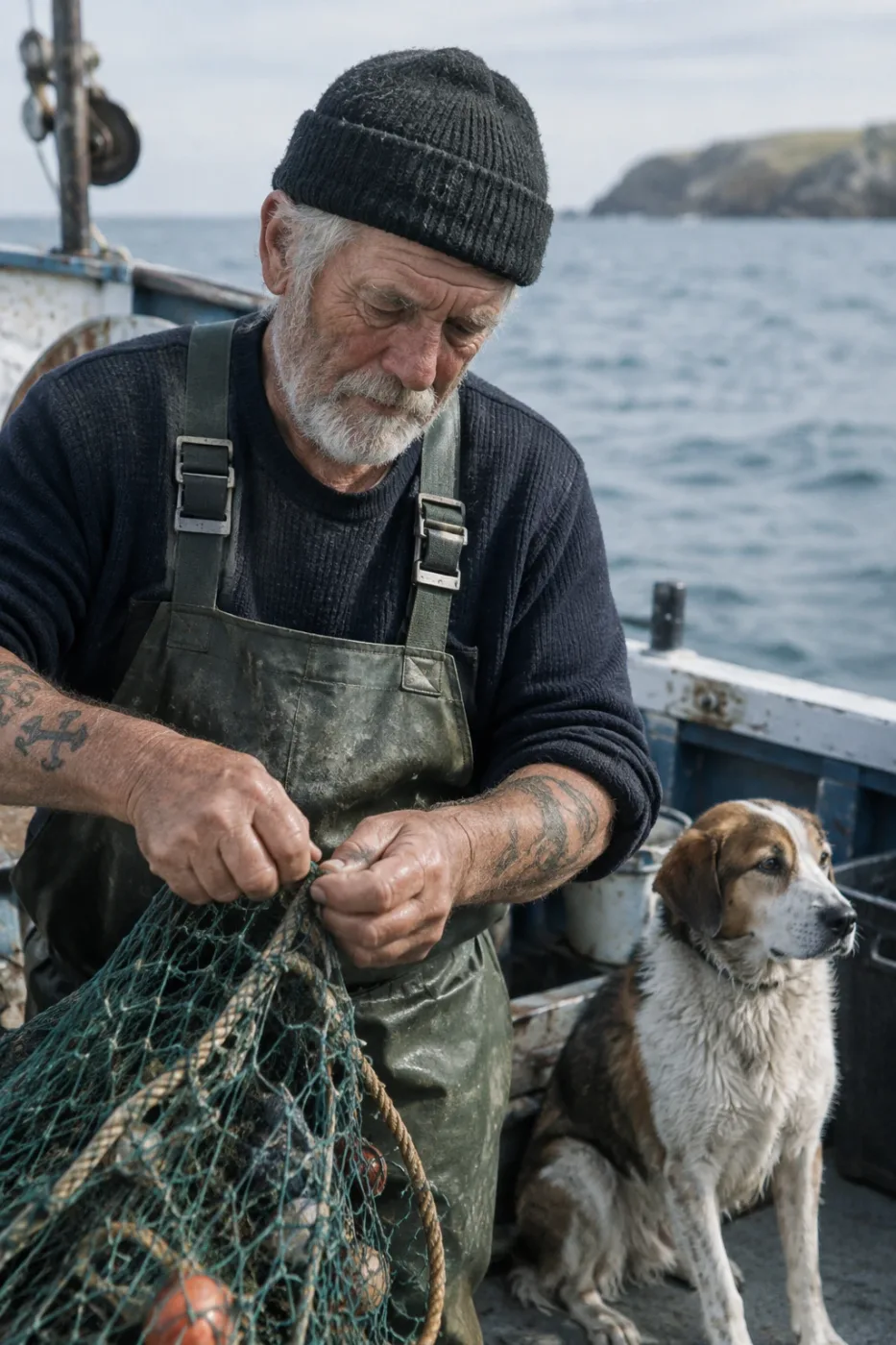
Weathered sailor on a fishing boat
Create a photorealistic candid photograph of an elderly sailor standing on a small fishing boat. He has weathered skin with visible wrinkles, pores, and sun texture, and a few faded traditional sailor tattoos on his arms. He is calmly adjusting a net while his dog sits nearby on the deck. Shot like a 35mm film photograph, medium close-up at eye level, using a 50mm lens. Soft coastal daylight, shallow depth of field, subtle film grain, natural color balance. The image should feel honest and unposed, with real skin texture, worn materials, and everyday detail. No glamorization, no heavy retouching.
by OpenAI
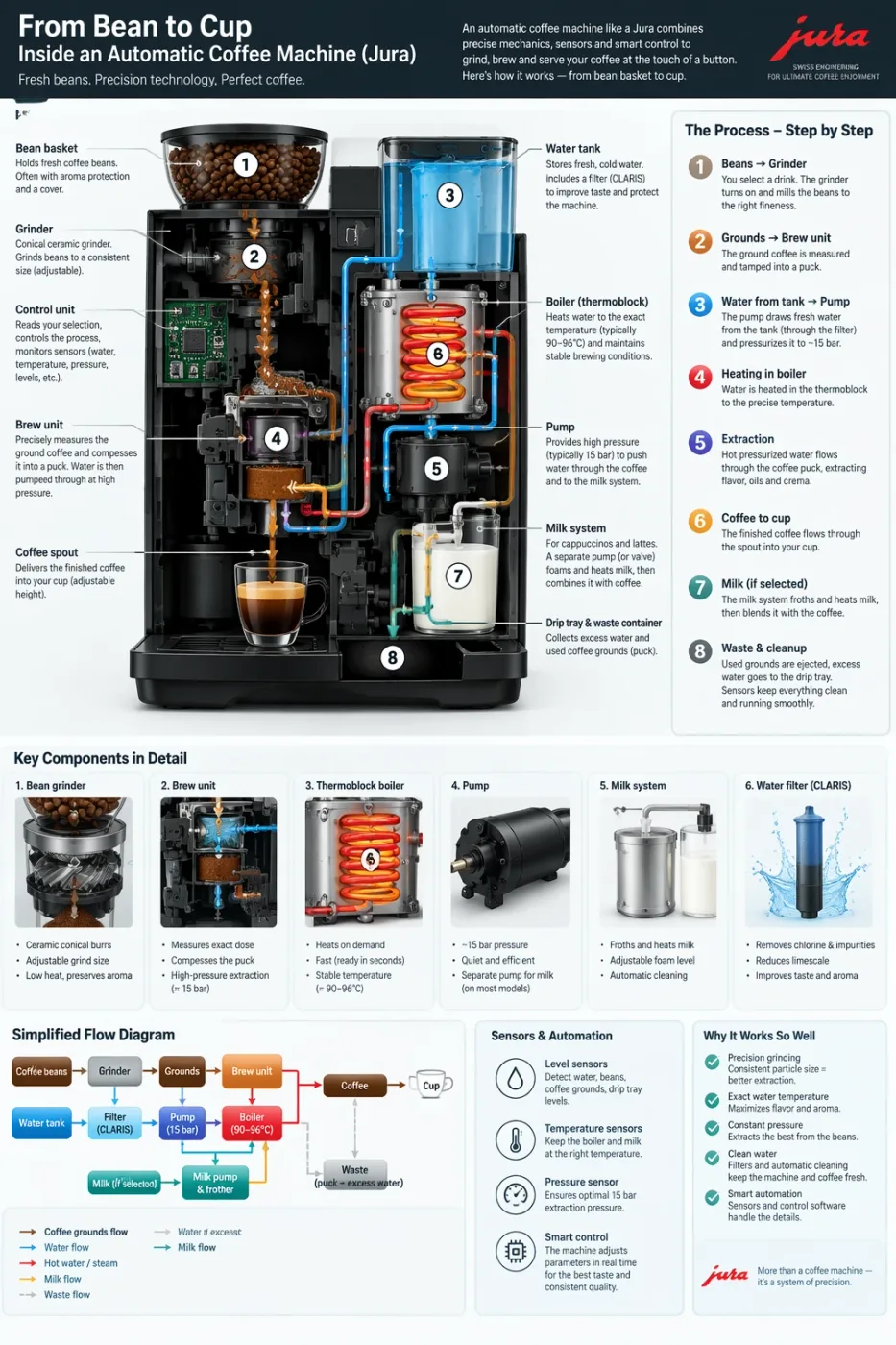
Automatic coffee machine workflow infographic
Create a detailed Infographic of the functioning and flow of an automatic coffee machine like a Jura. From bean basket, to grinding, to scale, water tank, boiler, etc. I'd like to understand technically and visually the flow.
by OpenAI
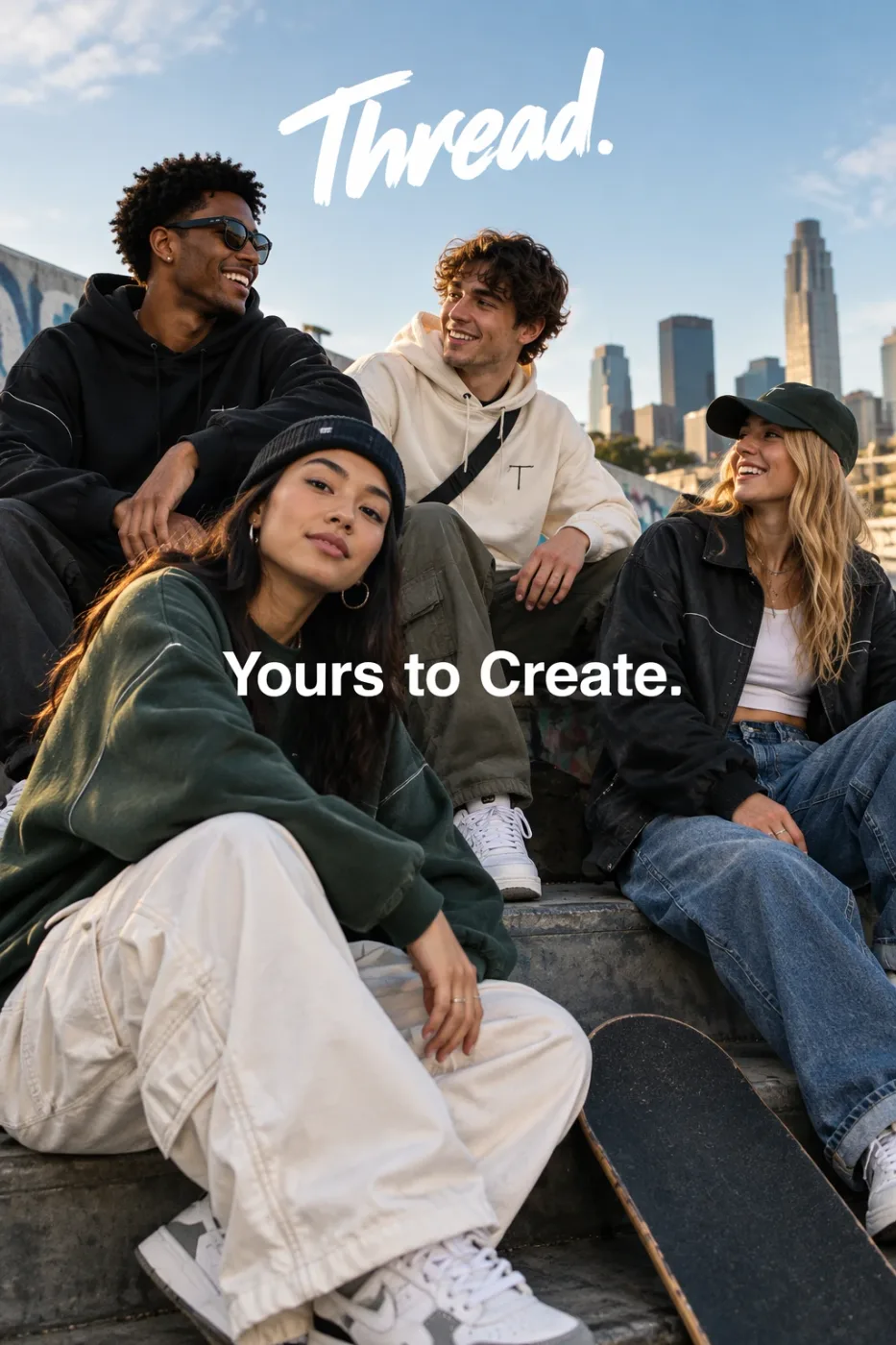
Thread streetwear ad with exact typography
Give me a cool in culture ad / fashion shot for a brand called Thread. It's a hip young street brand. The ad shows a group of friends hanging out together with the tagline "Yours to Create." Make it feel like a polished campaign image for a youth streetwear audience: stylish, contemporary, energetic, and tasteful. Use clean composition, strong color direction, natural poses, and premium fashion photography cues. Render the tagline exactly once, clearly and legibly, integrated into the ad layout. No extra text, no watermarks, no unrelated logos.
by OpenAI
We curate copy-ready prompt libraries — every entry shows its full text and a sample result, ready to adapt.
How to get access, regional availability, and how this model compares with its alternatives.
