
grok-4.2-imagegrok-4.2-image is the budget tier for Grok image generation on apimodels.app: $0.0075 per image, a quarter of what the standard Grok Imagine Image tier costs, running on the same model behind the same endpoint. Send a prompt for text-to-image, or add image_url and the same call edits instead — 19 seconds at the median in production. Aspect ratio is controllable across ten values (1:1, 16:9, 9:16, 4:3, 3:4, 3:2, 2:3, 2:1, 1:2, auto), verified one ratio at a time against the live channel rather than copied from a spec sheet. Resolution takes 1k or 2k and defaults to 2k, at the same flat price either way — a 2K frame (2048x2048 square, 2816x1584 at 16:9) costs the same $0.0075 as a 1K one. One API key, callable from mainland China without an xAI account, and failures are never charged. Three things it does not do: the four ultra-wide ratios (19.5:9, 9:19.5, 20:9, 9:20 — use grok-imagine-image), mask-based inpainting (that belonged to a retired channel, not to the model), and multi-image fusion. When you need higher fidelity, grok-imagine-image-pro is a one-field switch away.
Both tiers bill the same flat $0.0075 — 2K costs no extra (2048x2048 square, 2816x1584 at 16:9). 1K is about twice as fast.
Generated image will appear here
Enter a prompt and click Generate
$0.0075 per image against $0.03 on the standard Grok Imagine Image tier — same model, same endpoint. Switching tiers is a one-field change, so drafts can run cheap and only the final render needs the expensive tier
Create-then-poll by default; pass an OpenAI-style size (e.g. 1024x1024) with no callback_url and the single request blocks until the image is ready instead. Measured in production: 19s median, 22s at p90, tail to 28s — set the client timeout above 60s
Prompt only is text-to-image; add image_url (or image_base64) and the same call edits instead — no endpoint switch, no separate model name. Editing holds the input: framing, camera angle, background and lighting survive, so a recolour stays a recolour
Pass resolution 1k or 2k — the price is flat either way, so a 2K frame costs the same $0.0075 as a 1K one. Measured output: 2048x2048 for a square 2K request, 2816x1584 at 16:9. Omit the field and you get 2k by default. For comparison, grok-imagine-image-pro charges $0.12 for its 2K tier
1:1, 16:9, 9:16, 4:3, 3:4, 3:2, 2:3, 2:1, 1:2 and auto — square, portrait, landscape and the 2:1 shape social previews want. Measured against the live channel, not copied from a spec sheet: the four ultra-wide ratios (19.5:9, 9:19.5, 20:9, 9:20) are rejected on this tier, and grok-imagine-image is where you go for those
High-volume drafting and iteration, social and ad creative in odd ratios, thumbnail and banner batches, and any pipeline where per-image cost decides whether the feature ships
Mask-based inpainting (not offered — pass the original and describe the change in words), multi-image fusion (single reference only), or work needing the photoreal ceiling — use grok-imagine-image-pro for that
Grok 4.2 Image is a Image Generation API provided by xAI. grok-4.2-image is the budget tier for Grok image generation on apimodels.app: $0.0075 per image, a quarter of what the standard Grok Imagine Image tier costs, running on the same model behind the same endpoint. Send a prompt for text-to-image, or add image_url and the same call edits instead — 19 seconds at the median in production. Aspect ratio is controllable across ten values (1:1, 16:9, 9:16, 4:3, 3:4, 3:2, 2:3, 2:1, 1:2, auto), verified one ratio at a time against the live channel rather than copied from a spec sheet. Resolution takes 1k or 2k and defaults to 2k, at the same flat price either way — a 2K frame (2048x2048 square, 2816x1584 at 16:9) costs the same $0.0075 as a 1K one. One API key, callable from mainland China without an xAI account, and failures are never charged. Three things it does not do: the four ultra-wide ratios (19.5:9, 9:19.5, 20:9, 9:20 — use grok-imagine-image), mask-based inpainting (that belonged to a retired channel, not to the model), and multi-image fusion. When you need higher fidelity, grok-imagine-image-pro is a one-field switch away. Through APIMODELS platform, you can access this model via a unified API with transparent pay-as-you-go pricing. Current pricing: per image: $0.0075.

At $0.0075 a frame you can explore twenty directions for less than one image on the Pro tier. When a draft is right, change the model field to grok-imagine-image-pro and re-render that single prompt at full fidelity — same endpoint, same parameters.
One product photo into image_url, then one call per colour, material or season. Framing, camera angle, background and lighting hold, so the set looks shot together rather than generated separately.
A/B thumbnail variants, blog headers, category banners: 16:9 and 2:1 with in-image text that survives at small sizes. A hundred thumbnails costs $0.75.
9:16 and 3:4 for stories, reels and pins, with room left in frame for the caption. Ad creative where you need thirty variants to find two that work.
Seed a catalogue, a design system or a staging database with plausible imagery instead of grey boxes. Cheap enough to regenerate the whole set when the brief changes.
Ultra-wide wallpapers (19.5:9, 20:9) need grok-imagine-image. Combining several references into one scene needs gpt-image-2 (16) or grok-imagine-image-pro (3). Masked local repainting is not offered on any Grok tier here.
Grok 4.2 Image is available through APIMODELS at: per image: $0.0075. Billing is pay-as-you-go — you only pay for what you generate.
Sign up at APIMODELS, get your API key, and call our unified API endpoint. We provide detailed API documentation with code examples in cURL, Python, and Node.js.
APIMODELS offers the same Grok 4.2 Image model through our aggregation platform. We provide a unified API interface so you do not need separate accounts for each provider - one API key to access all models.
It is the budget tier for Grok image generation on apimodels.app: $0.0075 per image, a quarter of the standard Grok Imagine Image price ($0.03), running on the same model behind the same endpoint. Text-to-image and single-reference editing, 19 seconds at the median in production. One clarification worth stating plainly: xAI publishes no model called grok-4.2-image (its image models are grok-imagine-image, -2.0 and -quality). The name is a callable model on this platform, and the budget tier lives on it.
A flat $0.0075 per image — independent of aspect ratio and prompt length, and the same price when you pass a reference image to edit. Failures are never charged, and there is no minimum top-up or subscription. For comparison: the standard tier grok-imagine-image is $0.03 per image, and grok-imagine-image-pro is $0.08 at 1K / $0.12 at 2K.
Same upstream model; what differs is price and the capability ceiling. For volume work, drafting, and batches of thumbnails or banners, grok-4.2-image at $0.0075 goes furthest. Take grok-imagine-image ($0.03) when you need the wider ratio set — including ultra-wide 19.5:9 and 20:9 — or general-purpose reliability. Use grok-imagine-image-pro ($0.08 / $0.12, up to 3 references) for photoreal detail and 2K. All three share one endpoint and the same parameters, so switching is a one-field change — iterate on the cheap tier, render the final frame on Pro.
POST https://api.apimodels.app/v1/images/generations with Authorization: Bearer YOUR_API_KEY and body {"model":"grok-4.2-image","prompt":"..."}. By default it answers with a taskId and state:"pending"; GET the same path with ?task_id=xxx to collect the result. To get the image back from a single call, add an OpenAI-style size (e.g. "1024x1024") and no callback_url — the request then blocks until the image is ready and returns the OpenAI shape {created, data:[...]}. Add response_format:"url" if you want a link rather than base64.
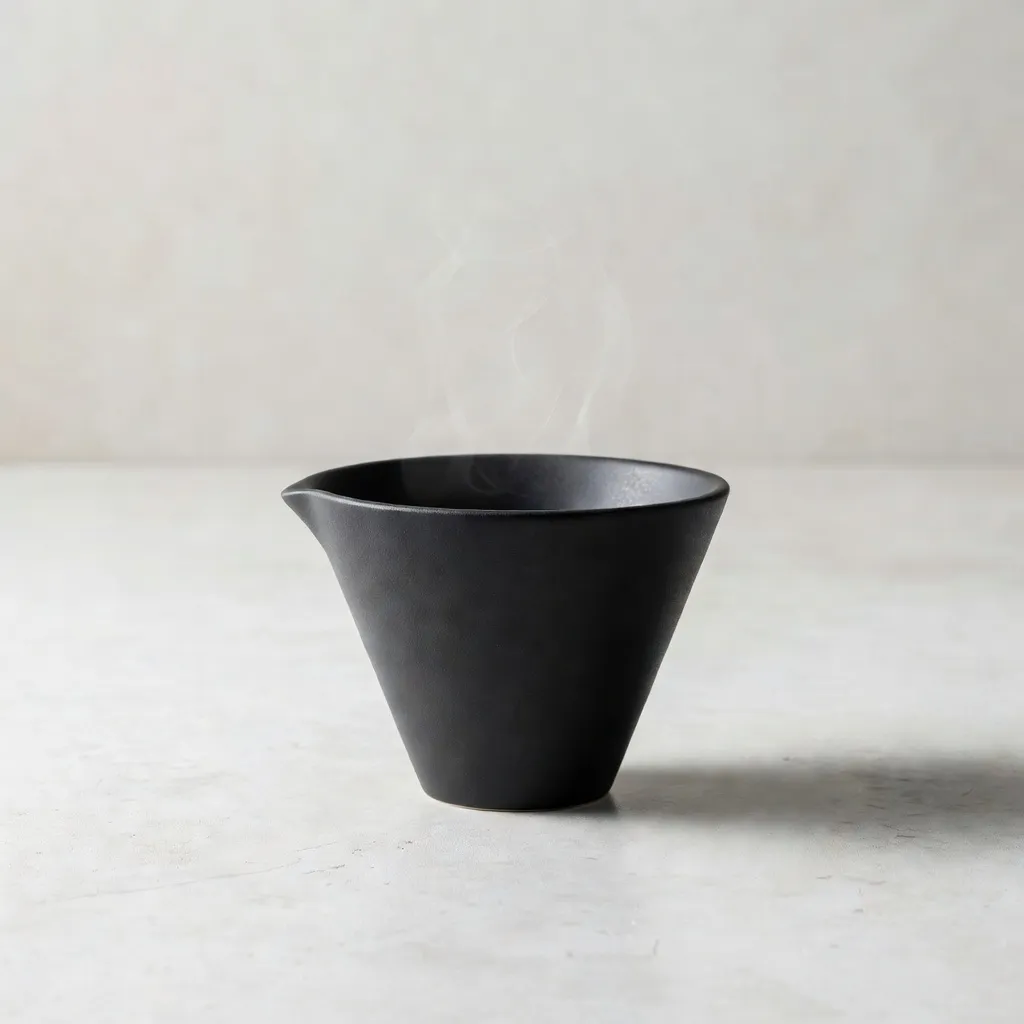
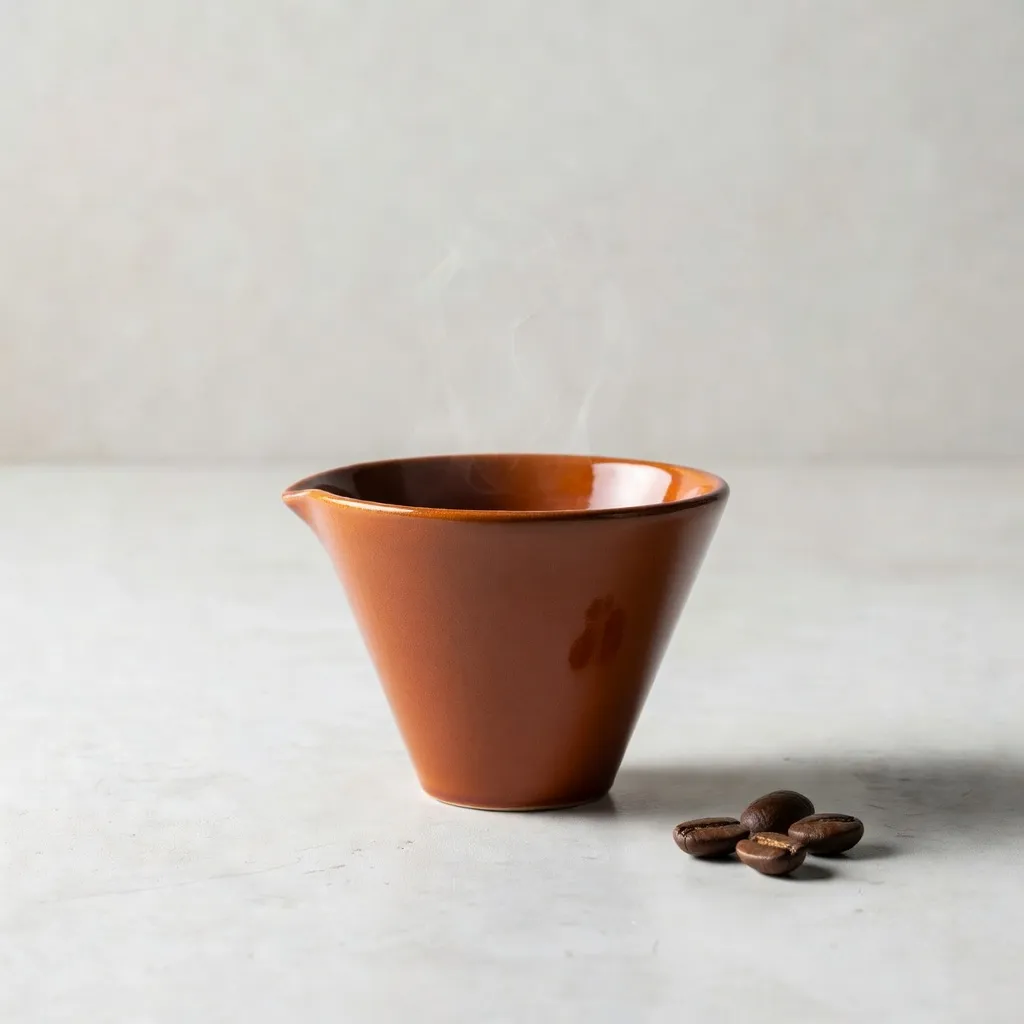
Put the image address in **image_url** (or pass base64 in image_base64) and describe the change in the prompt. Same model name, same endpoint. One trap worth naming: the field is image_url — spell it image and it is silently dropped, so you get a plain text-to-image result and still pay for it. Fidelity is good: asked to hold composition, camera angle, background and lighting and only change a vessel from matte black to terracotta plus three coffee beans beside it, everything outside that instruction survived.
Ten values: 1:1, 16:9, 9:16, 4:3, 3:4, 3:2, 2:3, 2:1, 1:2 and auto. That list came from calling the live channel one ratio at a time rather than from a spec sheet — the four ultra-wide ratios (19.5:9, 9:19.5, 20:9, 9:20) are rejected on this tier, and grok-imagine-image is the one to use when you need them. Omit aspect_ratio to take the upstream default; when editing, framing follows the reference image.
Yes, and no extra charge. Pass resolution as 1k or 2k — **omit it and you get 2k by default** — and either tier bills the same flat $0.0075. Measured output: 2048x2048 (4.19MP) for a square 2K request and 2816x1584 at 16:9; 1K squares come back 1024x1024. For contrast, grok-imagine-image-pro charges $0.12 for its 2K tier, so the same resolution is 16x cheaper here. Latency is in the same ballpark for both tiers (production medians: 13s on the default tier, 7s at 1K) with a tail past 100s either way, so keep the client timeout above 60 seconds. One trap worth knowing: if you pass an OpenAI-style size without an explicit resolution, the tier is derived from that size — send 1024x1024 and you land on 1K. Set resolution explicitly when you want 2K.
Neither, to be blunt. Mask inpainting belonged to a channel that has since been retired, not to the model — to change a region, pass the original in image_url and describe the change in the prompt. Multi-image fusion is out too: one reference image only. If you need several, use gpt-image-2 (up to 16) or grok-imagine-image-pro (3).
Measured in production: 19 seconds at the median, 22 at p90, with a tail out to 28 and a floor around 6. **Set your client timeout above 60 seconds** rather than leaving it at a 10- or 30-second default. On the default create-then-poll path the create call returns immediately and only the generation is slow. Real problems surface as an error: reword the prompt on a content-safety refusal, and retry on an upstream-busy signal. Neither is charged.
Seven days, then the files are deleted automatically. Download and re-host anything you need to keep — do not treat our URLs as permanent image hosting in your own database or pages.
On APIMODELS, Grok 4.2 Image runs alongside 60+ models on one API key and one balance, so choosing is about fit, not lock-in. It supports Text to Image, Image Editing, Native 1K / 2K, Cheapest Grok Tier, and you can weigh it on price and capability against other Image Generation models, then switch by changing a single model-name string — no new account or integration. Browse every Image Generation option with live pricing at apimodels.app/models.
Grok 4.2 Image supports: Text to Image, Image Editing, Native 1K / 2K, Cheapest Grok Tier. See the APIMODELS docs for full parameters and call examples.
Yes. APIMODELS exposes Grok 4.2 Image through a single unified API and one key — no separate provider accounts, and no need to handle each provider's regional network access yourself.
We support Stripe (Visa, Mastercard, and other international cards) and Alipay. Credits are available instantly after payment.
Prompts shared by their authors — copy and adapt them. Each one credits its author and links back to the original post.
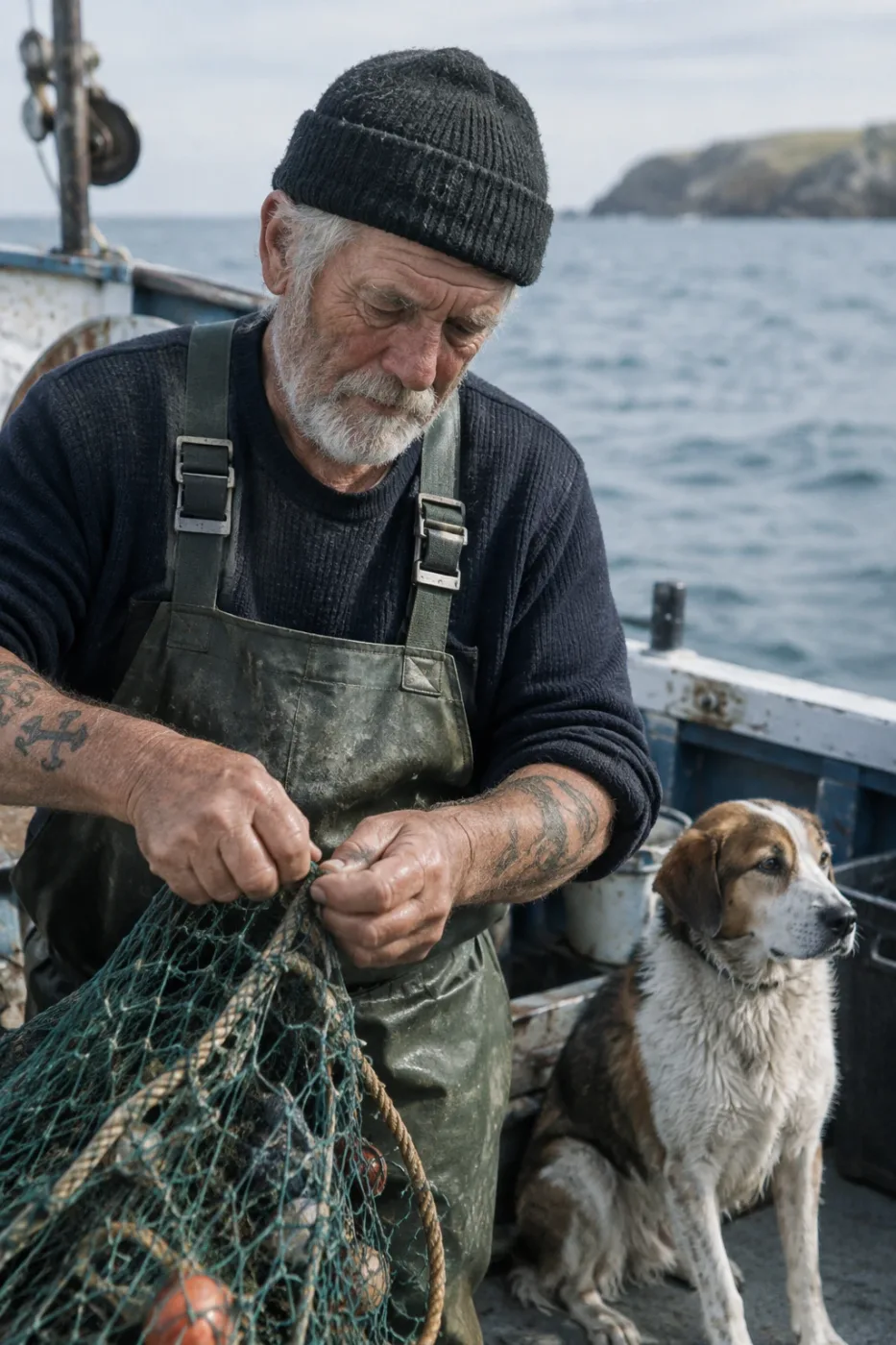
Weathered sailor on a fishing boat
Create a photorealistic candid photograph of an elderly sailor standing on a small fishing boat. He has weathered skin with visible wrinkles, pores, and sun texture, and a few faded traditional sailor tattoos on his arms. He is calmly adjusting a net while his dog sits nearby on the deck. Shot like a 35mm film photograph, medium close-up at eye level, using a 50mm lens. Soft coastal daylight, shallow depth of field, subtle film grain, natural color balance. The image should feel honest and unposed, with real skin texture, worn materials, and everyday detail. No glamorization, no heavy retouching.
by OpenAI
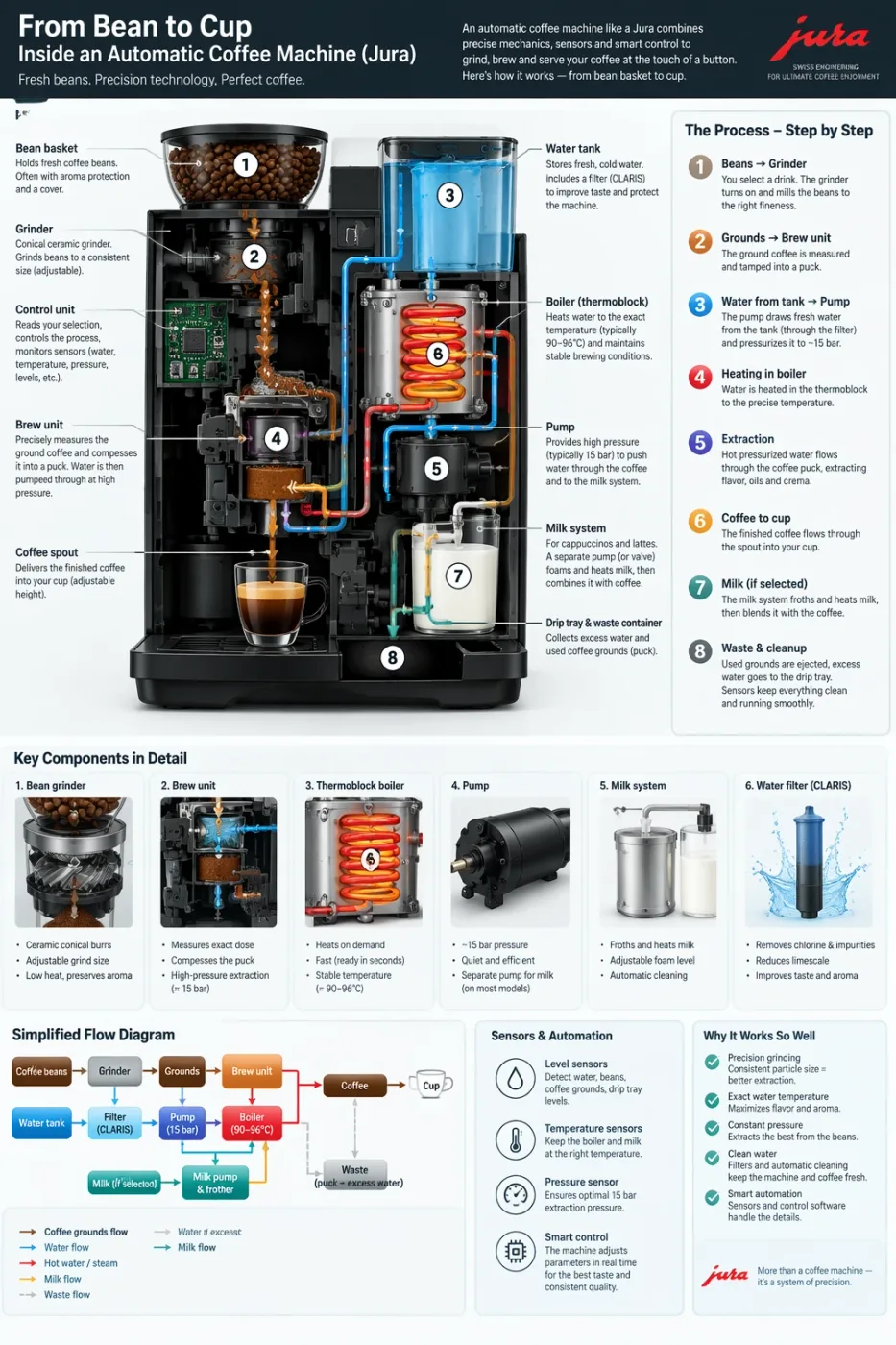
Automatic coffee machine workflow infographic
Create a detailed Infographic of the functioning and flow of an automatic coffee machine like a Jura. From bean basket, to grinding, to scale, water tank, boiler, etc. I'd like to understand technically and visually the flow.
by OpenAI
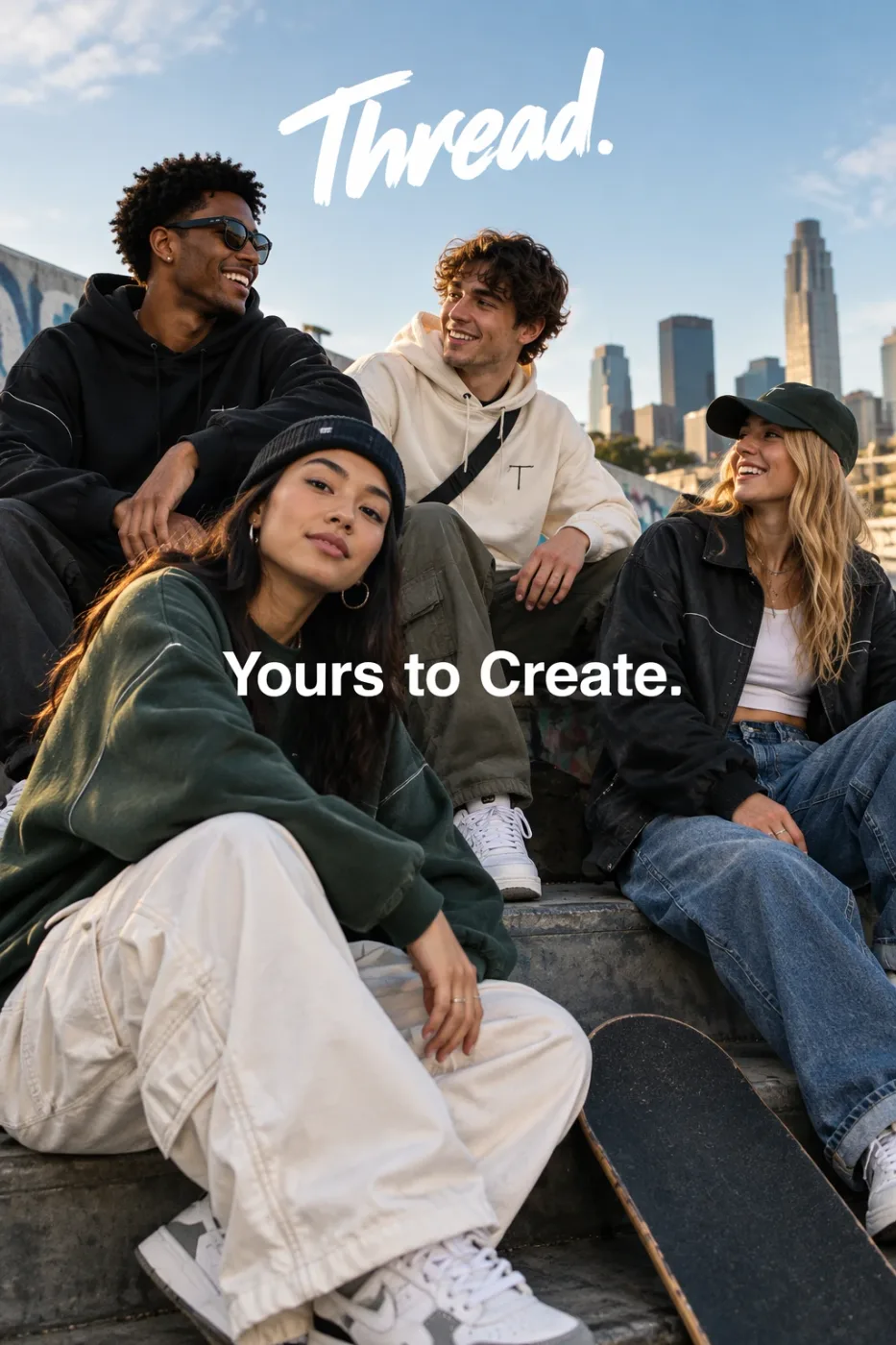
Thread streetwear ad with exact typography
Give me a cool in culture ad / fashion shot for a brand called Thread. It's a hip young street brand. The ad shows a group of friends hanging out together with the tagline "Yours to Create." Make it feel like a polished campaign image for a youth streetwear audience: stylish, contemporary, energetic, and tasteful. Use clean composition, strong color direction, natural poses, and premium fashion photography cues. Render the tagline exactly once, clearly and legibly, integrated into the ad layout. No extra text, no watermarks, no unrelated logos.
by OpenAI
We curate copy-ready prompt libraries — every entry shows its full text and a sample result, ready to adapt.
How to get access, regional availability, and how this model compares with its alternatives.
