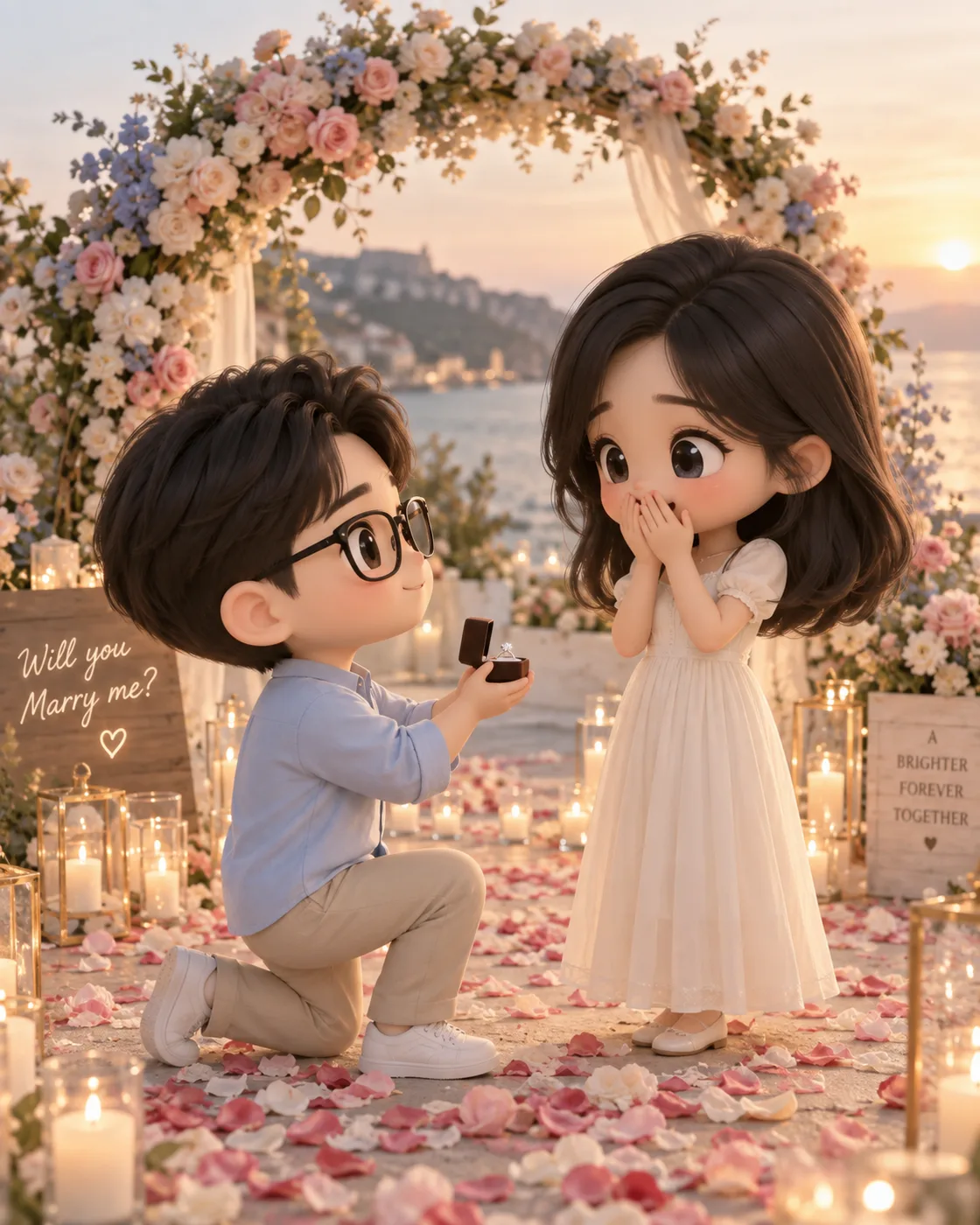
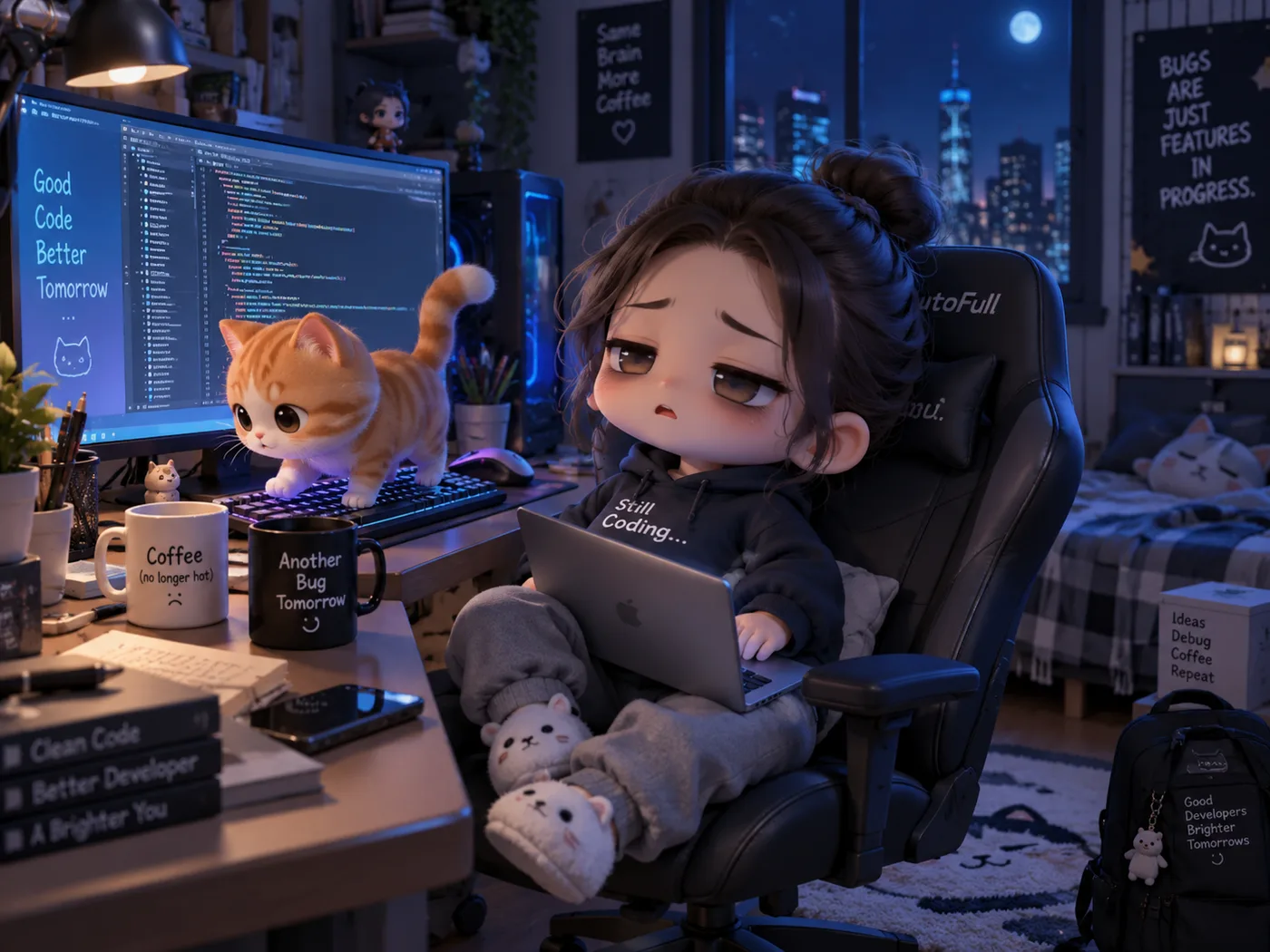
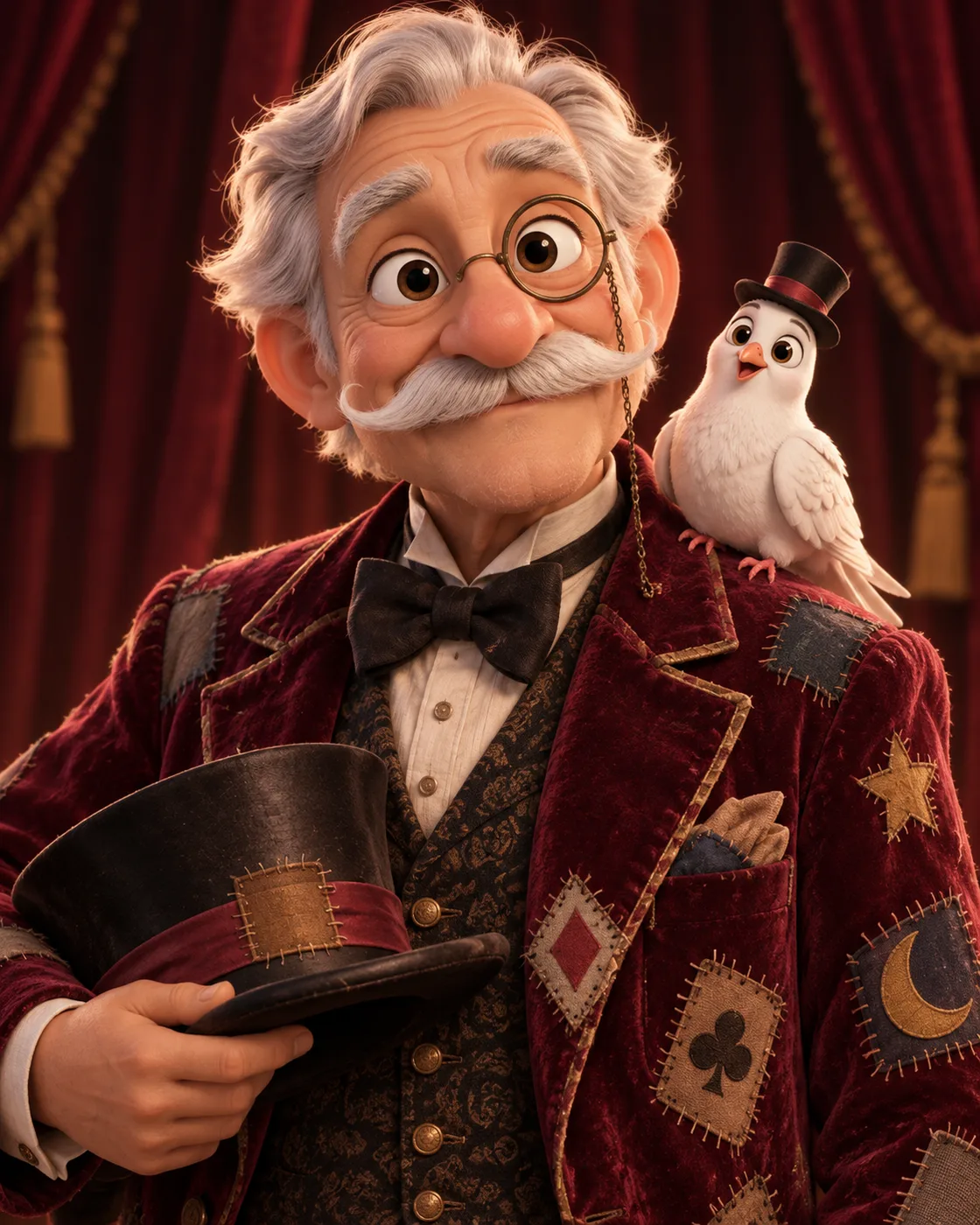
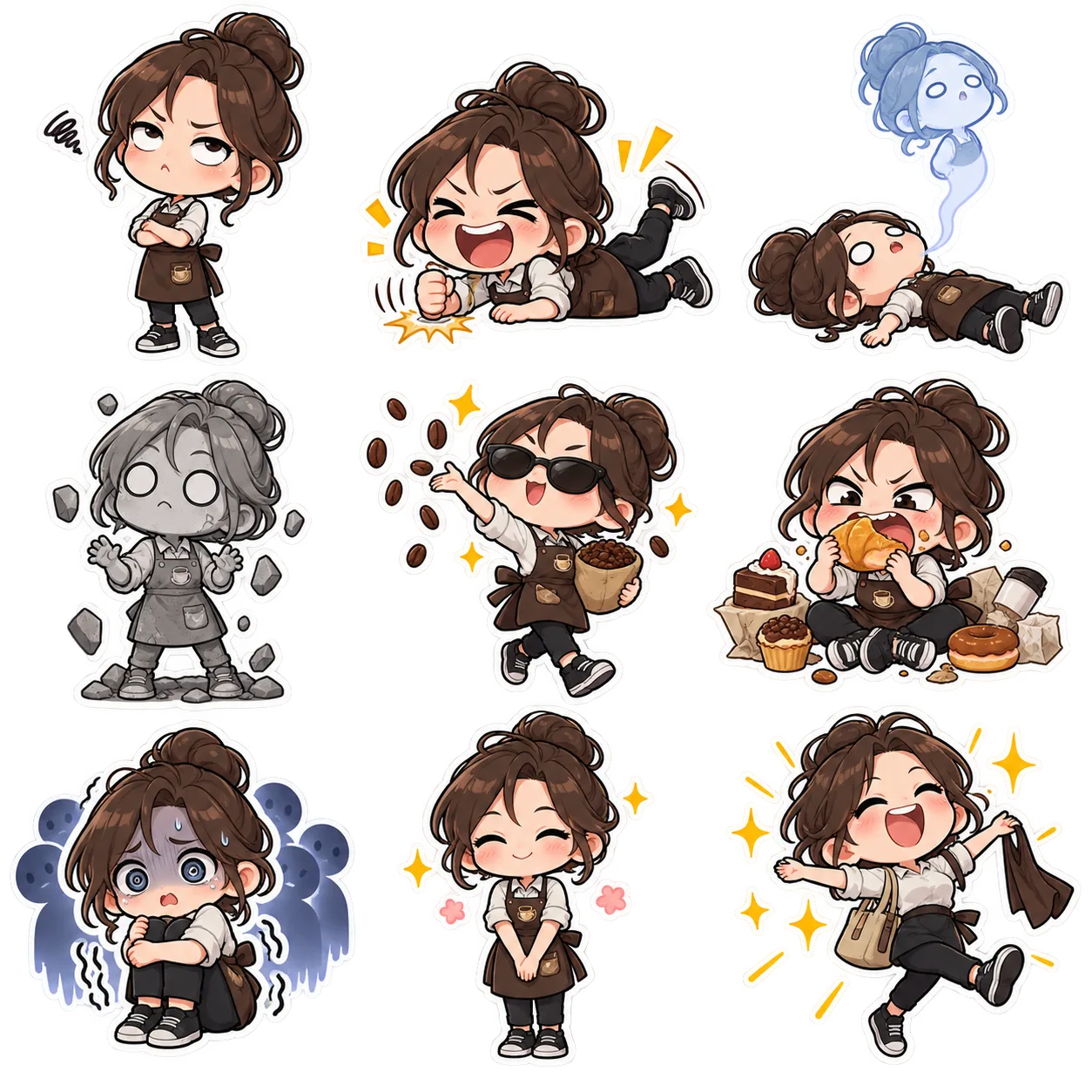
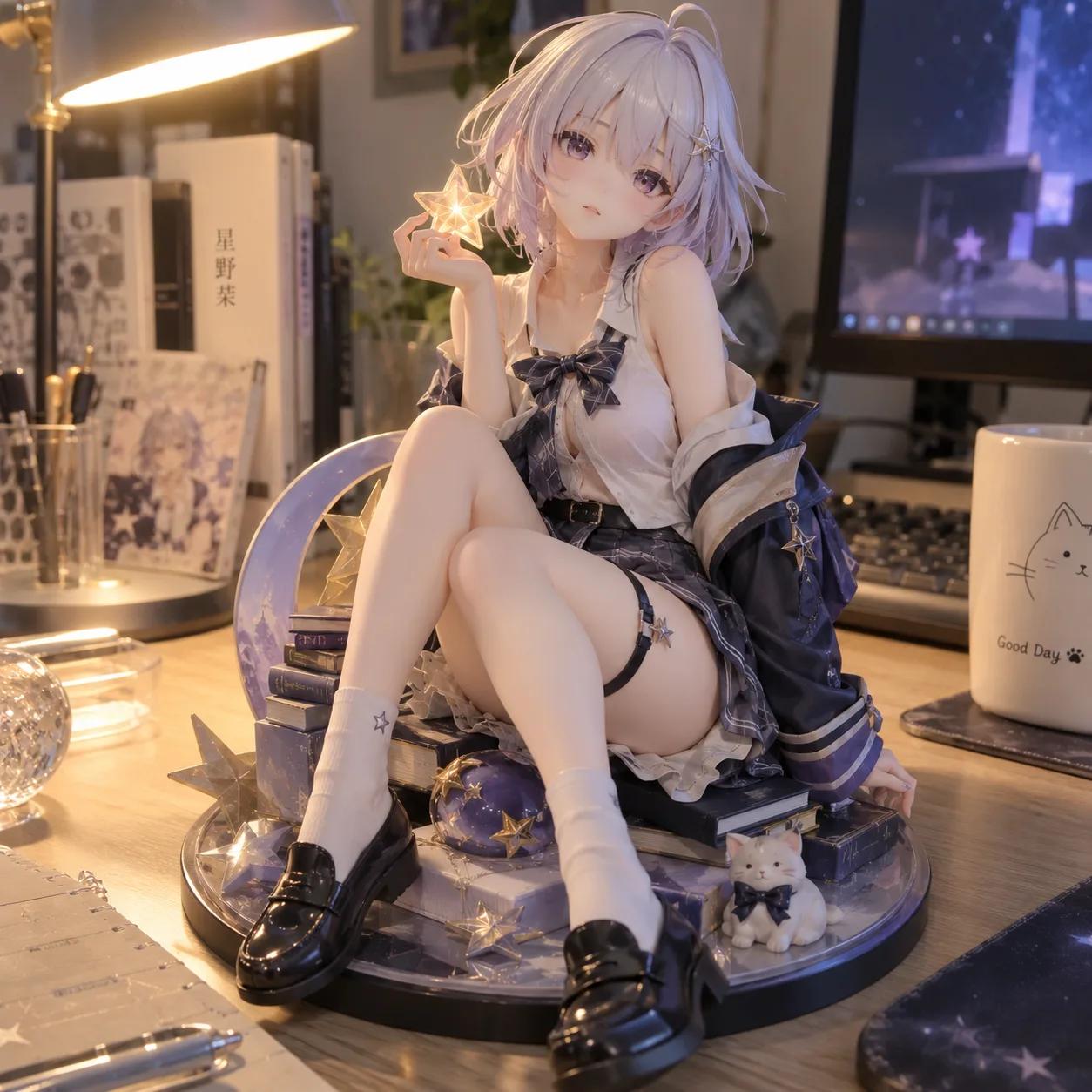
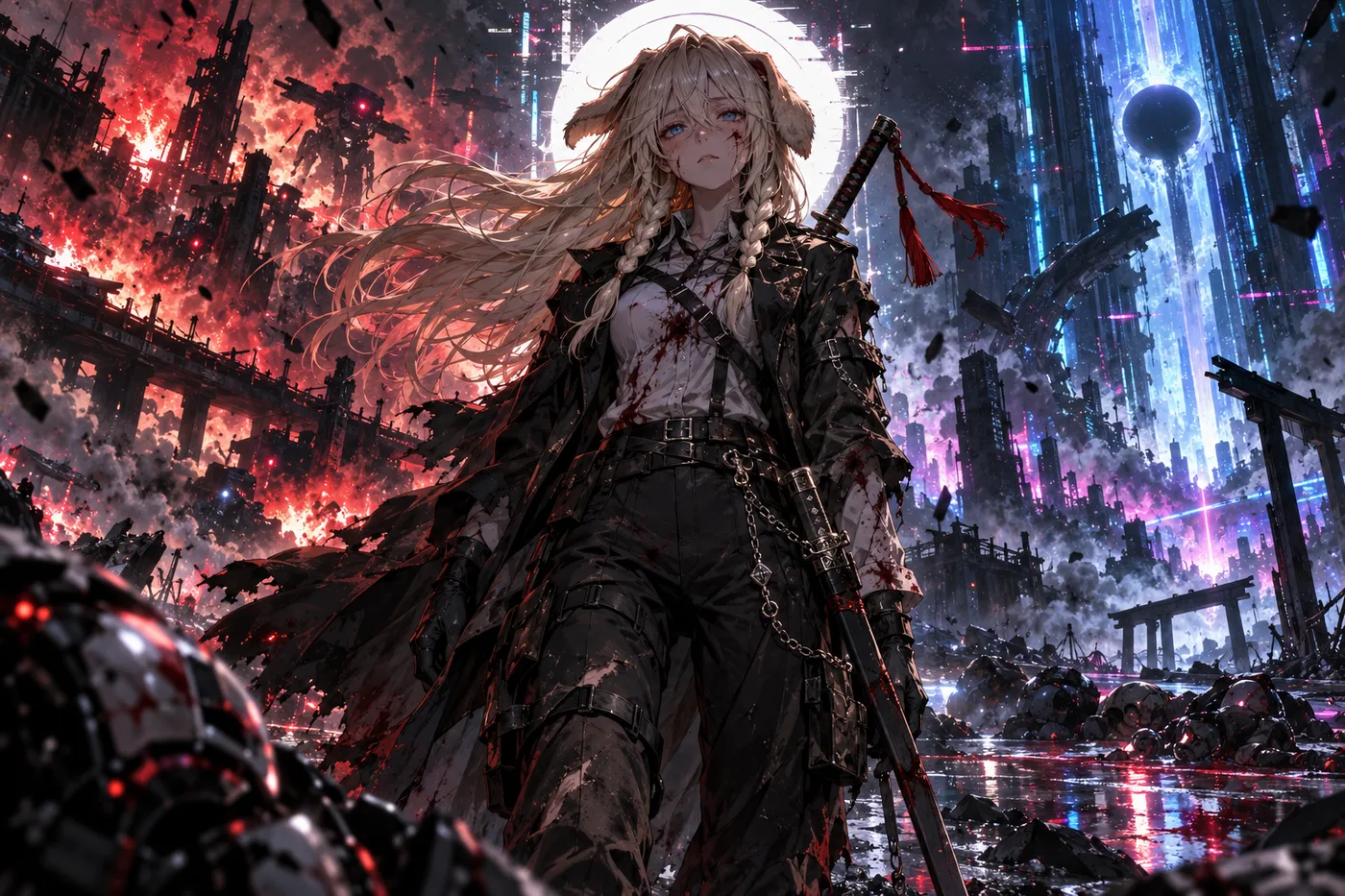
37+ prompts. Copy-ready GPT Image 2.5 prompts, each with the image it produced and a link to where it came from. Text-to-image, precise edits, infographics, UI mockups, sprite sheets and product shots.
GPT Image 2.5 is the image model OpenAI shipped on 9 September 2026, in two API variants: Flare, which matches GPT Image 2 on quality and editing at roughly half the latency, and Sunburst, which trades time for precision on demanding work. Both render text cleanly, generate natively at 1K, 2K and 4K, and can return a transparent background. The headline change is controllable editing: you name what must not move, and it does not move. This page collects prompts that people actually ran, with the resulting image and a link to the source. On apimodels.app both variants are live, priced by resolution and quality — $0.01–$0.08 at 1K and $0.020–$0.15 at 2K for either, and at 4K $0.02–$0.3 on Flare or $0.02–$0.47 on Sunburst — billed only on success.
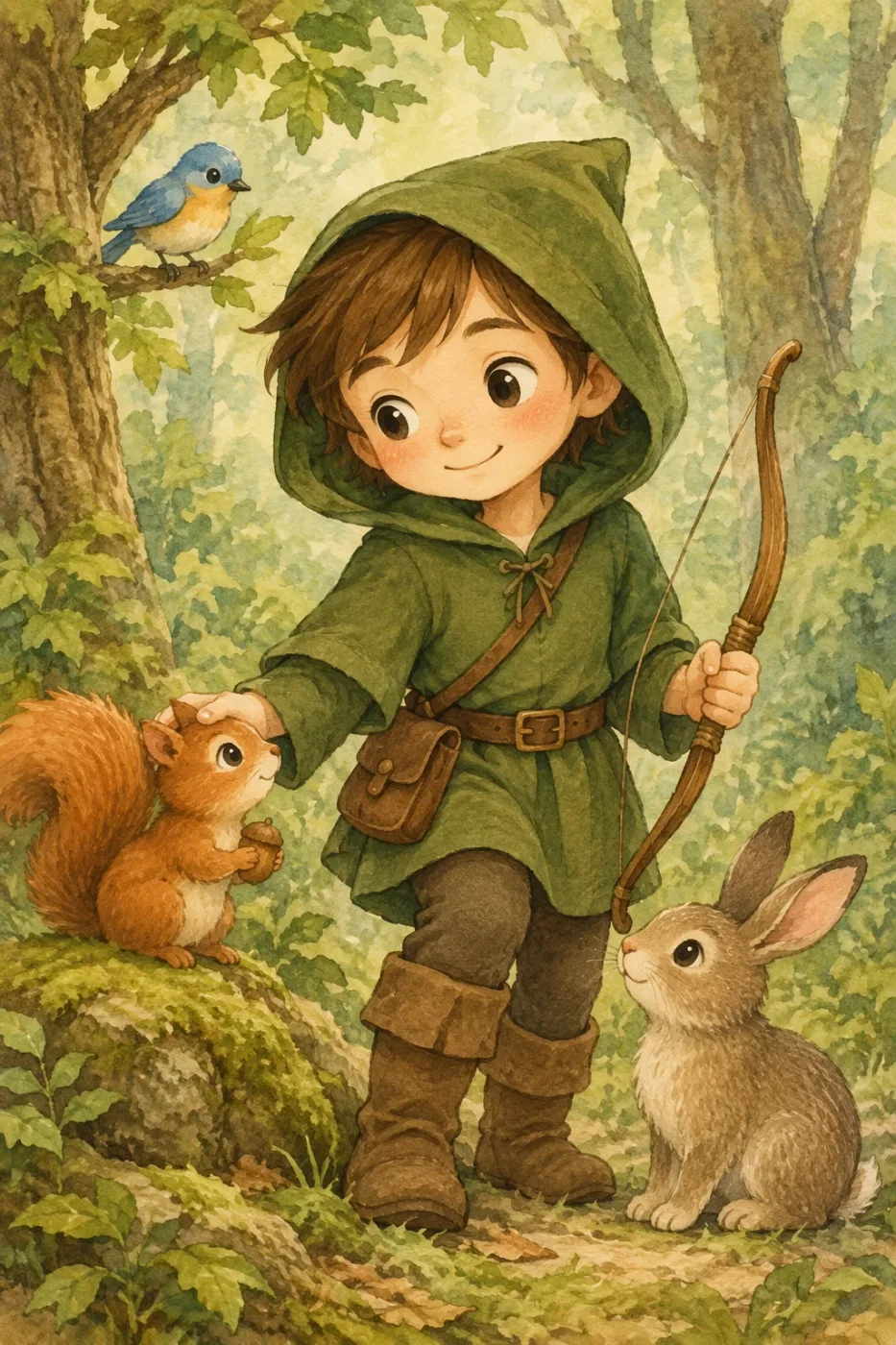
Create a children’s book illustration introducing a main character.
Character:
A young, storybook-style hero inspired by a little forest outlaw,
wearing a simple green hooded tunic, soft brown boots, and a small belt pouch.
The character has a kind expression, gentle eyes, and a brave but warm demeanor.
Carries a small wooden bow used only for helping, never harming.
Theme:
The character protects and rescues small forest animals like squirrels, birds, and rabbits.
Style:
Children’s book illustration, hand-painted watercolor look,
soft outlines, warm earthy colors, whimsical and friendly.
Proportions suitable for picture books (slightly oversized head, expressive face).
Constraints:
- Original character (no copyrighted characters)
- No text
- No watermarks
- Plain forest background to clearly showcase the character
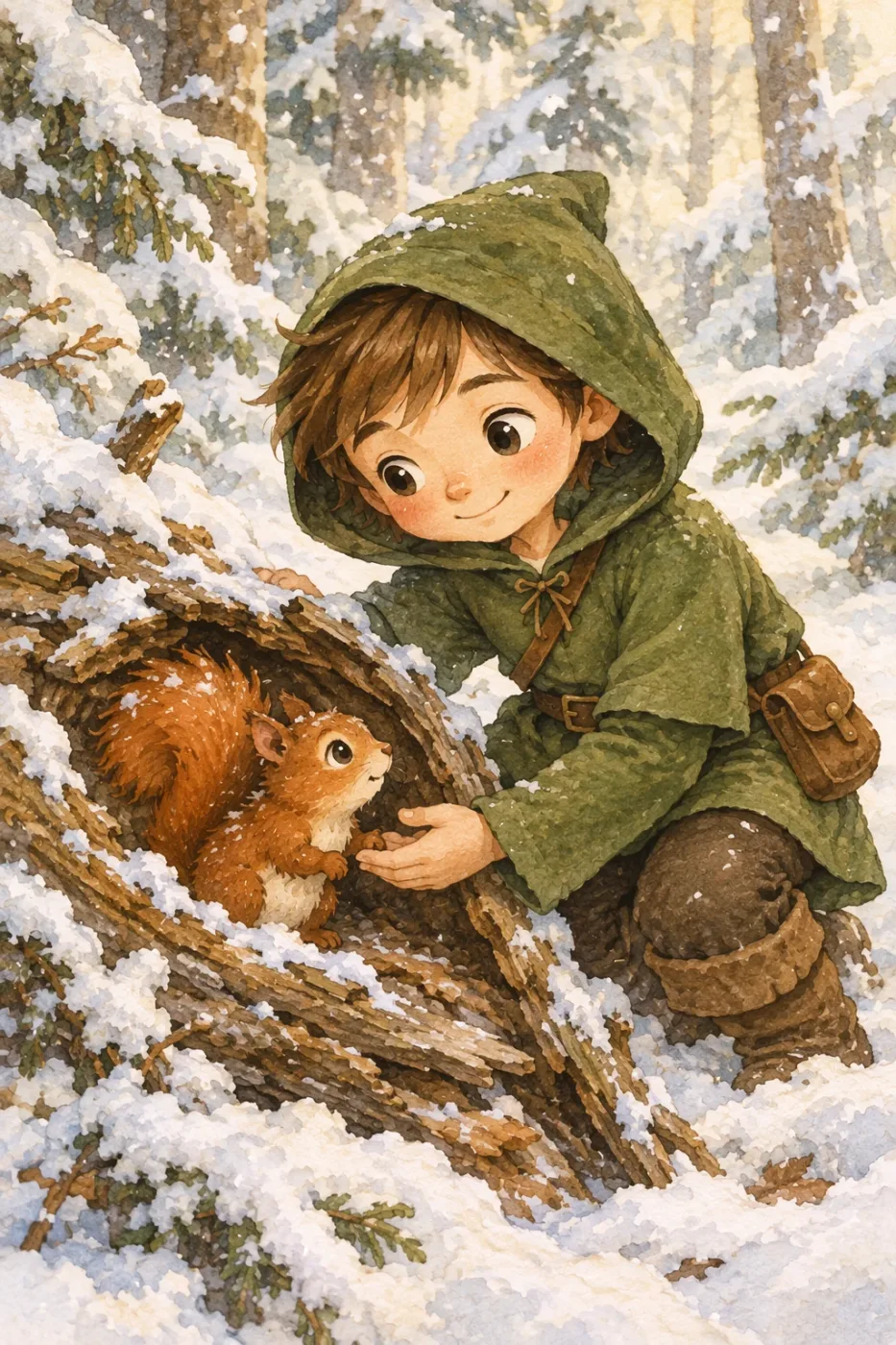
Continue the children’s book story using the same character.
Scene:
The same young forest hero is gently helping a frightened squirrel
out of a fallen tree after a winter storm.
The character kneels beside the squirrel, offering reassurance.
Character Consistency:
- Same green hooded tunic
- Same facial features, proportions, and color palette
- Same gentle, heroic personality
Style:
Children’s book watercolor illustration,
soft lighting, snowy forest environment,
warm and comforting mood.
Constraints:
- Do not redesign the character
- No text
- No watermarks
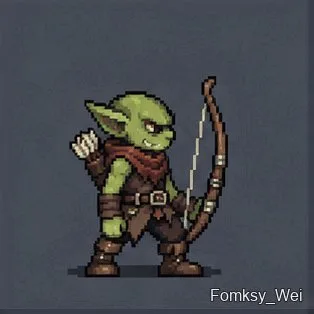
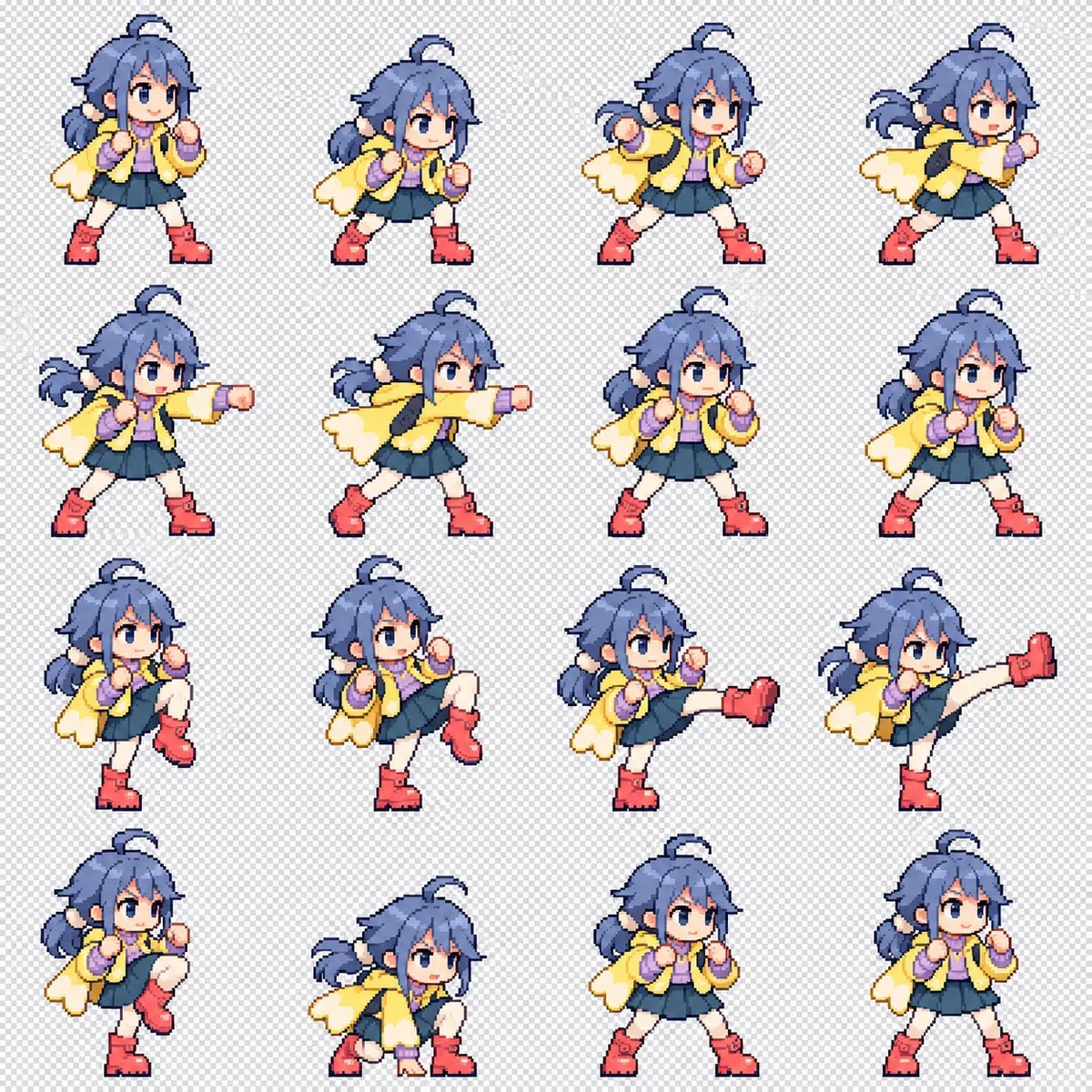
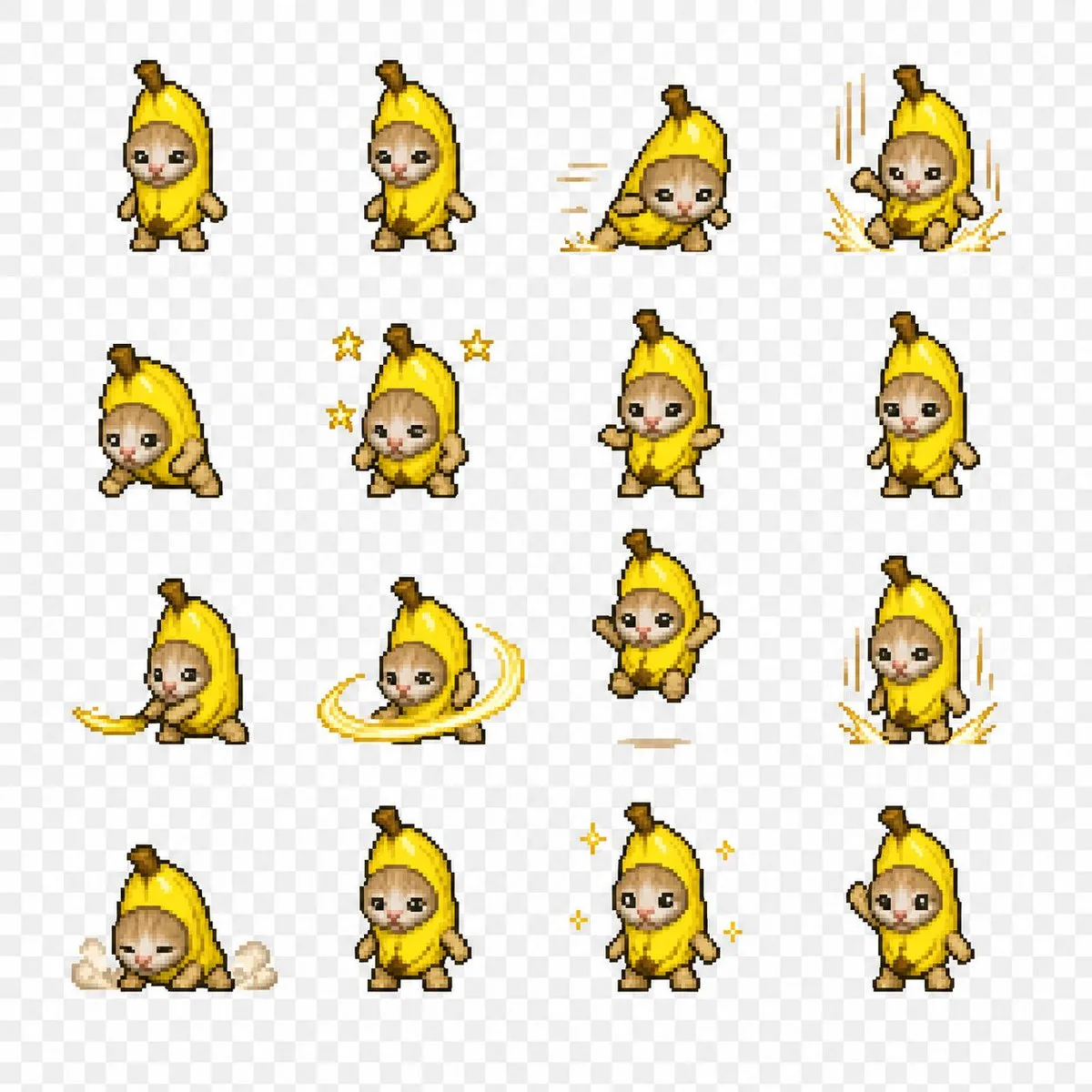
Create a combat-motion sprite sheet of this character as simplified 128 px pixel art. Make the background transparent if possible, and arrange the frames in a 4 × 4 grid.
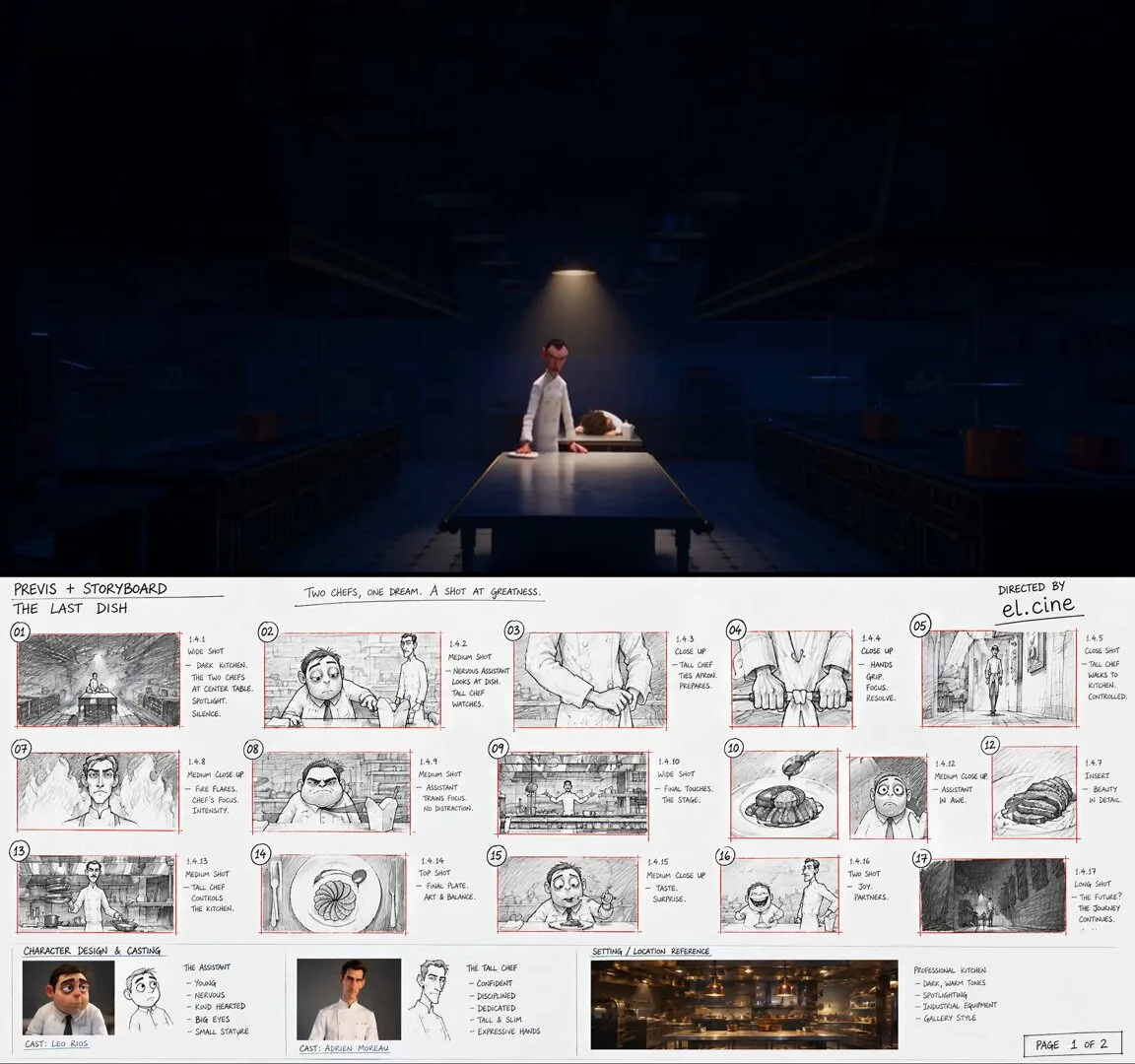
Character-design reference sheet on a clean light cream background, laid out like an official animation model sheet, all views showing the SAME character, fully consistent. Top-left a title block reading "GUEST". Center: FRONT and SIDE full-body turnaround of a short, round, rumpled stylized 3D animated man — heavy build, slumped shoulders, a crumpled untucked shirt with the collar askew, a loose dark tie hanging, messy hair, dark circles under the eyes, thick stubble. Right: two poses — slumped face-down over a counter with arms hanging; sitting bolt upright, both hands flat on the counter. Bottom: an EXPRESSION strip of six captioned close-ups — hollow defeated stare / flinching, shoulders up around the ears / mid-sneeze, eyes screwed shut / eyes going wide, jaw slack with wonder / mouth full, eyes squeezed shut, a single fat tear rolling / an enormous open joyful grin. Also one small prop panel: a sad soggy paper takeaway box with a plastic fork stuck in cold noodles. Stylized 3D feature-animation rendering, appealing cartoon shapes, warm soft studio lighting, clean minimal English labels only, no text elsewhere, no logos.
Character-design reference sheet on a clean light cream background, laid out like an official animation model sheet, all views showing the SAME character, fully consistent. Top-left a title block reading "CHEF". Center: FRONT and SIDE full-body turnaround of a tall, lean, long-limbed stylized 3D animated chef — exaggerated proportions with very long arms and legs, a small head, an immaculate double-breasted white chef jacket, a long white apron to the shins, dark trousers, a neat dark moustache, heavy calm eyebrows. Right: three ACTION poses — sleeves being rolled up with a hard stare; mid-stride at full sprint with the apron streaming behind; both arms out wide holding a copper pan in each hand. Bottom: an EXPRESSION strip of four captioned close-ups — flat unimpressed stare / eyes narrowing, one brow lifting, sleeves going up / total focus, tongue tip at the corner of the mouth / a small proud closed-mouth smirk with the chin lifted. Stylized 3D feature-animation rendering, appealing cartoon shapes, warm soft studio lighting, clean minimal English labels only, no text elsewhere, no logos.
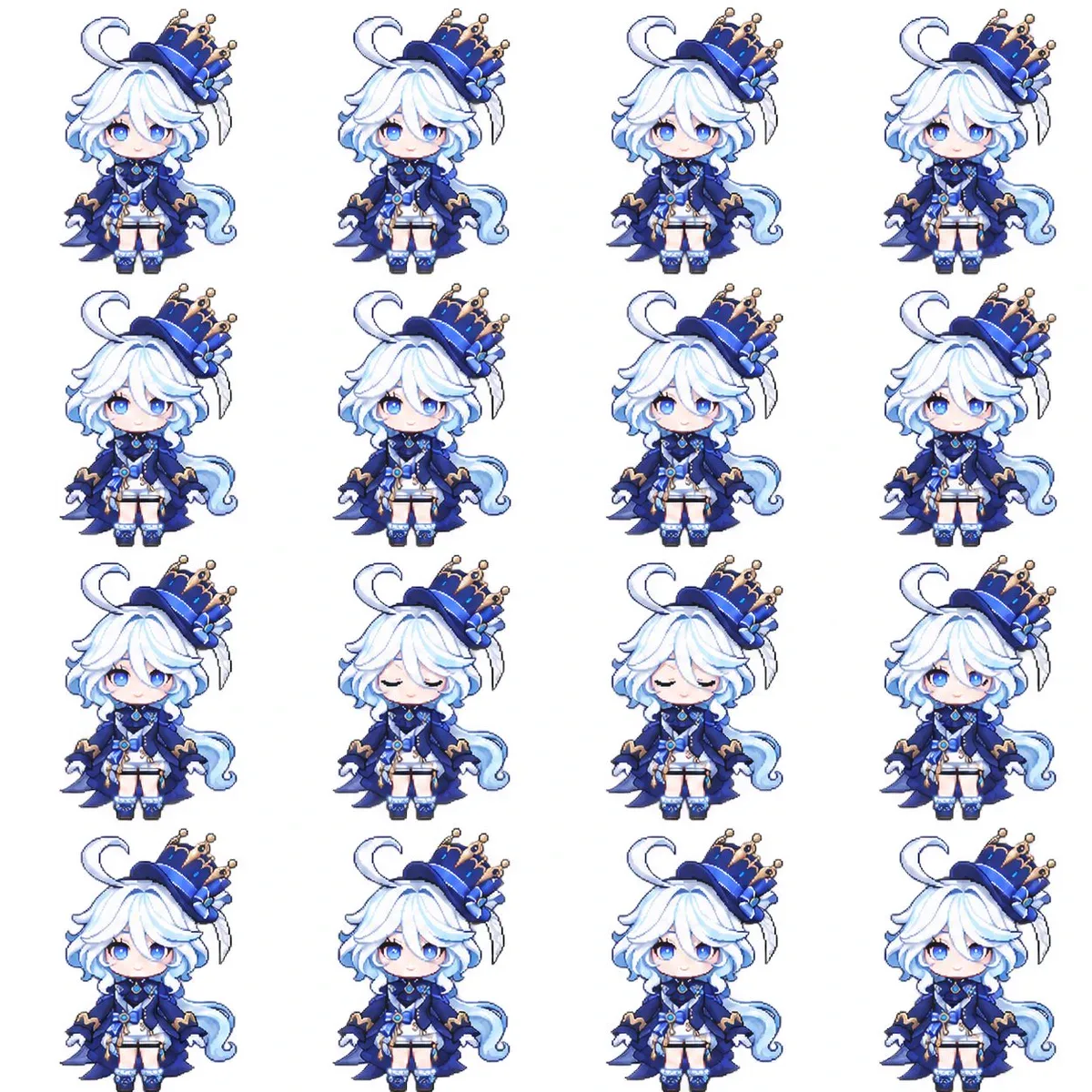
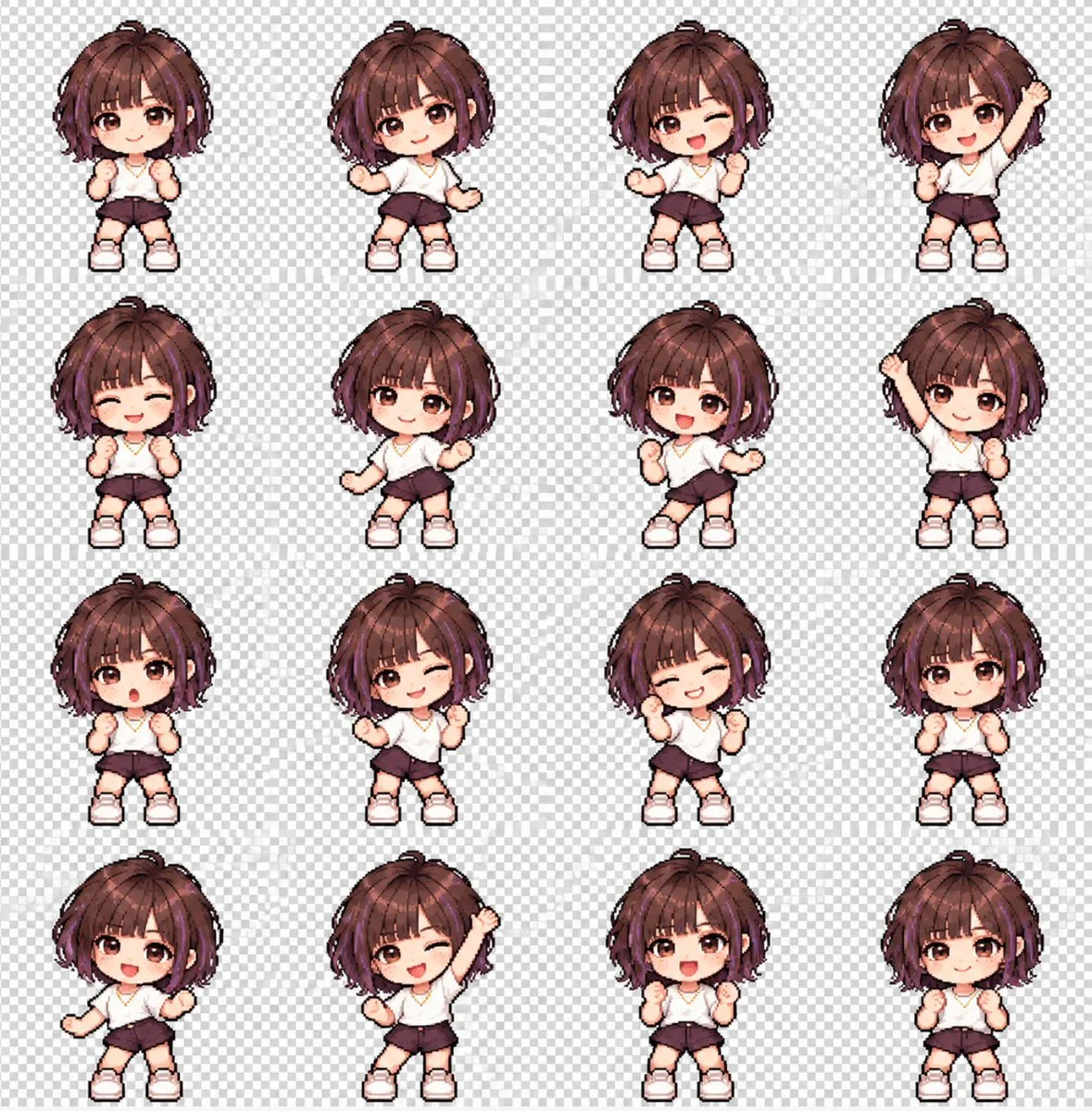
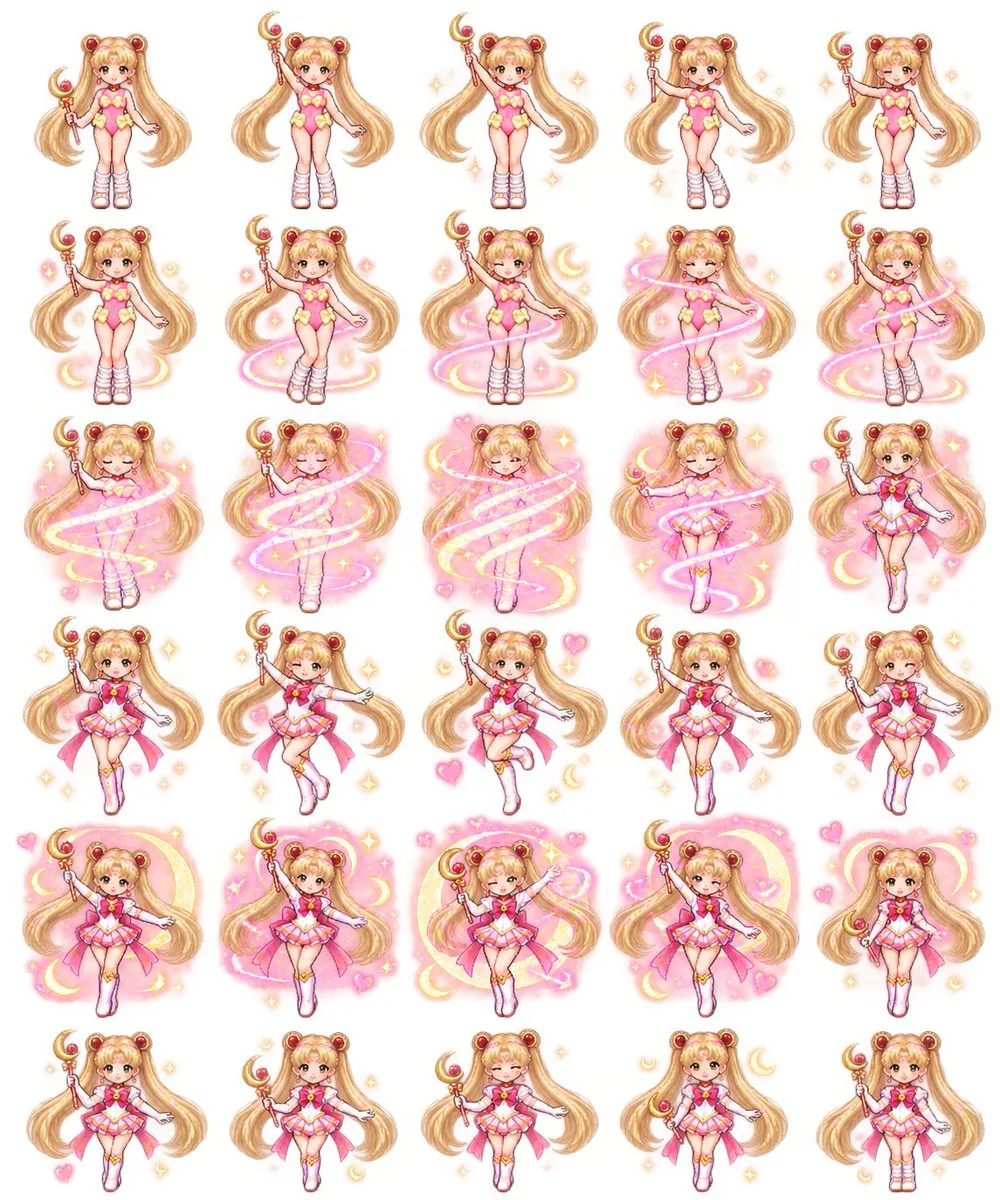
Turn the character in my uploaded reference image into an adorable pixel-art sprite with a looping idle animation.
CHARACTER
Use the uploaded image as the character reference. Preserve the character’s recognizable features, colors, hairstyle, outfit, accessories, and distinctive silhouette. Adapt its original anatomy into cute chibi proportions without forcing non-human characters into a human body. If the reference is cropped, infer the missing body details to match the visible design.
STYLE
Create crisp pixel art with clearly defined square pixels, clean outlines, and a cohesive limited palette. No blurry edges, smooth vector styling, or realistic rendering.
ANIMATION
Create 16 consecutive frames of one subtle, seamless idle animation:
- Gentle breathing with a tiny rise and fall of the upper body.
- Slight secondary movement in hair, clothing, or relevant appendages.
- One brief natural blink if the character has visible eyes.
- Keep the character in place, with its feet or contact points anchored.
- Keep the design, proportions, camera angle, and scale consistent.
- No walking, turning, dramatic gestures, or scene changes.
- Make the last frame transition smoothly back to the first.
SPRITE SHEET
Arrange the 16 frames in exactly 4 columns × 4 rows, ordered left to right, top to bottom.
Canvas: 1024 × 1024 pixels.
Each cell: 256 × 256 pixels.
Use identical alignment and a fixed baseline across all cells.
Keep the entire character inside each cell, with at least 16 pixels of transparent padding on every side, including around moving accessories.
No overlapping cells, grid lines, labels, text, or watermarks.
TRANSPARENCY
Use a genuinely transparent RGBA background with alpha zero outside the character.
Do not draw a checkerboard or add a solid background, floor, or cast shadow.
Preserve white and pale details inside the character.
DELIVERABLES
Complete the actual files, not just instructions:
1. A transparent 4 × 4 PNG sprite sheet.
2. A transparent animated GIF of the single character, using all 16 frames at 256 × 256 pixels, looping forever with an approximately 2.4-second cycle.
3. A ZIP containing all 16 individual transparent PNG frames.
Use available image-generation and file-processing tools to generate the artwork, split the sheet, and assemble the GIF. Use nearest-neighbor sampling if resizing is needed to preserve crisp pixels.
Before exporting, inspect all 16 frames. Remove stray pixels and any fragments from neighboring cells, especially above the head or below the feet. Check for clipping, unwanted position jumps, background artifacts, and GIF trails. Ensure the final PNG and GIF backgrounds are truly transparent.
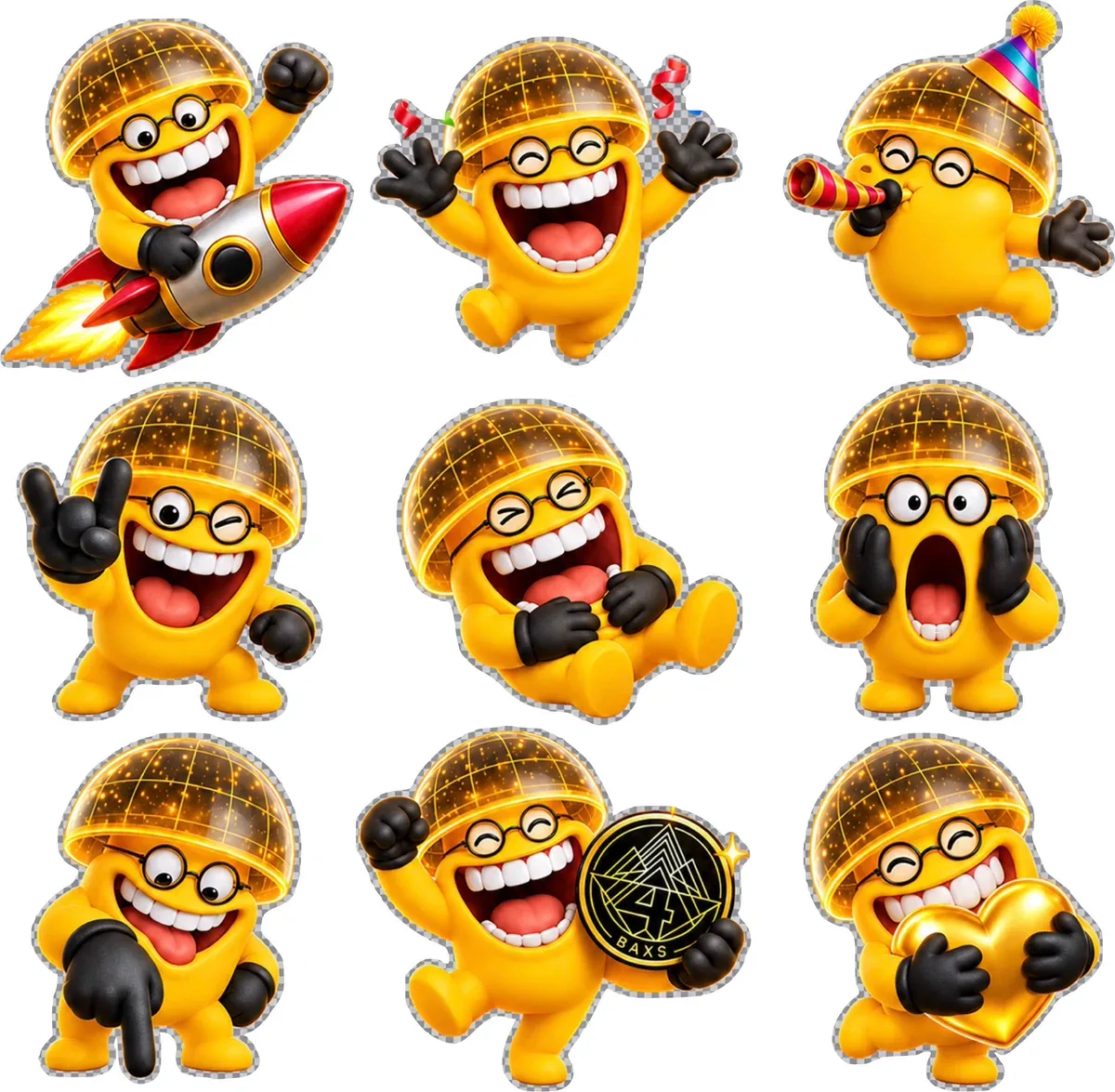
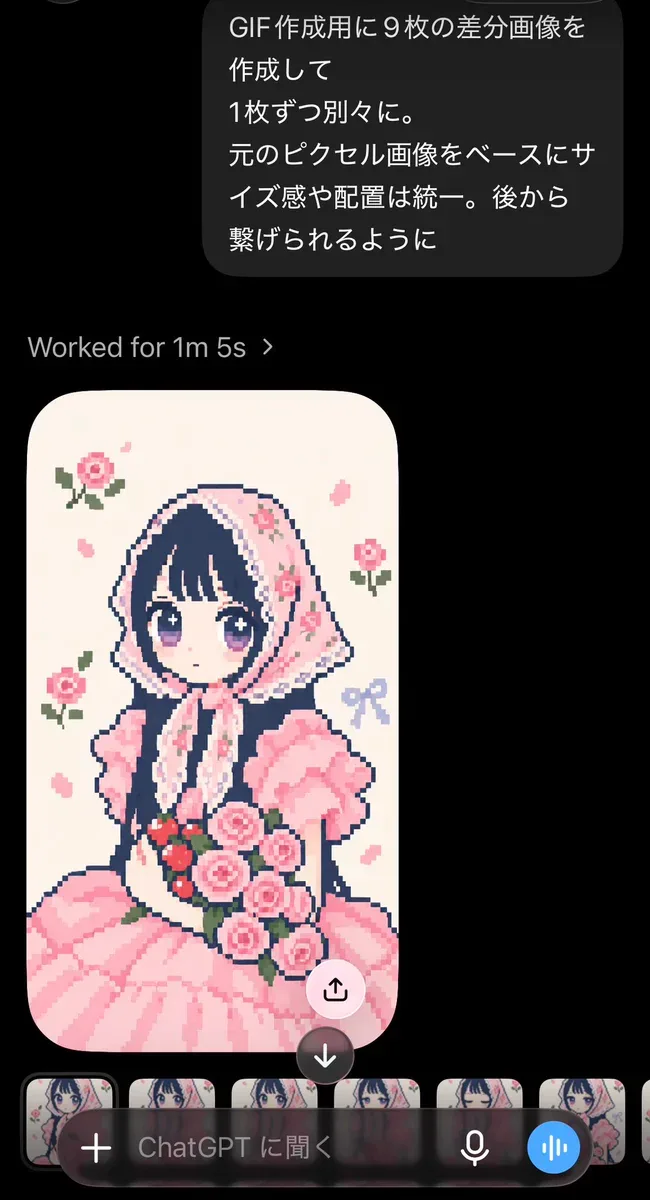
Create nine variation images for a GIF, each as a separate image. Base them on the original pixel image, keeping the scale and placement consistent so they can be joined afterward.
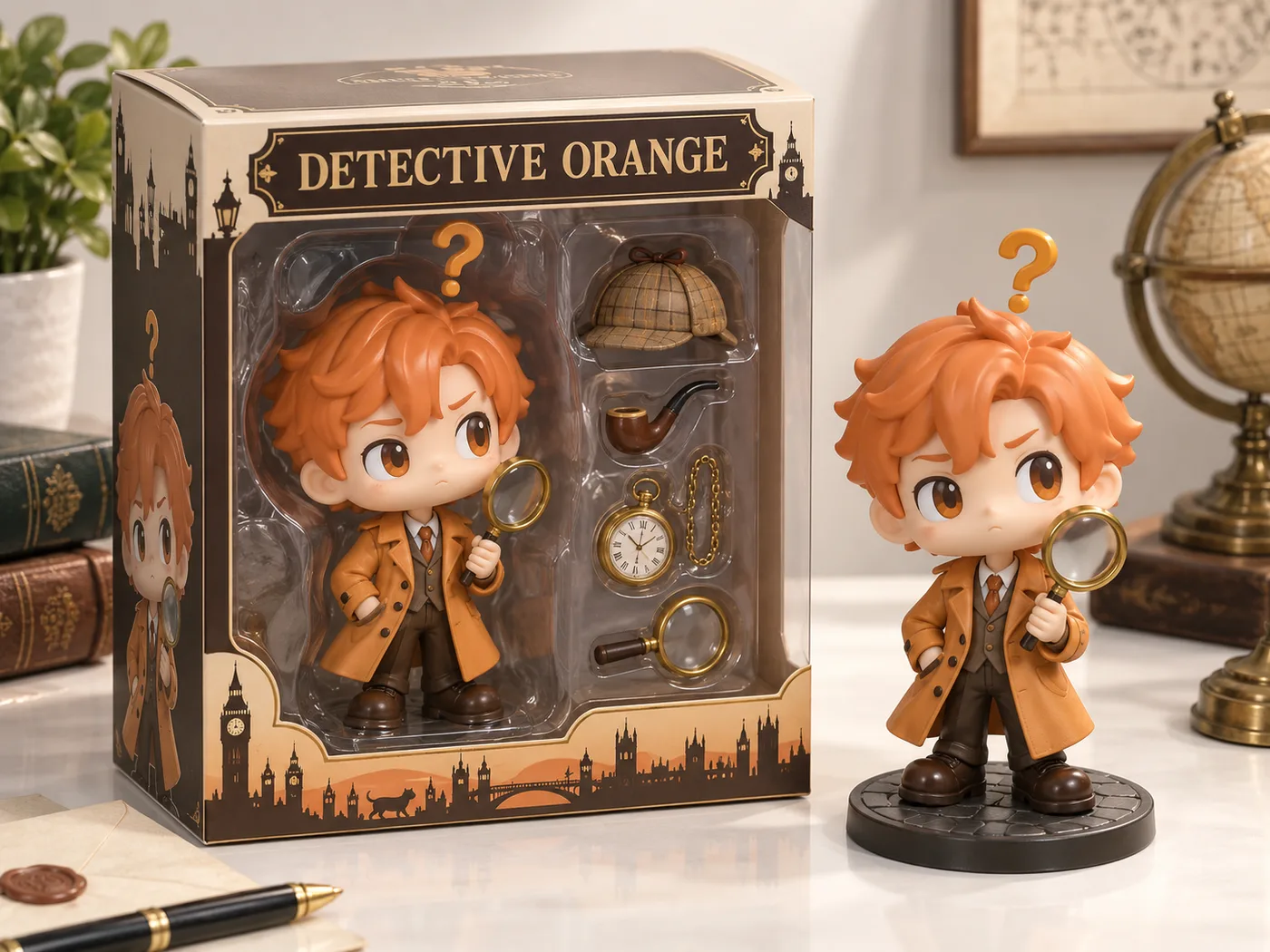
把一位虚构侦探变成 Funko Pop 公仔包装盒风格的等距视角产品图:盒内是大头公仔「神探橘」——姜黄色风衣、总是举着放大镜,头顶飘着一个问号;包装盒内旁边搭配他的必备物品(烟斗、怀表、放大镜、一顶猎鹿帽)。包装盒上标注标题「DETECTIVE ORANGE」。盒子旁边呈现该公仔本体的实物效果,逼真、具有真实感的渲染风格,浅色桌面产品摄影。
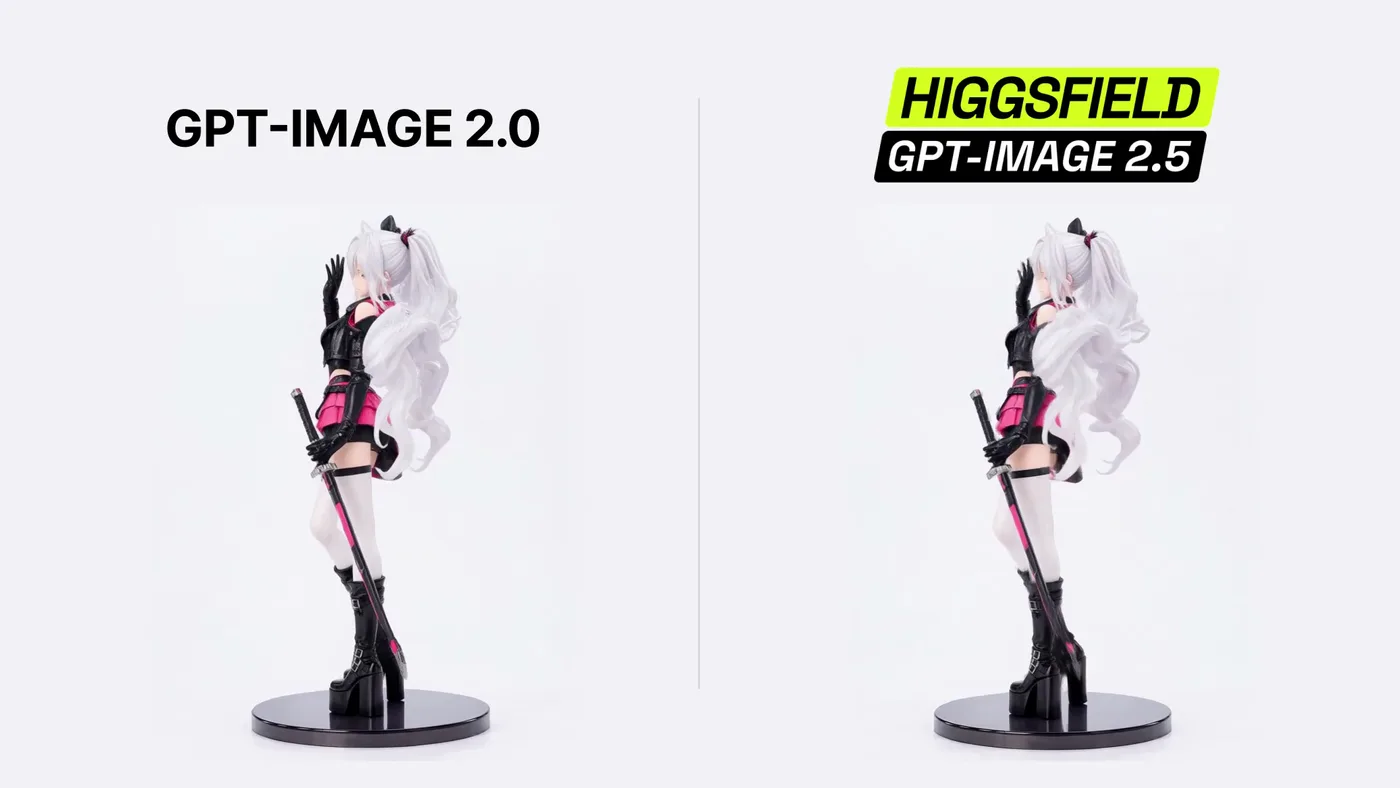
"Create a continuous 6-second split-screen animation from the supplied image. Preserve both matching silver-haired gothic anime resin figures and all facial, costume, hair, sword, boot, and base details. Use two equal panels with synchronized motion. Both figures must simultaneously rotate clockwise with their bases through one full 360° turn at 60°/s while gesturing: front at 0s, side at 1.5s, back at 3s, opposite side at 4.5s, and front at 6s. From 0–2s, wave the free right hand beside the face; from 2–4s, brush the hair back with a slight head tilt; from 4–6s, lower the hand to the hip and end in a confident front-facing pose with a soft smile. Keep the left hand holding the fully sheathed katana downward and both feet fixed to the rotating base. Preserve smooth articulation, subtle secondary motion, and the painted-resin finish. Keep both complete figures and bases visible against a near-white studio background. Camera, lighting, scale, divider, and turntable centers stay fixed. No cuts, reversals, camera movement, extra objects, text, watermark, graphics, or audio."
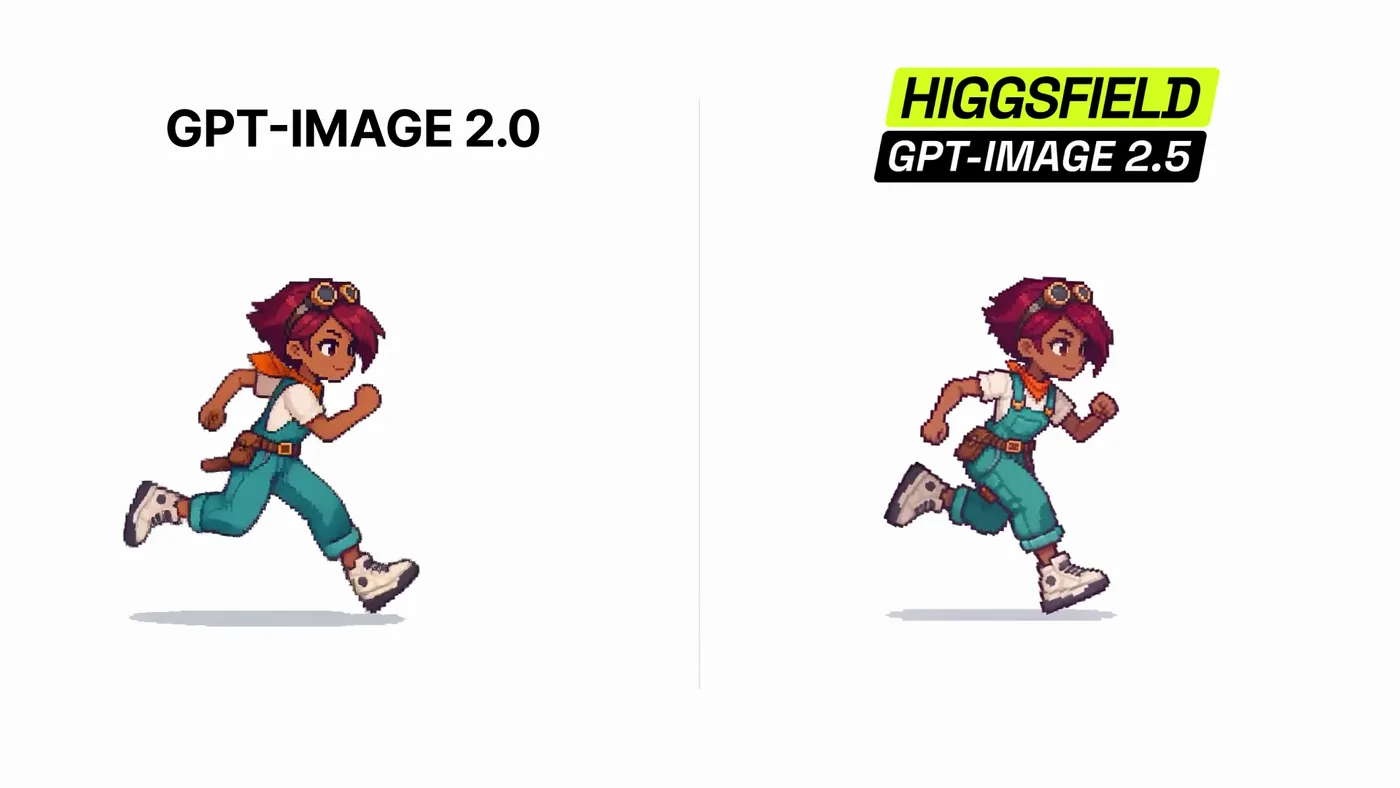
"Animate the supplied pixel-art heroine in one continuous 8-second side-view shot. Preserve her exact design, colors, proportions, crisp pixels, and outlines. Lock the camera and pale blue-gray background. Keep her full body near center, facing right, with no more than 25% horizontal travel. From 0–2.5s, run mostly in place with alternating strides and arm pumps. From 2.5–4.5s, perform one two-foot jump and land crouched. From 4.5–6.5s, perform one full forward ground somersault: hands down, tuck, roll over the shoulders, feet over head, and land on both feet. From 6.5–8s, rise into a balanced ready pose. Animate at exactly 6 FPS with 167ms frame holds, normal speed, and no interpolation, blending, optical flow, or blur. On every frame, shift the whole sprite slightly and unpredictably on both axes to create strong constant jitter, especially in the final pose. Only the heroine moves; the camera and background remain still. No cuts, cartwheels, aerial flips, scene changes, text, particles, weapons, duplicates, audio, 3D, color flicker, morphing, or design drift."
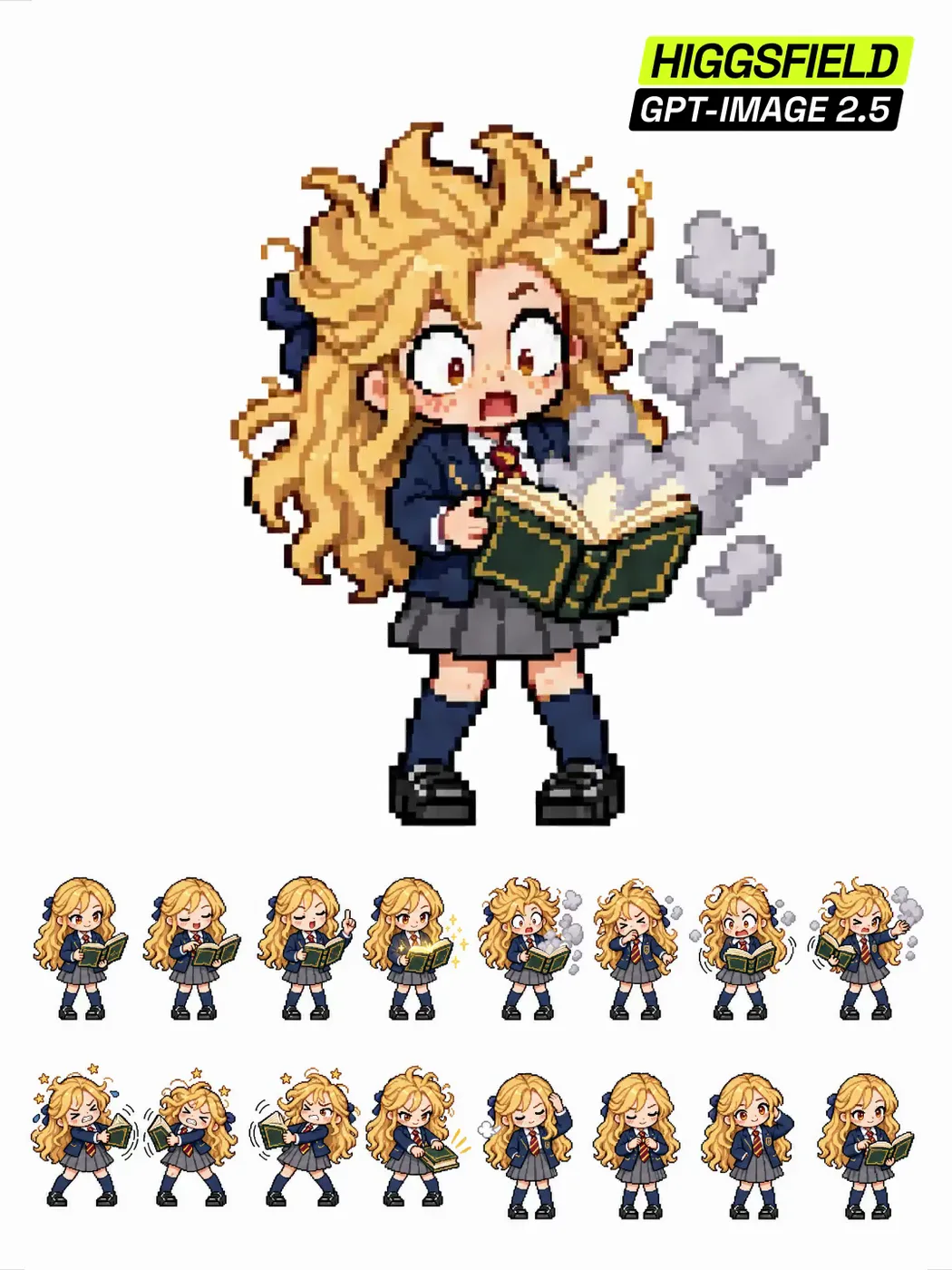
"2D pixel art character sprite sheet, 4x4 grid of 16 frames forming one seamless looping animation cycle, frame 16 flows back into frame 1. Chibi proportions (about 3 heads tall), clean readable pixels, no anti-aliasing, flat cel shading with 2–3 tones per color, thick dark outline, solid pure white background, no checkerboard, no gradient, no shadows on the ground.
Animation: a "spellbook mishap" loop. Frames 1–4: reading aloud — she stands with an open book, points at a line, reads with a proud expression, raises one finger like a lecturer, the book pages start to glow faintly gold. Frames 5–8: it goes wrong — a puff of smoke bursts from the book, her hair blows straight up, eyes go huge, she coughs and waves the smoke away with one hand, the book flaps in the other hand like a bird trying to escape. Frames 9–12: wrestling the book — she grabs it with both hands as it tugs left, then right, she plants her feet and leans back, tie flying, hair a mess, tiny stars circle her head, she slams it shut with a determined face. Frames 13–16: composure — she straightens her blazer, smooths her hair back down, fixes her tie, looks at the viewer with a sheepish smile and a small blush, opens the book carefully and settles into the exact frame 1 pose. Both feet stay planted on the ground in every frame, no jumps, no kicks, skirt stays still and knee-length.
Character: girl with long wavy golden blonde hair with a single navy hair ribbon tied at the back, warm amber eyes, freckles, expressive face. Outfit: British-style school uniform — navy blazer with a gold crest on the pocket, white shirt, burgundy-and-gold striped necktie, grey knee-length pleated skirt, navy knee socks, black polished loafers. Holds a thick hardcover book with a dark green cover and gold trim.
Same character, same proportions, same colors in all 16 frames, consistent sprite scale and identical ground line, style of a GBA / 16-bit school life sprite sheet, 64x64 pixels per frame."
"Create a simplified 128-pixel pixel art for the character, depicting their combat return animation. If possible, make it transparent. Arrange them in a 4x4 grid."
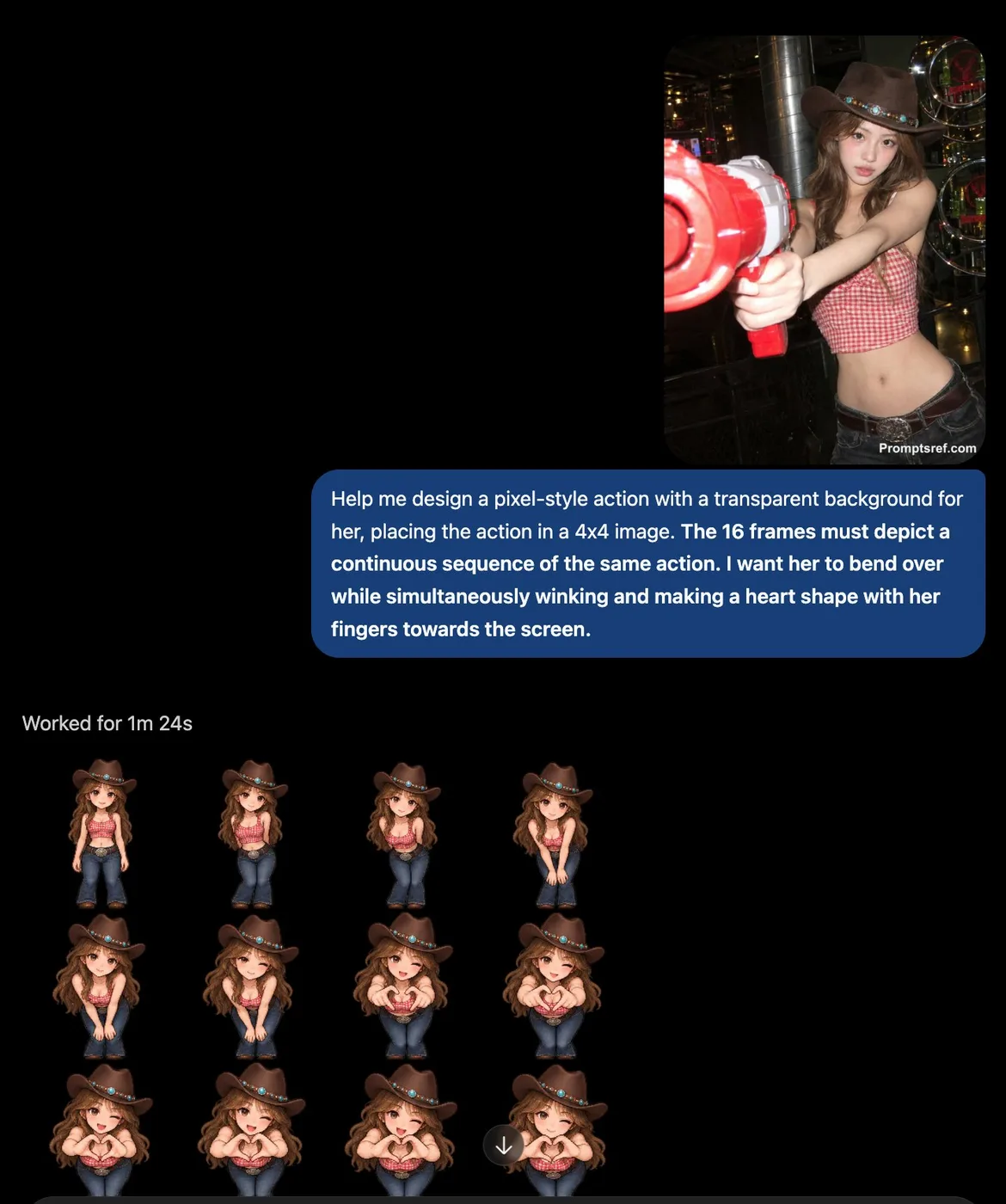
Create a pixel-art animation sprite sheet of the character in the reference image, with a transparent background. Arrange 16 frames in a 4×4 grid, ordered from left to right, top to bottom. All 16 frames must form one continuous sequence of the same action, with smooth transitions between adjacent frames. Keep the character’s appearance, scale, and alignment consistent throughout. The action: [describe your desired action].
1Say what must not change. This is the one habit that separates 2.5 from every earlier model. "Keep the pose, lighting, camera angle and background exactly as they are; change only the jacket" gets you a changed jacket. Leave the lock out and the model re-imagines the whole frame.
2Change one variable at a time. Edits compound badly. Move the lamp, look, then relight — three prompts, three checkpoints. Asking for the move and the relight and a new colour grade in one go is how you lose the face.
3Put exact text in quotation marks. Typography is where 2.5 pulled ahead. Write the words you want rendered inside quotes, spell out the case, and name the type treatment: `the words "FIELD & FLOUR" in a bold condensed sans, centred`. Describing the text instead of quoting it gets you approximate letters.
4Assign every reference a job. With more than one input, say which is which: image 1 is the person, image 2 is the garment, image 3 is the location. Unassigned references get blended, and the blend is never the one you wanted.
5Photoreal comes from camera language. Lens length, distance, light source, time of day, film stock, depth of field. "50mm at eye level, soft coastal daylight, shallow depth of field, fine grain" reads as a photograph; "photorealistic, 8k, ultra detailed" reads as a render.
6For layouts, describe structure before content. Infographics, slides, UI and posters land far better when the prompt gives the grid first — how many panels, what sits where, what the margins do — and only then fills in the words and images.
7Write negatives as concrete objects. "No watermark, no extra fingers, no duplicated logo, no orange colour cast" beats "avoid AI artifacts". Name the artefact you keep getting and it usually goes away.
8Pick the tier on purpose. On apimodels.app every quality tier is priced differently (1K runs $0.01 to $0.08, an 8x spread), so the tier is both a detail and a cost decision. Low is for layout checks and thumbnails — fastest and most affordable. Medium is the sane default for most finished work. High is for skin, fabric, dense type and anything you will print. Ask for 4K only when the detail is really there to resolve — an upscale of a 1K idea looks like an upscale, and above the low tier 4K costs more than 2K.
Prompt formula
What must not change + subject + scene, light and lens + exact text in quotes + material and surface detail + layout or aspect ratio + concrete negatives
Example: Keep the model, her pose, the studio lighting and the seamless grey backdrop exactly as they are. Replace only the tote she is holding with a natural-canvas one, and print the words "FIELD & FLOUR" across it in a bold condensed sans, dark brown, centred and following the fold of the fabric. Match the existing shadow direction and the slight warmth of the key light. Keep the canvas weave visible. No new props, no logo anywhere else, no change to her hands. 4:5.
Frequently asked questions
What is GPT Image 2.5, and what is the difference between Flare and Sunburst?
GPT Image 2.5 is the image model OpenAI released on 9 September 2026. The API exposes two variants. Flare holds GPT Image 2 quality and editing ability while cutting latency by roughly half — it is the one to reach for by default. Sunburst spends longer per image and returns more precision, which shows up in skin, fabric, dense typography and complicated product surfaces. Both can return a transparent background and generate natively at 1K, 2K and 4K rather than upscaling a smaller render. Neither takes a mask — you scope an edit by naming in the prompt what must change and what must not.
Are these prompts free to use?
Yes. Every prompt on this page is free to copy and run wherever you have access to GPT Image 2.5 — no login, no payment, no attribution required by us.
Where did these prompts come from?
Three places, and each card says which. Some are the worked examples from OpenAI's own image prompting guide. Some were collected into public GitHub repositories, and we credit both the prompt author and the person who did the collecting. The rest are from creators' own posts on X, credited and linked back. Copyright stays with whoever wrote the prompt; we only curated and paired each one with the image its source published. If you wrote one of these and want it removed or the credit corrected, email us.
Are the images on this page generated by GPT Image 2.5?
They are the images the source published alongside the prompt, not images we re-generated. Where a source only showed a design target or a side-by-side against an older model, the card says so rather than passing it off as that prompt's output. Eight prompts have no image because their source never published one, and we left those blank instead of substituting something else.
Where can I run GPT Image 2.5?
On apimodels.app, as gpt-image-2.5-flare and gpt-image-2.5-sunburst, live since 9 September 2026. Pricing runs on two axes, resolution and quality — $0.01–$0.08 at 1K and $0.020–$0.15 at 2K on both models, and at 4K $0.02–$0.3 on Flare against $0.02–$0.47 on Sunburst (low to max) — so the tier you pick is both a detail and a cost decision. Charged only on success, with the same key covering GPT Image 2, Nano Banana, Seedream, Seedance, Kling, VEO and 140+ other models. Leave the quality parameter off and Flare defaults to medium, Sunburst to high.
Do these prompts still work on GPT Image 2 or other image models?
Mostly, with one caveat. Composition, lighting, typography and style instructions transfer fine — that part of the craft is model-agnostic. What does not transfer is the strict edit locking: telling an older model to change only the jacket and leave everything else untouched gets you a partly re-imagined frame. If you are running these on something other than 2.5, expect to iterate more on the editing prompts and about the same on the text-to-image ones.
Run these prompts on apimodels.app
GPT Image 2.5 is live here alongside 150+ other image, video, audio and language models — one API, one key, pay as you go, with $0.10 of trial credit on sign-up.
The whole library is downloadable as JSON and CSV, one page per category with the full prompt text. Every entry credits the person who wrote it and links to the source; where a prompt reached us through someone else's collection, the collector is credited too. Prompt text belongs to its authors — the MIT licence covers the curation only. Open an issue to add a prompt or correct a credit.