OpenAI's latest image model in two tiers: gpt-image-2.5-flare (default, about half the latency of GPT Image 2) and gpt-image-2.5-sunburst (highest fidelity). Point the OpenAI SDK, Codex, or Cursor at our base_url and it works as-is: text-to-image, reference-image editing, native transparent PNG, billed per image at 1K/2K/4K, synchronous responses with no polling.
All requests carry the API key in the header:
Authorization: Bearer YOUR_API_KEY| Resolution | low | medium | high | xhigh | max |
|---|---|---|---|---|---|
| 1K | $0.01 | $0.020 | $0.03 | $0.05 | $0.08 |
| 2K | $0.020 | $0.03 | $0.04 | $0.08 | $0.15 |
| 4K · flare | $0.020 | $0.045 | $0.08 | $0.17 | $0.30 |
| 4K · sunburst | $0.020 | $0.085 | $0.16 | $0.28 | $0.47 |
From 2026-10-27, 1K low is $0.01 (was $0.008) and 2K medium is $0.03 (was $0.025).
quality accepts low, medium, high, xhigh and max, and **each tier is priced differently** — you pay for the detail you ask for: a layout check at 1K low is $0.01, and you only reach for max when the image is going to print. gpt-image-2.5-flare is the default tier (about half the latency of GPT Image 2 — social, e-commerce, high volume) and both renders and bills at **medium** unless you pass quality; gpt-image-2.5-sunburst targets premium commercial visuals and defaults to **high**, so pass quality explicitly if you do not want to be billed at the high rate. At 1K and 2K the two models cost the same at every quality tier, so at those sizes you are choosing speed, not price. 4K is priced per model: sunburst is $0.020 / $0.085 / $0.16 / $0.28 / $0.47 (low to max), while flare stays at $0.020 / $0.045 / $0.08 / $0.17 / $0.30. The tier is decided by the total pixel count of the image you actually get back — 1.7MP or less bills as 1K, 1.7-4.6MP as 2K, above 4.6MP as 4K — not by its longest edge and not by the parameter you sent. A 2K image at 2720x1536 is 4.18MP, so it bills as 2K even though its long edge exceeds 2048; with size auto or omitted the output decides, so pass an explicit size if you need a fixed tier. Reference images and transparent background cost nothing extra; failed requests are not charged. gpt-image-2.5 is an alias of flare.
| Field | Required | Type | Description |
|---|---|---|---|
| Tier | Typical sizes | Tier rule | |
| 1K | 1024x1024 / 1360x768 / 768x1360 | pixel count ≤ 1.7MP | |
| 2K | 2048x2048 / 2720x1536 / 1536x2720 / 2048x1152 | pixel count 1.7-4.6MP | |
| 4K | 3840x2160 / 2160x3840 | pixel count > 4.6MP |
4K is delivered exactly as requested: 3840x2160 / 2160x3840 (8.29MP). 2K at 1:1 is 2048x2048; for other ratios we request 2720x1536 / 1536x2720 (4.18MP), and the image comes back either at that size or at the same aspect ratio with a 2048px long edge (about 2048x1152 at 16:9, roughly 2.4MP) — the size the official OpenAI documentation uses as its “2K” example. Both fall inside the 2K pixel band, keep your aspect ratio and are billed as 2K. 1K at 1:1 is exact as well (1024² measured as returned); 16:9 / 9:16 requests at 1K (1360x768 / 768x1360) come back as either 1360x768 or 1672x941 — two outputs from the same channel, same aspect ratio, both billed as 1K. Alternatively omit size and pass aspect_ratio + resolution (1K/2K/4K) and the server derives the size.
/api/v1/images/generations·POST/api/v1/images/editsPassing an OpenAI-style WxH size triggers sync mode: the response carries the image inline (b64_json + url), matching the official images.generate() / images.edit() contract. Waiting and timeout rules are the same as GPT Image 2 All (280s cap, keep-alive after 95s; a failure after the 95s mark is carried in the body as an error field).
# Text-to-image — OpenAI Images API shape, SYNC response (no task polling)
curl -X POST https://api.apimodels.app/v1/images/generations \
  -H "Authorization: Bearer YOUR_API_KEY" \
  -H "Content-Type: application/json" \
  -d '{
    "model": "gpt-image-2.5-flare",
    "prompt": "a ceramic teapot, product shot, studio light",
    "size": "1024x1024",
    "background": "transparent",
    "output_format": "png",
    "n": 1
  }'
# → { "created": ..., "data": [{ "b64_json": "...", "url": "https://r2.apimodels.app/..." }] }

# Image edit — multipart, OpenAI images.edit() shape. No mask field: name the
# object to change in the prompt and say the rest stays (see Notes below).
curl -X POST https://api.apimodels.app/v1/images/edits \
  -H "Authorization: Bearer YOUR_API_KEY" \
  -F "model=gpt-image-2.5-sunburst" \
  -F "image=@product.png" \
  -F "prompt=change the red label to a green label, keep everything else exactly the same" \
-F "size=2048x2048"Without a WxH size (or when you need callback_url) the request follows the platform async contract: create returns a taskId; poll until completed, or receive a webhook callback.
# Native async contract — pass aspect_ratio + resolution tier instead of size.
curl -X POST https://api.apimodels.app/v1/images/generations \
  -H "Authorization: Bearer YOUR_API_KEY" \
  -H "Content-Type: application/json" \
  -d '{
    "model": "gpt-image-2.5-flare",
    "prompt": "a lighthouse on a cliff at dusk",
    "aspect_ratio": "9:16",
    "resolution": "2K",
    "callback_url": "https://your-domain.com/webhook"
  }'
# → { "code": 200, "data": { "taskId": "..." } }

curl "https://api.apimodels.app/v1/images/generations?task_id=TASK_ID" \
-H "Authorization: Bearer YOUR_API_KEY"| Field | Required | Type | Description |
|---|---|---|---|
| Field | Type | Description | |
| model | string | gpt-image-2.5-flare / gpt-image-2.5-sunburst (gpt-image-2.5 = flare) | |
| prompt | string | Prompt (required). For local edits, name the object to change in the prompt and say the rest must stay unchanged. | |
| size | string | WxH — triggers sync mode; see the size table | |
| aspect_ratio + resolution | string | Async alternative to size: ratio + 1K/2K/4K tier | |
| image / image_base64 / image_url | string | Reference image → auto-routes to the edit endpoint | |
| image_urls / images | string[] | Multiple reference images, up to 16 | |
| background | string | transparent / opaque / auto. transparent returns a real alpha PNG at 1K / 2K / 4K alike (52-67% transparent pixels measured on product shots). | |
| output_format | string | png / jpeg / webp (optional). Use png for transparency; if omitted, opaque images are delivered as JPEG q95 and alpha images stay PNG. | |
| quality | string | low / medium / high / xhigh / max / auto. auto or omitted = the model default (flare medium, sunburst high), billed at that cell. | |
| response_format | string | b64_json (default) or url | |
| stream | boolean | Sync mode only: return an SSE stream instead | |
| n | number | Number of images (billed × n) |
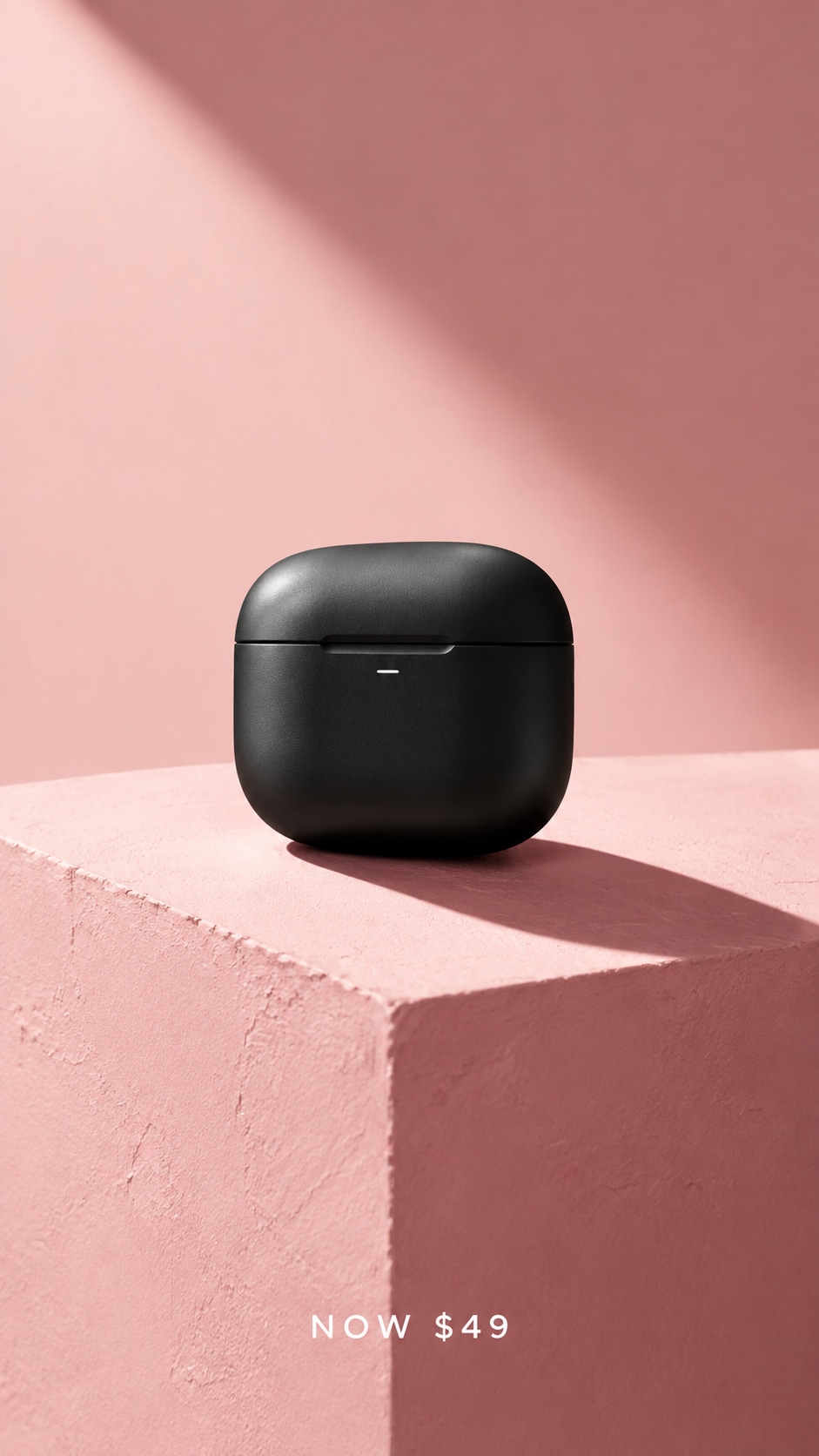
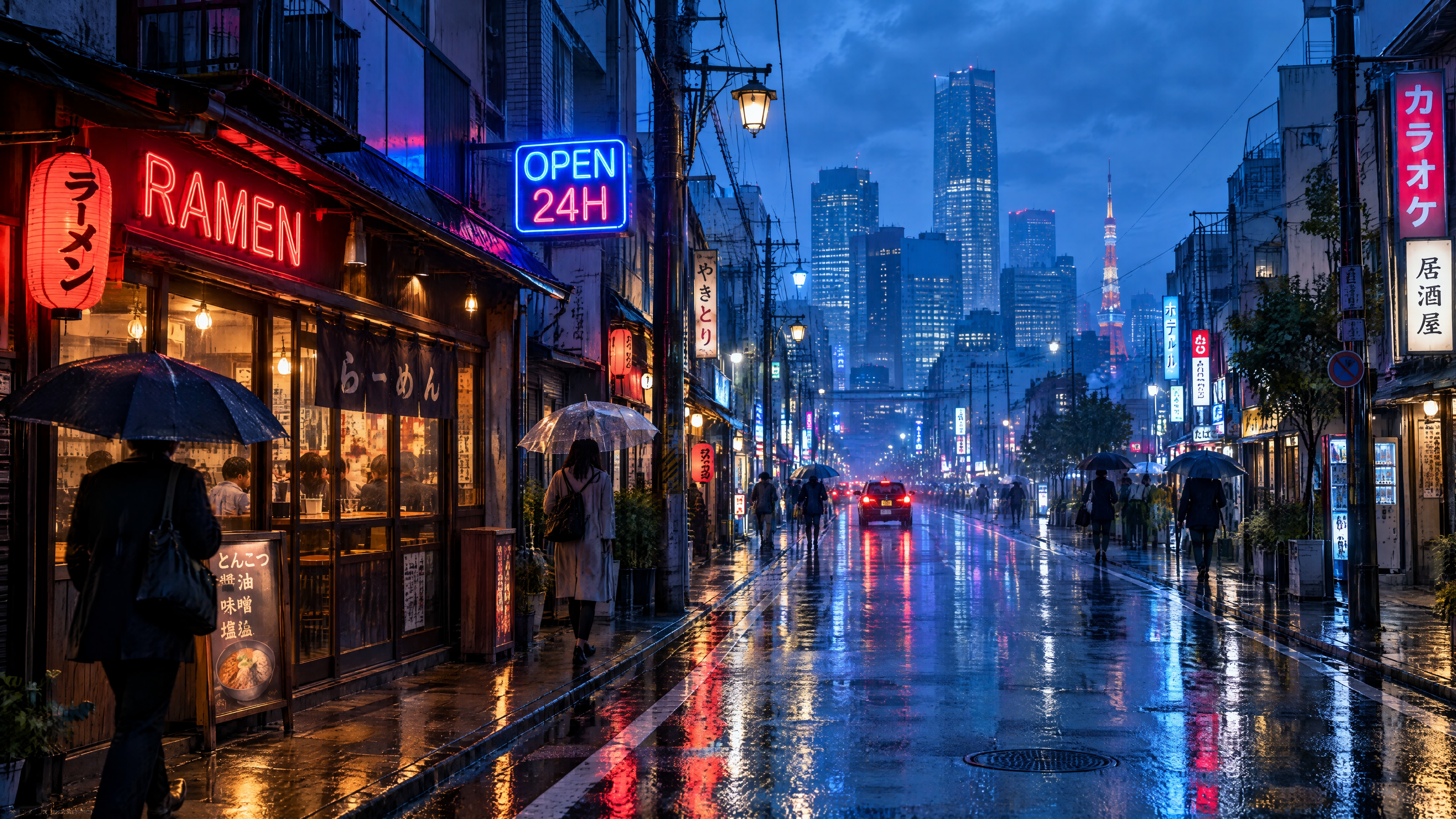
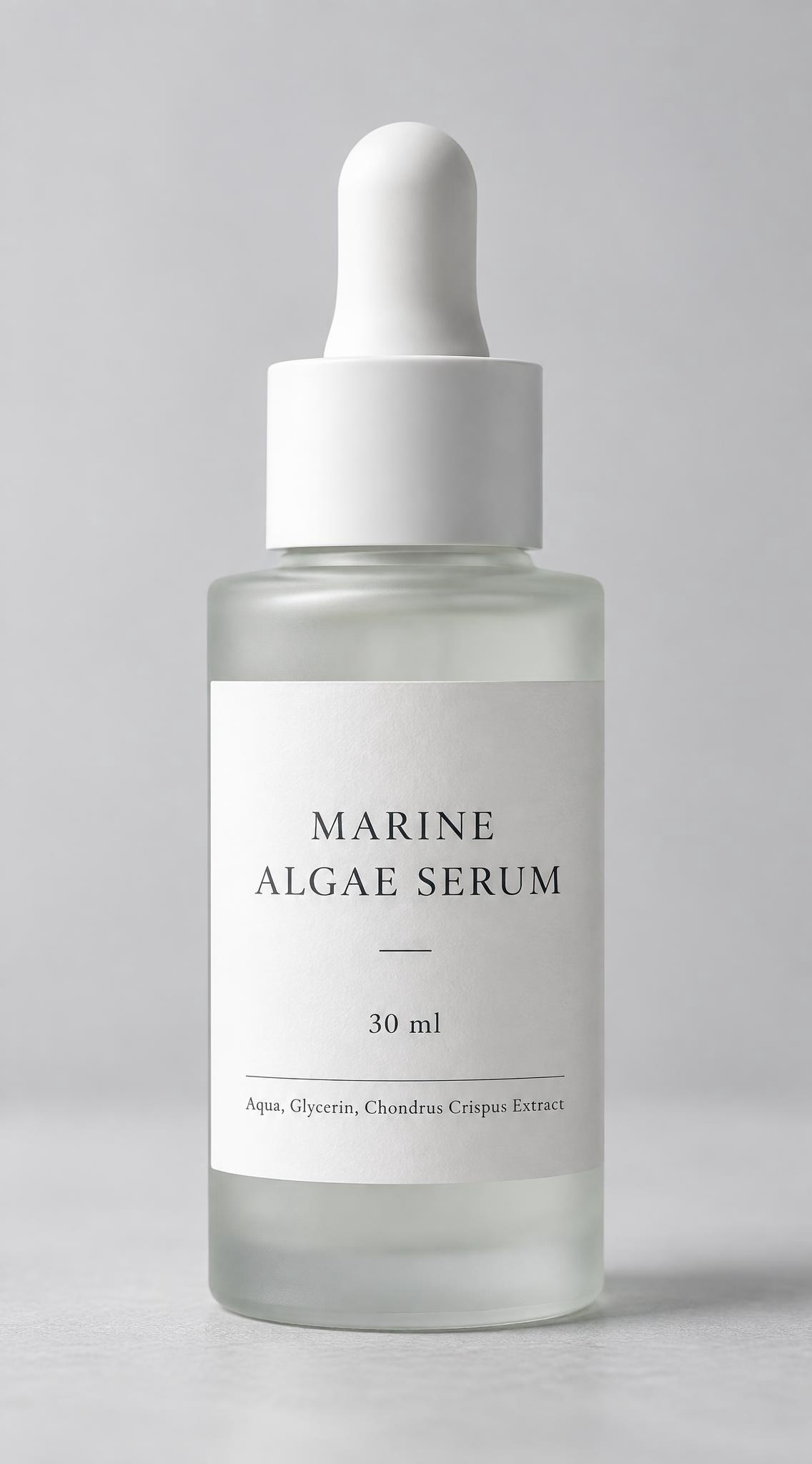
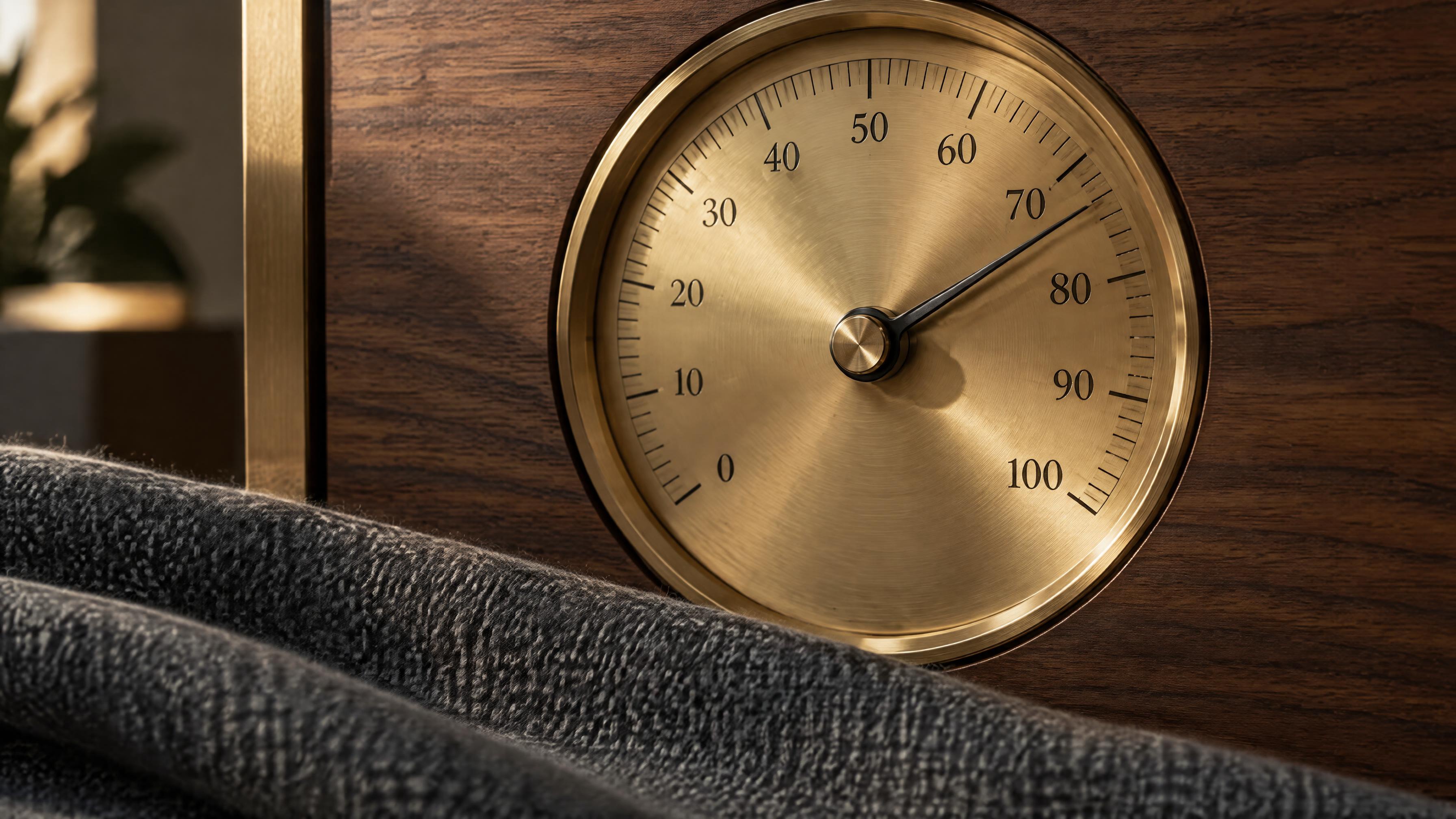
One image from each of seven price cells, generated through the apimodels.app API on 2026-09-19: the verbatim prompt, requested size, delivered size and wall time are the real values from that call; **prices are labelled at the current rate card after the 2026-09-22 cut**, not what was billed then. Click an image for the full-size original. Note that the Sunburst 4K image predates the 2026-09-22 channel change — the channel serving it then snapped sizes to its own grid, which is why its delivered size is smaller than the request; the same request now delivers 3840x2160, and that sample is due to be re-shot. The two 2K images came back at 2048x1136 / 1136x2048, a same-ratio size with a 2048px long edge — 2K today still returns either that kind of size or the requested 2720x1536 / 1536x2720, and both bill as 2K.



Try it in the Playground
Flare is the default tier: full 2.5 quality at about half the latency of GPT Image 2, and it renders at medium quality unless you ask otherwise. Sunburst is the highest-fidelity tier for premium commercial visuals and renders at high quality by default. Both accept the same parameters. At 1K and 2K they share one price grid, so there the only pricing difference is which cell the default lands on; at 4K Sunburst is priced higher ($0.02 / $0.085 / $0.16 / $0.28 / $0.47 from low to max, against $0.02 / $0.045 / $0.08 / $0.17 / $0.3 on Flare).
Transparent backgrounds: yes, at 1K, 2K and 4K. background=transparent returns a real PNG with an alpha channel (we measured 52-67% transparent pixels on product shots). Masks: no. /v1/images/edits rejects a request carrying mask with a 400. A mask is only worth taking if it is a hard boundary, and no upstream channel we tested honours it — the protected region comes back repainted — so we reject it instead of ignoring it silently. Name the object to change in the prompt instead ("change only the red circle to blue, leave everything else unchanged") and the edit stays local.
Priced on two axes, resolution and quality, fifteen cells per model. 1K $0.01 / $0.020 / $0.03 / $0.05 / $0.08 and 2K $0.020 / $0.03 / $0.04 / $0.08 / $0.15 are the same on both models; at 4K, Flare is $0.02 / $0.045 / $0.08 / $0.17 / $0.3 and Sunburst $0.02 / $0.085 / $0.16 / $0.28 / $0.47 (low to max). You pay for the detail you ask for. The tier is decided by the total pixel count of the image you actually get back — 1.7MP or less bills as 1K, 1.7-4.6MP as 2K, above 4.6MP as 4K — not by its longest edge and not by the parameter you sent. A 2K image at 2720x1536 is 4.18MP, so it bills as 2K even though its long edge exceeds 2048. quality=auto (or omitted) renders at the model default — medium for Flare, high for Sunburst — and is billed at that cell. Reference images and transparent background cost nothing extra; failed requests are not charged.
On the high-quality tiers, yes. OpenAI bills 2.5 per output token ($30 per 1M image tokens), so higher quality costs more. We bill on the same two axes, resolution and quality: 2K high is about $0.107 at OpenAI versus $0.04 here, and on Flare 4K high is about $0.100 versus $0.08 and 4K max about $0.40 versus $0.3. No organization verification, one key for all models, and direct access from mainland China.
