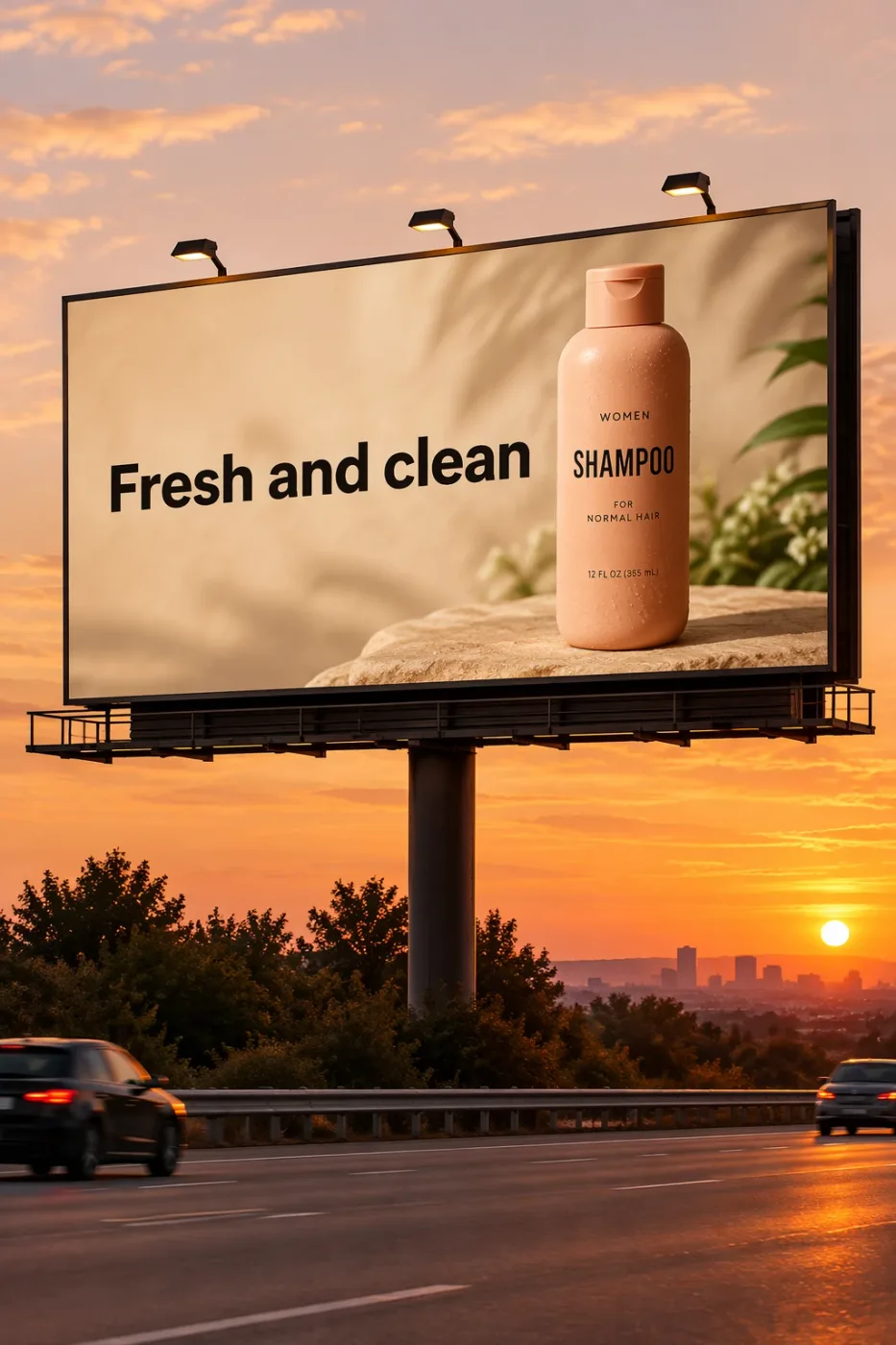
Create a realistic billboard mockup of the shampoo on a highway scene during sunset.
Billboard text (EXACT, verbatim, no extra characters):
"Fresh and clean"
Typography: bold sans-serif, high contrast, centered, clean kerning.
Ensure text appears once and is perfectly legible.
No watermarks, no logos.
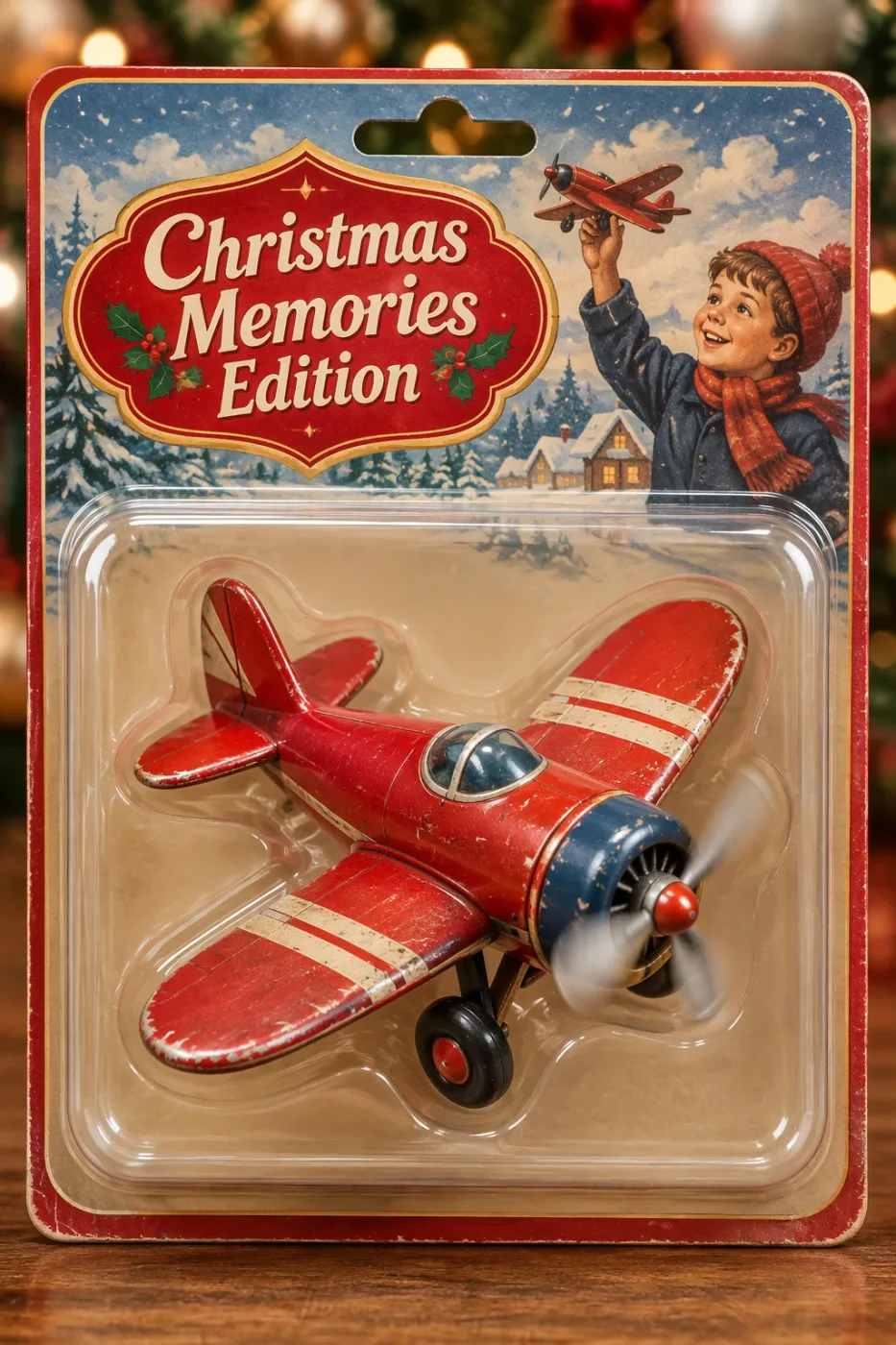
Create a collectible action figure of a vintage-style toy propeller airplane with rounded wings, a front-mounted spinning propeller, slightly worn paint edges, classic childhood proportions, designed as a nostalgic holiday collectible, in blister packaging.
Concept:
A nostalgic holiday collectible inspired by the simple toy airplanes
children used to play with during winter holidays.
Evokes warmth, imagination, and childhood wonder.
Style:
Premium toy photography, realistic plastic and painted metal textures,
studio lighting, shallow depth of field,
sharp label printing, high-end retail presentation.
Constraints:
- Original design only
- No trademarks
- No watermarks
- No logos
Include ONLY this packaging text (verbatim):
"Christmas Memories Edition"
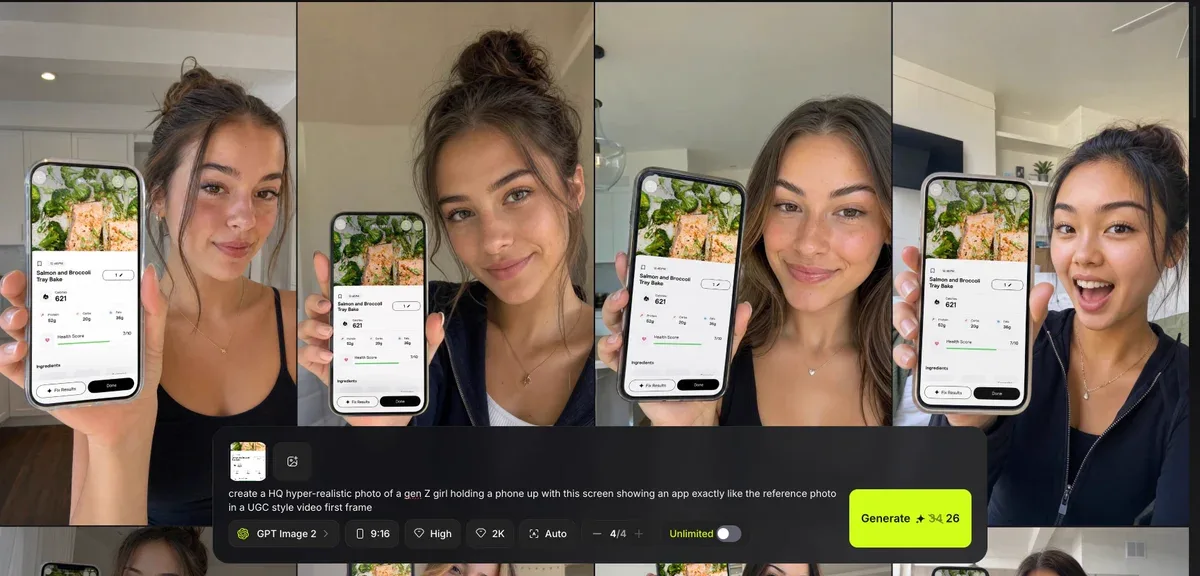
create a HQ hyper-realistic photo of a gen Z girl holding a phone up with this screen showing an app exactly like the reference photo in a UGC style video first frame
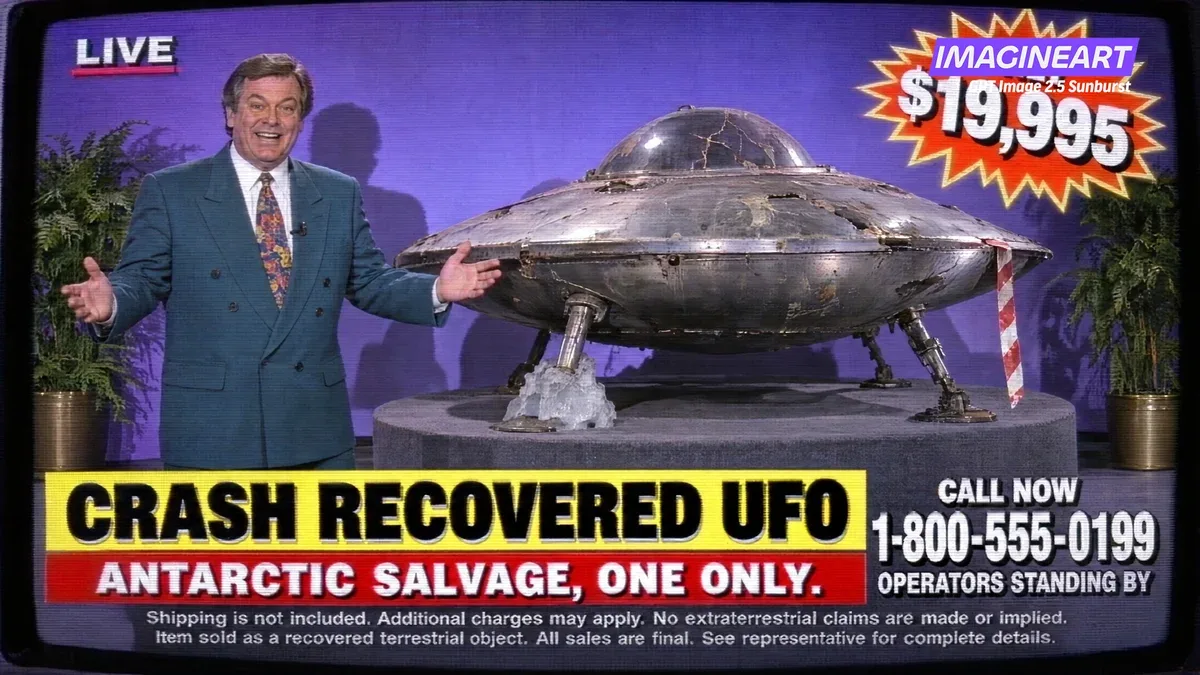
a frame grab from a 1994 infomercial, standard definition video with scanlines. A host in a teal blazer, a battered saucer on a rotating plinth with Antarctic ice frozen around one leg, a price starburst, a phone number, and three lines of legal small print.
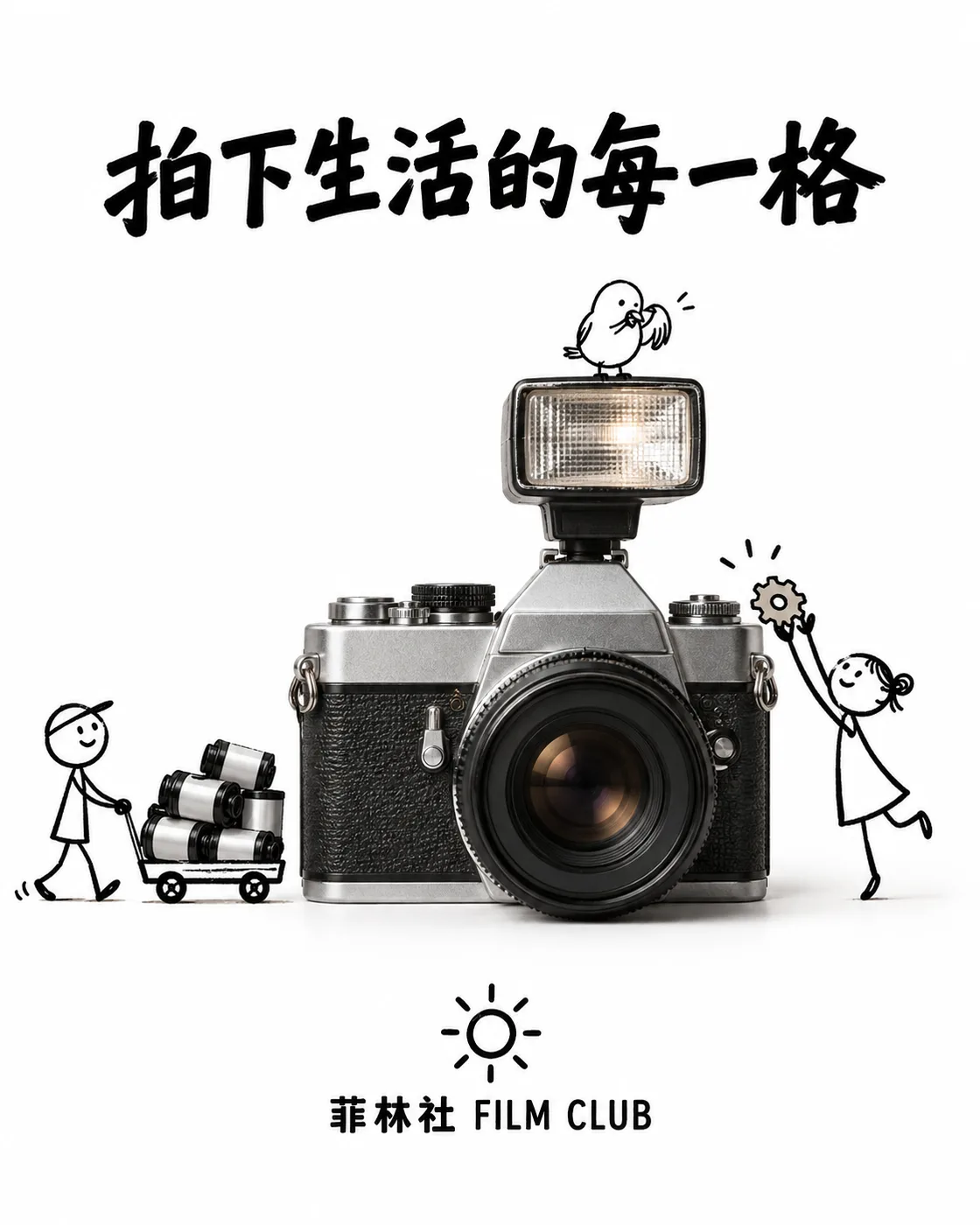
一则简约且富有创意的商品广告,纯白背景。一台真实的复古胶片相机与手绘黑色墨水涂鸦相结合,线条松散而俏皮:涂鸦小人正用小推车搬运胶卷、踮脚给相机喂一颗齿轮形状的糖,一只涂鸦小鸟停在闪光灯上梳理羽毛。画面上方加入粗体黑色广告文案「拍下生活的每一格」,底部放置简洁的「菲林社 FILM CLUB」文字标志与一个小太阳图形。视觉效果简洁、有趣、高对比度,构思巧妙。
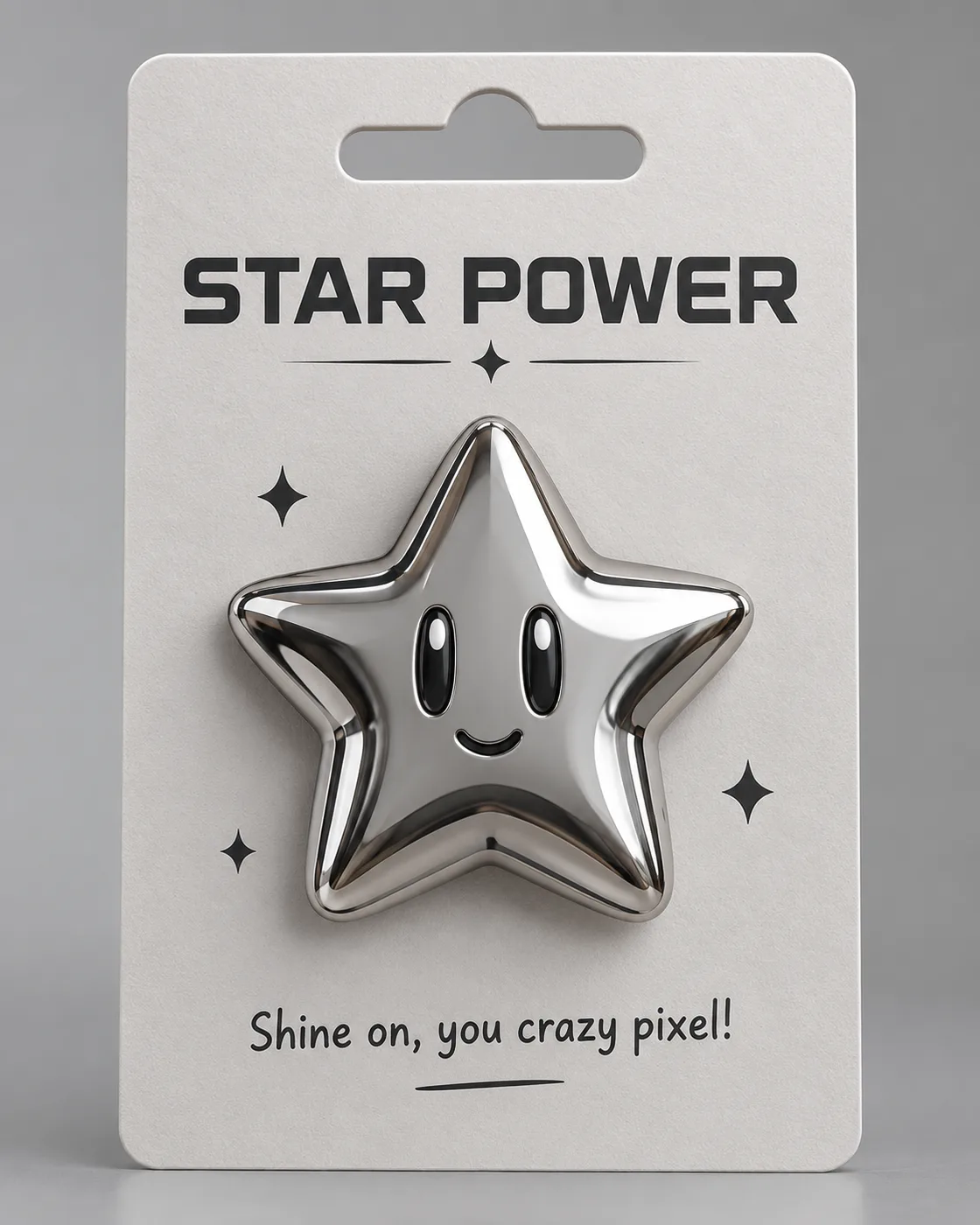
高精度 3D 渲染:一枚金属质感徽章,主体是立体圆润的⭐星星 emoji 造型,超光滑镀铬质感,固定在竖直的商品展示卡上,风格化的未来主义设计,柔和反光与干净阴影。纸质卡片顶部中央带一个冲切欧式挂孔,徽章上方是醒目标题「STAR POWER」,下方配趣味标语「Shine on, you crazy pixel!」。背景柔和灰色,柔光摄影棚灯光,极简风格。
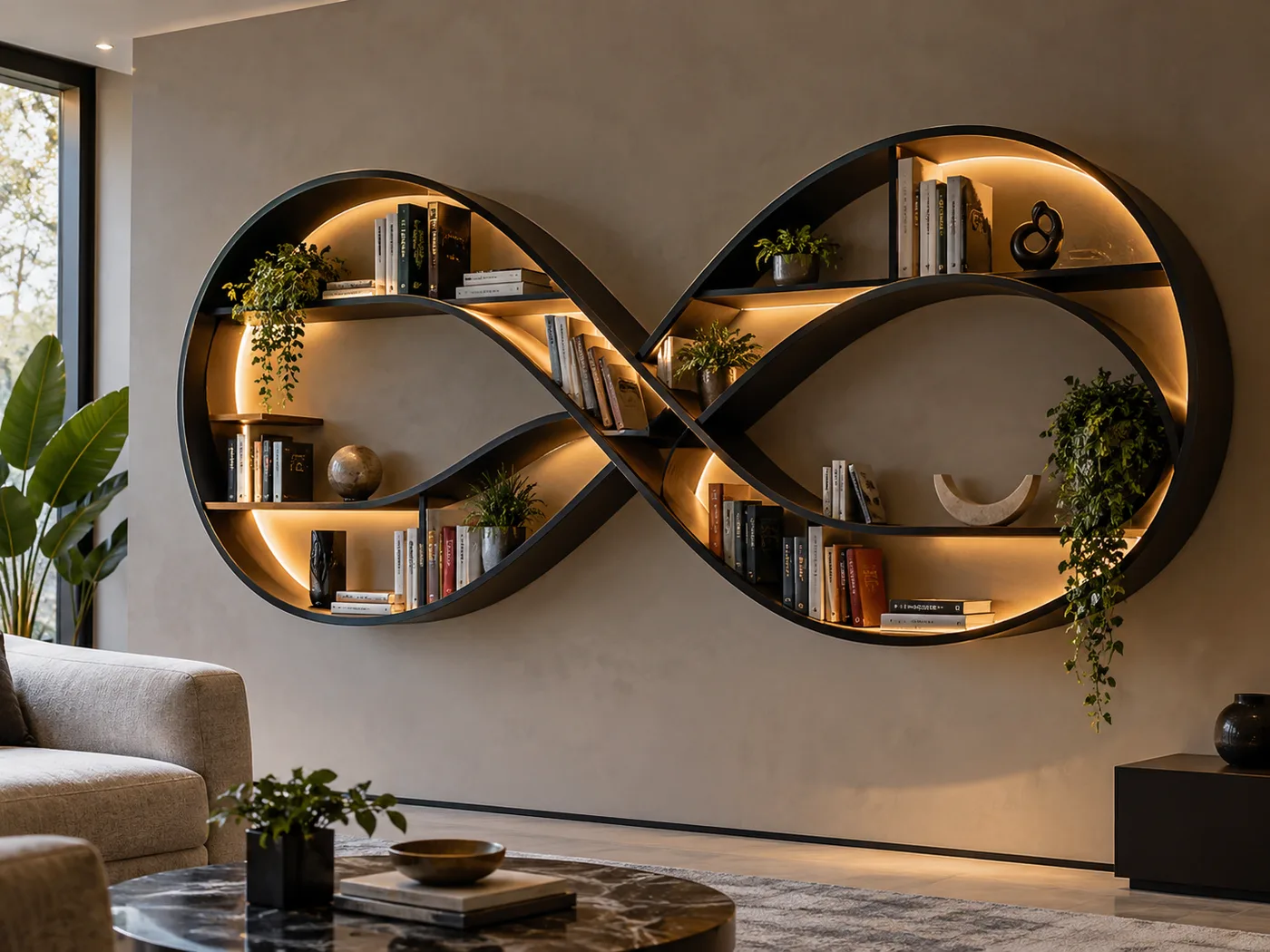
拍摄一张现代书架的照片,造型灵感来源于无穷符号 ∞ 的形状:书架由流畅、互相连接的曲线构成,形成多个大小不一的分区。材质为光滑的哑光黑色金属,曲线内部设木质层板,柔和暖色的 LED 灯带勾勒内侧曲线轮廓。书架安装在中性色调的墙面上,摆放色彩丰富的书籍、小型绿植和极简风格艺术摆件。整体氛围富有创意、优雅且略带未来感。
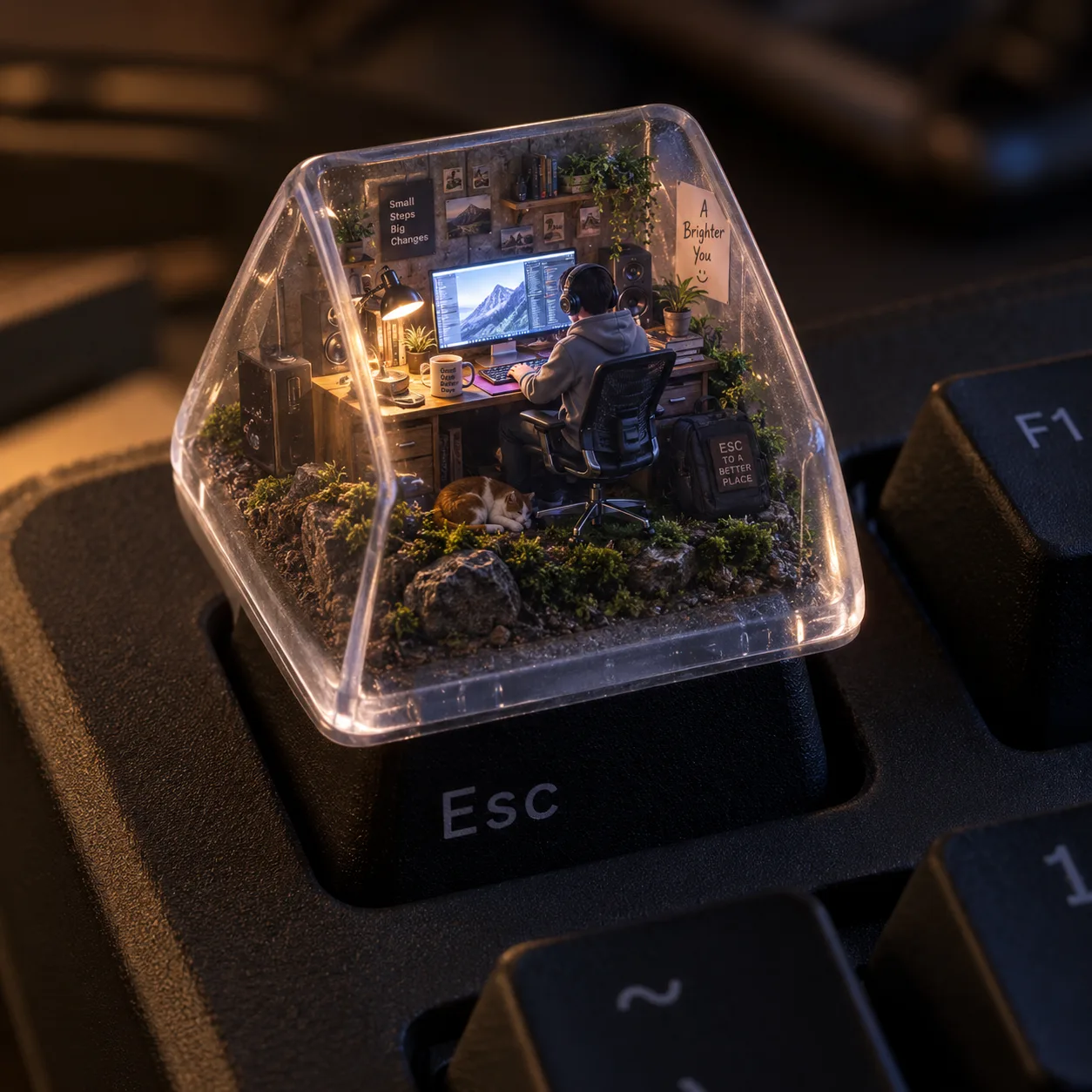
一个超写实的等距视角 3D 渲染图:一个微型电脑工作空间被装在一个半透明机械键盘键帽内,键帽特别放置在一块哑光机械键盘的 ESC 键上。键帽内部,一个穿着舒适连帽衫的小人坐在人体工学椅上,专注面对发光的电脑屏幕工作;空间布满逼真的微型配件——真实材质台灯、带反光的显示器、微小扬声器格栅、缠绕的电缆和陶瓷杯。键帽底部由土壤、岩石和苔藓构成,照片级材质质感;内部光照模拟温暖的傍晚氛围,与冷色屏幕光形成对比。
一个柔和的 3D 卡通风格雕塑广告:虚构无线耳机品牌「AirPebble」,由光滑的粘土质感与鲜艳柔和的色彩制成。简约等距场景中,鹅卵石形状的充电盒半开,两枚耳机像小石子一样悬浮升起,旁边点缀真的鹅卵石与苔藓。构图简洁,光线柔和,阴影微妙,画面下方清晰显示产品 logo 与三词口号「小石头,大安静」。
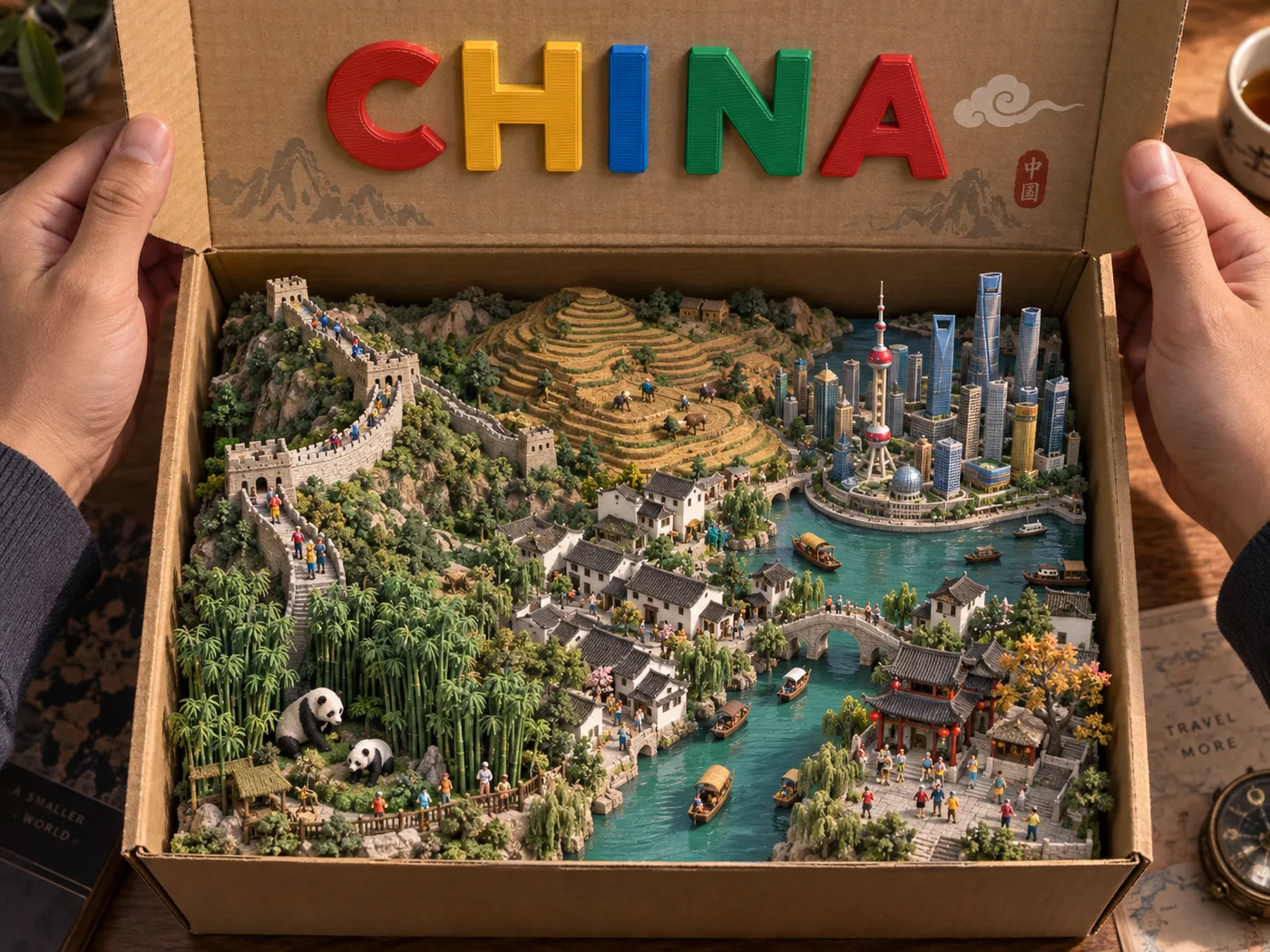
一张超写实的俯拍摄影作品:两只手撑开一个米色纸板盒的盒盖,盒内是 3D 打印的「中国」微缩立体模型——长城蜿蜒、黄土高原梯田、江南水乡、上海天际线、大熊猫栖息的竹林,以及大量微小精细的人物模型。全部采用触感舒适的玩具风格,哑光 3D 打印纹理并带可见的打印层纹。盒盖内侧用大号、色彩鲜艳的凸起塑料字母显示「CHINA」。光线温暖且具电影感,突出纹理与阴影。
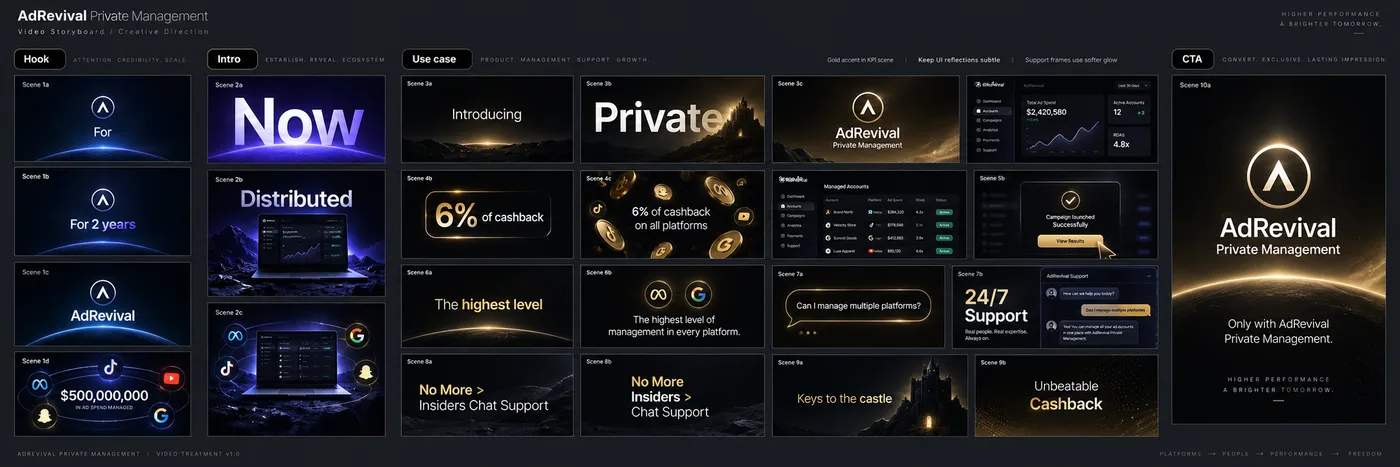
Create a complete cinematic storyboard and styleframe board for a premium fintech / advertising management SaaS product called “AdRevival Private Management”.
The final output should be ONE SINGLE LARGE STORYBOARD BOARD, not one individual slide.
Use a dark charcoal-gray infinite-canvas background, like a professional Figma or creative-director presentation board. Arrange approximately 20 polished 16:9 video keyframes in a clean horizontal production storyboard, grouped into clearly separated narrative sections.
Add small black rounded section labels above the columns:
“Hook”
“Intro”
“Use case”
“CTA”
Every frame should have a tiny scene label in its upper-left corner such as “Scene 1a”, “Scene 1b”, “Scene 2a”, etc.
VISUAL DIRECTION:
Premium, cinematic, minimal, high-end motion-design style.
Black and near-black backgrounds, deep midnight blue, subtle violet-blue light, champagne gold and warm yellow accents, white typography.
Elegant gradients, soft bloom, subtle grain, faint dot-grid textures, volumetric glow, dramatic vignettes, polished reflections.
Clean Swiss / Apple / fintech editorial typography, similar to Helvetica Neue / Inter / SF Pro.
Large kinetic typography combined with clean SaaS dashboard UI.
Sophisticated but restrained, not flashy.
Consistent visual identity across every frame.
Professional motion graphics agency quality.
No random stock photography.
No clutter.
All frames should look like finished title cards from the same commercial.
STORY / SHOT SEQUENCE:
HOOK
Scene 1a:
Minimal dark blue frame. A small circular AdRevival brand symbol in the center followed by the word “For”. Lots of negative space.
Scene 1b:
Same composition evolving into the phrase “For 2 years”, with “2 years” subtly highlighted in blue-violet.
Scene 1c:
Centered “AdRevival” wordmark and circular symbol on a deep blue-black gradient background.
Scene 1d:
A dramatic monetary milestone frame showing “$500,000,000” in elegant white type, surrounded by curved orbital lines and several glowing social / advertising platform icons, including a TikTok-like icon. Rich deep-blue lighting.
INTRO
Scene 2a:
Huge kinetic word “Now” filling most of the frame. White typography fading into violet. A glowing purple horizon/platform beneath the word.
Scene 2b:
Large word “Distributed” across the upper part of the frame. Beneath it, a cinematic laptop displaying a premium dark dashboard, sitting in a moody purple-blue environment.
Scene 2c:
Centered laptop with the same dashboard. Several circular platform/account icons floating around it, connected visually as a distributed advertising ecosystem.
PRIVATE MANAGEMENT INTRODUCTION
Scene 3a:
Minimal black frame with centered white word “Introducing”. A subtle warm gold glow beneath it.
Scene 3b:
Huge word “Private”, left aligned, partially fading into a dark champagne-gold silhouette / atmospheric background.
Scene 3c:
Centered premium logo lockup:
“AdRevival”
“Private Management”
white logo on a black-to-gold gradient background.
PRODUCT / USE CASE
Scene 4a:
Show a realistic premium dark-mode SaaS advertising management dashboard. Black interface with violet and gold highlights, cards, account data, navigation sidebar and analytical information.
Scene 4b:
Minimal typographic card emphasizing “6% of cashback”, with “6%” in champagne gold and the rest in white. Include a thin gold rounded graphical accent around the percentage.
Scene 4c:
The statement “6% of cashback on all platforms” centered horizontally. Surround it with several floating metallic gold coins / platform symbols in depth.
Scene 5a:
Another close-up of the AdRevival dashboard showing multiple managed advertising accounts or platforms. Dark interface, gold borders and violet CTA elements.
Scene 5b:
Blur the dashboard slightly in the background and place a centered premium confirmation/modal card in front. Add an oversized elegant gold cursor arrow pointing at the primary action button.
Scene 6a:
Minimal title card:
“The highest level”
with “highest level” subtly emphasized in warm gold.
Scene 6b:
A refined graphical interpretation of:
“The highest level of management in every platform”
using two small circular gold platform/account icons above or beside the typography.
SUPPORT
Scene 7a:
A floating dark chat/message bubble outlined in gold saying:
“Can I manage multiple platforms?”
against a luxurious black-to-gold background.
Scene 7b:
Split editorial layout. Large bold typography:
“24/7
Support”
on the left, and a realistic dark chat-support interface screenshot on the right.
Scene 8a:
Minimal typographic transition:
“No More > Insiders
Chat Support”
where “No More” is highlighted in gold and the remaining words are muted white/gray.
Scene 8b:
Create a second variation of this frame with slightly different line breaks and hierarchy, still emphasizing “No More” in gold.
Scene 9a:
Minimal atmospheric frame with the phrase:
“Keys to the castle”
in muted champagne-gold typography on a black background with fine dot-grid texture.
Scene 9b:
Minimal title card:
“Unbeatable Cashback”
with subtle gold gradient typography and dark grid texture.
CTA
Scene 10a:
Final premium brand end card.
Centered AdRevival circular logo and wordmark:
“AdRevival”
“Private Management”
on a black-to-champagne-gold cinematic background.
Small line of copy underneath:
“Only with AdRevival Private Management.”
BOARD LAYOUT:
Present all of these keyframes simultaneously on one large dark creative-direction board.
Frames should be approximately the same size and aligned to an invisible grid.
Use generous spacing between groups.
Hook on the far left, Intro next, Use case occupying the largest center section, CTA on the far right.
Some columns may contain 3–5 vertically stacked frames.
Leave intentional empty space around the storyboard.
Add a few tiny production notes above the central columns, like a real creative director’s working board.
The overall image should look like an exported Figma storyboard / motion-design treatment made by a world-class branding studio.
Extremely polished, coherent art direction, readable typography, consistent logo usage, accurate UI proportions, high fidelity, presentation-ready.
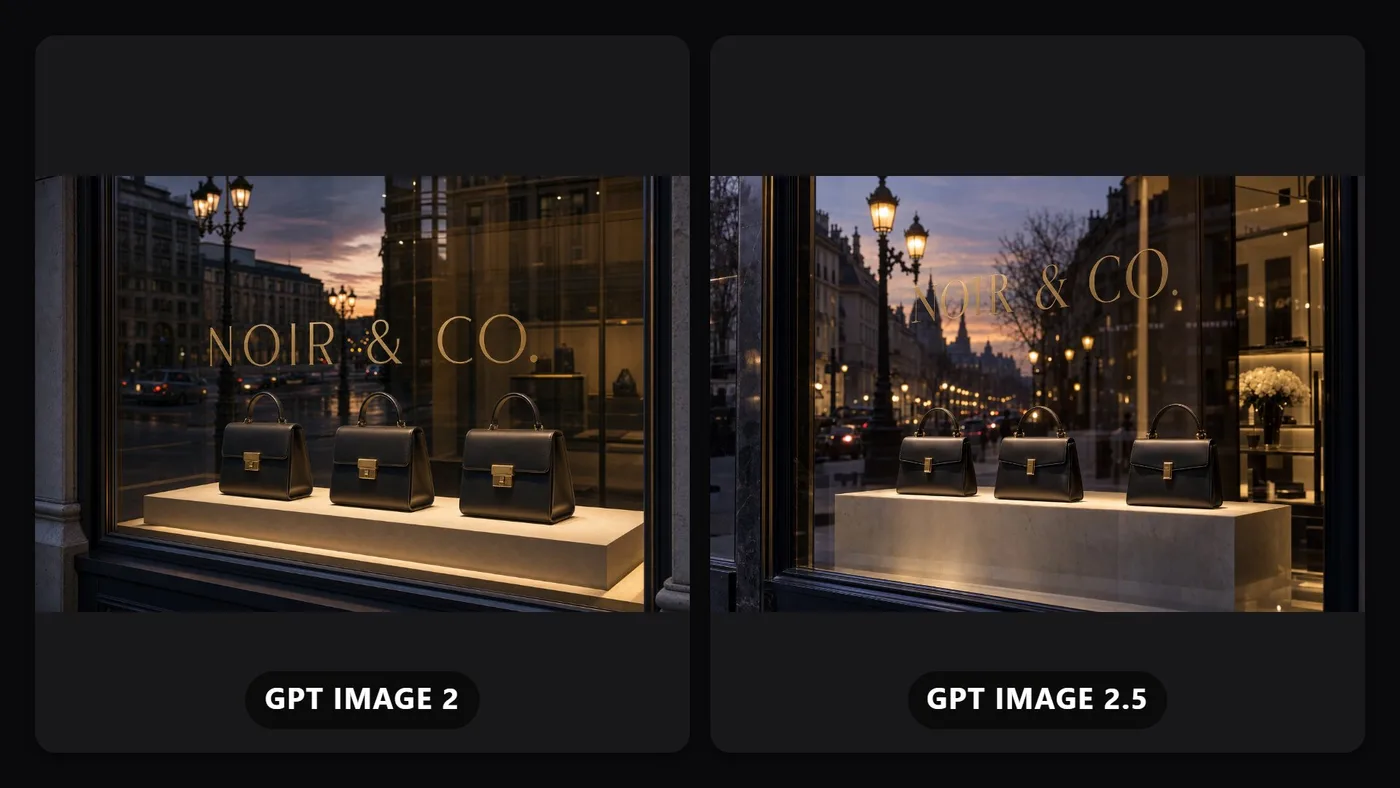
An advertising photo of a flagship store's glass display window at dusk, showing exactly three identical handbags displayed in a row on a lit pedestal inside, with the brand name "NOIR & CO." etched in thin gold lettering on the glass itself, positioned so the etched text overlaps the reflection of the street lamps outside without losing legibility. The reflection on the glass must show a faint mirrored version of the street outside while the three handbags behind the glass remain sharply visible and unreflected-over, dusk color grading, editorial luxury retail photography.
#GPtimage
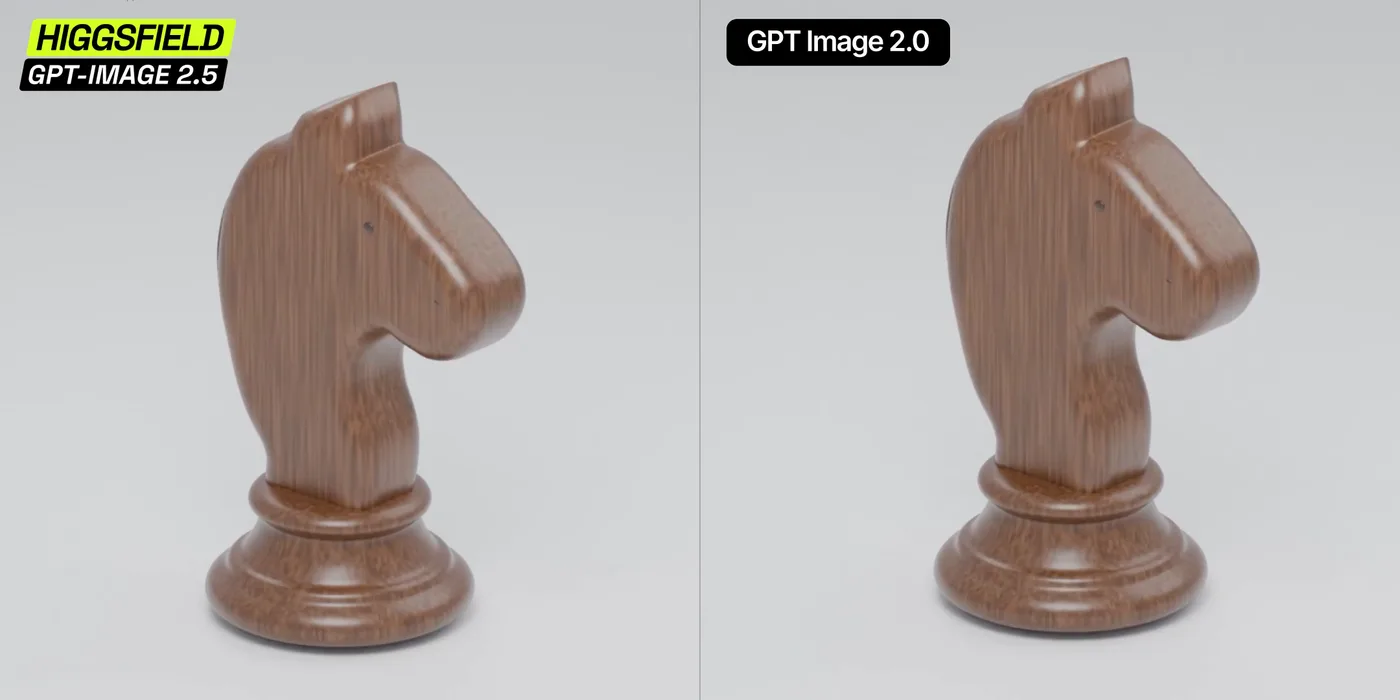
"Create a photorealistic studio turntable video of a polished wooden chess knight.
The knight has a minimalist carved horse silhouette: broad flat sides, a rounded elongated muzzle, a tiny dark eye, an angular ear, and a gently curved neck. A smooth, dark brown insert follows the mane along the back. The figure stands on a wide circular wooden base with several concentric stepped rings.
Use warm brown wood with clearly visible vertical grain, softly rounded edges, and a glossy lacquer finish. Preserve the exact shape, proportions, wood grain, and dark mane insert throughout the video.
The entire chess piece, including its base, rotates smoothly through one complete 360-degree turn around its vertical axis at a constant speed. It stays perfectly centered and firmly on the surface. The first and last frames match for a seamless loop.
Keep the camera completely stationary, looking slightly downward at the piece. Show the entire object with a small margin above and below. Use a seamless light-gray studio background and floor, soft diffused lighting, gentle highlights on the lacquer, and a subtle contact shadow beneath the base.
Duration: 3 seconds. Frame rate: 30 fps. Square 1:1 composition.
No camera movement, zoom, cuts, wobbling, floating, deformation, changing proportions, sliding wood textures, flickering, additional objects, text, or logos."