Give me a cool in culture ad / fashion shot for a brand called Thread.
It's a hip young street brand. The ad shows a group of friends hanging out together with the tagline "Yours to Create."
Make it feel like a polished campaign image for a youth streetwear audience: stylish, contemporary, energetic, and tasteful.
Use clean composition, strong color direction, natural poses, and premium fashion photography cues.
Render the tagline exactly once, clearly and legibly, integrated into the ad layout.
No extra text, no watermarks, no unrelated logos.
Create an original, non-infringing logo for a company called Field & Flour, a local bakery.
The logo should feel warm, simple, and timeless. Use clean, vector-like shapes, a strong silhouette, and balanced negative space.
Favor simplicity over detail so it reads clearly at small and large sizes. Flat design, minimal strokes, no gradients unless essential.
Fully transparent background. Deliver a single centered logo with generous padding, clean alpha edges, and no solid backdrop, scenery, checkerboard, or watermark.
Create a Christmas holiday card illustration.
Scene:
a cozy Christmas scene with an old teddy bear sitting inside a keepsake box, slightly worn fur, soft stitching repairs, placed near a window with falling snow outside. The scene suggests the child has grown up, but the memories remain.
Mood:
Warm, nostalgic, gentle, emotional.
Style:
Premium holiday card photography, soft cinematic lighting,
realistic textures, shallow depth of field,
tasteful bokeh lights, high print-quality composition.
Constraints:
- Original artwork only
- No trademarks
- No watermarks
- No logos
Include ONLY this card text (verbatim):
"Merry Christmas — some memories never fade."
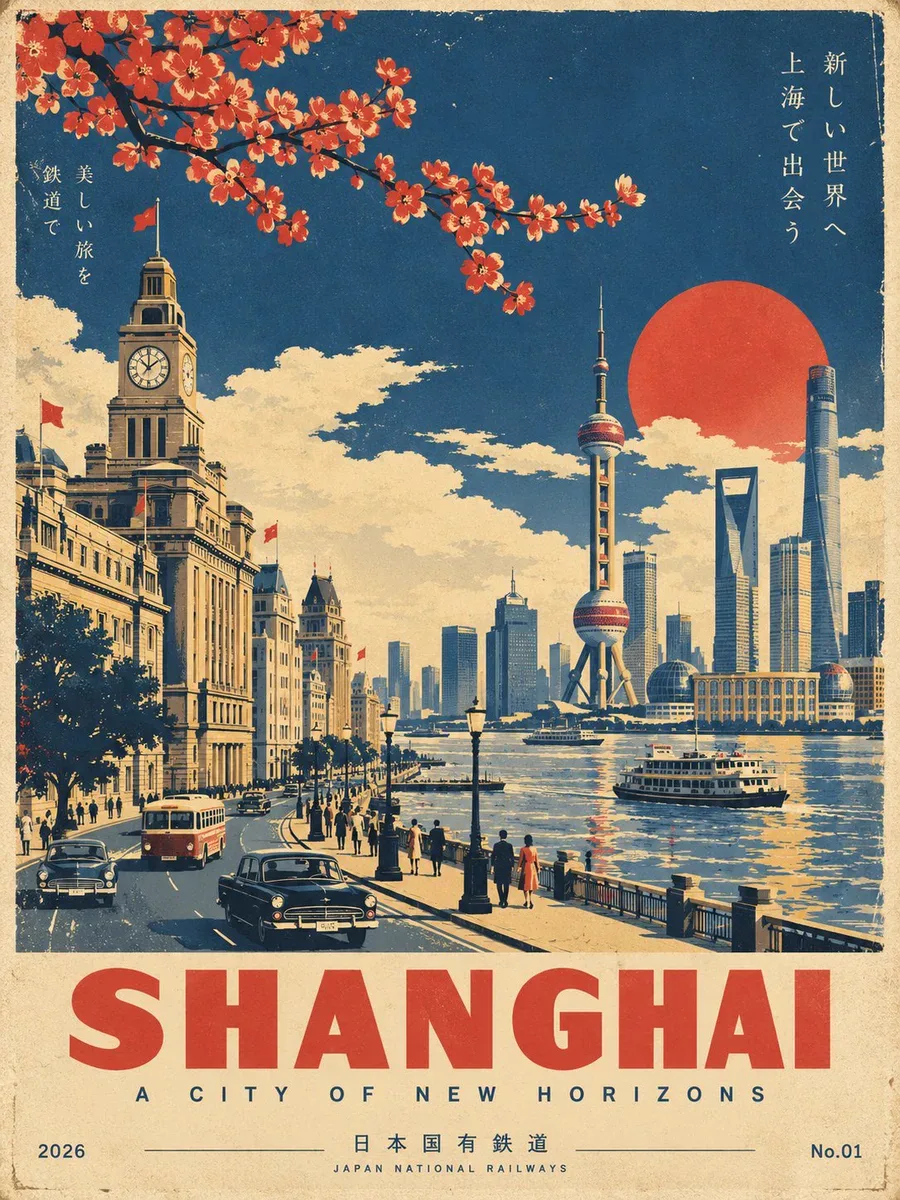
Create a premium, ultra-refined Showa-era Japanese vintage travel poster for [LOCATION].
FORMAT: Vertical 3:4 | Collector’s travel poster | Mid-century Japanese railway tourism aesthetic
CORE CONCEPT
Create a beautifully composed, instantly recognizable travel scene representing [LOCATION]. Feature its most iconic landmark, architecture, landscape, streets, transportation, and atmospheric details, selecting elements that naturally define the destination.
Reimagine the scene as an authentic 1960s–1970s Japanese railway tourism poster, inspired by classic Japanese National Railways travel advertising and sophisticated vintage screen-printed graphics.
The result should feel like an originally designed vintage poster, not a modern photograph with a retro filter.
VISUAL STYLE
Use bold geometric forms, simplified architecture, clean perspective lines, strong silhouettes, and elegant flat graphic shapes.
Combine sophisticated mid-century Japanese graphic design with traditional screen-print and lithographic aesthetics. Keep the composition cinematic, balanced, spacious, and visually striking.
People and vehicles should be minimal and stylized rather than photorealistic.
COLOR & PRINT TEXTURE
Use a restrained vintage palette of:
deep navy blue, warm ivory/aged paper, muted mustard yellow, and vermilion red accents.
Use flat printed color fields rather than digital gradients. Add subtle paper grain, authentic ink texture, slight ink wear, and delicate vintage print misregistration for a convincing screen-printed feel.
Avoid neon colors, glossy 3D rendering, excessive photorealism, modern AI-art aesthetics, and overly saturated colors.
TYPOGRAPHY & LAYOUT
Reserve generous negative space at the bottom for elegant vintage typography.
Main title: "[LOCATION]"
Large, bold, geometric sans-serif lettering.
Add a refined, location-appropriate subtitle beneath it with generous letter spacing.
Place 2026 discreetly at the bottom left and No.01 at the bottom right.
Typography should feel authentic to a premium Japanese railway tourism poster: restrained, elegant, highly legible, and perfectly integrated into the artwork.
FINAL RESULT
Create a timeless, sophisticated Japanese Showa-era travel poster that feels like a rare original screen-printed railway advertisement from the 1960s–1970s, while showcasing the unique identity, beauty, and most recognizable visual characteristics of [LOCATION].
IMPORTANT: Make [LOCATION] immediately recognizable. Prioritize iconic local landmarks, authentic architecture, distinctive landscapes, and culturally characteristic details. Do not invent generic scenery that could represent any destination.
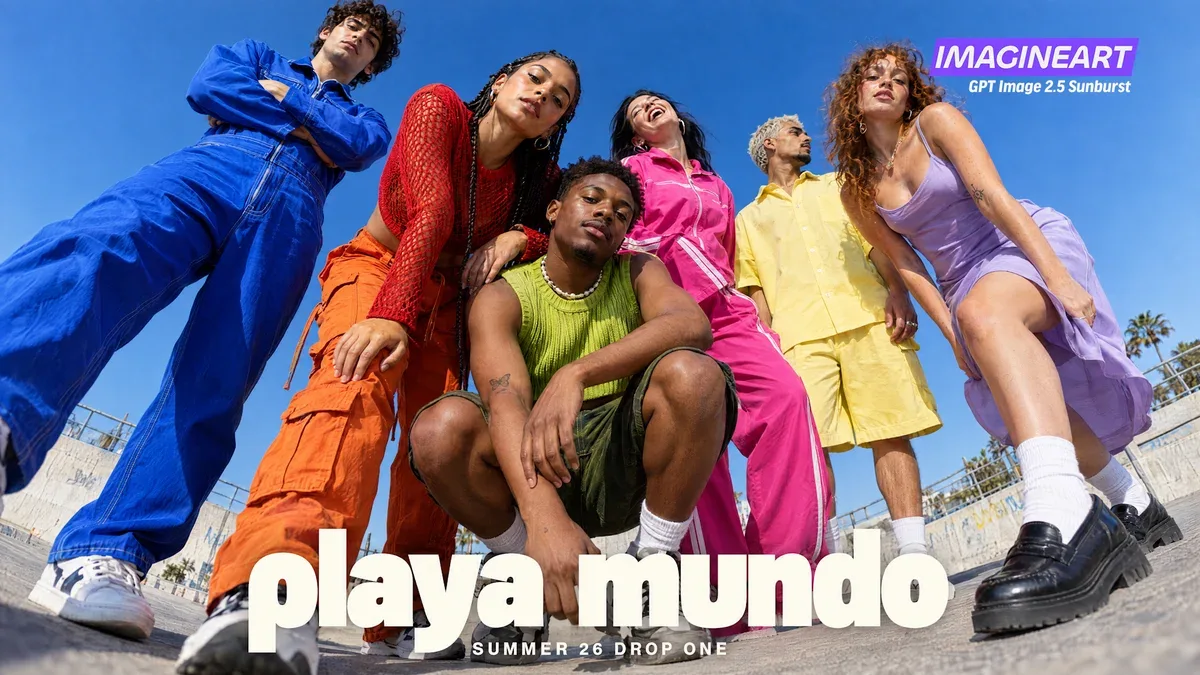
a fashion campaign for an invented label, shot from a camera on the ground with a 24mm lens tilted fifteen degrees. Six people in electric blue, tomato red, lime green, hot pink, butter yellow and lilac, all posed differently, against plain cobalt sky.
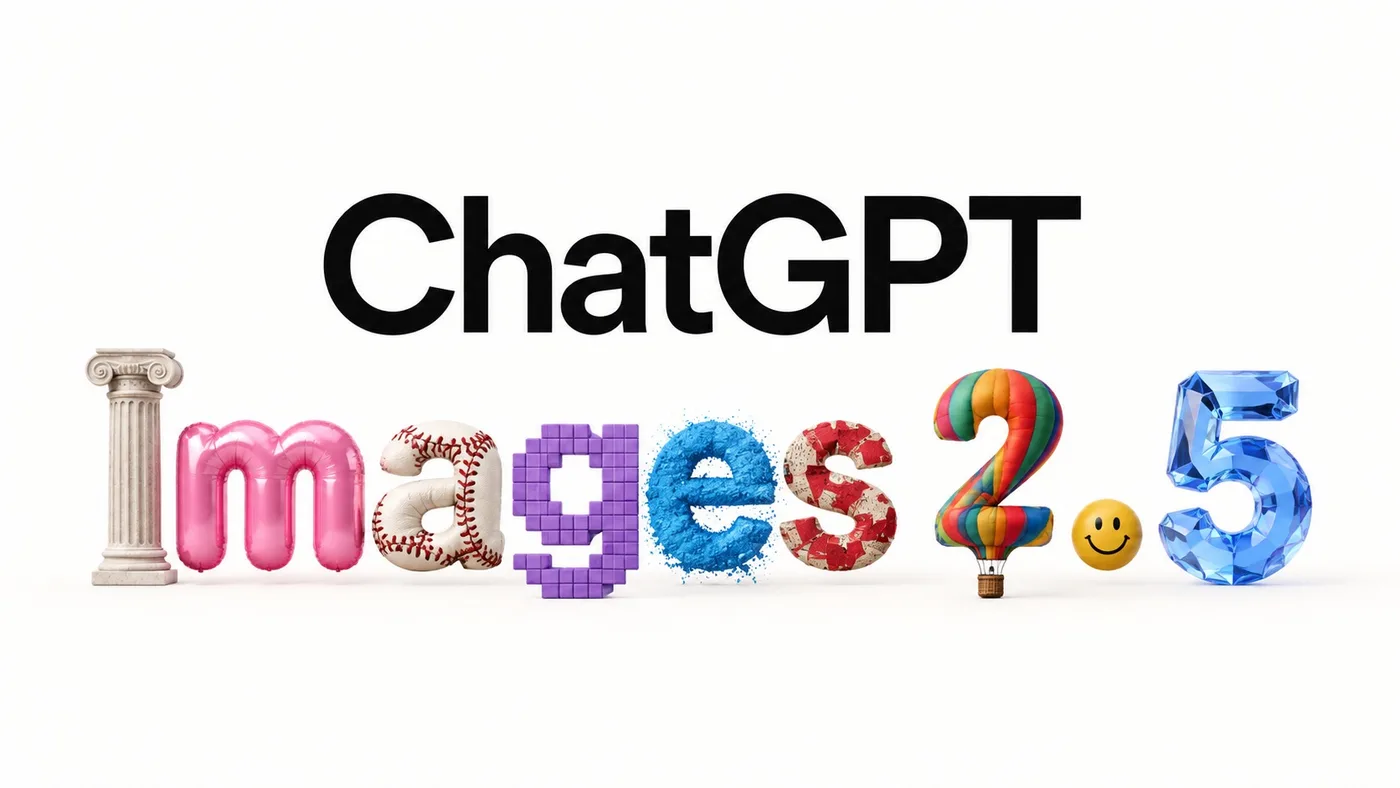
Create a minimalist 16:9 launch graphic on a pure warm-white background with enormous amounts of clean negative space.
Centered composition.
Top line: the exact word "ChatGPT" in very large, clean, black modern sans-serif typography.
Directly underneath it: the exact text "Images 2.5".
Each individual character in "Images 2.5" must be rendered as a completely different physical or artistic medium while still remaining immediately readable as the correct letter.
Despite the wildly different materials, preserve perfect baseline alignment, spacing and legibility.
No extra decorative elements, no additional text.
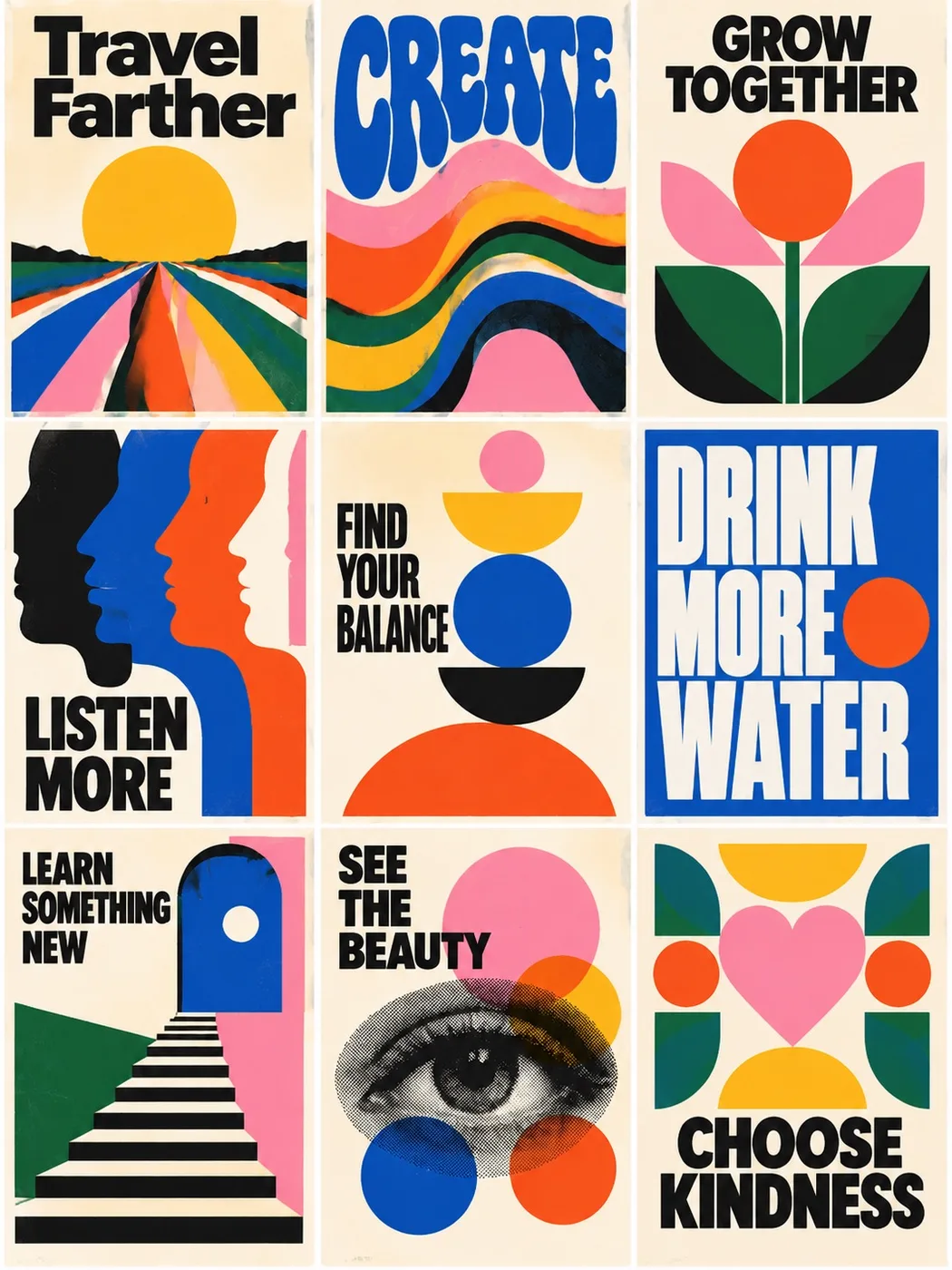
Create a perfectly aligned 3 x 3 grid of nine mid-century modern motivational posters sharing one limited palette.
Exact headlines: Travel Farther, CREATE, GROW TOGETHER, LISTEN MORE, FIND YOUR BALANCE, DRINK MORE WATER, LEARN SOMETHING NEW, SEE THE BEAUTY, CHOOSE KINDNESS.
Flat printed poster aesthetic, equal gutters, no mockup frames.
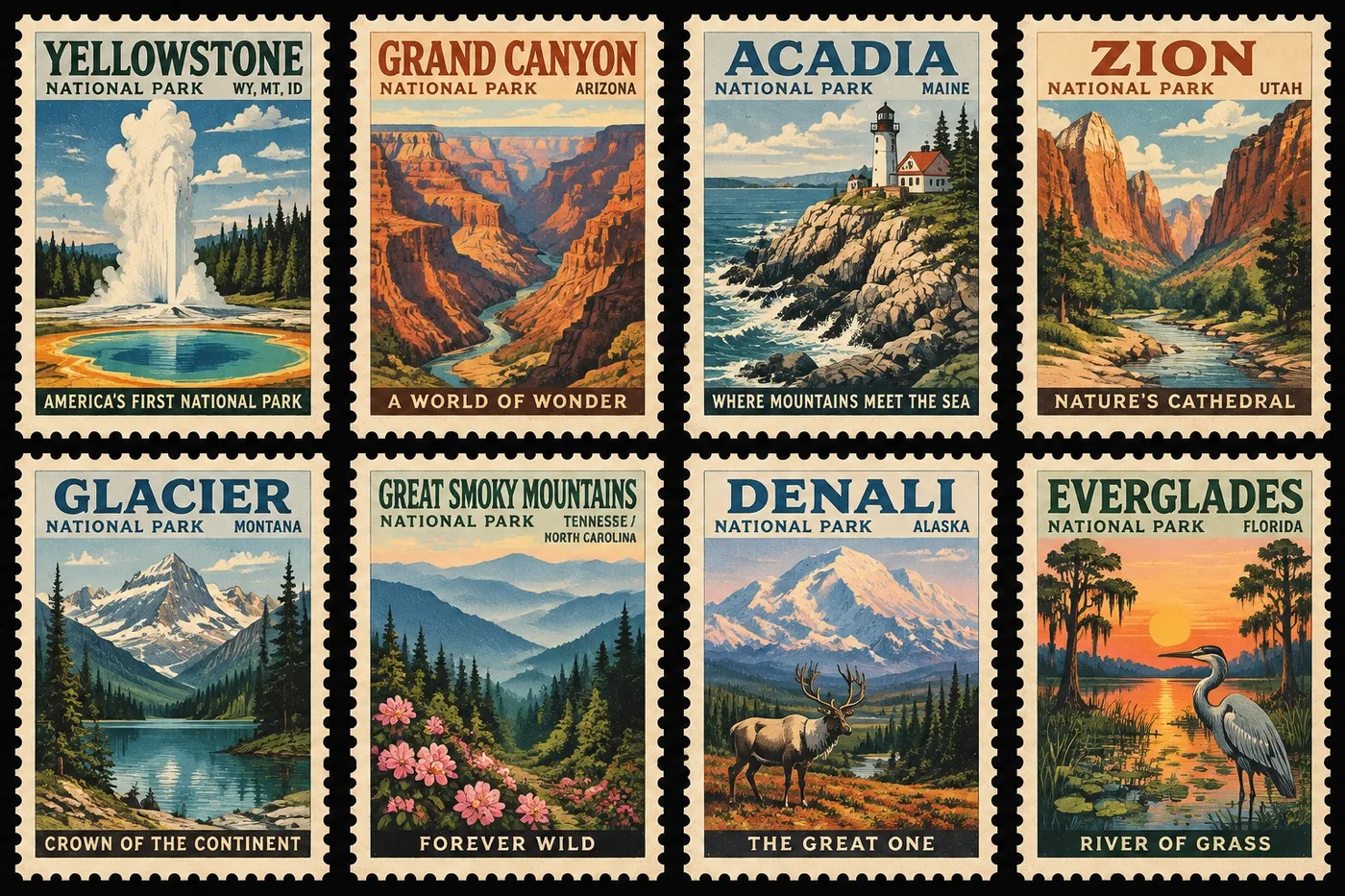
A collectible sheet of eight vintage U.S. national park postage stamps in a 4 x 2 grid on black.
Yellowstone, Grand Canyon, Acadia, Zion, Glacier, Great Smoky Mountains, Denali, Everglades.
WPA travel-poster illustration, perforated cream edges, readable type, one series not eight unrelated pictures.
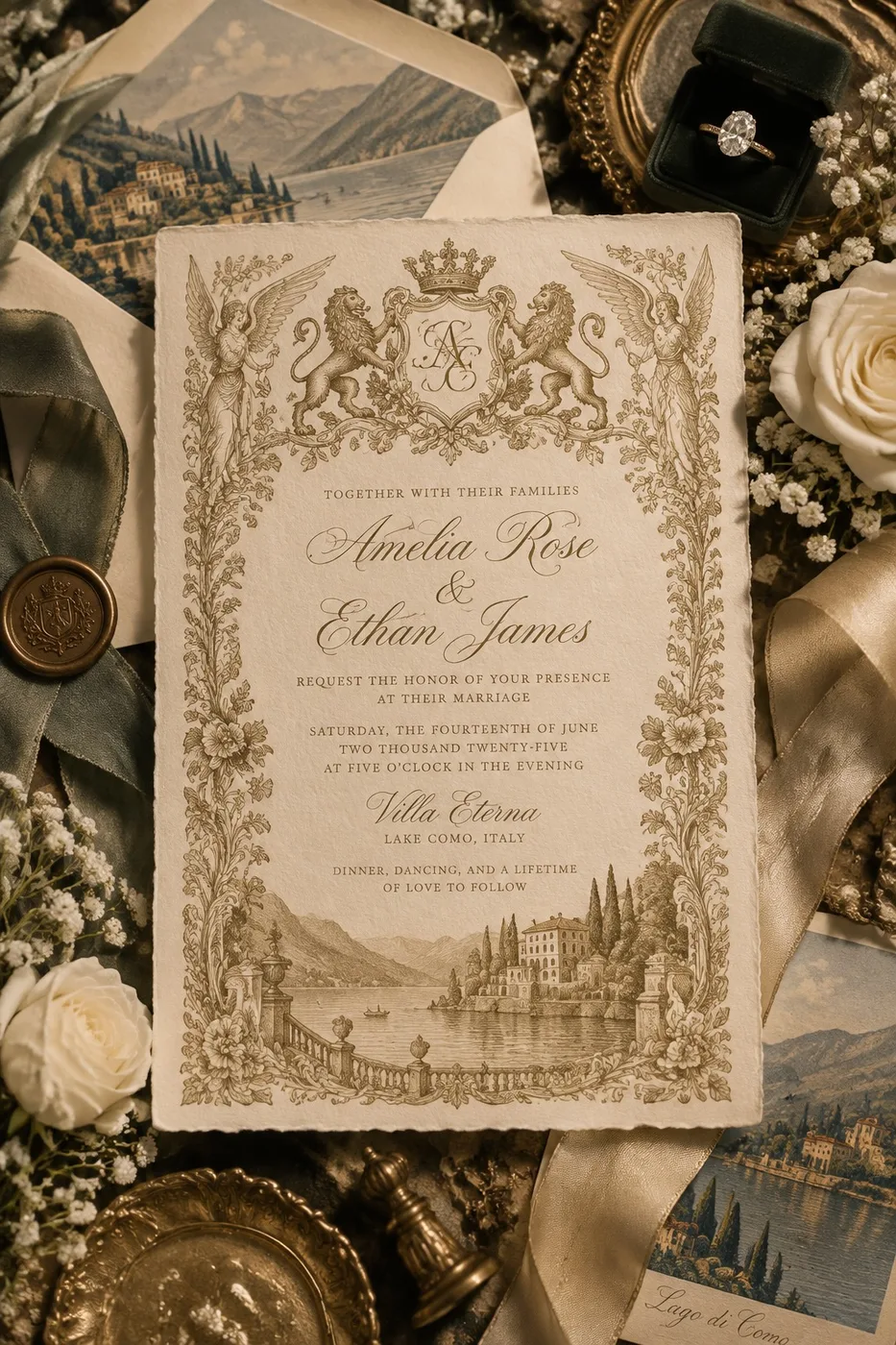
Luxurious editorial flat-lay of an old-world European wedding invitation on ivory cotton paper with gold engraving.
Exact names Amelia Rose and Ethan James, Villa Eterna, Lake Como.
Roses, ribbons, wax seal, velvet ring box. No modern minimalist paper.
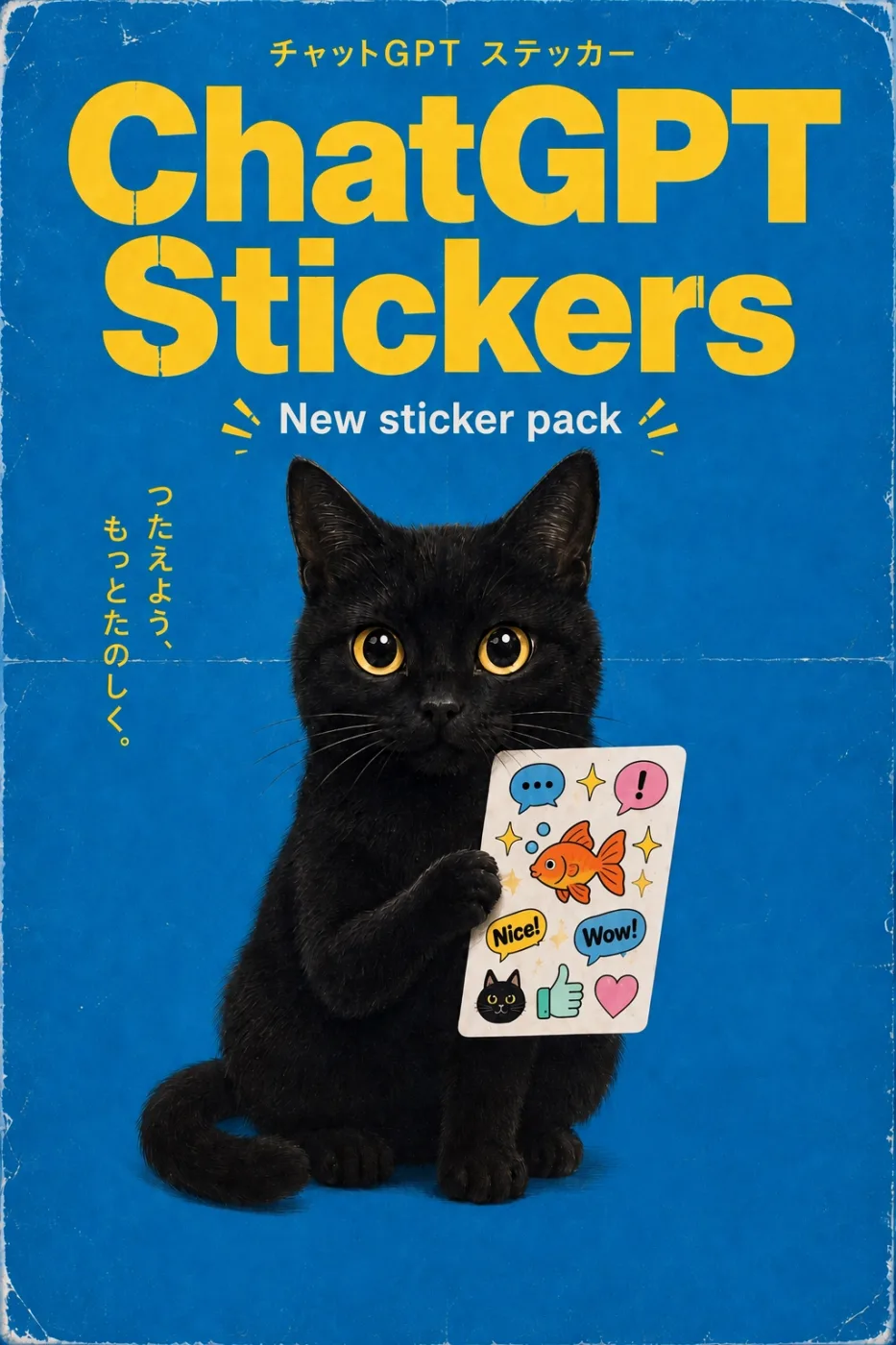
Design a vertical vintage Japanese commercial poster advertising a fictional ChatGPT sticker pack.
Bright saturated cobalt-blue background covering the full poster.
Authentic distressed physical print: worn white edges, fold lines, paper scratches, subtle discoloration, screen-print texture.
At the top, small yellow Japanese text. Below it, gigantic two-line yellow headline: ChatGPT Stickers.
Centered white text: New sticker pack, with small decorative yellow rays.
Main subject: an adorable realistic black cat sitting upright against the blue background, huge round golden-yellow eyes, holding a white rectangular sticker sheet with one paw.
Stickers on the sheet: blue speech bubble, pink exclamation bubble, sparkles, orange goldfish, yellow Nice! bubble, blue Wow! bubble, small black cat face, green thumbs-up, pink heart.
Vertical yellow Japanese copy along the left side.
Quirky 1970s-1980s Japanese stationery advertisement, playful retro product packaging, perfectly legible typography, 2:3 vertical format.
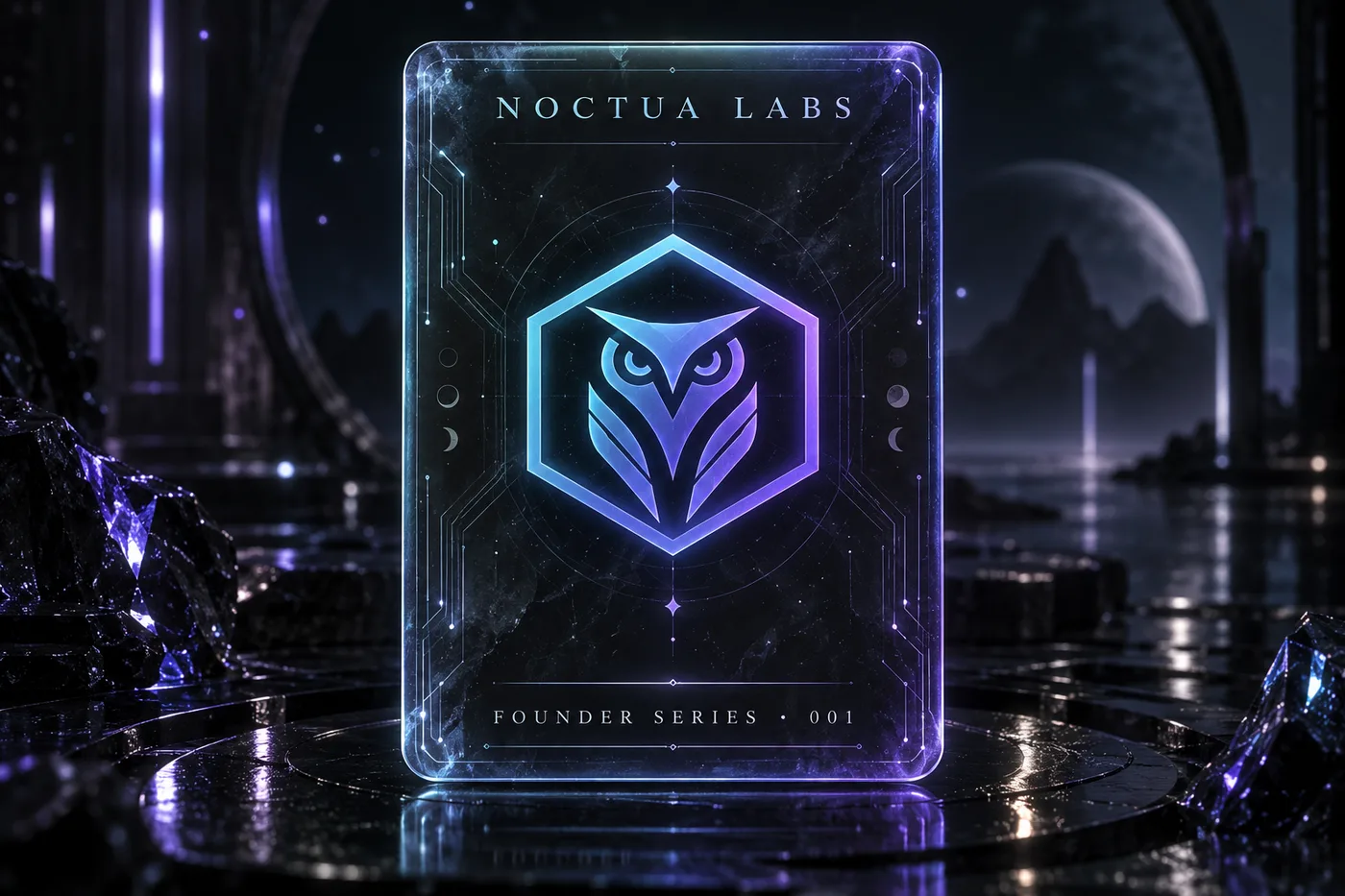
A futuristic trading card with a dark, moody neon aesthetic and soft sci-fi lighting. The card features a semi-transparent rounded rectangle with slightly muted glowing edges, appearing as if made of holographic glass. At its center floats the emblem of a fictional AI company: a minimalist geometric owl inside a hexagon, rendered in a cyan-to-violet gradient. The card top reads "NOCTUA LABS", the bottom reads "FOUNDER SERIES · 001". Subtle circuit traces and floating particles decorate the card. 3:2 landscape, ultra-detailed, premium collectible feel.
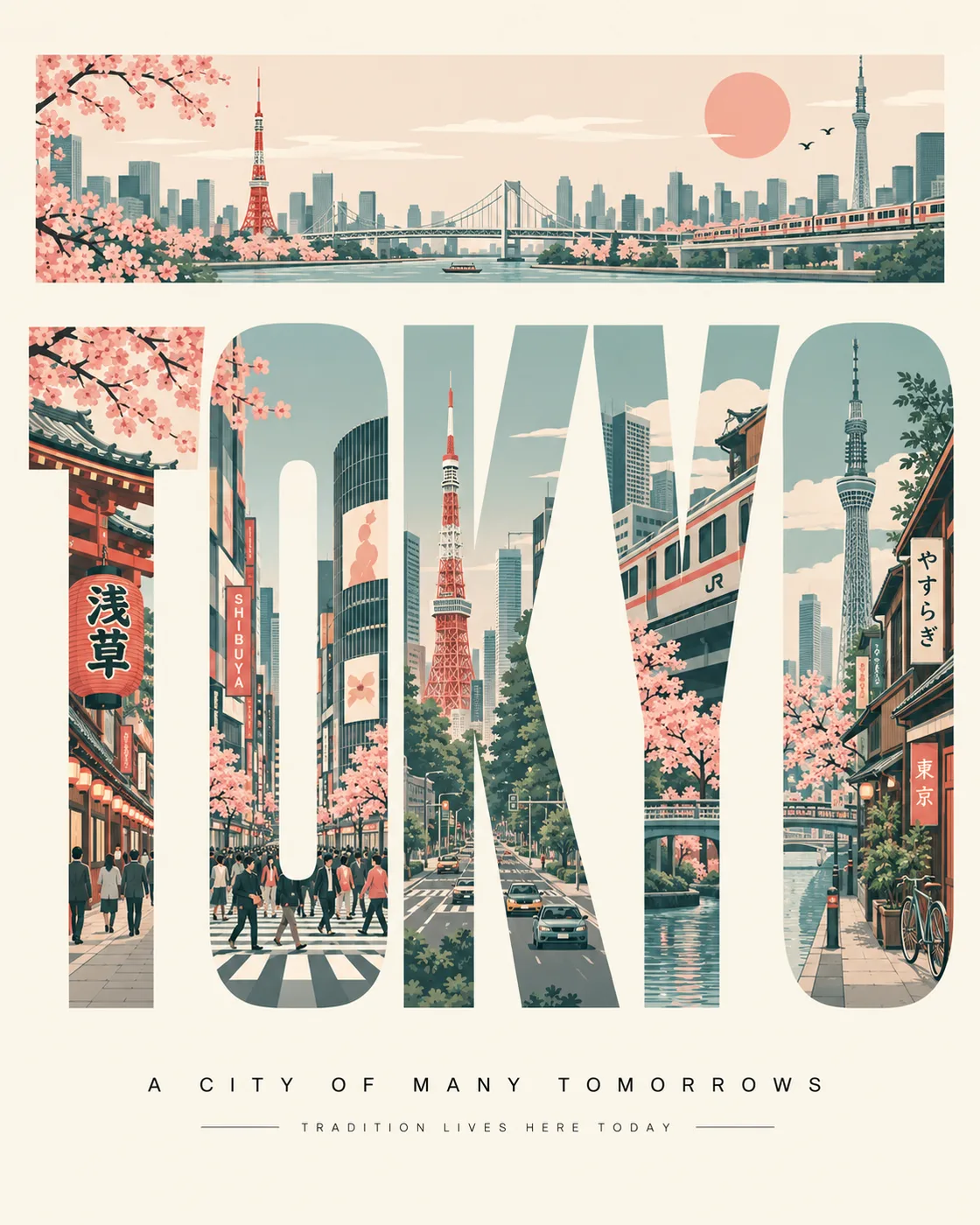
创作一张超高分辨率的 4:5 竖版旅行海报,主题围绕 TOKYO。所有可见文字必须仅使用英文,拼写完美且排版专业,不得出现字母扭曲、随机符号或 AI 乱码。核心设计:将巨大的单词“TOKYO”醒目地置于中心。使用高大、粗体的无衬线字体,每个字母内包含该地点不同的插画场景。将字母视为“画廊橱窗”,融入可识别的地标、建筑、街道、交通、自然、文化和当地氛围。将各字母间的场景连接起来,形成一幅连贯的视觉全景图。顶部条带:在排版上方添加一条细长的全景条带,根据需要加入简化的当地元素,如天际线、道路、车辆、火车、船只、桥梁、鸟类、云朵、太阳或海岸线。风格:中世纪现代编辑海报、瑞士平面设计、高端旅行品牌感、极简扁平矢量插画、建筑信息图表美学、几何形状、边缘利落、细腻的线条艺术细节、强烈的留白以及精致的构图。色彩:根据 TOKYO 自动提取协调的调色板。仅使用 4–6 种柔和的粉彩色调,呈现优雅、低饱和度的旅行海报质感。
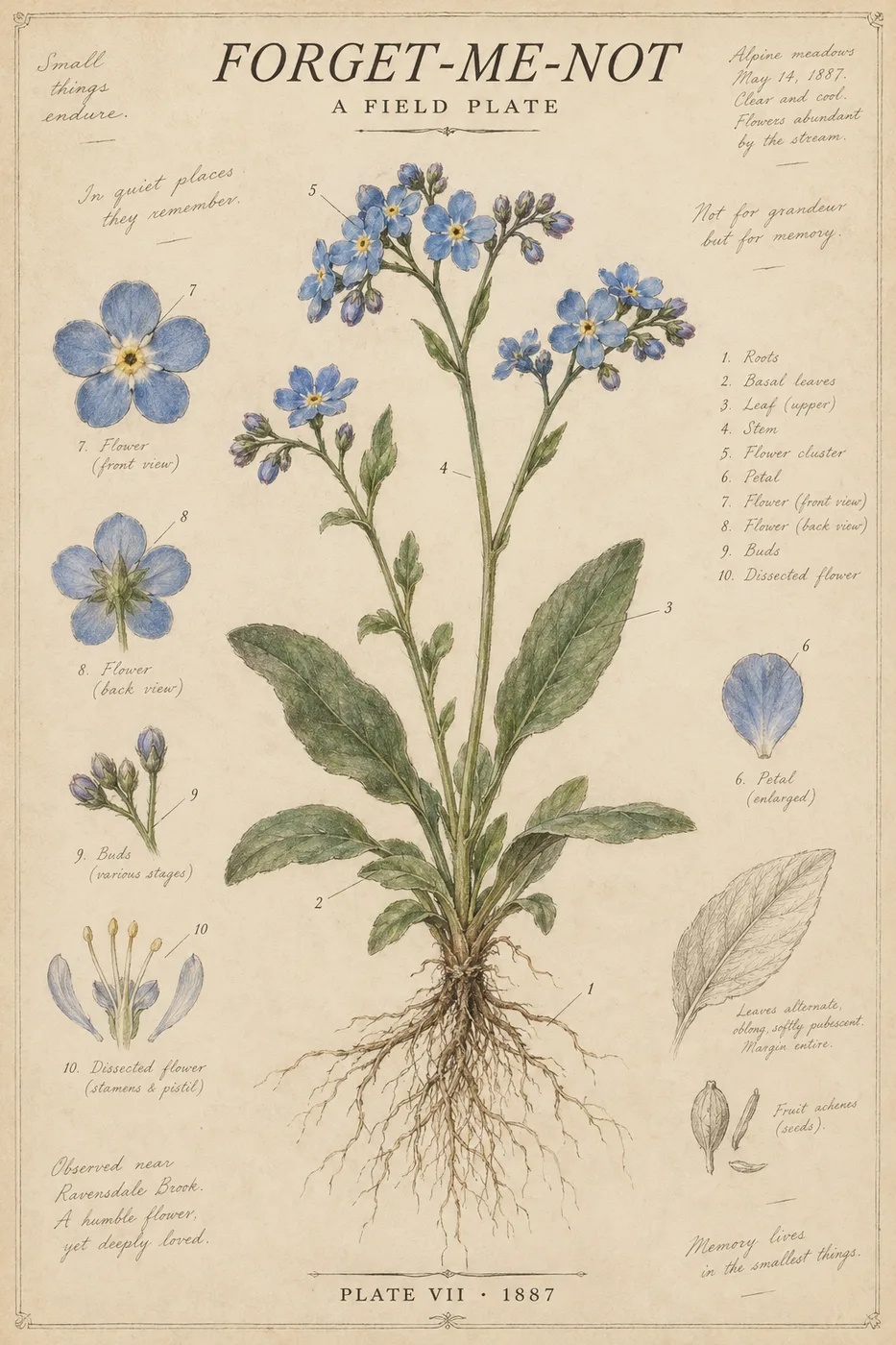
一张印在米色纸张上的科学植物学海报。画面中心是一朵巨大的 勿忘我 水彩画,包含根部,茎和花瓣上带有细小的编号标签。顶部为斜体衬线字体标题:"FORGET-ME-NOT"。副标题:"A FIELD PLATE"。底部:"PLATE VII · 1887"。边缘处有铅笔笔记。米色、靛蓝色、绿色,2:3 纵横比。