
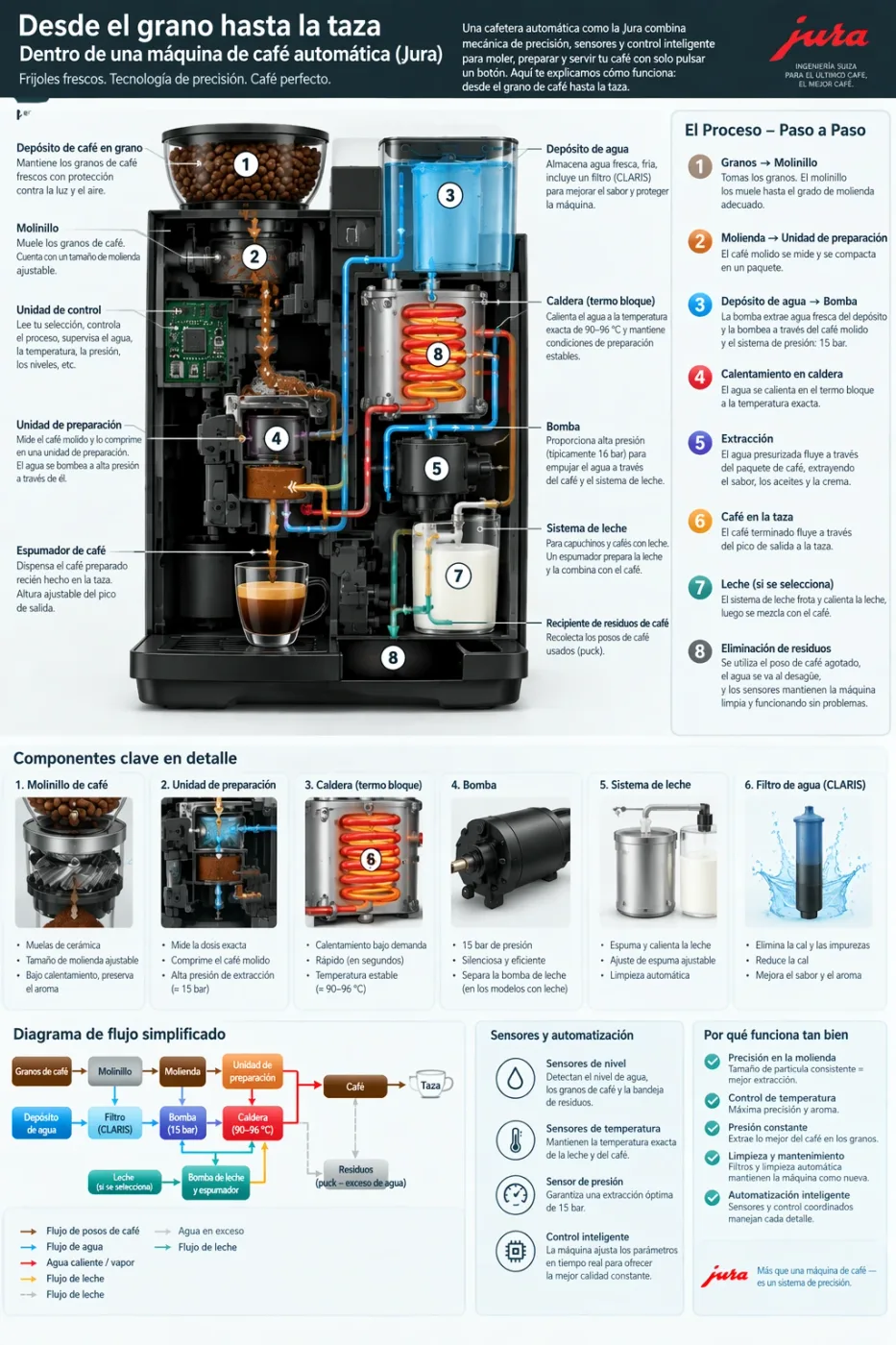
34+ prompts. Copy-ready GPT Image 2.5 prompts, each with the image it produced and a link to where it came from. Text-to-image, precise edits, infographics, UI mockups, sprite sheets and product shots.
← All 238 GPT Image 2.5 prompts
Last updated: · GPT Image 2.5 model & pricing · API docs
GPT Image 2.5 is the image model OpenAI shipped on 9 September 2026, in two API variants: Flare, which matches GPT Image 2 on quality and editing at roughly half the latency, and Sunburst, which trades time for precision on demanding work. Both render text cleanly, generate natively at 1K, 2K and 4K, and can return a transparent background. The headline change is controllable editing: you name what must not move, and it does not move. This page collects prompts that people actually ran, with the resulting image and a link to the source. On apimodels.app both variants are live, priced by resolution and quality — $0.01–$0.08 at 1K and $0.020–$0.15 at 2K for either, and at 4K $0.02–$0.3 on Flare or $0.02–$0.47 on Sunburst — billed only on success.
Source: OpenAI image prompting guide (the model vendor’s official site)
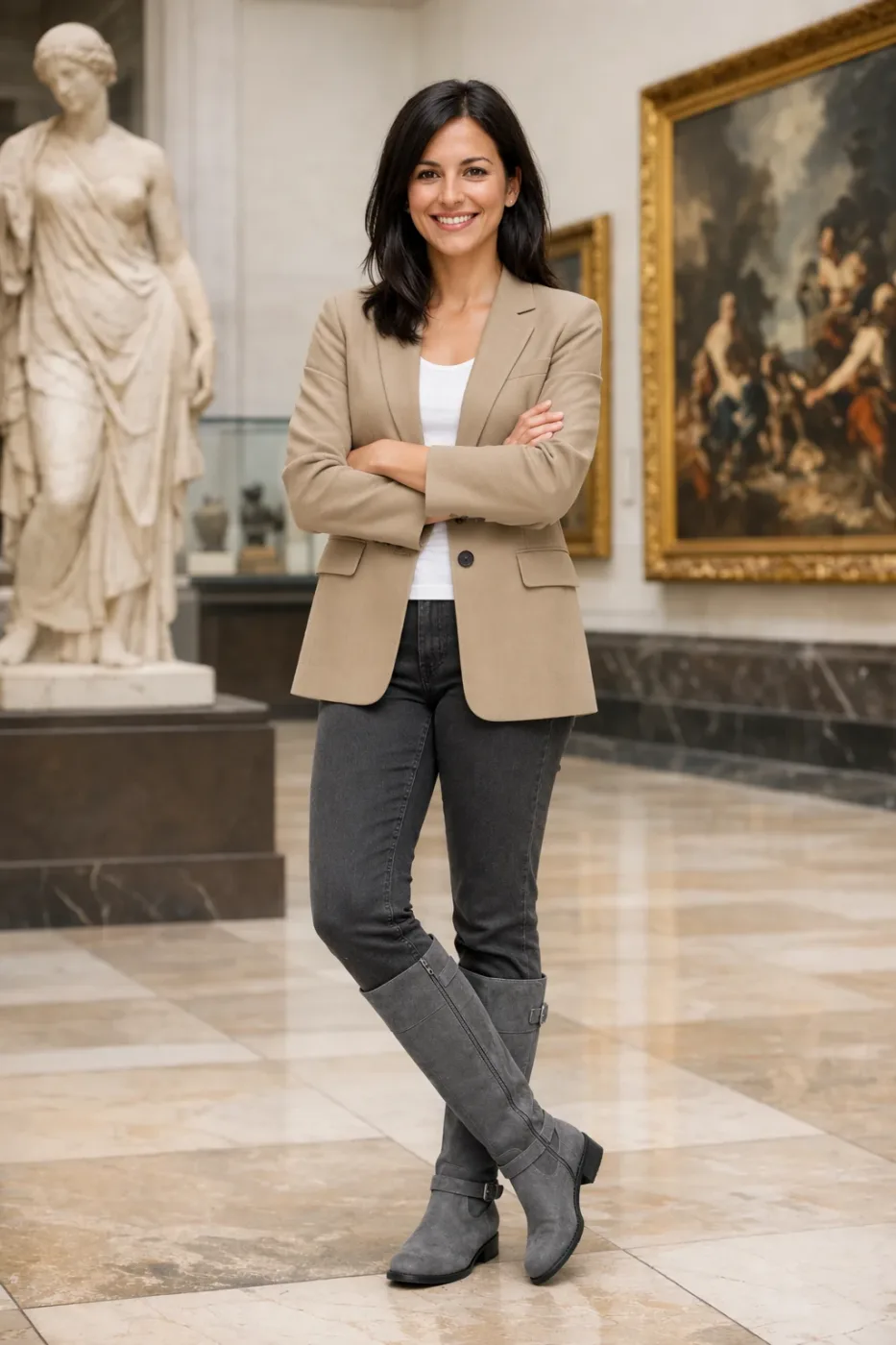
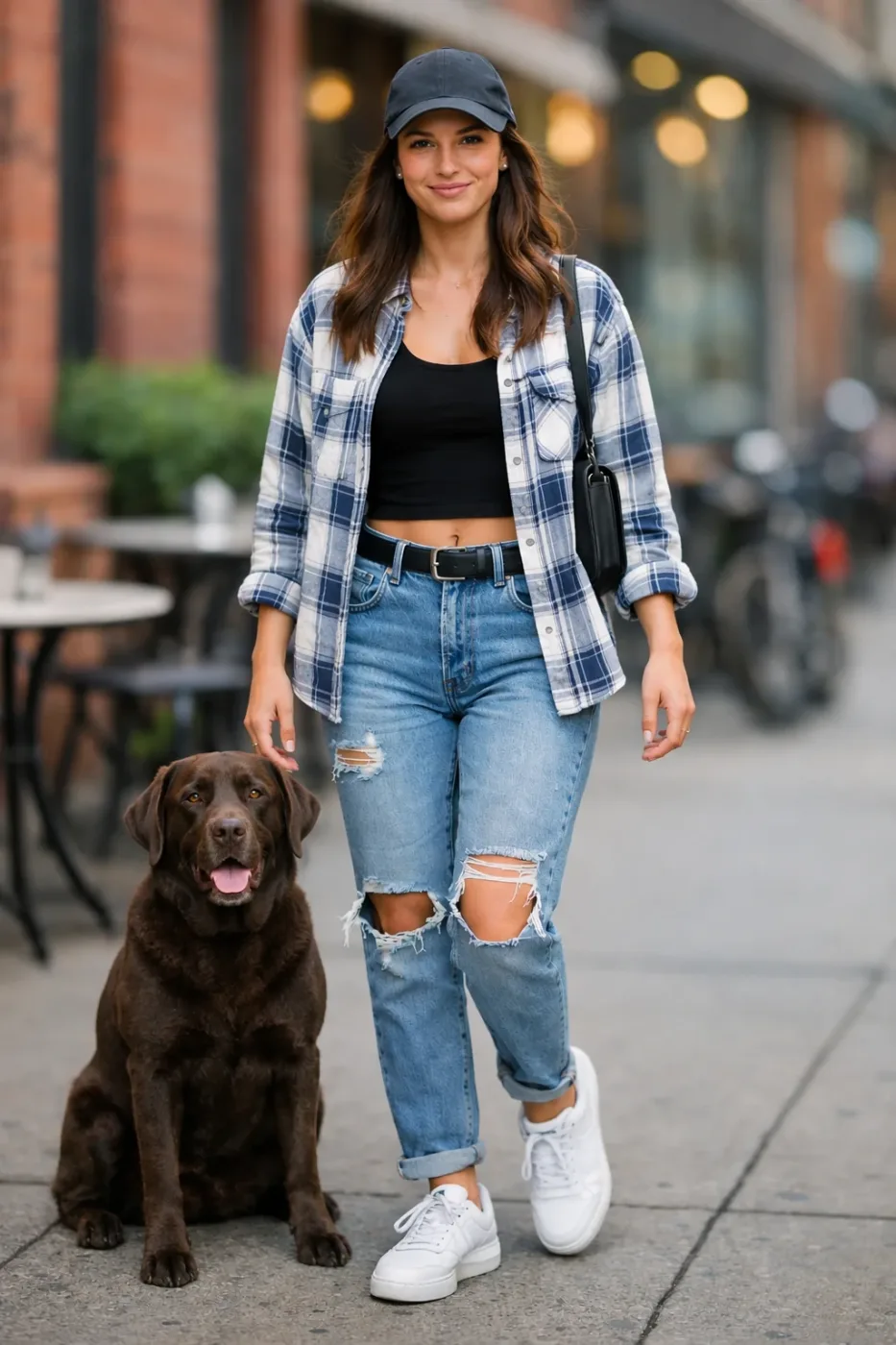
Edit the image to dress the woman using the provided clothing images. Do not change her face, facial features, skin tone, body shape, pose, or identity in any way. Preserve her exact likeness, expression, hairstyle, and proportions. Replace only the clothing, fitting the garments naturally to her existing pose and body geometry with realistic fabric behavior. Match lighting, shadows, and color temperature to the original photo so the outfit integrates photorealistically, without looking pasted on. Do not change the background, camera angle, framing, or image quality, and do not add accessories, text, logos, or watermarks.
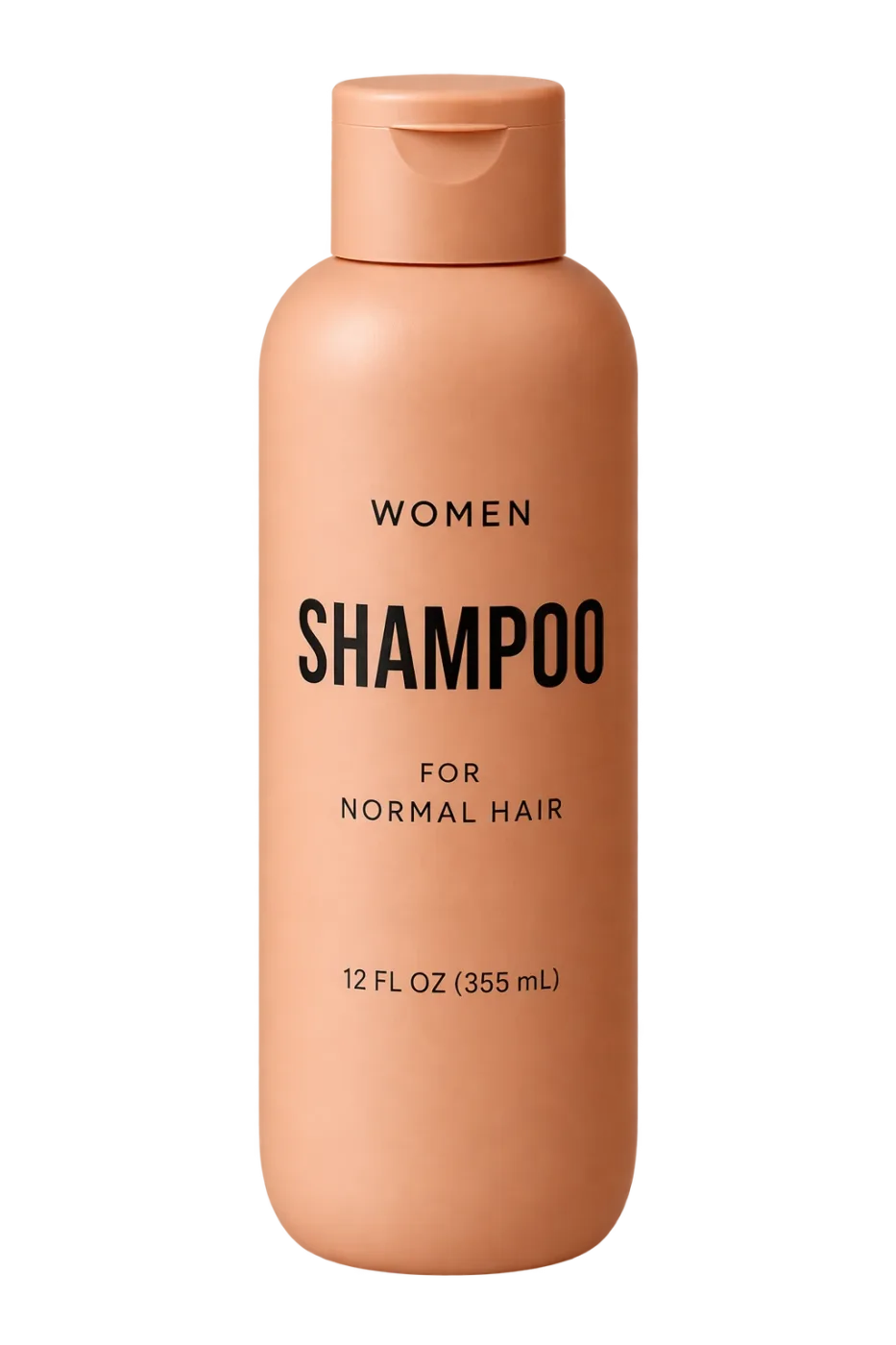
Extract the product from the input image and isolate it on a fully transparent background. Output: centered product, crisp silhouette, no halos/fringing. Preserve product geometry and label legibility exactly. Add only light polishing. Do not add a solid backdrop, checkerboard, scenery, or shadow. Do not restyle the product; remove the background and preserve clean alpha transparency.
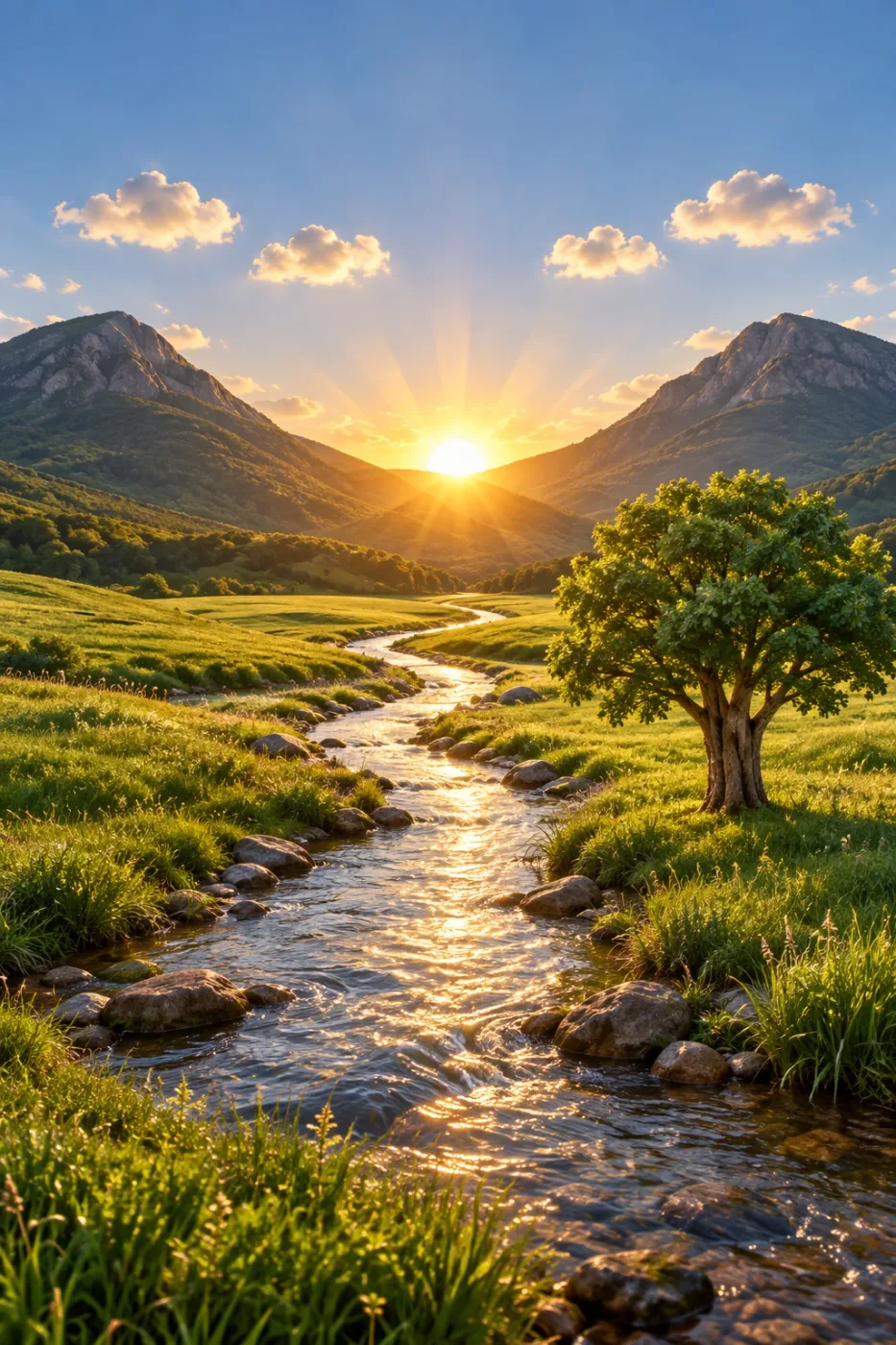
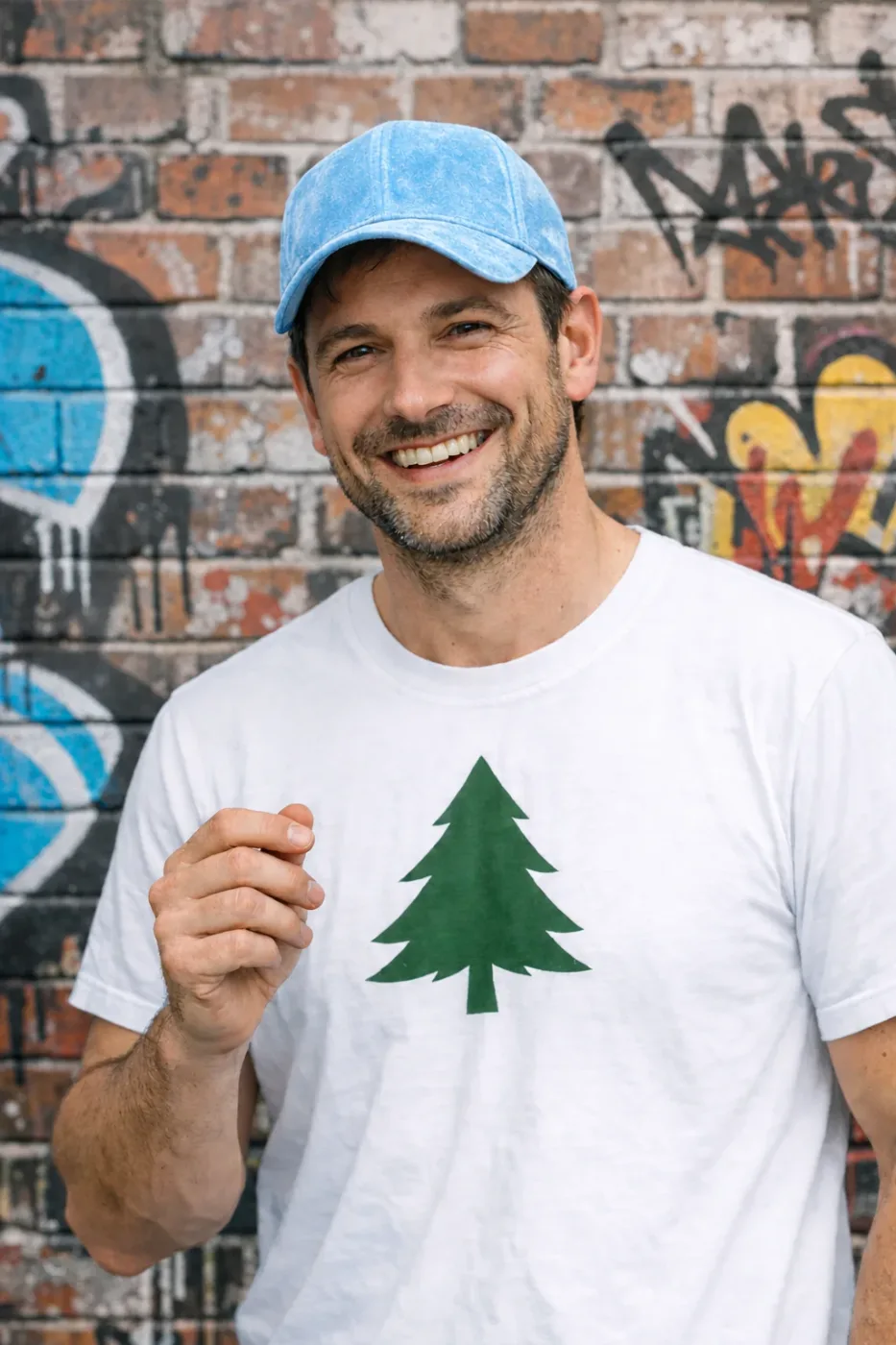
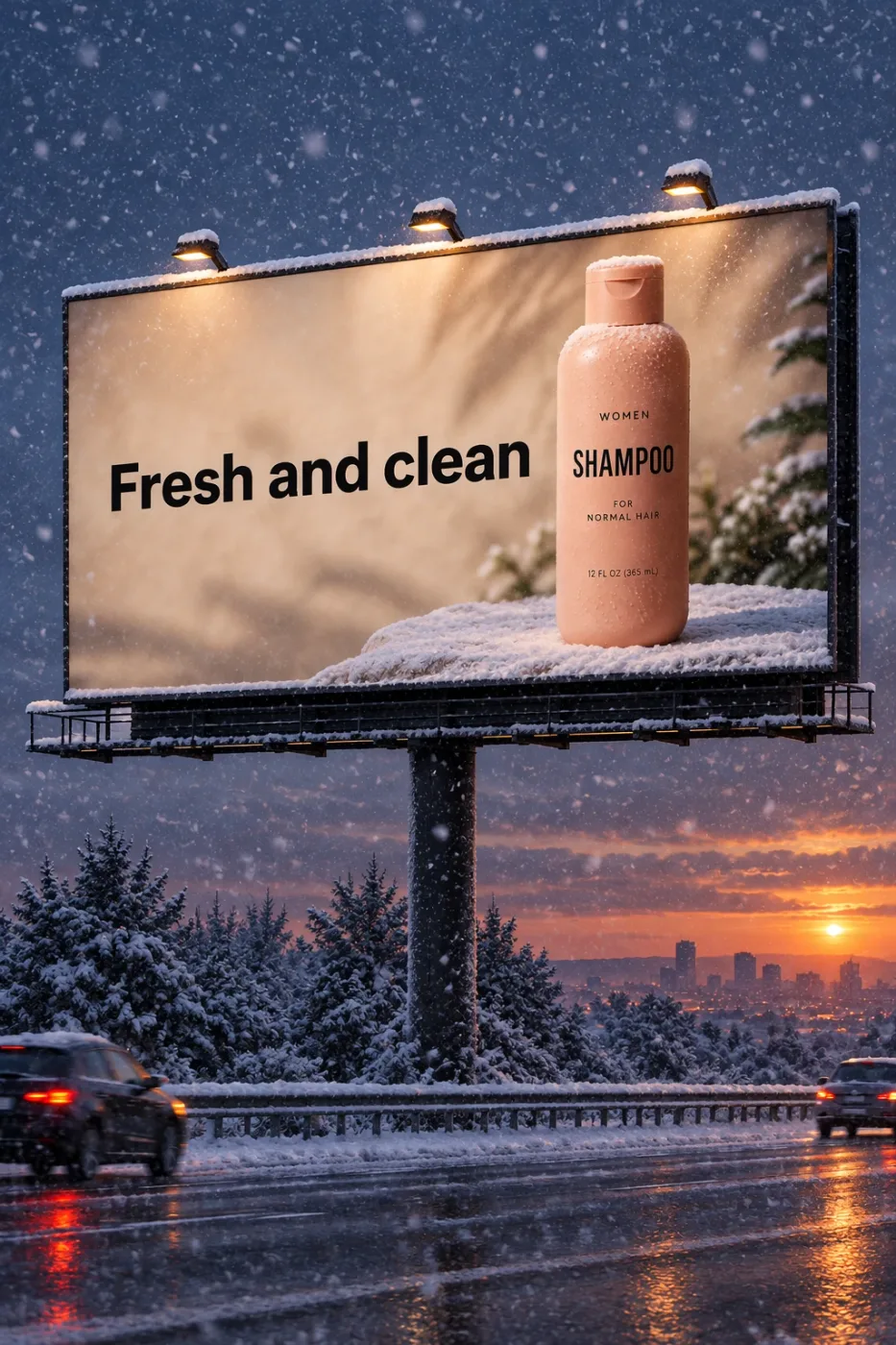
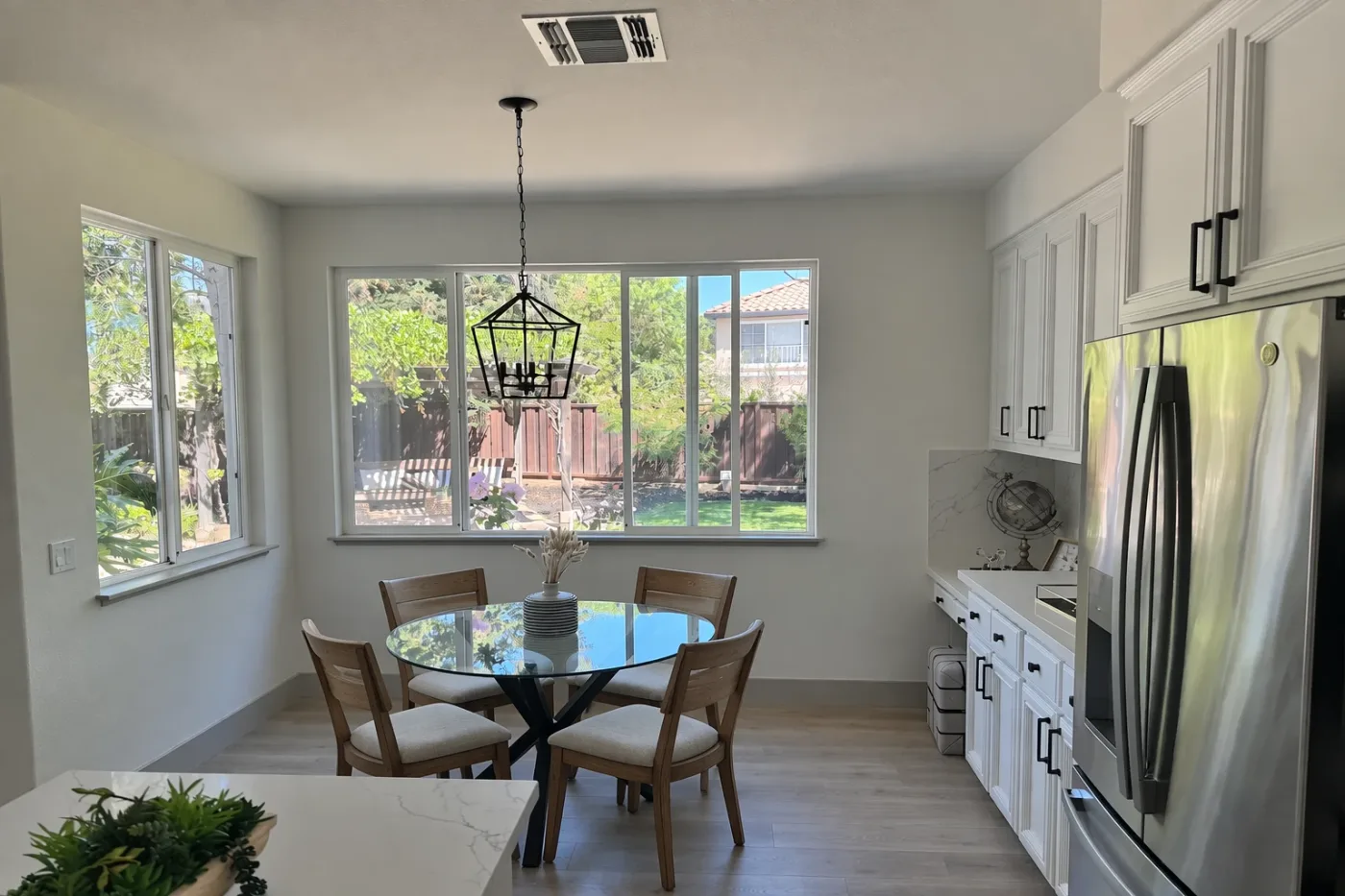
In this room photo, replace ONLY the white chairs with chairs made of wood. Preserve camera angle, room lighting, floor shadows, and surrounding objects. Keep all other aspects of the image unchanged. Photorealistic contact shadows and fabric texture.
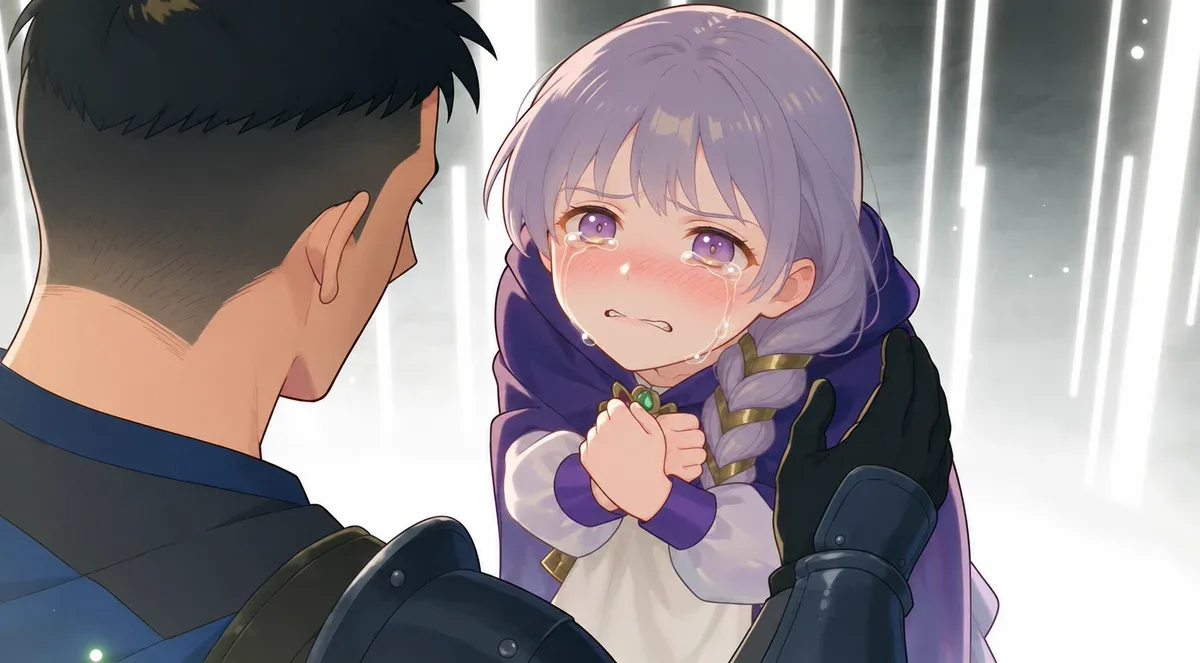
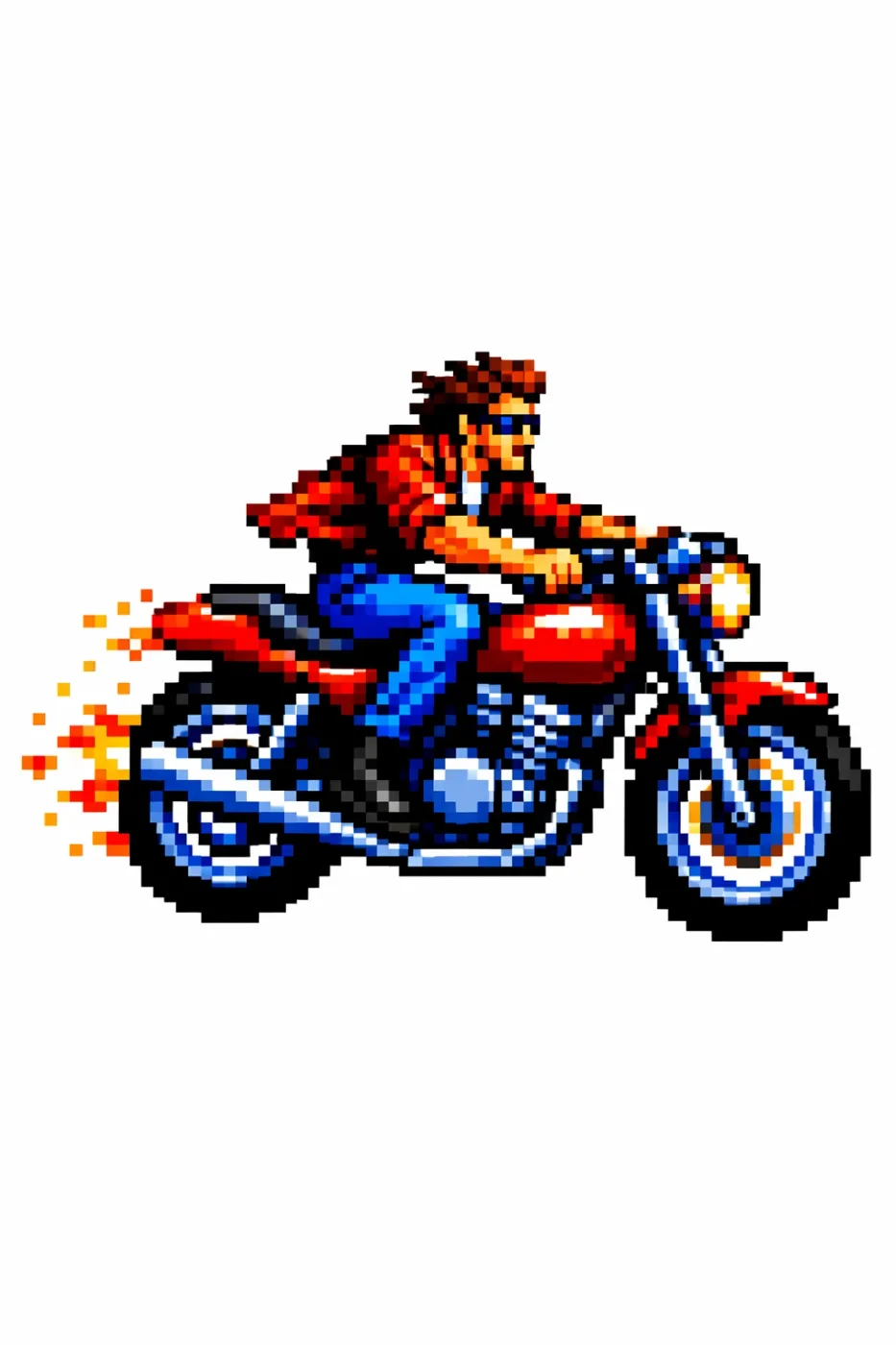
Upscale this low-resolution image. Do not introduce any new artifacts. Preserve the original art style, color treatment and composition exactly, while thoroughly removing noise and making the image clear.
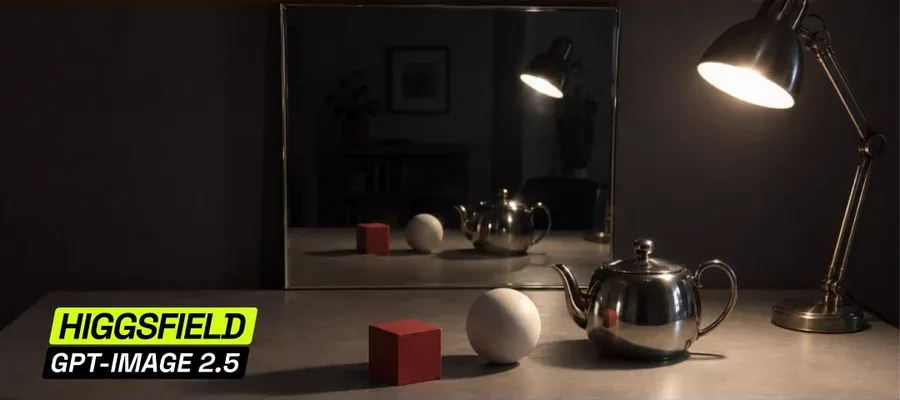
Move the lamp to the right
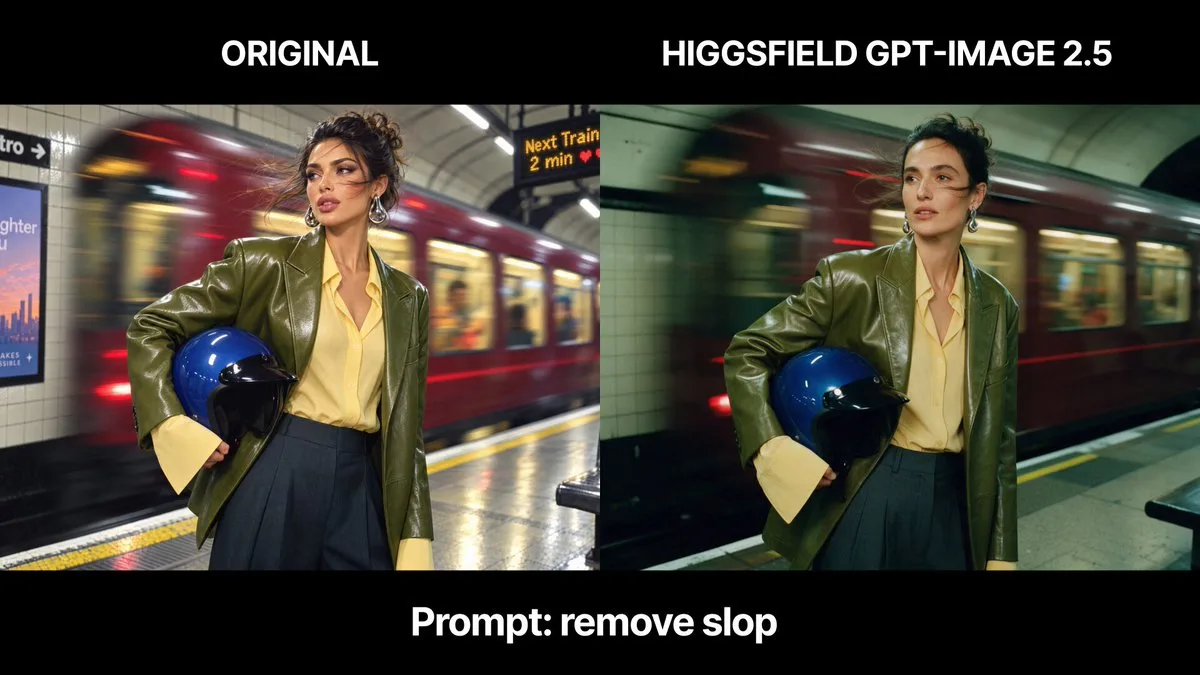
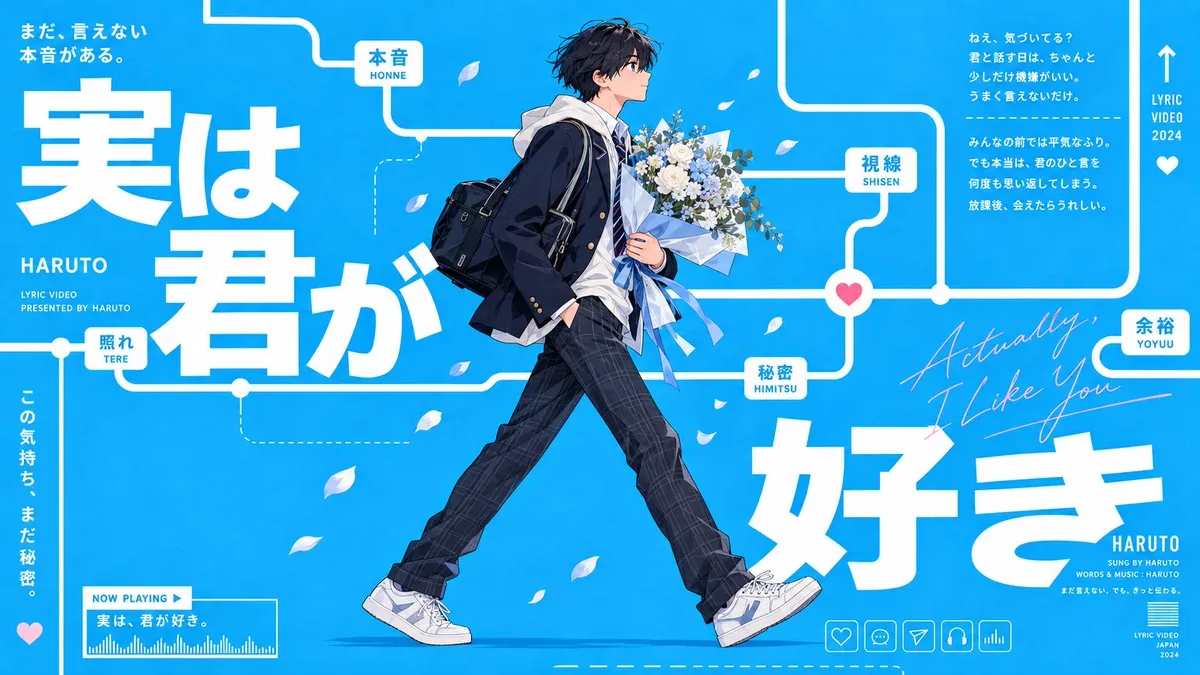
Keep the composition and world of the original design on the right, but remake it from a male perspective. Change all of the text.
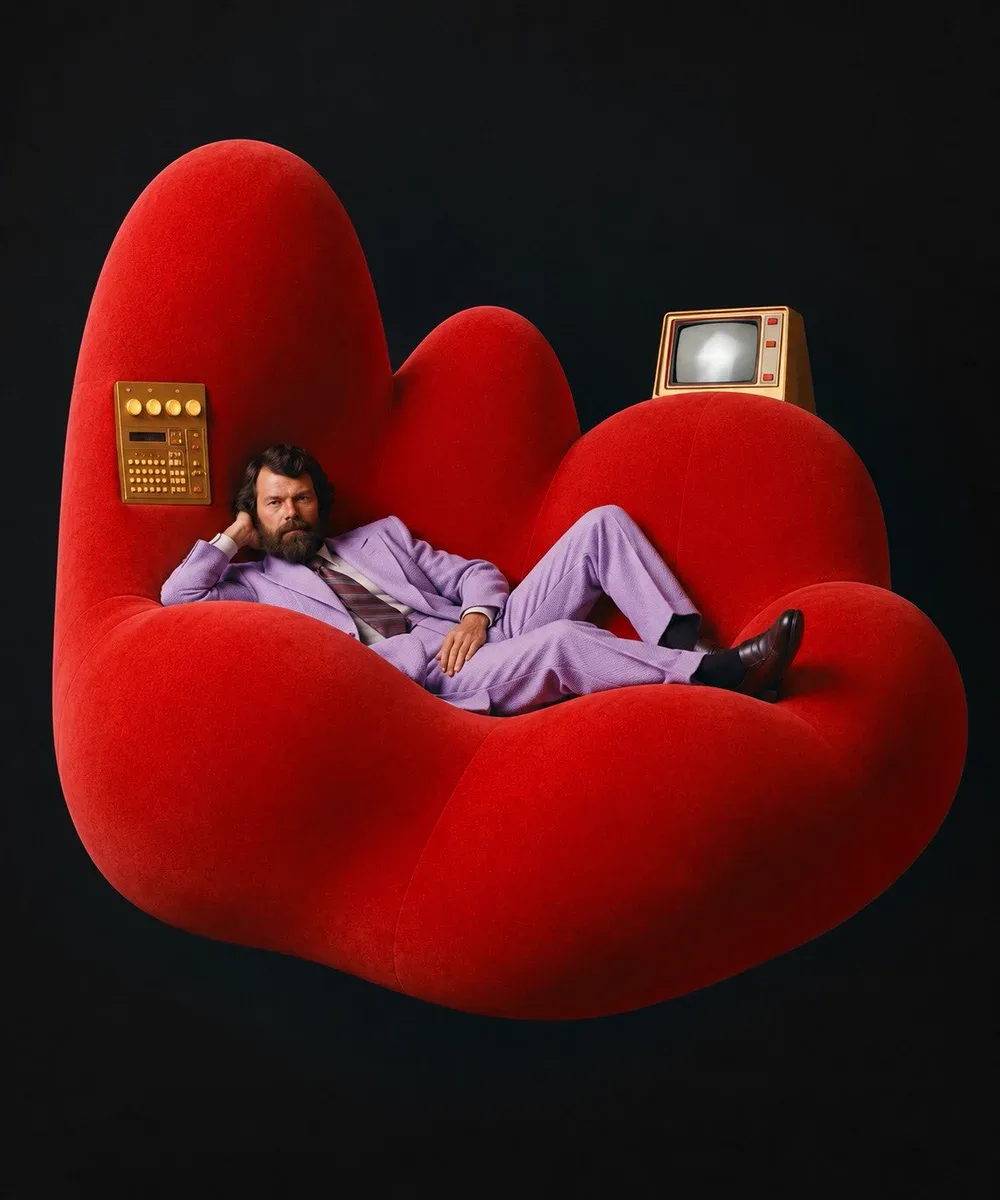
change the composition to this
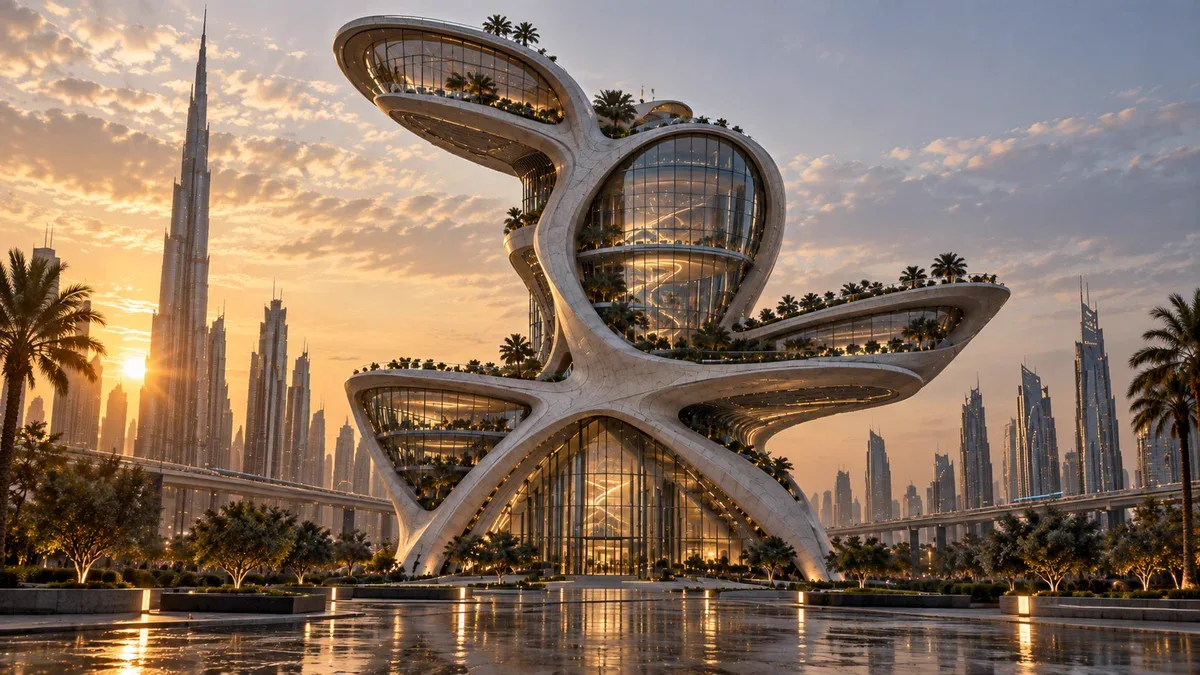
turn it into a future building
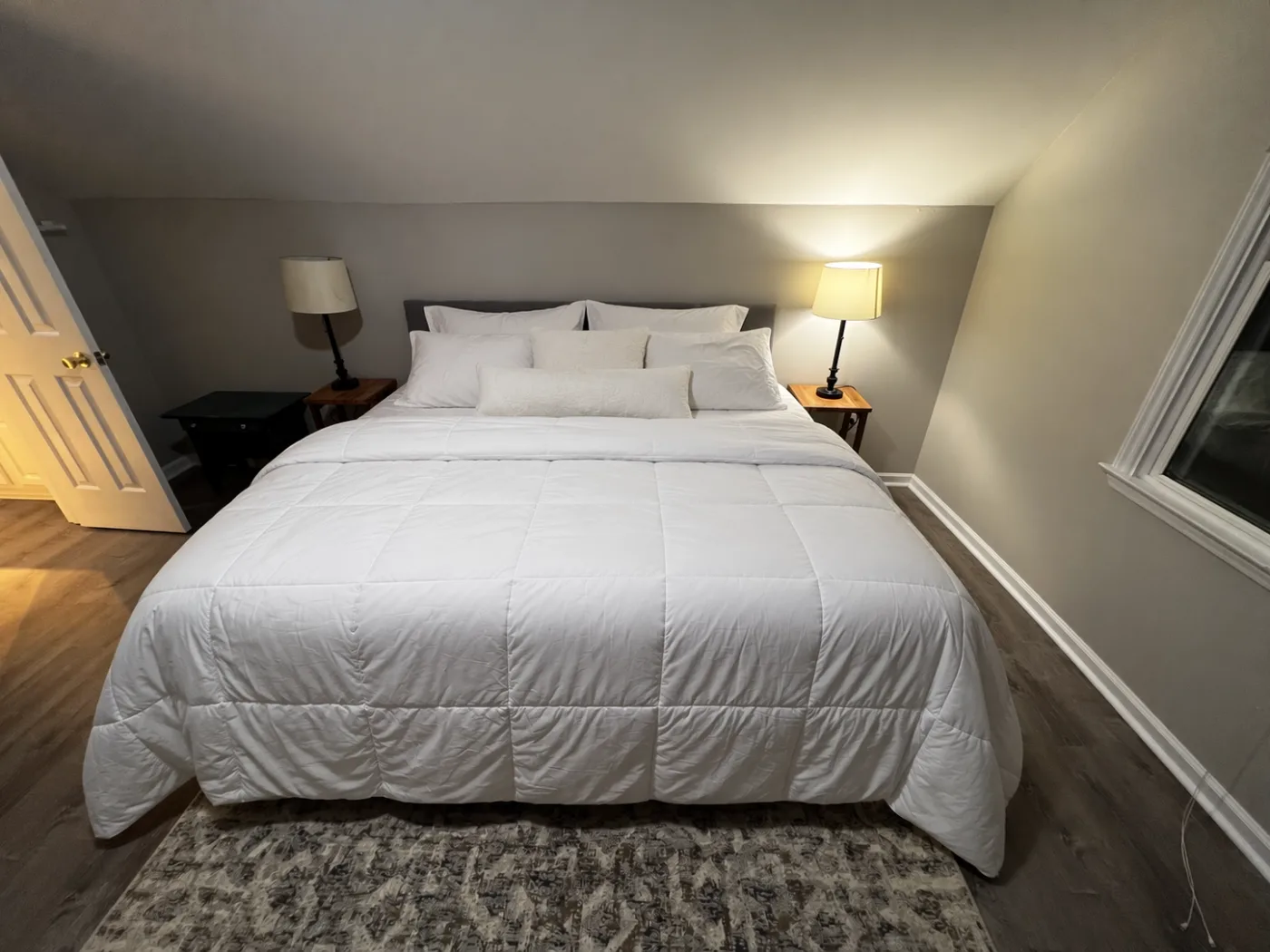
Make the bed neatly. Arrange the existing white bedding into a clean, freshly made hotel-style bed: smooth the white comforter, straighten and center it, place the sleeping pillows symmetrically against the headboard, add the existing smaller pillows neatly in front, and make the overall bed look tidy and inviting. Do not redesign the bedroom. Preserve exactly: the bed and headboard, both nightstands, both lamps, open door, window, walls, floor, rug, camera position, wide-angle lens distortion, room dimensions, lighting, exposure, and all surrounding architecture. Only change the state and arrangement of the bedding and pillows. Keep the result photorealistic and consistent with the original smartphone photograph.
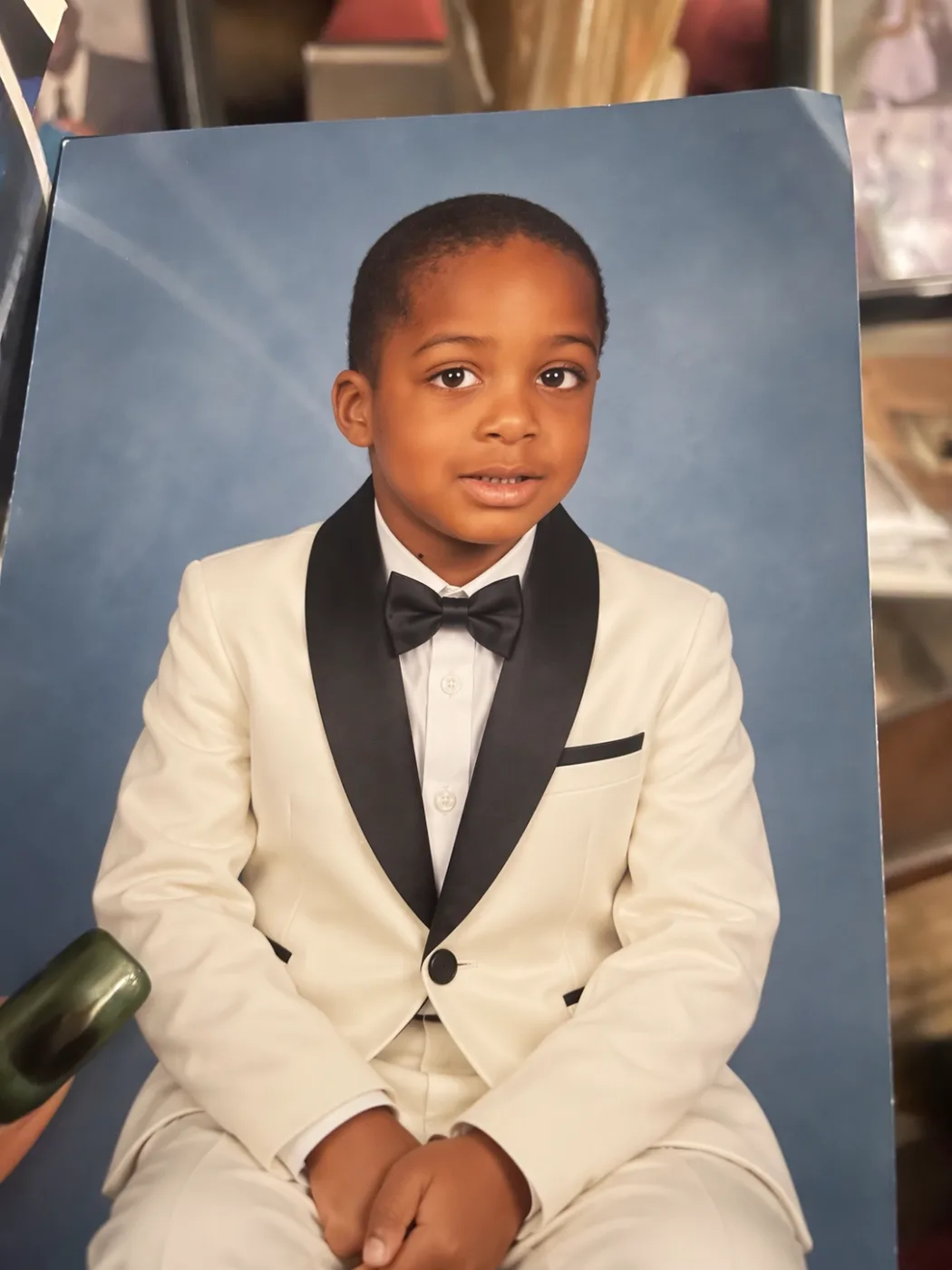
Change only the child's outfit into a formal ivory tuxedo with black satin shawl lapels, a crisp white dress shirt, black bow tie, matching ivory trousers, and a black-trimmed breast pocket. Preserve everything else exactly: the child's identity, face, hairstyle, expression, pose, body proportions, hands, blue studio background, the physical printed-photo appearance, camera angle, surrounding objects, reflections, lighting and composition. Do not alter the face or make the child older. Make the new clothing look naturally photographed in the original studio portrait.
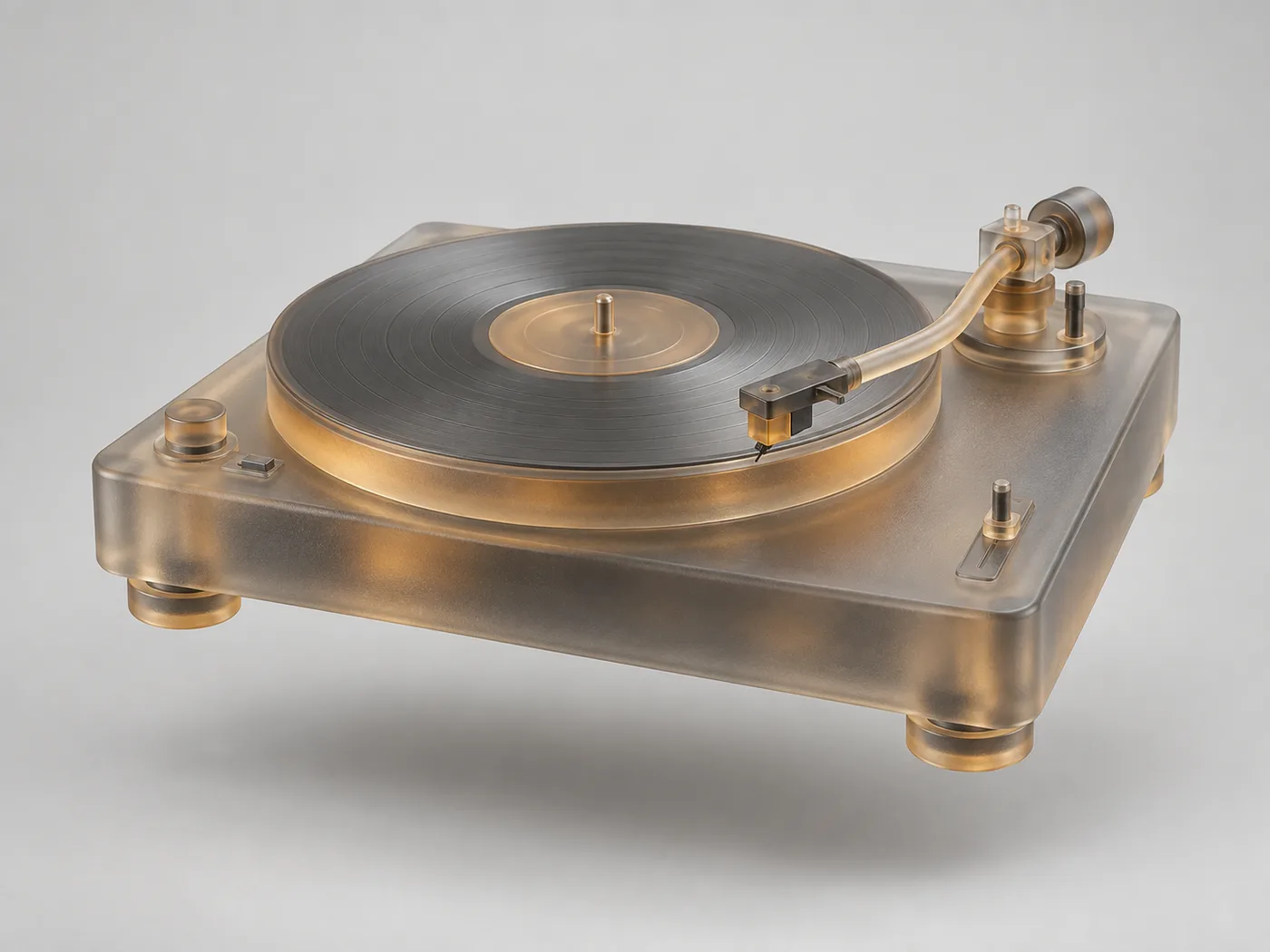
将一台黑胶唱机变换为柔软的 3D 半透明玻璃材质:保留原始造型与细节比例,具有磨砂哑光效果和细致纹理,保留淡雅的原色(琥珀与烟灰),以浅灰色背景为中心在空间中轻轻漂浮,投下柔和的阴影,自然的光线。超现实静物感,4:3 构图,高品质渲染。
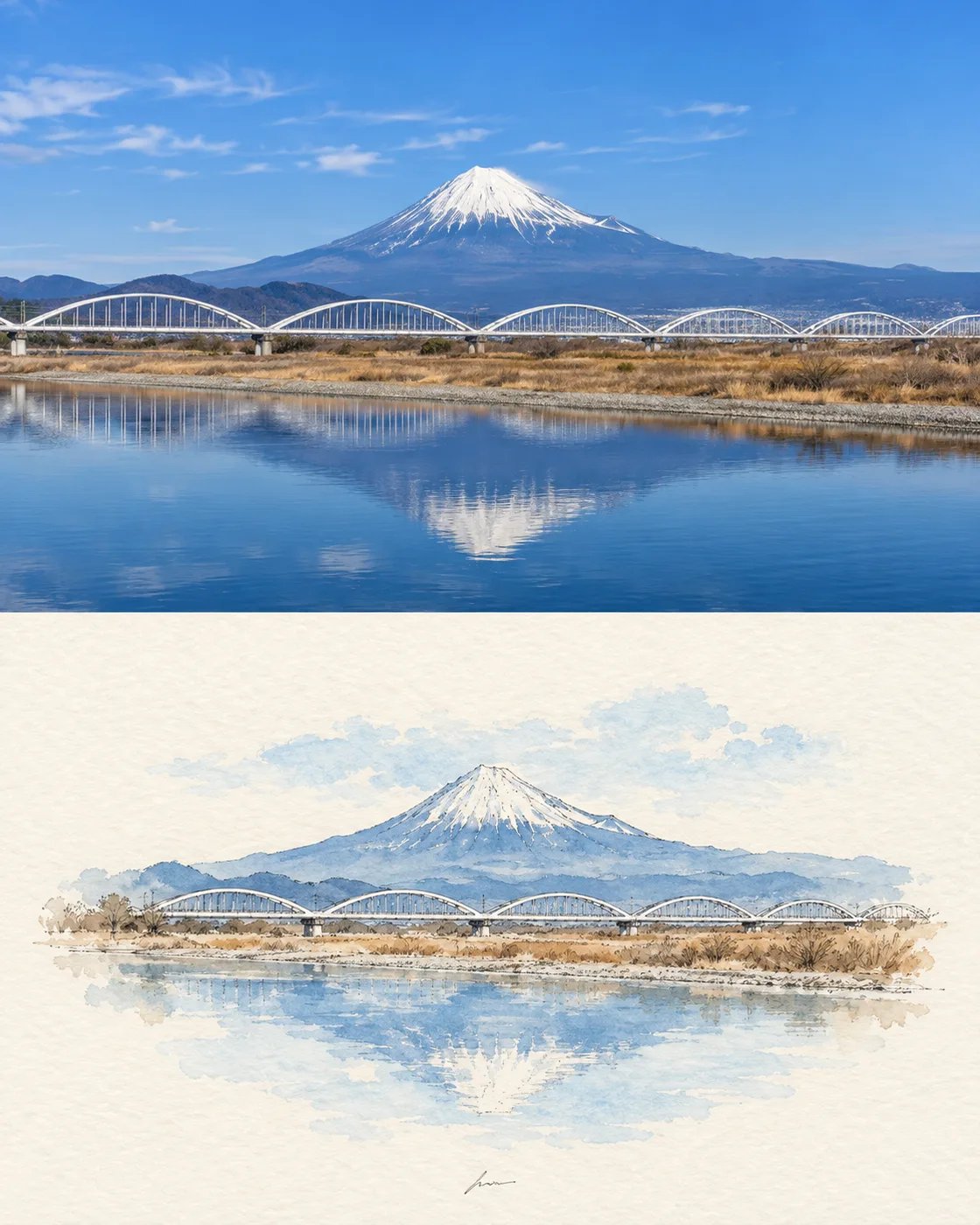
创建一个垂直的“前后”对比图,展示普通景观如何转变为极简主义的水墨水彩插画。画布:纵向 4:5 比例。布局:水平平分为两个等大的面板,无边框;顶部面板为写实景观照片,底部面板为印在暖色米白色水彩纸上的风格化插画。顶部面板:清晰的日间场景,远景中心为 Mount Fuji,蓝天伴有淡淡的薄云,积雪的山峰,低矮的山脉,中景处有一排白色拱桥,干枯的棕褐色河岸草丛,前景为平静的深蓝色河流及其倒影,色彩自然清晰,细节丰富。底部面板:保持完全相同的构图,但将其简化为精致的极简主义水彩和细线条墨水草图;中心为小型岛屿状景观主题,包含蓝色山脉轮廓和白色雪峰、白色拱桥、棕褐色河岸、下方柔和的蓝色水面倒影,周围留有大量空白,轻盈的色彩渲染,柔和的边缘晕染,稀疏的精细线条,呈现优雅的日式旅行写生感。在插画下方中心处包含一个极小的手写签名式标记,非常隐晦且不可辨认。使用 clear vivid blue、warm ivory 以及 delicate minimalist watercolor and ink。避免添加多余的文字、人物、车辆、边框、厚重的轮廓线或杂乱元素。
Prompt formula
What must not change + subject + scene, light and lens + exact text in quotes + material and surface detail + layout or aspect ratio + concrete negatives
Example: Keep the model, her pose, the studio lighting and the seamless grey backdrop exactly as they are. Replace only the tote she is holding with a natural-canvas one, and print the words "FIELD & FLOUR" across it in a bold condensed sans, dark brown, centred and following the fold of the fabric. Match the existing shadow direction and the slight warmth of the key light. Keep the canvas weave visible. No new props, no logo anywhere else, no change to her hands. 4:5.
GPT Image 2.5 is the image model OpenAI released on 9 September 2026. The API exposes two variants. Flare holds GPT Image 2 quality and editing ability while cutting latency by roughly half — it is the one to reach for by default. Sunburst spends longer per image and returns more precision, which shows up in skin, fabric, dense typography and complicated product surfaces. Both can return a transparent background and generate natively at 1K, 2K and 4K rather than upscaling a smaller render. Neither takes a mask — you scope an edit by naming in the prompt what must change and what must not.
Yes. Every prompt on this page is free to copy and run wherever you have access to GPT Image 2.5 — no login, no payment, no attribution required by us.
Three places, and each card says which. Some are the worked examples from OpenAI's own image prompting guide. Some were collected into public GitHub repositories, and we credit both the prompt author and the person who did the collecting. The rest are from creators' own posts on X, credited and linked back. Copyright stays with whoever wrote the prompt; we only curated and paired each one with the image its source published. If you wrote one of these and want it removed or the credit corrected, email us.
They are the images the source published alongside the prompt, not images we re-generated. Where a source only showed a design target or a side-by-side against an older model, the card says so rather than passing it off as that prompt's output. Eight prompts have no image because their source never published one, and we left those blank instead of substituting something else.
On apimodels.app, as gpt-image-2.5-flare and gpt-image-2.5-sunburst, live since 9 September 2026. Pricing runs on two axes, resolution and quality — $0.01–$0.08 at 1K and $0.020–$0.15 at 2K on both models, and at 4K $0.02–$0.3 on Flare against $0.02–$0.47 on Sunburst (low to max) — so the tier you pick is both a detail and a cost decision. Charged only on success, with the same key covering GPT Image 2, Nano Banana, Seedream, Seedance, Kling, VEO and 140+ other models. Leave the quality parameter off and Flare defaults to medium, Sunburst to high.
Mostly, with one caveat. Composition, lighting, typography and style instructions transfer fine — that part of the craft is model-agnostic. What does not transfer is the strict edit locking: telling an older model to change only the jacket and leave everything else untouched gets you a partly re-imagined frame. If you are running these on something other than 2.5, expect to iterate more on the editing prompts and about the same on the text-to-image ones.
GPT Image 2.5 is live here alongside 150+ other image, video, audio and language models — one API, one key, pay as you go, with $0.10 of trial credit on sign-up.
The whole library is downloadable as JSON and CSV, one page per category with the full prompt text. Every entry credits the person who wrote it and links to the source; where a prompt reached us through someone else's collection, the collector is credited too. Prompt text belongs to its authors — the MIT licence covers the curation only. Open an issue to add a prompt or correct a credit.
View on GitHub