33+ prompts. Copy-ready GPT Image 2.5 prompts, each with the image it produced and a link to where it came from. Text-to-image, precise edits, infographics, UI mockups, sprite sheets and product shots.
GPT Image 2.5 is the image model OpenAI shipped on 9 September 2026, in two API variants: Flare, which matches GPT Image 2 on quality and editing at roughly half the latency, and Sunburst, which trades time for precision on demanding work. Both render text cleanly, generate natively at 1K, 2K and 4K, and can return a transparent background. The headline change is controllable editing: you name what must not move, and it does not move. This page collects prompts that people actually ran, with the resulting image and a link to the source. On apimodels.app both variants are live, priced by resolution and quality — $0.01–$0.08 at 1K and $0.020–$0.15 at 2K for either, and at 4K $0.02–$0.3 on Flare or $0.02–$0.47 on Sunburst — billed only on success.
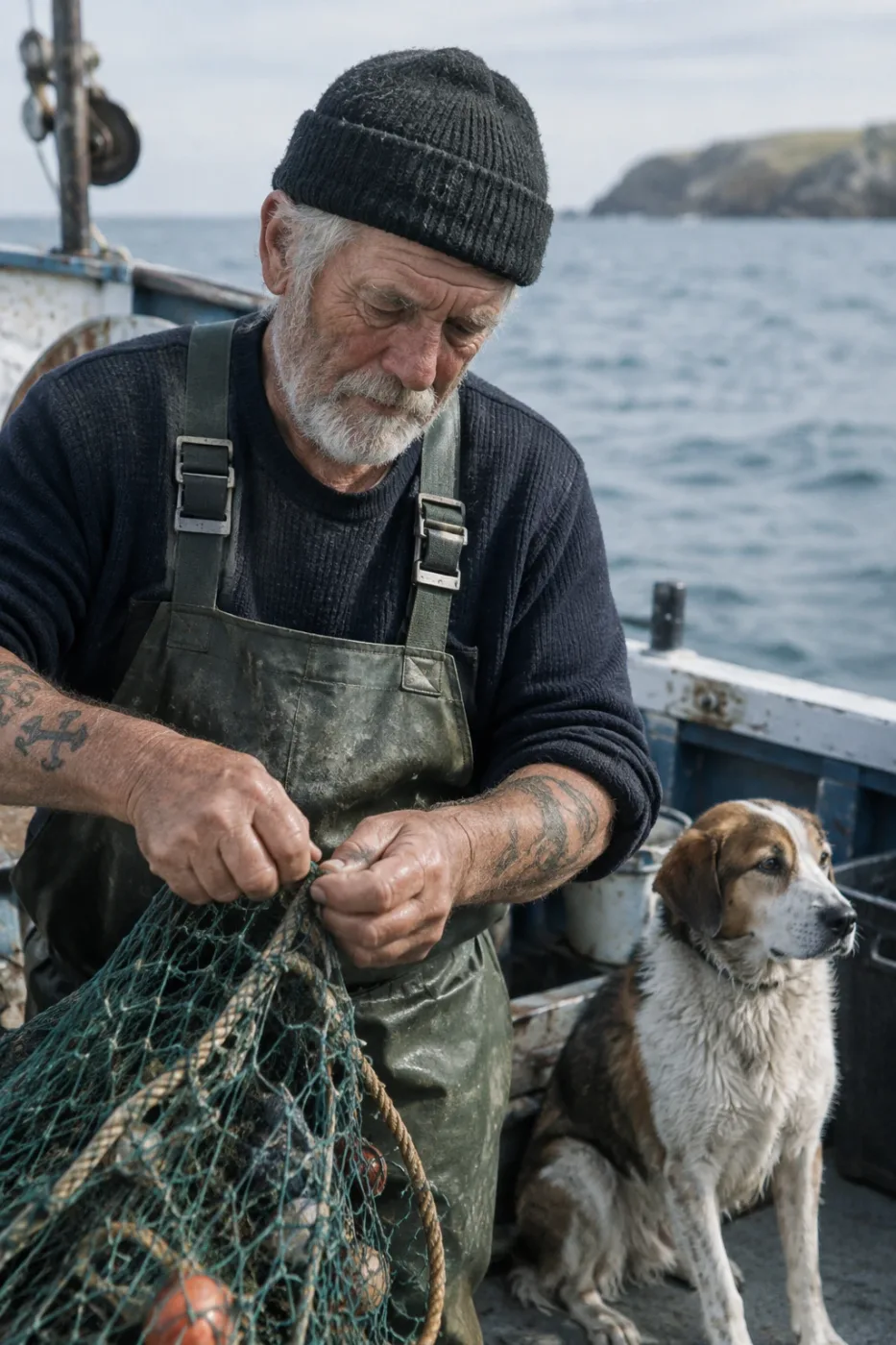
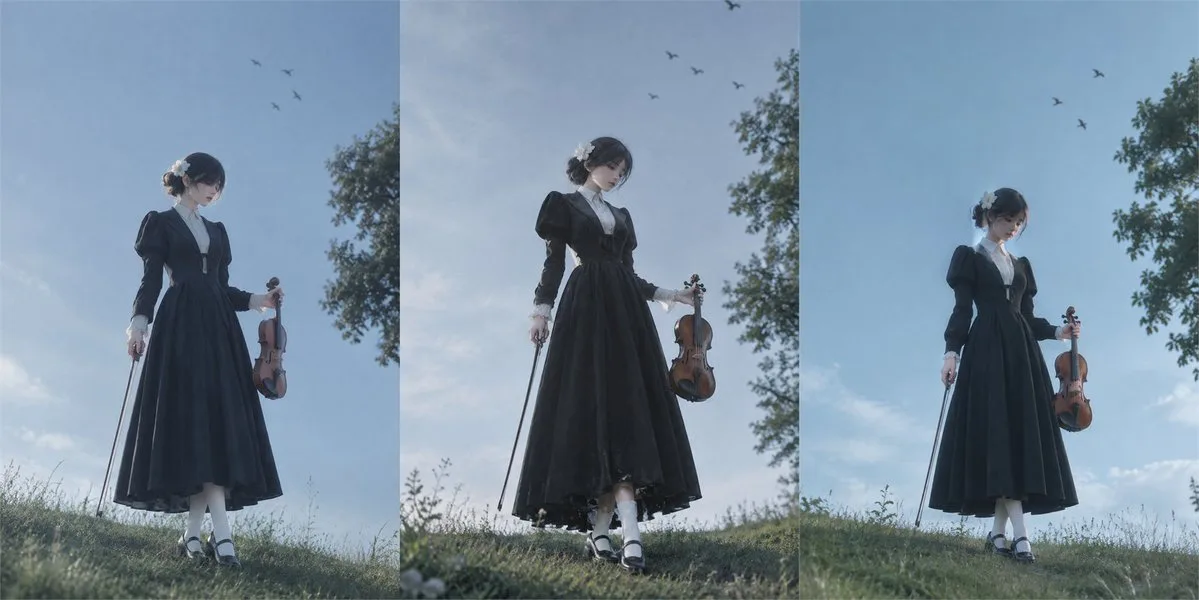
Create a photorealistic candid photograph of an elderly sailor standing on a small fishing boat.
He has weathered skin with visible wrinkles, pores, and sun texture, and a few faded traditional sailor tattoos on his arms.
He is calmly adjusting a net while his dog sits nearby on the deck. Shot like a 35mm film photograph, medium close-up at eye level, using a 50mm lens.
Soft coastal daylight, shallow depth of field, subtle film grain, natural color balance.
The image should feel honest and unposed, with real skin texture, worn materials, and everyday detail. No glamorization, no heavy retouching.
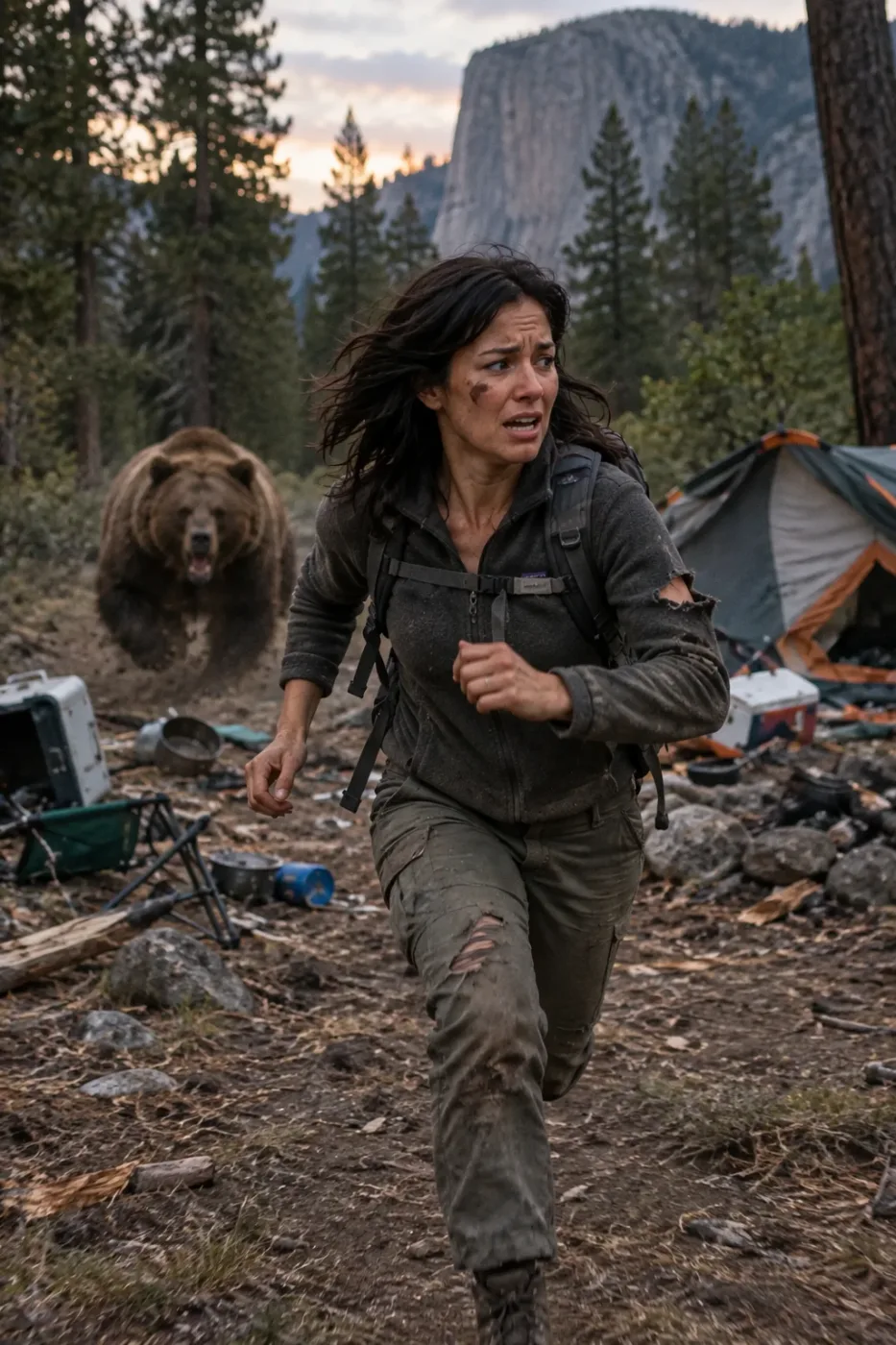
Drop a reference person into a camping survival scene
Generate a highly realistic action scene where this person is running away from a large, realistic brown bear attacking a campsite. The image should look like a real photograph someone could have taken, not an overly enhanced or cinematic movie-poster image.
She is centered in the image but looking away from the camera, wearing outdoorsy camping attire, with dirt on her face and tears in her clothing. She is clearly afraid but focused on escaping, running away from the bear as it destroys the campsite behind her.
The campsite is in Yosemite National Park, with believable natural details. The time of day is dusk, with natural lighting and realistic colors. Everything should feel grounded, authentic, and unstyled, as if captured in a real moment. Avoid cinematic lighting, dramatic color grading, or stylized composition.
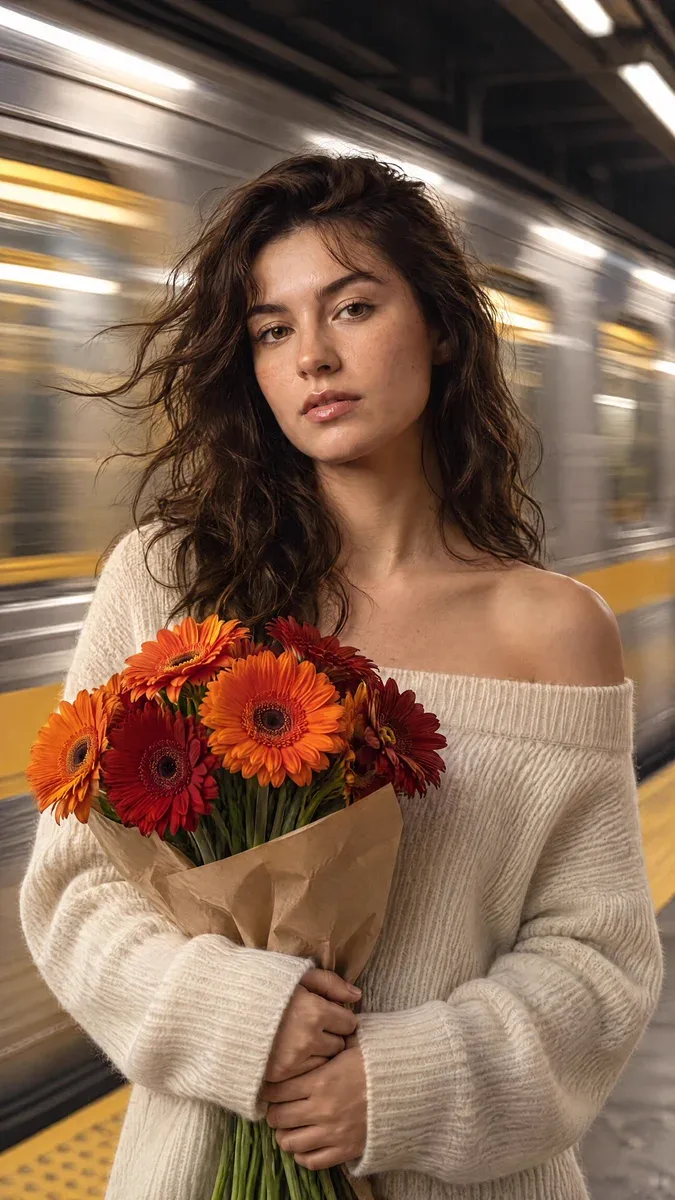
Subway platform portrait with a train streaking past
cinematic, high-fidelity portrait of a young woman standing perfectly still on a subway platform as a train rushes behind her. She has warm brown hair with soft bangs and a few loose strands blowing in the wind created by the passing train. Her face is clear and sharp, featuring delicate freckles, soft makeup, and a calm, slightly pensive expression. She is wearing a cream-colored, off-the-shoulder ribbed knit sweater that emphasizes the soft texture of the wool. In her hands, she clutches a vibrant bouquet of orange and deep red gerbera daisies, which serve as the primary color accent against her neutral clothing. The background is a dynamic, horizontal motion blur of a silver and yellow subway train, creating a high-contrast sense of speed against her stillness. The lighting is a blend of cool, overhead station light and warm highlights on her skin, captured with a shallow depth of field and a subtle cinematic film grain.
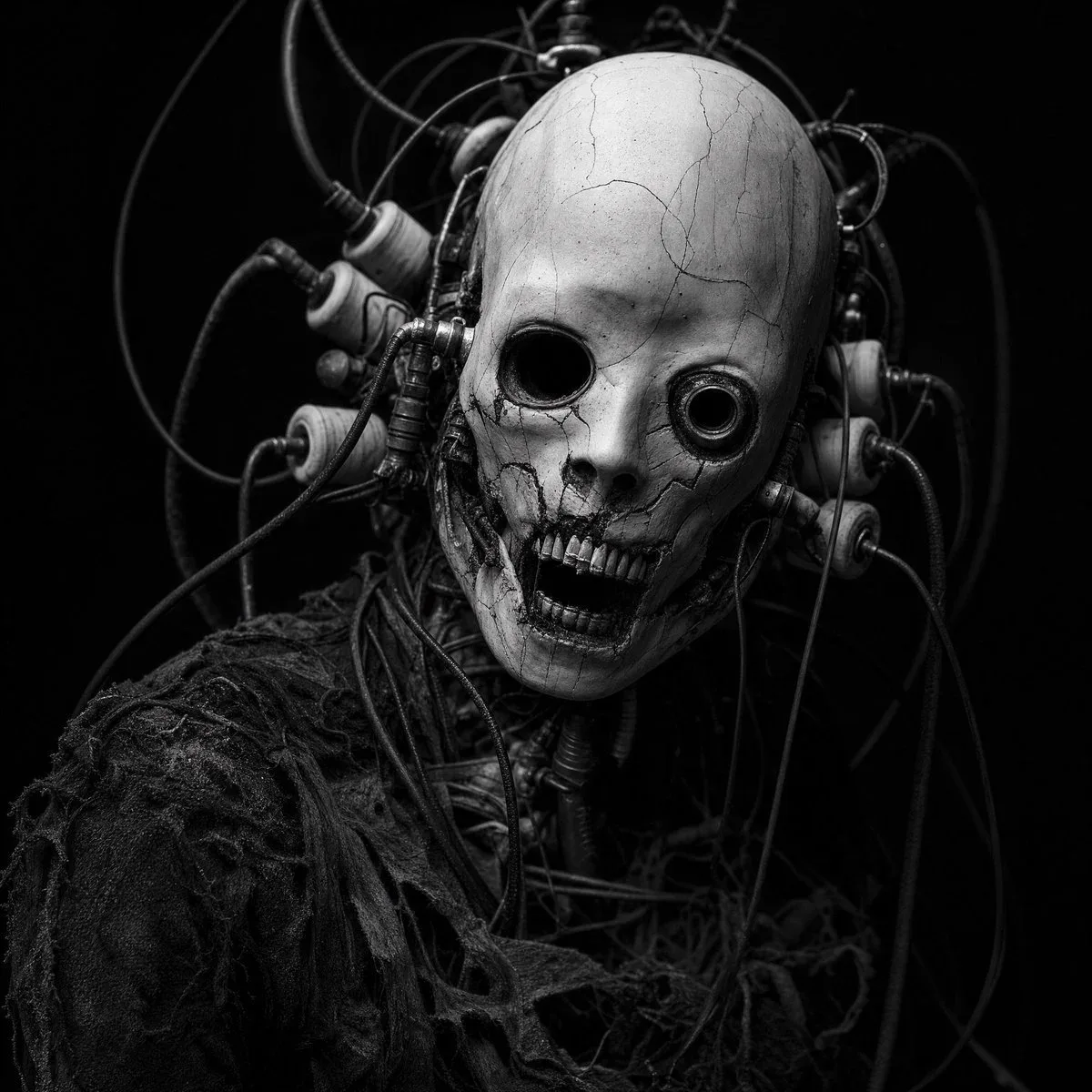
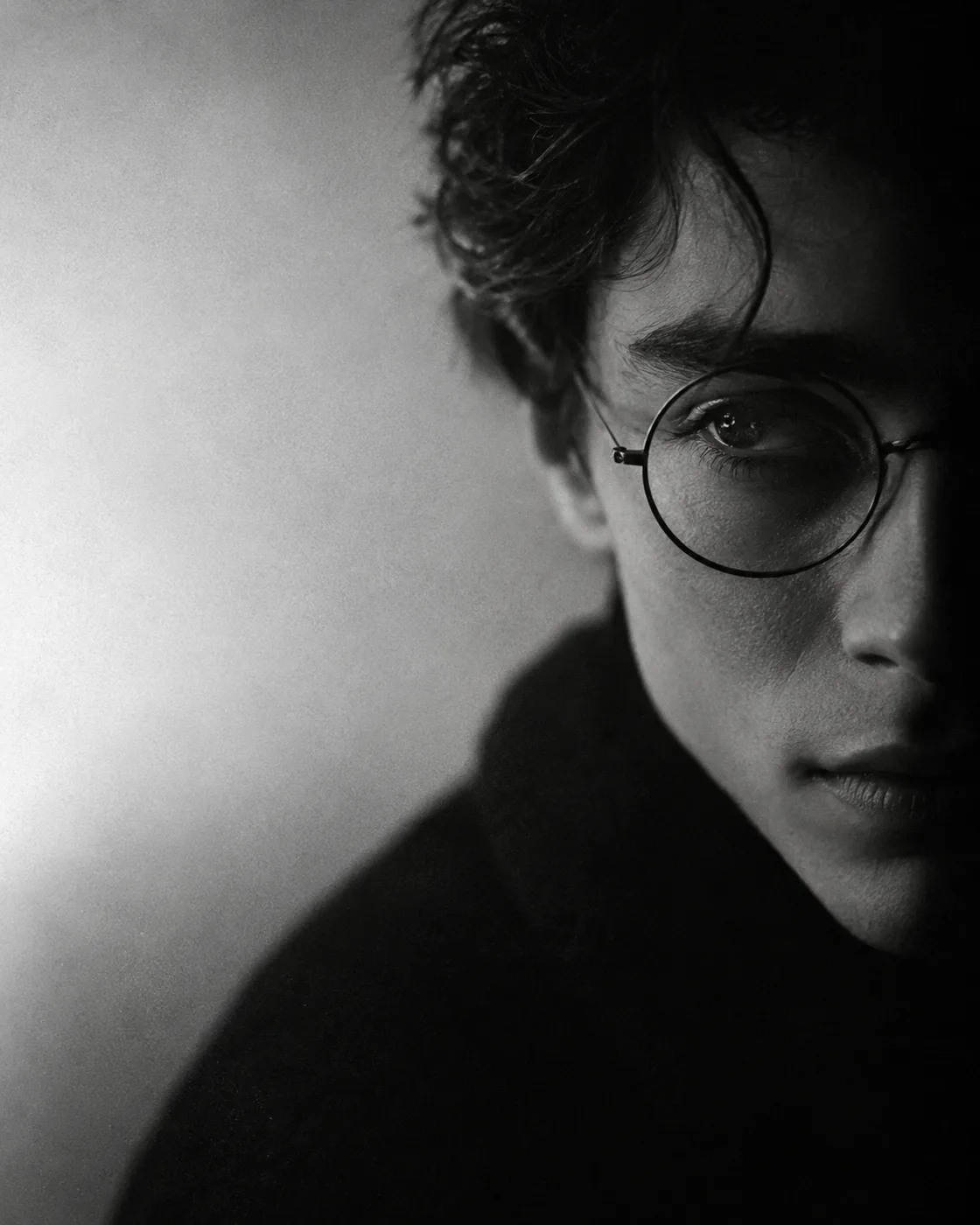
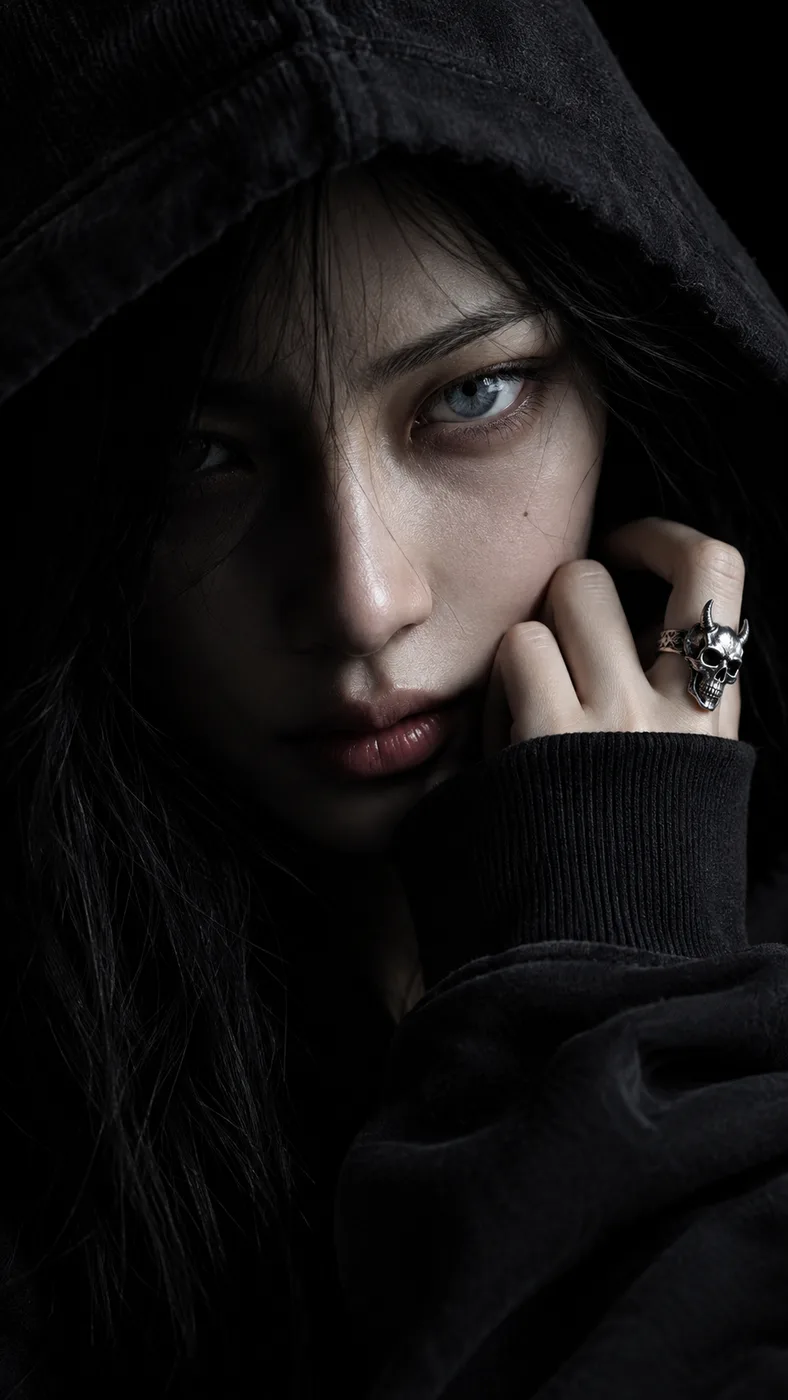
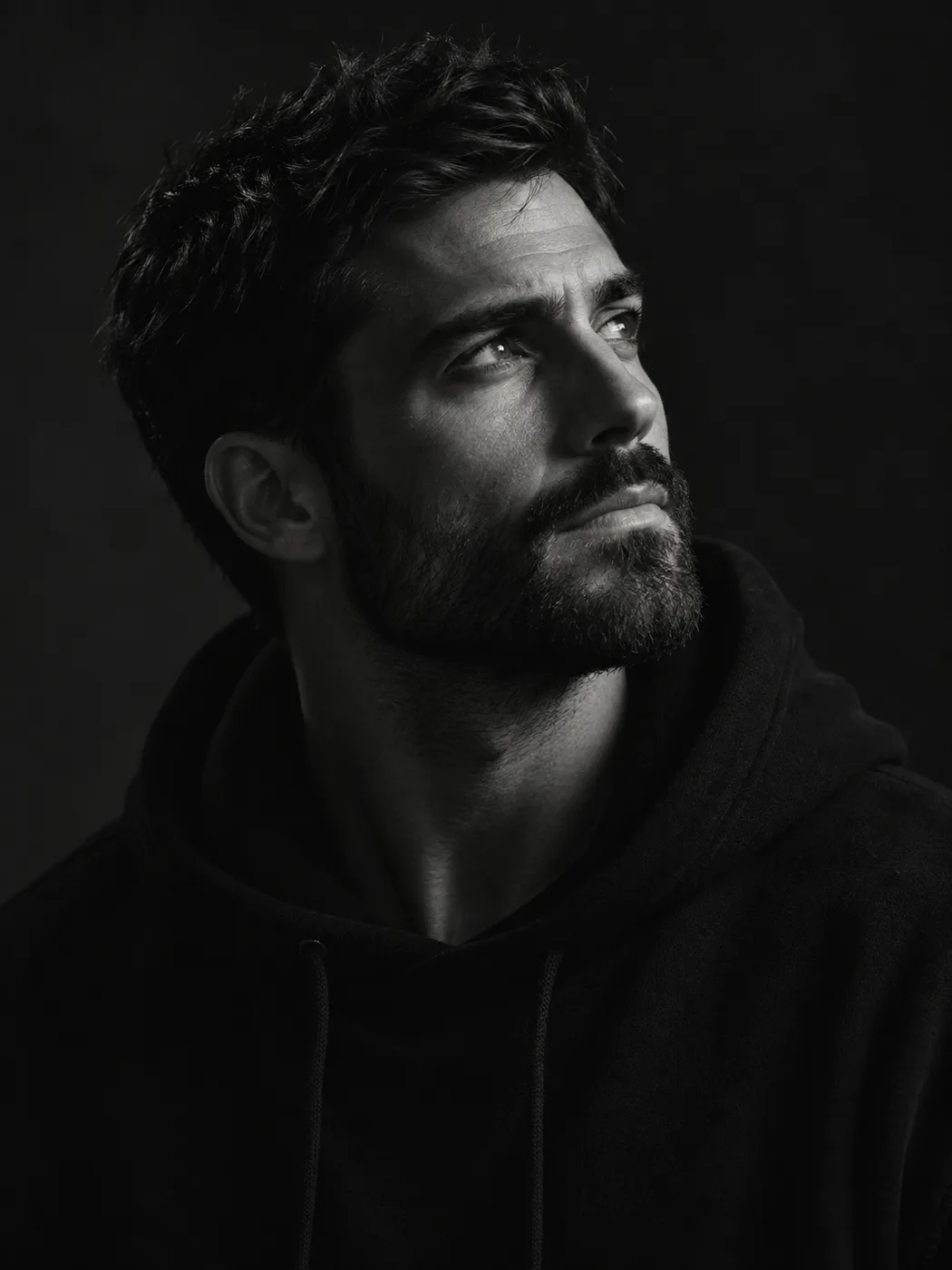
Cybernetic horror portrait, gaunt humanoid figure with cracked porcelain-white skull-like mask, mismatched hollow eye sockets (one sunken void, one recessed metallic ring), jagged exposed teeth, surrounded by a chaotic tangle of thick black cables and industrial bobbin/coil attachments wired into the head, tattered dark fabric top, dramatic low-key lighting, deep black background, high contrast monochrome, horror photography, cinematic, hyperdetailed texture, 85mm lens, shallow depth.
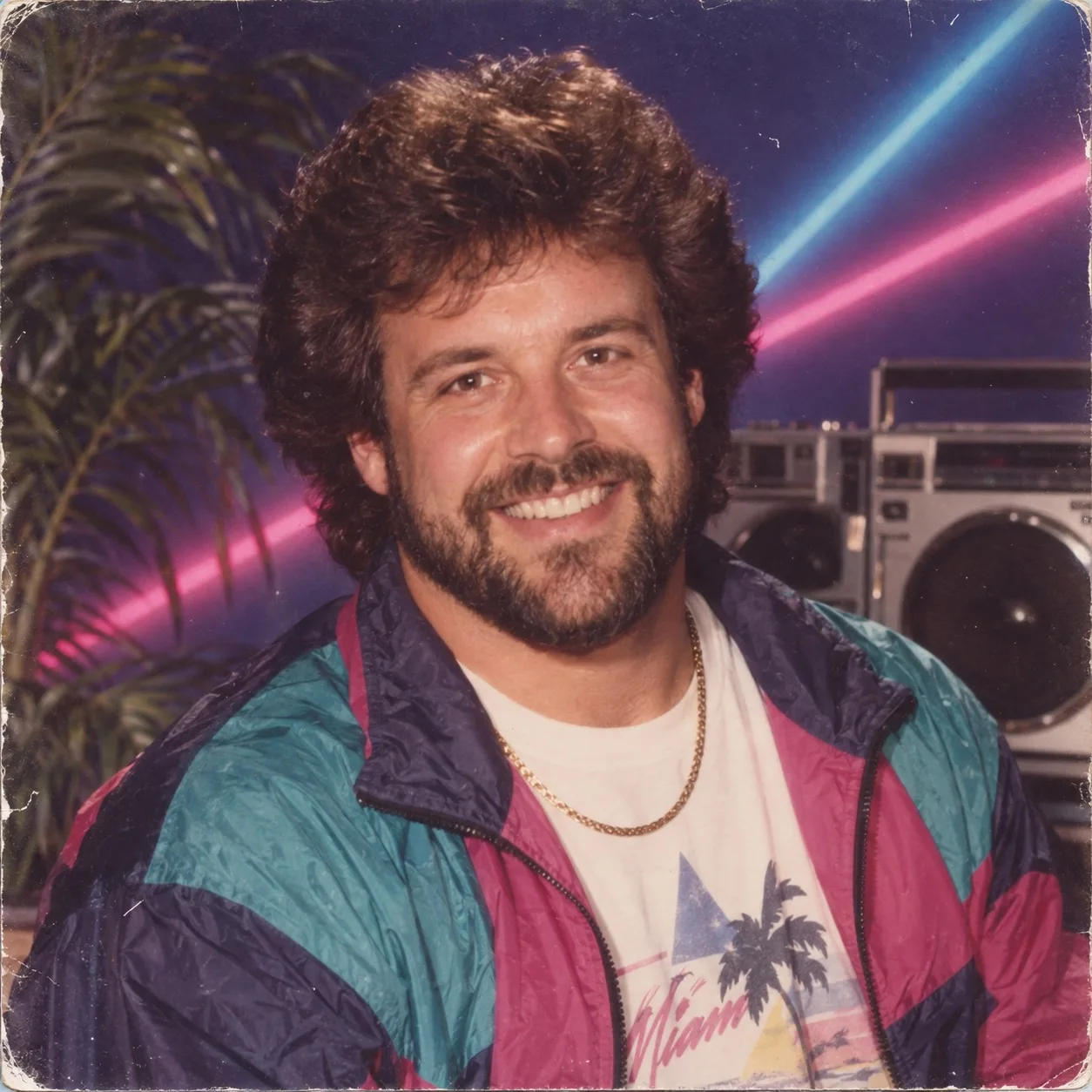
Use the uploaded portrait as the identity reference.
Transform the person into a convincing 1980s studio portrait while preserving facial identity.
Period wardrobe, mall-studio neon, boombox, palm, consumer film print wear.
Do not modernize. Do not make contemporary synthwave CGI.
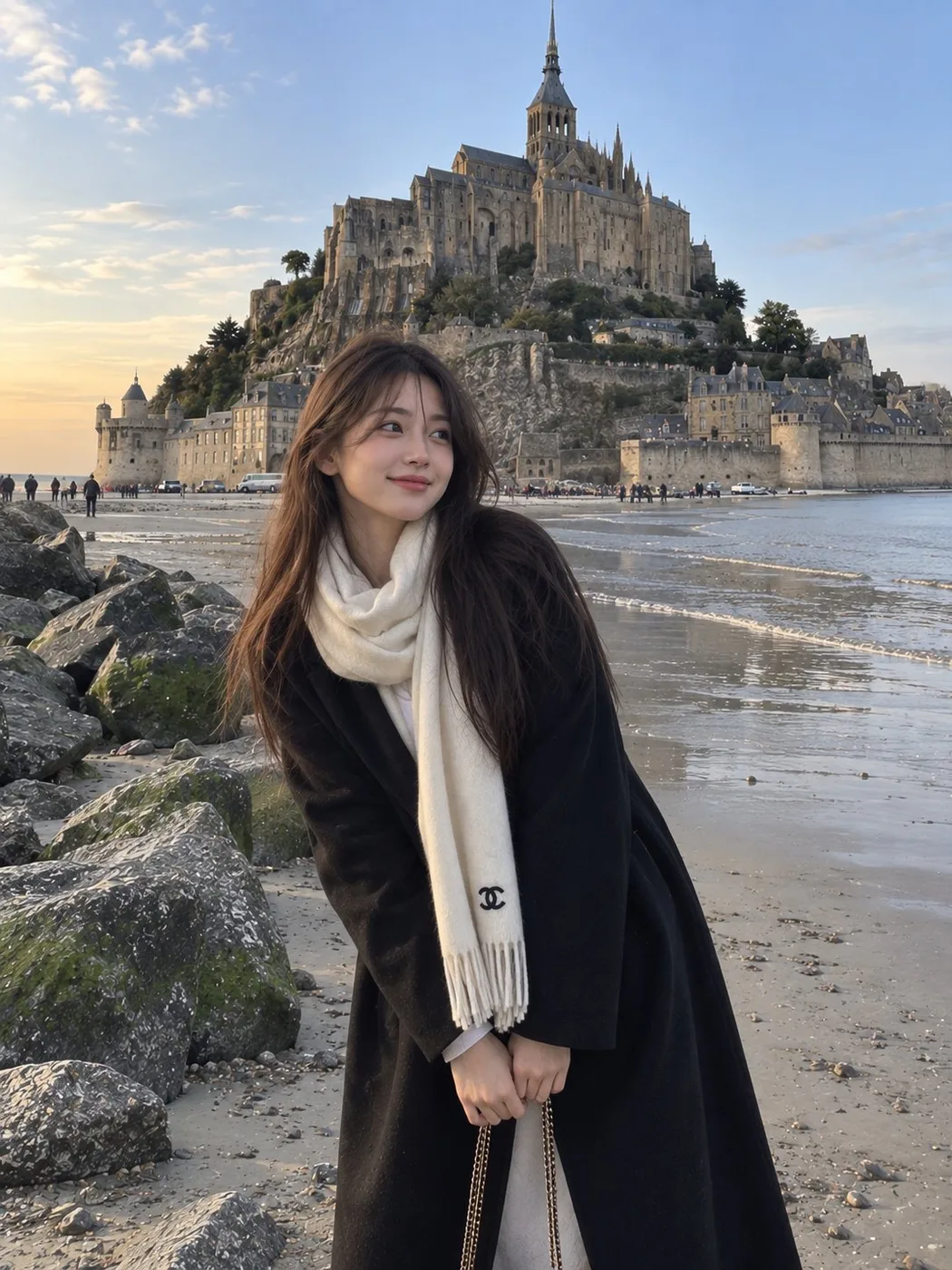
A photorealistic candid travel portrait of a young East Asian woman standing on a quiet sandy shoreline beside large moss-covered rocks, with a magnificent historic stone abbey and medieval castle-like architecture rising dramatically on a rocky island behind her. She has long straight dark brown hair falling naturally over one shoulder, soft youthful facial features, and a gentle warm smile while looking directly at the camera.
She is wearing a long oversized black coat with her hands casually tucked inside the pockets, layered over a light-colored outfit. A large soft cream-white scarf is wrapped warmly around her neck, hanging down the front with a small black designer-style emblem near the end. A delicate chain shoulder bag is partially visible.
The composition captures her in the foreground while the vast historic abbey dominates the background, surrounded by ancient stone walls, rocky cliffs, sandy tidal flats, and a calm coastal atmosphere. A few small distant vehicles and people add realistic scale to the scene. Soft natural evening light and a clear pale blue sky create a peaceful European travel mood.
Ultra-realistic photography, authentic candid travel photo, natural skin texture, realistic fabric details, soft cinematic lighting, subtle smartphone camera aesthetic, slightly dreamy color grading, natural proportions, detailed architecture, peaceful coastal atmosphere, vertical composition, 3:4 aspect ratio.
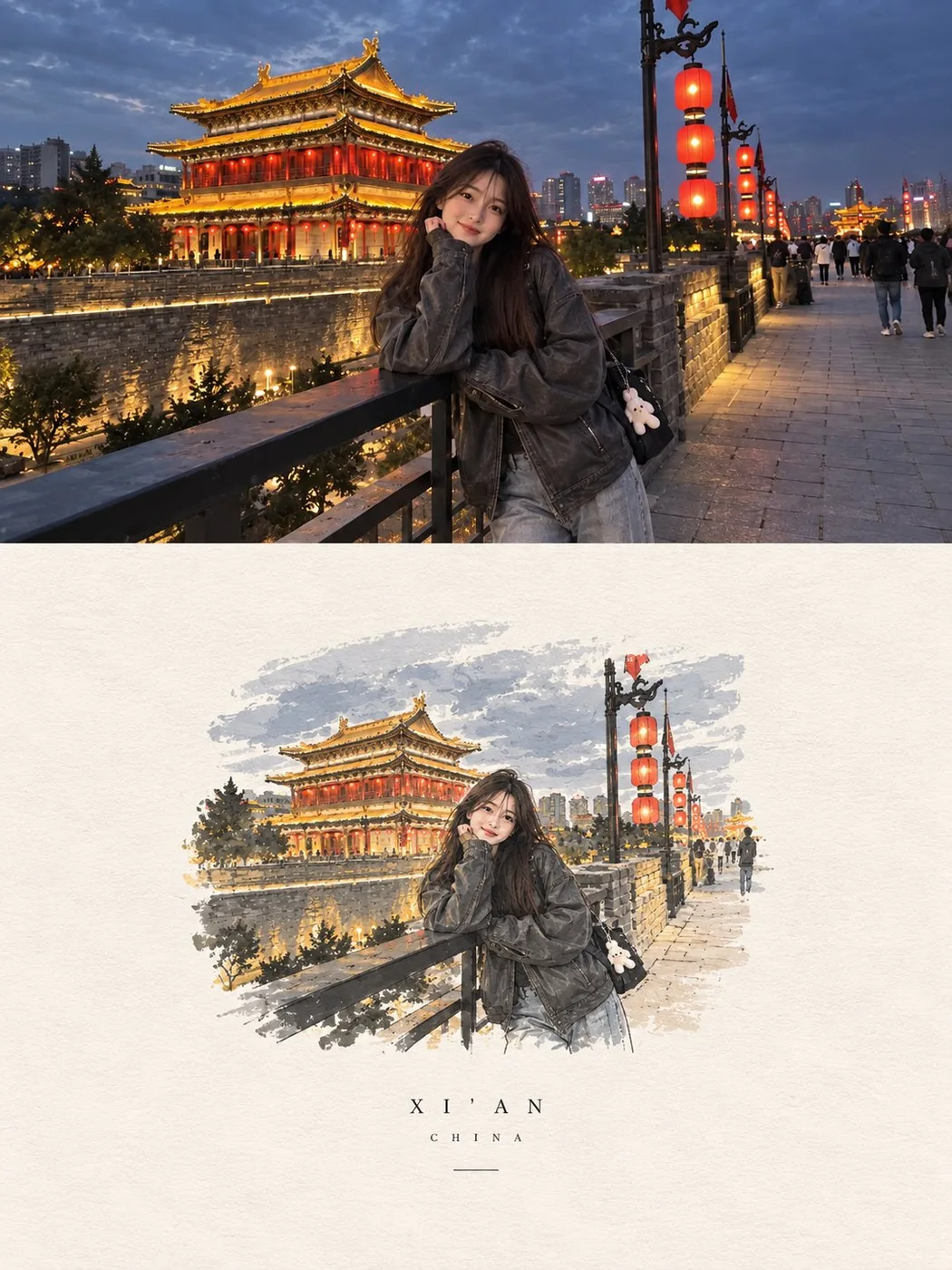
A realistic candid travel photo of a young East Asian woman standing on an old stone walkway beside a historic city wall at night. Behind her is a beautiful traditional Chinese-style building glowing with warm golden lights and deep red accents, with layered roofs, curved upturned eaves, detailed wooden architecture, and softly illuminated windows. Tall red lanterns hang from an ornate black lamp post nearby, adding a warm glow to the scene.
She has long, straight dark brown hair falling naturally over her shoulders and back, with a few loose strands around her face. She has soft youthful features and a gentle, genuine smile as she looks naturally toward the camera. She is wearing an oversized dark charcoal-gray leather jacket with a relaxed, slightly loose fit, paired with wide-leg light-gray jeans. A small black shoulder bag hangs at her side with a cute little white plush charm attached to it.
She is casually leaning against the black metal railing, resting one arm comfortably on it while her body is turned slightly toward the camera. The pose should feel spontaneous and relaxed, like a friend captured the moment while she was enjoying an evening walk. The old dark brick wall stretches behind her, with warm lights highlighting parts of the stonework, while the paved walkway continues into the distance with a few people and subtle city lights.
The sky is a deep gray-blue with soft clouds, contrasting naturally with the warm golden architecture and glowing red lanterns. Keep everything believable and lived-in, with realistic skin texture, natural facial proportions, individual hair strands, authentic leather and denim textures, soft evening shadows, subtle reflections from the lights, and realistic depth of field. Shot with a modern smartphone camera, slightly imperfect and natural rather than overly polished, with soft cinematic tones and a subtle dreamy atmosphere. Wide horizontal 16:9 composition.
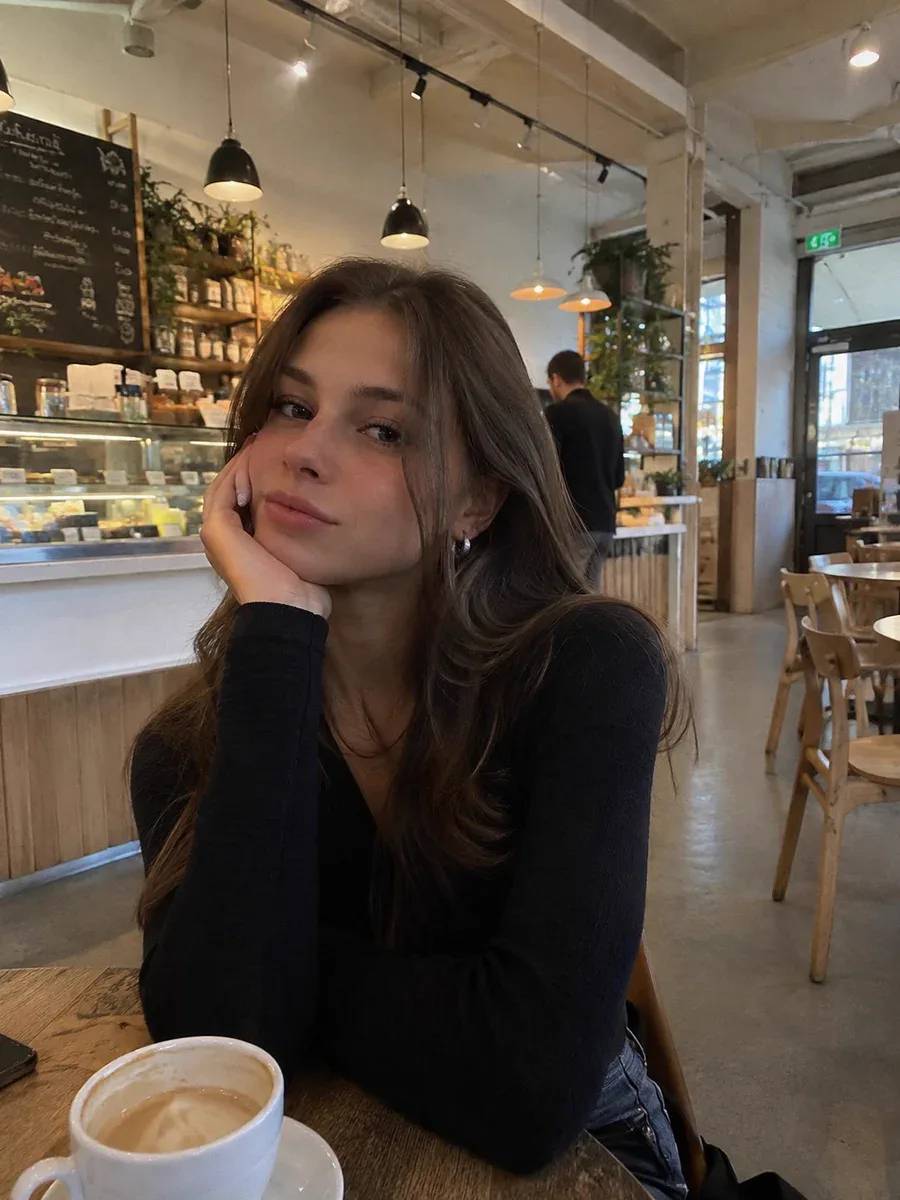
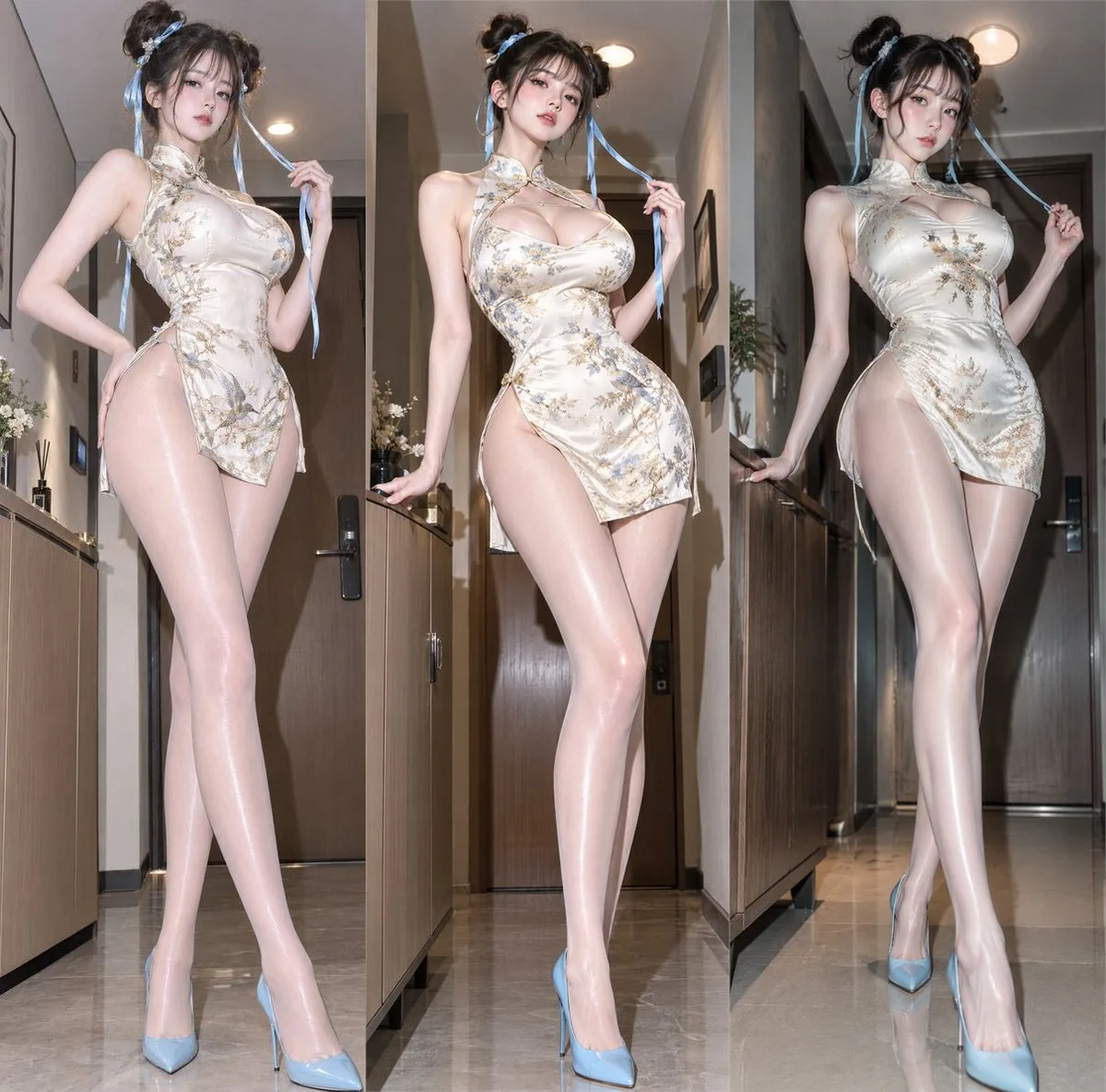
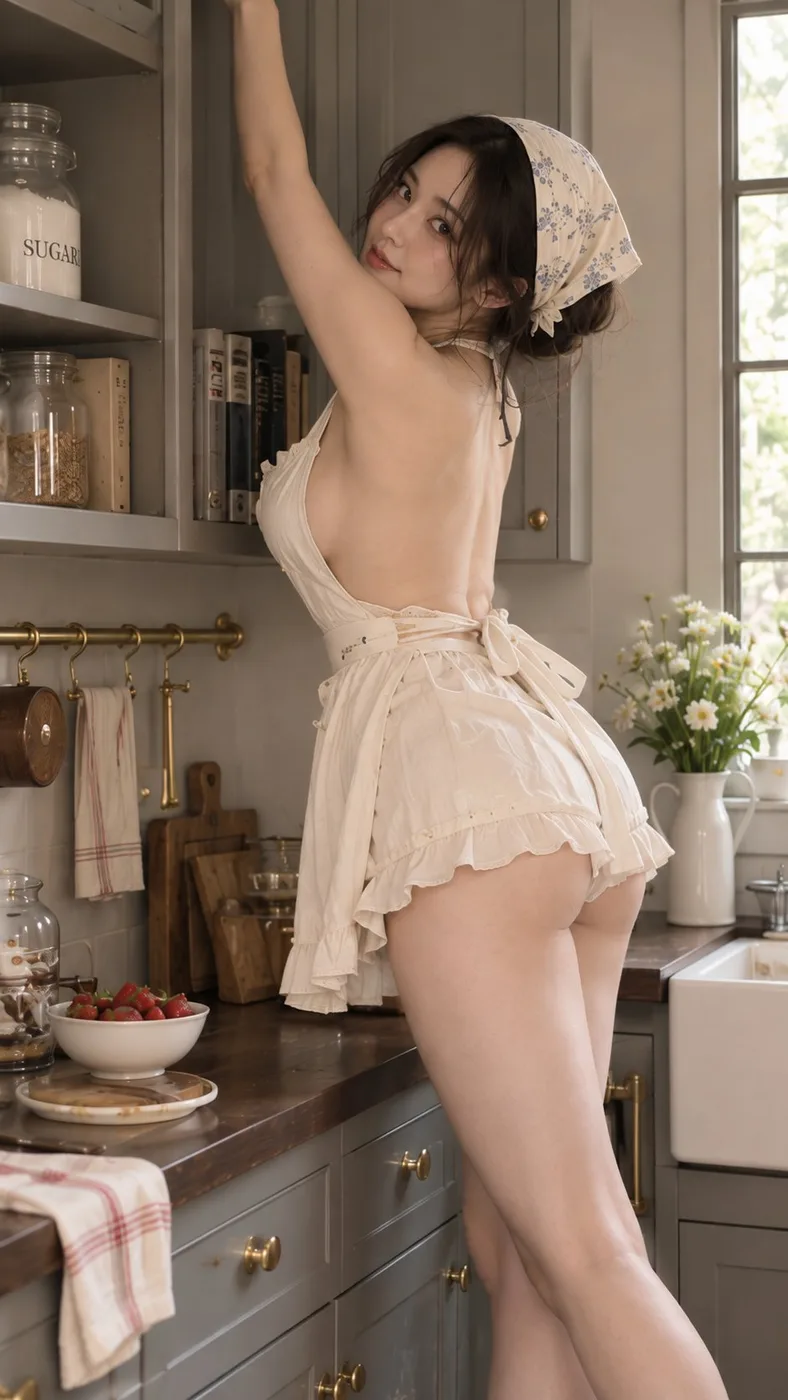
Create a 9:16 photorealistic vintage baker portrait series with a soft, intimate POV feeling.
Use the same beautiful adult East Asian woman across the set, with direct eye contact, realistic skin texture, soft natural hair, and a sensual but natural presence. She wears a simple backless summer kitchen dress in ivory or soft cream, with a light apron and a delicate headscarf. The setting is a refined retro Shaker-style kitchen with mushroom-gray cabinets, dark walnut counters, warm gray stone surfaces, subtle brass hardware, and clean summer daylight.
This batch should focus more on body language, eye contact, and pose geometry than on big action scenes. The woman must remain the clear visual focus in every frame.
Include elegant kitchen portrait moments such as:
* sitting on a countertop with one long leg extended and one foot placed on a stool
* offering a slice of strawberry cake toward the viewer
* sitting backwards on a high stool with her arms resting on the chair back
* reaching upward in the kitchen while keeping a playful connection with the camera
Keep the mood vintage, feminine, playful, and slightly flirty. Every image should feel like a captured moment inside the same retro kitchen scene, with the viewer standing close to her.
Vary the face angle across the series. Do not repeat the same three-quarter face in every image. Use a mix of front-facing eye contact, side glances, profile-based eye contact, upward gaze, and slightly lowered chin with lifted eyes, so the set feels alive and not like the same face pasted onto different poses.
Use posture, shoulders, waistline, long legs, and eye contact as the main source of visual interest. Poses should feel relaxed but intentional, with a light editorial quality.
Props must stay secondary. If props appear, keep them small and supportive, such as a strawberry cake slice, a wooden spoon, a whisk, a small tray, a folded linen cloth, or a small glass jar. Avoid oversized opaque objects, large bowls, or bulky cookware that block the torso or steal attention from the model.
Lighting should be soft, clean, and summery. Keep the overall color balance neutral to slightly warm. The retro feeling must come from the kitchen style, wardrobe, textures, and atmosphere — not from a heavy yellow or orange filter. Skin should stay natural, ivory clothing should stay ivory, and gray cabinets should remain gray.
The final result should feel intimate, stylish, feminine, vintage, and editorial, with realistic anatomy, realistic skin, believable expressions, and a lived-in but elegant kitchen environment.
Avoid repetitive face angles, stiff posing, oversized props, yellow color cast, orange skin, distorted hands, exaggerated wide-angle body distortion, cluttered backgrounds, complex strap designs, and obvious AI artifacts.
1Say what must not change. This is the one habit that separates 2.5 from every earlier model. "Keep the pose, lighting, camera angle and background exactly as they are; change only the jacket" gets you a changed jacket. Leave the lock out and the model re-imagines the whole frame.
2Change one variable at a time. Edits compound badly. Move the lamp, look, then relight — three prompts, three checkpoints. Asking for the move and the relight and a new colour grade in one go is how you lose the face.
3Put exact text in quotation marks. Typography is where 2.5 pulled ahead. Write the words you want rendered inside quotes, spell out the case, and name the type treatment: `the words "FIELD & FLOUR" in a bold condensed sans, centred`. Describing the text instead of quoting it gets you approximate letters.
4Assign every reference a job. With more than one input, say which is which: image 1 is the person, image 2 is the garment, image 3 is the location. Unassigned references get blended, and the blend is never the one you wanted.
5Photoreal comes from camera language. Lens length, distance, light source, time of day, film stock, depth of field. "50mm at eye level, soft coastal daylight, shallow depth of field, fine grain" reads as a photograph; "photorealistic, 8k, ultra detailed" reads as a render.
6For layouts, describe structure before content. Infographics, slides, UI and posters land far better when the prompt gives the grid first — how many panels, what sits where, what the margins do — and only then fills in the words and images.
7Write negatives as concrete objects. "No watermark, no extra fingers, no duplicated logo, no orange colour cast" beats "avoid AI artifacts". Name the artefact you keep getting and it usually goes away.
8Pick the tier on purpose. On apimodels.app every quality tier is priced differently (1K runs $0.01 to $0.08, an 8x spread), so the tier is both a detail and a cost decision. Low is for layout checks and thumbnails — fastest and most affordable. Medium is the sane default for most finished work. High is for skin, fabric, dense type and anything you will print. Ask for 4K only when the detail is really there to resolve — an upscale of a 1K idea looks like an upscale, and above the low tier 4K costs more than 2K.
Prompt formula
What must not change + subject + scene, light and lens + exact text in quotes + material and surface detail + layout or aspect ratio + concrete negatives
Example: Keep the model, her pose, the studio lighting and the seamless grey backdrop exactly as they are. Replace only the tote she is holding with a natural-canvas one, and print the words "FIELD & FLOUR" across it in a bold condensed sans, dark brown, centred and following the fold of the fabric. Match the existing shadow direction and the slight warmth of the key light. Keep the canvas weave visible. No new props, no logo anywhere else, no change to her hands. 4:5.
Frequently asked questions
What is GPT Image 2.5, and what is the difference between Flare and Sunburst?
GPT Image 2.5 is the image model OpenAI released on 9 September 2026. The API exposes two variants. Flare holds GPT Image 2 quality and editing ability while cutting latency by roughly half — it is the one to reach for by default. Sunburst spends longer per image and returns more precision, which shows up in skin, fabric, dense typography and complicated product surfaces. Both can return a transparent background and generate natively at 1K, 2K and 4K rather than upscaling a smaller render. Neither takes a mask — you scope an edit by naming in the prompt what must change and what must not.
Are these prompts free to use?
Yes. Every prompt on this page is free to copy and run wherever you have access to GPT Image 2.5 — no login, no payment, no attribution required by us.
Where did these prompts come from?
Three places, and each card says which. Some are the worked examples from OpenAI's own image prompting guide. Some were collected into public GitHub repositories, and we credit both the prompt author and the person who did the collecting. The rest are from creators' own posts on X, credited and linked back. Copyright stays with whoever wrote the prompt; we only curated and paired each one with the image its source published. If you wrote one of these and want it removed or the credit corrected, email us.
Are the images on this page generated by GPT Image 2.5?
They are the images the source published alongside the prompt, not images we re-generated. Where a source only showed a design target or a side-by-side against an older model, the card says so rather than passing it off as that prompt's output. Eight prompts have no image because their source never published one, and we left those blank instead of substituting something else.
Where can I run GPT Image 2.5?
On apimodels.app, as gpt-image-2.5-flare and gpt-image-2.5-sunburst, live since 9 September 2026. Pricing runs on two axes, resolution and quality — $0.01–$0.08 at 1K and $0.020–$0.15 at 2K on both models, and at 4K $0.02–$0.3 on Flare against $0.02–$0.47 on Sunburst (low to max) — so the tier you pick is both a detail and a cost decision. Charged only on success, with the same key covering GPT Image 2, Nano Banana, Seedream, Seedance, Kling, VEO and 140+ other models. Leave the quality parameter off and Flare defaults to medium, Sunburst to high.
Do these prompts still work on GPT Image 2 or other image models?
Mostly, with one caveat. Composition, lighting, typography and style instructions transfer fine — that part of the craft is model-agnostic. What does not transfer is the strict edit locking: telling an older model to change only the jacket and leave everything else untouched gets you a partly re-imagined frame. If you are running these on something other than 2.5, expect to iterate more on the editing prompts and about the same on the text-to-image ones.
Run these prompts on apimodels.app
GPT Image 2.5 is live here alongside 150+ other image, video, audio and language models — one API, one key, pay as you go, with $0.10 of trial credit on sign-up.
The whole library is downloadable as JSON and CSV, one page per category with the full prompt text. Every entry credits the person who wrote it and links to the source; where a prompt reached us through someone else's collection, the collector is credited too. Prompt text belongs to its authors — the MIT licence covers the curation only. Open an issue to add a prompt or correct a credit.